

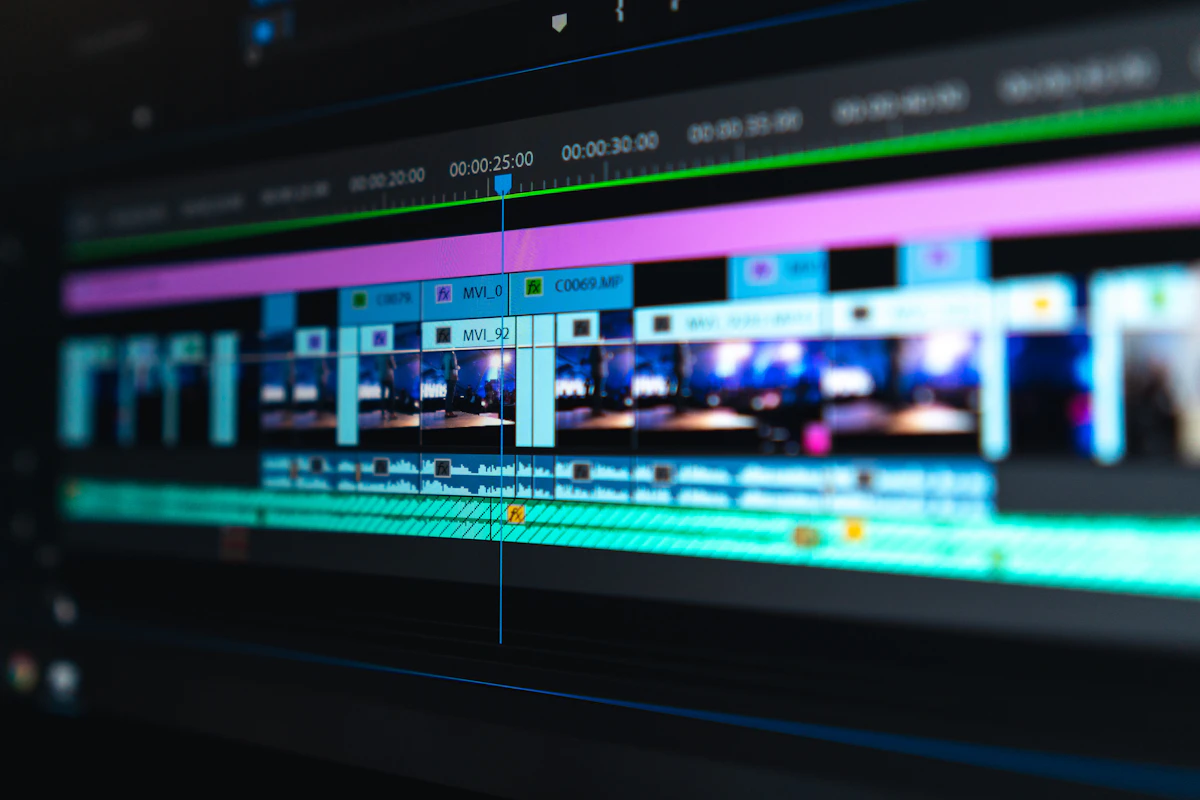
Turn raw clips into share-worthy stories. Corel VideoStudio pairs an intuitive drag-and-drop timeline with AI-powered tools, so whether it's your first edit or your five-hundredth, the software keeps up with your imagination.
4.5★
Average Rating
100+ Industry Awards
AI Auto-Edit
Render in 4K
Exports straight to
YouTube
Vimeo
TikTok
Why Corel VideoStudio
Powerful Enough for Pros, Simple Enough for Day One
You shouldn't need a film-school degree to make something you're proud of. VideoStudio meets you where you are — drop in your clips, let the AI handle the tedious parts, and spend your energy on the story instead of the software. As your skills grow, the deeper tools are right there waiting.
Multi-track timelinewith frame-accurate trimming and precision controls.
4K and 360° supportso your content is ready for any screen or headset.
Thousands of effects,transitions, and templates that drag-and-drop into place.
Features
Everything You Need to Bring a Vision to Life
A complete creative toolkit — no plugins, no workarounds, no compromise.
Multi-Camera Editing
Sync footage from every angle automatically, then switch between cameras live as your story plays back.
AI-Powered Tools
Automatic colour correction, motion tracking, and smart suggestions take the grunt work out of editing.
Motion Graphics
Build animated titles, lower-thirds, and slick intros from professional templates — no keyframe headaches.
360° & VR Editing
Cut immersive 360-degree footage with dedicated tools built for VR and panoramic storytelling.
Cinematic Effects
Thousands of filters, transitions, and LUTs give every project that polished, big-screen feel.
One-Click Sharing
Export with platform-perfect presets and publish to YouTube, TikTok, or Vimeo without leaving the app.
The Workflow
From Raw Clips to Final Cut in Four Steps
1
Import & Organize
Drag in footage from any camera, phone, or drive. VideoStudio tags and arranges your media so you spend seconds finding clips instead of minutes.
2
Edit on the Timeline
Trim, layer, and arrange across unlimited tracks. Snap transitions into place and let AI match your cuts to the beat of the music.
3
Polish & Grade
Add cinematic colour, animated titles, and sound design. One-click AI correction balances exposure and tone across the whole project.
4
Export & Share
Render in up to 4K with platform-ready presets and publish anywhere in a single click — your audience is one upload away.
Made For Every Creator
One Tool, Endless Stories
Whatever you're making, VideoStudio has a head start built in.
YouTubers & Vloggers
Fast cuts, punchy titles, and channel-ready exports.

Event & Wedding Films
Multi-cam sync and cinematic colour for the big day.

Brands & Marketers
On-brand promos and social ads at production speed.
Built to Handle Anything
Formats & Specs We Work With
From a phone clip to an 8K cinema rig — if it shoots video, VideoStudio reads it.
40+ Video formats in & out
8K Ultra-HD resolution ready
360°
Immersive VR footage
Hardware-accelerated render
MP4
HEVC / H.265
ProRes
AVCHD
MP3 / WAV
PNG / JPG
Short on Time?
Hire a Corel VideoStudio Expert Instead
Love the software but don't have the hours? Hand your raw footage to our certified VideoStudio editors. You stay in creative control — we handle the cutting, colour, sound, and export, then deliver a finished video ready to publish.
Certified Editors
Years of VideoStudio experience.
48-Hour Turnaround
Rush delivery available.
Free Revisions
We polish until you're happy.
Secure & Private
NDAs on request.
Pricing
Simple Plans, No Surprises
Own it outright or subscribe — every plan starts with a free trial.
Essentials
$59 /yr
For hobbyists getting started
Multi-track editing
1080p HD export
100+ effects & transitions
Community support
Choose Essentials
MOST POPULAR
Pro
$99 /yr
For serious creators
Everything in Essentials
4K & 360° export
AI tools & motion tracking
Priority email support
Studio
Custom
For teams & agencies
Everything in Pro
Multi-seat licensing
Shared asset library
Dedicated account manager
Contact Sales
Got Questions?
Frequently Asked Questions
Do I need editing experience to use VideoStudio?
Not at all. The drag-and-drop timeline and guided templates are built for first-timers, while AI tools handle the technical heavy lifting. Most new users finish their first polished video on day one.
What are the system requirements?
VideoStudio runs on Windows 10 and 11 (64-bit) with 8GB of RAM minimum — 16GB recommended for smooth 4K editing. A dedicated graphics card speeds up rendering but isn't required to get started.
Is the free trial really free?
Yes — the trial gives you full access to the editor with no credit card required. Explore every tool, finish a real project, and only buy if VideoStudio earns a permanent spot in your workflow.
Can I hire an expert editor instead of doing it myself?
Absolutely. Our team includes seasoned VideoStudio editors ready to take your raw footage and deliver a finished, polished video — perfect when you're short on time but high on standards. Reach out below for a quote.
More useful paths
Use these paths to continue with the closest practical topic, service, or decision guide.
Pro Pixel Agency
Want this done for you? Try our video editing free.
Send a sample, get the finished result back, and only then decide. Clear prices, no commitment.