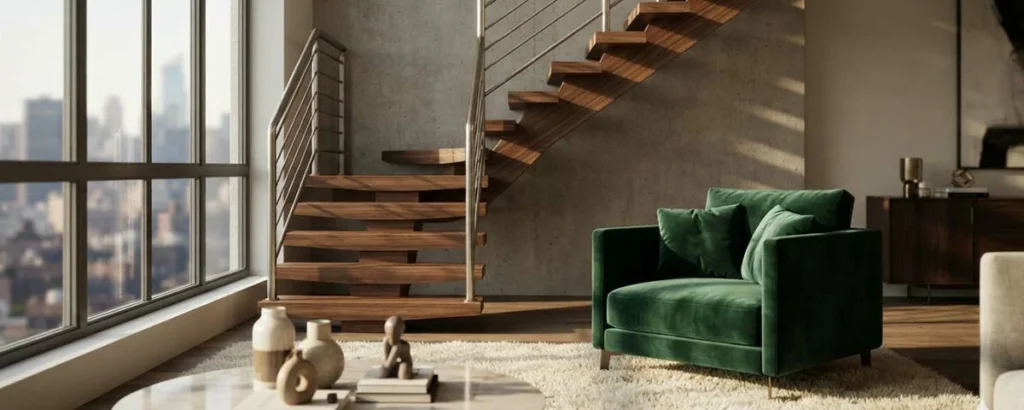
A comprehensive exploration of what makes the best 3D renders in architectural visualization, covering techniques, software, workflow, and industry standards for stunning photorealistic imagery.
What Defines the Best 3D Renders
The best 3D renders are those that achieve an extraordinary level of realism, artistic composition, and technical precision while effectively communicating the design intent of the spaces they depict. In the world of architectural visualization, a great render does more than show a building or room; it evokes emotion, tells a story, and helps viewers imagine themselves within the space.
Creating the best 3D renders requires mastery across multiple disciplines. Lighting, materials, composition, camera positioning, post-production, and technical rendering knowledge all play critical roles. The most accomplished visualization artists spend years developing these skills and understanding how each element contributes to the final image quality.
The definition of the best 3D renders also depends on context. A render that wins awards for artistic merit may differ from one that sells homes most effectively. Marketing renderings prioritize emotional appeal and lifestyle depiction. Planning renderings prioritize accuracy and contextual representation. Design development renderings prioritize clarity of architectural ideas. Understanding the intended use helps define what best means for each project.
This guide explores every aspect of creating and evaluating the best 3D renders. Whether you are a visualization artist seeking to improve your work, an architect evaluating rendering quality, or a client commissioning renderings for a project, understanding what makes renders exceptional will help you achieve outstanding visual results.
Photorealism and Visual Fidelity
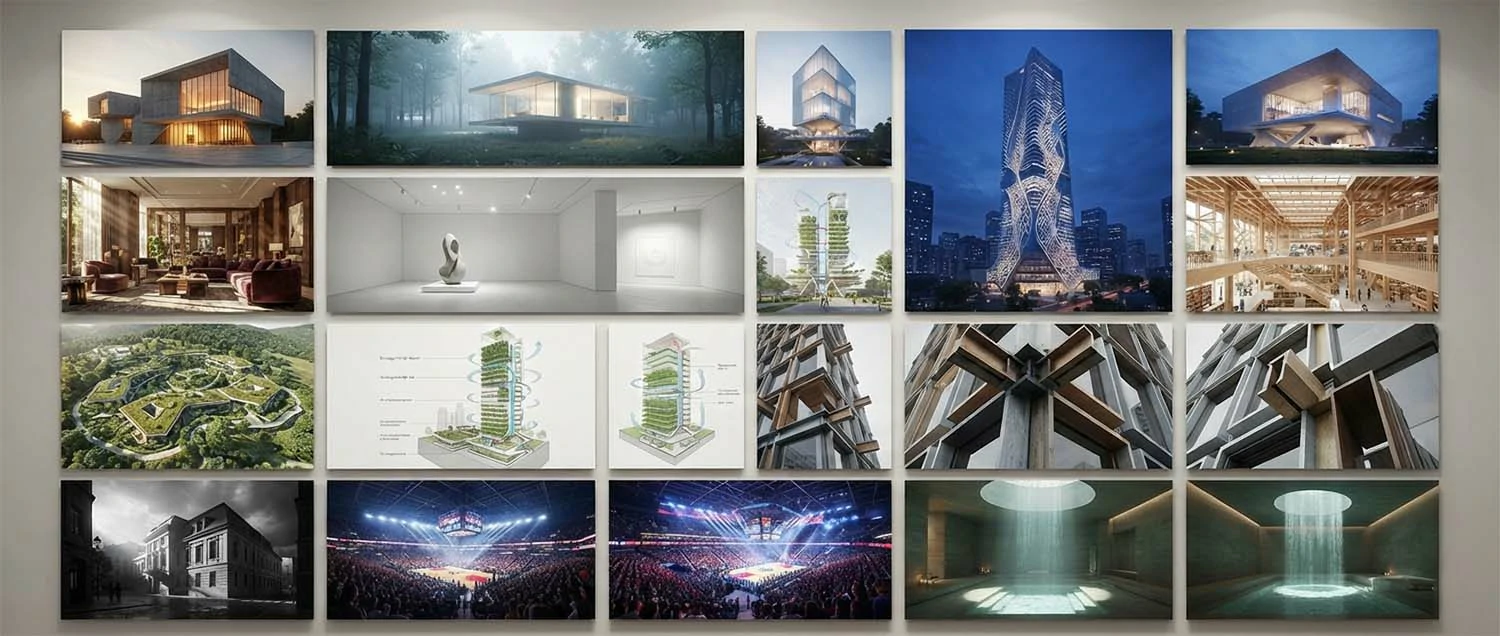
Photorealism is the benchmark for the best 3D renders. A photorealistic image is indistinguishable from a photograph of a real space. Achieving this level of realism requires meticulous attention to how light behaves, how materials respond to light, and how cameras capture scenes. Every pixel must contribute to the illusion of reality.
Physically based rendering has revolutionized photorealism in architectural visualization. PBR systems simulate the physical behavior of light as it interacts with surfaces. This approach produces accurate reflections, refractions, and light diffusion that mimic real-world physics. Modern render engines including V-Ray, Corona, Cycles, and Path Tracing in Unreal Engine all use physically based algorithms to achieve photorealistic results.
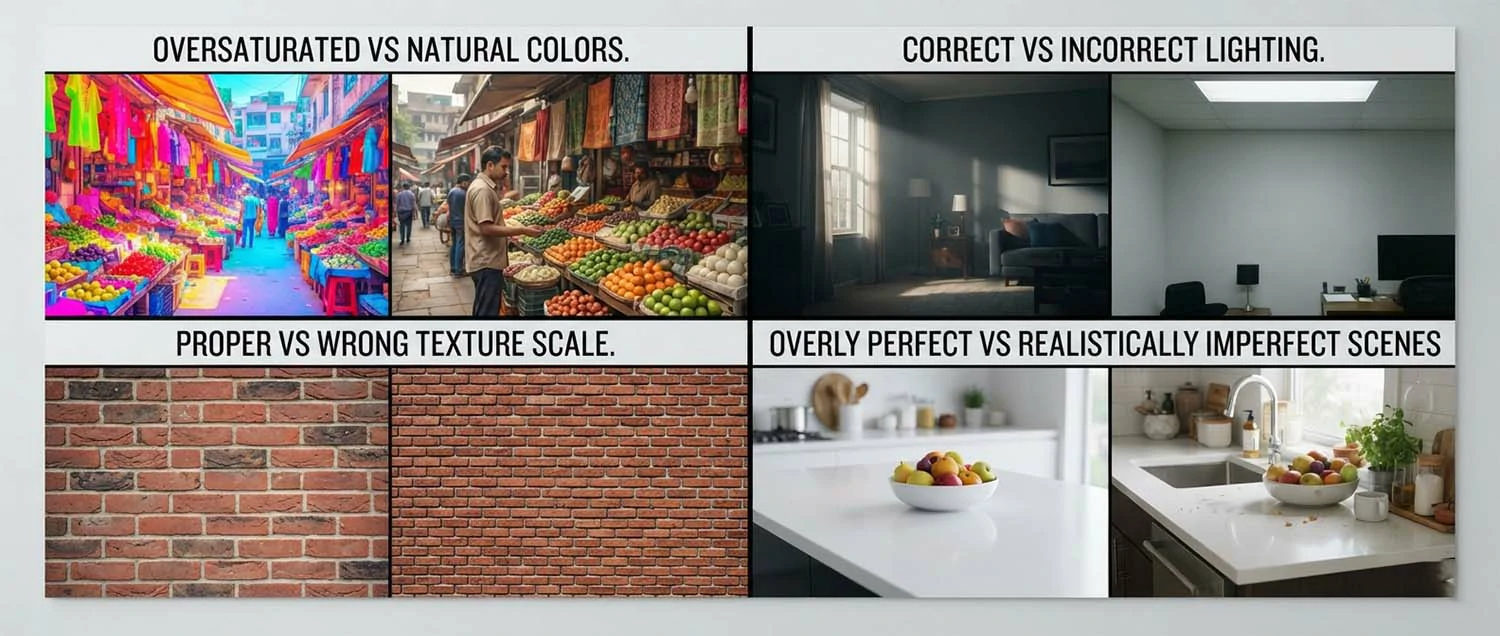
The difference between a good render and a photorealistic render often comes down to subtle details. Real-world imperfections like slight color variation in materials, dust on surfaces, uneven lighting, and natural wear contribute to realism. The best rendering artists understand that perfection can look artificial and deliberately introduce controlled imperfections that make images feel authentic.
Camera simulation is another critical aspect of photorealism. Professional renderers match their virtual cameras to real camera parameters including focal length, aperture, shutter speed, and ISO. Depth of field, lens distortion, chromatic aberration, and bloom effects all contribute to the photographic quality of the final image. These subtle camera artifacts signal to the viewer's brain that they are looking at a photograph.
Lighting as the Foundation of Great Renders
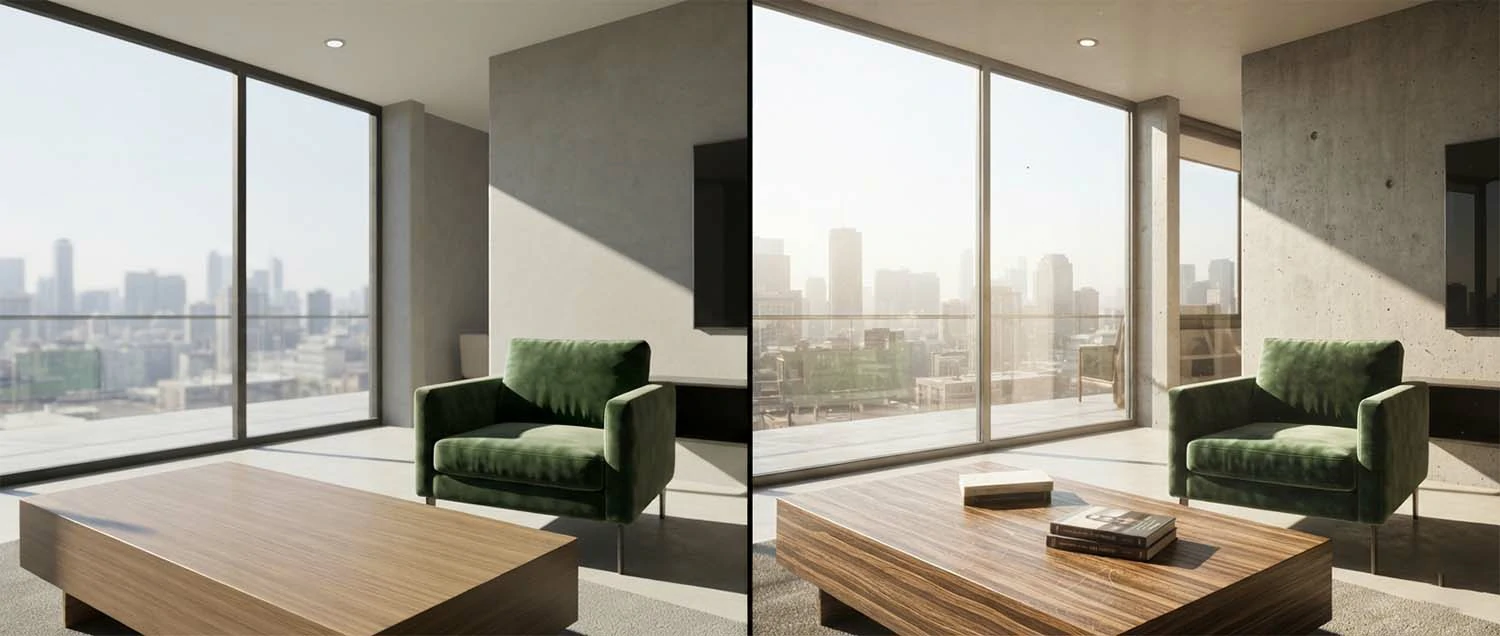
Lighting is the single most important element in creating the best 3D renders. No amount of detailed modeling or sophisticated materials can compensate for poor lighting. Great lighting creates mood, defines form, establishes depth, and guides the viewer's eye through the image. Mastery of lighting separates professional renderers from amateurs.
Natural lighting from the sun and sky is the most common lighting source in architectural renders. Physical sky models calculate sunlight color and intensity based on geographic location, time of day, and atmospheric conditions. Morning light has a warm tone and long shadows. Midday light is cooler with harsh shadows. Evening golden hour produces dramatic warm lighting with soft shadows that many consider the most beautiful for architectural photography.
Artificial lighting adds complexity and realism to interior renders. Recessed ceiling lights, pendants, table lamps, and accent lighting all contribute to the ambiance of a space. The best renders balance natural and artificial light sources to create convincing illumination. Layered lighting with multiple sources at different intensities creates depth and visual interest that flat, single-source lighting cannot achieve.
Global illumination technology simulates how light bounces between surfaces in a scene. This indirect lighting is responsible for the soft illumination in shadow areas and the color bleeding that occurs when light reflects off colored surfaces. Accurate global illumination is essential for photorealism and is a key feature of all professional render engines.
Materials and Texture Excellence
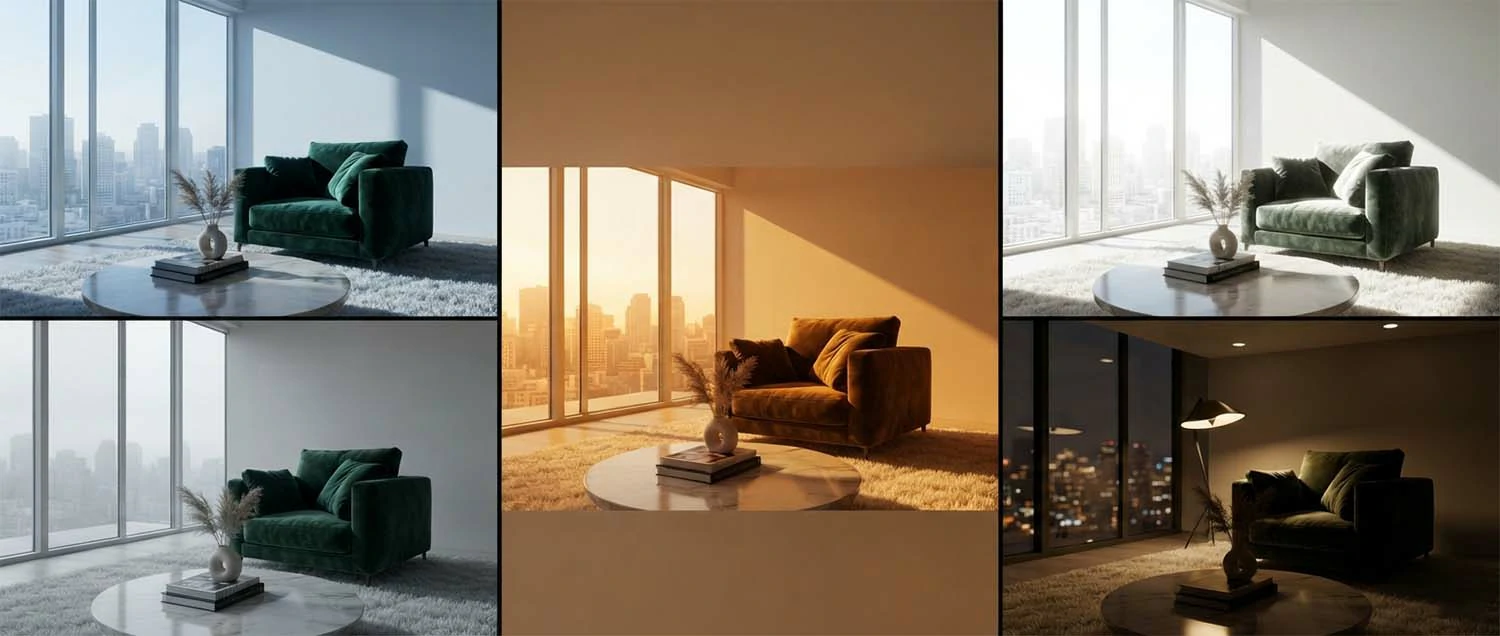
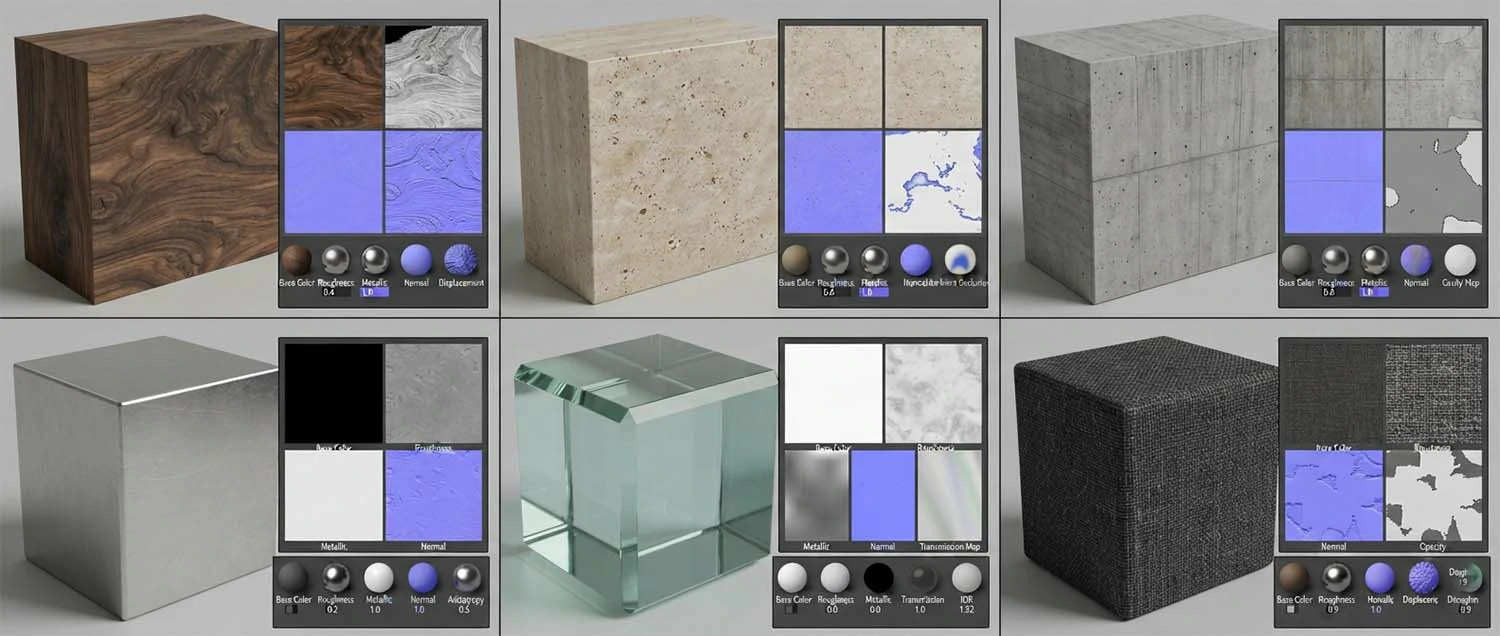
Material quality determines whether a 3D render looks realistic or artificial. The best 3D renders use high-resolution texture maps combined with accurate shader settings to replicate real-world material appearance. Every surface from rough concrete to polished marble requires specific treatment to look convincing.
PBR texturing materials use multiple texture maps to define surface properties. Albedo maps define base color. Normal maps simulate surface bumps and indentations. Roughness maps control how light scatters across the surface. Metallic maps define which areas behave like metals. Displacement maps add geometric detail. Combining these maps creates materials that respond to light with photographic accuracy.
Scale and proportion are critical for realistic materials. A brick texture applied at the wrong scale immediately breaks the illusion of reality. Professional renderers carefully match texture scale to real-world dimensions. They also pay attention to repetition patterns that can make tiled materials look artificial. Advanced techniques like blended materials and procedural texturing help avoid obvious repetition.
Material libraries and scanning technology have transformed texture quality. Services like Poliigon, Quixel Megascans, and Texturing XYZ provide photoscanned materials with extraordinary detail. These assets capture real-world surface appearance including microscopic detail that would be impossible to create manually. Using high-quality material libraries is one of the fastest ways to improve render quality.
Composition and Camera Work
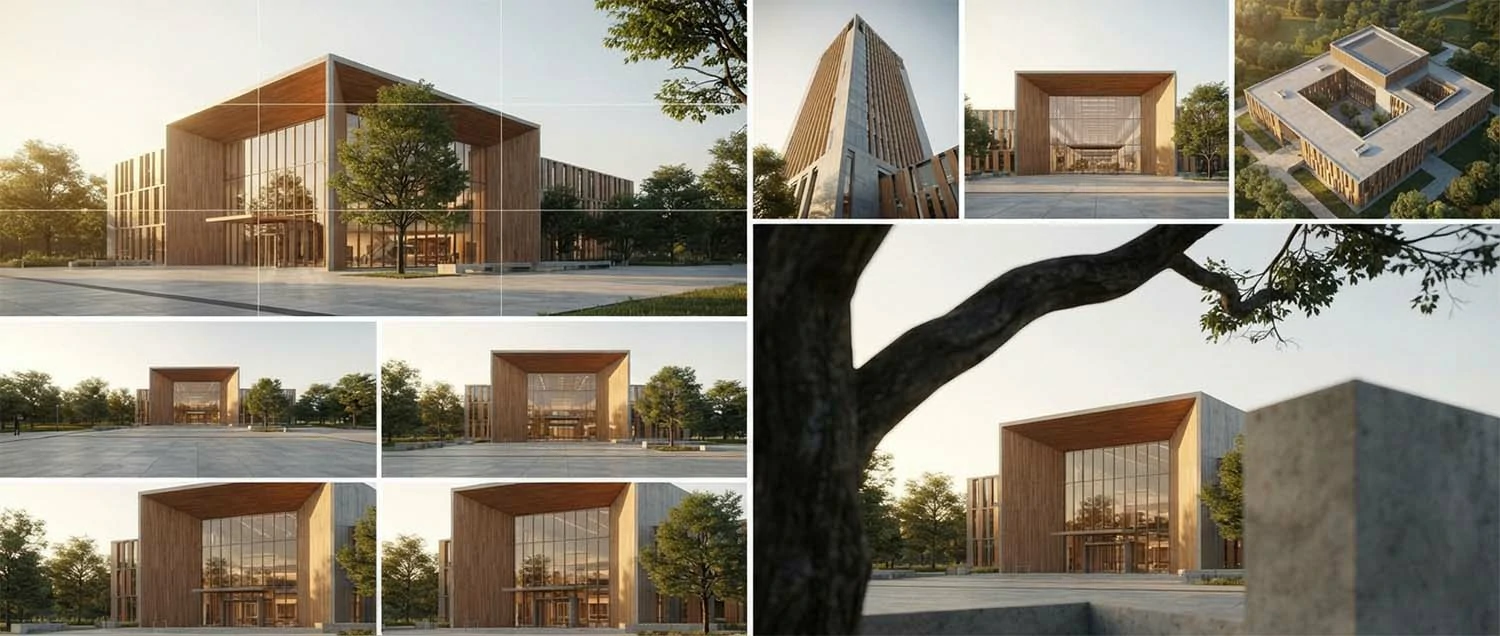
Composition is the artistic foundation of the best 3D renders. A well-composed image guides the viewer's eye, creates visual hierarchy, and communicates the most important aspects of the design. Professional renderers apply centuries of artistic principles including the rule of thirds, leading lines, framing, and balance to create compelling images.
Camera height and angle dramatically affect how a space is perceived. Eye-level shots create a natural, immersive perspective that feels familiar to viewers. Low-angle shots make buildings appear grand and imposing. High-angle shots provide overview and context. The best renderers choose camera positions that best communicate the design intent and emotional character of the space.
Focal length selection influences spatial perception in architectural renders. Wide-angle lenses capture more of a scene but can exaggerate perspective and distort edges. Standard lenses around 50mm produce natural-looking images closest to human vision. Telephoto lenses compress space and focus attention on specific elements. Each focal length serves different purposes and the best renderers select based on the story they want to tell.
Foreground elements add depth and scale to renders. Trees, shrubs, furniture, and people placed in the foreground create a sense of depth and help viewers understand the scale of the space. These elements also frame the main subject and can hide less interesting areas. The best renders use foreground elements strategically to enhance composition without distracting from the primary subject.
Post-Production Polish
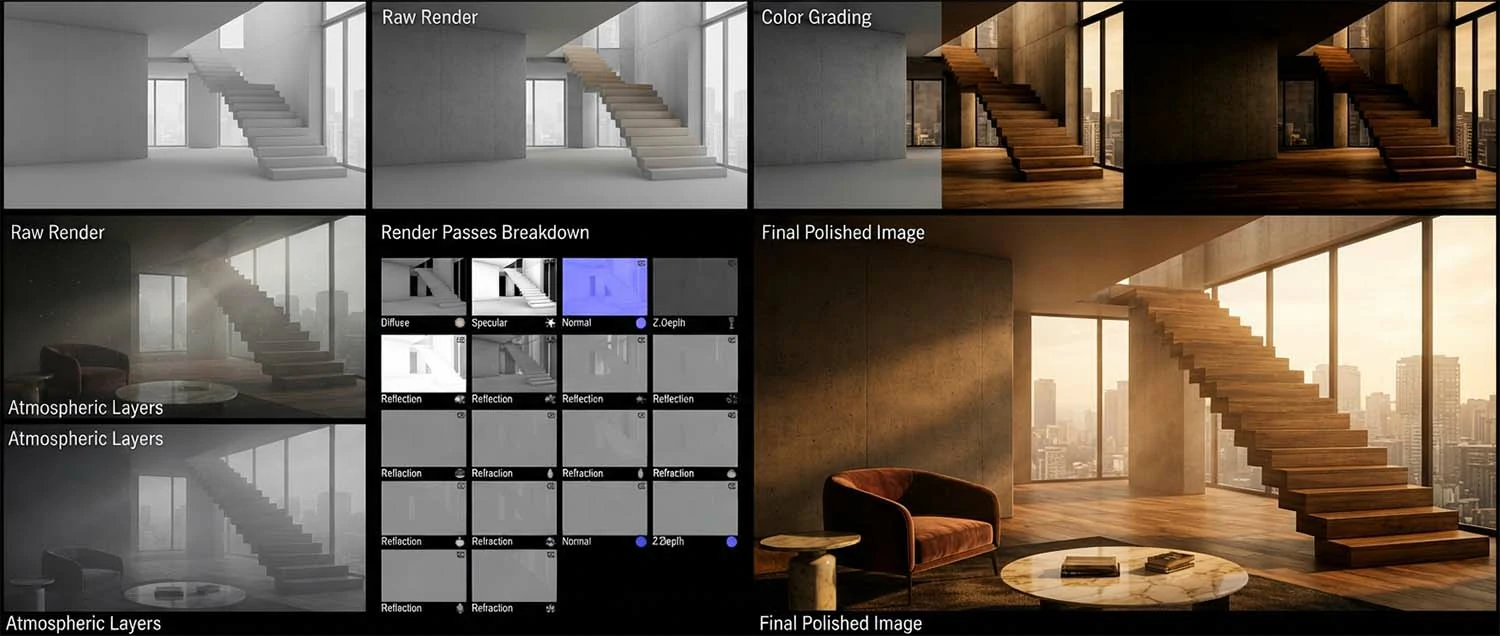
Post-production is the final step that transforms a good render into a great one. Skilled post-processing in software like Adobe Photoshop enhances the image while maintaining photorealism. The best rendering artists understand that post-production is not about fixing problems but about elevating an already strong render to its full potential.
Color grading establishes the overall mood and atmosphere of the image. Warm tones create inviting, comfortable feelings. Cool tones suggest calmness and professionalism. High contrast creates drama and impact. Soft, muted colors feel natural and understated. The best color grading feels intentional and supports the emotional message of the image without drawing attention to itself.
Atmospheric effects add depth and realism to renders. Fog, mist, dust particles, and light rays create atmosphere and help establish the time of day and weather conditions. These effects also create depth by making distant elements appear softer and less detailed through atmospheric perspective. Subtle atmospheric effects are more effective than dramatic ones for most architectural renders.
Render element compositing gives artists control over specific image components. Separate render passes for diffuse, reflection, refraction, shadow, ambient occlusion, and Z-depth can be combined and adjusted independently in post-production. This workflow allows precise control over every aspect of the final image without re-rendering the entire scene.
Top Rendering Software for Best Results
The software used to create 3D renders significantly impacts the quality and efficiency of the final output. Professional rendering firms and artists invest in industry-leading tools that provide the features, performance, and quality needed to produce the best 3D renders. Understanding the strengths of each platform helps artists choose the right tool for their specific needs.
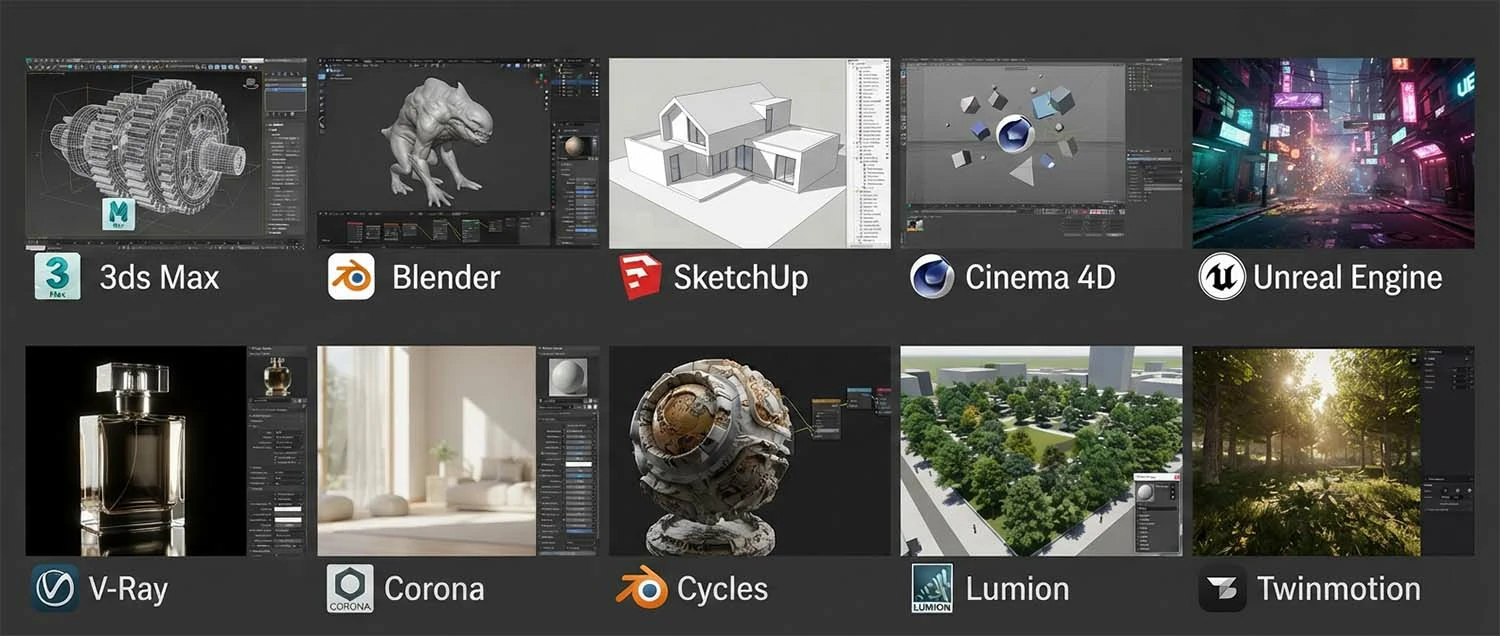
The choice of rendering software often depends on project requirements, budget, and personal workflow preferences. Some artists prefer the comprehensive ecosystem of 3ds Max and V-Ray. Others choose Blender for its open-source accessibility and powerful Cycles renderer. Architects and designers often prefer integrated solutions like Lumion or Twinmotion that prioritize speed and ease of use.
Cloud rendering services have emerged as a powerful option for achieving the best quality without expensive local hardware. Services like Chaos Cloud, RebusFarm, and Ranch Computing handle the computationally intensive rendering process on remote servers. This allows artists to create complex, high-quality renders without investing in dedicated render farms.
Compatibility between modeling and rendering software is an important consideration. Most rendering engines support standard file formats and scene transfer protocols. However, some combinations work more seamlessly than others. Researching software compatibility before starting a project prevents technical issues that can compromise quality or delay delivery.
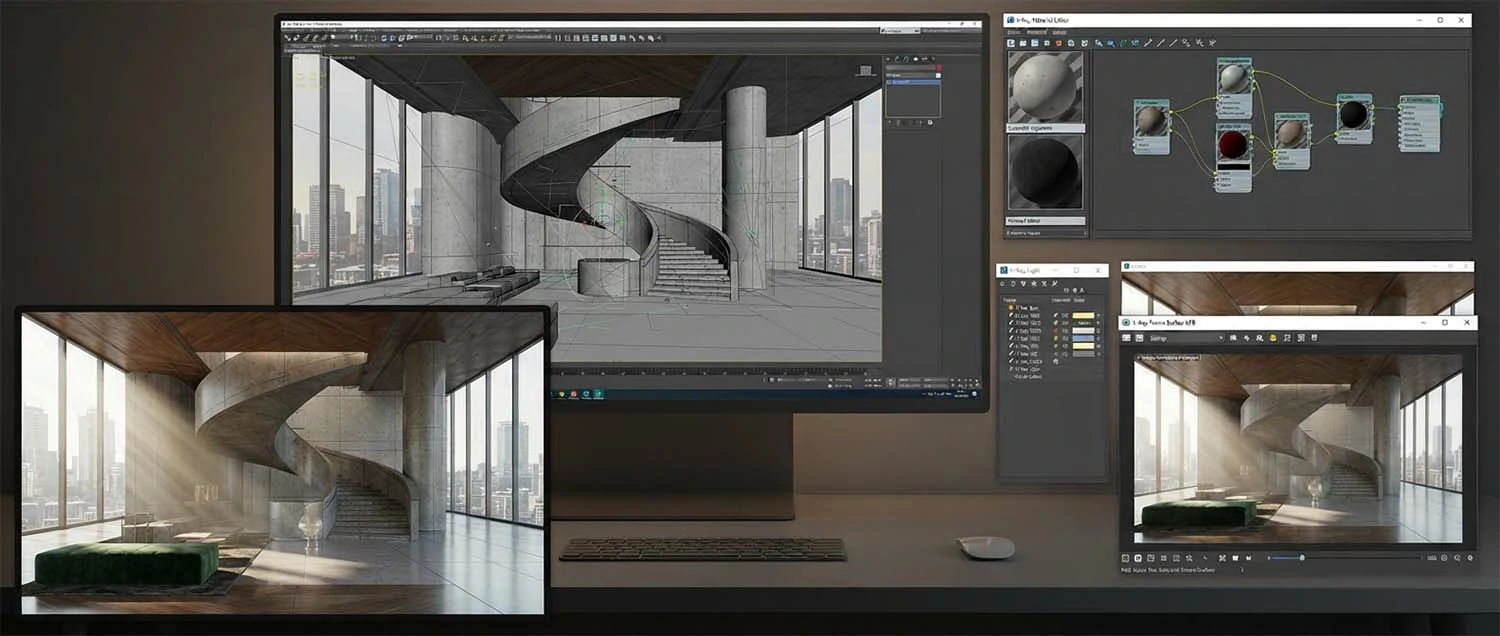
3ds Max and V-Ray — Industry Standard
3ds Max combined with V-Ray remains the most widely used workflow for professional architectural visualization. This combination has dominated the industry for over two decades and continues to be the benchmark for quality and capability. The vast majority of the best 3D renders in architectural portfolios were created using this workflow.
3ds Max provides comprehensive modeling tools specifically suited for architectural work. Its polygon modeling, spline-based modeling, and modifier stack give artists precise control over geometry. The software's robust plugin ecosystem extends its capabilities further. Most professional rendering assets, materials, and scripts are designed for the 3ds Max ecosystem.
V-Ray offers an extensive feature set for achieving photorealistic results. Its GPU and CPU rendering capabilities provide flexibility for different production scenarios. V-Ray's material system, lighting tools, and camera effects give artists complete creative control. Features like V-Ray LightGen and V-Ray Sky automatically generate realistic lighting configurations that reduce setup time while maintaining quality.
The extensive community and resource ecosystem surrounding 3ds Max and V-Ray is a significant advantage. Thousands of tutorials, scripts, materials, and plugins are available to support artists. Problems encountered during production have likely been solved by someone else and documented online. This community support reduces learning curves and helps artists produce better work faster.
Blender and Cycles — Open Source Power
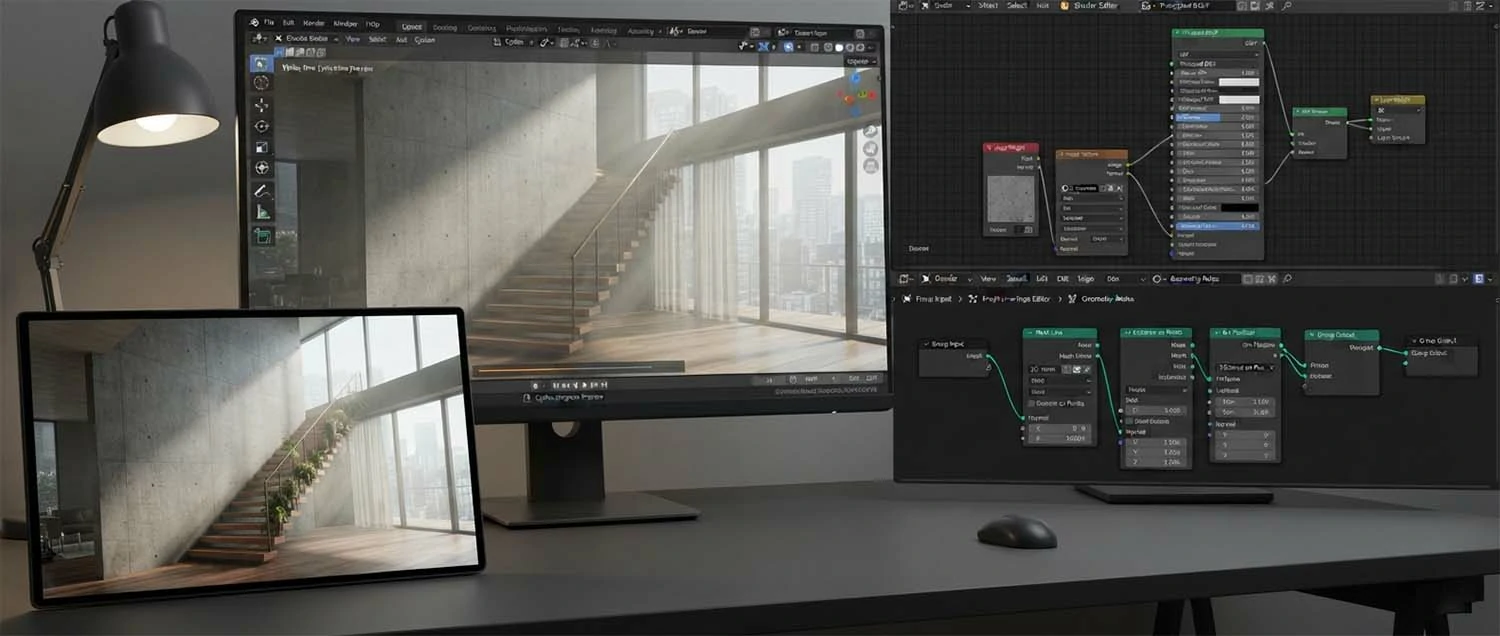
Blender has emerged as a powerful and popular alternative to commercial 3D software. Its open-source nature, active development community, and professional-quality rendering capabilities make it an attractive option for artists at every level. Blender's Cycles render engine produces results comparable to V-Ray and Corona for most architectural visualization applications.
Cycles is a path tracing render engine that achieves photorealism through physically accurate light simulation. It supports GPU and CPU rendering, adaptive sampling, and denoising to balance quality and performance. Cycles material nodes provide extensive control over surface properties, and the shader editor allows artists to create complex custom materials with procedural textures.
Blender's all-in-one nature streamlines the rendering workflow. Modeling, texturing, lighting, rendering, and compositing all happen within a single application. This eliminates file transfer issues and compatibility problems that can occur when using multiple software packages. The real-time viewport render preview in Blender allows artists to see lighting and material changes instantly.
The Blender community is one of the most active and supportive in the 3D industry. Extensive documentation, free tutorials, and community-contributed add-ons make Blender accessible to new users while providing advanced capabilities for experienced artists. Regular feature releases ensure Blender continues to evolve and compete with commercial alternatives.
Real-Time Rendering Engines
Real-time rendering technology has transformed architectural visualization by providing instant feedback and interactive experiences. Unreal Engine, Twinmotion, and Lumion allow artists and clients to see changes immediately without waiting for traditional rendering. This immediacy has made real-time tools increasingly popular for both production and presentation.
Unreal Engine produces the highest quality real-time renders available. Its Lumen global illumination system delivers dynamic lighting that responds to changes in real-time. Nanite virtual geometry allows massive detail without performance penalties. These technologies together produce real-time renders that approach the quality of offline renderers, making Unreal Engine a serious tool for the best 3D renders.
Twinmotion bridges the gap between architectural modeling and real-time visualization. Its intuitive interface and direct import from BIM and CAD software make it accessible to architects and designers who may not have specialized rendering expertise. Twinmotion's library of materials, vegetation, and entourage assets speeds up scene creation while maintaining professional quality.
Lumion specializes in architectural visualization with an emphasis on speed and ease of use. Its extensive content library includes thousands of materials, objects, trees, people, and vehicles. Lumion's atmospheric effects including weather, clouds, and lighting presets allow users to create compelling renders with minimal effort. The software is particularly popular for quick concept visualizations and client presentations.
Hardware for Top-Tier Rendering
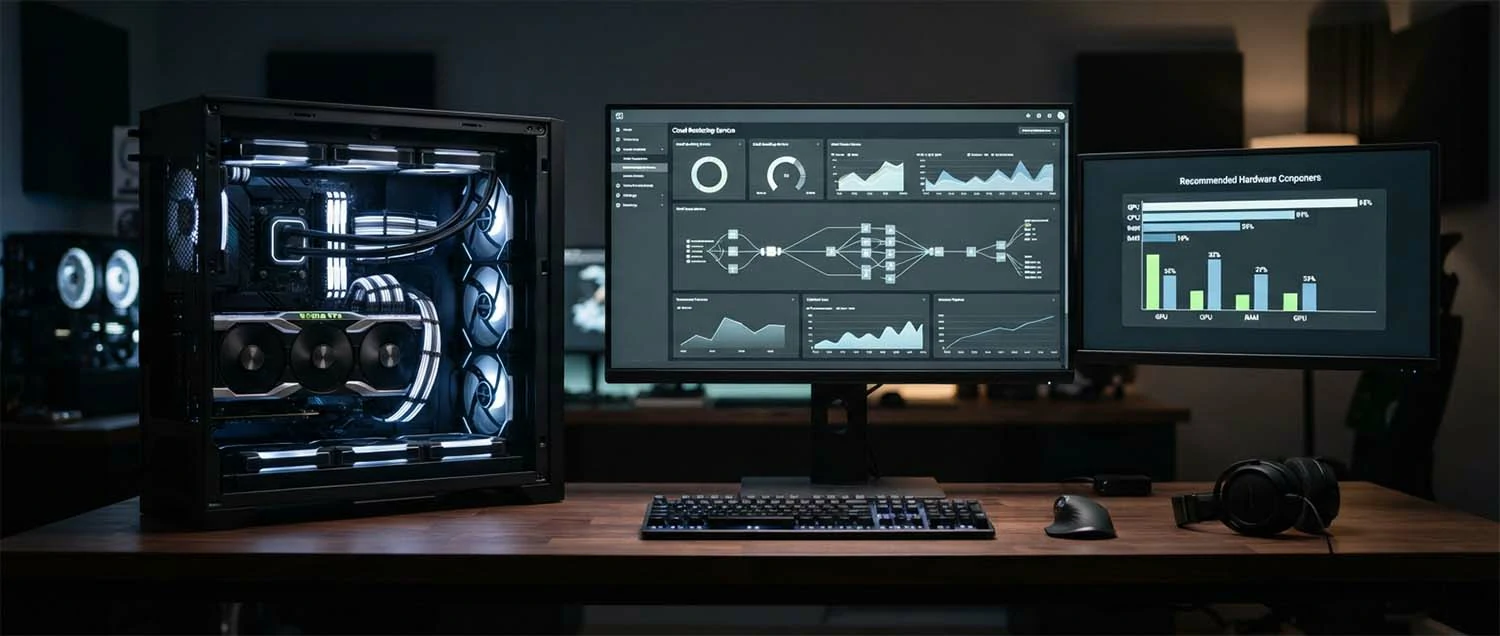
Creating the best 3D renders requires appropriate hardware that can handle complex scenes, high-resolution textures, and computationally intensive rendering calculations. While artistic skill is the primary factor in quality, hardware limitations can constrain what is possible within reasonable production timelines.
The graphics processing unit is the most important component for modern rendering. GPU rendering has largely replaced CPU rendering for speed and efficiency. High-end NVIDIA RTX cards with dedicated ray tracing cores significantly accelerate rendering times. The amount of VRAM determines the maximum scene complexity and texture resolution that can be handled without performance degradation.
System memory and storage also affect rendering performance. Large scenes with detailed geometry and high-resolution textures require substantial RAM, typically 64GB or more for professional work. Fast NVMe SSD storage reduces scene loading times and improves asset streaming. A well-balanced system ensures that no single component creates a bottleneck that slows the entire workflow.
Cloud rendering services offer an alternative to investing in local hardware. For artists who render infrequently or need occasional extra capacity, cloud rendering provides access to high-end hardware without capital investment. Services charge by render time and can scale to handle multiple frames simultaneously for animation projects. Cloud rendering is particularly cost-effective for large projects or rush deliveries.
Architectural Exterior Rendering Excellence
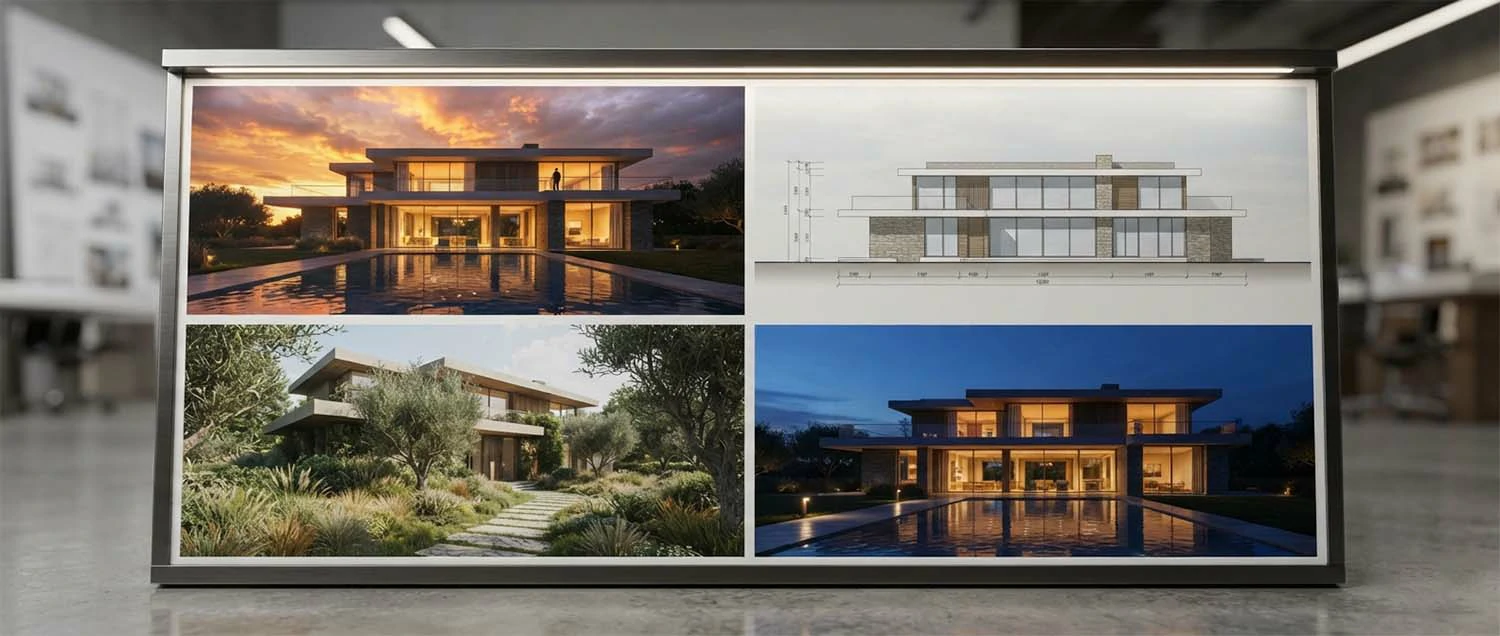
Exterior rendering presents unique challenges and opportunities for creating the best 3D renders. The exterior of a building must be shown in its environmental context with realistic lighting, landscaping, and atmospheric conditions. Successful exterior renders capture the building's relationship to its site and the experience of approaching and moving around the structure.
Sky and background treatment significantly affects exterior render quality. A realistic sky with appropriate clouds, color gradient, and atmospheric haze creates a convincing outdoor environment. HDRI environment maps provide 360-degree lighting information that produces natural reflections on building surfaces. Compositing the rendered building into a photographic background is an alternative approach that some artists prefer for maximum realism.
Landscaping and site context make exterior renders believable. Well-designed planting, paving, driveways, and site features integrate the building with its surroundings. Seasonal considerations affect vegetation appearance, light quality, and overall atmosphere. Summer renders with lush greenery and long days feel different from winter renders with bare trees and low sun angles. Choosing the right seasonal context supports the building's design narrative.
Multiple exterior views serve different purposes. Hero shots from the best angle showcase the building's design. Elevation views provide straight-on architectural documentation. Corner views show how the building relates to its site from multiple directions. Detail views focus on specific architectural features like entrances, windows, or material transitions. A comprehensive exterior rendering set includes multiple perspectives that tell the complete story of the building.
Interior Rendering Mastery
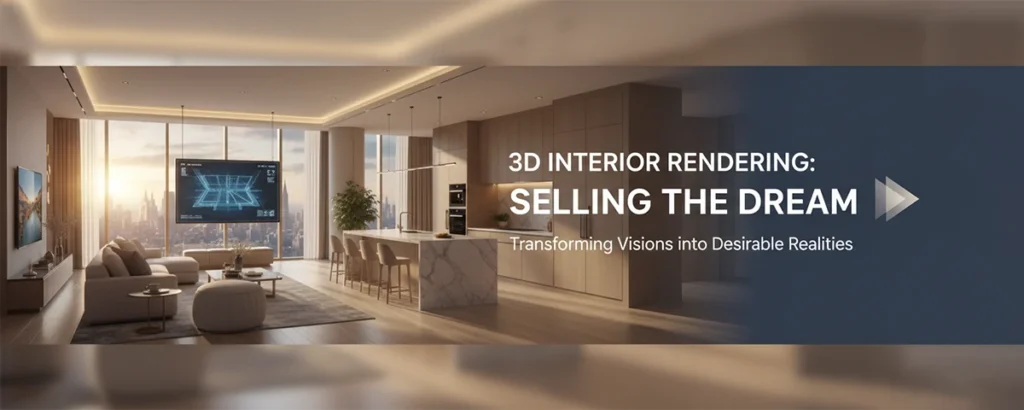
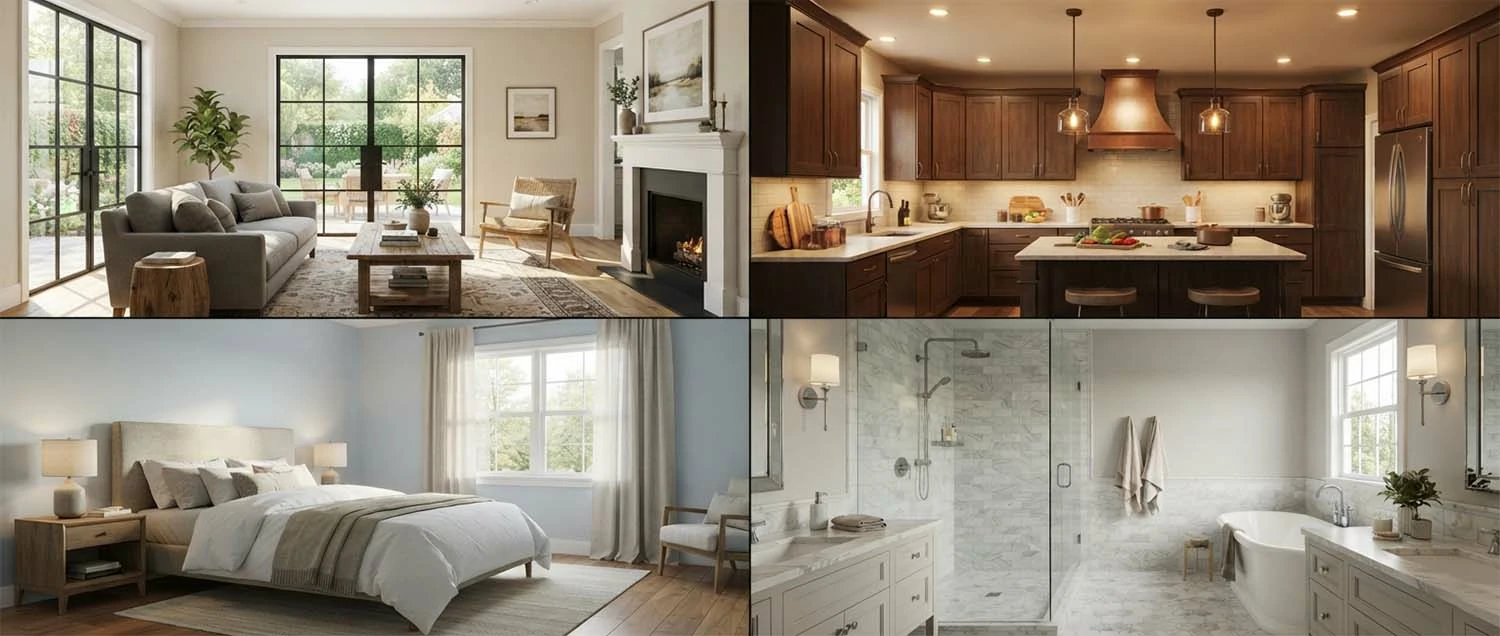
Interior rendering is where the best 3D renders demonstrate their full capability, and dedicated interior visualization services focus entirely on this discipline. Interior scenes combine complex lighting scenarios, rich material palettes, furniture, and human-scale details. The best interior renders feel like spaces where people could live and work, with warmth, character, and attention to how spaces are used.
Natural light entering through windows is often the primary light source in interior renders. The quality of daylight simulation including sun position, sky color, and window glass properties determines how realistic the interior lighting appears. Interior renderers must balance the brightness of windows with interior illumination to avoid blown-out highlights or unnaturally dark interiors.
Furniture and decor selection dramatically affects interior render quality. Well-chosen furniture that fits the space and style of the design makes rooms feel lived in and realistic. The best rendering artists curate furniture selections that complement the architecture, provide visual interest, and help viewers understand the scale and function of each space.
Clutter and lived-in details add authenticity to interior renders. Items on countertops, books on shelves, cushions on sofas, and artwork on walls make spaces feel occupied. These details tell a story about the people who live there and help viewers imagine themselves in the space. The best renderers add these touches thoughtfully, creating scenes that feel natural rather than staged.
Animation and Cinematic Walkthroughs
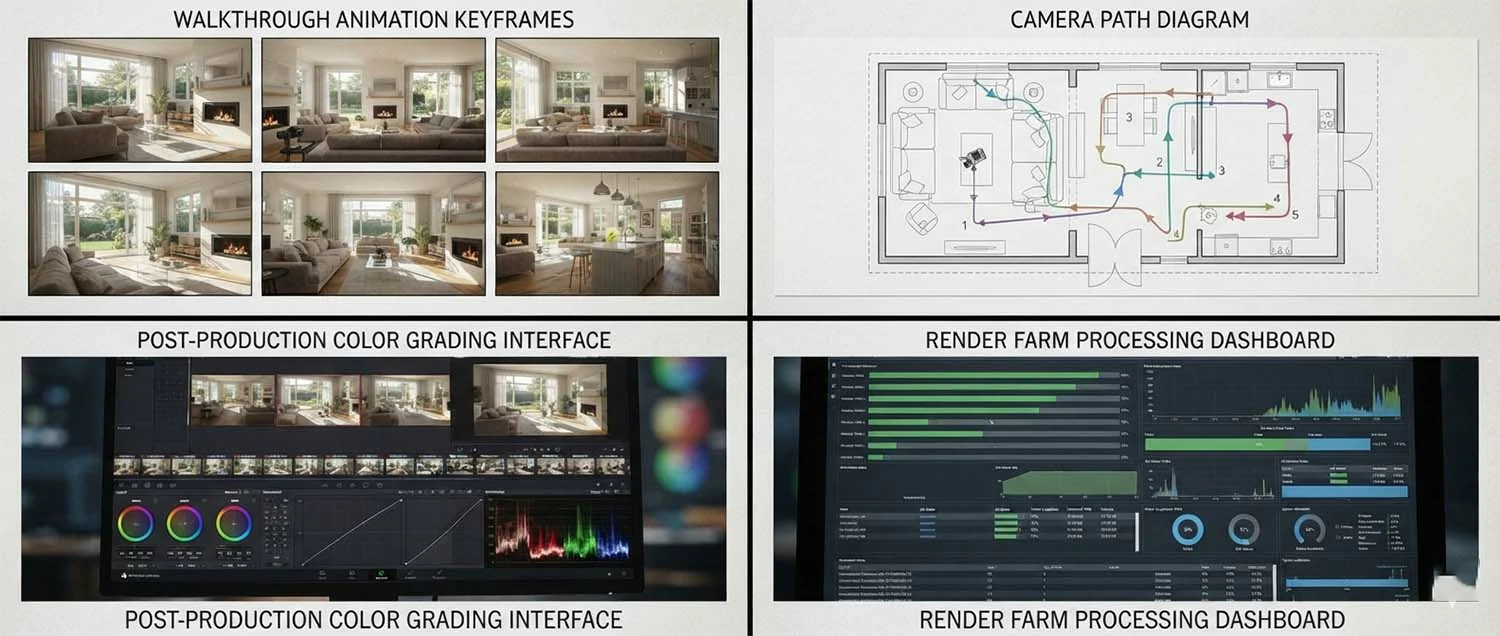
The best 3D renders extend beyond static images to include animation and cinematic walkthroughs. Moving images provide a level of engagement and spatial understanding that still images cannot match. A well-produced animation guides viewers through a space, revealing relationships between rooms and creating an emotional journey through the design.
Camera animation techniques define the quality of architectural walkthroughs. Smooth camera movement with appropriate speed changes creates a professional, cinematic feel. Establishing shots that show the building from outside before moving inside help orient viewers. Pauses at key viewpoints allow viewers to absorb important spaces. The pacing of camera movement affects the emotional impact of the animation.
Motion blur and depth of field in animation require different settings than still renders. These effects need to be consistent across frames to avoid distracting artifacts. Post-production color grading across animation sequences ensures visual consistency. Sound design including ambient audio and music can dramatically enhance the emotional impact of architectural animations.
Rendering animations requires significantly more computational resources than still images. A one-minute animation at 30 frames per second requires 1,800 individual frames. Each frame must be rendered with consistent quality, lighting, and settings. Render farms and cloud rendering services are commonly used for animation projects to manage the substantial processing requirements within reasonable timeframes.
Rendering Workflow Optimization
An optimized workflow is essential for consistently producing the best 3D renders. Efficiency in production allows more time for creative refinement and quality improvement. Professional rendering studios develop standardized workflows that balance speed with quality and ensure consistent results across projects and team members.
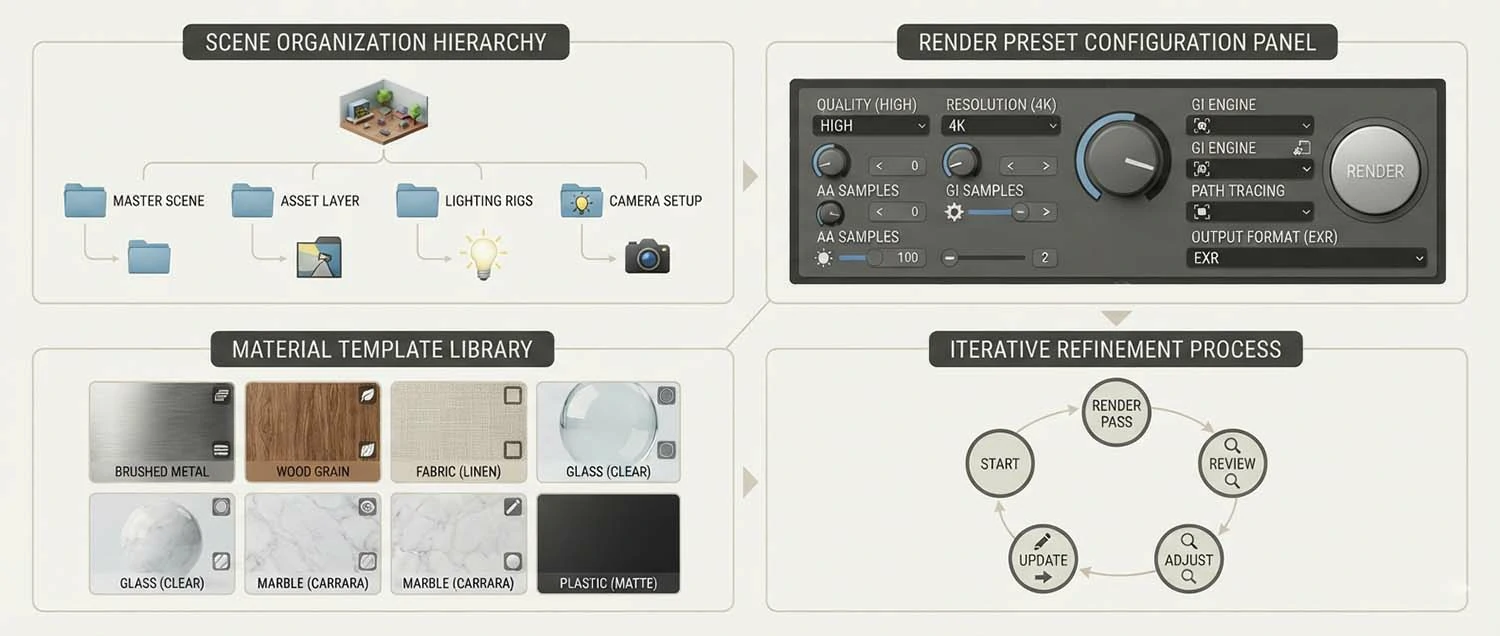
Scene organization from the start of a project prevents problems later in production. Naming conventions, layer structures, material libraries, and asset management systems keep complex scenes manageable. Well-organized scenes are easier to modify, troubleshoot, and share with team members. The time invested in organization at the beginning of a project pays back many times over during production.
Render presets and templates speed up the production process. Creating standard render settings for different project types ensures consistent quality while reducing setup time. Material templates for common surfaces like glass, metal, water, and concrete provide reliable starting points that can be customized for specific projects. Lighting presets for different times of day and weather conditions accelerate the lighting setup process.
Iterative refinement rather than perfection in early stages is a hallmark of efficient workflows. Starting with rough blocking of lighting and materials allows early client feedback before investing time in details. Progressive refinement through multiple passes produces better results than trying to achieve perfection in a single pass. Each iteration should have clear objectives and success criteria.
Quality Control and Assurance
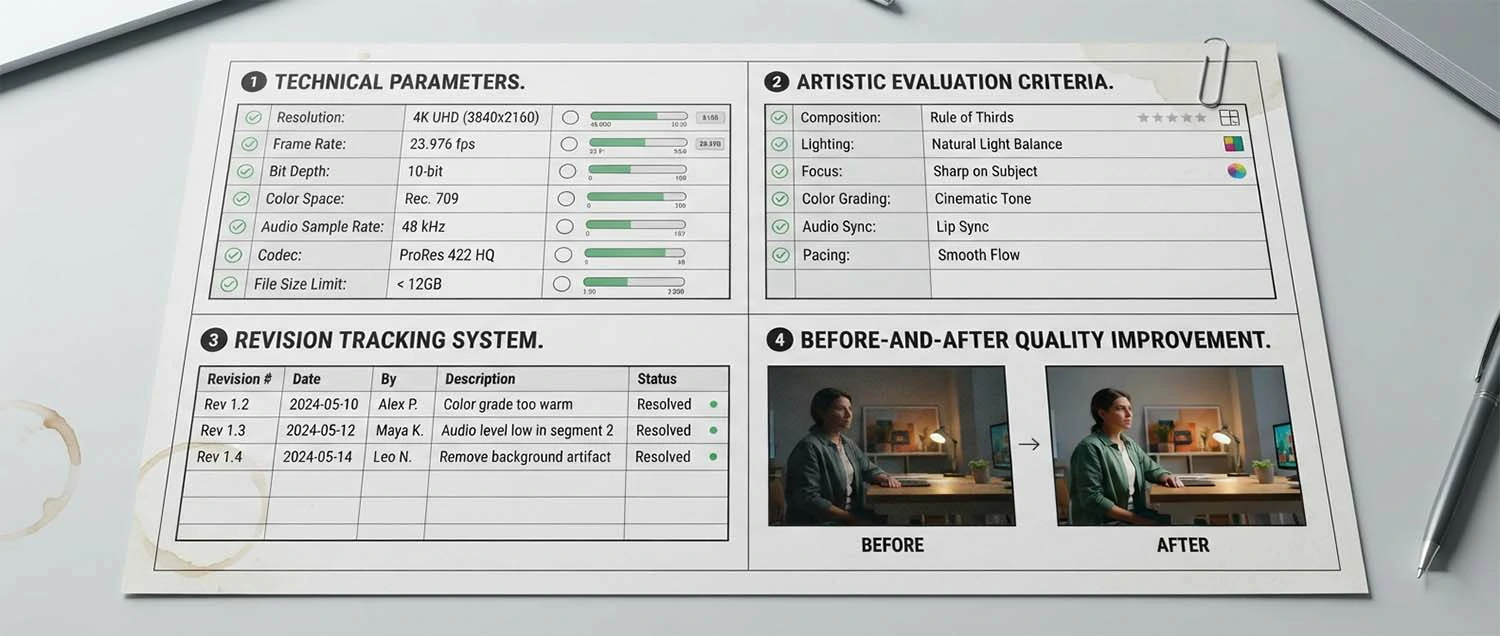
Quality control processes ensure that the best 3D renders meet professional standards before delivery to clients. Systematic review procedures catch issues that individual artists might miss and maintain consistent quality across projects. Quality control should occur at multiple stages throughout the production process, not just at the end.
Technical quality checks verify render settings, resolution, color space, and output format. Images should be checked for artifacts including noise, fireflies, incorrect reflections, and material errors. Resolution should match the intended use with appropriate margin for cropping or resizing. Color management ensures consistent appearance across different display devices and print media.
Artistic quality review evaluates composition, lighting, mood, and overall visual impact. This review should assess whether the render effectively communicates the design intent and evokes the desired emotional response. Consistency across multiple renders in a project should be evaluated to ensure a unified visual identity. Artistic review benefits from fresh eyes and diverse perspectives within a studio.
Client feedback integration is the final quality control step. Client comments should be carefully reviewed and addressed systematically. Changes should be tracked to ensure nothing is missed and that revisions align with the project brief. Documentation of feedback and decisions helps prevent repeated requests and provides a record for future reference.
Common Rendering Mistakes to Avoid
Understanding common rendering mistakes helps artists avoid pitfalls that compromise quality. Even experienced professionals can fall into patterns that reduce the impact of their renders. Recognizing and correcting these issues is essential for consistently producing the best 3D renders.
Over-saturation of colors is a frequent mistake in architectural rendering. Vibrant colors may look attractive in isolation but often appear unrealistic in architectural contexts. Natural materials have subtle color variations that should be reflected in renders. Desaturated, natural color palettes generally produce more believable results than highly saturated alternatives.
Unrealistic lighting is another common problem. HDR environment maps without appropriate intensity adjustment can create lighting that does not match the intended scene conditions. Missing or incorrect light sources create flat, unconvincing images. Ignoring the color temperature of different light sources produces inconsistent illumination. Careful lighting setup and validation against reference photographs helps avoid these issues.
Scale errors in textures, furniture, and entourage elements break the illusion of reality. A chair that is too large or a brick texture that is too small immediately signals to viewers that the image is artificial. Using reference objects of known scale and consistently checking proportions throughout the scene prevents scale errors from undermining render quality.
Excessive perfection is a subtle but significant problem. Real spaces have imperfections scuffs on baseboards, slightly uneven furniture placement, natural variation in materials. Renders that are too perfect look artificial. Introducing controlled imperfection and natural variation makes renders feel authentic and lived in, contributing significantly to photorealism.
Building a Portfolio of Best Renders
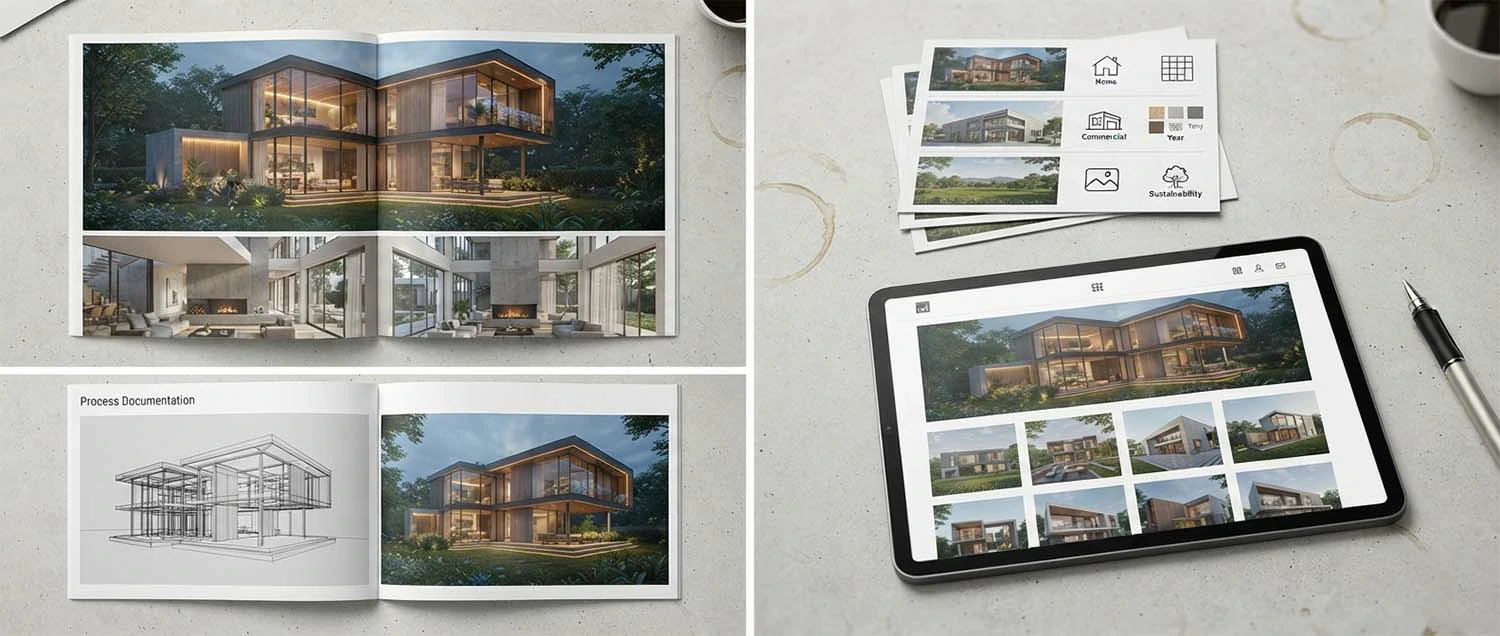
A portfolio of the best 3D renders is essential for attracting clients and establishing credibility in the architectural visualization industry. The portfolio demonstrates technical skill, artistic vision, and the range of work an artist or firm can produce. Building a strong portfolio requires strategic selection and presentation of work.
Quality over quantity is the fundamental principle of portfolio building. A portfolio with ten exceptional images is more effective than one with fifty mediocre images. Each image should represent the artist's absolute best work and demonstrate mastery of lighting, materials, composition, and post-production. Including only the strongest work ensures that every image makes a positive impression.
Range and diversity in a portfolio show versatility. Including exterior and interior renders, residential and commercial projects, day and night scenes, and different architectural styles demonstrates the ability to handle varied assignments. However, if specializing in a particular niche, the portfolio should emphasize relevant work. A focused portfolio can be more effective for attracting specific types of clients.
Presentation quality matters as much as the renders themselves. Images should be displayed at high resolution with consistent formatting. Contextual information including project name, location, and client adds professionalism. Easy navigation and fast loading times for online portfolios ensure potential clients can review work without frustration.
Industry Applications for Best 3D Renders
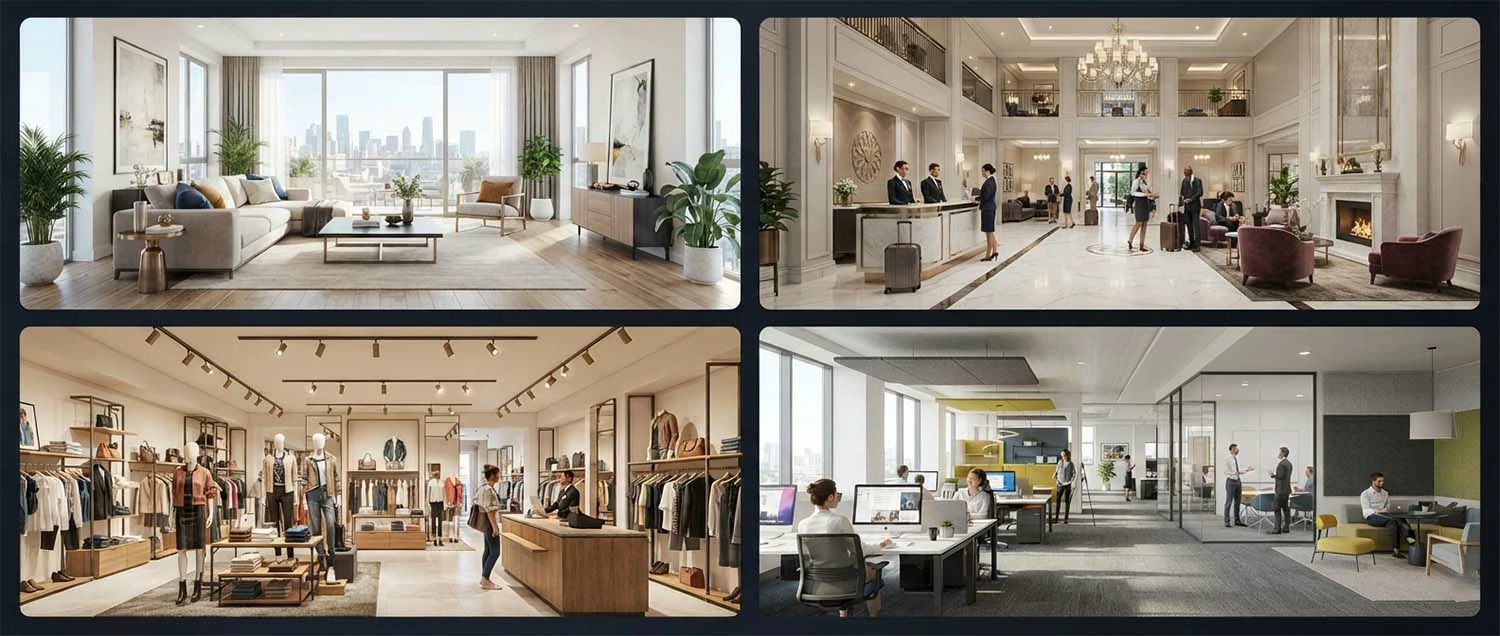
The best 3D renders serve diverse industries beyond traditional architectural visualization. Real estate development relies heavily on renderings for pre-construction marketing. Interior design firms use renderings to present design concepts to clients. Hospitality and retail brands use renderings to visualize guest experiences before construction. Each industry has specific requirements and expectations for rendering quality.
Real estate marketing demands renderings that sell lifestyles, not just buildings. The best real estate renderings show homes in their best light with attractive staging, perfect weather, and aspirational living scenes. These renderings must appeal to target buyer demographics and differentiate properties in competitive markets. Emotional connection is the primary goal of real estate marketing renderings.
Hospitality rendering focuses on guest experience and atmosphere. Hotels, resorts, and restaurants need renderings that convey the feeling of staying or dining in the space. Warm lighting, inviting furniture arrangements, and attention to experiential details distinguish hospitality renders from standard architectural visualization. These renders must make viewers want to visit the space.
Commercial and retail rendering emphasizes functionality and brand identity. Office spaces are rendered with appropriate work settings, technology integration, and professional atmosphere. Retail spaces focus on customer flow, product display, and brand experience. Each commercial sector has unique visualization needs that the best renderers understand and address in their work.
Future Trends in 3D Rendering
The technology and techniques for creating the best 3D renders continue to evolve rapidly. Artificial intelligence, real-time technology, and cloud computing are reshaping what is possible in architectural visualization. Artists and firms that stay current with emerging trends maintain competitive advantage in a changing industry.
Artificial intelligence is transforming rendering workflows in multiple ways. AI denoising reduces render times while maintaining quality by intelligently removing noise from partially rendered images. Generative AI assists with concept development, material creation, and scene population. Machine learning algorithms optimize render settings based on scene characteristics, reducing the need for manual tuning.
Real-time ray tracing is closing the gap between real-time and offline rendering quality. NVIDIA RTX technology brings hardware-accelerated ray tracing to real-time applications. As real-time ray tracing continues to improve, the distinction between real-time and offline rendering will blur. This convergence will enable interactive photorealistic experiences that were previously impossible.
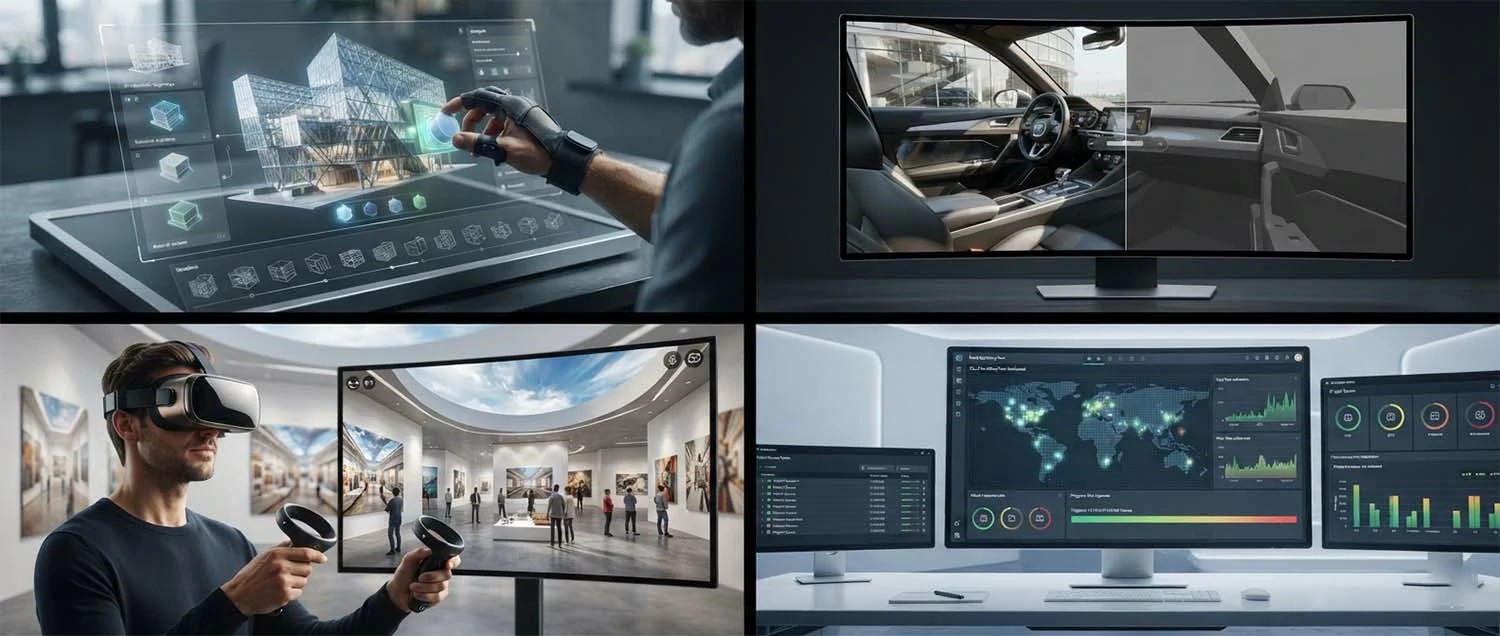
Virtual and augmented reality applications for architectural visualization are expanding. VR allows clients to experience designs at full scale before construction, providing spatial understanding that flat images cannot convey. AR overlays renderings onto real-world views for contextual visualization. These immersive technologies are becoming standard tools for top rendering firms.
Learning Resources and Skill Development
Developing the skills to create the best 3D renders requires ongoing education and practice. The rendering field combines artistic vision with technical knowledge, and both areas need continuous development. Fortunately, extensive learning resources are available for artists at every skill level.
Online learning platforms offer structured courses in architectural visualization. CGArchitect, Udemy, Pluralsight, and specialized rendering training sites provide courses covering specific software, techniques, and workflows. Many courses are taught by industry professionals with years of practical experience. Structured learning accelerates skill development compared to self-directed exploration.
Tutorial content on YouTube and Vimeo provides free access to rendering knowledge. Channels dedicated to architectural visualization publish regular content covering new techniques, software updates, and workflow improvements. Following multiple creators exposes artists to different approaches and perspectives. Tutorials are particularly valuable for solving specific problems encountered during production.
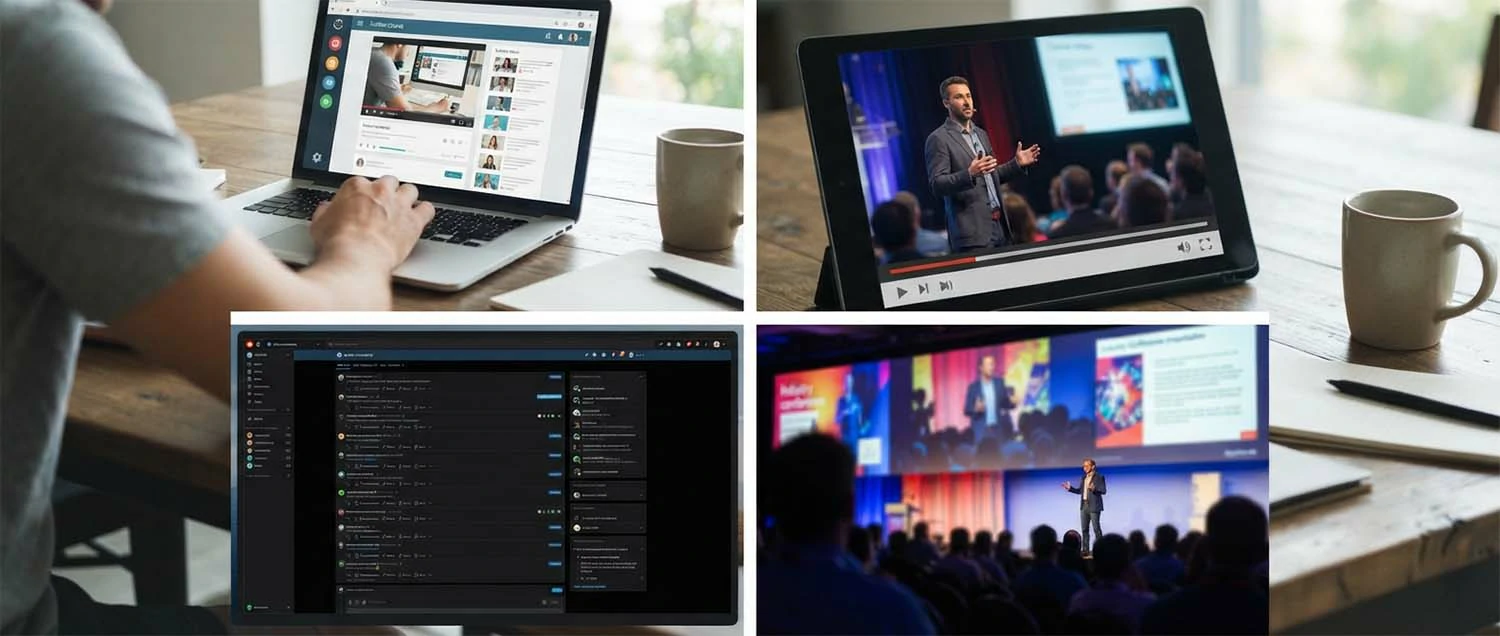
Community participation accelerates learning through peer feedback and knowledge sharing. Online forums, social media groups, and industry events connect rendering artists worldwide. Sharing work for critique helps identify improvement areas and exposes artists to different aesthetic sensibilities. Collaborative learning through community engagement is one of the most effective ways to improve rendering skills.
Client Collaboration for Best Results
The best 3D renders result from effective collaboration between rendering artists and their clients. Clear communication, well-defined expectations, and structured feedback processes ensure that final images meet or exceed client requirements. Successful collaboration requires effort from both parties throughout the project.
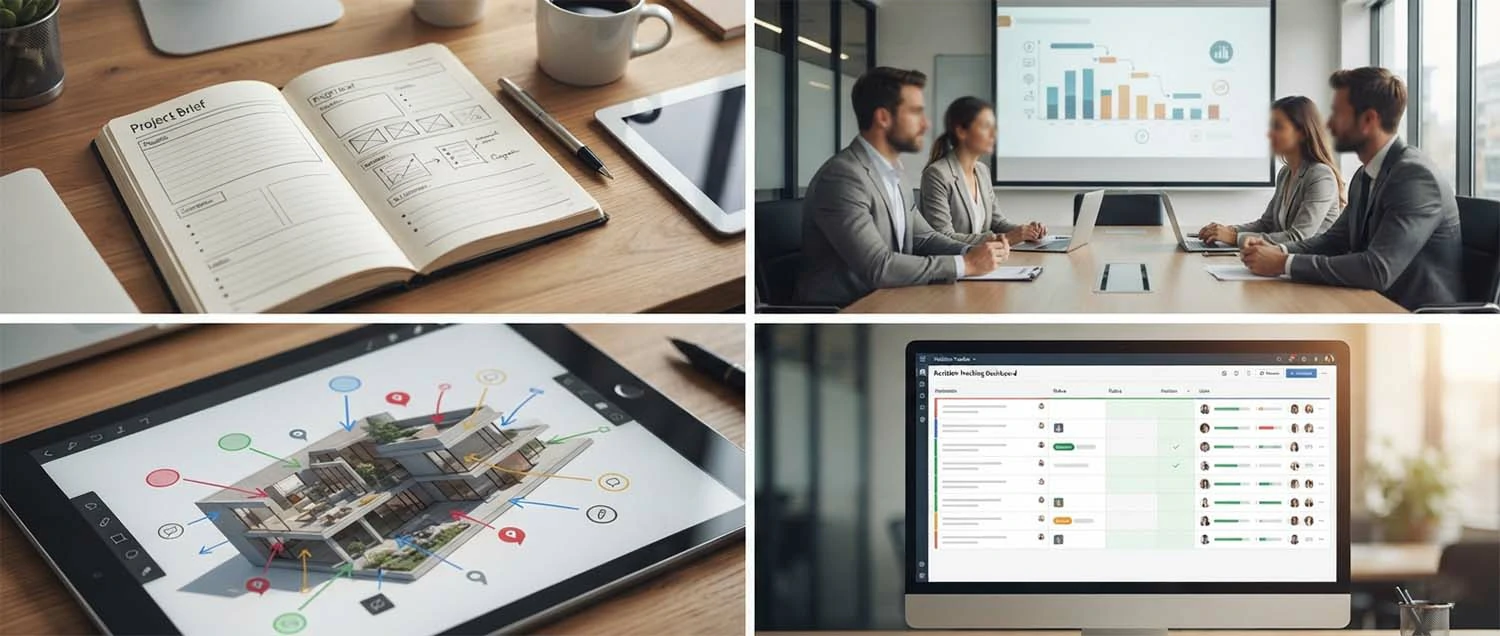
Comprehensive project briefs set the foundation for successful rendering projects. The brief should include design documentation, reference images, style preferences, intended use of the images, and technical specifications. Clients who invest time in creating thorough briefs receive more accurate initial renders and require fewer revision rounds. The brief serves as the shared reference point throughout the project.
Regular check-ins during production prevent surprises at delivery. Milestone reviews at key stages modeling complete, lighting approved, and final render review allow course correction before significant work is invested. Short feedback cycles with clear decision-making keep projects moving forward efficiently. Both parties benefit from establishing check-in schedules at project start.
Revision management practices protect project timelines and budgets. Clearly defining what constitutes a revision versus a scope change prevents misunderstandings. Prioritizing feedback into essential changes and nice-to-have adjustments helps artists focus on what matters most. Organized revision tracking ensures nothing is missed and provides a record of decisions for future reference.
Frequently Asked Questions
What software produces the best 3D renders? The best rendering software depends on project requirements and personal workflow preferences. 3ds Max with V-Ray is the industry standard for architectural visualization. Blender with Cycles offers comparable quality at no cost. Real-time engines like Unreal Engine and Twinmotion provide interactive capabilities. Each has strengths that make it the best choice for different applications.
How long does it take to create a high-quality 3D render? A professional-quality architectural render typically takes three to ten business days depending on complexity. Simple exterior renders with existing models may take two to three days. Complex interiors with custom furniture and detailed lighting can take one to two weeks. Animation projects take significantly longer due to the number of frames required.
What makes a 3D render look realistic? Photorealism depends on accurate lighting, high-quality materials, proper camera settings, and attention to detail. Physical-based rendering, global illumination, realistic texture maps, and subtle imperfections all contribute to realism. Post-production color grading and atmospheric effects add the final polish that makes renders indistinguishable from photographs.
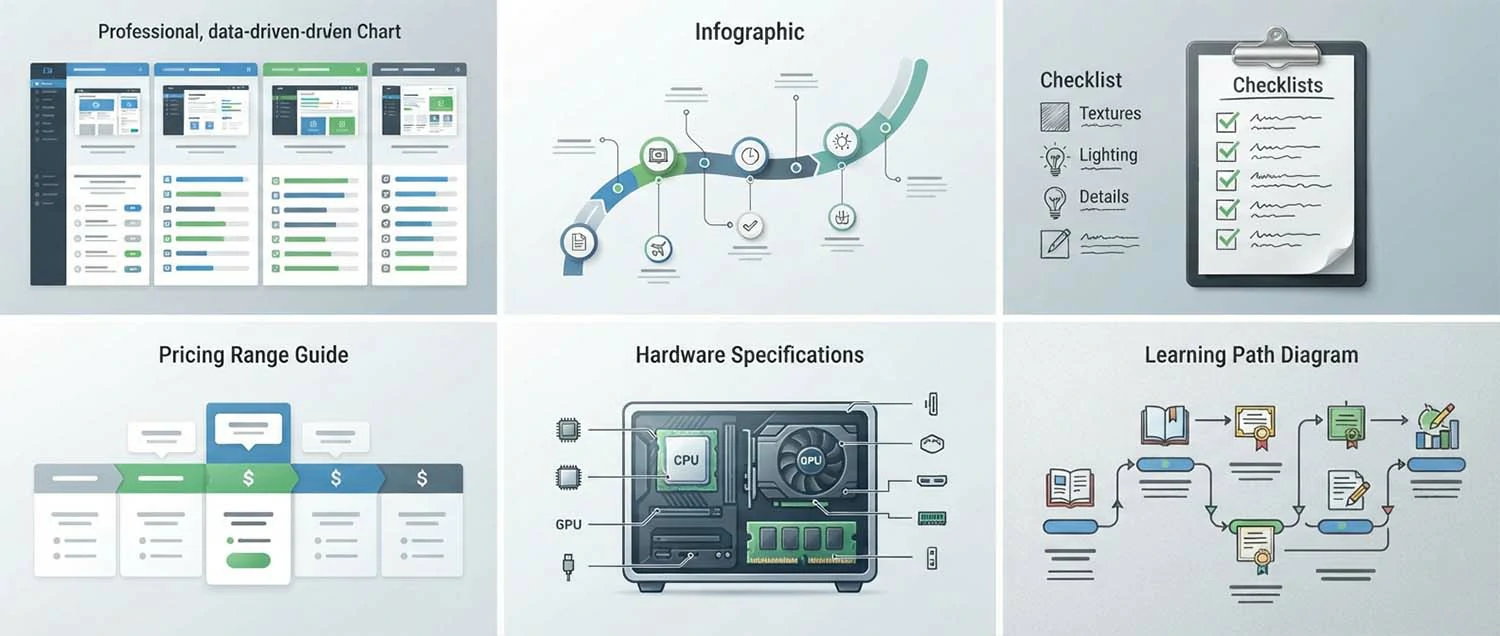
How much does a professional 3D render cost? Professional architectural renderings typically range from three hundred to three thousand dollars per image. Exterior renderings generally cost more than interiors. Factors affecting cost include scene complexity, custom modeling requirements, lighting complexity, and revision rounds. Package pricing for multiple images offers better per-image value.
What hardware do I need for 3D rendering? A professional rendering workstation should have a powerful multi-core CPU, a high-end GPU with dedicated ray tracing cores and ample VRAM, 64GB or more of system RAM, and fast NVMe storage. Cloud rendering services provide an alternative for artists who do not want to invest in expensive local hardware.
Can I learn 3D rendering on my own? Yes, many successful rendering artists are self-taught. Extensive learning resources are available online including structured courses, video tutorials, and community forums. Success requires dedication, practice, and willingness to learn from feedback. Starting with free software like Blender removes financial barriers to entry.
Sustainability and Green Building Rendering
Sustainability visualization is an emerging specialty within architectural rendering that focuses on communicating the environmental performance and green features of buildings. As sustainable design becomes a priority for homeowners, developers, and regulators, the ability to visualize green building features has become increasingly valuable. The best 3D renders in this category educate viewers about environmental performance while maintaining aesthetic appeal.
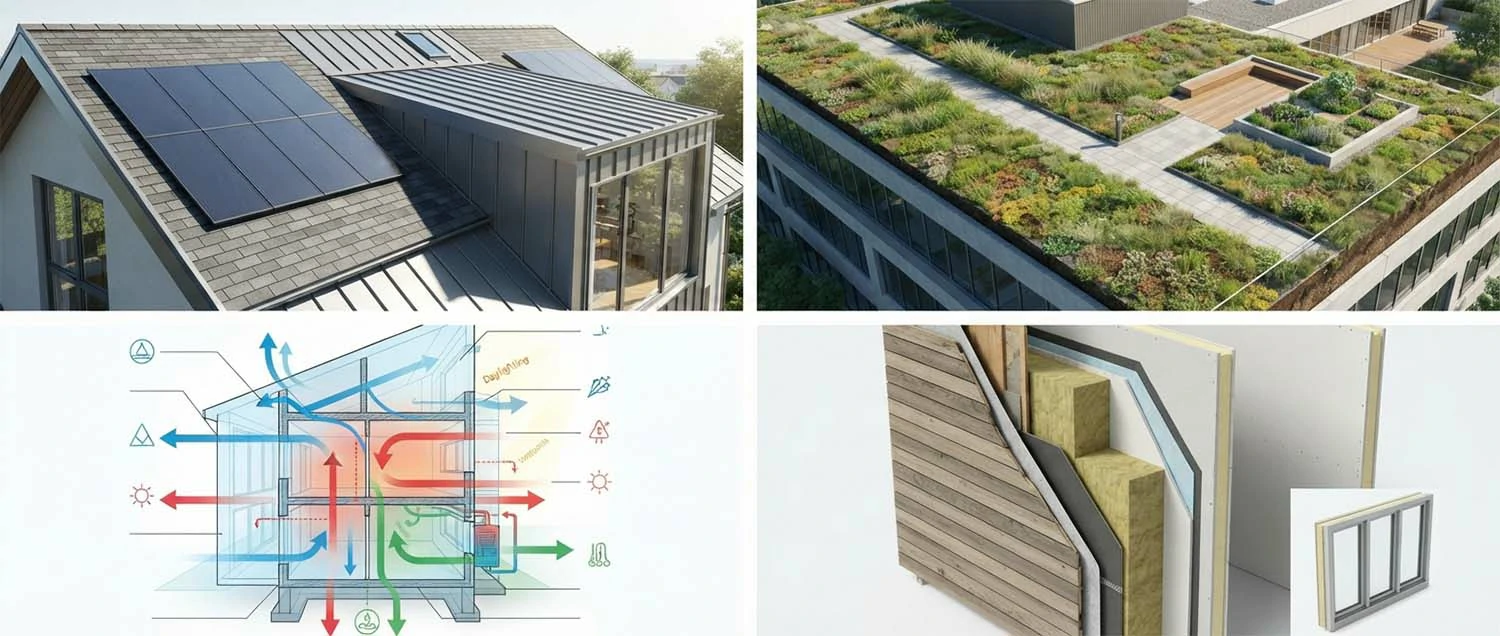
Energy performance visualization shows how buildings interact with their environment. Solar gain analysis through rendered shadow studies demonstrates how the building's orientation and shading devices affect heating and cooling loads. Glazing performance can be visualized by showing how different window specifications affect heat gain and natural light penetration. These technical renderings help architects and clients make informed sustainability decisions.
Green building features require specific rendering attention. Green roofs, living walls, solar panels, rainwater collection systems, and natural ventilation strategies all need clear visualization. These features are often the most interesting aspects of sustainable buildings and deserve prominent treatment in renderings. The best sustainability renders make green features visually appealing and help viewers understand their function.
Material transparency is another dimension of sustainability rendering. Reclaimed materials, locally sourced stone, sustainably harvested wood, and low-carbon concrete alternatives can be highlighted in renders. Callouts and cutaway views that reveal wall assemblies, insulation layers, and structural systems help communicate the building's environmental credentials. These educational elements add value beyond basic visualization.
Virtual Reality and Immersive Experiences
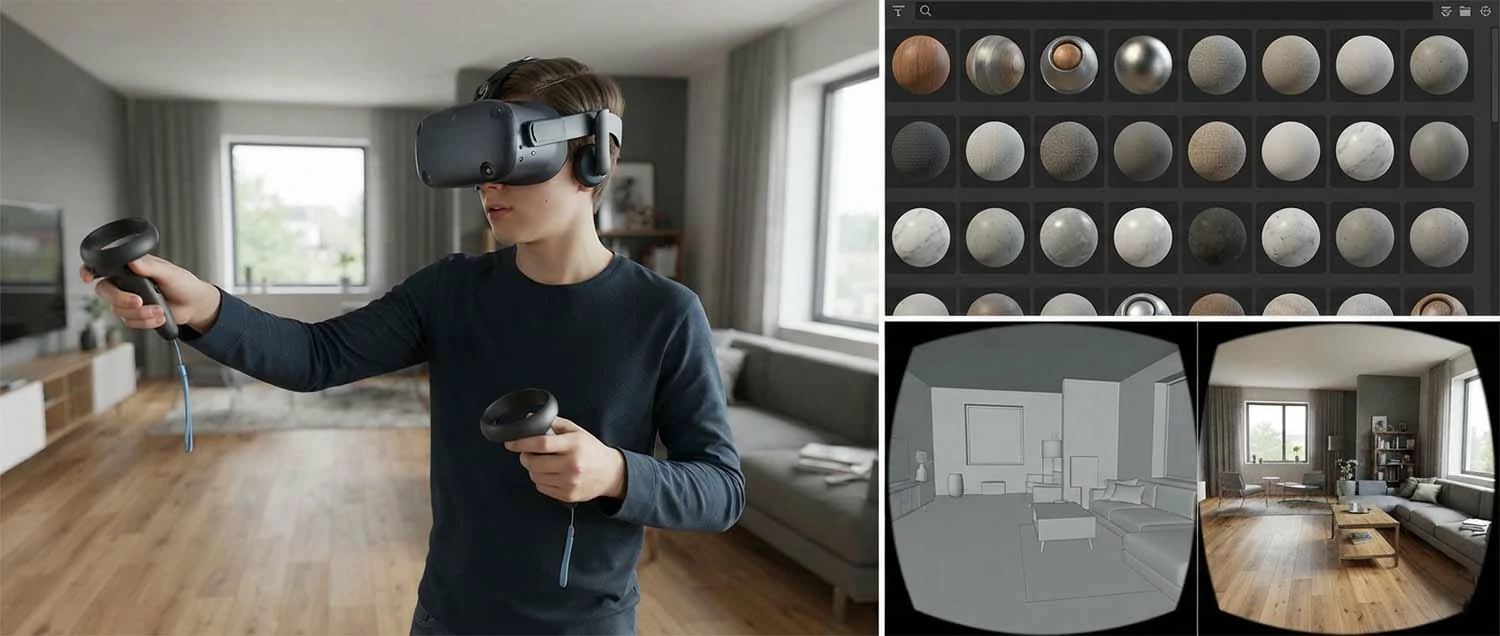
Virtual reality has transformed how the best 3D renders are experienced. Instead of viewing a static image on a screen, VR allows clients to step inside a fully realized 3D environment and experience spaces at full scale. This immersive capability provides a level of spatial understanding that no static image can match, making VR an increasingly important tool for architectural visualization.
VR rendering requires specific technical considerations that differ from traditional rendering. Maintaining consistent frame rates is critical for comfort in VR, typically requiring 90 frames per second or higher. This performance requirement demands optimized geometry, efficient materials, and careful balance between quality and performance. The best VR renderers achieve visual quality that rivals static renders while maintaining the performance needed for comfortable VR experiences.
Interactive elements in VR experiences add engagement beyond passive viewing. Users can open doors, change materials, turn lights on and off, and explore different design options interactively. These interactive capabilities make VR an effective design review tool, allowing clients to experience design decisions in real-time. The best VR renderings include thoughtful interactivity that enhances understanding without overwhelming users.
Hardware requirements for VR rendering include powerful GPUs with high VRAM capacity. Tethered headsets like the Meta Quest Pro and HTC Vive Pro provide the highest quality experience but require connection to a powerful computer. Standalone headsets offer convenience at the cost of some graphical fidelity. As VR hardware becomes more capable and affordable, VR rendering will continue to grow in importance for architectural visualization.
Pricing and Budgeting for Quality Renders
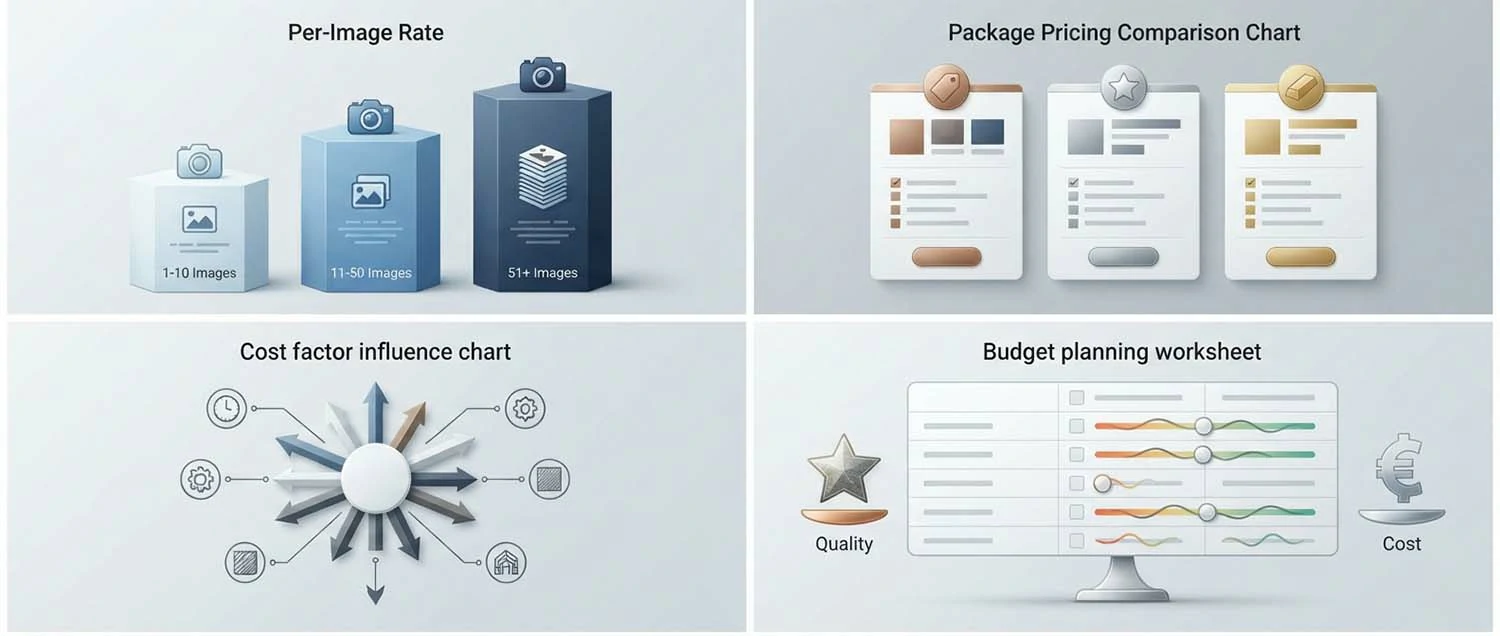
Understanding the cost of creating the best 3D renders helps clients budget realistically and helps rendering professionals price their services appropriately. Rendering pricing varies widely based on quality expectations, project complexity, and market factors. Transparent pricing discussions at the start of projects prevent misunderstandings and ensure alignment between expectations and budget.
For a full breakdown of what studios charge, see our dedicated guide to 3D rendering cost. Per-image pricing is the most common structure in architectural rendering. Simple exterior renderings with standard quality typically range from three hundred to eight hundred dollars. Mid-range professional work with detailed modeling and materials ranges from eight hundred to two thousand dollars. Premium marketing-quality renderings with extensive detail, custom assets, and complex lighting can cost two thousand to five thousand dollars or more per image.
Project-based pricing packages offer better value for clients needing multiple images. A typical package for a residential project might include exterior front and rear views, a kitchen rendering, a living room view, and a primary suite rendering at a reduced per-image rate compared to individual purchases. Animation projects are priced per second of finished content, with rates reflecting the substantial rendering time required.
Factors that increase rendering costs include custom furniture modeling, complex lighting setups with multiple scenarios, tight deadlines requiring expedited production, and extensive revision rounds. Providing complete design information including 3D models, material specifications, and clear reference images reduces preparation time and lowers costs. Investing in thorough preparation before commissioning renderings improves both quality and value.
Outsourcing vs In-House Rendering Teams
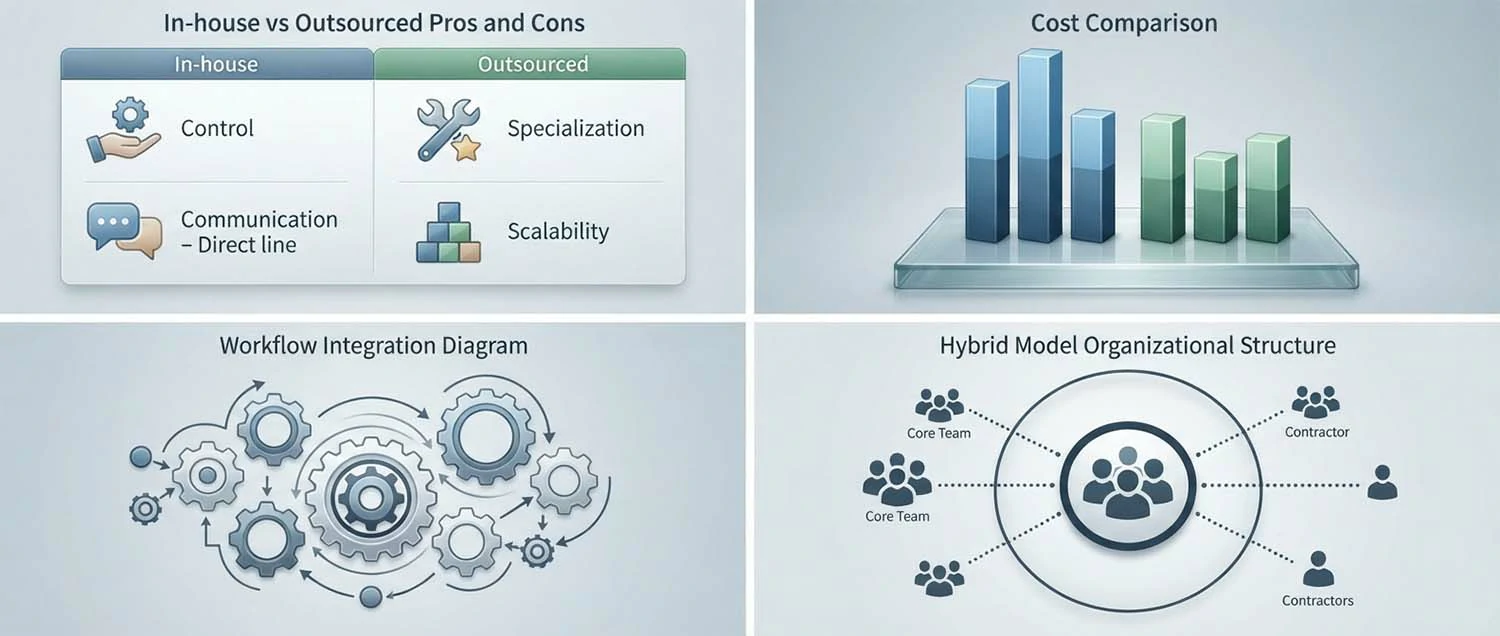
Architecture firms, builders, and design studios face the decision of building in-house rendering capabilities versus outsourcing to specialized rendering firms. Both approaches have advantages, and the best choice depends on project volume, quality requirements, budget, and business strategy. Understanding the trade-offs helps firms make informed decisions about their rendering resources.
In-house rendering teams offer control and integration advantages. Artists who work within the firm understand the design philosophy, project history, and client preferences. Close collaboration with architects and designers throughout the project enables rapid iteration and design exploration. In-house teams can respond quickly to changes without scope discussions or additional fees. For firms with consistent rendering volume, an in-house team can be cost-effective.
Outsourced rendering firms provide access to specialized expertise and scalability. Many firms choose to outsource 3D rendering to specialists. Rendering studios work across diverse projects and stay current with the latest techniques and technologies. They can scale capacity up or down based on project needs without the fixed costs of permanent staff. Outsourced firms often produce higher quality work because their focus is exclusively on visualization. For firms with variable rendering needs, outsourcing provides flexibility.
Hybrid approaches combine in-house coordination with outsourced production. Many successful firms maintain a small in-house visualization team for quick studies, client presentations, and design development, while outsourcing marketing-quality renderings and large projects to specialized firms. This balanced approach provides the benefits of both models and is increasingly popular in the architecture industry.
Specialized Rendering Niches and Markets
The rendering industry includes specialized niches that require unique skills and knowledge beyond general architectural visualization. Artists who develop expertise in specific markets can command premium rates and build reputations as go-to specialists. Understanding these niches helps rendering professionals position themselves effectively and helps clients find the right expertise for their projects.
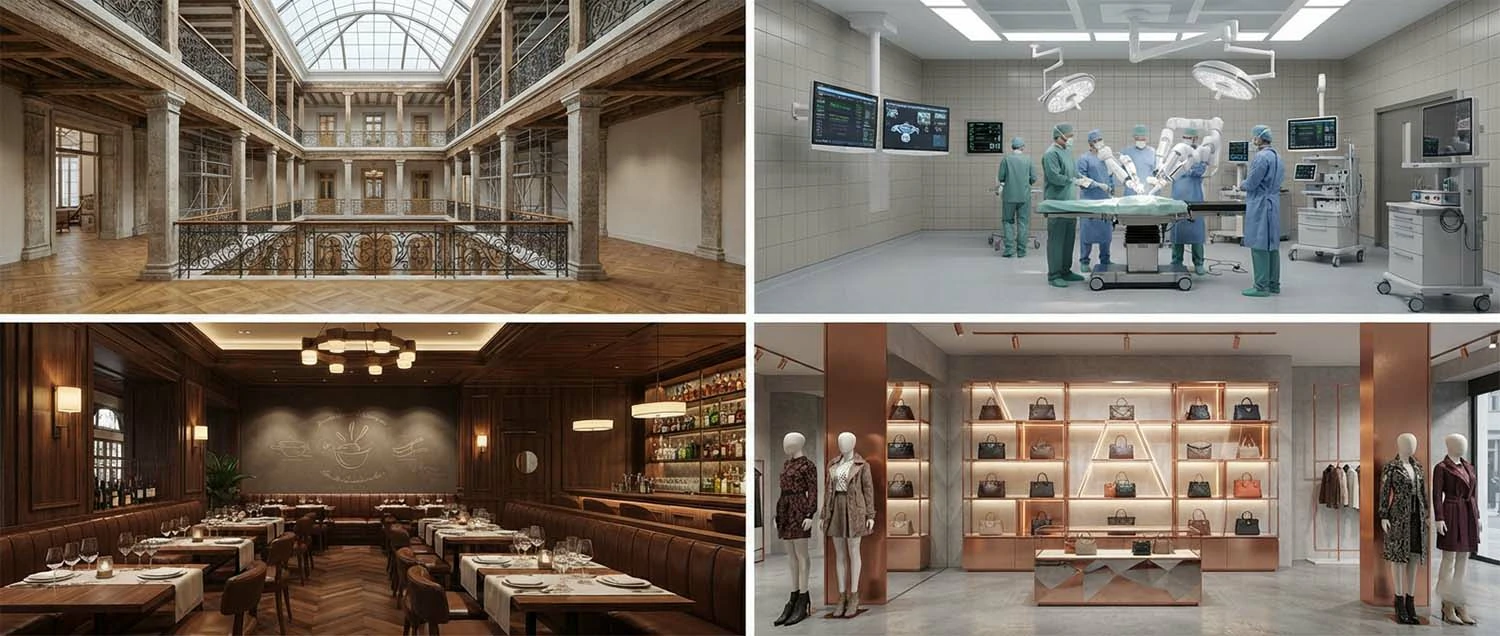
Heritage and historical visualization is a specialized niche requiring understanding of historical architectural styles, period-appropriate materials, and authentic reconstruction techniques. Heritage renderings are used for restoration projects, museum exhibits, and historical research. Artists in this niche research historical records, study period photographs, and understand traditional construction methods to create accurate historical visualizations.
Healthcare and laboratory rendering requires understanding of specialized environments with unique functional requirements. Operating rooms, patient rooms, research laboratories, and medical imaging suites have specific spatial, lighting, and equipment needs. Renderers in this niche must understand infection control requirements, equipment clearances, and workflow patterns that differ from standard architectural visualization.
Retail and hospitality rendering focuses on brand experience and customer journey. These renderings must capture the atmosphere, lighting, and material quality that define a brand's identity. Restaurant renders need to show ambiance and table settings. Retail renders must display merchandise effectively while maintaining the brand aesthetic. Hotel renders communicate luxury, comfort, and guest experience through careful attention to every visual detail.
Achieving the Best 3D Renders
Creating the best 3D renders is a pursuit that combines technical mastery with artistic vision. The most accomplished rendering artists never stop learning, experimenting, and refining their craft. They understand that each project presents opportunities to push boundaries and achieve new levels of quality.
The foundation of great rendering is understanding the fundamentals of light, materials, composition, and camera work. Building on this foundation with powerful software tools, efficient workflows, and rigorous quality control produces consistently outstanding results. Collaboration with clients and peers brings fresh perspectives that elevate work beyond what any individual can achieve alone.
As technology continues to advance, the possibilities for architectural visualization will expand. Artists who embrace new tools while maintaining commitment to artistic excellence will continue producing the best 3D renders that inspire, inform, and transform how we see architecture.