The footage that hides your edits, carries your story, and rescues an interview—how to plan it, shoot it, and cut it.
The quick answer
B-roll is the supporting footage that plays over your main content — the shots of hands working, the wide of the building, the product on the bench — while the interview or narration continues underneath. It exists to do three jobs at once: it hides edits in a talking-head recording, it shows what the speaker describes instead of asking viewers to imagine it, and it gives the eye somewhere to go so a long piece stays watchable.
The mistakes are predictable. Not shooting enough is the biggest — editors want roughly two to three times more b-roll than they will use, because the piece that matches a specific sentence is rarely the piece you thought to capture. After that: shooting everything from one distance so cutting between shots feels flat, holding shots too briefly to be usable, and grabbing generic footage that could belong to any company rather than shots that specifically illustrate what is being said. Plan it from the script, capture wide, medium, and close of everything, hold each shot far longer than feels necessary, and it becomes the layer that makes a video feel produced rather than recorded.
What this guide covers
Table of contents
- The quick answer
- What this guide covers
- What b-roll actually is
- The three jobs b-roll does
- Planning b-roll from the script
- How much b-roll you actually need
- Building proper coverage
- Shooting b-roll well
- Movement and stability
- Avoiding generic footage
- Cutting b-roll into the edit
- Sound under b-roll
- Mistakes to avoid
- How to start
- Frequently asked questions
- How we can help with your video
- Bringing it all together
- Helpful official resources
What b-roll actually is
The term comes from an older physical practice. Editors worked with two reels: the A-roll carried the primary material, usually the person speaking, and the B-roll carried supplementary footage that could be laid over it. The names stuck long after the reels disappeared, and they still describe the working distinction usefully — a-roll is what the piece is built on, b-roll is everything cut over the top of it.
In practice b-roll is the shot of the workshop while someone describes their process, the product turning on a bench while a customer explains why they bought it, the exterior of the building at the start of a corporate film. The audio continues underneath, unbroken, while the picture cuts away to something that supports what is being said. The viewer keeps listening and stops staring at a face.
It is worth separating b-roll from two neighbouring ideas. Cutaways are usually a subset — shots away from the main subject, often used specifically to bridge an edit. Establishing shots set a location and typically open a sequence rather than covering a cut. And stock footage is not b-roll in any useful sense, since the whole value of b-roll is that it belongs to this subject and this story. A generic shot of an anonymous office does not support what your interviewee is saying; it merely occupies the screen.
A-roll
The spine
Interview, narration, presenter.
B-roll
Cut over the top
Audio continues underneath.
Not the same
Stock footage
Occupies screen, supports nothing.
The three jobs b-roll does
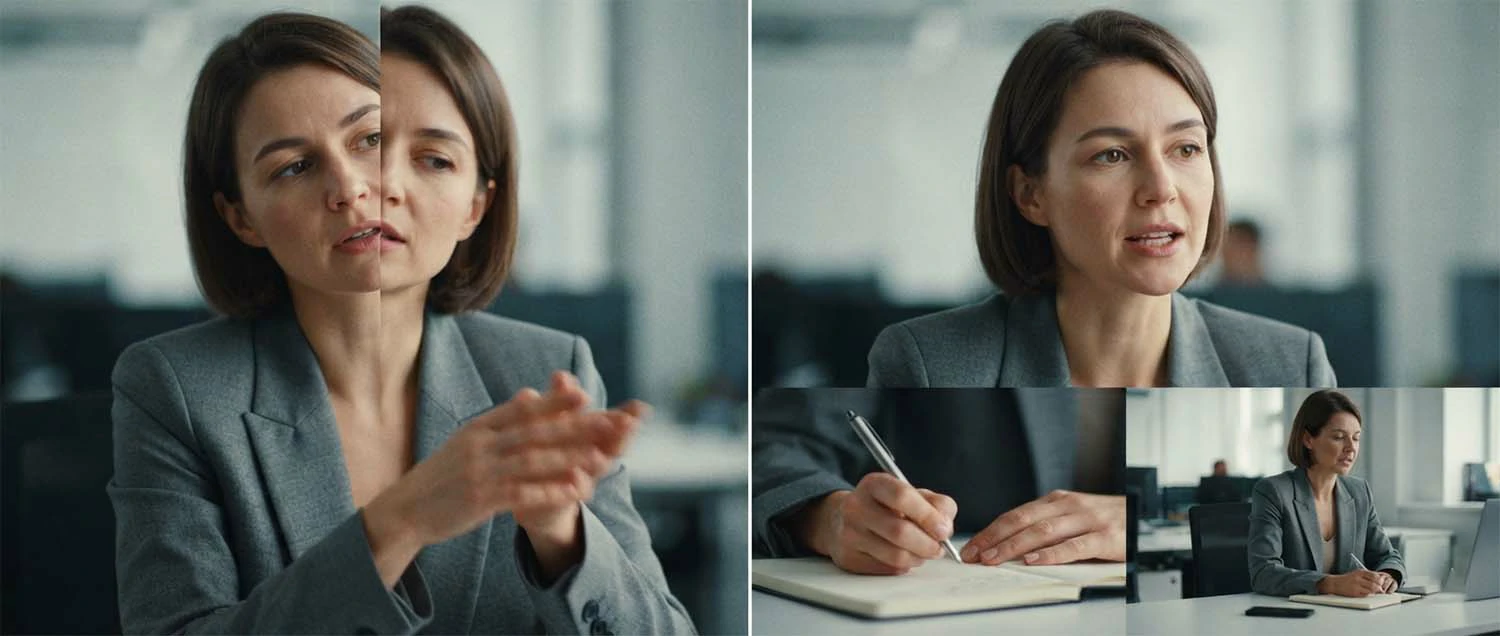
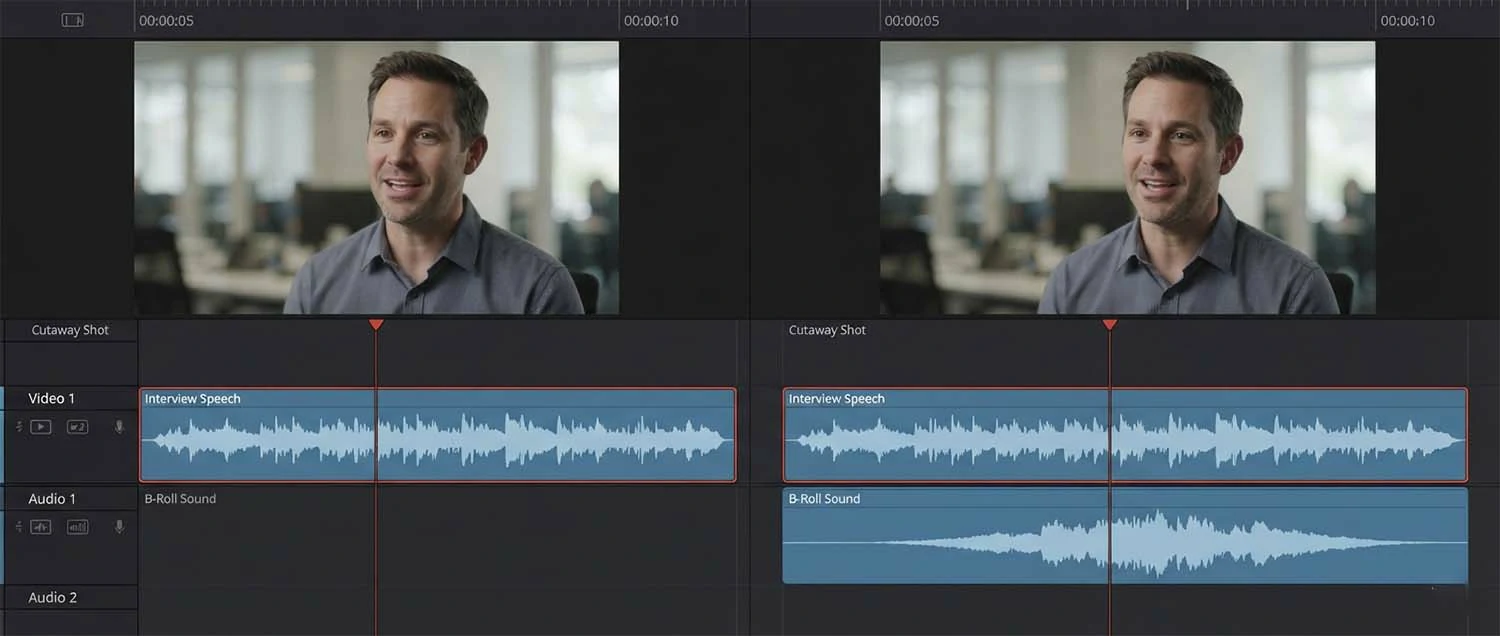
The first job is hiding edits, and it is the one that makes b-roll structurally necessary rather than merely nice. Interviews are always cut — removing hesitations, tightening a rambling answer, joining two separate points into one statement. Cut a talking head directly and the subject jumps position between frames, which viewers read instantly as a jump cut. Lay b-roll over the join and the picture is continuous while the audio changes underneath, so the edit becomes invisible. This is why a fifteen-minute interview can be cut to ninety clean seconds.
The second is showing what is described. When someone explains that their team hand-finishes every piece, you can leave the viewer imagining it or you can show hands doing exactly that. Showing is more persuasive and more memorable, and it converts an assertion into something the viewer has effectively witnessed. This is the job that separates b-roll that adds value from b-roll that merely fills time, and it is the reason planning must start from what the speaker will actually say.
The third is holding attention. A static face talking for three minutes exhausts most viewers regardless of content quality, because nothing in the picture changes and the eye has nowhere to go. Varying the image sustains engagement even when the audio does the real work. On social and short-form especially, where attention is contested every second, unbroken talking heads lose viewers early.
The three jobs sometimes conflict, and knowing the hierarchy helps. A shot that hides an edit but shows something irrelevant is worse than a slightly rough cut, because it confuses the viewer about what they are watching. The order to prioritise is relevance first, then edit coverage, then visual variety — b-roll that supports the words will usually do the other two jobs incidentally, while b-roll chosen purely for variety often does none of them.
Job one
Hides edits
Jump cuts disappear.
Job two
Shows the claim
Witnessed beats imagined.
Job three
Holds attention
The eye needs somewhere to go.
Planning b-roll from the script
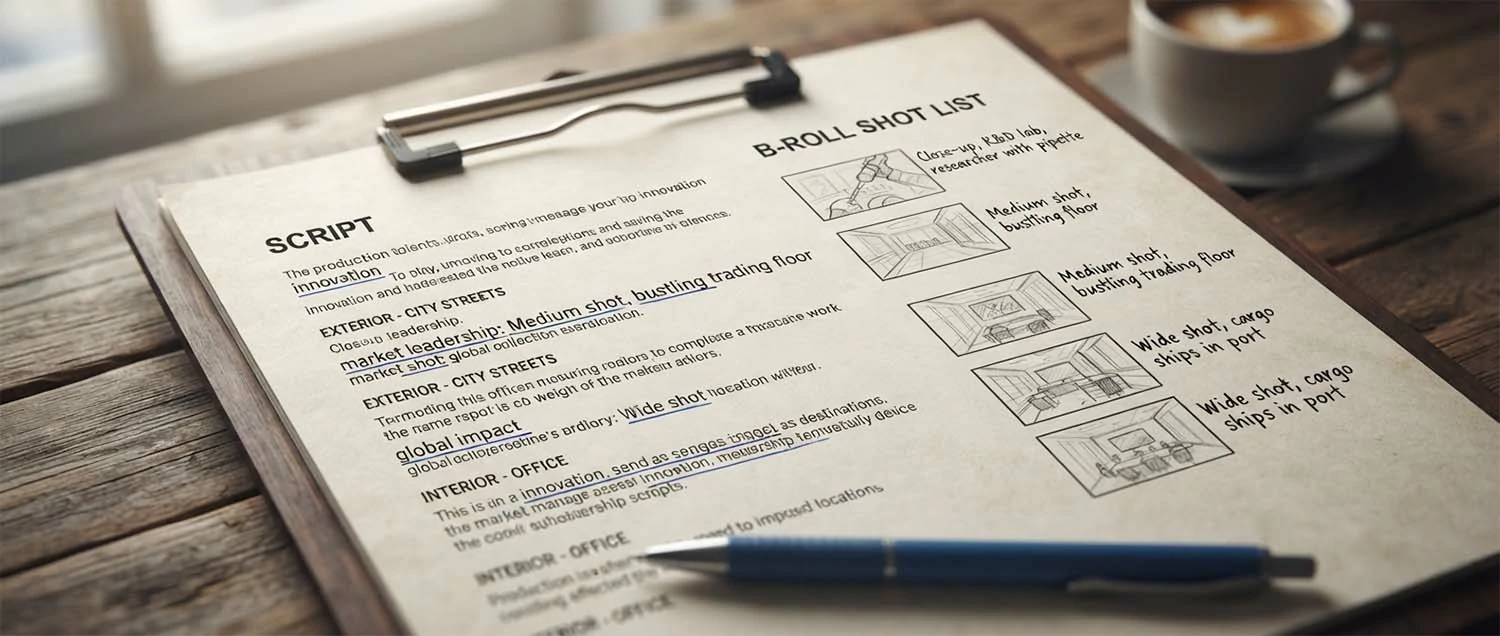
The reliable method is to derive the shot list from the words rather than from a general sense of what looks good. Take the script or the interview questions, read through, and every time a specific thing is named — a process, a place, a product, a person doing something — write down the shot that would show it. This produces a list tied to what will actually be said, which is exactly the b-roll that turns out to be useful in the edit.
With unscripted interviews you cannot know the exact words in advance, but you can predict the territory. If you are asking someone about their manufacturing process, they will describe stages of it; if you are asking a customer why they chose a supplier, they will mention responsiveness or quality or people. Anticipate the likely subjects and plan shots for each. Interviewing before shooting b-roll is even better, since you then know precisely what was said and can capture shots to match rather than guessing.
Add the structural shots the script will not mention. An establishing exterior for the opening. A wide of the space so viewers understand where they are. Details that give texture — a tool, a sign, a hand on a machine. Something for the closing. These recur across almost every corporate and brand piece, and having them on a standing list means they never get forgotten on a busy shoot day.
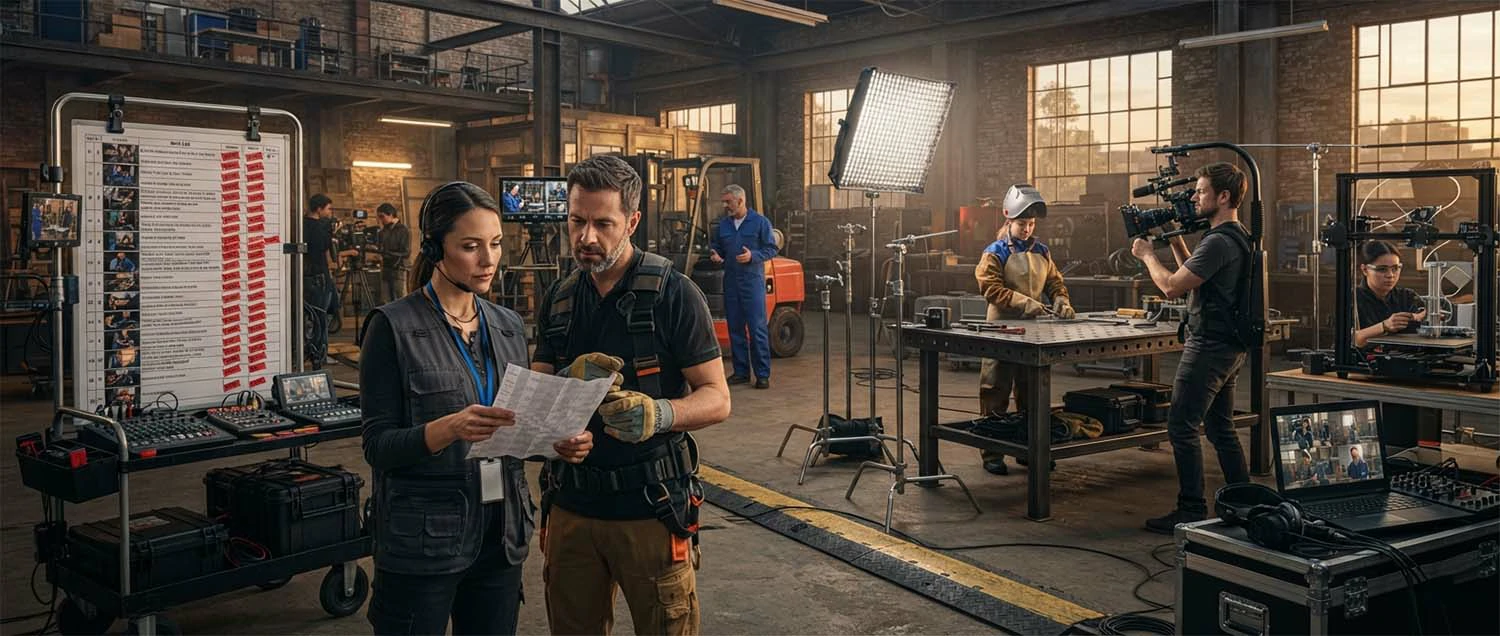
Write it as an actual list you can work through and tick off, not a mental intention. Shoot days compress, someone is waiting, and the b-roll is usually last — which is precisely when a written list saves you. Group it by location so you shoot everything in one area before moving, and keep it alongside the rest of the production paperwork covered in the video production planning guide.
How much b-roll you actually need
Almost everyone shoots too little, and the reason is a miscalculation about how b-roll gets used. It feels like you need enough to cover the moments you plan to cover. In practice an editor needs enough to cover moments nobody anticipated, in shots that match specific sentences, at lengths that suit the pacing they end up choosing. A rough working ratio is two to three times more b-roll than the finished piece will use.
Duration per shot is where the second miscalculation happens. Ten seconds feels like a long time behind the camera and is frequently too short in the edit, because the editor needs a stable portion without the wobble at the start, the drift at the end, or the moment someone walked through frame. Holding each shot for twenty to thirty seconds — genuinely uncomfortable while filming — gives a usable middle section and options for pacing. The cost is card space, which is nothing.
Quantity matters most where the interview is long. A five-minute talking-head piece with three b-roll shots will feel repetitive by the second minute, because the same footage keeps returning. Coverage should scale with running time, and if the schedule cannot support that, the honest conversation is about shortening the piece rather than stretching thin material across it.
The one caveat is that more is only better when it is varied. Forty shots from the same position at the same focal length are one shot repeated forty times, and give an editor nothing to cut between. Quantity without variety is wasted card space, which is why coverage — the subject of the next section — matters more than raw volume.
Volume
Two to three times
More than the cut will use.
Duration
20 to 30 seconds
Uncomfortably long is correct.
Caveat
Variety first
Forty identical shots are one shot.
Building proper coverage
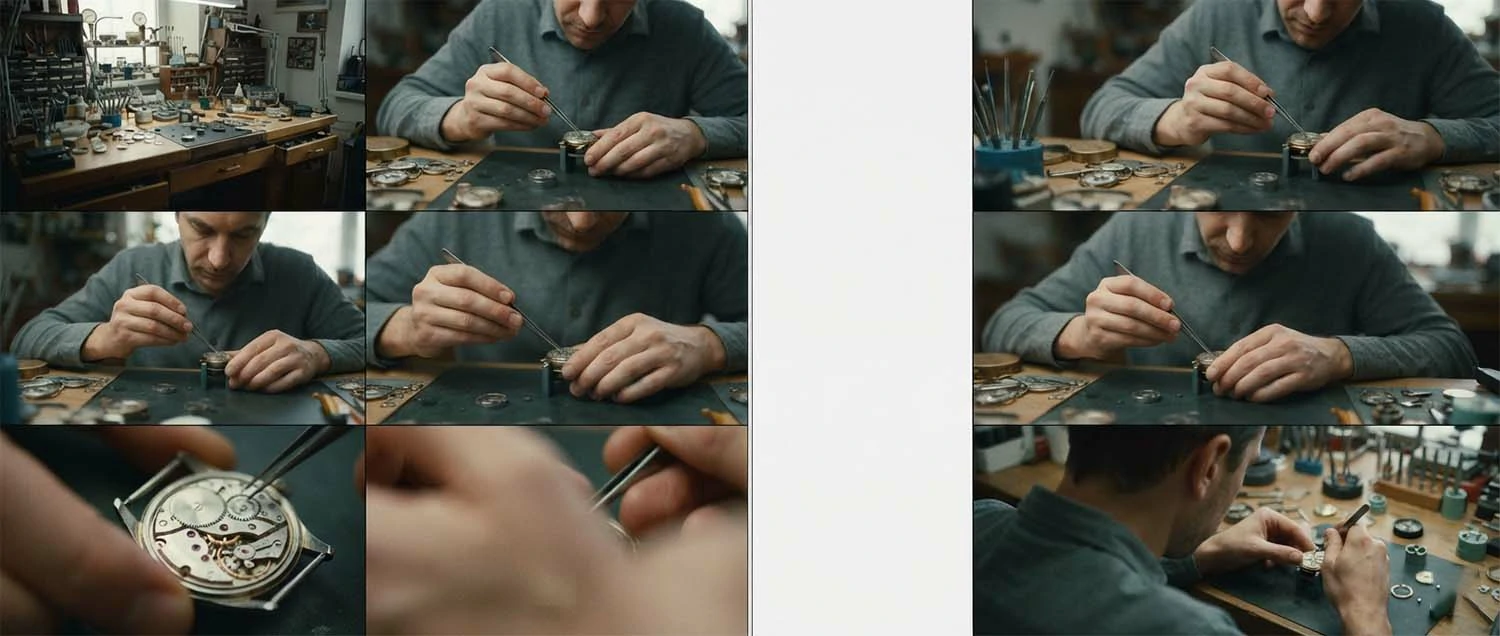
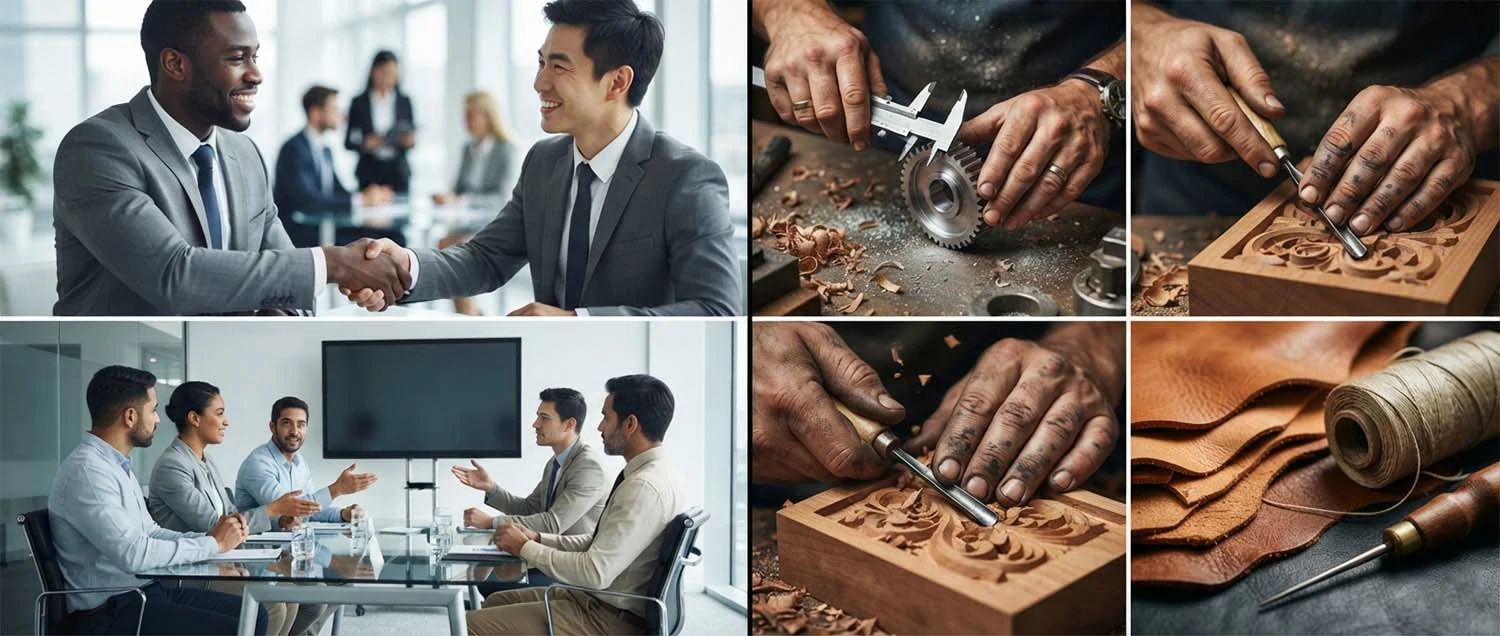
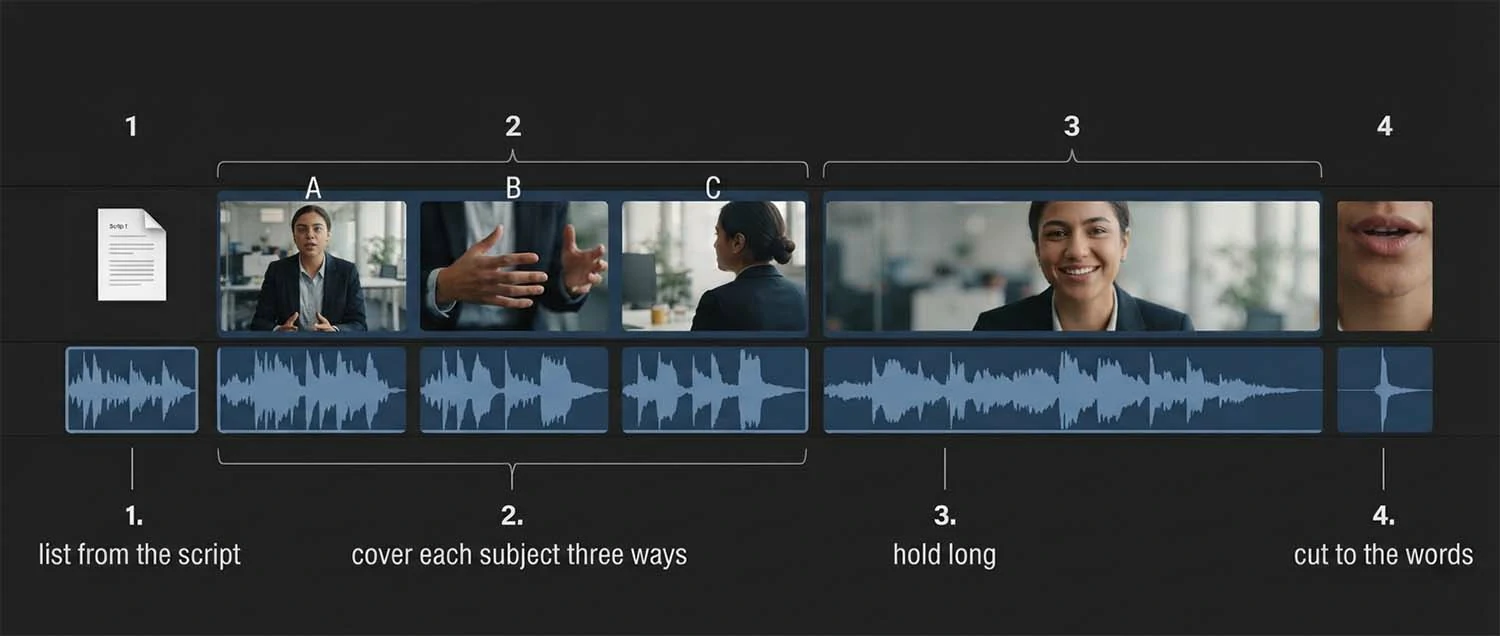
Coverage means capturing the same subject several ways so the editor can cut between them. The standard set is wide, medium, and close. The wide establishes context and shows where things are in relation to each other. The medium is the working shot, close enough to see what is happening and wide enough to keep it in a setting. The close isolates the detail — hands, a tool, a component — and is usually the most useful of the three, because it is specific and it cuts against anything.
The reason this matters is that two shots at similar size and angle cannot be cut together. Place them back to back and the picture appears to twitch rather than change, because the difference is too small to read as a new shot. Editors need genuine contrast between adjacent shots, so a set covering one action at three distinct sizes is far more valuable than three medium shots of three different things.
Vary angle as well as distance. Shooting everything from standing eye level at the same focal length produces footage that all looks the same regardless of subject. Move around the thing you are filming: from the other side, from lower down, from above, past something in the foreground. Changing your position is free and it multiplies what the same subject yields, which matters when time on location is short.
A quick discipline for the shoot day: for every subject worth filming, capture wide, medium, and close before moving on, and make at least one of them from a different position than the obvious one. It takes perhaps ninety seconds per subject and it means every subject arrives in the edit as a cuttable set rather than a single orphaned shot that can only be used once.
Wide
Context
Where things sit.
Medium
The action
What is happening, in place.
Close
The detail
Most useful, cuts against anything.
Shooting b-roll well
Prefer real activity to arranged activity. Someone actually working looks different from someone performing work for a camera, and the difference reads clearly even to viewers who could not name it — hands move with intent rather than self-consciousness. Where you must direct, give people a genuine task and let them do it repeatedly rather than asking them to mime, and film the third or fourth repetition once the camera has stopped being interesting.
Let action complete within the shot. A clip that starts mid-gesture and ends mid-gesture is hard to cut cleanly, because there is no natural in or out point. Start rolling before the action begins and keep rolling after it ends, so the shot contains a whole beat with handles either side. This is the same instinct as holding shots long, applied to timing rather than duration.
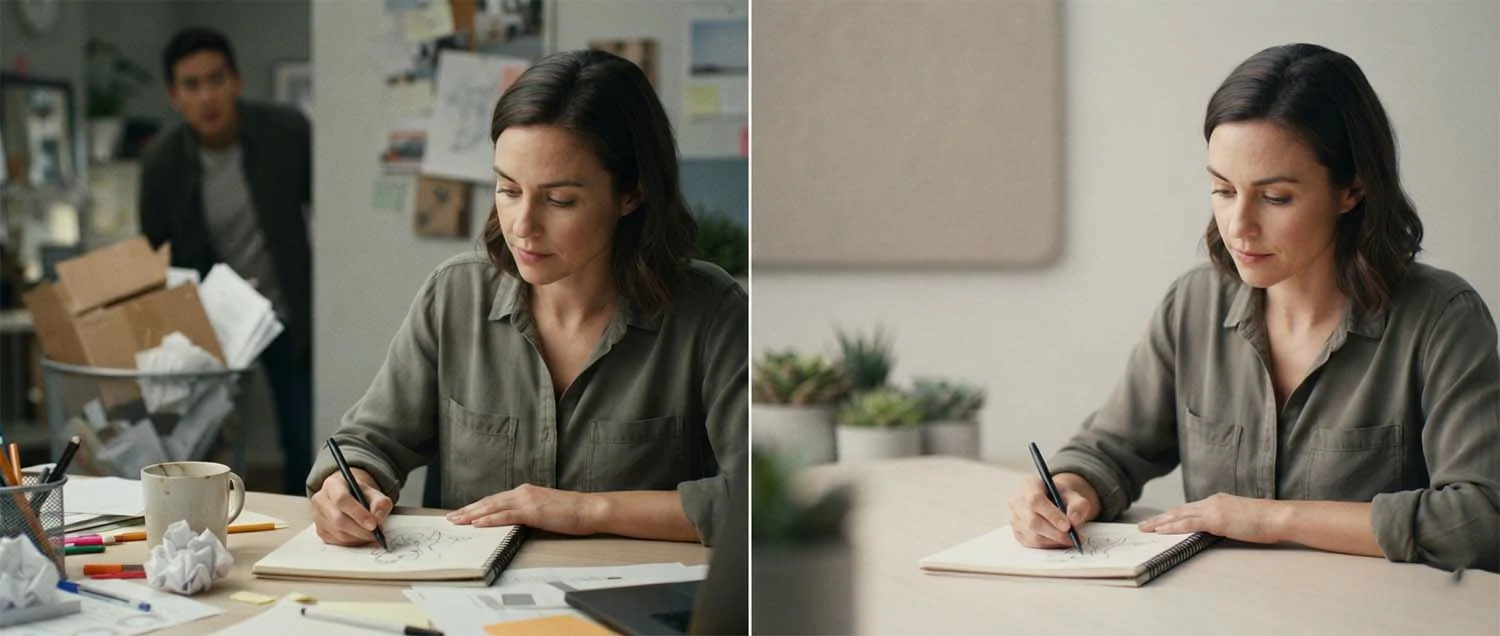
Watch what is behind the subject, since backgrounds are where amateur b-roll gives itself away. A cluttered desk, a bin, a sign with the wrong branding, someone staring at the camera from across the room — all of these are invisible while you are concentrating on the subject and glaring in the edit. Taking five seconds to check the frame edges before rolling prevents footage that is otherwise good being unusable.
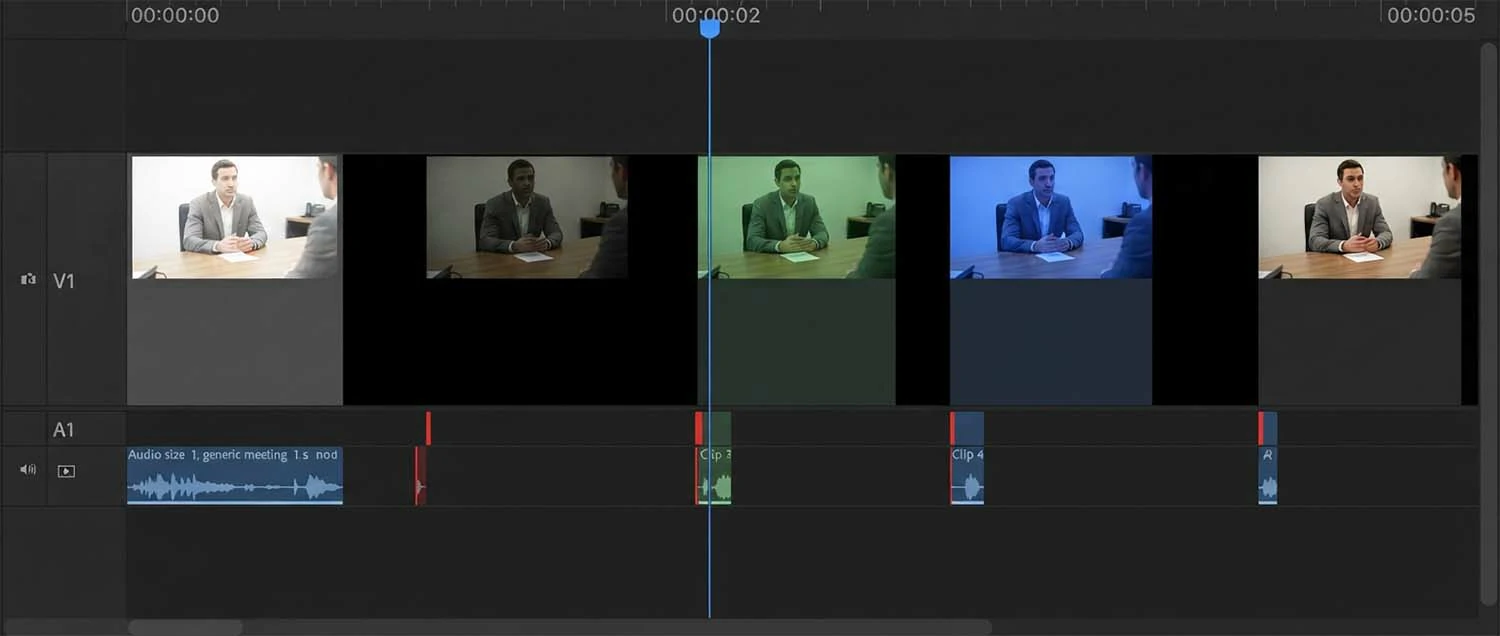
Keep exposure and white balance consistent across the shoot, because b-roll is cut against interview footage and against other b-roll, and shots that jump in brightness or colour temperature draw attention to the edit rather than hiding it. Consistency at the shoot is far cheaper than matching in the grade, though a colour pass can reconcile a good deal — the ground covered in the colour grading guide.
Movement and stability
Camera movement adds production value when it is motivated and subtracts it when it is decoration. A slow push toward a subject draws attention inward; a drift across a scene reveals something. Movement applied to every shot because movement looks professional produces footage that feels restless, and a sequence where nothing ever sits still is tiring to watch. Static shots are legitimate and often stronger, particularly for detail work.
When you do move, move slowly and start rolling before the move begins. A slow move gives the editor the option of using a short portion at a comfortable speed, whereas a fast one is committed. Capture handles — a few seconds static at each end — so the shot can be cut at rest rather than mid-motion, which is far easier to place. And keep moves simple: a single push or a single drift, not a push while panning while tilting.
Stability is non-negotiable in a way it was not a decade ago, because audiences now watch a great deal of very stable footage and unstable material reads as amateur rather than energetic. A tripod for static shots, a gimbal or slider for moves, or at minimum a braced grip and a wider focal length, which hides shake far better than a long lens. Handheld can be a deliberate texture, but it has to look chosen rather than uncontrolled.
Shoot the same subject both static and moving where time allows. Editors frequently want one and not the other, and which one depends on pacing decisions that are not made until the cut. Having both costs an extra thirty seconds on location and removes a common source of the shot that nearly works.
Avoiding generic footage
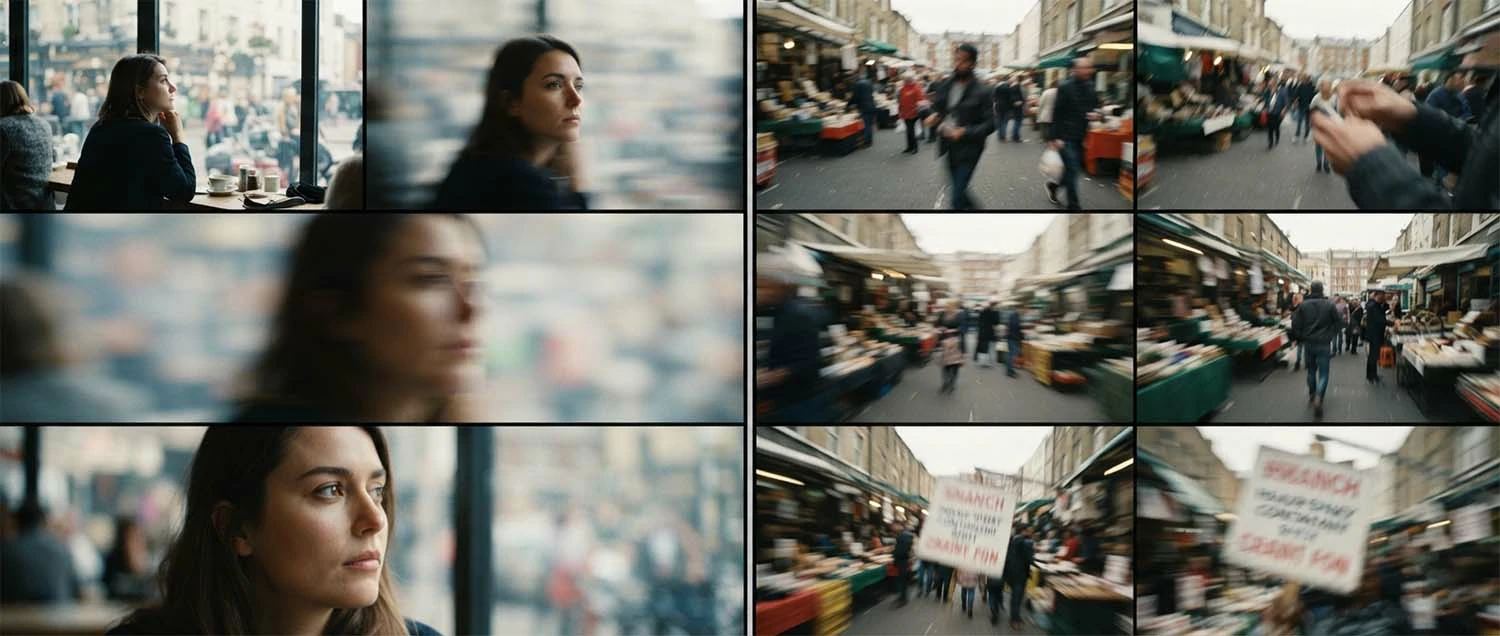
There is a recognisable genre of corporate b-roll that communicates nothing: the anonymous handshake, the meeting where nobody is looking at anything, the laptop being typed on with no visible screen, the group nodding at a whiteboard. These shots appear in thousands of videos because they are easy to arrange, and they read as filler precisely because a viewer has seen them in thousands of videos. They occupy screen time without adding information.
The test worth applying is whether the shot could belong to any other organisation. If it could, it is not doing much. A generic meeting shot fits any company; a shot of your specific product being assembled on your specific bench by a person who actually works there fits only you. Specificity is what makes b-roll persuasive, and it is usually available — it just requires filming what genuinely happens rather than staging what business looks like.
Detail shots are the most reliable route to specificity, which is another reason they are the most valuable category. A worn tool, a hand-written note on a whiteboard, the texture of a material, a machine's control panel — these carry a sense of a real place doing real work in a way that wide shots of people in a room never manage. They also cut easily and reframe well for vertical, which makes them doubly useful.
Where a shot must be staged, keep it plausible. People genuinely working on something real, filmed after they have forgotten the camera, look natural; people arranged in a semicircle pretending to discuss a blank document do not. And if you must use stock footage to fill a genuine gap, choose material that could plausibly be your environment rather than something obviously shot elsewhere, and use it sparingly — viewers recognise stock more often than producers assume.
Cutting b-roll into the edit
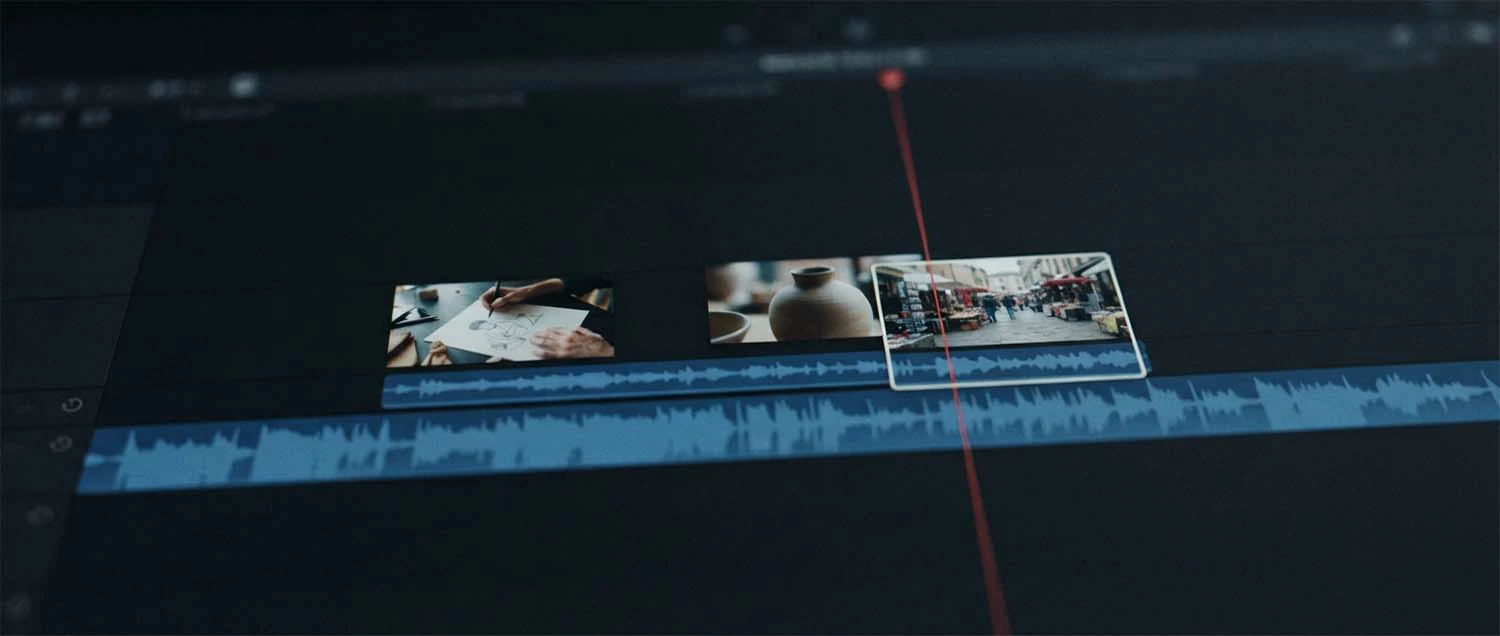
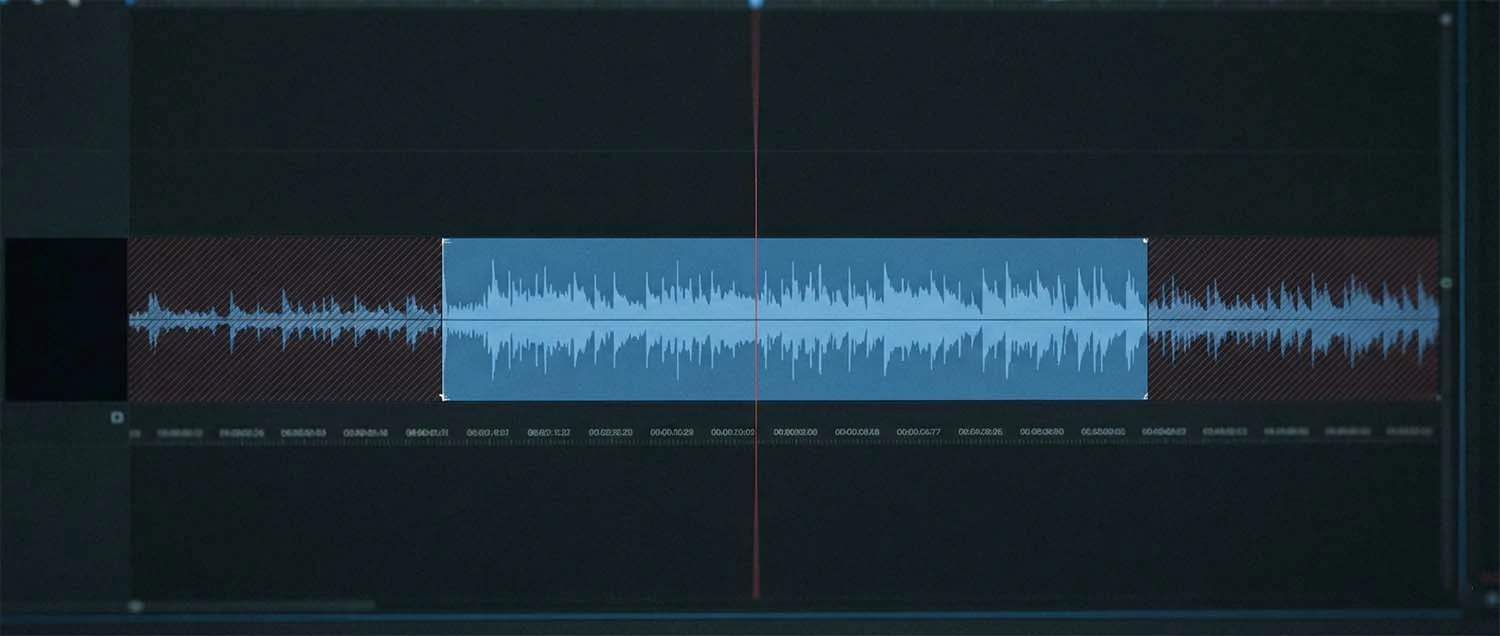
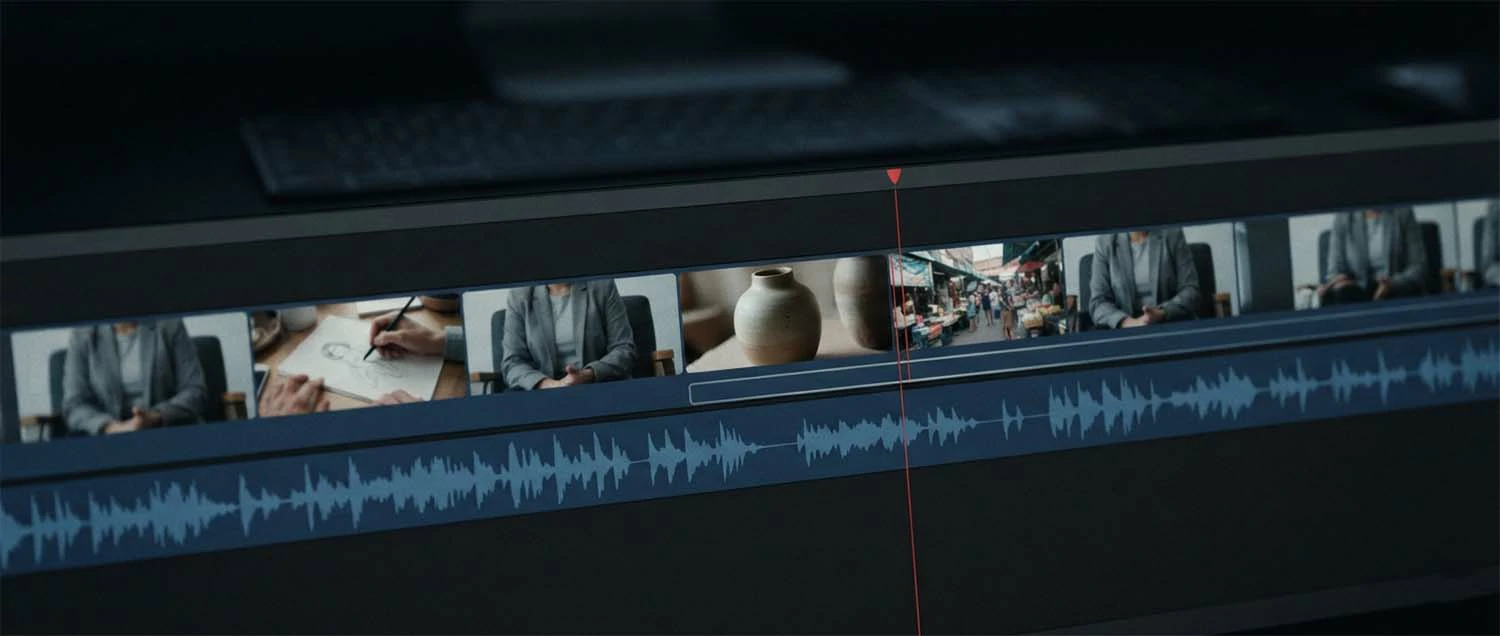
Build the audio spine first. Cut the interview or narration until it says what it needs to say at the length it needs to run, ignoring picture entirely, and only then lay b-roll over the top. Trying to construct both simultaneously means every change to the words disturbs the picture, which multiplies the work. A locked audio edit is the foundation everything else sits on.
Then place shots where they match the words, not where the timeline looks empty. If someone mentions the workshop, that is where the workshop shot goes. This sounds obvious and is routinely violated, usually by editors covering jump cuts with whatever is nearest to hand. Mismatched b-roll is genuinely confusing — a viewer hearing about a product while looking at a car park has to work out whether the two are connected, and that effort costs more than the jump cut would have.
Cut in slightly before the relevant phrase rather than exactly on it. Arriving a beat early lets the viewer register the new image and then hear it explained, which feels composed; arriving exactly on the word feels mechanical, and arriving after feels like an afterthought. Similarly, hold shots long enough to read — usually at least two or three seconds — since a flurry of very short clips reads as frantic unless the pacing is deliberately fast.
Return to the speaker periodically rather than covering everything. Long unbroken stretches of b-roll disconnect the viewer from who is talking, and the piece starts feeling like a montage with a voice over it. Cutting back to the face at natural moments — a strong statement, a change of subject — re-anchors the audience. The rhythm of when to leave the speaker and when to come back is most of what makes b-roll feel intentional, and it belongs to the sequencing described in the video editing workflow.
First
Lock the audio
Picture comes after.
Then
Match the words
Not wherever there is a gap.
And
Come back
Re-anchor to the speaker.
Sound under b-roll
B-roll is usually shot without much thought for audio, and then in the edit the picture cuts away while the sound stays entirely on the interview. That works, but a small amount of the b-roll's own sound brought up underneath makes the cutaway feel like a real place rather than a picture pasted over a voice. The machine that is visibly running should be faintly audible; the workshop should have some workshop in it.
This means recording sound on b-roll rather than treating it as silent footage, and capturing a little wild sound where the subject is distinctive — a process with a characteristic noise, a busy space, a tool in use. It costs nothing at the time and gives the edit something to work with. Kept low, it adds texture without competing; brought up too far it fights the dialogue and defeats the purpose.
The layering here follows the same logic as the rest of the soundtrack: dialogue stays on top and intelligible, b-roll sound sits underneath as texture, and music supports both without crowding either. Where b-roll sound is distinctive it can briefly come forward — a moment where the machine is heard clearly before the speaker resumes — which is an effective way to give a sequence rhythm. The wider approach to layering is covered in the sound design and music licensing guide.
Mistakes to avoid
Not shooting enough is the mistake that causes most of the others, because an editor short of b-roll starts reusing shots, holding them too long, and covering edits with whatever exists rather than what fits. Closely behind is shooting everything at one size and angle, which produces a pile of footage that cannot be cut together and is functionally a single shot repeated.
Then the duration failures: clips too short to be usable once the unstable start and drifting end are trimmed, and shots that begin and end mid-action with no clean in or out point. Both come from the same instinct that holding a shot for thirty seconds feels wasteful, when card space is the cheapest resource on any shoot and an unusable clip is the most expensive.
In the edit, the recurring errors are placing b-roll where the timeline looks empty rather than where the words call for it, covering so much that the viewer loses the speaker entirely, and using generic footage that could belong to any organisation. Add to those the technical mismatches — exposure and white balance jumping between shots, or unstable handheld cut against tripod work — which draw attention to the edit rather than concealing it.
One more worth naming: leaving b-roll to the end of the shoot day and running out of time. It is scheduled last on almost every shoot because the interview feels like the important part, and it is the material that determines whether the interview can be cut at all. Protecting time for it, or shooting it first where the schedule allows, prevents the most common version of an edit that cannot be assembled.
How to start
Before the next shoot, read the script or interview questions and write a shot for every specific thing that gets named. Add the structural shots — establishing exterior, wide of the space, a few details, something for the ending — and group the whole list by location so you can work through it efficiently. Then protect time for it in the schedule rather than assuming it will fit around the interview.
On the day, work the list subject by subject: wide, medium, close for each, at least one from a non-obvious position, each held twenty to thirty seconds. Check the background before rolling, keep exposure and white balance consistent, record sound rather than treating b-roll as silent, and shoot both a static and a moving version where time allows. Aim for two to three times what the finished piece will use.
In the edit, lock the audio first, then lay b-roll where it matches the words, cutting in a beat early and holding long enough to read. Return to the speaker at natural moments so the viewer stays anchored, bring a little of the b-roll's own sound up underneath, and check that nothing jumps in exposure between shots. Plan from the words, cover every subject three ways, hold longer than feels right, cut to match — that is the whole method.
Frequently asked questions
What is b-roll?
Supporting footage cut over your main content while the audio continues underneath — shots of hands working, the building exterior, the product on a bench, played over an interview or narration. The name comes from an older practice of running two reels, where the A-roll carried the primary material and the B-roll carried everything laid over it.
How much b-roll should I shoot?
Roughly two to three times more than the finished piece will use, because the shot that matches a specific sentence is rarely the one you anticipated. Hold each shot twenty to thirty seconds, which feels uncomfortably long while filming but leaves a usable middle section once the unstable start and drifting end are trimmed. Card space is the cheapest resource on any shoot.
How long should each b-roll clip be?
Record twenty to thirty seconds per shot, and use two to three seconds in the edit. The gap matters: an editor needs a stable portion without the wobble at the start, the drift at the end, or the moment someone walked through frame. Start rolling before the action begins and keep rolling after it ends so the shot contains a complete beat with handles either side.
Why does b-roll hide jump cuts?
Because cutting a talking head directly makes the subject jump position between frames, which viewers read instantly as an edit. Laying b-roll over the join keeps the picture continuous while the audio changes underneath, so the cut becomes invisible. This is what allows a fifteen-minute interview to be tightened into ninety clean seconds without looking chopped.
What shots should be on my b-roll list?
Derive it from the script: every time something specific is named — a process, place, product, or person doing something — write the shot that would show it. Then add the structural shots almost every piece needs: an establishing exterior, a wide of the space, several details giving texture, and something for the closing. Group the list by location so you can work through it efficiently.
Why does my b-roll look generic?
Because the shots could belong to any organisation — anonymous handshakes, staged meetings, typing on a laptop with no visible screen. Apply that test directly: if the shot would fit another company's video unchanged, it is not doing much. Detail shots are the most reliable route to specificity, since a worn tool or a particular material carries a sense of a real place in a way staged group shots never manage.
Should every b-roll shot have camera movement?
No. Movement adds value when it is motivated and subtracts it when it is decoration, and a sequence where nothing sits still is tiring to watch. Static shots are legitimate and often stronger for detail work. When you do move, move slowly, keep it simple, and capture a few static seconds at each end so the shot can be cut at rest rather than mid-motion.
Where should b-roll go in the edit?
Where it matches the words, not wherever the timeline looks empty. Lock the audio edit first, then lay picture over it, cutting in a beat before the relevant phrase so the viewer registers the image and then hears it explained. Hold each shot long enough to read, usually two to three seconds, and return to the speaker at natural moments so the audience stays anchored to who is talking.
Can I use stock footage instead?
Sparingly, and only to fill a genuine gap. The value of b-roll is that it belongs to this subject and this story, and a generic shot of an anonymous office supports nothing your interviewee is saying. Viewers recognise stock more often than producers assume. If you must use it, choose material that could plausibly be your environment rather than something obviously shot elsewhere.
How we can help with your video
B-roll is the part of a shoot that gets squeezed when the day runs late, and the part that determines whether the interview can be cut at all. We plan it from the script, protect time for it in the schedule, and shoot proper coverage of every subject so the edit has real options rather than a handful of shots stretched thin.
That sits alongside the rest of production: interviews, editing, colour, sound, graphics, and delivery in the shapes and formats each destination needs. And beyond video we cover web design, photo retouching, 3D and rendering, and SEO, so a project needing a film shot and cut, product images prepared, and a page built to host them can run as one piece of work.
Bringing it all together
B-roll is the layer that lets an interview be cut, shows what a speaker describes instead of asking viewers to imagine it, and gives the eye somewhere to go. Those three jobs are why it is structural rather than decorative — without it, a talking head cannot be tightened without visible jump cuts, and claims stay assertions rather than becoming things the audience has effectively witnessed.
Most of the quality is determined before the camera rolls. Derive the shot list from the actual words, add the structural shots every piece needs, and protect time in the schedule rather than leaving it to whatever remains at the end of the day. Then shoot with real coverage: wide, medium, and close of every subject, from more than one position, each held far longer than feels comfortable, at roughly two to three times what the cut will use.
In the edit, lock the audio first and lay picture over it where the words call for it, cutting in a beat early, holding long enough to read, and returning to the speaker so the viewer stays anchored. Favour specific detail over generic staging, bring a little of the location's own sound up underneath, and keep exposure consistent so nothing draws attention to the join. Do that and b-roll stops being the footage you scramble for at the end and becomes the thing that makes the whole piece work.