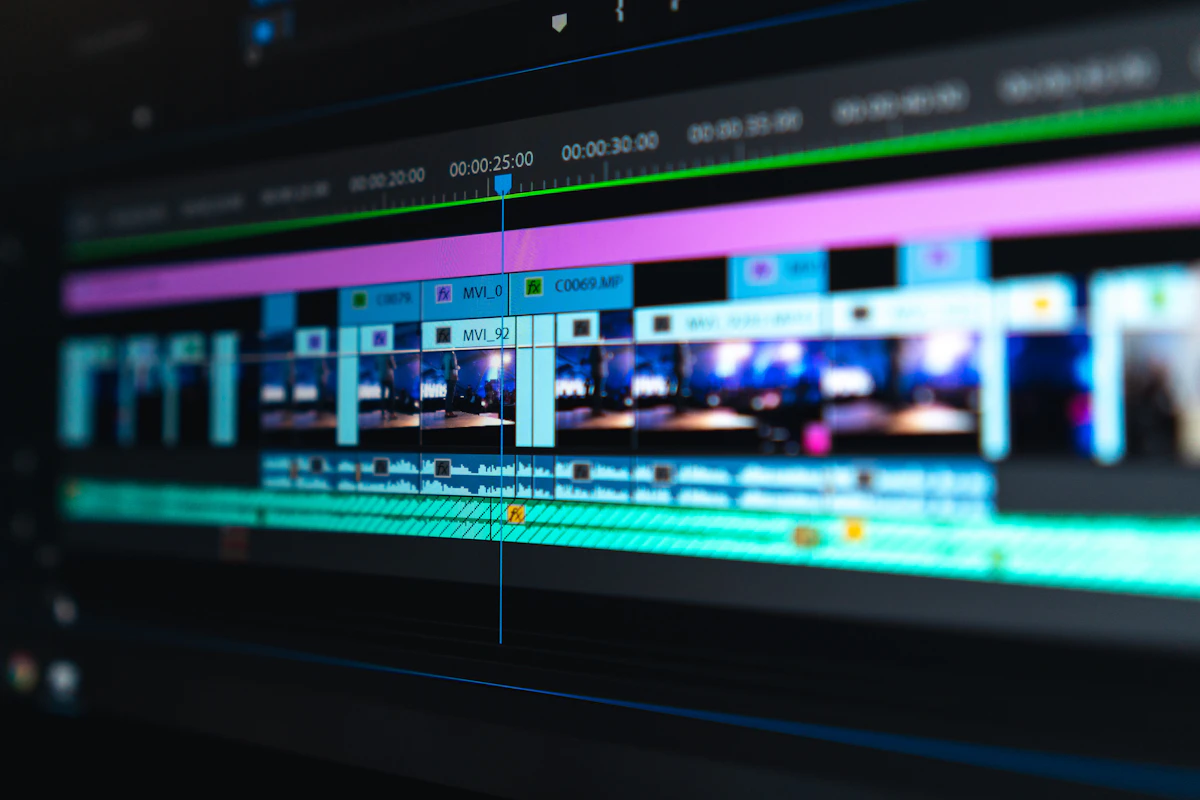
Transform Words Into Visual Stories
Title cards, lower thirds, kinetic typography, and animated subtitles — motion that makes your words leap off the screen, grab attention, and stick in memory.
 Pro Pixel Agency
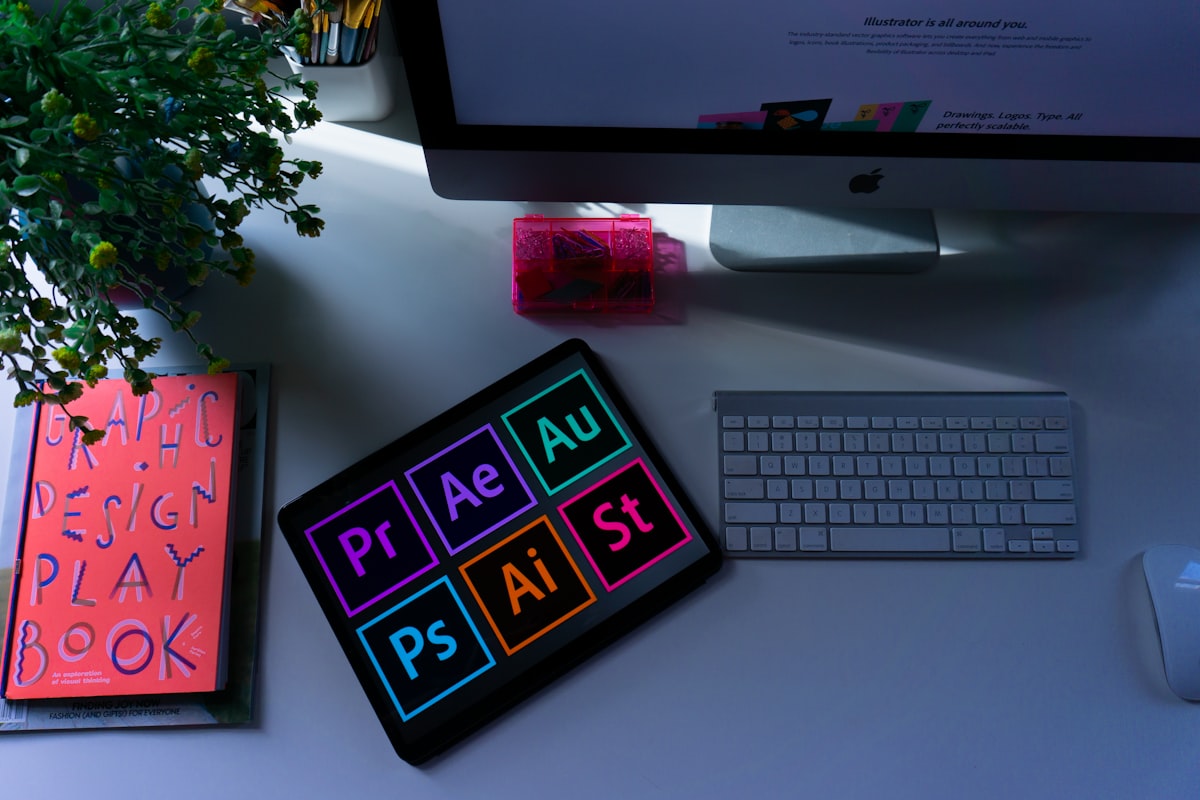
Title cards, lower thirds, kinetic typography, and animated subtitles — motion that makes your words leap off the screen, grab attention, and stick in memory.
Explore Techniques
View Tools
Animate Your Story
What Is Title & Text Animation?
It's the craft of bringing typography to life — animating titles, captions, and on-screen text so words don't just inform, they perform.
Captures attention through movement and dynamics.
Reinforces brand identity with consistent motion.
Improves retention by engaging multiple senses.
Creates professional polish that elevates production.
Why It Matters
Why Animated Text Matters
Instant Attention Capture
Movement pulls the eye the moment text appears.
Enhanced Memory Retention
Animated words are remembered far longer.
Brand Personality Expression
Motion style becomes part of your voice.
Professional Production Value
Polished titles instantly look premium.
Pacing and Flow Control
Timed text guides the rhythm of your story.
Accessibility Improvement
Animated captions aid comprehension for all.
Types of
Types of Text Animation
Title Cards
Bold opening and section titles with impact.
Lower Thirds
Name and title overlays for interviews.
Kinetic Typography
Words that move in sync with spoken rhythm.
Animated Subtitles
Styled captions that boost watch time.
Core Animation
Core Techniques
Fade Transitions
Smooth opacity in and out.
Slide & Push
Text glides in from any edge.
Scale Animations
Grow and shrink for emphasis.
Rotation Effects
Spins and flips with energy.
Character-by-Character
Letters animate one at a time.
Morphing Transforms
Letters morph between forms.
Mask & Reveal
Text wipes into view.
Particle & Glitch
Dramatic, high-energy reveals.
Essential
Animation Tools
Adobe After Effects
The motion-graphics standard
Adobe Premiere Pro
Built-in titles & captions
Apple Motion
Real-time title design
Cinema 4D
3D text and titling
DaVinci Resolve Fusion
Node-based text animation
Canva Animate
Quick, template-based motion
Workflow
Creating Text Animations
01
Define Your Purpose
02
Choose Typography
03
Design Static Layout
04
Plan Animation Timing
05
Block Primary Motion
06
Add Secondary Animation
07
Test and Refine
08
Export & Implement
Fundamentals
Design Principles
Readability First
If they can't read it, nothing else matters.
Purpose-Driven Motion
Every move should mean something.
Visual Consistency
One style across every title.
Hierarchy Through Motion
Lead the eye to what matters most.
Industry
Where Text Animation Is Used
Film & Television
Advertising & Marketing
Social Media Content
Educational Videos
Corporate Communications
Music Videos & Events
In the Wild
Text Animation in Action
Where moving words make the biggest impact.
Title Sequences
Cinematic openings that set the tone.

Social Captions
Animated subtitles that lift retention.

Lyric Videos
Kinetic type synced to the beat.

Brand Promos
Punchy ad text and lower thirds.
Speak the Language
Text Animation Glossary
The typography and motion terms worth knowing.
Kerning
The spacing between individual letter pairs.
Tracking
Uniform spacing across a whole line of text.
Leading
The vertical space between lines of text.
Text Animator
An After Effects tool to animate per-character.
Lower Third
An overlay near the bottom that names a speaker.
Type-On
Letters appearing as if typed live.
Safe Area
The zone where text won't get cropped on screen.
Stagger
Offsetting timing so elements cascade in.
Hold Frame
Pausing on a pose so the eye can read it.
Choose Your Style
Animation Style Comparison
Match the approach to your project's goals and timeline.
Style
Best For
Complexity
Time
Simple Fades
Corporate, subtle pro content
Low
Minutes
Slide Transitions
News graphics, lower thirds
Low-Med
Mins–hrs
Character Animation
Creative content, ads
Medium
Hours
Kinetic Typography
Music videos, spoken word
High
Days
3D Text Animation
Film titles, high-end ads
Very High
Days–wks
Particle Effects
Dramatic reveals, tech themes
High
Hrs–days
Why Animated Text Works
The impact of motion on how words land.
80% More likely to be remembered
+12%
Higher watch-through with captions
3s
To hook a viewer with a title
85% Of social video watched on mute
Learn From Others
Common Mistakes to Avoid
The fastest ways to make titles look amateur — and how to dodge them.
Too Much Motion
Every letter dancing at once is distracting, not impressive.
Text On Screen Too Briefly
If they can't read it twice, it leaves too soon.
Poor Contrast
Text that blends into the footage is unreadable.
Too Many Fonts
Stick to one or two typefaces for a cohesive look.
Linear Timing
Without easing, even nice text feels stiff and robotic.
Ignoring the Safe Area
Edge-hugging text gets cropped on some screens.
Frequently Asked
Questions
What's the difference between a title and a lower third?
A title is usually a full-screen card opening a video or section, while a lower third is a small overlay near the bottom of the frame identifying a speaker, topic, or location without interrupting the shot.
How fast should text animate on screen?
Fast enough to feel lively, slow enough to read. As a rule, leave any line on screen long enough to read it twice — and never let the entrance animation outlast the time the viewer needs to absorb the words.
What is kinetic typography?
Kinetic typography is text that moves in sync with audio — speech, lyrics, or narration — so the words emphasize meaning and rhythm. It's a staple of music videos, spoken-word pieces, and high-energy explainers.
Which tool is best for a beginner?
For polished results, After Effects is the industry standard. For quick, template-based titles, Premiere Pro or Canva Animate get you moving in minutes with almost no learning curve.
Where to go next
- Character Animation: Creating Digital Performers
- Transform Complex Ideas into Engaging Visual Stories
- Transform Data IntoAnimated Stories
More useful paths
Use these paths to continue with the closest practical topic, service, or decision guide.
Spotted something wrong? Report an error on this page. We correct on the page and say what changed.