The Complete Guide to Videography and Editing
Videography is more than just pressing record—it's about capturing moments, telling stories, and evoking emotions through visual language.
 Pro Pixel Agency
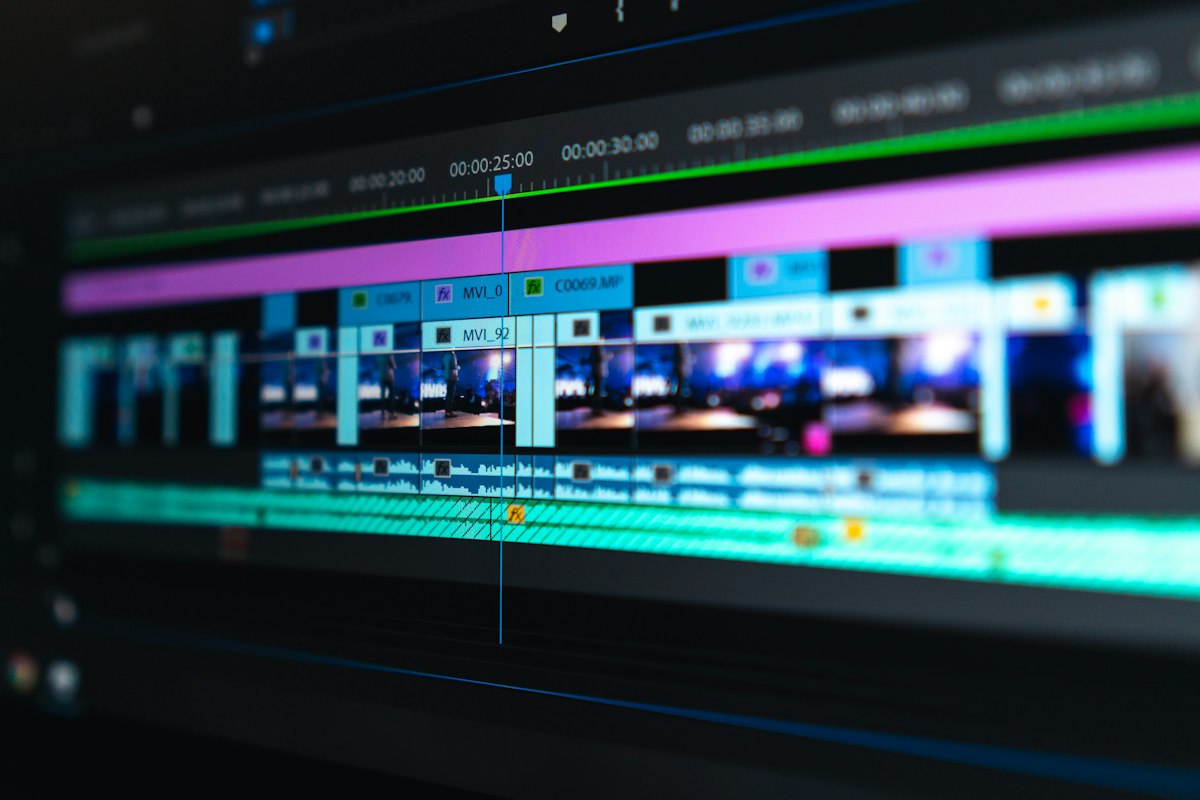
Introduction
Videography is more than just pressing record—it's about capturing moments, telling stories, and evoking emotions through visual language. This comprehensive guide will take you from beginner basics to professional techniques used by Hollywood filmmakers and top content creators worldwide.
Modern Equipment
Discover the latest cameras, lenses, and gear that professionals actually use in 2026.
Pro Techniques
Master composition, lighting, camera movement, and cinematic framing.
Post Production
Learn industry-standard editing workflows, color grading, and sound design.
Essential Equipment
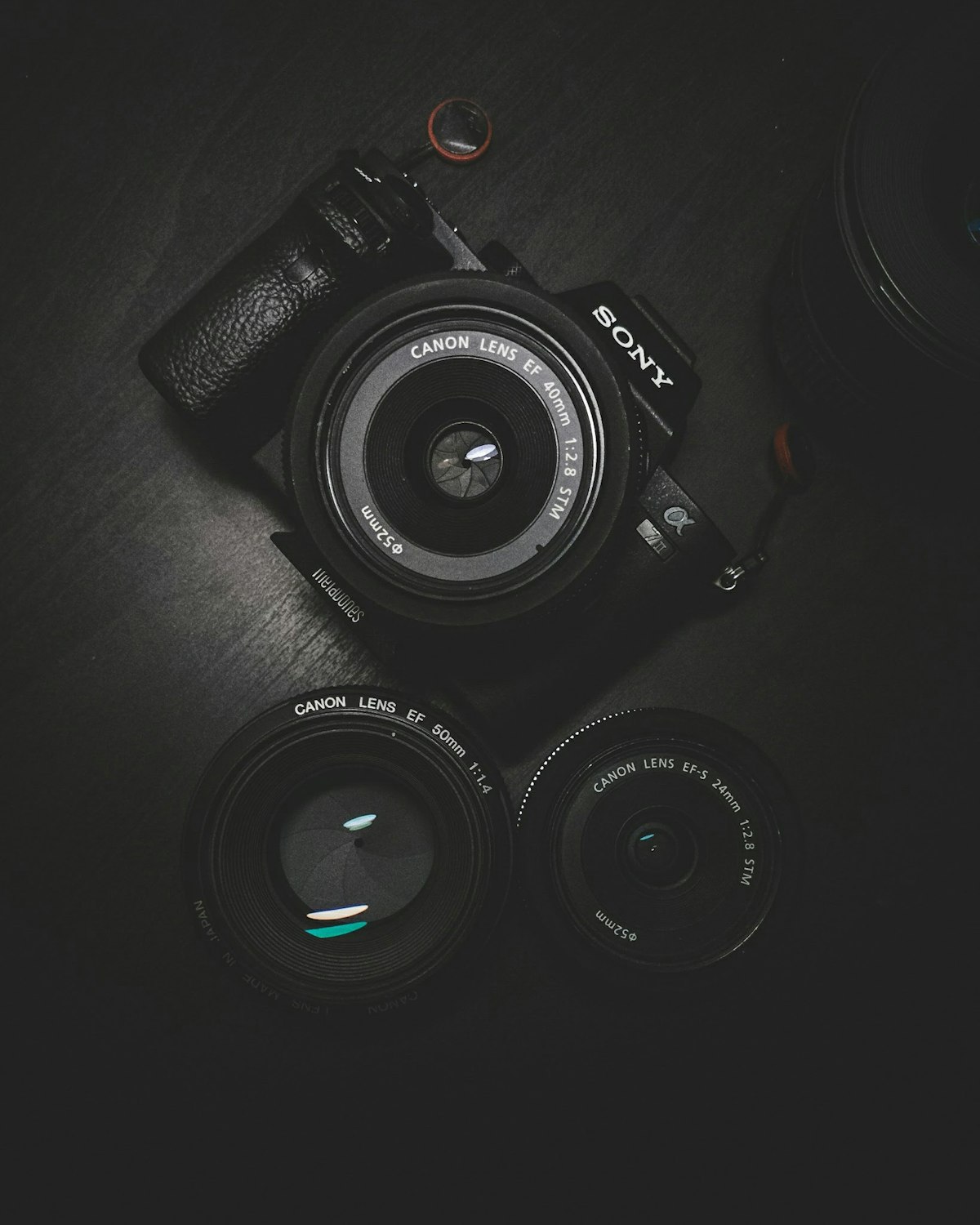
Camera Selection Guide
Choosing the right camera depends on your needs, budget, and shooting style. Here's what professionals recommend for different use cases:
🔹 Entry Level
- Canon EOS M50 Mark II
- Sony ZV-E10
- Fujifilm X-S10
🔸 Mid Range
- Sony A7 IV
- Canon R5
- Panasonic GH6
⭐ Professional
- Sony FX3 / FX6
- RED Komodo
- ARRI Alexa Mini
Videography Techniques
Rule of Thirds
Divide your frame into 9 equal sections. Place key elements along these lines or at intersections for balanced, engaging compositions.
Golden Ratio
A more natural alternative to rule of thirds. Follow the spiral pattern found throughout nature for organic, aesthetic framing.
Leading Lines
Use natural lines in your environment (roads, bridges, architecture) to guide the viewer's eye toward your subject.
Color Grading Mastery
Professional Workflow
Primary Correction
Fix exposure, contrast, and white balance issues
Secondary Correction
Adjust specific elements (skin tones, sky, etc.)
Creative Grading
Apply stylistic choices to establish mood
Popular Color Styles
Orange & Teal
Cinematic Standard
Desaturated
Dramatic Feel
Vintage Look
Nostalgic Tone
Sound Design & Editing
Sound is 50% of the Experience
Great sound design can make average footage feel cinematic. Poor audio can ruin even the most beautiful visuals.
🎙️ Dialogue Editing
- Remove background noise
- Level consistency between speakers
- EQ for clarity
- Compression for audibility
🎚️ Sound Effects
- Foley artistry
- Ambient room tone
- Impact sounds
- Transition effects
🎼 Music Selection
- Match tempo to pacing
- Genre appropriateness
- Proper licensing
- Emotional alignment
AI Editing in 2026

Artificial Intelligence is Revolutionizing Editing
The biggest shift in videography since 4K resolution is AI-powered editing. Here's what professionals are actually using in 2026:
🤖 Auto Reframing
AI automatically reframes 16:9 footage to vertical 9:16, square 1:1, and 4:3 while keeping subjects perfectly centered.
🎙️ Audio Restoration
Remove background noise, echo, wind, and even reconstruct damaged audio with 95% accuracy in one click.
✂️ Auto Editing
AI analyzes footage, selects the best takes, syncs audio, creates cuts on beats, and generates complete rough cuts.
🖼️ Scene Generation
Generate b-roll, backgrounds, and even complete scenes from text descriptions directly in your timeline.
💡 Pro Tip: AI is a tool, not a replacement. The best editors use AI for 80% of repetitive work while focusing 100% of their creative energy on storytelling decisions.
Vertical Video Mastery
Shooting for Vertical First
78% of all video watched in 2026 is vertical. Stop treating vertical as an afterthought:
- Composition: Place subjects in center 60% of frame
- Text: Keep all graphics in middle third
- Movement: Use vertical camera motion instead of horizontal
- Engagement: Hook viewers in first 3 seconds
- Pacing: Cut every 2-3 seconds for short form
2026 Platform Standards
TikTok / Reels / Shorts
1080x1920 | 30/60fps
YouTube Long Form
3840x2160 | 24/30fps
LinkedIn / X
1200x1200 Square
Lighting Fundamentals
💡 Three Point Lighting System
Key Light
Primary light source - placed 45° to subject, creates dimension and shape
Fill Light
Soft light opposite key - reduces harsh shadows, 50-70% intensity of key
Back Light
Placed behind subject - creates separation from background, adds professional glow
☀️ Natural Light Tips
- Golden Hour: 1 hour after sunrise / before sunset - soft warm light
- Blue Hour: 20 minutes before sunrise / after sunset - cinematic evening shots
- Overcast Days: Perfect diffused light - no harsh shadows, great for interviews
- Window Light: Position subject sideways to window for natural dimension
- Avoid Midday Sun: Use diffusers or shoot in open shade when possible
Common Mistakes to Avoid
❌ Bad Audio
Using built-in camera microphones. Even $50 external mic will improve quality 10x more than a $5000 camera upgrade.
❌ Too Much Movement
Excessive panning, zooming, or shaky footage. Static well-composed shots always look more professional.
❌ Overediting
Too many transitions, effects, and flashy elements. Good editing should be invisible, not distracting.
❌ Ignoring White Balance
Auto white balance causes color shifts between shots. Set custom WB for consistent professional results.
❌ Not Shooting B-Roll
Always capture 3x more B-roll than you think you need. It covers cuts and adds production value.
❌ Forgetting Room Tone
Record 30 seconds of silent room audio at every location. It makes editing transitions seamless.
Professional Workflow Checklist
📋 Pre-Production
- ✅ Storyboard / shot list created
- ✅ Location scouted and tested
- ✅ All equipment charged
- ✅ Memory cards formatted and ready
- ✅ Release forms signed
- ✅ Backup power supplies packed
🎬 Production Day
- ✅ White balance set manually
- ✅ Audio levels tested (-12db peak)
- ✅ Room tone recorded
- ✅ B-roll coverage captured
- ✅ Clapper / slate used for sync
- ✅ Files backed up same day
✂️ Post Production
- ✅ All footage imported & organized
- ✅ Rough cut assembled first
- ✅ Audio edited before color
- ✅ Color correction then grading
- ✅ Multiple exports for platforms
- ✅ Final project archived properly
Smartphone Videography 2026
Modern flagship phones (2024+) can produce footage indistinguishable from $10,000 cinema cameras when used correctly.
📱 Camera Settings
- 4K 60fps for all shooting
- 10-bit LOG profile enabled
- Manual exposure control
- AF-C with subject tracking
🎯 Essential Accessories
- Gimbal (under $150)
- Shotgun microphone
- ND filter set
- Portable LED light
🎨 Color Grading
- Use dedicated LOG LUTs
- Rec. 2020 color space
- Mobile apps: Lumafusion, VN
- Export in HDR Dolby Vision
Advanced Editing Techniques
🎬 The Invisible Cut
Master the technique that makes edits disappear:
- Match Cut: Cut on matching shape, color, or movement
- J-Cut: Audio leads video - prepare viewers for next scene
- L-Cut: Video cuts first, audio carries over
- Cut on Action: Always cut mid-movement, not at the end
- Eye Trace: Follow viewer's eye movement across cuts
⏱️ Pacing & Rhythm
- 180 Degree Rule: Keep action consistent across shots
- Shot Length: 2-3s for action, 5-7s for dialogue, 10+s for beauty
- Beat Matching: Cut on musical downbeats for emotional impact
- Breathing Room: Add 10-15 frame handles for natural flow
- Pause Points: Let important moments land without cutting
File Management & Backup
⚠️ 90% of videographers lose footage at least once. Proper backup isn't optional - it's essential.
📂 Project Folder Structure
Project_Name/

├─ 01_Footage/

├─ 02_Audio/

├─ 03_Graphics/

├─ 04_Exports/

├─ 05_Assets/

└─ Project_File.prproj
💾 3-2-1 Backup Rule
- 3 copies of all data
- 2 different media types
- 1 offsite backup (cloud)
- Never format cards until backed up twice
- Test restores monthly
Recommended Software 2026
🎞️ Editing Software
- ✅ Adobe Premiere Pro - Industry standard
- ✅ DaVinci Resolve - Best for color grading (free available)
- ✅ Final Cut Pro - Mac only, fastest workflow
- ✅ CapCut - Great for fast social media content
- ✅ Avid Media Composer - Hollywood feature films
🎵 Audio & Effects
- ✅ Adobe Audition - Professional audio editing
- ✅ iZotope RX - Audio restoration standard
- ✅ Epidemic Sound - Royalty free music
- ✅ Artlist - Unlimited music licensing
- ✅ Motion Array - Templates & effects
⚡ AI Tools 2026
- ✅ Runway ML - AI video generation
- ✅ Descript - AI transcription & editing
- ✅ Topaz Video AI - Upscaling & restoration
- ✅ ElevenLabs - Voice generation
- ✅ Pika Labs - Text to video
30 Day Beginner Plan
Week 1: Fundamentals
- Learn exposure triangle
- Practice manual camera settings
- Shoot 1 minute video daily
- Master basic editing interface
Week 2: Composition
- Rule of thirds & golden ratio
- Camera movement techniques
- Lighting basics practice
- Record good audio consistently
Week 3: Editing
- Timeline organization
- Basic color correction
- Audio mixing fundamentals
- Export settings mastery
Week 4: Project
- Complete 3 minute short film
- Full color grade workflow
- Sound design implementation
- Build portfolio entry
Career & Freelancing Tips
💼 Building Your Business
- Portfolio First: 5 great videos > 50 average videos. Quality over quantity always.
- Specialize: Clients pay premium for specialists. Pick a niche (weddings, corporate, real estate).
- Pricing: Charge by project value, not by hour. 3x your costs = sustainable rate.
- Contracts: Always use written agreements. Define deliverables, revisions, and payment terms.
- Network: 80% of work comes from repeat clients and referrals.
💰 2026 Industry Rates
Beginner (0-2 years)
$25 - $75 / hour
Intermediate (2-5 years)
$75 - $150 / hour
Professional (5+ years)
$150 - $350 / hour
Specialist / Expert
$350+ / hour
Frequently Asked Questions
❓ What's the most important upgrade for beginners?
Audio. Always upgrade your microphone before upgrading your camera. Viewers will forgive bad video quality but will immediately stop watching bad audio. A $100 shotgun mic will transform your work more than any $5000 camera.
❓ How much RAM do I need for editing?
Minimum: 16GB (1080p only). Recommended: 32GB (4K editing). Professional: 64GB+ (8K, RAW footage, heavy effects). GPU matters more than CPU for modern editing workflows.
❓ Should I shoot in LOG or standard profile?
Shoot LOG if you plan to color grade. LOG gives 2-3 stops more dynamic range and flexibility in post. For fast turnaround social media content, standard profiles are fine and save editing time.
❓ How long does it take to become proficient?
Most people achieve competent level in 6-12 months with consistent practice. Professional mastery takes 3-5 years. The fastest way to improve is to shoot and edit something every single week.
❓ What frame rate should I use?
24fps for cinematic look, 30fps for natural real-world feel, 60fps for smooth action and slow motion. Always shoot twice your desired frame rate when planning slow motion.
❓ Is YouTube still worth it in 2026?
Absolutely. YouTube remains the highest earning platform per view and has the longest content lifespan. Videos you upload today can still earn money 5+ years from now, unlike other platforms where content dies in 48 hours.
Troubleshooting Guide
🔇 No Audio After Export
- Check track muting in timeline
- Verify export audio settings
- Avoid VBR audio for YouTube
- Use AAC 192kbps standard
🖼️ Choppy Playback
- Create proxy files first
- Lower playback resolution
- Edit from SSD not HDD
- Update GPU drivers
🎨 Color Shifts After Upload
- Export in REC.709 color space
- Disable HDR for web delivery
- Use YouTube recommended bitrates
- Avoid 10-bit for social media
Secret Pro Tips
🎯 Little Known Techniques
- 3 Second Rule: Every shot should hold for minimum 3 seconds before cutting
- Headroom: Leave 10-15% space above subject's head
- Looking Room: Extra space in direction subject is facing
- Crossing Axis: Never move camera 180° around subject
- Motivated Camera: Always have a reason for moving the camera
⚡ Time Saving Hacks
- Sync Timecode: All cameras and audio devices same time
- Keyboard Shortcuts: Learn 5 new shortcuts monthly
- Save Presets: Color grades, audio settings, exports
- Marker System: Use consistent color markers in timeline
- Batch Export: Render all formats overnight
Free Learning Resources
📺 YouTube Channels
- Peter McKinnon
- Waqas Qazi
- Film Riot
- Davinci Resolve Training
- Aputure
📚 Books & Guides
- In the Blink of an Eye
- Cinematography: Theory and Practice
- The Filmmaker's Handbook
- Color Correction Handbook
- Shot by Shot
🌐 Websites
- No Film School
- Cinema5D
- Creative Bloq
- FXHOME Tutorials
- PremiumBeat Blog
Where to go next
- The Ultimate Guide to Videography Editing
- Captivate Your Audience With Stunning Promotional Videos
- Precise.Beautiful.Variable.
More useful paths
Use these paths to continue with the closest practical topic, service, or decision guide.
Spotted something wrong? Report an error on this page. We correct on the page and say what changed.