Table of contents
- What Exactly is an iPhone Application Developer?
- Must-Have Skills for iPhone App Developers
- The Step-by-Step iPhone App Development Journey
- Tools & Tech That Power iPhone Developers
- Hurdles iPhone App Developers Face
- Future Vibes in iPhone App Development
- Your Path to Becoming an iPhone App Developer
- Hiring Top iPhone App Developers
- Real-World Success Stories
- Pro Tips for Aspiring iPhone Developers
- Why Develop Apps for iPhone? The Amazing Benefits
- Common Mistakes iPhone Developers Make (And How to Dodge Them)
- Frequently Asked Questions About iPhone App Development
- Top Resources for Aspiring iPhone Developers
- Ready to Dive In?
Hey there! Welcome to our friendly guide on iPhone application developers. In this fast-paced digital world, mobile apps have become as essential as our morning coffee, and iPhone apps are right at the cutting edge of innovation. We're about to dive deep into the exciting world of iPhone app development, chatting about the skills, processes, and trends that make this field so dynamic. Whether you're dreaming of becoming a developer yourself, hunting for the perfect hire, or just curious about how your favorite apps come to life, we've got you covered with insights that'll feel like a chat with a seasoned pro.
What Exactly is an iPhone Application Developer?
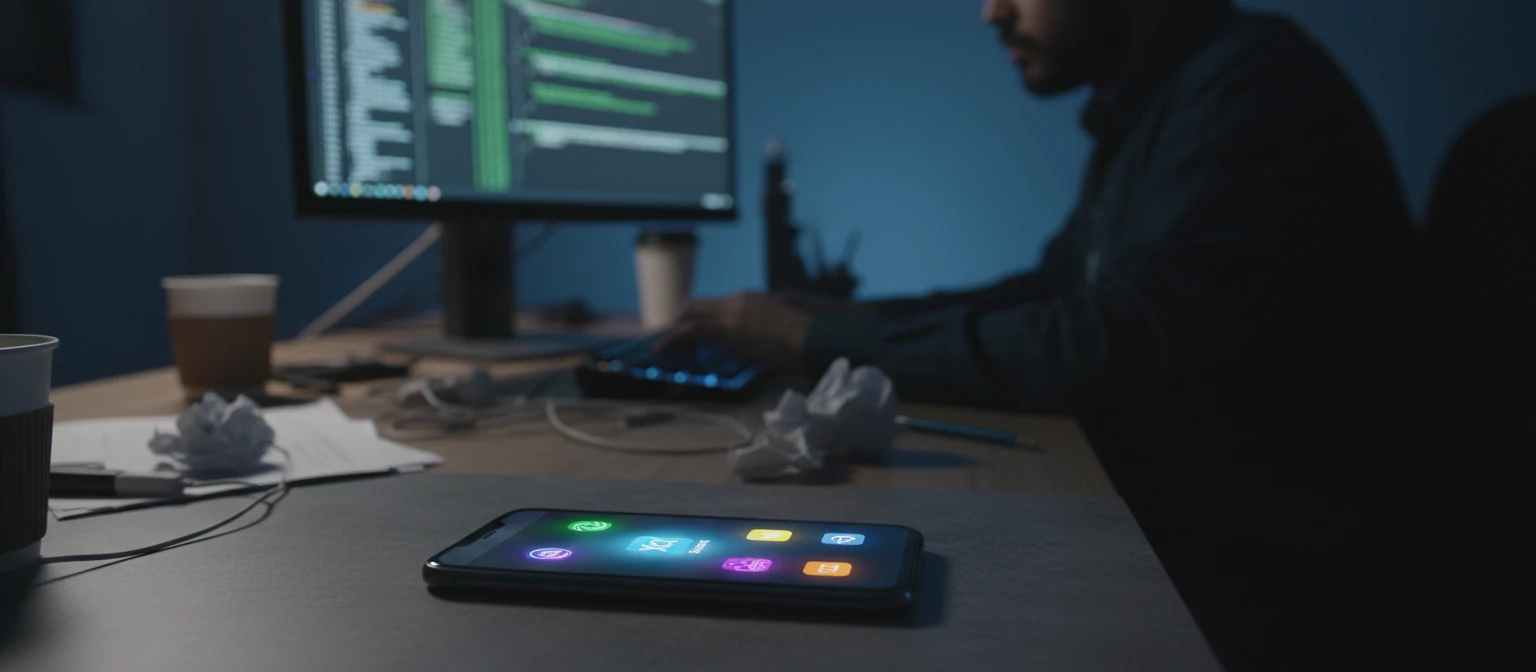
Picture this: an iPhone application developer is like a digital architect, crafting, designing, and nurturing apps that thrive on Apple's iOS platform. They wield programming languages like Swift and Objective-C, paired with Apple's powerful tools, to build apps that glide smoothly on iPhones, iPads, and all iOS gadgets.
But it's not just about coding—oh no! These wizards blend user experience magic, interface artistry, and Apple's strict App Store rules to create apps that users can't put down. They team up with designers, product gurus, and QA squads to deliver apps that are not only functional but downright delightful.
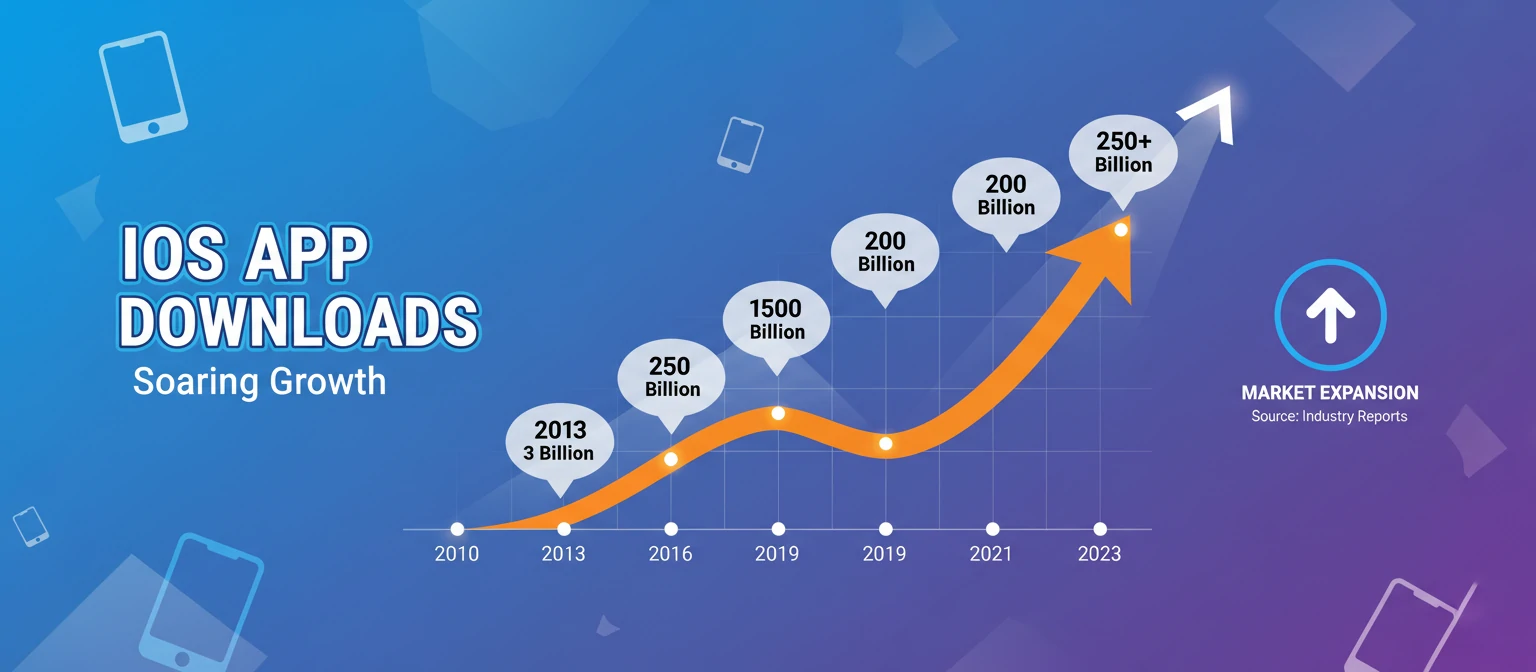
Lately, the buzz around iPhone app developers has exploded. With over 1.5 billion iOS devices buzzing worldwide, the App Store is a treasure trove of millions of apps—from handy utilities to powerhouse enterprise tools. Developers here get to build products that can touch lives globally in an instant. How cool is that?
Must-Have Skills for iPhone App Developers
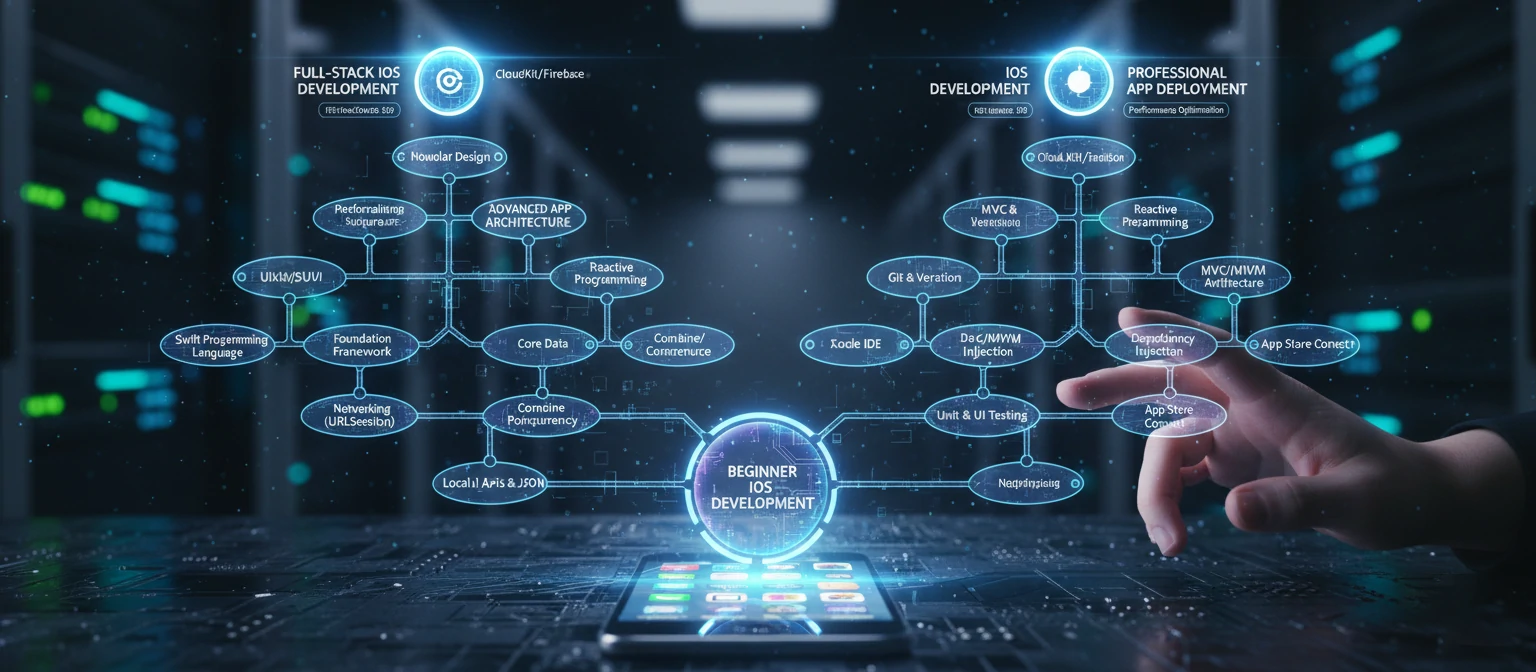
To rock it as an iPhone app developer, you need a killer mix of tech chops and people skills. Let's break it down like we're chatting over coffee:
Tech Superpowers
- 💻 Programming Languages: Master Swift (Apple's favorite) and Objective-C. Swift is sleek, safe, and speedy—perfect for fresh projects.
- 🛠️ iOS Frameworks: Dive deep into UIKit, SwiftUI, Core Data, and Apple's toolkit for bulletproof apps.
- 🔗 API Integration: Nail RESTful APIs, JSON, and third-party SDKs for payments or social vibes.
- 📝 Version Control: Git is your best friend for team coding and keeping things organized.
- 🐛 Testing & Debugging: Get cozy with Xcode's tools, XCTest for units, and UI testing.
Design & UX Magic
- 🎨 UI/UX Principles: Know design patterns, colors, fonts, and how humans interact with tech.
- 📱 Responsive Design: Craft apps that shine on every iPhone size and shape.
- ♿ Accessibility: Build for everyone, following Apple's inclusive guidelines.
People Skills
- 🧠 Problem-Solving: Think outside the box to crack tough puzzles.
- 💬 Communication: Explain tech to non-techies and vibe with teams.
- 📚 Continuous Learning: Stay ahead with iOS updates and trends.
The Step-by-Step iPhone App Development Journey
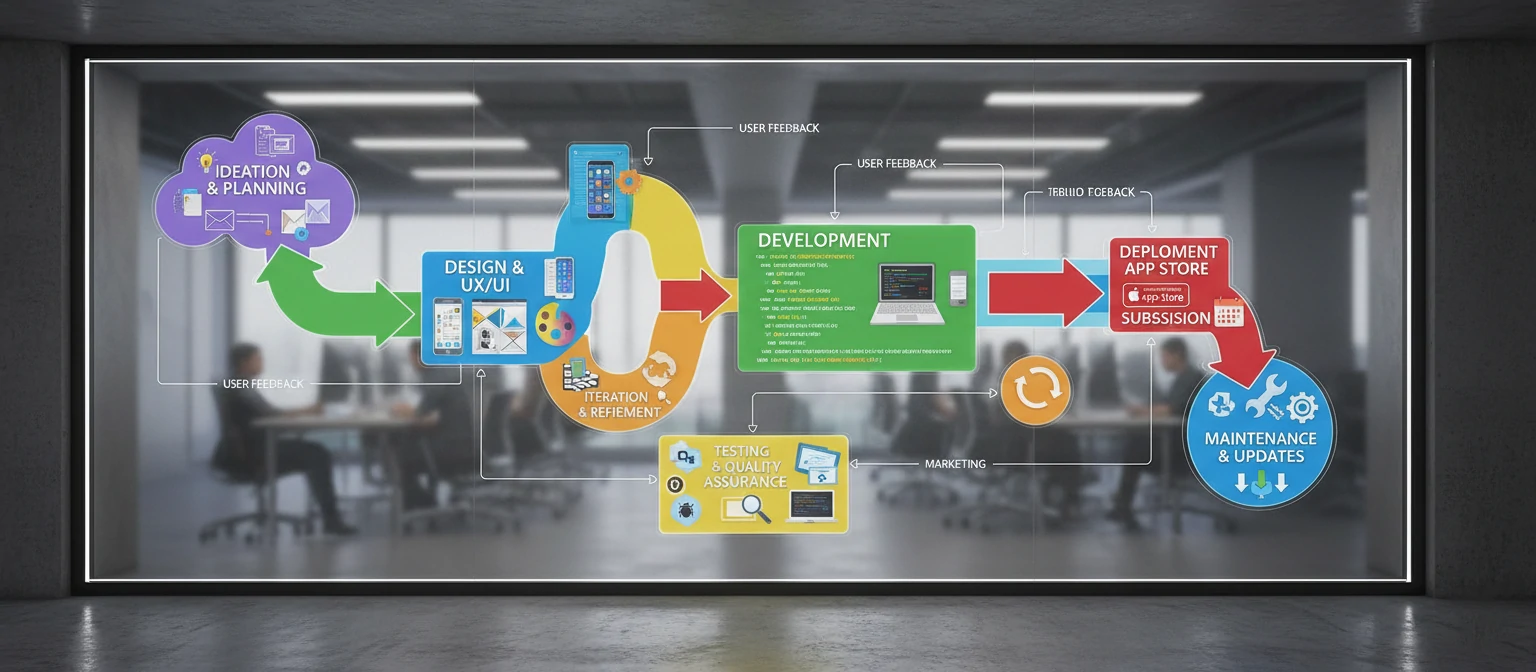
Building an iPhone app is like embarking on an adventure—structured yet thrilling. Here's the roadmap:
1. 🌟 Idea & Planning
Every epic app kicks off with a brilliant idea. Chat with stakeholders to nail the purpose, audience, and features. Dive into research, spy on competitors, and sketch user profiles.
2. 🎨 Design
Sketch wireframes and mockups to visualize the magic. Map user flows, layouts, and interactions using tools like Sketch or Figma.
3. 💻 Development
Time to code! Set up in Xcode, build the UI, add features, and link APIs. Keep code modular for easy tweaks.
4. 🧪 Testing
Test like your app's life depends on it—units, integrations, user trials. Beta test to catch bugs before launch.
5. 🚀 Deployment
Submit to the App Store, follow guidelines, and upload screenshots and descriptions.
6. 🔄 Maintenance & Updates
Post-launch, listen to feedback, squash bugs, and roll out updates. Keep your app fresh and competitive.
Tools & Tech That Power iPhone Developers
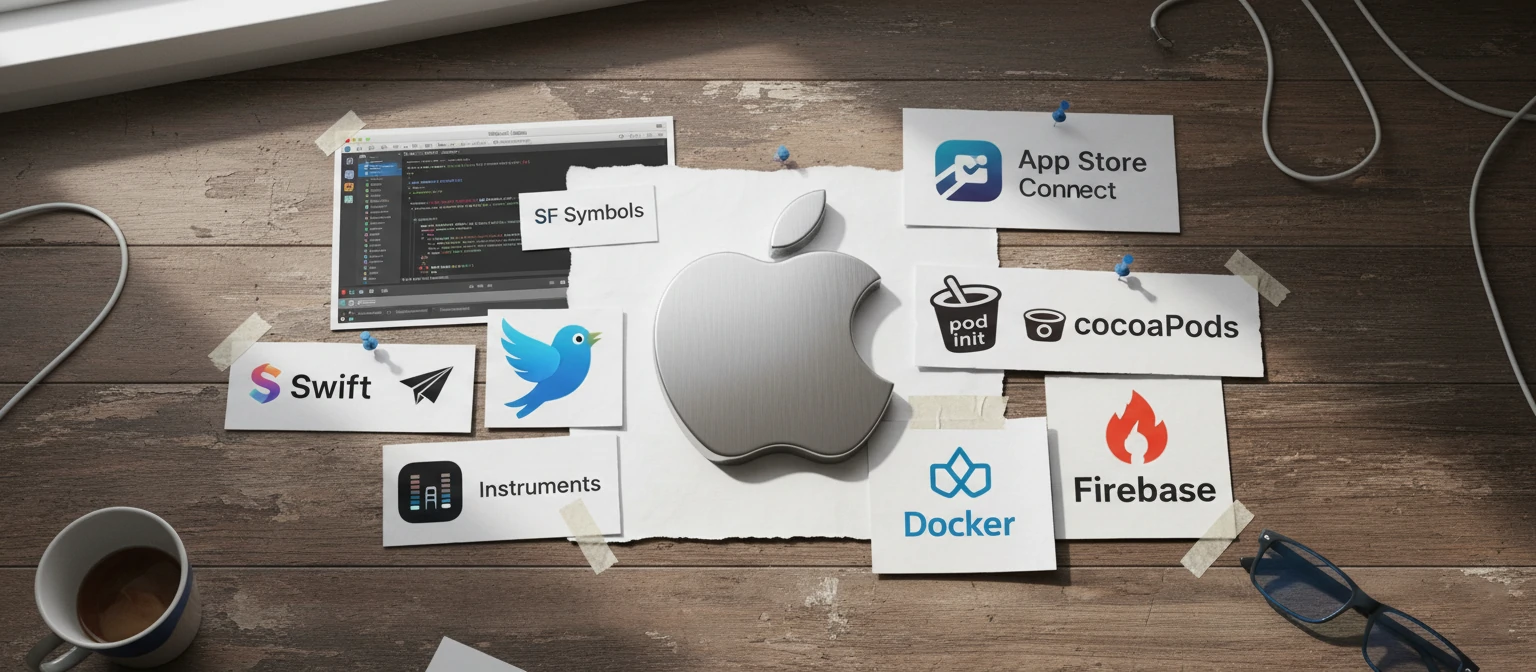
iPhone devs wield a arsenal of tools to create standout apps:
- 🛠️ Xcode: Apple's all-in-one IDE with editor, debugger, and builder.
- 🎯 SwiftUI & UIKit: UI frameworks—SwiftUI for modern, declarative design.
- 💾 Core Data: For managing data like a pro.
- 🔥 Firebase: Google's backend for auth, DB, and analytics.
- 🧪 TestFlight: Beta testing straight from Apple.
- 📦 Version Control: Git with GitHub for collaboration.
- 📊 Analytics: Track performance with App Store Connect and more.
Apple keeps things fresh with updates, so staying current is key!
Hurdles iPhone App Developers Face
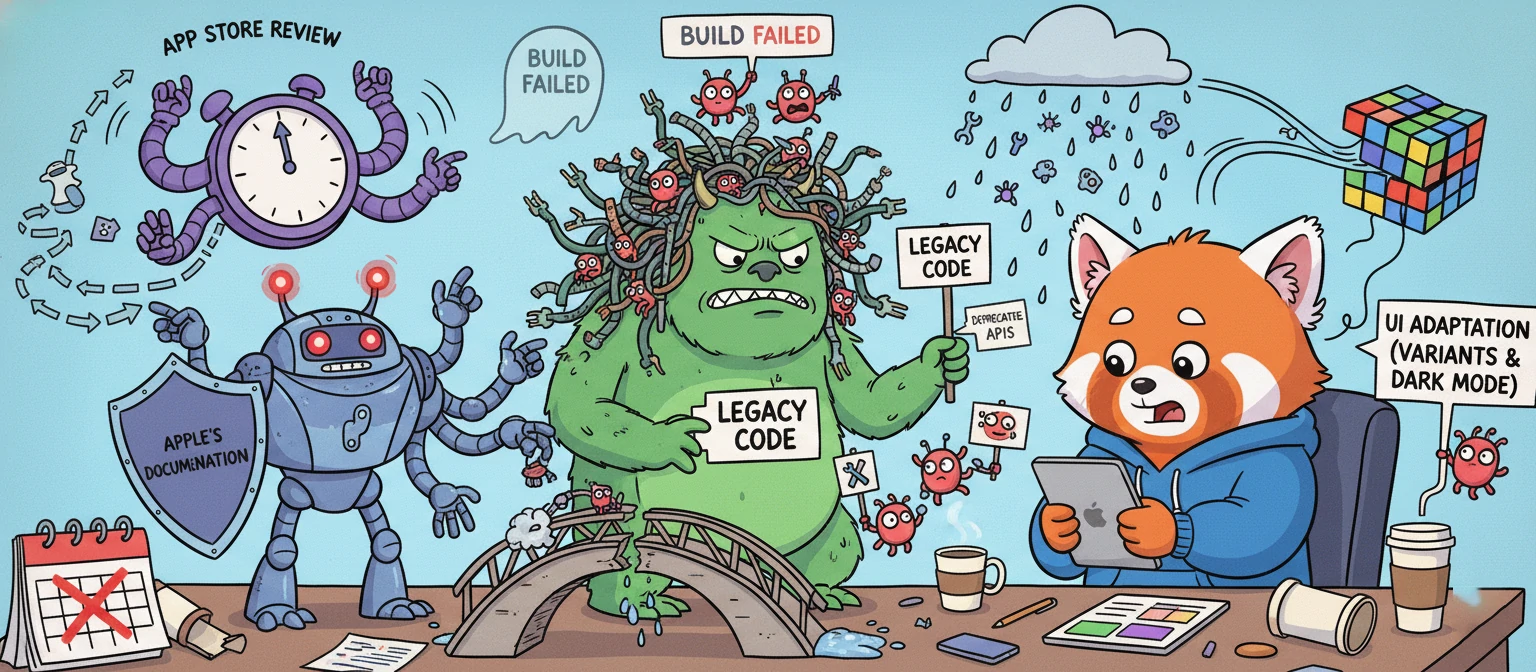
Rewarding as it is, iPhone dev has its challenges—let's tackle them head-on:
🍎 Apple's Strict Rules
App Store guidelines are thorough—ensure compliance on privacy and tech to avoid rejections.
🔄 Compatibility Chaos
With diverse iPhones and iOS versions, testing across devices is a must.
⚡ Performance Tuning
Optimize for battery, memory, and smoothness—poor performance means App Store exile.
🔒 Security First
Shield user data from threats with robust security.
🌊 Trend Chasing
Mobile evolves fast—keep up with AR, AI, and user shifts.
Future Vibes in iPhone App Development
The iPhone dev world is always evolving. Here's what's hot:
🤖 AI & ML
AI powers personalized features and smart assistants.
🌐 AR Magic
ARKit creates immersive experiences for games and beyond.
5️⃣ 5G & Edge
Faster speeds enable real-time, low-latency apps.
🔒 Privacy Focus
Transparent data practices and on-device processing.
🔄 Cross-Platform
React Native and Flutter for iOS and Android efficiency.
🌱 Sustainable Dev
Energy-efficient apps for a greener future.
Your Path to Becoming an iPhone App Developer
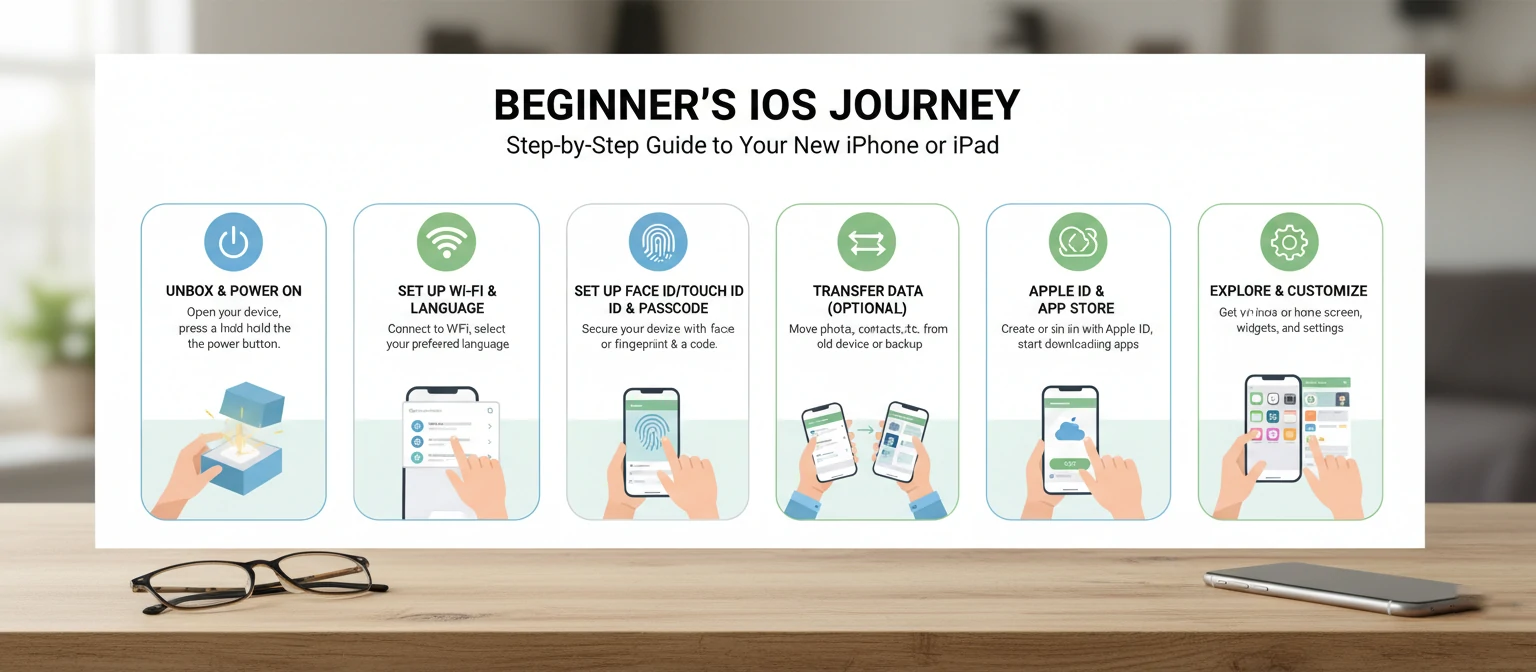
Dreaming of joining the ranks? Here's your friendly roadmap:
📚 Learn & Grow
- ▶️ Master Swift basics
- 🎓 Courses on Udemy, Coursera, or Apple's Playgrounds
- 🏆 Earn iOS Developer certs
🚀 Build & Showcase
- 💡 Create personal projects
- 🤝 Contribute to open-source on GitHub
- 🏁 Join hackathons
🌟 Gain Experience
- 💼 Freelance or intern
- 🤝 Network at meetups
- 📈 Stay updated
Hiring Top iPhone App Developers
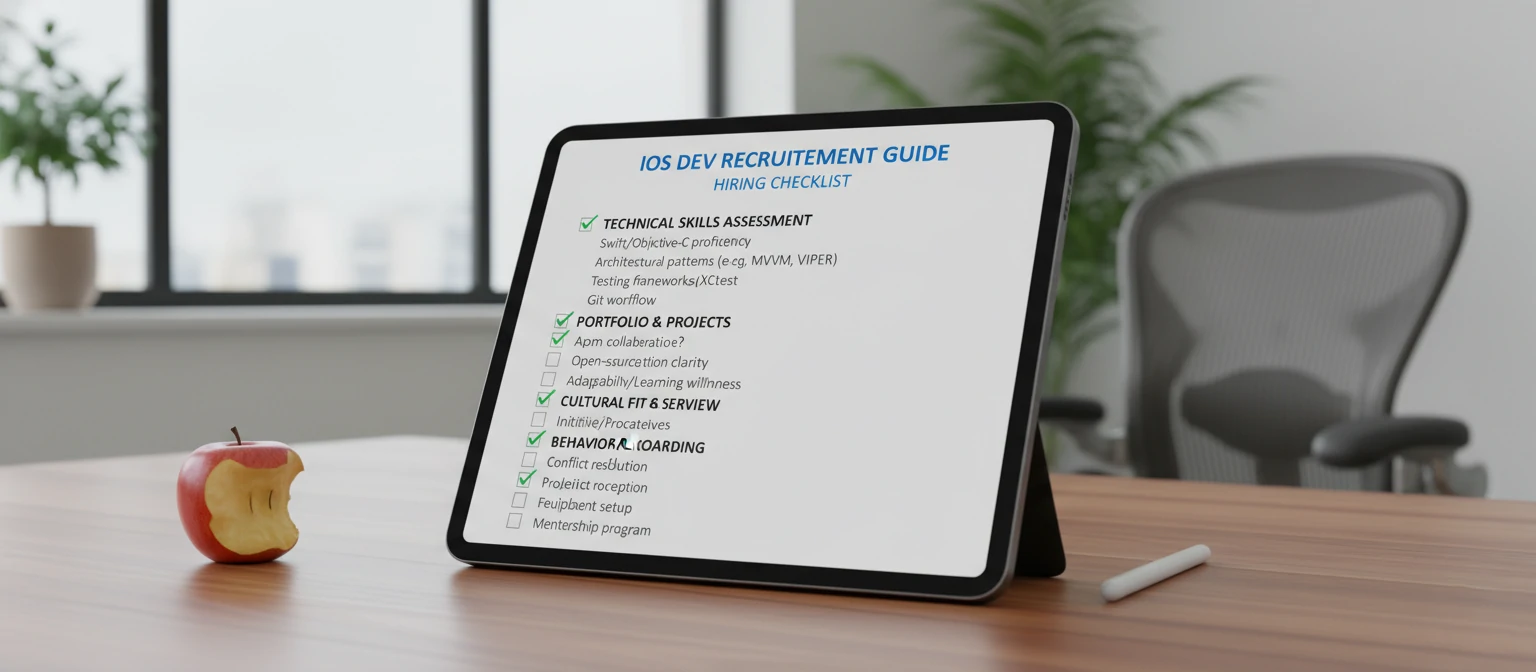
For businesses on the hunt:
What to Seek
- 📁 Strong portfolios
- 🛠️ Framework expertise
- 📱 App Store know-how
- 📋 Best practices
Where to Look
- 💼 Upwork, Toptal
- 🔍 LinkedIn, Indeed
- 👥 Dev communities
- 🏢 Mobile dev agencies
Interview Tips
- 🧩 Problem-solving questions
- 💻 Code reviews or sessions
- 📖 Past project chats
- 🤝 Soft skills check
Real-World Success Stories
Let's get inspired by some iPhone app triumphs:
📸 Instagram's Rise
From a simple photo app to a global giant—thanks to intuitive design and constant updates.
🎮 Pokémon GO Craze
Blending AR with gaming, it hooked millions and showed AR's potential.
💳 Venmo's Simplicity
Easy peer-to-peer payments revolutionized mobile finance.
These stories remind us: great ideas, stellar execution, and user love win the day!
Pro Tips for Aspiring iPhone Developers
Ready to level up? Here are some insider tips:
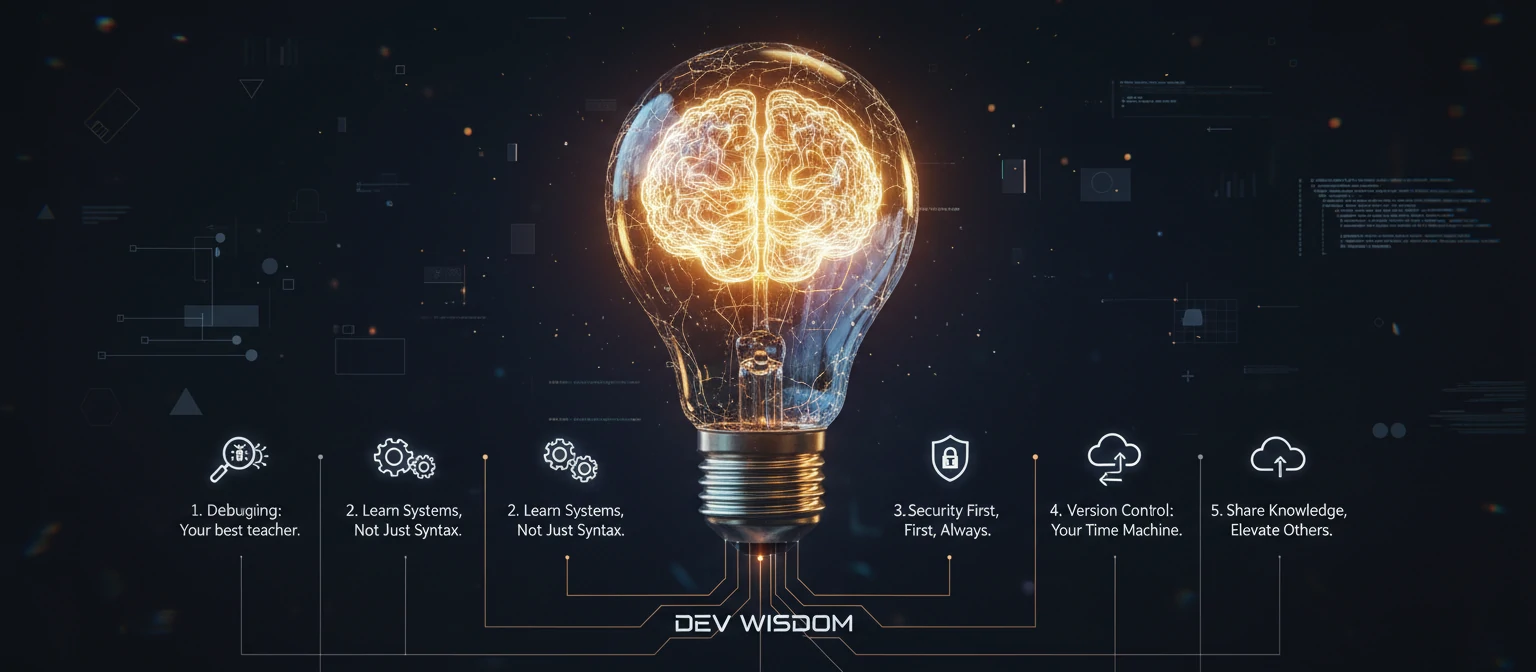
- 🔄 Iterate Often: Build, test, refine—repeat!
- 👥 Seek Feedback: Share with users early.
- 📖 Learn Continuously: Follow WWDC and dev blogs.
- 🤝 Collaborate: Join dev communities for support.
- 🎯 Focus on UX: Users first, always.
Remember, every expert was once a beginner. Stay curious and persistent!
Why Develop Apps for iPhone? The Amazing Benefits
Hey, if you're thinking about jumping into iPhone app development, let's chat about why it's such a fantastic choice. Beyond the cool factor, there are real perks that can make your career or business soar!
💰 Monetization Magic
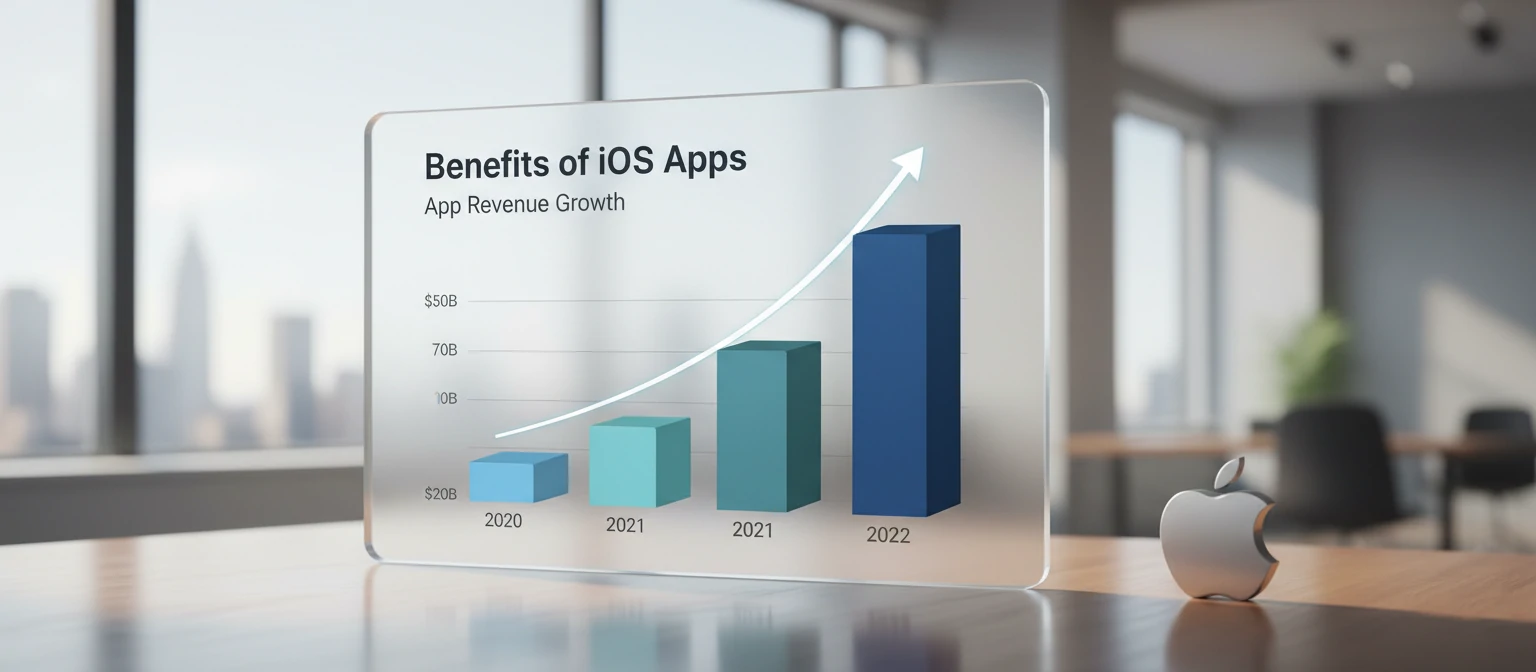
iPhone users are willing to spend—think in-app purchases, subscriptions, and premium features. Apps like games and productivity tools rake in serious cash.
👥 Loyal User Base
Apple fans are dedicated. They update devices often and engage deeply with apps, leading to higher retention and word-of-mouth buzz.
🚀 Innovation Playground
With cutting-edge tech like ARKit and machine learning, you can create mind-blowing experiences that stand out.
🌟 Brand Boost
An iPhone app elevates your brand's image, showing you're tech-savvy and customer-focused.
In short, developing for iPhone isn't just about coding—it's about tapping into a vibrant ecosystem where creativity meets opportunity. Ready to make your mark?
Common Mistakes iPhone Developers Make (And How to Dodge Them)
Even the pros slip up sometimes. Let's look at pitfalls that can trip you up and how to sidestep them with ease.
🚫 Ignoring User Feedback
Don't build in a bubble! Always gather input early and often to avoid features that flop.
🐌 Performance Pitfalls
Sluggish apps get deleted fast. Optimize code, test on real devices, and monitor battery drain.
📜 Guideline Glitches
Apple's rules are strict—review them thoroughly to prevent rejections that delay your launch.
🔒 Security Slip-Ups
Protect user data like it's gold. Use encryption and stay updated on threats.
📱 Device Diversity Drama
Test across all iPhone models and iOS versions—compatibility is key to happy users.
By staying aware and proactive, you'll craft apps that users love and Apple approves. Mistakes happen, but learning from them makes you stronger!

Frequently Asked Questions About iPhone App Development
Got questions? We've got answers! Here are some FAQs to clear up the confusion.
Basic programming knowledge, especially Swift, and familiarity with Xcode. No worries if you're new—start with tutorials!
Depends on complexity—simple apps take weeks, complex ones months. Plan for testing and iterations.
Free to learn, but tools and App Store fees apply. Development costs vary; freelancers charge $50-150/hour.
Yes, for Xcode and iOS simulation. If you're on Windows, consider cloud options or switching.
Create an Apple Developer account ($99/year), prepare assets, and submit via App Store Connect.
Still have questions? Drop them in the comments—we're here to help!
Top Resources for Aspiring iPhone Developers
Ready to level up your skills? Check out these awesome resources that'll guide you from newbie to ninja.
📚 Books & Courses
- 📖 "iOS Programming: The Big Nerd Ranch Guide" – Hands-on learning.
- 🎓 Udemy's iOS courses – Affordable and comprehensive.
- 🏫 Apple's Developer Documentation – Free and official.
🌐 Websites & Communities
- 💻 Ray Wenderlich – Tutorials and forums.
- 👥 Stack Overflow – For quick Q&A.
- 📱 Reddit's r/iOSProgramming – Community vibes.
🎥 Videos & Podcasts
- ▶️ WWDC Sessions – Apple's annual treasure trove.
- 🎙️ "The iPhreaks Show" – Podcast for insights.
- 📹 YouTube channels like "CodeWithChris".
Dive in, experiment, and don't forget to practice. The iOS community is welcoming—join the fun!