From the blockbuster Avengers movies to the prosthetic limb that saved a life. Explore the mathematical art of manipulating polygons to create digital worlds.
If you pause a Pixar movie, every single pixel on the screen was defined by a human artist. Every leaf on a tree, every scratch on a car, and every hair on a character's head had to be built.
3D Modeling is the process of using software to create a mathematical representation of a three-dimensional object. It is the foundation of modern entertainment, engineering, and product design.
But it's not just drawing. It's closer to sculpting with light and math. Whether you are an aspiring game developer or a curious tech enthusiast, this guide will decode the jargon (what is a vertex?) and show you how the digital sausage is made.

The Anatomy of a 3D Model
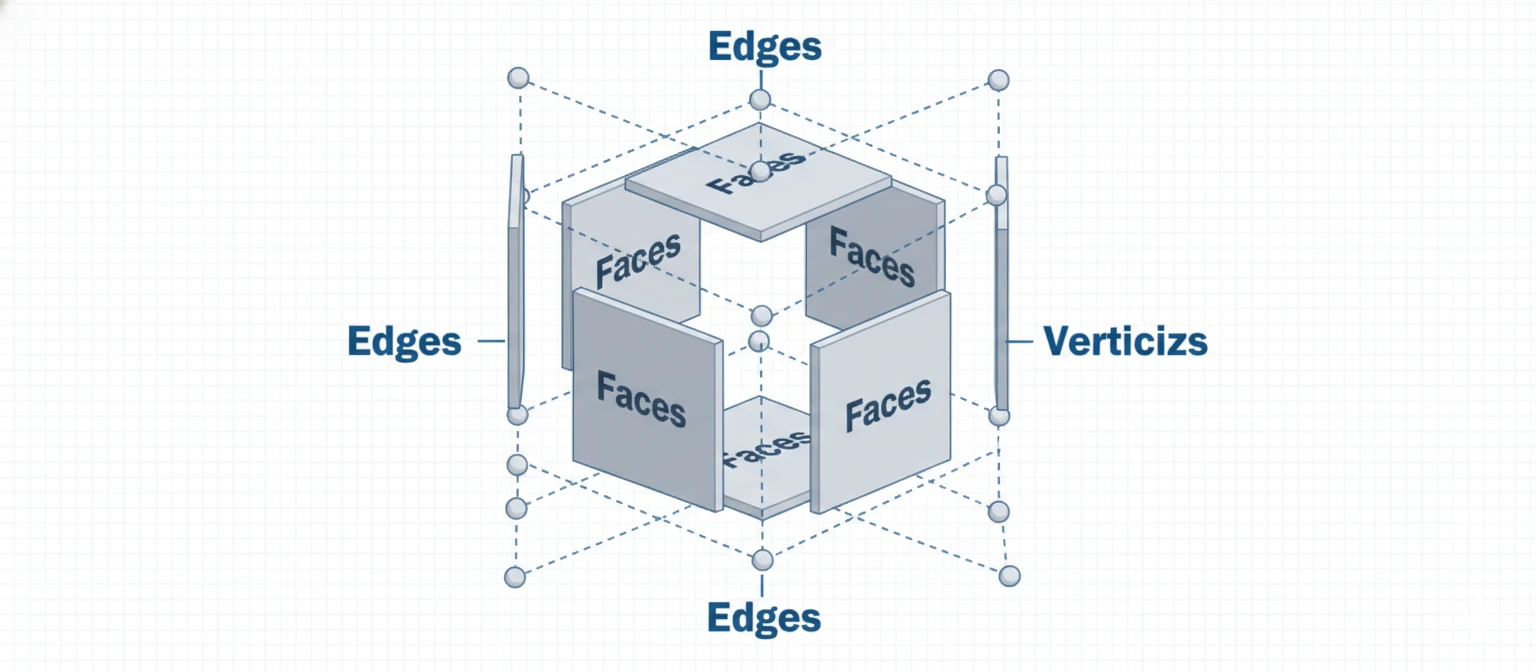
At its core, a 3D model is just a collection of points in space connected by lines. It is geometry class on steroids.
Vertex
A single point in XYZ space. It is the smallest unit of a 3D model. Think of it as a dot.
Edge
A line connecting two vertices. It defines the shape's outline.
Polygon (Face)
A shape formed by connecting 3 or more edges. This is the "skin" that you actually see and paint on.
The 3 Schools of Thought
Not all 3D modeling is the same. An engineer designing an engine uses completely different tools than an artist making a monster for a video game.
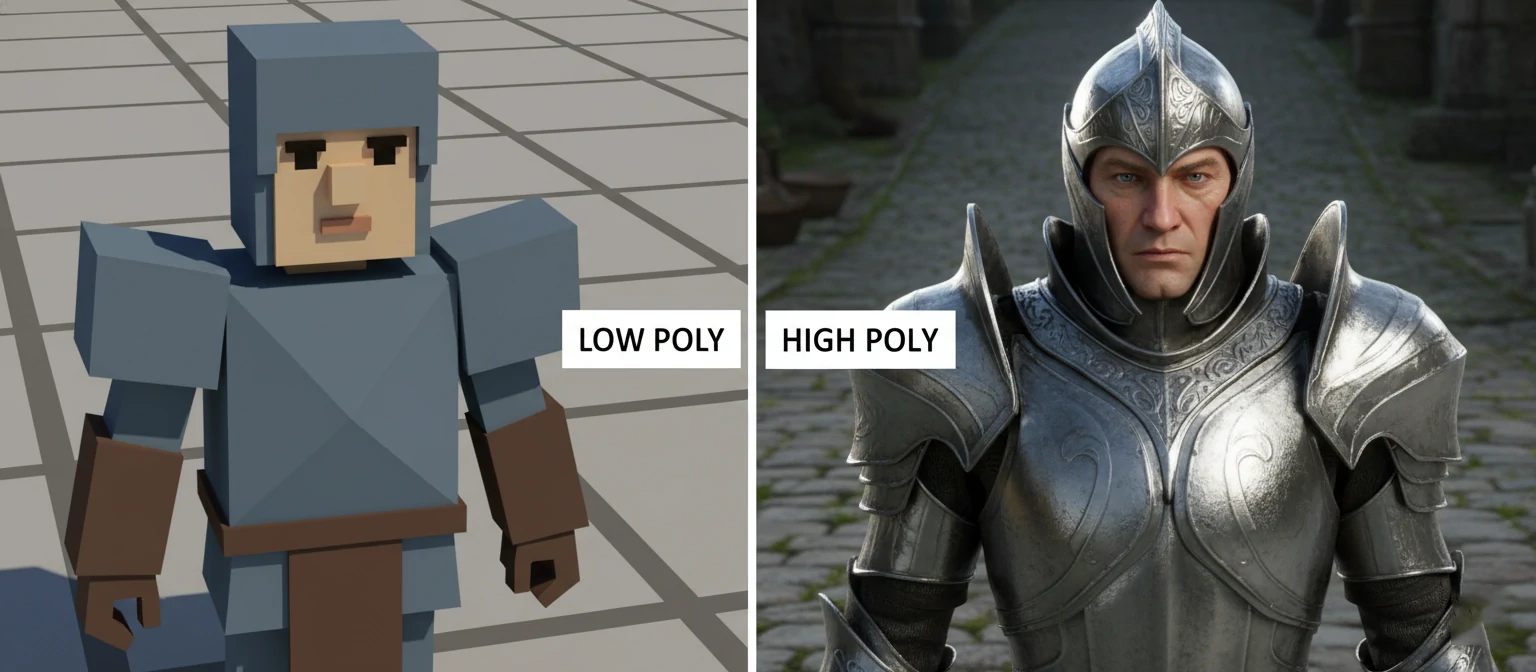
Polygonal Modeling (Box Modeling)
Used for: Video games, movies, animation.
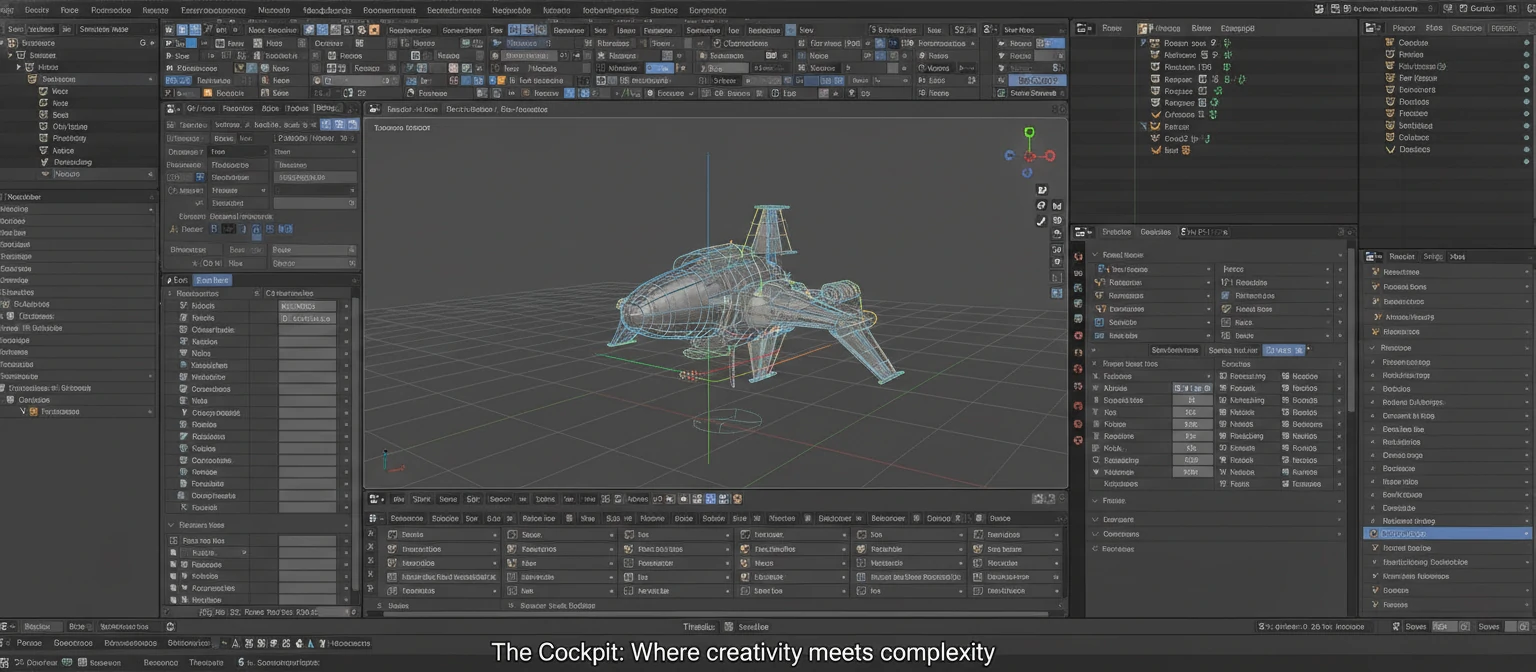
You start with a simple shape (like a cube) and push/pull/extrude faces until it looks like a spaceship or a character. It focuses on how light hits the surface, not on millimetric engineering precision.
NURBS (Digital Sculpting)
Used for: Car design, industrial product design.
Uses mathematical curves (splines) to create perfectly smooth surfaces. Essential for manufacturing because you can't have "faceted" edges on a real Ferrari.
CAD (Computer Aided Design)
Used for: Architecture, Engineering.
Pure math. You input dimensions: "Create a wall 3 meters high by 5 meters wide." It creates blueprints for the real world.
From Cube to Character
Phase 1
Modeling
Building the shape. Like forming the clay.
Phase 2
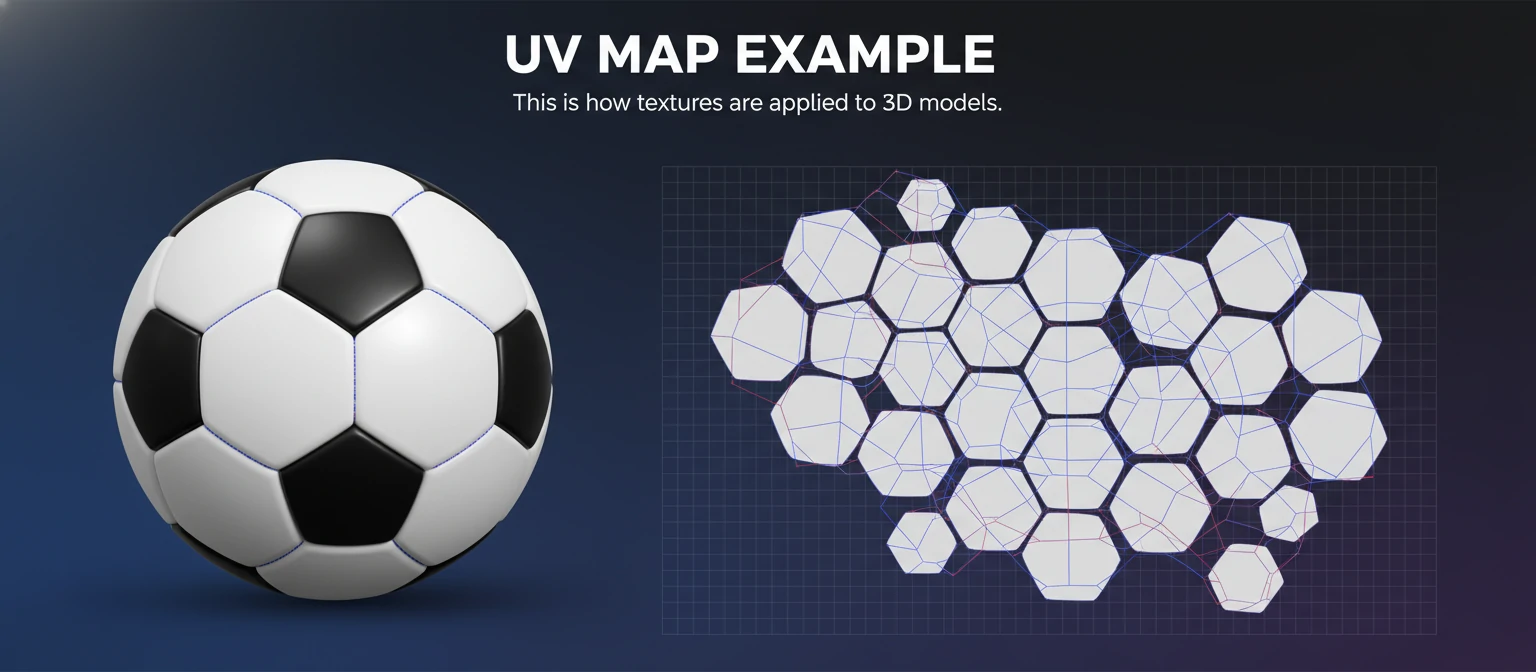
Texturing (UV Mapping)
Painting the surface. You have to "unwrap" the 3D model into a flat 2D canvas to paint it.
Phase 3
Rigging
Adding a digital skeleton (bones) inside the model so it can move.
Phase 4
Rendering
The computer calculates lights and shadows to take a "photo" of the 3D scene.
Tools of the Trade
You don't need a supercomputer to start. But picking the right software is crucial.
| Software | Difficulty | Best Use | Price |
|---|---|---|---|
| Blender | High | Everything (Indie favorite) | Free |
| Maya | Very High | Hollywood Animation | $$$$ |
| SketchUp | Low | Architecture | $$ |
| ZBrush | Medium | Organic Sculpting | $$$ |