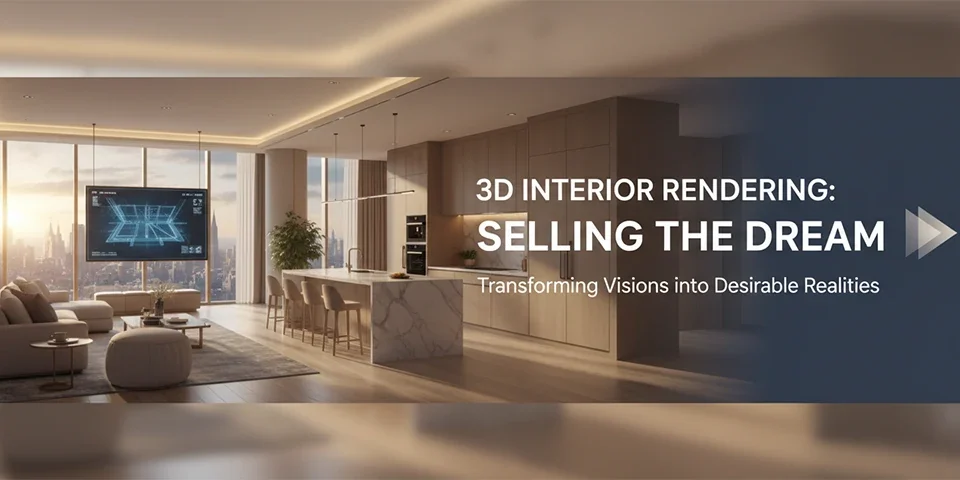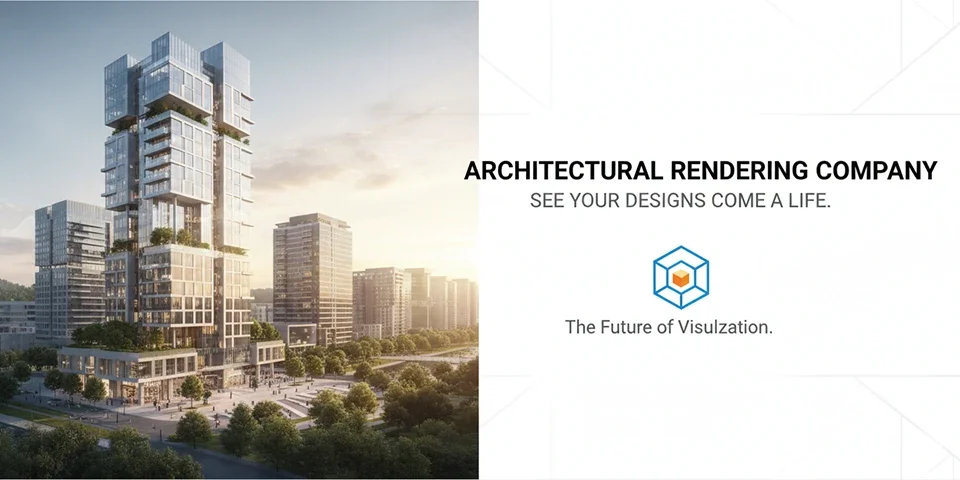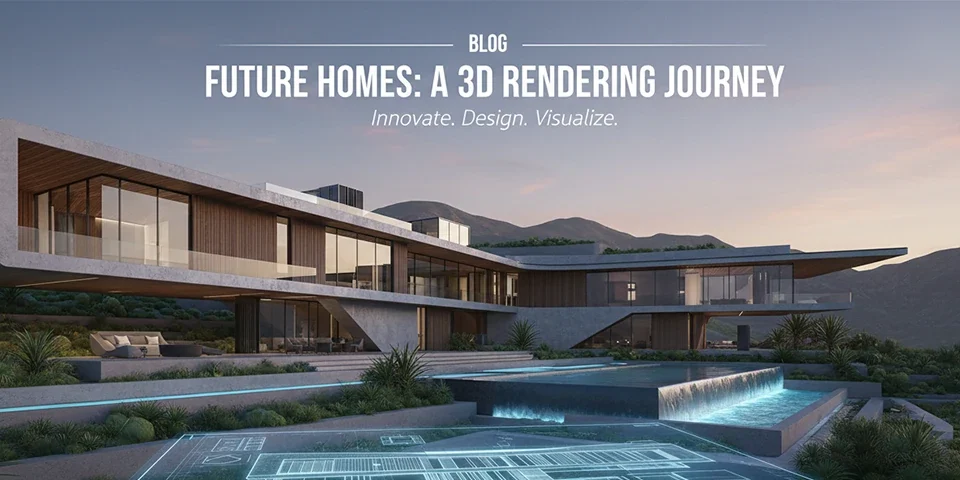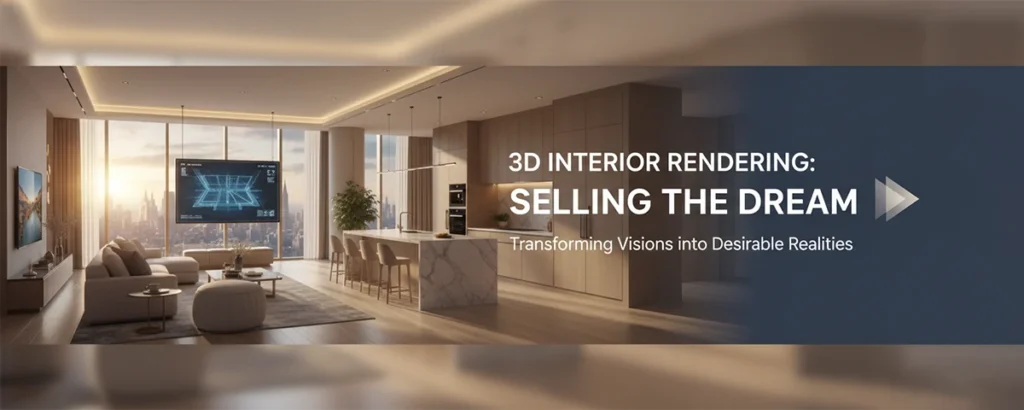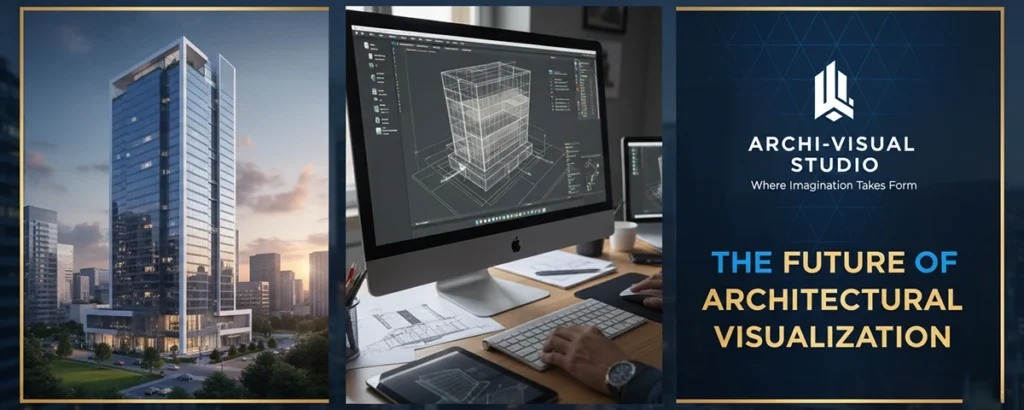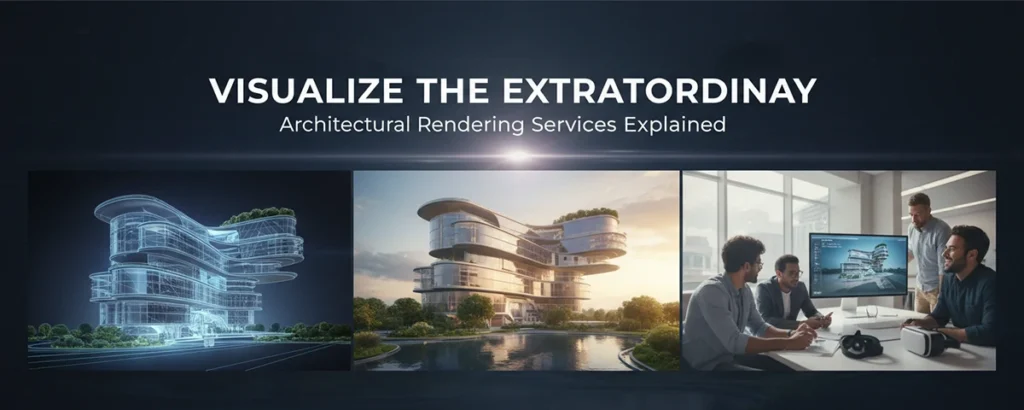
In a world where attention is currency, 2D drawings no longer suffice. Discover how photorealistic rendering is transforming real estate, architecture, and design—selling dreams before the foundation is even poured.
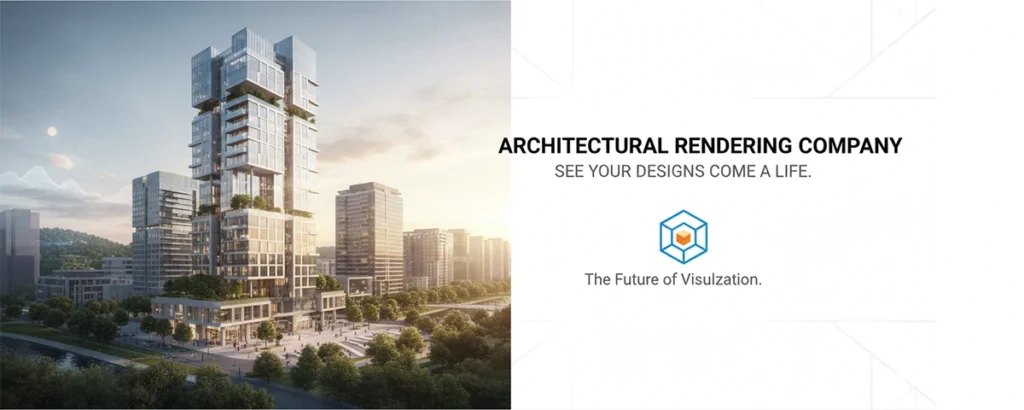
Picture this: You are a real estate developer standing in a muddy, empty lot. You are trying to convince an investor to pour millions of dollars into a luxury apartment complex. You hand them a black-and-white blueprint. They squint, confused by the technical lines. Now, imagine instead you hand them an iPad showing a photo-realistic image of the building at sunset, with golden light hitting the glass balconies and happy families walking in the park below. The difference isn't just aesthetic; it's financial.
Architectural rendering services have become the bridge between imagination and reality. They translate the technical language of architects (CAD drawings, elevations) into the emotional language of clients (light, texture, mood).
But what exactly goes into creating these digital masterpieces? Is it just "Photoshop"? (Spoiler: No.) This guide is a deep dive into the industry of architectural visualization (ArchViz), exploring the services available, the technology used, and how to choose the right partner for your project.
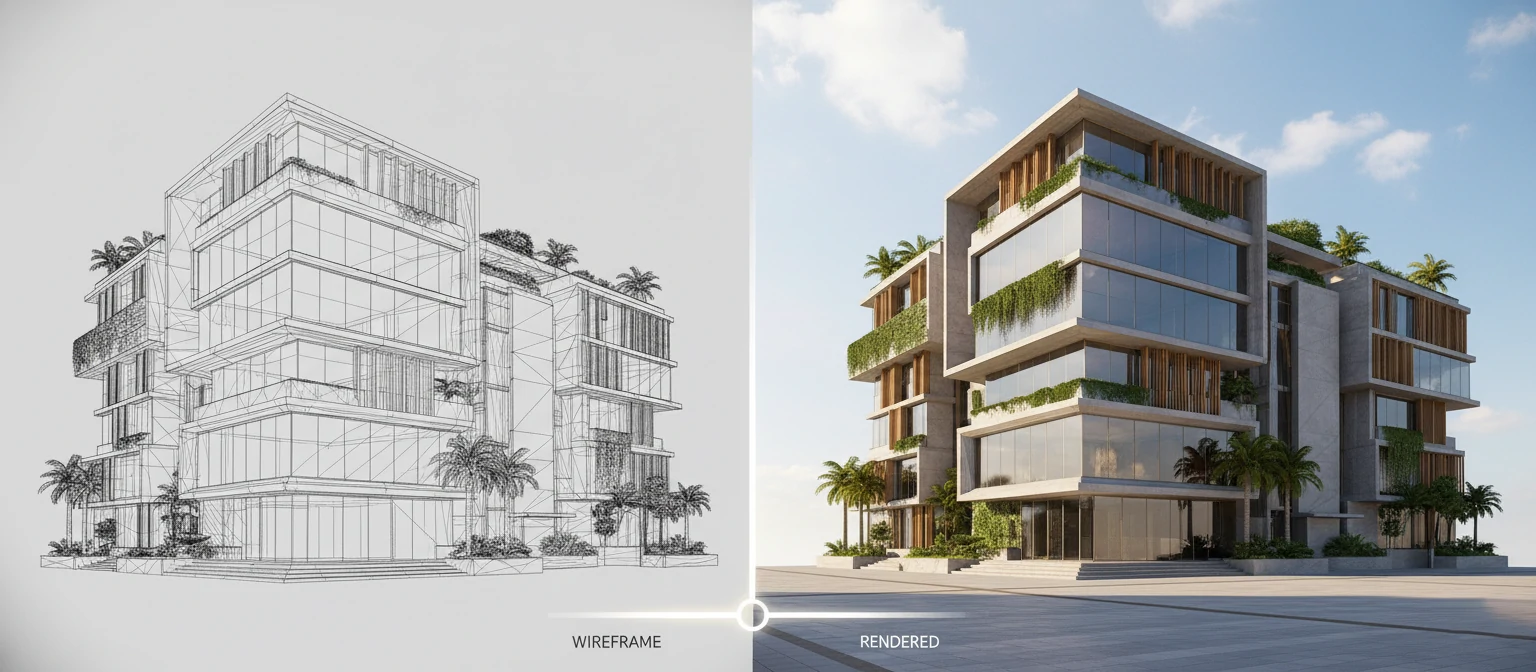
Types of Rendering Services
Modern 3D studios offer far more than just "pictures of buildings." The scope of services is vast.
The "Magic" Box: Understanding the Tech
How do we get from a sketch to a photo? It involves simulating physics.
01. Ray Tracing
The computer shoots millions of virtual light rays into the scene, calculating how they bounce off surfaces (reflection), pass through glass (refraction), and create shadows. This is why it looks real.
02. Software Stack
Modeling: 3ds Max, SketchUp, Rhino
Rendering Engines: Corona Renderer (for soft lighting), V-Ray (industry
standard), Unreal Engine 5 (for real-time).
03. Assets
Artists use massive libraries of "assets"—digitized 3D scans of real sofas, trees, and cars to populate the scenes quickly.
"The goal is not to create a perfect image, but a perfect illusion. Imperfection is what makes it real."
The Production Pipeline
1. The Brief & Modeling
Client provides CAD drawings, mood boards, and material references (e.g., "Use oak wood for floors"). The 3D artist builds the "grey model"—pure geometry without color.
2. Composition & Camera Angles
Usually the "Clay Render" stage. The client gets rough white images to approve the camera viewpoint. Is the angle too low? Too wide?
3. Texturing & Lighting
The "Painting" phase. Materials are applied. Sun position is set. Lights are turned on. This is where the image starts to look like a photograph.
4. Post-Production
The raw render is taken into Photoshop. Contrast is adjusted, people (cutouts) are added, lens flares are enhanced. The final polish.
What Does It Cost?
Pricing in ArchViz is notoriously variable. It depends on complexity, quality, and location of the studio.
Cost Factors:
- Resolution: 4K images take 4x longer to render than HD.
- Style: Classical architecture with ornate moldings is harder to model than a minimalist concrete box.
- Deadlines: Rush jobs require "render farms" (renting supercomputers), costing extra.
ROI > Expense
"A $500 render might save you $50,000 on site."
Rendering is not just a marketing cost; it's a design verification tool. Seeing a material clash in 3D is cheap to fix. Fixing it after you've ordered 10,000 sq ft of stone is a disaster.