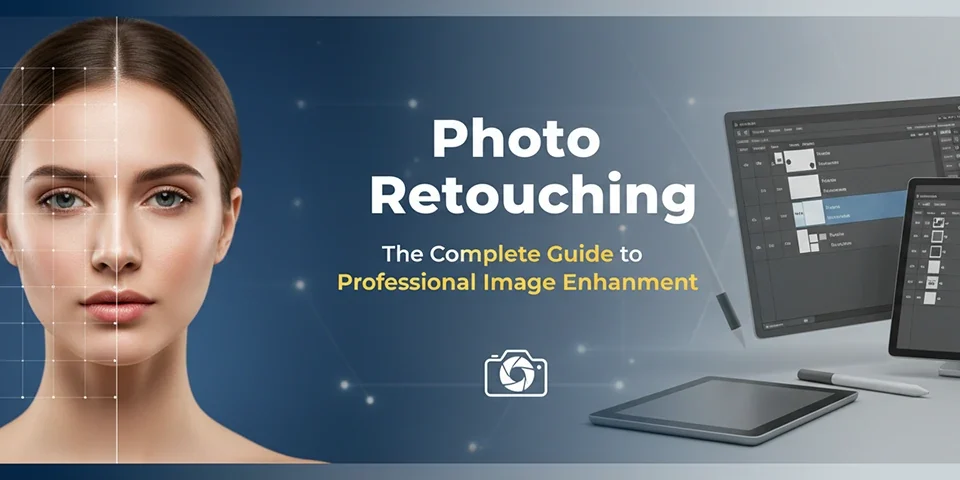
Where reality meets perfection. A deep dive into the techniques, tools, and ethics of transforming good photos into breathtaking masterpieces.
A camera captures light, but a retoucher captures vision. In the split second the shutter clicks, reality is frozen—complete with stray hairs, wrinkled clothes, distracting shadows, and uneven skin tones. While the "purist" might argue for "getting it right in camera," the truth of the professional world is undeniable: No commercial image is finished until it has been retouched.
Image retouching is often misunderstood. It's not just about "Photoshop fails" or making models look impossibly thin. At its highest level, retouching is an invisible art form. It is the subtle grading of color to evoke emotion, the meticulous cleaning of a diamond ring to make it sparkle, and the restoration of a damaged family heirloom.
In this definitive guide, we will pull back the curtain on the industry. From the "Frequency Separation" techniques used on Vogue covers to the AI revolution changing the game, we will explore what it takes to master the digital darkroom.
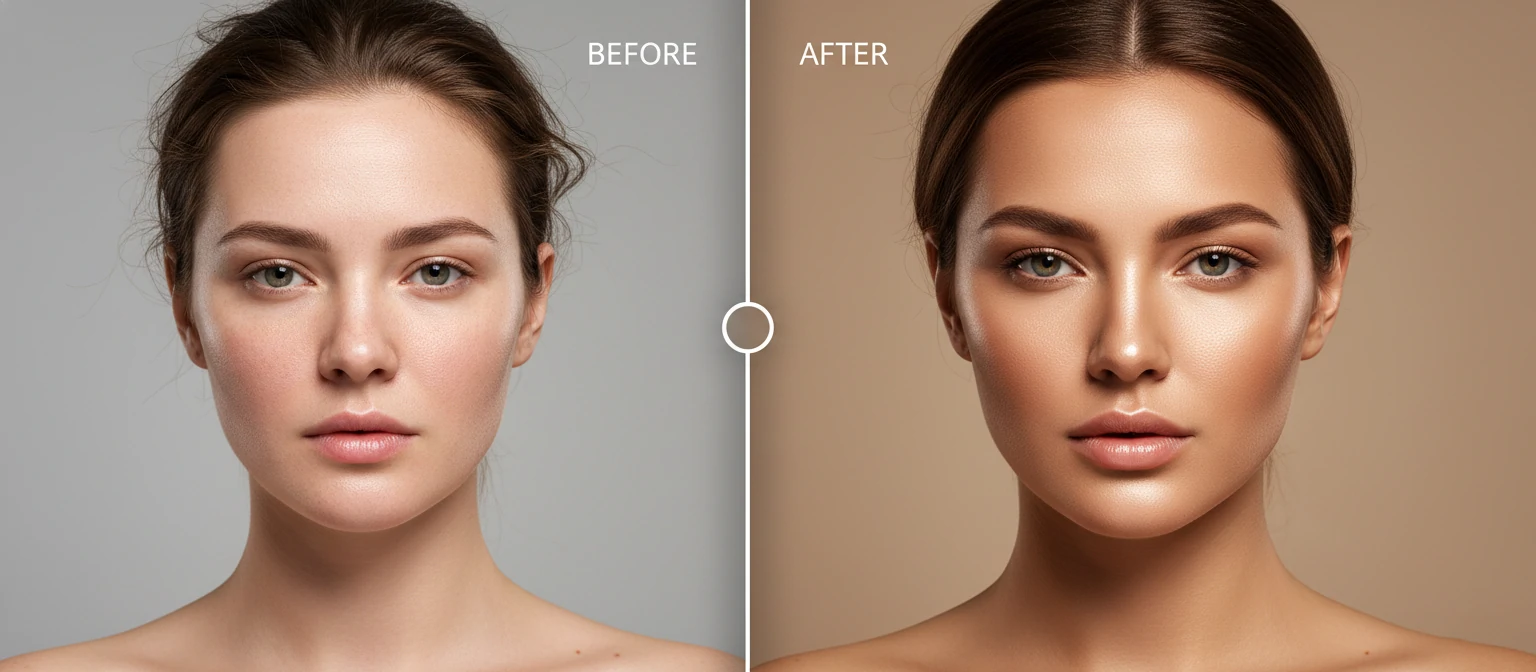
Global Editing vs. Pixel-Level Retouching
Many beginners confuse "editing" with "retouching." While they overlap, they are distinct stages in the workflow.
Stage 1: Global Editing
Think: Lightroom / Capture One
This affects the entire image at once. It involves color correction, exposure adjustment, white balance, cropping, and contrast. It is about setting the mood and foundation.
Stage 2: Retouching
Think: Photoshop
This affects specific pixels. It involves removing blemishes, smoothing skin texture, reshaping clothes (Liquify), removing distracting background objects, and compositing multiple images together.
The High-End Retoucher's Toolkit
1. Dodge & Burn
The holy grail of non-destructive retouching. Instead of blurring skin (which looks fake), pros use light and shadow. They lighten (Dodge) dark pores and darken (Burn) bright spots pixel-by-pixel. This retains texture while evening out the surface. It shapes the face like digital makeup.
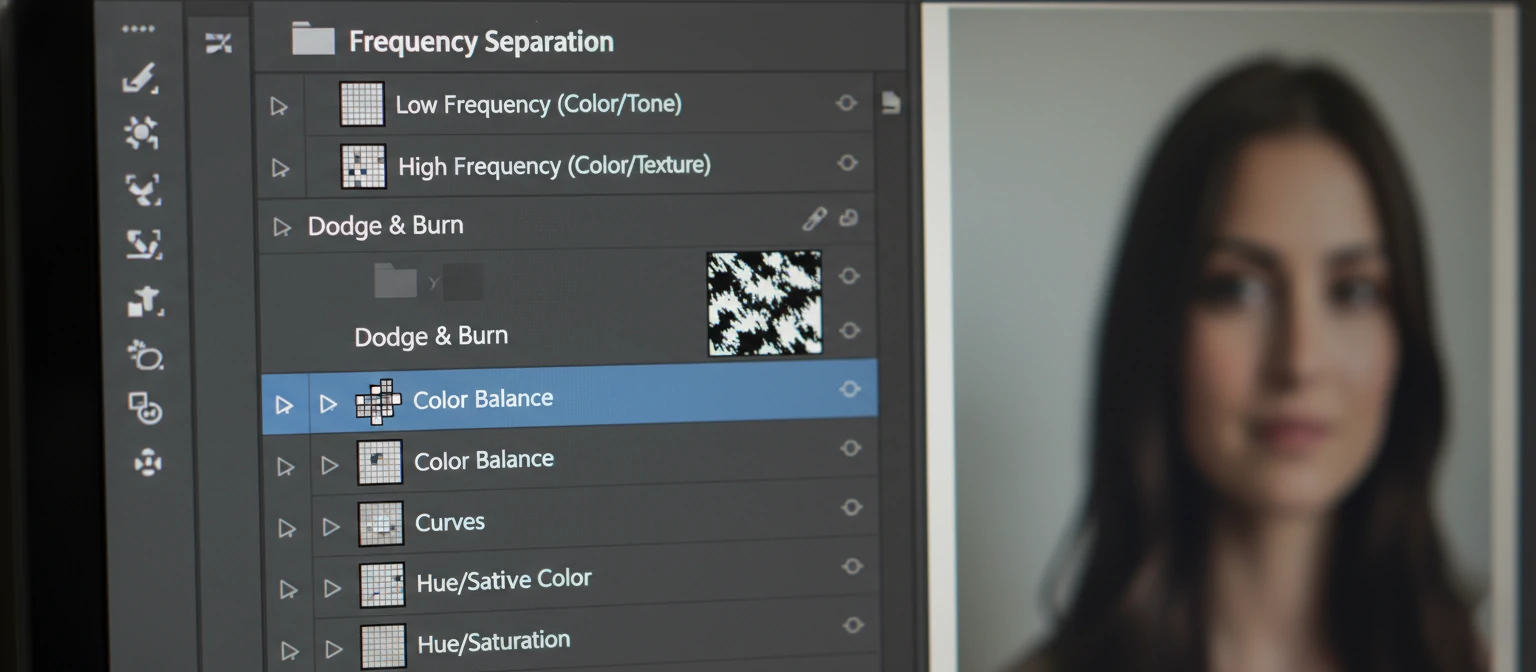
2. Frequency Separation
A magical technique that separates an image into two layers: one containing "Texture" (high frequency) and one containing "Color/Tone" (low frequency). This allows you to fix red blotchy skin tone without destroying the pores, or remove a pimple without ruining the shadow gradient.
3. Color Grading
This is the "soul" of the image. It involves shifting colors to create harmony. Think of the teal-and-orange look of blockbusters or the warm, earthy tones of bohemian fashion. Pros use Gradient Maps, Curves, and Selective Color adjustments.
4. Compositing
Combining elements from different photos. Putting a car photographed in a studio onto a mountain road background. Matching perspective, lighting, and shadows is critical here to sell the illusion.
The 3 Pillars of Commercial Retouching
Beauty & Portrait
Goal: Flawless humanity.
Used in magazines and cosmetics ads. The challenge is preserving skin texture (pores) while removing imperfections. Over-retouching here leads to the dreaded "plastic skin" look.
Product & E-Commerce
Goal: Absolute clarity and desire.
Used for Amazon, Shopify, and catalogs. It involves deep-etching (cutting out the background), color matching precise hex codes, removing dust/scratches, and adding artificial reflections to make jewelry bling.
Creative & Composite
Goal: Selling a fantasy.
Movie posters and high-concept advertising. This is where photography meets digital painting. You might combine a studio-shot model with a 3D-rendered background and particle effects.

The Robot in the Darkroom: AI Retouching
We cannot ignore the elephant in the room. Tools like Generative Fill in Photoshop, Evoto, and Luminar Neo are changing the industry.
What AI Does Well
- Expanding backgrounds (Generative Expand).
- Removing complex objects automatically.
- Batch smoothing skin for wedding photographers (high volume).
What AI Still Can't Do
- Understanding brand guidelines and nuance.
- High-end Dodge & Burn that respects anatomy perfectly.
- Making creative decisions based on emotion.
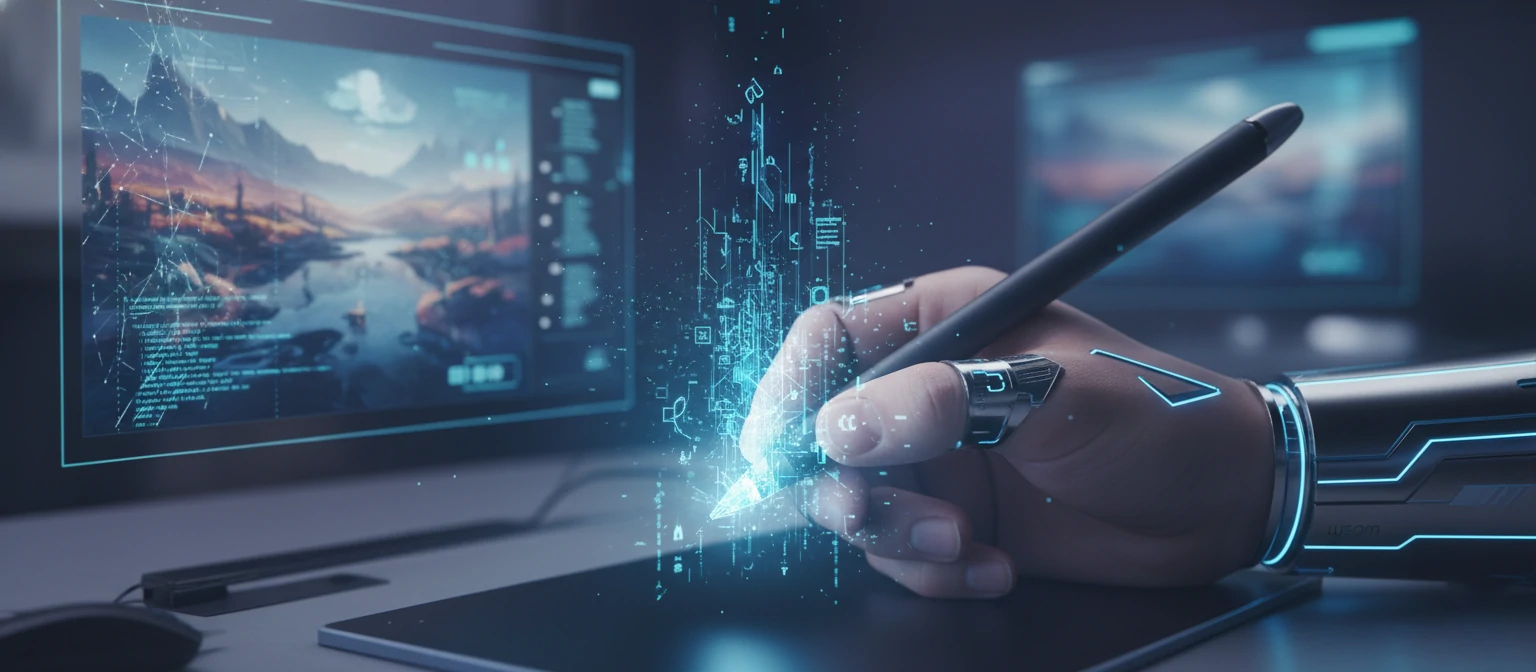
The Professional Setup
You can't retouch high-end work with a trackpad. Here is the standard loadout.
Graphics Tablet (Wacom)
Pressure sensitivity is essential. You need to control the opacity of your brush by how hard you press. A mouse is too clumsy for pixel work.
Color Calibrated Monitor
If your screen is too blue, your print will come out yellow. Pros use monitors like Eizo or BenQ with 100% sRGB/AdobeRGB coverage.
Software
Adobe Photoshop is the undisputed king. Capture One is preferred for tethering and color grading raw files. Affinity Photo is a solid budget contender.
The Ethics of Retouching
With great power comes great responsibility. The industry is shifting away from "impossible perfection." Brands like Aerie and Dove have campaigned for unretouched images.
The modern retoucher's goal is no longer to fundamentally change how a person looks, but to present the best version of them on that day. Removing temporary acne? Yes. Reshaping a jawline or thinning a waist? Generally frowned upon in 2024 editorial standards unless clearly artistic.