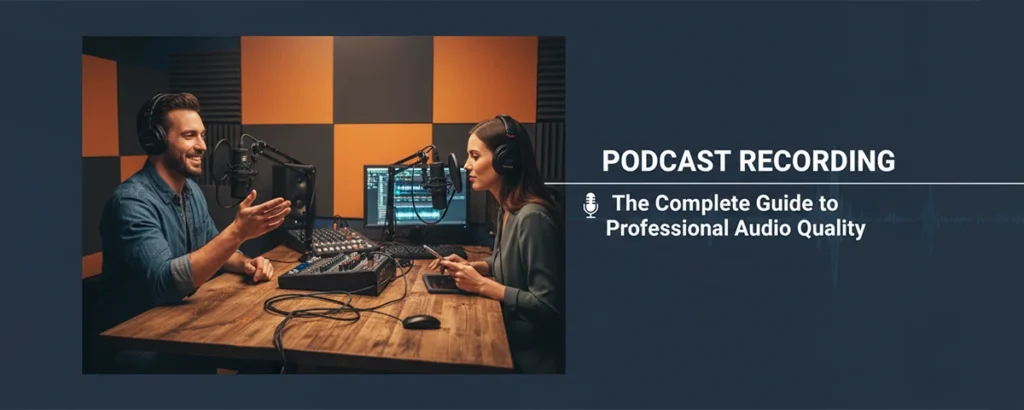
Everything you need to know about recording professional-sounding podcasts—from equipment and setup to techniques and troubleshooting
Table of contents
- Key Takeaways
- 1. Essential Recording Equipment
- 2. Choosing the Right Microphone
- 3. Setting Up Your Recording Space
- 4. Recording Software Options
- 5. Recording Techniques
- 6. Remote Recording & Interviews
- 7. Audio Levels & Monitoring
- 8. Troubleshooting Common Issues
- 9. Recording Workflow Best Practices
- 10. Taking Your Podcast to the Next Level
- Frequently Asked Questions
There's never been a better time to start a podcast. With over 500 million podcast listeners worldwide and platforms making distribution easier than ever, your voice can reach audiences across the globe. But here's the truth that separates successful podcasts from the millions that fade into obscurity: audio quality matters more than most beginners realize.
I've been producing podcasts for over a decade, working with everyone from first-time hobbyists to major media networks. In that time, I've learned that great content with poor audio drives listeners away, while good audio keeps them engaged even through challenging topics. The microphone is your listeners' window into your world—a foggy window ruins the view.
This comprehensive guide covers everything you need to know about podcast recording, from choosing your first microphone to mastering advanced techniques used by professional studios. Whether you're recording solo episodes, conducting remote interviews, or setting up a multi-host show, you'll find practical advice to achieve professional-quality audio without breaking the bank.
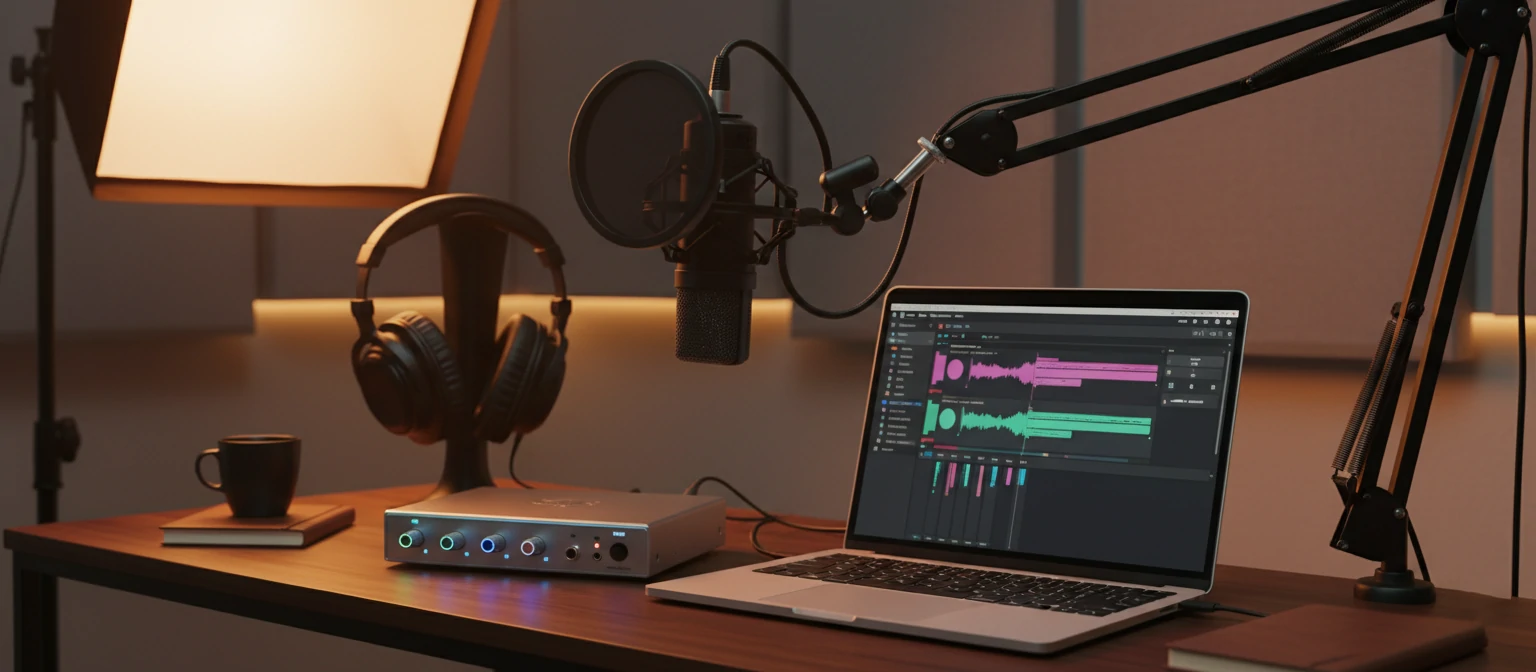
Key Takeaways
- 🎙 A quality USB microphone ($100-200) is sufficient for most podcasters starting out
- 🎙 Room treatment matters more than expensive equipment—a treated closet beats an untreated studio
- 🎙 Record at -12 to -18 dB to leave headroom and prevent clipping
- 🎙 Remote recording platforms like Riverside and SquadCast capture local audio for best quality
- 🎙 Consistent recording practices build habits that improve every episode
1. Essential Recording Equipment
Starting a podcast doesn't require a professional studio or thousands of dollars in equipment. In fact, many successful podcasts began with surprisingly modest setups. The key is understanding what each piece of equipment does and investing strategically in the components that matter most for your format.
Core Equipment Checklist
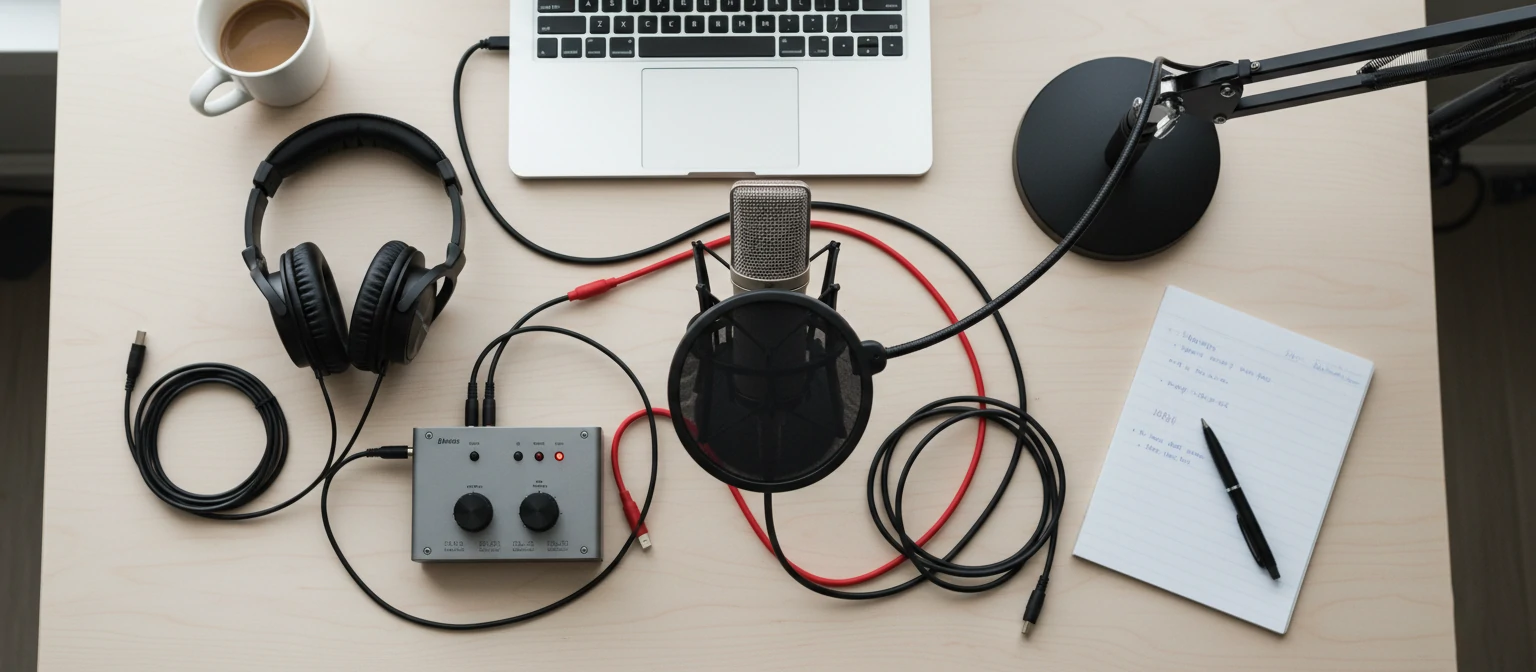
Microphone
The most important investment. USB for simplicity, XLR for flexibility.
$50 - $500+
Headphones
Closed-back for monitoring during recording. Essential for hearing issues in real-time.
$50 - $200
Computer
Any modern computer works. More RAM helps with editing later.
Existing device
Pop Filter
Reduces plosives (harsh P and B sounds). Simple but effective.
$10 - $30
Mic Stand/Arm
Keeps microphone stable and at proper position. Boom arms offer flexibility.
$20 - $100
Audio Interface (XLR)
Required for XLR microphones. Converts analog to digital signal.
$100 - $300
Budget Breakdown by Level
Here's what you can expect to spend at different commitment levels:
Beginner Setup
$100 - $200
USB microphone, basic headphones, free software. Perfect for testing the waters.
Intermediate Setup
$300 - $600
Quality XLR mic, interface, monitoring headphones, boom arm. Serious hobbyist level.
Professional Setup
$1,000+
Broadcast mic, quality interface, acoustic treatment, professional software.
2. Choosing the Right Microphone
Your microphone choice significantly impacts audio quality, so it deserves careful consideration. But more expensive doesn't always mean better for your specific situation—the right microphone depends on your voice, recording environment, and workflow.
USB vs. XLR Microphones
USB Microphones
- Plug-and-play simplicity
- No additional equipment needed
- Great for beginners and solo hosts
- Limited upgrade path
- Examples: Blue Yeti, Audio-Technica AT2020USB+, Rode NT-USB
XLR Microphones
- Requires audio interface
- More flexibility and control
- Professional standard
- Upgradeable component by component
- Examples: Shure SM7B, Rode PodMic, Electro-Voice RE20
Dynamic vs. Condenser Microphones
Dynamic microphones are more forgiving of imperfect environments. They pick up less room noise and are harder to overload, making them excellent for untreated spaces. The Shure SM7B and Rode PodMic are popular dynamic choices.
Condenser microphones capture more detail and nuance, producing a brighter, more present sound. However, they also pick up more room noise and require a quieter, more controlled environment. They're ideal for treated studios or very quiet rooms.
Recommended Microphones by Budget
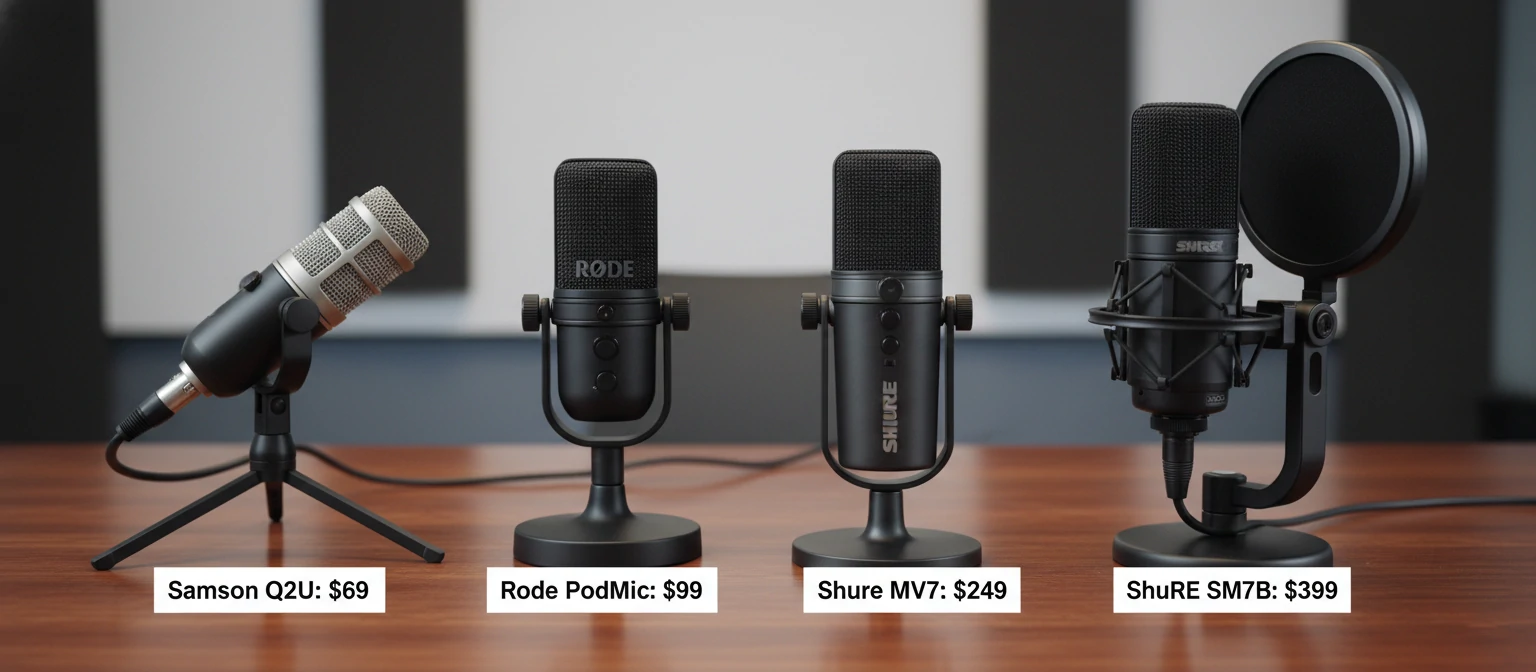
| Microphone | Type | Price | Best For |
|---|---|---|---|
| Samson Q2U | Dynamic USB/XLR | ~$70 | Budget beginners |
| Audio-Technica ATR2100x | Dynamic USB/XLR | ~$100 | Versatile starter |
| Rode PodMic | Dynamic XLR | ~$100 | Podcast-optimized |
| Shure MV7 | Dynamic USB/XLR | ~$250 | Hybrid flexibility |
| Shure SM7B | Dynamic XLR | ~$400 | Industry standard |
3. Setting Up Your Recording Space
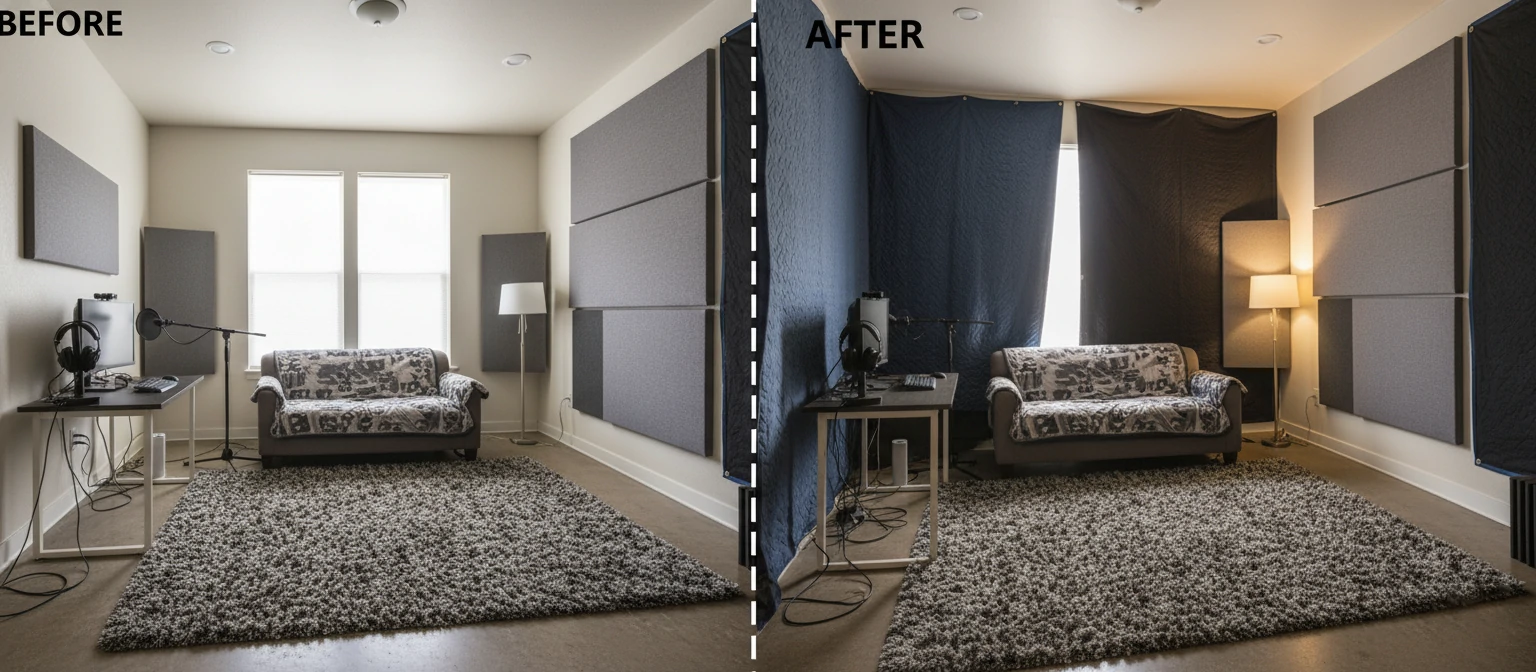
Your recording environment affects audio quality more than most beginners realize. A $100 microphone in a well-treated room often sounds better than a $500 microphone in an echoey, untreated space. Understanding room acoustics and knowing how to improve them transforms your recordings.
The Closet Secret
"Some of the best podcast recordings I've heard came from closets. All those hanging clothes absorb sound incredibly well. Don't overlook unconventional spaces—acoustics matter more than aesthetics when listeners can only hear you."
Understanding Room Acoustics
Sound bounces off hard surfaces (walls, floors, windows, desks) and creates reflections that reach your microphone slightly after your direct voice. This creates that hollow, echoey "room sound" that makes amateur recordings instantly identifiable. The goal is reducing these reflections.
✓ Good for Recording
- Carpeted rooms with furniture
- Closets with hanging clothes
- Rooms with curtains and soft furnishings
- Bedrooms with beds and curtains
- Basement spaces (often naturally dampened)
✗ Challenging Spaces
- Kitchens and bathrooms (hard surfaces)
- Empty rooms with bare walls
- Rooms with high ceilings
- Spaces near HVAC vents or appliances
- Areas with traffic or outdoor noise
DIY Acoustic Treatment
You don't need expensive acoustic panels to improve your space:
- Hang blankets or moving pads: Behind you and to the sides during recording
- Use bookshelves: Books create an irregular surface that diffuses sound
- Add rugs or carpet: Reduces floor reflections significantly
- Close curtains: Windows are highly reflective; thick curtains help
- Consider a reflection filter: Portable acoustic shields wrap around the mic
4. Recording Software Options
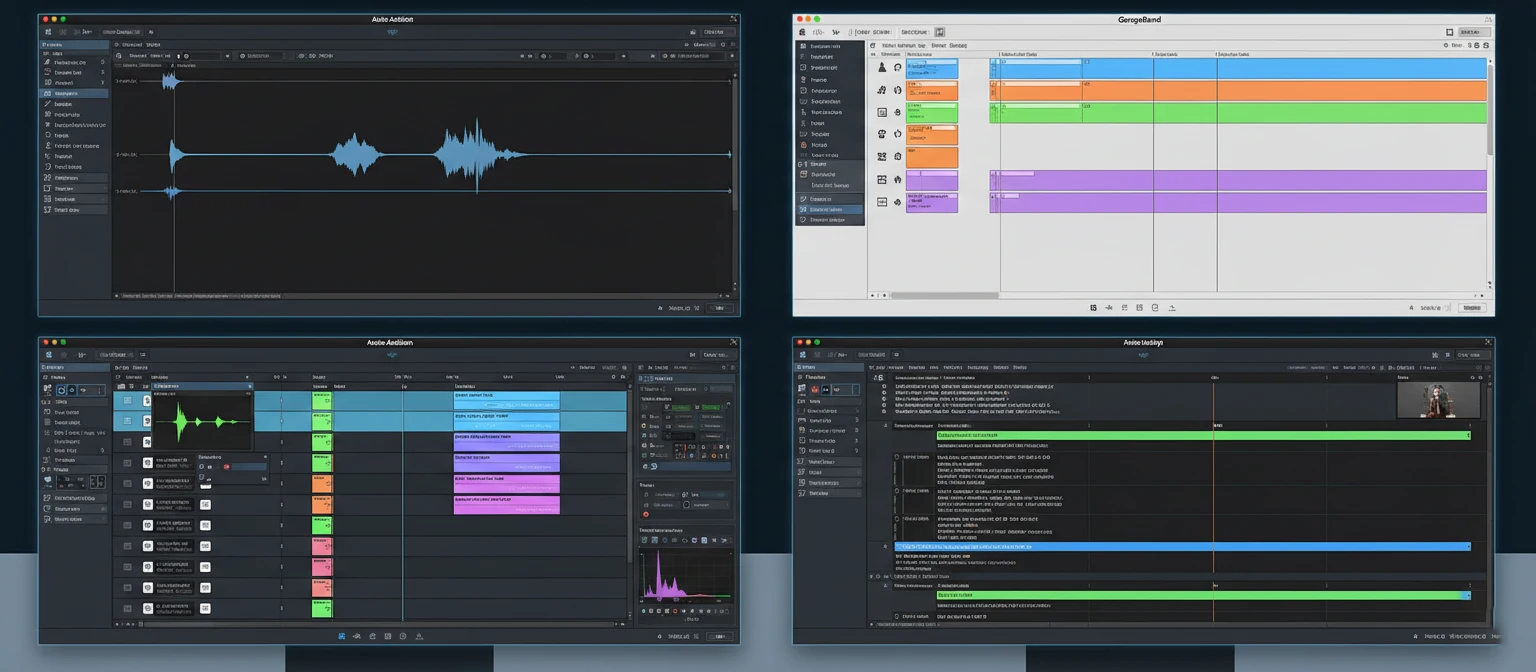
Recording software (also called a Digital Audio Workstation or DAW) captures your audio and allows for editing. The good news: you don't need expensive software to record professional-quality podcasts. Many excellent options are free.
Free Options
Audacity
Open-source, cross-platform. Basic but capable for recording and editing.
GarageBand (Mac)
Excellent free option for Mac users. Intuitive interface, good effects.
Ocenaudio
User-friendly alternative to Audacity with real-time preview.
Paid Options
Adobe Audition
$22.99/mo. Industry standard with powerful editing and restoration tools.
Hindenburg Journalist
$95. Designed specifically for spoken word and podcast production.
Descript
$12/mo+. Revolutionary text-based editing with AI features.
Logic Pro (Mac)
$199.99 one-time. Professional DAW with extensive features.
Choosing Your Software
For most podcasters starting out, I recommend beginning with a free option like Audacity or GarageBand. Learn the basics, understand your workflow, and upgrade only when you hit limitations. Descript deserves special mention for its innovative approach—editing audio by editing a transcript—which dramatically simplifies the editing process for interview-style shows.
5. Recording Techniques
Proper technique transforms average equipment into professional-sounding recordings. These fundamentals separate polished podcasts from amateur productions, regardless of how much you've spent on gear.
Microphone Technique Fundamentals
Distance Matters
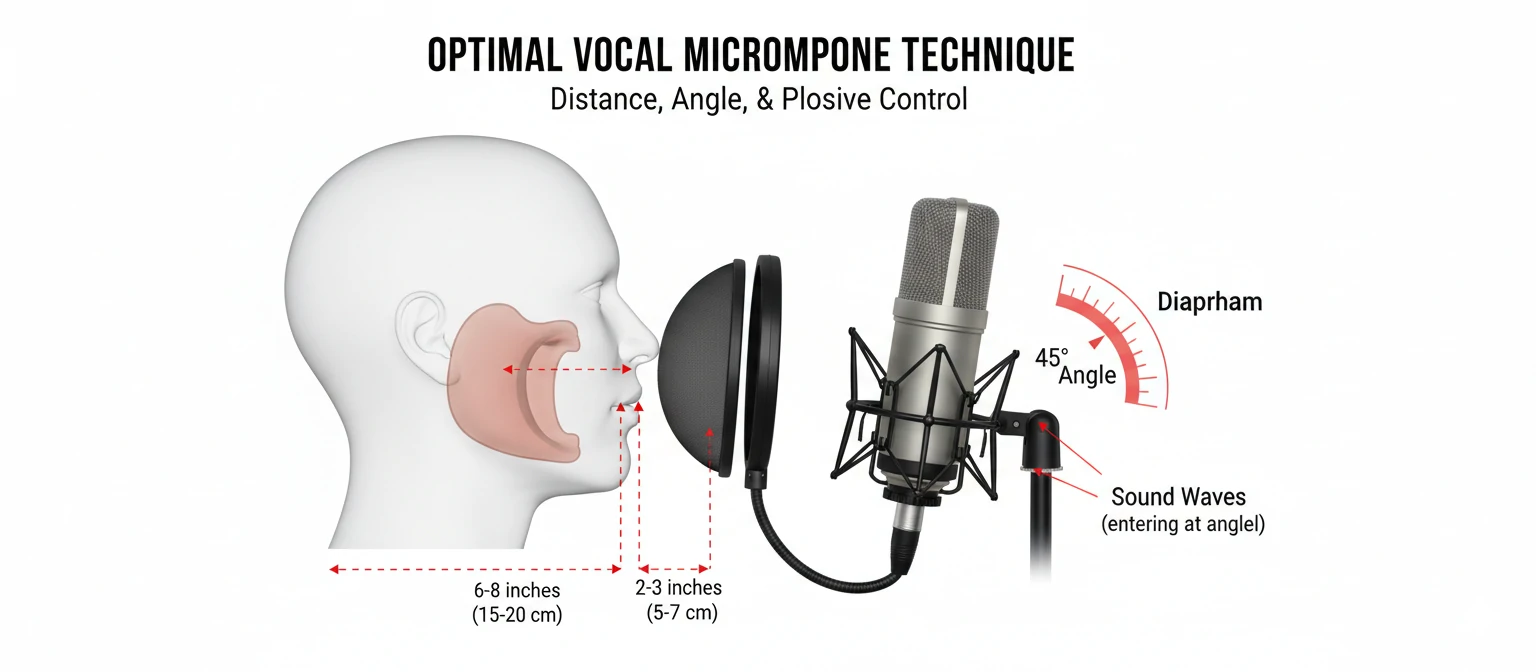
Position yourself 4-8 inches from the microphone. Too close creates bass buildup (proximity effect) and plosive problems. Too far introduces room sound. Find the sweet spot where your voice sounds full but natural.
Angle Your Approach
Don't speak directly into the microphone. Angle it slightly or speak across the top rather than straight on. This reduces plosives (P and B sounds) and sibilance (S sounds) without losing presence.
Stay Consistent
Maintain the same distance and position throughout recording. Moving around creates volume fluctuations and tonal changes. Consider using a fixed boom arm position you can return to.
Hydrate and Warm Up
Drink water before and during recording to prevent mouth clicks and dryness. A few minutes of vocal warm-up helps if you're doing longer sessions. Avoid dairy before recording—it creates extra mouth noise.
Pre-Recording Checklist
6. Remote Recording & Interviews
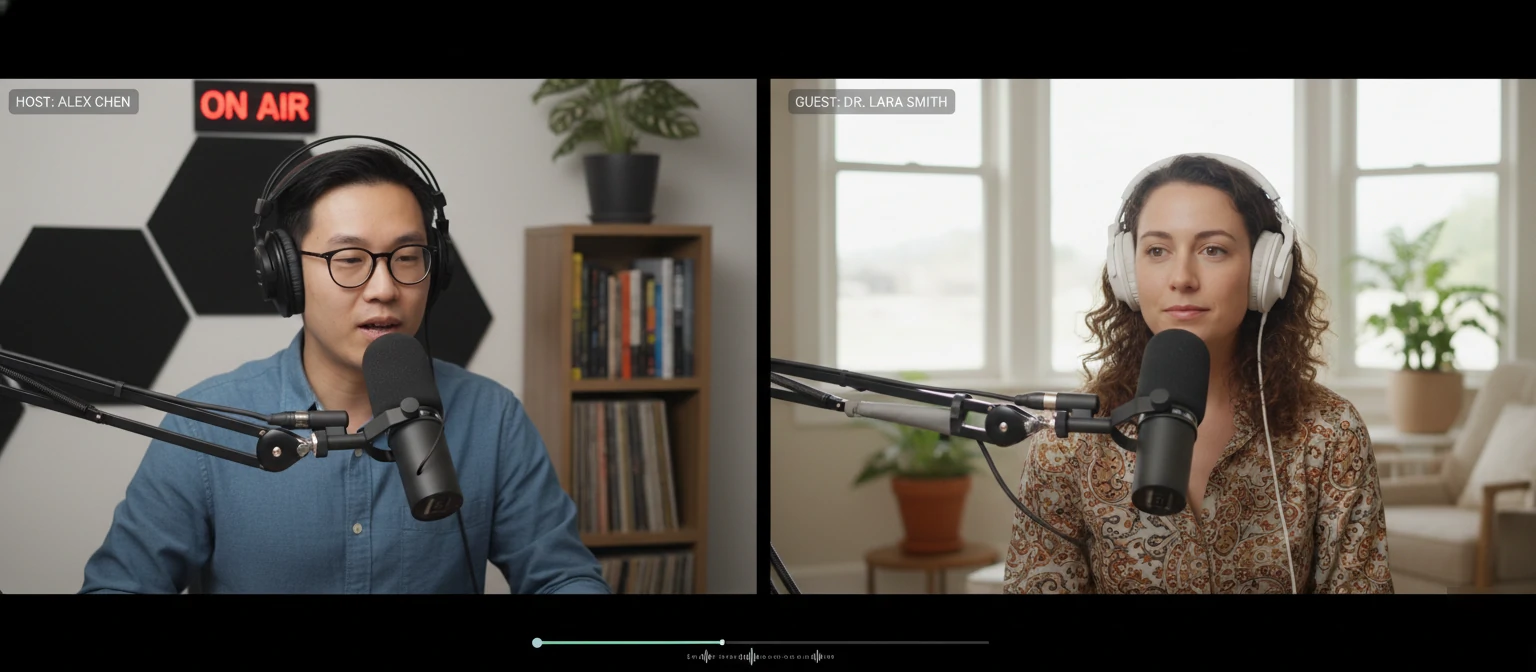
Many successful podcasts feature remote guests or co-hosts. While Zoom and other video conferencing tools work in a pinch, dedicated podcast recording platforms deliver significantly better audio quality by recording each participant locally.
Remote Recording Platforms
Riverside.fm
Records locally in up to 4K video and WAV audio. Separate tracks for each guest. Built-in editing tools.
SquadCast
Progressive upload prevents lost recordings. Supports video. Dolby integration for noise reduction.
Zencastr
Generous free tier available. Automatic post-production features. Good for beginners.
Cleanfeed
Audio-only with broadcast-quality focus. Used by radio stations. Simple guest experience.
Preparing Remote Guests
Your audio is only as good as your weakest participant. Help guests sound their best:
- Send a tech checklist: Include recommendations for headphones, quiet space, and microphone positioning
- Request wired connections: WiFi is less reliable; ethernet prevents drops
- Ask about their microphone: Even iPhone earbuds beat laptop mics
- Schedule a test call: Work out technical issues before recording day
- Have a backup plan: Phone recording as fallback if technology fails
7. Audio Levels & Monitoring
Proper audio levels during recording prevent problems that are difficult or impossible to fix later. Understanding gain staging and monitoring ensures you capture clean audio every time.
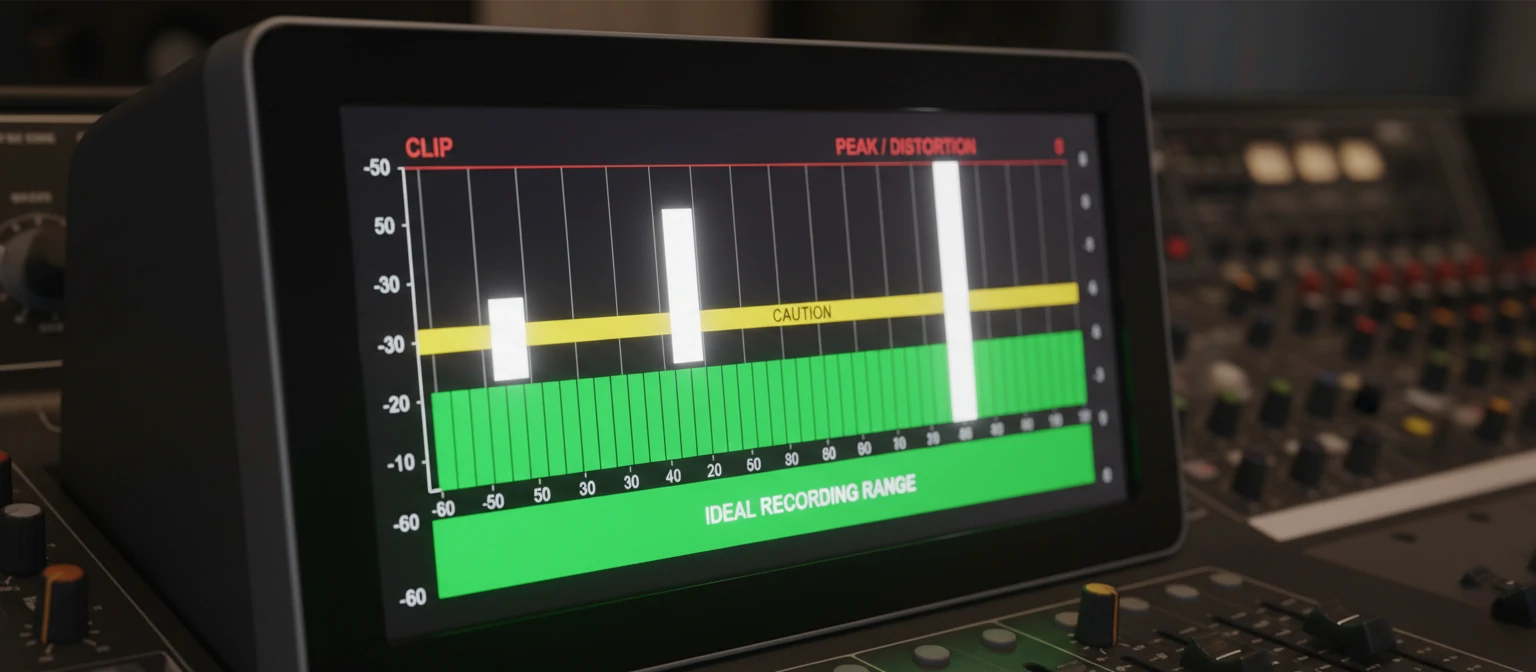
Recording Level Guidelines
-18 to -12 dB
Ideal Peak Level
Average speaking volume
-6 dB
Occasional Peaks
Loud moments, laughter
0 dB
NEVER Touch
Causes clipping/distortion
Setting Your Gain
Gain is the sensitivity of your microphone input. Set it before recording by speaking at your normal volume and watching the meters. Your average level should hover around -18 to -12 dB, with peaks not exceeding -6 dB. This "headroom" protects against unexpected loud moments.
It's better to record slightly quiet than too hot. You can always boost quiet audio in post-production, but clipped (distorted) audio is ruined forever. When in doubt, turn the gain down slightly.
Monitoring While Recording
Always wear headphones while recording. This lets you hear exactly what's being captured, including problems like background noise, mouth clicks, or technical issues. Use closed-back headphones to prevent sound leaking into the microphone.
8. Troubleshooting Common Issues
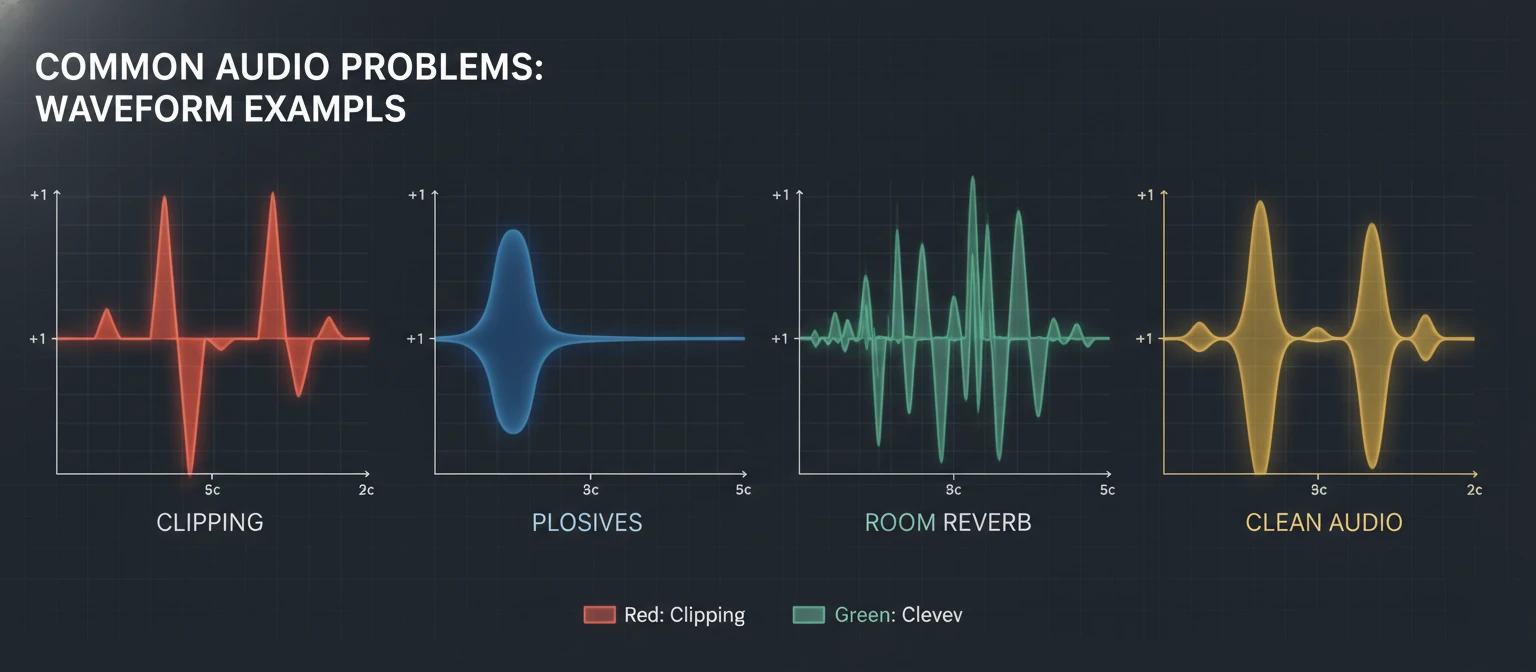
Even experienced podcasters encounter technical challenges. Knowing how to identify and solve common audio problems saves hours of frustration and prevents ruined recordings.
Problem: Background Noise/Hum
Causes: Electrical interference, HVAC, computer fans, refrigerators, traffic
Solutions: Turn off appliances, move away from computers, use a dynamic microphone, apply noise reduction in post. Check for ground loop issues if you hear a 60Hz hum.
Problem: Plosives (Popping P and B sounds)
Causes: Speaking directly into microphone, too close, no pop filter
Solutions: Use a pop filter, angle the microphone 45 degrees off-axis, increase distance slightly, or speak across the microphone rather than into it.
Problem: Room Echo/Reverb
Causes: Hard surfaces, large empty rooms, high ceilings
Solutions: Add soft furnishings, hang blankets, use a reflection filter, record in a smaller space, or try a closet. Getting closer to the mic also reduces room sound.
Problem: Mouth Clicks and Lip Smacks
Causes: Dehydration, sticky mouth, certain foods before recording
Solutions: Drink water throughout recording, avoid dairy and caffeine before recording, lightly bite your tongue to generate saliva. Green apple is a broadcaster trick for reducing mouth noise.
Problem: Inconsistent Volume
Causes: Moving during recording, varying speaking volume, poor mic technique
Solutions: Lock in your position with a boom arm, maintain consistent distance, practice speaking at steady volume. Use compression in post-production to even levels.
9. Recording Workflow Best Practices
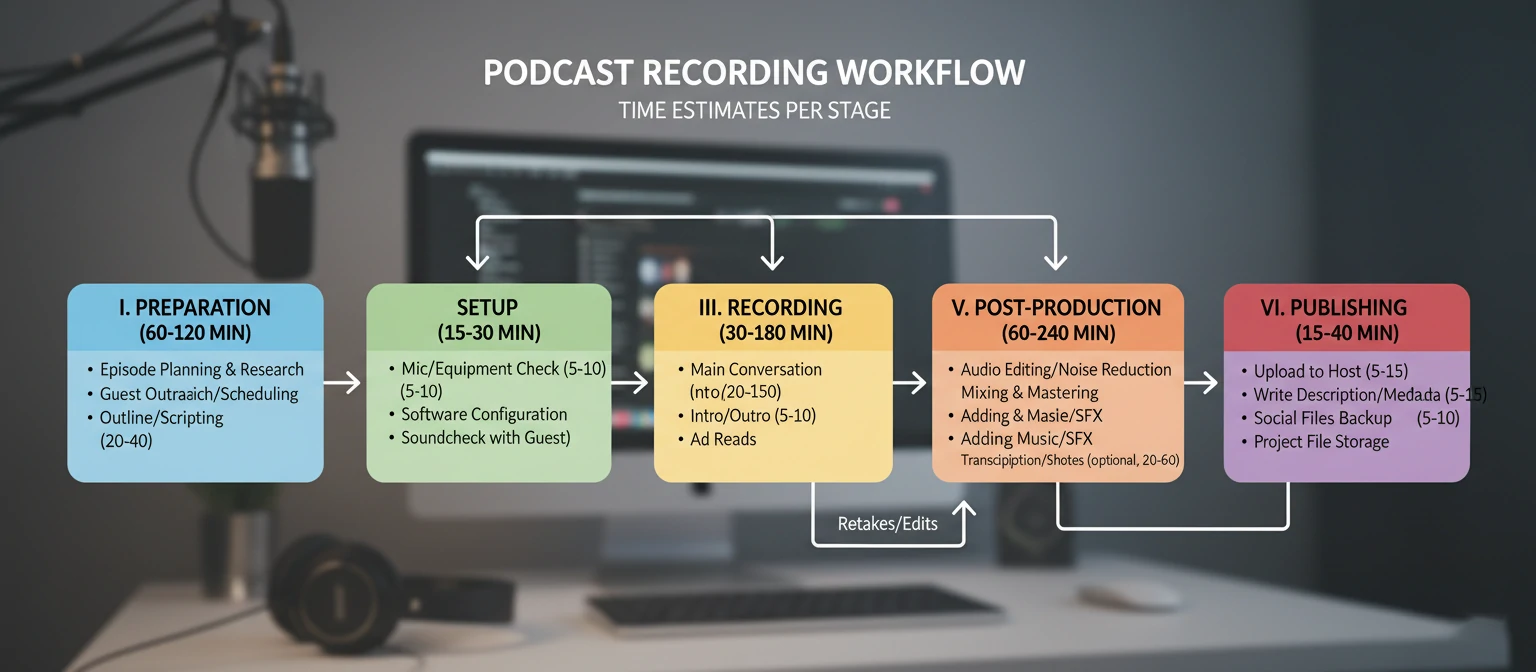
A consistent workflow makes podcast production sustainable and ensures quality remains high episode after episode. These practices, developed from producing hundreds of episodes, keep your process efficient and your audio professional.
The Professional Recording Workflow
Preparation (15-30 min before)
Set up equipment, test audio levels, review notes or outline, close unnecessary applications, hydrate.
Sound Check
Record 30 seconds of test audio, play it back, listen for issues, adjust as needed.
Record Room Tone
Capture 30-60 seconds of silence (actually room noise). Useful for filling gaps in editing.
Recording
Hit record and don't stop. Mark mistakes with claps or verbal notes rather than stopping. Keep energy up.
Immediate Backup
Copy raw files to backup location immediately after recording. Never risk losing audio.
Quick Review
Listen to beginning, middle, and end of recording to verify quality before the session ends.
File Organization
Establish a clear file naming and folder structure from day one. Something like: /Podcast Name/Episodes/EP001_Topic_Date/ with consistent naming prevents chaos as your episode library grows.
10. Taking Your Podcast to the Next Level
Once you've mastered the fundamentals, there are advanced techniques and investments that can elevate your podcast to professional broadcast quality. These aren't necessary for every podcaster, but they make a difference at higher levels.
Professional Acoustic Treatment
Move beyond DIY to proper bass traps, absorption panels, and diffusers strategically placed based on room analysis.
Hardware Processing
Add a dedicated hardware compressor, preamp, or channel strip for real-time processing. dbx 286s is a popular starting point.
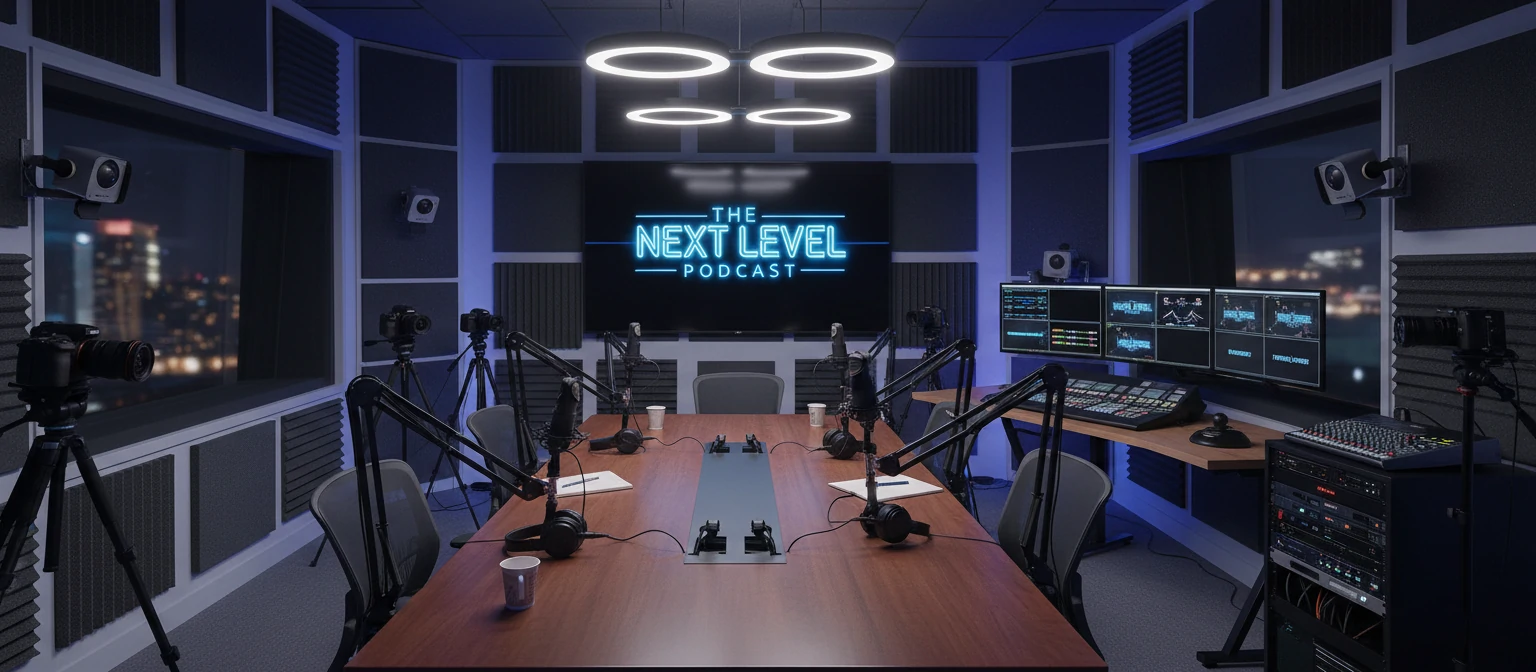
Video Podcasting
Add cameras and lighting for YouTube/social clips. This opens massive audience growth opportunities on video platforms.
AI Tools Integration
Explore AI transcription, audio enhancement (Adobe Podcast), automated editing, and show notes generation to streamline production.
Continuous Improvement
The best podcasters never stop learning. Listen critically to your own episodes, study podcasts you admire, and invest in your skills. Consider audio engineering courses, join podcasting communities, and stay current with new tools and techniques.
Final Thought
"Great audio quality removes the barrier between your voice and your listener's mind. When the technology becomes invisible, your message shines through. That's the goal worth pursuing—audio so good that listeners forget they're listening to a recording and feel like they're in the room with you."
Frequently Asked Questions
What's the minimum equipment needed to start a podcast?
At minimum: a USB microphone ($50-100), headphones, and a computer with free recording software like Audacity. A pop filter ($10-20) is highly recommended. You can start under $100 and upgrade as you grow.
Should I record in mono or stereo?
For spoken-word podcasts, mono is standard and recommended. Stereo doubles file sizes without adding value for single-voice content. If you have multiple hosts, record each on separate mono tracks.
What sample rate and bit depth should I use?
44.1kHz sample rate and 16-bit or 24-bit depth are standard for podcasts. 24-bit gives more headroom during editing but isn't strictly necessary. Final podcast files are typically distributed at 44.1kHz/16-bit.
How long should podcast episodes be?
There's no perfect length—it depends on your content and audience. Most successful podcasts range from 20 minutes to 90 minutes. The key is being as long as needed and not a minute longer. Value density matters more than duration.
Can I record a good podcast with my phone?
Modern smartphones have surprisingly capable microphones, and apps like Ferrite (iOS) or Dolby On offer good recording options. Phone recording works for interviews in the field or as a backup. For regular episodes, dedicated equipment produces noticeably better results.
About Emily Richardson
Emily Richardson is a podcast producer and audio engineer with over 10 years of experience in podcast production. She has produced shows for major media companies and independent creators alike, with combined downloads exceeding 50 million. Emily is passionate about helping new podcasters achieve professional audio quality and runs workshops on podcast production.