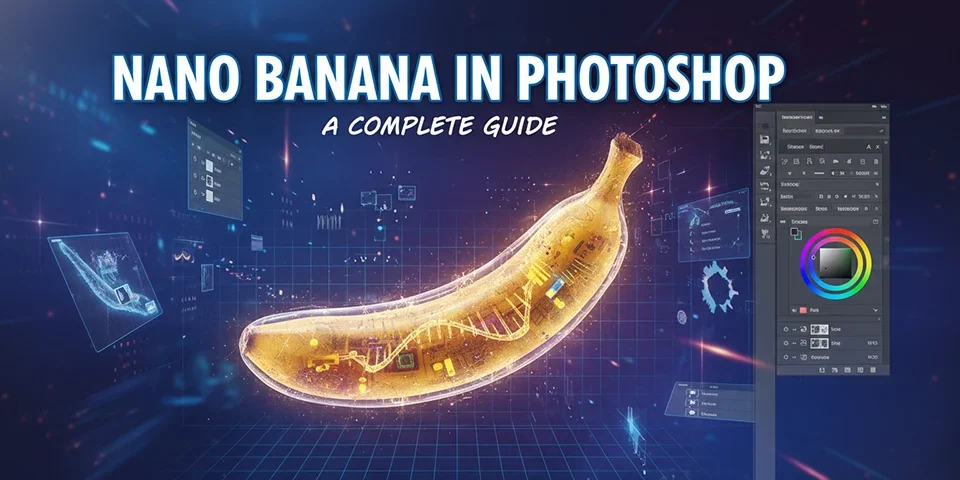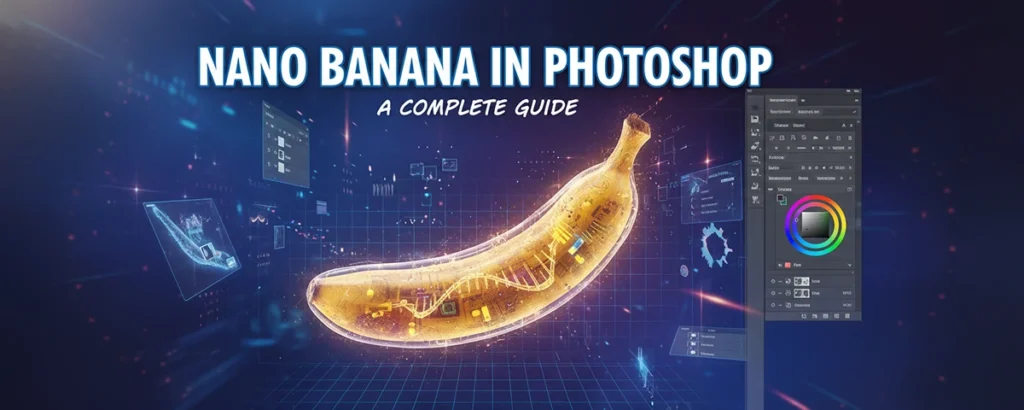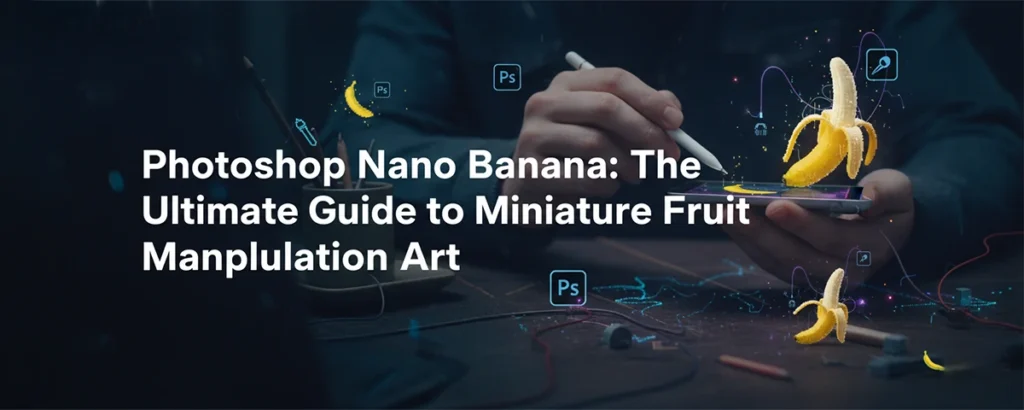
Discover the fascinating world of nano banana art in Photoshop. From creating impossibly tiny bananas to surrealist compositions, this complete guide covers techniques, tutorials, and creative inspiration.
What Is the "Nano Banana" Trend in Photoshop?
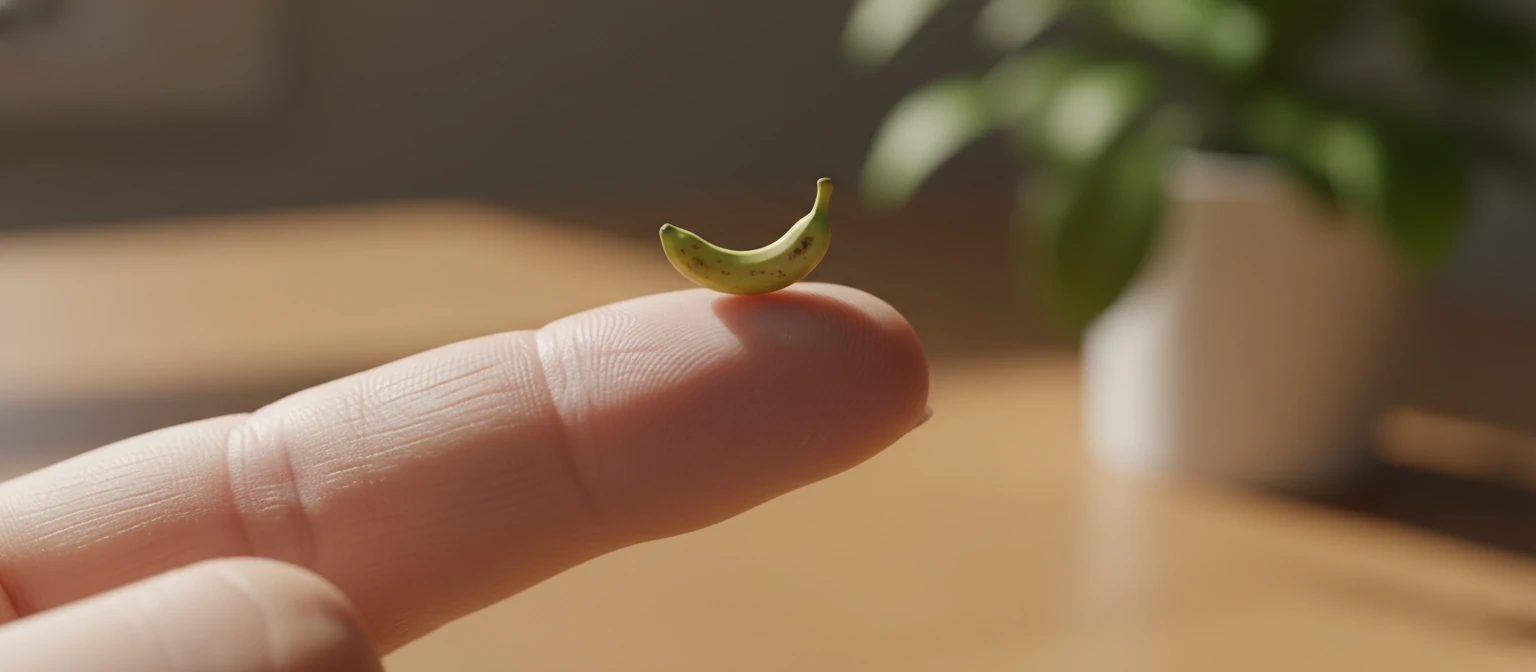
The "Nano Banana" phenomenon in Photoshop refers to a creative art and photo manipulation trend where artists create impossibly miniature bananas placed in surreal, unexpected contexts. Think of a banana the size of a grain of rice sitting on someone's fingernail, or a tiny banana next to everyday objects that make it look hilariously small.
This trend draws from the broader world of "miniature art" and "forced perspective" photography, but with a distinctly digital twist. Using Photoshop's powerful scaling, masking, and compositing tools, artists can create perfectly realistic images of nano-sized bananas that trick the eye and delight viewers on social media.
But the nano banana isn't just about making things small. It's part of a larger artistic movement exploring absurdity, scale manipulation, and the surrealist tradition of placing familiar objects in unfamiliar contexts. Salvador Dalí would be proud.
Why Bananas?
Bananas have become an iconic symbol in internet culture and art. From the "banana for scale" meme to Maurizio Cattelan's $120,000 duct-taped banana artwork, the humble fruit has transcended its role as a snack. Its instantly recognizable shape, bright yellow color, and curved silhouette make it the perfect subject for scale manipulation art.
The Origins of Miniature Object Art
Before nano bananas became a digital art trend, the concept of miniaturizing objects for artistic effect has a rich history. Tilt-shift photography, which uses lens manipulation to make real-life scenes look like miniature models, has been popular for decades. Artists like Tatsuya Tanaka have built entire careers around creating dioramas with everyday objects at miniature scale.
🖼️ Surrealism Roots
Surrealist artists like René Magritte and Salvador Dalí pioneered the art of placing familiar objects in unfamiliar contexts or scales. Their work challenged perception and continues to inspire digital artists today.
📸 "Banana for Scale"
The internet meme of placing a banana next to objects to show their size became iconic in the early 2010s. The nano banana flips this concept on its head—what if the banana itself became impossibly small?
The term "nano banana" specifically emerged from Photoshop communities on Reddit, Instagram, and design forums around 2020-2022, where artists began challenging themselves to create the most realistic miniature banana composites. The trend grew as creators shared tutorials and techniques, leading to a subgenre of digital manipulation art focused on this quirky subject.
How to Create a Nano Banana in Photoshop
A complete walkthrough for beginners and intermediate users.
Gather Your Source Images
You'll need two key images: a high-resolution photo of a banana (ideally isolated on white or with a clean background) and a "context" image where the nano banana will be placed (e.g., a human hand, a coin, a keyboard).
Pro Tip: Use stock photo sites like Unsplash, Pexels, or Adobe Stock for high-quality source images. The better your starting materials, the more realistic your final composite.
Isolate the Banana
Use Photoshop's selection tools to cut out the banana from its background. The Pen Tool or Select Subject (in newer versions) works well. Refine the edges using Select and Mask for a clean cutout.
- Use the Pen Tool (P) for precise paths
- Apply a 0.5-1px feather for natural edges
- Check for stray pixels around the edges
Scale Down (Way Down)
Place the banana into your context image and use Free Transform (Ctrl/Cmd + T) to shrink it dramatically. The key is making it small enough to be "nano" but large enough to retain detail. Hold Shift while scaling to maintain proportions.
Important: Convert your banana layer to a Smart Object first. This preserves quality if you need to resize later.
Match the Lighting
This is where realism is made or broken. Analyze the light source in your context image. Use Curves and Levels adjustments to match the brightness and contrast of the banana to its new environment. Add subtle highlights and shadows with a soft brush on overlay layers.
Add Shadows and Depth
Create a new layer beneath the banana. Use a soft black brush at low opacity (15-30%) to paint a subtle contact shadow where the banana meets the surface. Add a slightly larger, softer shadow for ambient occlusion. This grounds the object in the scene.
Color Grading & Final Touches
Unify the image with a global color grade. Use a Color Lookup adjustment layer or create your own with Curves. Add subtle grain or noise to match the texture of the original photo. Finally, apply a slight depth-of-field blur if the banana should be out of focus at that scale.
Advanced Techniques for Realism
🔍 Texture Matching
If your banana looks "too clean" compared to the context, add subtle noise or grain. Use Filter > Noise > Add Noise at a low percentage (1-3%) to match the texture of the background image.
🌈 Color Harmonization
Use Match Color (Image > Adjustments > Match Color) to automatically harmonize the banana's color palette with the target image. Fine-tune with Hue/Saturation if needed.
📐 Perspective Warp
If the angle of the banana doesn't match the scene, use Edit > Perspective Warp to subtly adjust. This is more flexible than Free Transform for correcting angular mismatches.
💧 Reflection & Wetness
For scenes with reflective surfaces (glass, wet surfaces), duplicate your banana, flip it vertically, reduce opacity, and apply a gradient mask for a realistic reflection effect.
Where Is Nano Banana Art Used?
🎭 Social Media Art
Surrealist composites like nano bananas perform exceptionally well on Instagram, TikTok, and Reddit. The absurdity catches attention, sparks curiosity, and encourages shares. Artists use this style to grow their following and showcase Photoshop skills.
📚 Educational Content
The "nano banana" has become a popular teaching subject in Photoshop tutorials. It's simple enough for beginners to attempt but requires mastery of compositing fundamentals—scaling, masking, color matching, and shadow creation—making it an ideal learning project.
🛍️ Advertising & Marketing
Brands have used miniature object compositing for humorous, attention-grabbing ads. The technique can make products appear larger by comparison or create whimsical scenarios that stick in viewers' minds.
🖼️ Fine Art & Prints
Some digital artists have created entire portfolios around miniature fruit and object art, selling prints to collectors who appreciate the surrealist aesthetic. The nano banana, as absurd as it sounds, has legitimate artistic merit in the right context.
Essential Tools & Resources
Everything you need to get started with nano banana (and miniature object) art.
🖥️ Software
- Adobe Photoshop (industry standard)
- Affinity Photo (affordable alternative)
- GIMP (free, open-source)
- Photopea (free, browser-based)
📷 Stock Image Sites
- Unsplash (free, high-quality)
- Pexels (free, diverse)
- Adobe Stock (premium)
- Shutterstock (premium)
🎓 Learning Platforms
- PHLEARN (compositing tutorials)
- Skillshare (creative courses)
- YouTube (free tutorials)
- Domestika (project-based)
Frequently Asked Questions
Why is it called "Nano" banana?
"Nano" comes from the scientific prefix meaning extremely small (one billionth). In this context, it's a playful exaggeration referring to making bananas impossibly tiny—much smaller than any real miniature banana variety.
Can I do this without Photoshop?
Yes! Free alternatives like GIMP, Photopea (browser-based), or Affinity Photo have similar tools for masking, scaling, and compositing. The techniques are transferable across software.
How long does a realistic composite take?
For beginners, expect 1-2 hours. With practice, you can create convincing nano banana composites in 20-30 minutes. The most time-consuming parts are precise masking and shadow matching.
Can I sell nano banana art?
As long as you own or have rights to all source images used in your composite, you can sell prints or digital copies. Be cautious with stock photo licenses—some require extended licenses for merchandise.
Final Thoughts
The Photoshop nano banana trend represents everything wonderful about digital art: it's quirky, accessible, technically challenging, and inherently shareable. What starts as a silly concept—making a banana tiny—becomes a comprehensive lesson in compositing, color theory, and visual storytelling.
Whether you're a beginner looking for a fun project to develop your skills or an advanced artist seeking to add a touch of surrealism to your portfolio, the nano banana is a surprisingly rewarding subject. The techniques you learn—masking, scaling, shadow creation, color matching—are foundational to all photo manipulation work.
So fire up Photoshop, find a beautiful banana image, and start shrinking. Welcome to the wonderful, absurd world of nano banana art. 🍌