Your Complete Guide to Augmented Reality Applications and Implementation
Introduction to AR Scenarios
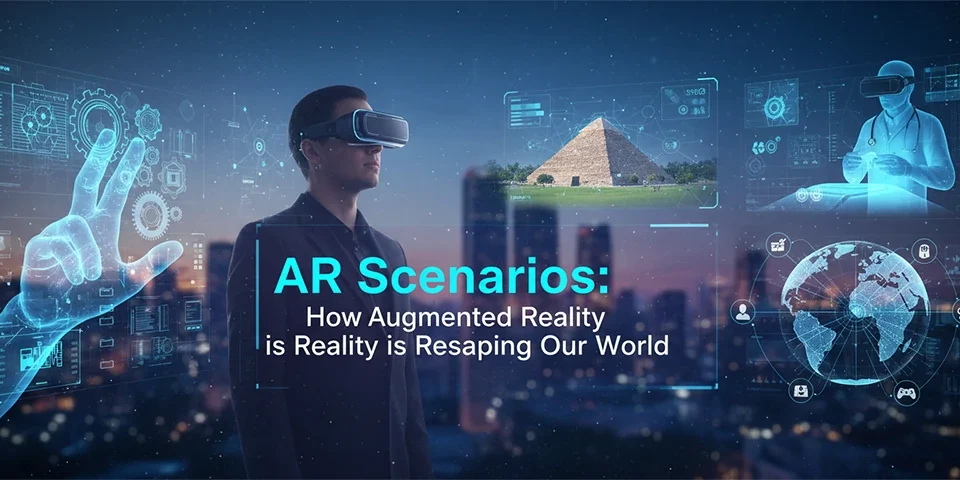
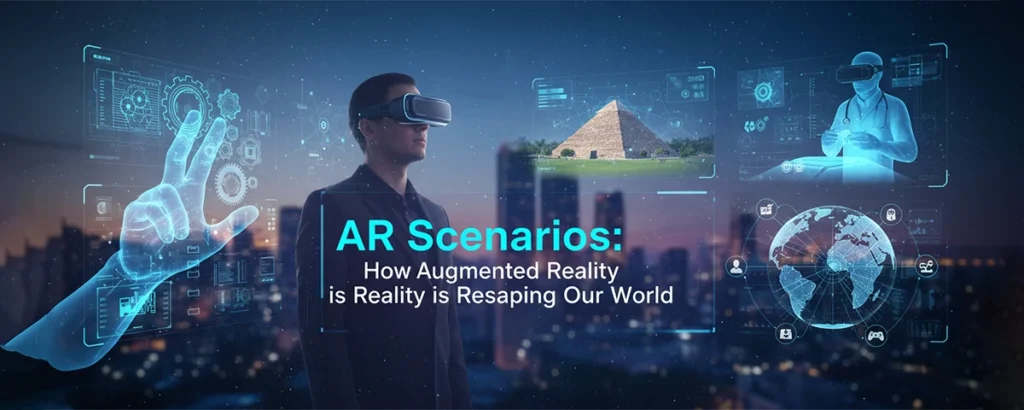
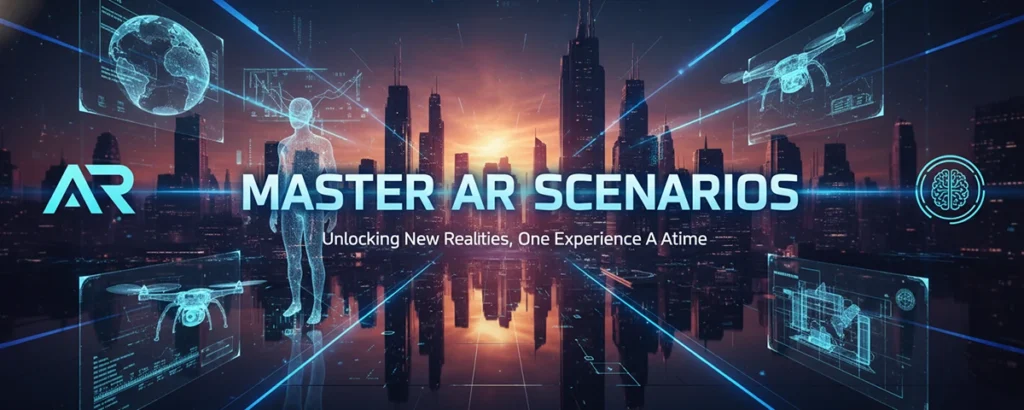
Augmented Reality (AR) scenarios represent the cutting-edge intersection of digital innovation and real-world applications, transforming how we interact with our environment through immersive, context-aware experiences. Whether you're a developer exploring new frontiers, a business leader seeking competitive advantages, or simply curious about the future of technology, understanding AR scenarios is essential in today's rapidly evolving digital landscape.
What Makes AR Scenarios Revolutionary?
AR scenarios go beyond simple digital overlays – they create intelligent, responsive environments that adapt to user behavior, environmental conditions, and contextual requirements. This technology bridges the gap between imagination and reality, offering unprecedented opportunities for engagement, education, and innovation across industries.
From retail experiences that let customers visualize products in their homes to educational applications that bring historical events to life, AR scenarios are reshaping how we perceive and interact with information. The global AR market, valued at over $31 billion in 2023, continues to expand as businesses recognize the transformative potential of these immersive experiences.
Enhanced Engagement
Create memorable experiences that captivate users and drive meaningful interactions
Innovation Driver
Push boundaries of what's possible in digital experiences and user interfaces
Business Growth
Unlock new revenue streams and competitive advantages through AR implementation
Understanding AR Scenarios
Dive deep into the core concepts, applications, and transformative potential of AR scenarios across various industries and use cases.
Defining AR Scenarios
AR scenarios are comprehensive, interactive experiences that seamlessly blend digital content with the physical world, creating contextually relevant and responsive environments. Unlike simple AR applications, scenarios encompass complete user journeys, incorporating multiple touchpoints, adaptive behaviors, and intelligent content delivery systems.
These scenarios leverage advanced technologies including computer vision, machine learning, spatial computing, and real-time rendering to create experiences that feel natural, intuitive, and valuable to users. The key differentiator lies in their ability to understand context, adapt to user preferences, and provide meaningful value beyond novelty.
Key Applications & Use Cases
Gaming & Entertainment
Revolutionary gaming experiences that transform any environment into an interactive playground. From location-based adventures to social AR games, these scenarios create unprecedented levels of immersion and social interaction.
- Location-based multiplayer experiences
- Interactive storytelling environments
- Social AR gaming platforms
- Immersive entertainment venues
Education & Training
Transform learning through immersive educational experiences that make complex concepts tangible and engaging. AR scenarios in education enhance retention, understanding, and practical skill development.
- Interactive 3D learning models
- Virtual laboratory simulations
- Historical recreation experiences
- Skill-based training programs
Retail & Marketing
Revolutionize customer experiences through virtual try-ons, product visualizations, and interactive marketing campaigns that drive engagement and conversion rates.
- Virtual product try-on experiences
- Interactive brand activations
- Personalized shopping assistants
- Immersive product demonstrations
Benefits of AR Scenarios
User Experience Benefits
- Enhanced engagement and interaction
- Improved information retention
- Personalized, context-aware experiences
- Reduced cognitive load through visual aids
- Increased accessibility and inclusivity
Business Benefits
- Increased customer engagement and loyalty
- Higher conversion rates and sales
- Reduced training and support costs
- Competitive differentiation
- New revenue stream opportunities
Getting Started with AR Scenarios
Follow our comprehensive step-by-step guide to implement your first AR scenario, from initial planning to deployment and optimization.
Prerequisites & Requirements
Technical Requirements
- AR-capable device (smartphone/tablet)
- Development environment setup
- Basic programming knowledge
- 3D modeling software access
Design Resources
- UI/UX design tools
- 3D asset libraries
- Animation software
- Testing devices
Planning Tools
- Project management platform
- User research tools
- Analytics setup
- Documentation system
Step-by-Step Implementation Guide
1. Define Your AR Scenario Objectives
Start by clearly defining what you want to achieve with your AR scenario. Identify your target audience, core functionality, and success metrics.
- Conduct user research and needs analysis
- Define key performance indicators (KPIs)
- Create user personas and journey maps
- Establish technical and creative constraints
2. Choose Your AR Development Platform
Select the appropriate development tools and platforms based on your target devices, technical requirements, and team expertise.
- Evaluate ARKit (iOS) vs ARCore (Android) vs cross-platform solutions
- Consider Unity 3D, Unreal Engine, or web-based AR frameworks
- Assess cloud services for content delivery and analytics
- Plan for device compatibility and performance optimization
3. Design the User Experience
Create wireframes, prototypes, and design specifications that prioritize usability and engagement in the AR environment.
- Design intuitive gesture-based interactions
- Create clear visual hierarchy and information architecture
- Plan for various lighting conditions and environments
- Develop accessibility considerations for diverse users
4. Develop and Test Your AR Content
Build your AR scenario using iterative development practices, focusing on performance optimization and user feedback integration.
- Create and optimize 3D models and animations
- Implement tracking and recognition systems
- Conduct regular testing on target devices
- Gather user feedback through beta testing programs
5. Deploy and Monitor Performance
Launch your AR scenario with proper analytics tracking and establish ongoing monitoring and improvement processes.
- Set up comprehensive analytics and user behavior tracking
- Implement crash reporting and performance monitoring
- Create user support and feedback collection systems
- Plan for regular updates and content refreshes
Optimizing AR Scenarios for Best Results
Master the art of AR optimization with proven techniques and best practices that ensure exceptional performance and user engagement.
🚀 Performance Optimization
Ensure smooth, responsive AR experiences by optimizing rendering performance, memory usage, and battery consumption across all target devices.
- Implement level-of-detail (LOD) systems for 3D models
- Use texture compression and efficient UV mapping
- Optimize polygon counts and draw calls
- Implement smart occlusion culling
- Monitor frame rates and thermal performance
🔧 Technical Stability
Build robust AR scenarios that handle edge cases gracefully and maintain stability across diverse environments and conditions.
- Implement robust tracking recovery systems
- Handle varying lighting conditions effectively
- Create fallback modes for limited hardware
- Test across multiple device generations
- Implement comprehensive error handling
🎯 User Experience Enhancement
Create intuitive, engaging experiences that feel natural and provide clear value to users through thoughtful interaction design.
- Design clear onboarding and tutorial systems
- Implement progressive disclosure of features
- Use spatial audio for enhanced immersion
- Provide visual feedback for all interactions
- Ensure accessibility across different abilities
📊 Analytics & Iteration
Leverage data-driven insights to continuously improve your AR scenarios and maximize user engagement and satisfaction.
- Track user interaction patterns and behaviors
- Monitor session duration and completion rates
- Analyze performance metrics across devices
- Implement A/B testing for feature improvements
- Collect qualitative feedback through surveys
Advanced Optimization Techniques
Content Optimization Strategies
Dynamic Content Loading
Implement progressive loading systems that deliver content based on user proximity and interaction likelihood, reducing initial load times and memory usage.
Adaptive Quality Systems
Automatically adjust visual quality based on device capabilities and performance metrics to maintain smooth experiences across all hardware.
Engagement Optimization
Personalization Engines
Develop systems that adapt content and interactions based on user preferences, behavior patterns, and contextual information.
Social Integration
Incorporate social features and sharing capabilities that encourage user-generated content and community engagement.
Common Challenges and Solutions
Navigate the most common obstacles in AR scenario development with expert solutions and proven troubleshooting strategies.
⚠️ Tracking Instability and Drift
One of the most persistent challenges in AR development is maintaining accurate tracking across different environments, lighting conditions, and device movements, leading to jittery or misaligned virtual content.
Solutions & Best Practices:
- Implement hybrid tracking systems combining visual-inertial odometry with marker-based tracking
- Use machine learning models for improved feature detection in challenging conditions
- Develop robust relocalization algorithms for tracking recovery
- Implement predictive tracking to compensate for sensor latency
- Create environmental mapping systems for persistent anchor points
📱 Device Fragmentation and Performance Variations
The wide range of AR-capable devices with varying processing power, camera quality, and sensor capabilities creates significant challenges in delivering consistent experiences across all platforms.
Solutions & Best Practices:
- Develop adaptive quality systems that scale content based on device capabilities
- Create device-specific optimization profiles for major hardware categories
- Implement progressive enhancement strategies for advanced features
- Use cloud-based processing for computationally intensive tasks
- Establish comprehensive device testing protocols and compatibility matrices
👥 User Adoption and Learning Curve
Many users are still unfamiliar with AR interactions, leading to confusion, frustration, and abandonment. Creating intuitive experiences that feel natural requires careful consideration of user mental models and expectations.
Solutions & Best Practices:
- Design comprehensive onboarding experiences with interactive tutorials
- Use familiar interaction patterns and visual metaphors from 2D interfaces
- Implement progressive disclosure to introduce features gradually
- Provide clear visual and haptic feedback for all interactions
- Create contextual help systems and gesture guides
🔋 Battery Drain and Thermal Management
AR applications are notoriously resource-intensive, leading to rapid battery depletion and device heating that can impact performance and user comfort during extended sessions.
Solutions & Best Practices:
- Implement intelligent power management systems that adjust performance based on battery level
- Use efficient rendering techniques like frustum culling and dynamic batching
- Optimize camera usage and reduce unnecessary processing cycles
- Implement thermal throttling to prevent overheating
- Design session management features that encourage breaks and prevent extended usage
Proactive Problem Prevention
Development Best Practices
- Establish comprehensive testing protocols early in development
- Create detailed technical documentation and troubleshooting guides
- Implement robust logging and crash reporting systems
- Conduct regular performance audits and optimization reviews
- Maintain close communication with platform vendors and community
User Support Strategies
- Develop comprehensive FAQ and troubleshooting resources
- Create video tutorials and interactive help systems
- Establish responsive customer support channels
- Implement in-app feedback and reporting mechanisms
- Build community forums for peer-to-peer support
Conclusion and Next Steps
AR scenarios represent a transformative technology that's reshaping how we interact with digital content and the physical world. Throughout this comprehensive guide, we've explored the fundamental concepts, practical implementation strategies, optimization techniques, and common challenges that define successful AR development.
The key to success lies in understanding that AR scenarios are not just about impressive visual effects – they're about creating meaningful, valuable experiences that solve real problems and enhance human capabilities. By focusing on user needs, maintaining technical excellence, and continuously iterating based on feedback and data, you can create AR scenarios that truly make a difference.
🎯 Key Takeaways
- User experience is paramount in AR design
- Performance optimization is critical for adoption
- Iterative development leads to better outcomes
- Cross-platform compatibility expands reach
🚀 Immediate Actions
- Define your first AR scenario concept
- Set up development environment
- Create user personas and journey maps
- Begin prototyping core interactions
📚 Continue Learning
- Join AR development communities
- Explore advanced AR frameworks
- Study successful AR case studies
- Attend AR conferences and workshops
Recommended Resources for Further Learning
Development Platforms & Tools
- Unity 3D with AR Foundation
- Unreal Engine AR development
- Apple ARKit documentation
- Google ARCore developer resources
- WebXR for browser-based AR
Community & Learning
- AR/VR development forums
- Industry conferences and meetups
- Online courses and certifications
- Open-source AR projects
- Developer documentation and tutorials