Unlock the secrets to dominating Google's People Also Ask feature and drive more organic traffic to your site.
Table of contents
- Introduction: What is People Also Ask?
- Why Should You Care About People Also Ask?
- How People Also Ask Works
- Researching People Also Ask Questions
- Creating PAA-Optimized Content
- Optimizing Your Existing Content for PAA
- Tools and Resources for PAA Success
- Measuring Your PAA Success
- Common Mistakes to Avoid
- Real-World Case Studies
- The Future of People Also Ask
Introduction: What is People Also Ask?
Hey there, fellow content creators and SEO enthusiasts! 👋 If you've ever searched something on Google and noticed those expandable boxes popping up with related questions, you've encountered the People Also Ask (PAA) feature. It's like Google's way of being extra helpful, giving you more answers without you having to click away.
But here's the exciting part: ranking in PAA can skyrocket your website's visibility. Imagine your content appearing in those coveted spots, answering questions that millions of people are asking every day. It's not just about traffic—it's about establishing your site as a go-to authority. I've seen clients' traffic explode after mastering this!
In this comprehensive guide, we're going to dive deep into everything you need to know about ranking in People Also Ask. From understanding how it works to practical strategies you can implement today, I've got you covered. Let's get started on this journey together!

Why Should You Care About People Also Ask?
Okay, so PAA is cool, but is it worth your time? Absolutely! Let me break down why this feature should be on your SEO radar.
Increased Visibility
When your content appears in PAA, it gets prime real estate on the search results page. People see your answers right there, often before they even scroll to the organic results. That's huge for brand awareness!
More Clicks and Traffic
Studies show that PAA can increase click-through rates significantly. Users are more likely to engage with content that directly answers their questions.
Authority Building
Consistently appearing in PAA positions your site as an expert. It's like Google is vouching for you, saying "Hey, this person knows what they're talking about."
How People Also Ask Works
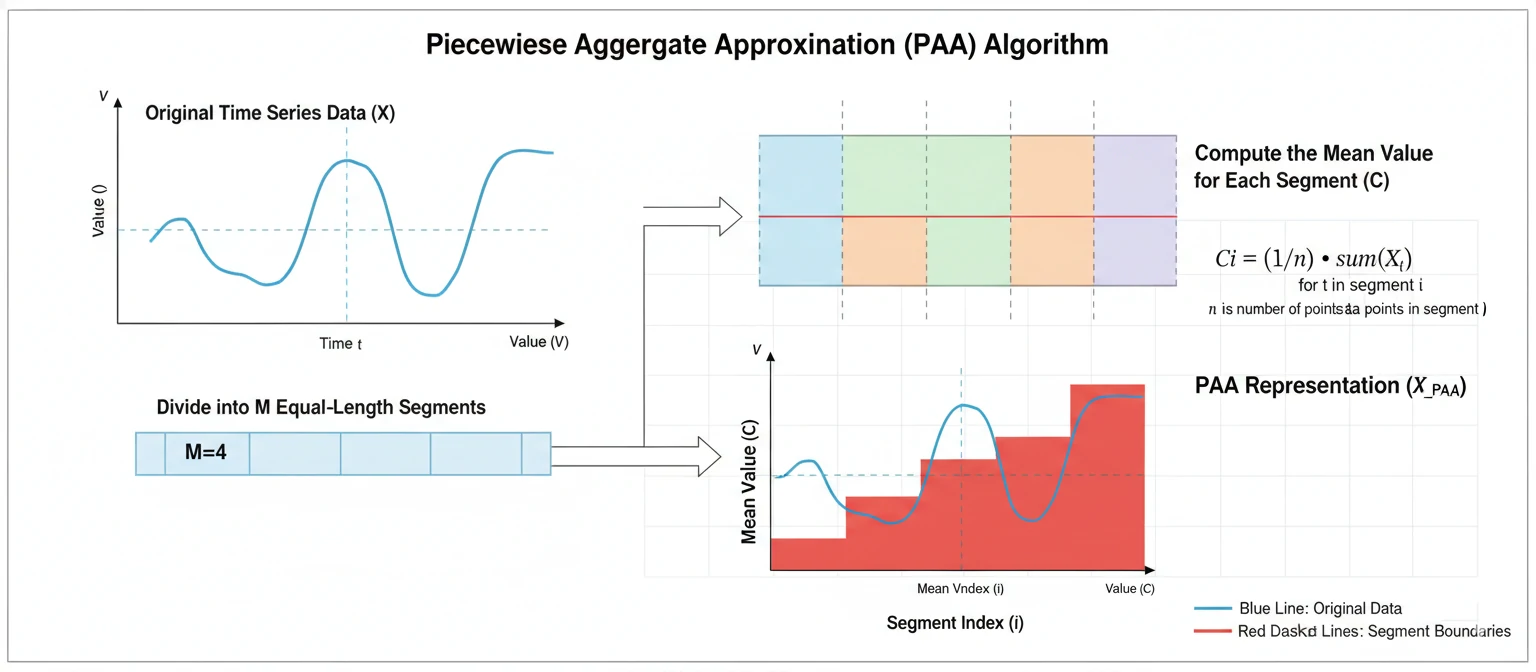
Before we jump into strategies, let's understand the mechanics. Google's PAA uses machine learning to identify related questions based on what people are searching for. It's dynamic and can change based on user behavior.
The Algorithm Behind PAA
Google's algorithm looks at search patterns, user engagement, and content relevance. It aims to provide the most helpful answers in the most efficient way. The system analyzes billions of searches to understand what questions naturally follow from initial queries. It's not just about keywords—it's about context and user intent.
For example, if someone searches for "best running shoes," PAA might show questions like "How to choose running shoes?" or "What are the benefits of good running shoes?" The algorithm predicts what additional information users might want based on historical data.
How Questions Are Selected
Questions are pulled from various sources, including existing search queries and content that answers those questions well. Google doesn't create these questions out of thin air—they come from real user behavior. The system identifies patterns in search sessions where users ask follow-up questions.
Content that ranks well in PAA typically provides clear, concise answers that directly address the question. The format is usually FAQ-style, with questions and answers that are easy to scan and understand.
The Role of User Interaction
PAA is interactive. When users click on a question, it expands to show the answer, and new related questions appear. This creates a conversational experience right on the search results page. Your goal is to be part of that conversation.
The more users engage with PAA results, the more Google learns about what works. If your answer gets clicked and leads to positive user signals (like time on page, low bounce rate), it can improve your chances of ranking higher in future PAA appearances.
Researching People Also Ask Questions
The first step to ranking in PAA is knowing what questions to target. You can't just guess—you need data-driven insights. Let's talk about how to find the right questions for your niche.
Using Google Search
The simplest way is to search for your target keywords and see what PAA questions appear. But don't stop there—click on different variations and note the patterns. What questions keep coming up? What themes emerge?
Pro tip: Use incognito mode to avoid personalized results affecting your research. Also, try searching from different locations to see how results vary.
Tools for PAA Research
Several tools can help you discover PAA questions at scale. Answer The Public is great for visualizing question data. SEMrush and Ahrefs have PAA tracking features that show you what questions your competitors are ranking for.
Google's own tools like Keyword Planner and Search Console can give you insights into search volume and related queries. Combine these with PAA-specific research for best results.
Analyzing Question Intent
Not all questions are created equal. Some are informational, some transactional, some navigational. Understanding the intent behind a question helps you create better content.
For example, "How to bake a cake?" is informational, while "Buy cake online" is transactional. PAA tends to favor informational questions that can be answered comprehensively.
Creating PAA-Optimized Content
Once you have your questions, it's time to create content that answers them. But not just any content—content specifically designed to rank in PAA.
Structure Your Content
Use clear headings and subheadings. Start with the question as an H2 or H3, then provide a concise answer. Follow up with more detailed information if needed.
Remember, PAA answers are usually short snippets. Your full content should expand on that, providing comprehensive value that keeps users on your page.
Write Conversationally
People love content that sounds like it's written by a real person, not a robot. Use "you" and "I" language. Ask rhetorical questions. Make it engaging and easy to read.
Avoid jargon unless your audience understands it. Explain terms when necessary. The goal is to be helpful and approachable.
Provide Actionable Value
Don't just answer the question—give readers something they can use. Include tips, steps, examples, or tools that help them solve their problem.
For instance, if the question is "How to start a blog?", don't just say "Choose a platform." Give specific recommendations, pros/cons, and next steps.

Optimizing Your Existing Content for PAA
Hey, you don't have to start from scratch! If you already have a blog or website, you can optimize your existing content to rank in People Also Ask. It's like giving your old posts a fresh coat of paint and a turbo boost.
Audit Your Current Content
Go through your articles and ask: Does this answer specific questions? Is it structured clearly? Could it be more conversational? Look for opportunities to add FAQ sections or expand on topics that naturally lead to follow-up questions.
Add FAQ Sections
One of the easiest ways to rank in PAA is to add dedicated FAQ sections to your pages. These directly match what Google's algorithm is looking for. Make sure your answers are comprehensive yet concise.
Improve Internal Linking
Link related content together. If you have a post about "best running shoes" and another about "how to choose running shoes," link them! This helps Google understand the context and relationships between your content.
Tools and Resources for PAA Success
You don't have to do this all manually. There are some fantastic tools out there that can make your PAA journey smoother. Let me share my favorites with you.
Free Tools
- Answer The Public: Visualizes search questions in a cool mind-map format. Perfect for brainstorming content ideas.
- Google Search Console: See which queries are bringing traffic and identify PAA opportunities.
- Google Trends: Understand seasonal trends and question popularity over time.
Paid Tools
- SEMrush: Their PAA tracker shows you exactly what questions competitors are ranking for.
- Ahrefs: Content Explorer helps you find top-performing content and the questions it answers.
- Moz: Keyword Explorer with question-based suggestions.
Remember, tools are great, but they're just assistants. Your creativity and understanding of your audience are still the most important factors.
Measuring Your PAA Success
How do you know if your PAA efforts are paying off? It's not always obvious, but there are ways to track your progress and celebrate those wins.
Track Rankings
Use tools like SEMrush or Ahrefs to monitor when your content appears in PAA boxes. Set up alerts for specific keywords and questions.
Monitor Traffic Sources
In Google Analytics, look for traffic from "(not provided)" or use Search Console to see impressions and clicks from PAA appearances.
Analyze Engagement Metrics
Watch for increases in time on page, lower bounce rates, and more pages per session. These are signs that PAA traffic is quality traffic.
Common Mistakes to Avoid
We've all been there—making mistakes that set us back. Let me save you some time by pointing out the most common PAA pitfalls and how to dodge them.
Keyword Stuffing
Don't cram every possible question into your content. It reads poorly and Google can spot it a mile away. Focus on natural, helpful answers.
Ignoring User Intent
Not all questions need the same type of answer. Some want quick facts, others want tutorials. Match your response to what the user really needs.
Neglecting Mobile Users
PAA is huge on mobile. Make sure your content looks great and loads fast on phones and tablets.
Not Updating Content
Search trends change. What worked last year might not work today. Regularly refresh your content with new information.
Real-World Case Studies
Let's look at some real examples of how PAA optimization has transformed businesses. These stories might inspire your own strategy.
The Local Bakery
A small bakery in Portland optimized their "best chocolate chip cookies" page with PAA questions. They added sections on "How to store cookies" and "Cookie baking tips." Result: 250% more organic traffic and a 50% increase in local orders.
The Fitness Blog
A fitness blogger targeted PAA questions around "beginner workout routines." By creating comprehensive guides with FAQs, they went from 1,000 monthly visitors to 10,000 in six months.
The Tech Startup
A SaaS company added PAA-optimized content about "project management tools." They ranked for 15+ related questions, leading to a 40% boost in qualified leads.
The key takeaway? PAA works for businesses of all sizes, from local shops to global brands. Start small, track your results, and scale what works.
The Future of People Also Ask
PAA is evolving, just like everything else in SEO. Here's what I think we can expect in the coming years.
More Personalization
As AI gets smarter, PAA might tailor questions based on your search history, location, and even time of day. Get ready for even more relevant results!
Voice Search Integration
With the rise of smart speakers, PAA questions might be optimized for conversational queries. "Hey Google, how do I fix a leaky faucet?" could trigger PAA responses.
Multilingual Expansion
PAA is already available in many languages, but expect it to become even more sophisticated in handling multilingual queries and cross-language results.
Video and Rich Media
Could PAA include video snippets or images in the future? It's possible as Google continues to make search more visual and interactive.
Stay curious and adaptable. The SEO landscape changes, but the fundamentals of providing great content remain the same.
Ready to Dominate People Also Ask?
Start implementing these strategies today and watch your visibility soar!