The Complete Guide to Understanding 4x6 Photo Dimensions in Every Measurement Unit
Quick Answer
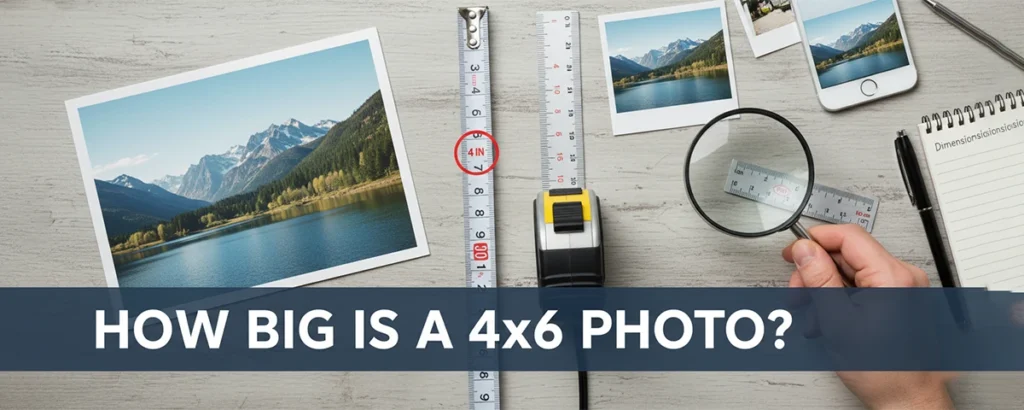
A 4x6 photo measures 4 inches × 6 inches (10.16 cm × 15.24 cm or 101.6 mm × 152.4 mm). At standard print resolution of 300 DPI, this equals 1200 × 1800 pixels. It's the most popular photo print size worldwide, roughly the size of a standard postcard.
Table of contents
- Quick Answer
- 1. Exact 4x6 Photo Dimensions
- 2. Visual Size Comparisons
- 3. Pixel Requirements for Printing
- 4. Understanding Aspect Ratio
- 5. History of the 4x6 Standard
- 6. Printing 4x6 Photos Perfectly
- 7. 4x6 vs Other Photo Sizes
- 8. Common Uses for 4x6 Photos
- 9. Frames and Display Options
- 10. Digital Photo Preparation
- Frequently Asked Questions
Key Takeaways
- 4x6 photos measure exactly 4 inches wide by 6 inches tall (or 10.16 × 15.24 cm)
- The aspect ratio is 2:3, matching most digital camera sensors
- You need at least 1200 × 1800 pixels for quality 300 DPI prints
- 4x6 is the global standard and most economical photo print size
- A 4x6 photo is approximately the same size as a standard postcard
Whether you're ordering prints from an online service, shopping for photo frames, or preparing images for a family album, understanding photo dimensions is essential. The 4x6 photo size is so ubiquitous that most people simply accept it without truly understanding what those numbers mean or why this particular size became the worldwide standard.
In this comprehensive guide, we'll explore every aspect of the 4x6 photo dimension—from exact measurements in multiple units to the fascinating history behind this standard, practical printing advice, and tips for getting the best results from your photographs. By the end, you'll have complete mastery over this fundamental photography knowledge.
1. Exact 4x6 Photo Dimensions
Let's start with the precise measurements. A 4x6 photo, as the name suggests, measures 4 inches in width and 6 inches in height when held in portrait orientation. However, since photography has global reach, knowing the conversions to other measurement systems is crucial for international understanding and shopping.
In countries using the metric system, you might see this size marketed as "10x15" which refers to the approximate centimeter dimensions (10.16 rounds to 10, and 15.24 rounds to 15). Some European countries also use "10x15 cm" as the standard designation for this same photo size.
💡 Pro Tip
When shopping for frames internationally, search for "10x15 cm" if you're in Europe or Asia. This is the metric equivalent of 4x6 inches and will fit your photos perfectly.
2. Visual Size Comparisons
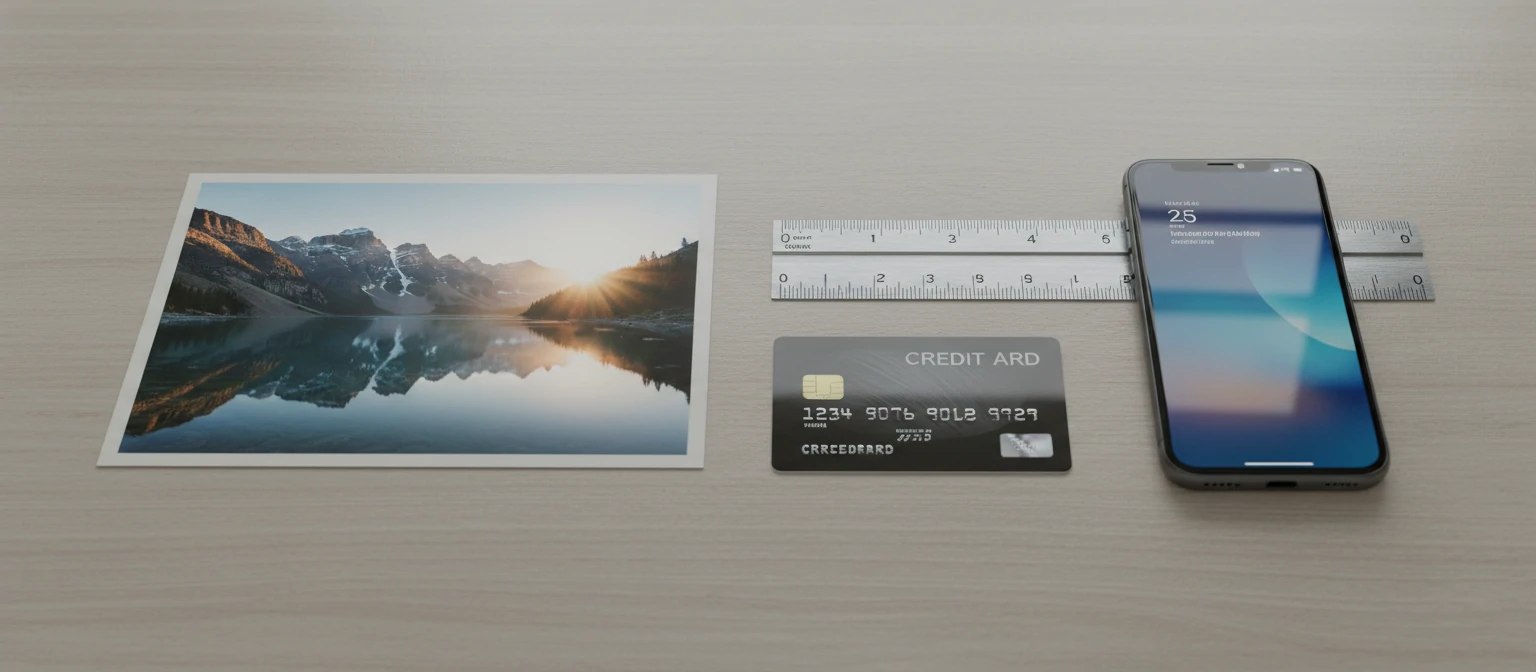
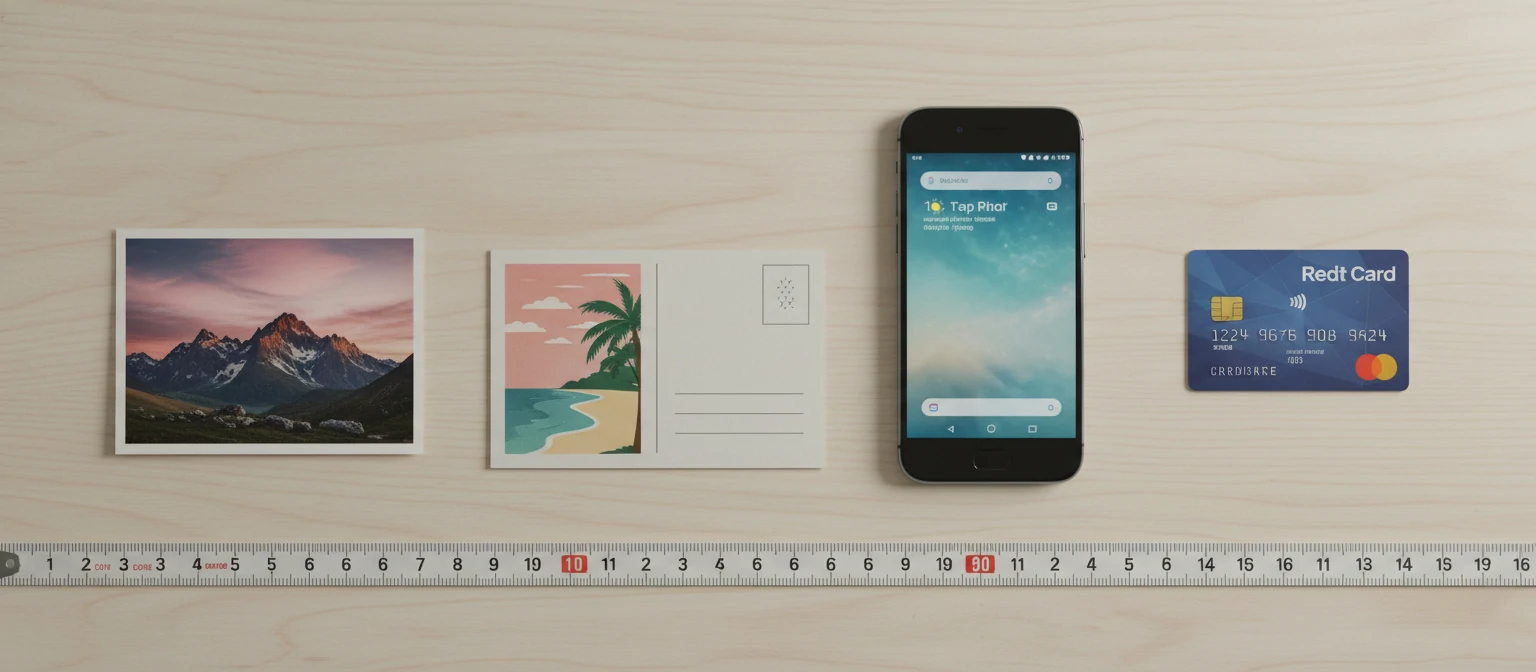
Numbers alone don't always convey size effectively. Here's how a 4x6 photo compares to everyday objects you can visualize immediately:
Standard Postcard
A standard postcard measures 4x6 inches—exactly the same as a 4x6 photo. They're interchangeable in size.
Credit Cards
About 1.8 credit cards wide and 2.8 credit cards tall. Or roughly 2 cards placed side by side.
Smartphone
Similar to an iPhone 14 or Samsung Galaxy S23—slightly wider and about the same height.
Adult Hand
Fits comfortably in one hand. Width is similar to an adult palm width; height exceeds palm length.
Index Card
Smaller than a standard 5x7 index card, but larger than a 3x5 index card. Right in between.
Letter Paper
You can fit 4 standard 4x6 photos on a single 8.5x11 sheet of paper with minimal trimming.
3. Pixel Requirements for Printing
Understanding pixel dimensions is crucial when preparing digital photos for printing. The quality of your print depends directly on having enough pixels to fill the physical dimensions at an appropriate resolution.
Understanding DPI (Dots Per Inch)
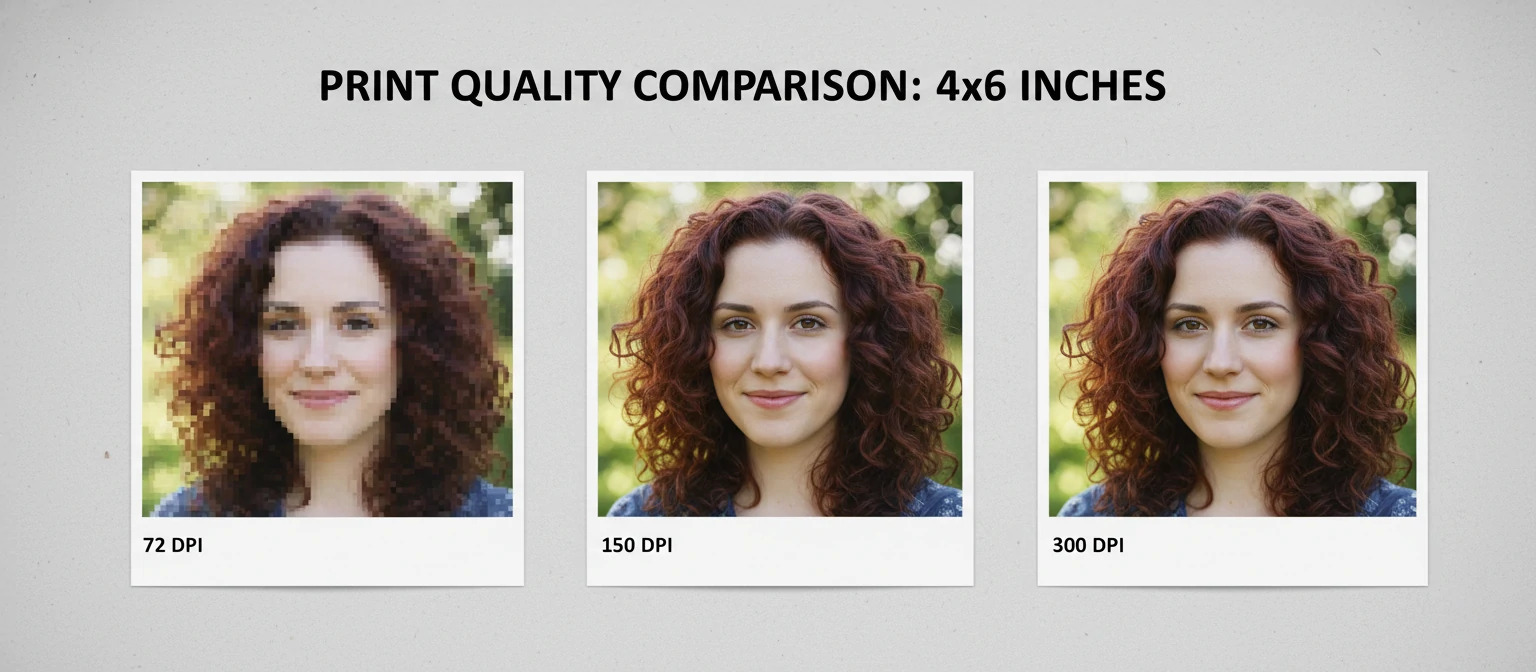
DPI determines how many pixels are packed into each inch of your printed photo. Higher DPI means more detail and sharpness, but requires larger image files. Here's how different DPI values affect 4x6 printing:
For the vast majority of 4x6 prints, 300 DPI is the gold standard. This resolution produces crisp, detailed prints that look professional. Most smartphones today capture images well above the 2.16 megapixels needed for quality 4x6 prints—even budget phones typically shoot at 12+ megapixels.
⚠️ Warning: Cropped Images
Heavy cropping reduces your image's pixel count. If you crop a 12MP photo to just 10% of its original area, you'll have only 1.2MP left—barely enough for a quality 4x6 print. Always check dimensions after cropping.
4. Understanding Aspect Ratio
The 4x6 photo has an aspect ratio of 2:3 (or 1:1.5). This ratio describes the proportional relationship between width and height, and understanding it helps explain why some photos print perfectly while others require cropping.
Why 2:3 Matters
Most DSLR cameras and many mirrorless cameras use sensors with a native 2:3 aspect ratio. This means photos from these cameras fit perfectly on 4x6 paper without any cropping whatsoever. The 2:3 ratio originated from 35mm film, which measured 24mm × 36mm—exactly 2:3.
The Smartphone Cropping Problem
Many smartphones default to a 4:3 aspect ratio for photos. When printing a 4:3 image on 4x6 paper, approximately 11% of the image must be cropped off the longer edges. This is why heads or feet sometimes get cut off in prints—the aspect ratios don't match.
Solution: Set your smartphone camera to shoot in 3:2 mode if available, or compose your shots with extra space around the subject to allow for cropping during printing.
📐 Quick Math
To check if your image fits 4x6 perfectly: divide the longer dimension by the shorter. If the result is 1.5 (or very close), your image has the 2:3 ratio and will print without cropping. Example: 1800 ÷ 1200 = 1.5 ✓
5. History of the 4x6 Standard
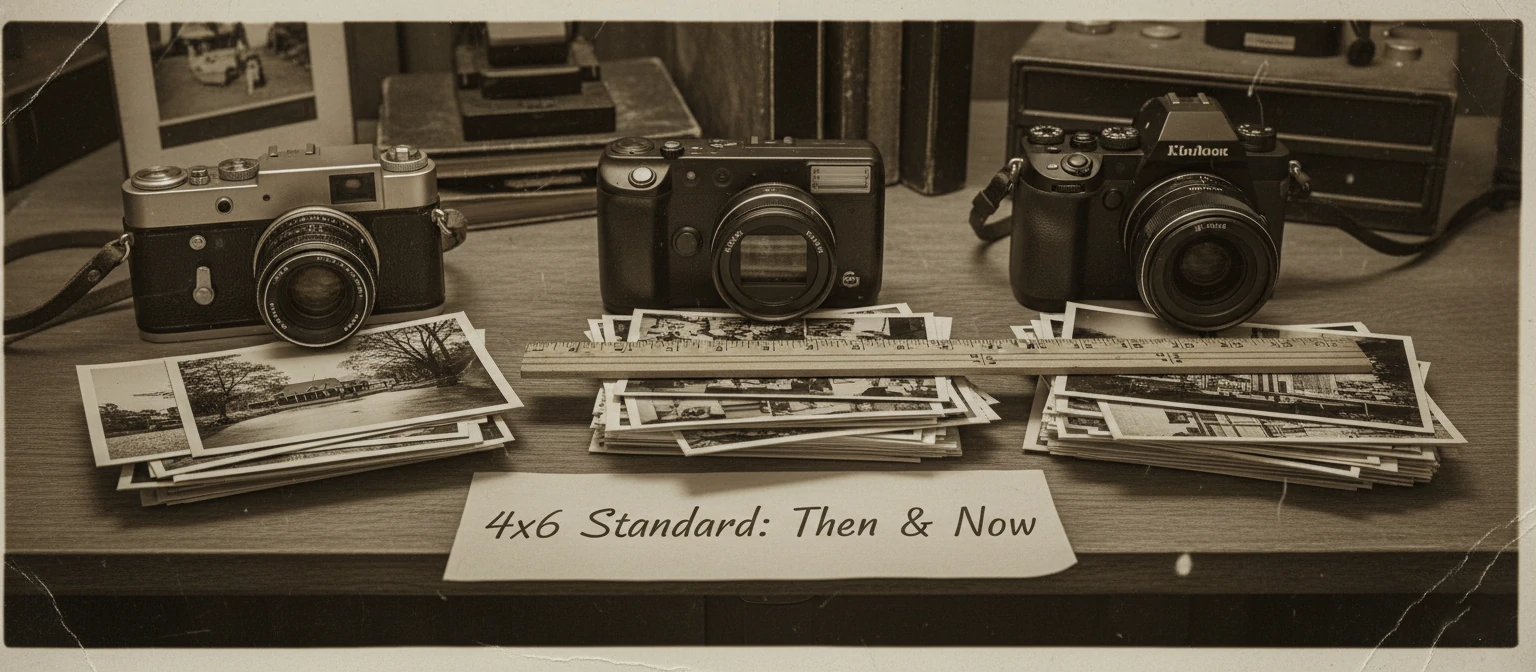
The 4x6 photo size didn't appear randomly—it evolved from over a century of photographic development and represents a fascinating intersection of technology, economics, and human behavior.
1913: The 35mm Film Standard
Oskar Barnack at Leitz (later Leica) developed the first practical 35mm still camera, using cinema film stock. The 24mm × 36mm frame size created the 2:3 aspect ratio.
1930s-1960s: Standard Print Sizes Emerge
Photo labs standardized on sizes that efficiently used photographic paper. 4x6 became popular as it provided good detail while remaining economical.
1980s: 4x6 Becomes Dominant
The one-hour photo lab boom standardized on 4x6 as the default print size. It matched 35mm's aspect ratio exactly and fit photo albums perfectly.
1990s-2000s: Digital Era Adoption
Digital cameras adopted 2:3 sensors to maintain compatibility with existing print sizes and frame products. The 4x6 standard continued seamlessly.
Today: Universal Standard
4x6 remains the world's most printed photo size due to established infrastructure, consumer familiarity, and perfect balance of size, cost, and quality.
6. Printing 4x6 Photos Perfectly
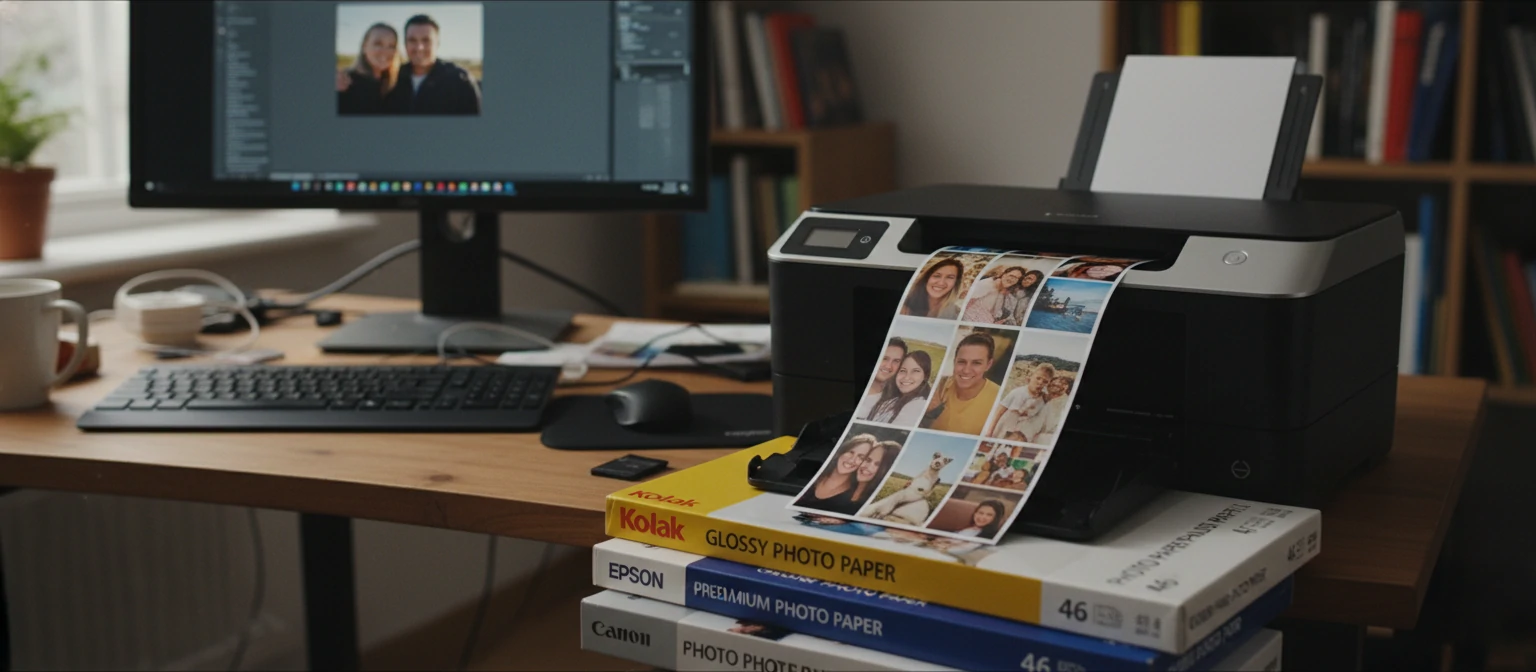
Getting great 4x6 prints requires more than just clicking "print." Here's everything you need to know for consistently excellent results, whether printing at home or through a service.
Home Printing Tips
Use Quality Photo Paper
Glossy or lustre photo paper designed for your specific printer produces dramatically better results than regular paper. Look for papers rated for 4x6 specifically.
Select Correct Paper Size in Settings
Match your printer's paper size setting to the actual paper loaded. Selecting "4x6" or "10x15 cm" ensures proper scaling and margins.
Enable "Borderless" Printing
For edge-to-edge photos without white margins, enable borderless printing. Note that this may crop slightly more of your image.
Choose "Best" Quality Setting
High-quality mode uses more ink and takes longer, but the difference in 4x6 prints is significant. Draft mode is for documents, not photos.
Online Printing Services
Professional labs often deliver better quality than home printing, especially for large batches. Popular options include Shutterfly, Snapfish, Walmart Photo, CVS Photo, Amazon Prints, and Costco Photo Center. Prices typically range from $0.09 to $0.30 per 4x6 print depending on quantity and finish.
✅ Best Practice: File Preparation
Before uploading to print services, ensure your images are in sRGB color space (not Adobe RGB), saved as high-quality JPEGs, and at least 1200 × 1800 pixels. Most services will warn you if resolution is too low.
7. 4x6 vs Other Photo Sizes
Understanding how 4x6 compares to other common photo sizes helps you choose the right dimensions for different purposes. Here's a comprehensive comparison:
Why 4x6 Remains Most Popular
💰 Most Economical
Lowest cost per print at every service, making it affordable for large batches and everyday photos.
📚 Album Compatible
Most photo albums are designed around 4x6 prints, with slip-in pockets sized exactly for this dimension.
🖼️ Perfect Aspect Ratio
Matches 2:3 sensor ratio of most quality cameras—no cropping needed for DSLR photos.
✉️ Mailable Size
Identical to postcard dimensions, perfect for mailing in standard envelopes without folding.
8. Common Uses for 4x6 Photos
The 4x6 format's versatility makes it ideal for countless applications. Here are the most popular ways people use this classic photo size:
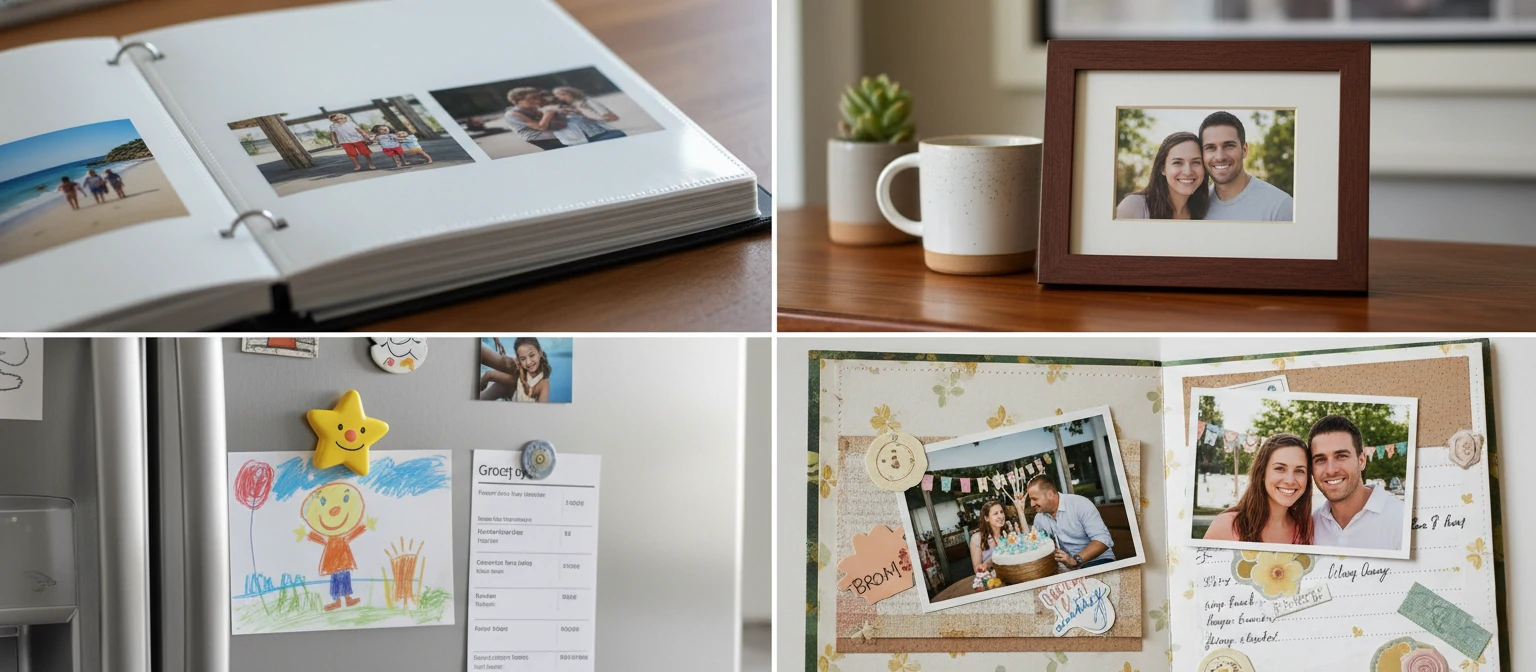
Photo Albums & Scrapbooks
The most traditional use—building physical photo collections. Standard albums hold 200-400 4x6 prints, perfect for documenting life events.
Gift Giving
Printed photos make personal gifts. Add a 4x6 in a frame for birthdays, holidays, or "just because" moments that recipients cherish.
Refrigerator Displays
The 4x6 size is perfect for fridge magnets—large enough to see clearly, small enough not to overwhelm the surface.
Photo Postcards
Turn vacation photos into postcards. Many print services offer 4x6 prints on cardstock with space for addresses and messages.
Desk & Cubicle Decor
Small frames with 4x6 photos personalize workspaces without dominating them. Perfect for family photos at the office.
Bulletin Boards & Vision Boards
Pin multiple 4x6 photos to create dynamic displays. Great for home offices, dorm rooms, and goal-visualization boards.
9. Frames and Display Options
Finding the right frame for your 4x6 photos can be confusing because frame sizing isn't always straightforward. Here's your complete guide to shopping for 4x6 frames:
Understanding Frame Measurements
Frame sizes refer to the opening size (the visible area), not the outer frame dimensions. A "4x6 frame" has an opening of approximately 4 inches by 6 inches. The actual frame will be larger due to the border.
⚠️ Watch for Mat Openings
Some "4x6 frames" actually fit larger photos with a mat that has a 4x6 opening. These frames might say "5x7 frame with 4x6 mat opening." Always check which dimension refers to the photo and which to the frame.
Popular 4x6 Frame Styles
Classic Standing Frame
Easel-back frames for desks and shelves. Available in wood, metal, and acrylic. Portrait or landscape orientation.
Floating Frame
Glass or acrylic panels that hold the photo between them, creating a modern, frameless look.
Multi-Opening Frame
Collage frames with multiple 4x6 openings—perfect for event photo collections or family galleries.
Magnetic Frames
Frames with magnetic closures for easy photo swapping. Great for frequently updated displays.
Shadow Box Frame
Deep frames with space for 3D elements. Combine 4x6 photos with memorabilia like tickets, pressed flowers, or small objects.
Clip Frame
Minimalist glass panels with clips—no frame border at all. Ultra-modern aesthetic, very affordable.
Alternative Display Methods
Frames aren't the only option. Consider photo wires with clips, cork boards, washi tape wall displays, acrylic photo stands, or modern photo ledge shelves. These alternatives offer flexibility and easy photo rotation.
10. Digital Photo Preparation
Getting your digital photos ready for 4x6 printing involves more than just selecting images. Here's how to ensure your photos print beautifully every time.
Pre-Print Checklist
- Check Resolution: Ensure your image is at least 1200 × 1800 pixels for quality results
- Verify Aspect Ratio: Crop to 2:3 ratio to prevent unexpected cropping by the print service
- Review Composition: Ensure important elements aren't too close to edges (allow 1/8" bleed zone)
- Color Space: Convert to sRGB if your photo is in Adobe RGB or ProPhoto RGB
- Sharpening: Apply subtle sharpening for print—screens look sharper than prints naturally
- File Format: Save as high-quality JPEG (90-95% quality) for best compatibility
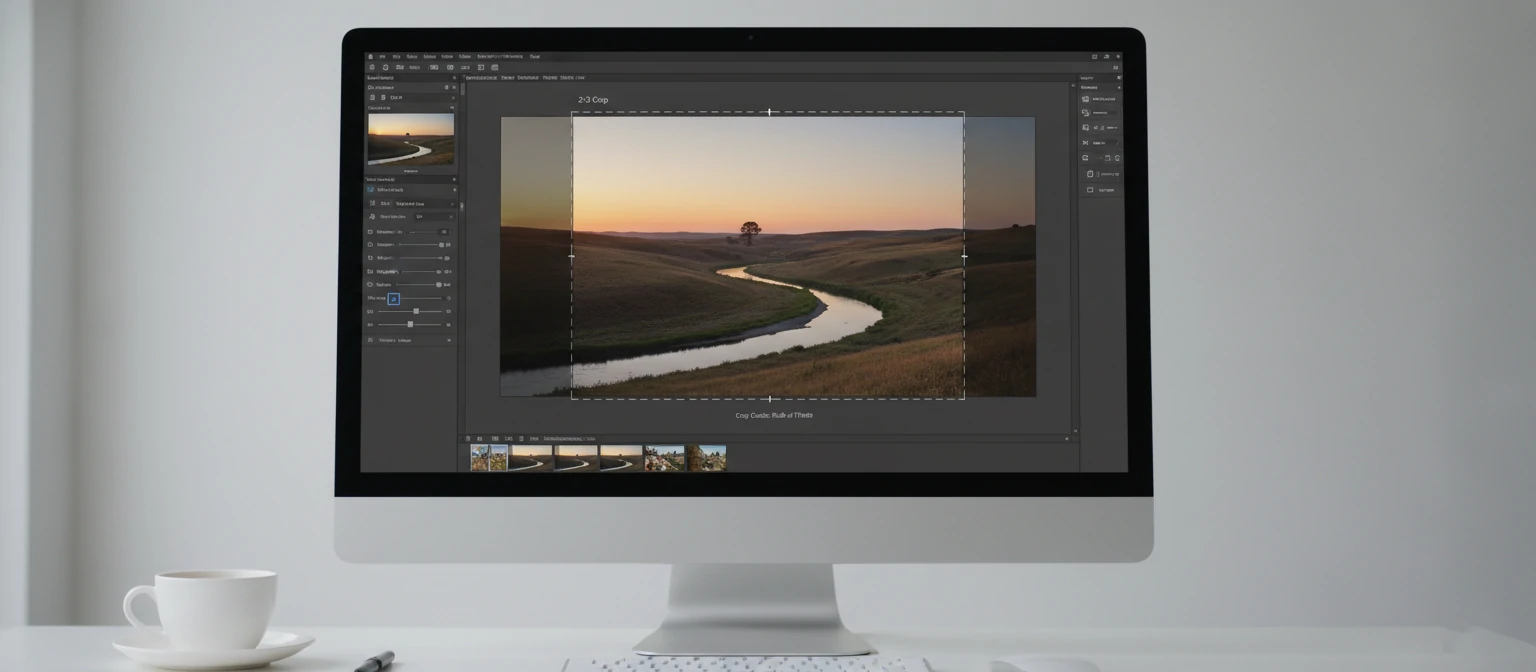
Cropping for 4x6
Most photo editing software includes preset crop ratios. In Adobe Lightroom, Photoshop, Snapseed, and even iPhone's Photos app, you can select a 2:3 or 4x6 crop ratio to ensure your composition fits perfectly.
✓ Do This
- Crop before sending to print
- Leave breathing room around subjects
- Preview the crop before committing
- Use original files, not screenshots
✗ Avoid This
- Letting the print service auto-crop
- Printing heavily edited social media images
- Using low-res images from messaging apps
- Forgetting about edge cropping for borderless
📱 Smartphone Tip
When emailing photos to yourself for printing, always choose "Actual Size" or "Original" rather than "Small" or "Medium." Compressed images lose quality. Better yet, transfer via cloud storage (iCloud, Google Photos, Dropbox) to maintain full resolution.
Frequently Asked Questions
Is 4x6 the same as 10x15 cm?
Essentially yes. The metric equivalent of 4x6 inches is 10.16 × 15.24 cm, which is commonly rounded to 10x15 cm. Frames and prints labeled 10x15 cm will fit 4x6 photos with minimal variance.
Why do my 4x6 prints look blurry?
Blurry prints usually result from insufficient resolution (fewer than 1200 × 1800 pixels), camera shake in the original photo, or uploading compressed images from messaging apps. Always use original, full-resolution files.
Can I print an iPhone photo as 4x6?
Absolutely. Even older iPhones capture images at 8+ megapixels—far more than the 2.16 MP needed for a quality 4x6 print. Just use the original photo, not a compressed version from iMessage or social media.
What's the difference between matte and glossy 4x6 prints?
Glossy prints have a shiny finish with vibrant colors but show fingerprints and glare. Matte prints have a non-reflective finish, hide fingerprints, and work better under glass frames. Lustre (semi-gloss) offers a middle ground.
How many 4x6 photos fit on letter-size paper?
Four 4x6 photos fit on standard 8.5" × 11" letter paper with minimal margins. Most photo software has templates for printing multiple 4x6 photos per sheet.
Is 4x6 horizontal or vertical?
4x6 can be either. When the 4-inch side is the width (horizontal), it's landscape orientation. When the 4-inch side is the height (vertical), it's portrait orientation. The dimensions simply describe the photo's measurements, not its orientation.