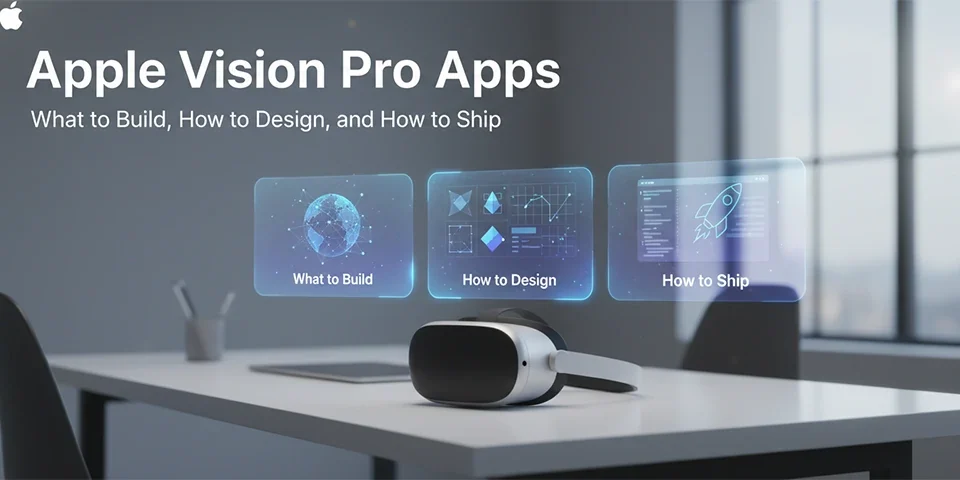
Dive into the innovative universe of apps designed for Apple's Vision Pro headset – where imagination meets reality
Table of contents
- Introduction to Apple Vision Pro Apps
- What is Apple Vision Pro and How Do Its Apps Work?
- Top Apps for Apple Vision Pro: Must-Try Experiences
- Getting Started with Vision Pro Apps
- Tips for Maximizing Your Vision Pro Experience
- Vision Pro vs Other AR/VR Headsets
- User Experiences: Real Stories from Vision Pro Users
- The Future of Apps on Apple Vision Pro
- Conclusion: Your Journey into Spatial Computing Starts Now
Introduction to Apple Vision Pro Apps
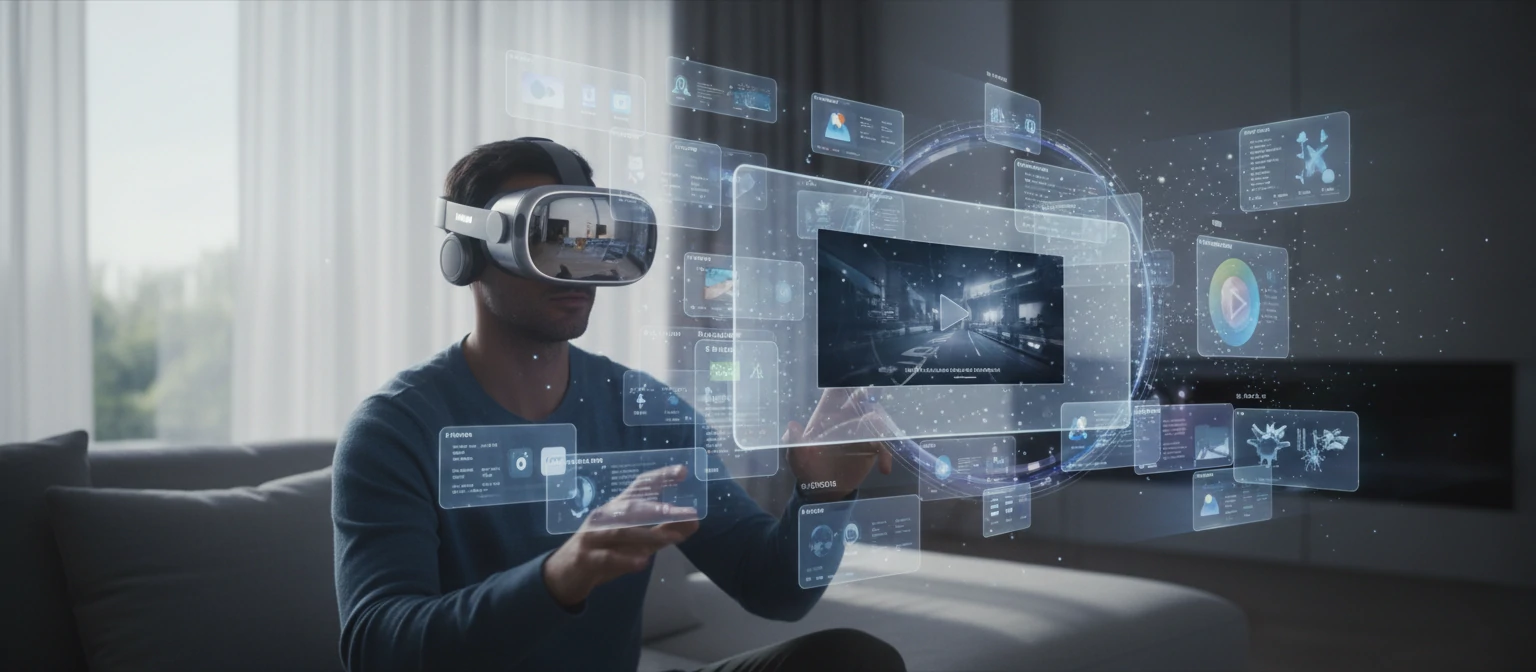
Hey there! Imagine stepping into a world where your favorite apps don't just live on a screen – they surround you, interact with your space, and feel almost alive. That's the magic of Apple Vision Pro apps. Launched in early 2024, this groundbreaking headset isn't just another gadget; it's a portal to spatial computing that blends the digital and physical worlds in ways we've only dreamed of.
Picture this: You're planning a dream vacation, and instead of scrolling through flat photos, you're virtually walking through hotel lobbies, feeling the ambiance. Or you're collaborating with colleagues from around the world, with documents floating in 3D space around you. These aren't sci-fi fantasies anymore – they're real experiences powered by Vision Pro's innovative apps.
But what makes these apps special? It's not just about pretty graphics. Vision Pro leverages hand tracking, eye control, spatial audio, and passthrough reality to create experiences that feel natural and intuitive. Whether you're a creative professional, a gamer, or just someone who loves trying new tech, there's something here that will blow your mind.
In this guide, we'll walk you through everything you need to know – from the basics of how it works to real user stories and what the future holds. We'll keep things friendly and straightforward, because exploring new tech should be exciting, not overwhelming. Ready to embark on this adventure? Let's dive in!
What is Apple Vision Pro and How Do Its Apps Work?
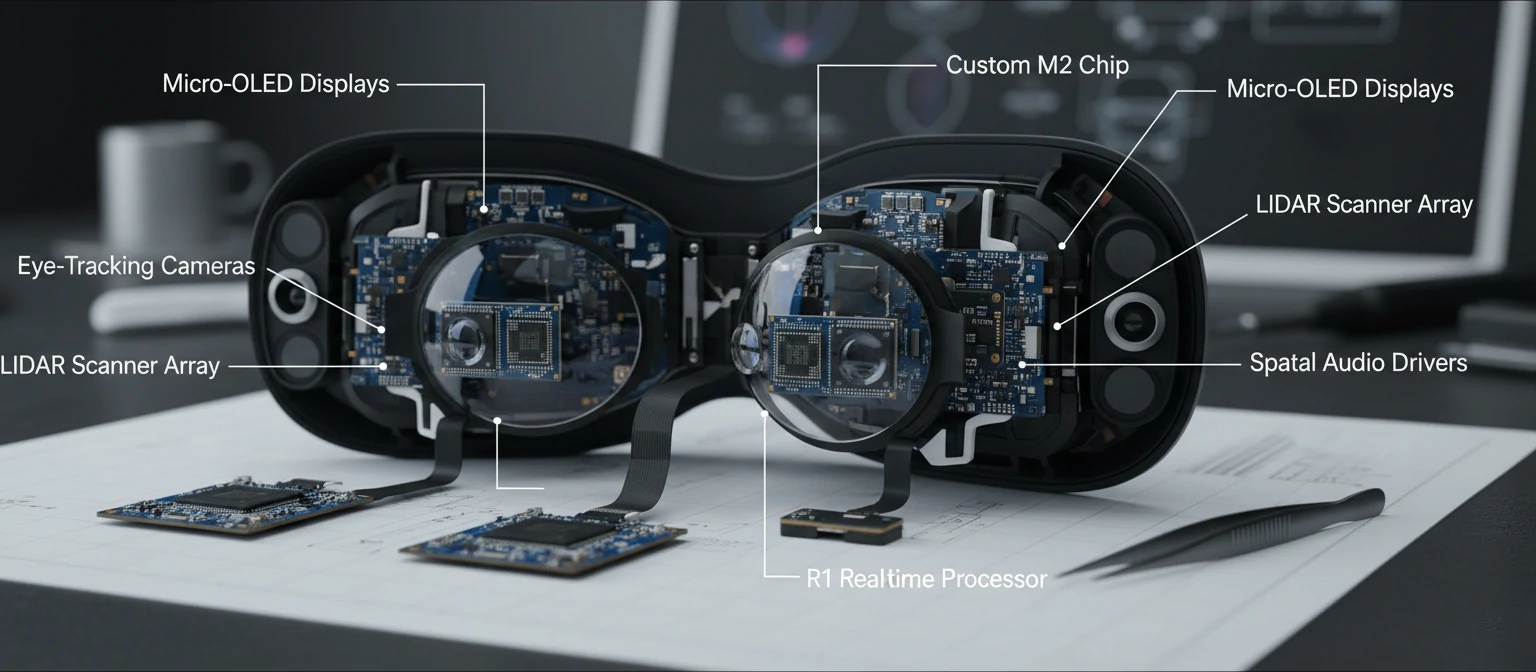
Let's break down what makes Vision Pro tick. At its heart is a powerful dual-chip system – the M2 for general tasks and the R1 dedicated to processing input from 12 cameras, 5 sensors, and 6 microphones. This setup creates a real-time 3D map of your surroundings, allowing apps to place digital content seamlessly in your physical space.
The magic happens through several key technologies:
- Spatial Computing: Apps exist in your room, not on a screen. Move around them, resize them, manipulate them with natural gestures.
- Hand and Eye Tracking: Control everything with your eyes and hands – no controllers needed. Look at something to select it, pinch to grab virtual objects.
- Spatial Audio: Sound comes from specific points in space, making experiences incredibly immersive.
- Passthrough Mode: See the real world through the headset, with digital elements blended in perfectly.
Developing for Vision Pro is a fresh challenge. Apps are built with visionOS, Apple's spatial operating system. It's not just porting existing apps – it's rethinking interfaces for 3D space. That's why native Vision Pro apps feel so revolutionary.
One of the coolest things? Apps adapt to your environment. Your walls could become screens, your furniture could hold virtual objects. It feels less like wearing a computer and more like having superpowers.
Top Apps for Apple Vision Pro: Must-Try Experiences
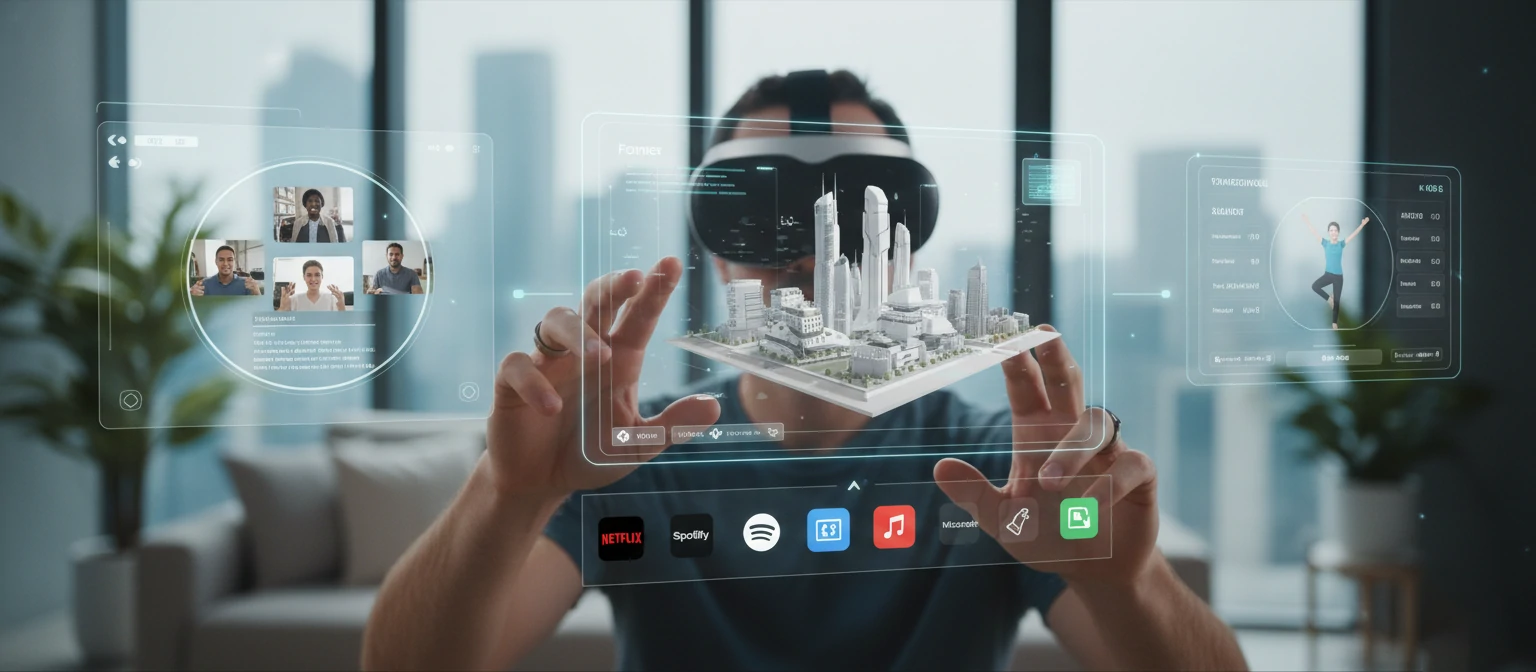
The app ecosystem is exploding with creativity. Here are some standout apps across categories that showcase what Vision Pro can do:
Productivity Powerhouses
- Microsoft Office: Spreadsheets and documents in 3D space – collaborate like never before!
- MindNode: Brainstorm with idea networks floating around you.
Entertainment Extravaganzas
- Disney+: Watch movies with characters that could step into your room.
- Apple TV: Spatial video that feels like you're in the scene.
Gaming Adventures
- Resident Evil Village: Heart-pounding horror with full body tracking.
- Fruit Ninja: Simple fun, reimagined in 3D space.
Creative Tools
- Adobe Suite: Design in 3D canvases that surround you.
- Freeform: Collaborative whiteboarding in space.
Getting Started with Vision Pro Apps
New to Vision Pro? Don't worry – we've got you covered. Setting up is straightforward, but here are some tips to make your first experiences amazing.
Start with familiar apps like your email or web browser. The spatial interface takes some getting used to, but it's intuitive once you try it. Remember, you can always switch back to traditional views if needed.
Pro tip: Calibrate your eye and hand tracking in a well-lit room for the best experience. And take breaks – your eyes will thank you!
Tips for Maximizing Your Vision Pro Experience
- Experiment with app placement – put productivity tools where you work, entertainment in your relaxation space.
- Use spatial audio for immersive gaming or calls – it makes everything feel more real.
- Combine apps for multitasking: Watch a tutorial while working on a project.
- Explore the environment: Apps that use your room's features add extra magic.
The key is to play around and find what works for you. Vision Pro is all about personalization!
Vision Pro vs Other AR/VR Headsets
How does Vision Pro stack up? Unlike isolated VR headsets, Vision Pro offers mixed reality with passthrough. It's more comfortable for extended use and has superior hand/eye tracking.
Compared to Meta Quest, Vision Pro has better build quality and ecosystem, but it's more expensive. For pure gaming, Quest might edge out, but Vision Pro's productivity apps are unmatched.
The choice depends on your needs – Vision Pro excels in professional and creative workflows, while others focus more on gaming.
User Experiences: Real Stories from Vision Pro Users
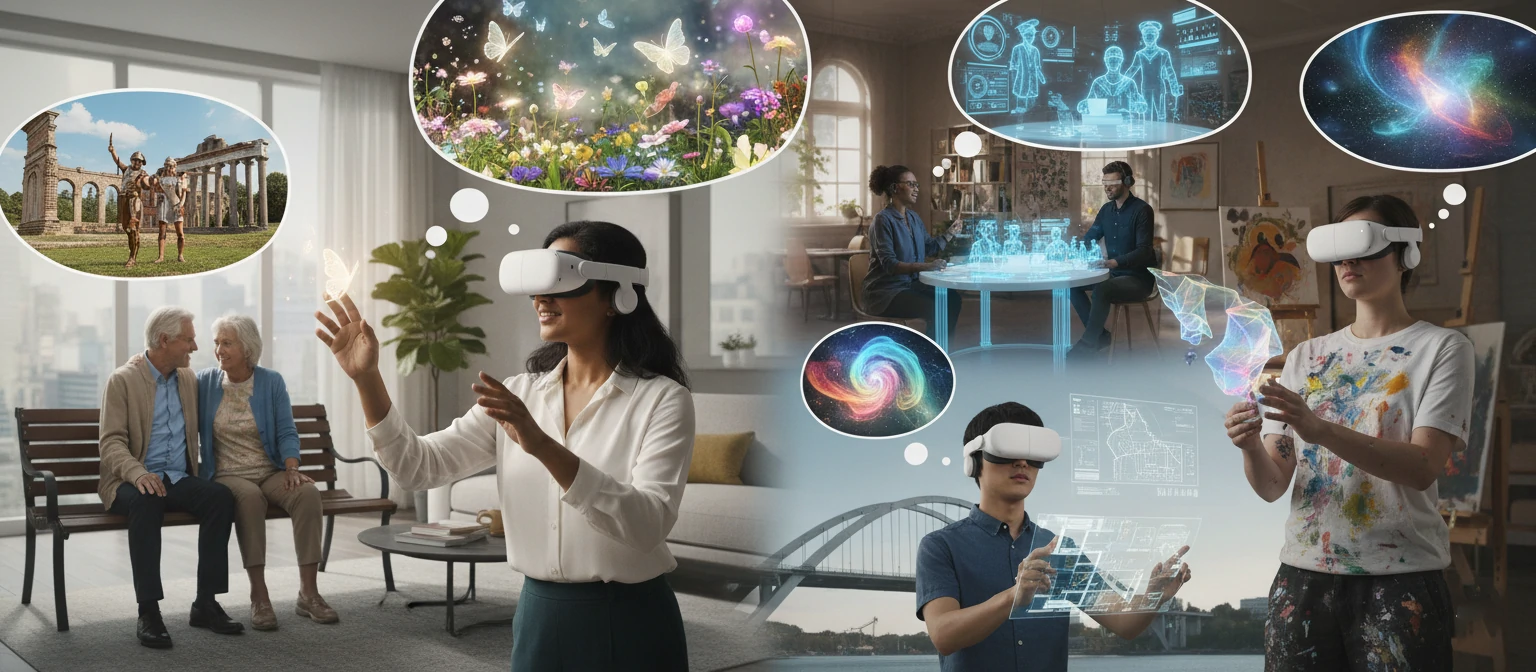
Sarah, Graphic Designer: "Photoshop in 3D space? Mind-blowing! I can manipulate layers intuitively – it's like having superpowers."
Mike, Gamer: "Resident Evil on Vision Pro is unreal. The immersion is next-level – I feel like I'm in the game!"
Users love the natural interactions but note a learning curve. Most agree it's worth it for the unique experiences.
The Future of Apps on Apple Vision Pro
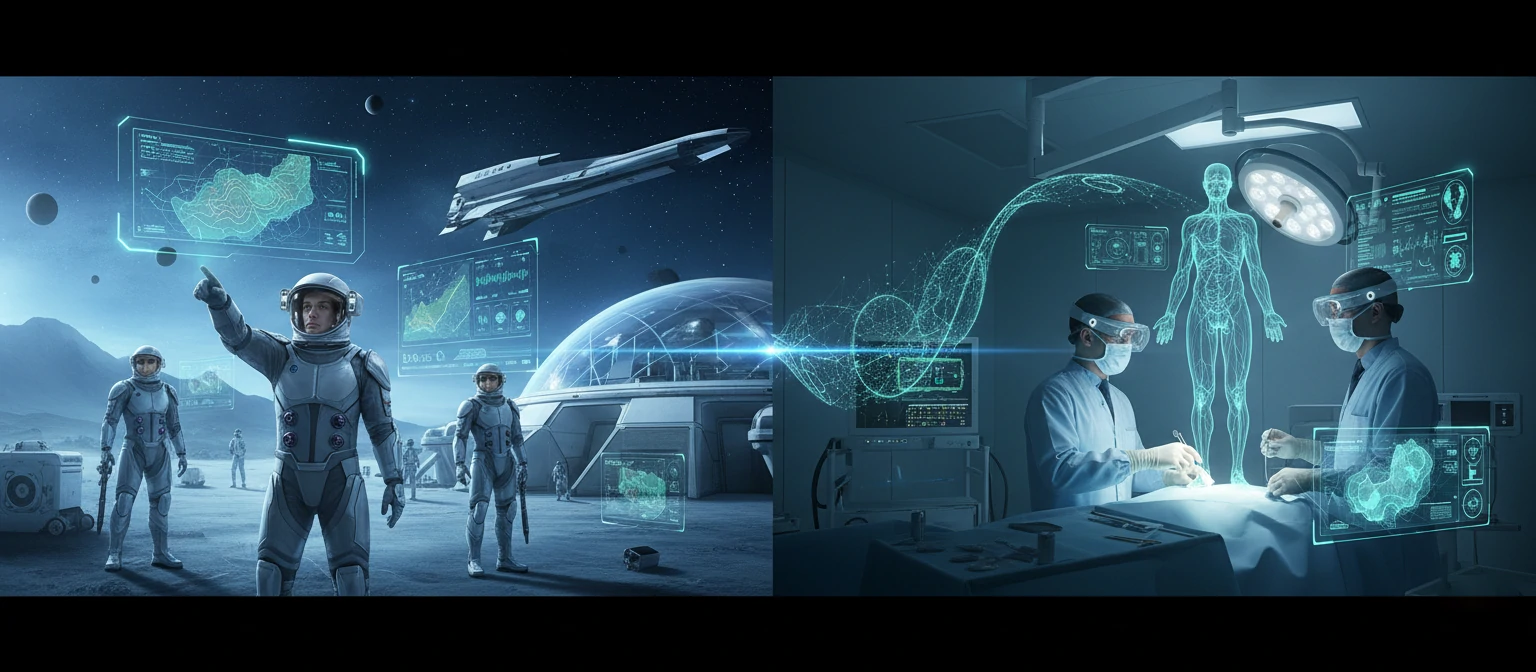
What's next? Expect AI-powered apps that adapt to you, multi-user shared spaces, and wireless freedom. Industries from education to healthcare will be transformed.
Imagine virtual classrooms where students explore history firsthand, or doctors planning surgeries in 3D. The possibilities are endless and exciting!
Conclusion: Your Journey into Spatial Computing Starts Now
Vision Pro apps aren't just tools – they're windows into tomorrow's technology. From gaming that feels alive to work that surrounds you, the experiences are transformative.
Sure, there are challenges like comfort and cost, but the innovation here is undeniable. If you're curious about the future, Vision Pro is your ticket.
Ready to explore? The spatial computing revolution is here, and it's more amazing than we imagined. What will you create in this new world?