Here’s the thing — launching an online store isn’t just about putting products on a webpage. It’s about crafting an experience so seamless that visitors can’t help but click “Buy Now.” This guide walks you through every single piece of the puzzle, from strategy to security.
Table of contents
- What Ecommerce Website Development Services Actually Include
- Strategy & Planning: Build for Revenue, Not Just Looks
- Design & User Experience: Optimize for Conversion
- Platform Selection: Choosing the Right Foundation
- Development: From Design to a Working Store
- Product Management: Your Catalog Is Your Storefront
- Payment Integration: Secure, Seamless, and Global
- Checkout Optimization: Reduce Cart Abandonment
- Inventory Management: Real-Time Accuracy Matters
- 10. Performance & Speed: Every Second Counts
- 11. SEO & Product Discovery
- 12. Security & Compliance
- 13. Analytics & Insights
- 14. Team Composition
- 15. Delivery Models
- 16. Pricing & ROI
- 17. Vendor Selection
- 18. Delivery Playbooks
- 19. KPIs & Governance
- 20. Mini Case Studies
- 21. AI & Automation in Ecommerce Development
- 22. Headless Commerce & Composable Architecture
- 23. Post-Launch Growth & Retention
- 24. Frequently Asked Questions
- 25. Ecommerce Readiness Checklist
- Key Takeaways
- Why Teams Trust DevStore Pro
- Conclusion: Your Store as a Revenue Engine
Quick numbers that matter: A fashion retailer saw a 34% conversion increase, an 18% AOV boost, and 52% more organic traffic after a full-service ecommerce rebuild. That’s the kind of transformation we’re talking about. Let me show you how.
What Ecommerce Website Development Services Actually Include
Let me be real with you — most people think ecommerce development is just “build me a website with a cart.” But the reality? It’s a full ecosystem of interconnected services that, when done right, turn browsers into buyers and buyers into repeat customers.
Here’s what a genuine end-to-end ecommerce development engagement covers. Trust me, when you see the full picture, you’ll understand why cutting corners on any of these pieces costs you real revenue.

Every one of these twelve pillars plays a role in whether your store thrives or just … exists.
Why does this matter? Think about it this way — if your UX design is gorgeous but your payment integration is clunky, you lose sales at the finish line. If your SEO drives thousands of visitors but your product pages lack trust signals, those visitors bounce without buying. Each service feeds into the next. It’s not a checklist you can pick and choose from — it’s an ecosystem.
The subscription box brand we worked with achieved 65% retention and $500K ARR specifically because every single one of these twelve services was addressed holistically. Skip one pillar and you’re building on an incomplete foundation.
Strategy & Planning: Build for Revenue, Not Just Looks
Here’s the thing — I’ve seen too many store owners jump straight to picking colors and templates. Trust me, that’s the fastest way to burn money. Strategy comes first, always. The stores that consistently generate six and seven figures? They started with a rock-solid plan.
A proper strategy phase touches everything from who your customers actually are (not who you think they are) to how you’ll get products into their hands. Let’s break it down:

B2C, B2B, D2C, marketplace, subscription? Each demands a fundamentally different architecture. Getting this wrong is expensive to fix later.
Talk to real customers. Run surveys. Analyze competitors’ reviews. Build personas based on data, not assumptions. This shapes every design and copy decision downstream.
Who’s winning in your space and why? Dissect their UX, pricing strategy, marketing funnels, and tech stack. Don’t copy — learn and differentiate.
How will products be organized? What taxonomy makes sense for search and navigation? This isn’t glamorous work, but it directly impacts discoverability and average order value.
Warehousing, shipping partners, returns policy — these operational realities shape your tech requirements. Plan the logistics before you write a single line of code.
I’ve watched companies spend $50K+ on development only to realize three months post-launch that their business model didn’t match their platform choice. Spend two to three weeks on strategy. It’ll save you six months of rework. Ask me how I know.
One more thing on strategy — document everything. Your strategy document becomes the north star for every decision that follows. When a developer asks “should we build feature X?”, you point to the strategy doc. When a designer proposes a radical new layout, check it against your customer research. This is how you avoid scope creep and stay on budget. The best projects I’ve led had a clear, written strategy that the entire team could reference at any point.
Design & User Experience: Optimize for Conversion
Your store’s design isn’t about making things “pretty” — it’s about removing every single friction point between a visitor and a completed purchase. Every pixel should earn its place. Remember: every 100ms delay can reduce conversions by 1%. Design and performance are inseparable.

Let me walk you through the five pillars of ecommerce UX that actually move the needle:
🎨 User Research & Testing
Heatmaps, session recordings, A/B tests — these aren’t luxuries. They’re necessities. You’d be shocked how often what “feels right” to a designer completely misses what customers actually do. Test with real users early and often.
📱 Product Page Design
This is your money page. High-quality imagery with zoom capability, clear pricing, compelling descriptions, size guides, social proof (reviews!), and a prominent add-to-cart button. Every element should answer a buying objection.
🛒 Checkout Flow Optimization
Every extra step in checkout is another chance for someone to leave. Minimize form fields, show progress indicators, offer guest checkout, and display security badges prominently. We’ll dig deeper into this in Section 8.
🛡 Trust Signals
SSL badges, money-back guarantees, customer reviews, press mentions, secure payment icons. These aren’t optional decorations — they’re conversion infrastructure. First-time visitors need reassurance that you’re legitimate and trustworthy.
📸 Mobile-First Design
Over 70% of ecommerce traffic is mobile now. If you’re not designing mobile-first, you’re designing for the minority. Thumb-friendly tap targets, fast loading, and streamlined navigation aren’t nice-to-haves — they’re survival requirements.
The conversion design formula: Great ecommerce UX follows a simple principle — reduce cognitive load at every step. When a customer lands on your product page, they should immediately see the product image, price, and add-to-cart button without scrolling. Every additional scroll, click, or moment of confusion is a leak in your conversion funnel.
Want proof? Our fashion retailer client redesigned their product pages based on heatmap data and saw that 34% conversion increase we mentioned earlier. The biggest single change? Moving their “Add to Cart” button above the fold on mobile. That’s it. One change, massive impact. Design decisions should always be data-informed, not gut-driven.
Platform Selection: Choosing the Right Foundation
This decision will shape everything — your development timeline, ongoing costs, scalability ceiling, and even what marketing tactics you can deploy. There’s no single “best” platform. There’s only the best platform for your specific situation.
I’ve helped teams migrate off platforms that were “wrong” for them, and it’s painful. Choose wisely upfront. Here’s an honest look at your major options:
Shopify
- Best for: Fast launch & simplicity
- Managed hosting (no server headaches)
- Massive app ecosystem (8,000+)
- Built-in payment processing
- Great for teams without dev resources
WooCommerce
- Best for: Flexibility & content
- Self-hosted (full control)
- WordPress ecosystem integration
- Open-source & extensible
- Great for content-driven commerce
BigCommerce
- Best for: Enterprise & scalability
- Built-in B2B features
- No transaction fees
- Multi-storefront capable
- Strong API for headless builds
Custom Build
- Best for: Unique requirements
- Full control over every detail
- No platform limitations
- Higher upfront cost
- Requires dedicated dev team
Headless Commerce
ADVANCEDDecoupled frontend and backend for maximum flexibility. Use React, Next.js, or Vue on the front with any commerce engine behind it. Perfect for brands needing blazing performance and omnichannel experiences.
⚠ Requires experienced developers. Not recommended unless you have a clear technical reason and the budget to support it.
Still unsure? Here’s my quick rule of thumb: if you need to launch in under 8 weeks with a proven model, go Shopify. If content marketing is central to your strategy, go WooCommerce. If you’re doing $5M+ in revenue with complex catalogs, look at BigCommerce or custom.

I’ve seen each of these derail projects, so let me save you the pain:
- Choosing Shopify for a store needing heavy customization, then fighting its limitations for months
- Picking WooCommerce without budgeting for hosting, security plugins, and ongoing maintenance
- Going headless because it sounds cool when your team doesn’t have the engineering depth to support it
- Underestimating migration complexity when switching platforms mid-business
Development: From Design to a Working Store
This is where the magic happens — or where things go sideways if the strategy and design phases were rushed. Development is the translation layer between “what we want” and “what customers experience.”
A great development team doesn’t just write code. They solve business problems with technology. Here’s what the development phase typically involves:

Adapting platform themes to match your brand identity pixel-perfectly, or building bespoke themes from scratch.
Connecting third-party tools for email marketing, reviews, loyalty programs, and CRM without creating performance bottlenecks.
Building custom APIs for ERP integration, warehouse management systems, and proprietary business logic unique to your operation.
Cross-browser, cross-device, payment flow testing, load testing, accessibility audits — every edge case your customers might encounter.
Image compression, lazy loading, code splitting, CDN configuration, caching strategies. Remember — every 100ms delay can reduce conversions by 1%. Performance isn’t an afterthought; it’s baked into every development decision.
Here’s the thing most agencies won’t tell you: development should be iterative, not waterfall. Ship a minimum viable store, measure real user behavior, then improve. Perfectionism at launch is the enemy of revenue.
Simple Shopify builds with theme customization: 4–8 weeks. Mid-range WooCommerce with custom functionality: 8–16 weeks. Complex custom builds with integrations: 16–30+ weeks. Anyone promising faster timelines on complex projects is either cutting corners or doesn’t understand the scope.
Budget-wise, you’re looking at $10K–$30K for a simple Shopify store, $30K–$80K for a medium WooCommerce build, and $80K–$300K+ for complex custom solutions. Ongoing retainers typically run $2K–$8K/month for maintenance, updates, and continuous optimization.
Product Management: Your Catalog Is Your Storefront
Trust me on this — your product catalog is the unsung hero of your ecommerce operation. It’s not just a list of items. It’s a carefully structured data system that powers search, filtering, recommendations, and ultimately, revenue. Mess this up and customers can’t find what they want, no matter how beautiful your design is.
I’ve seen stores with amazing products and terrible catalog structure lose sales daily because of poor navigation. Don’t be that store. Here’s what proper product management looks like:
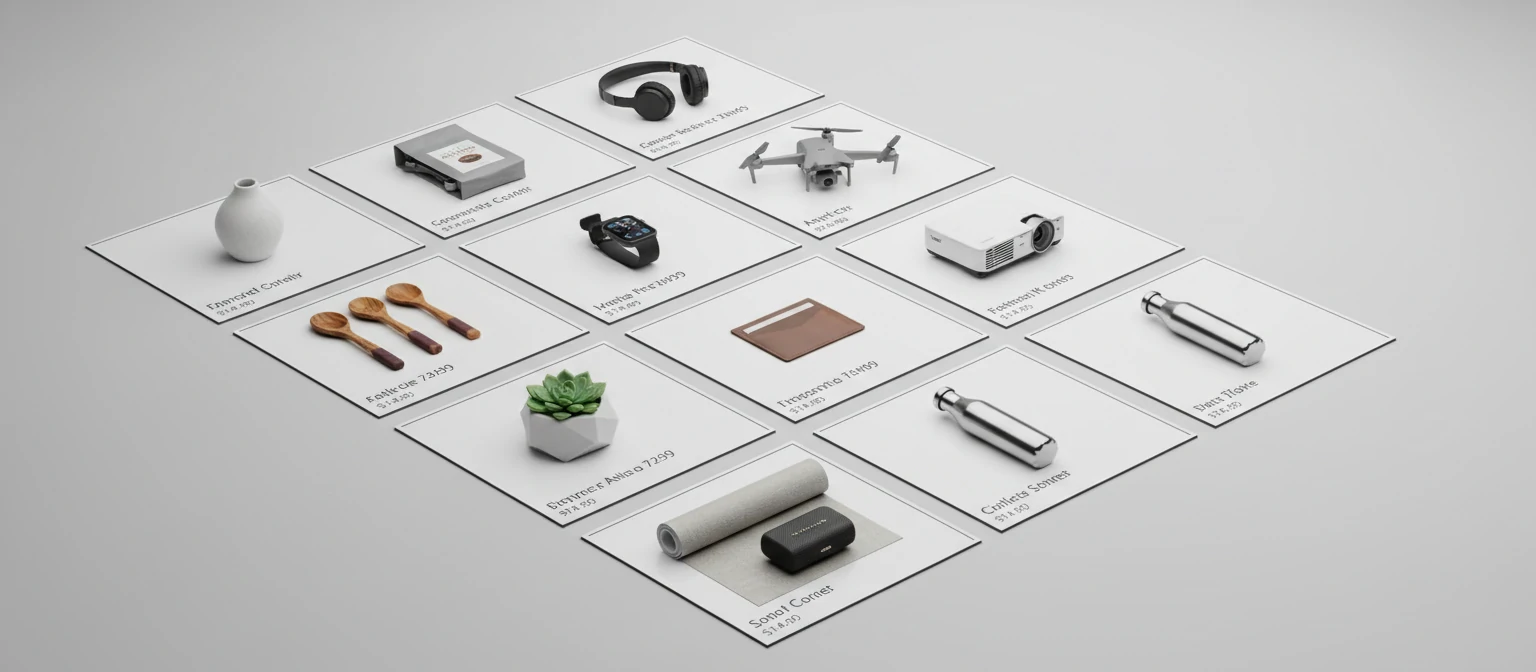
Your product data is the fuel that powers everything from search and filtering to recommendations and marketing automation. The time you invest in getting your catalog right pays dividends in every other area of your ecommerce operation. Don’t treat it as busywork — treat it as a strategic asset.
Payment Integration: Secure, Seamless, and Global
Here’s a question for you — how many times have you abandoned a purchase because the site didn’t offer your preferred payment method? Exactly. Payment flexibility isn’t a nice-to-have anymore; it’s directly tied to your conversion rate.
The modern checkout needs to feel invisible. Customers shouldn’t think about paying — they should just… pay. Here are the payment methods your store needs to support:
Credit & Debit Cards
Powered by Stripe & Square — the gold standard for card processing. Low fees, developer-friendly APIs, and global coverage.
Digital Wallets
Apple Pay, Google Pay, & PayPal — one-tap checkout that dramatically reduces friction, especially on mobile devices.
Buy Now, Pay Later
Klarna & Affirm — installment payments can increase AOV by 20–30%. Essential for products over $100.
International Methods
iDEAL, Bancontact, Alipay, WeChat Pay — if you’re selling globally, you need local payment options to capture regional markets.
PCI Compliance — Non-Negotiable
Every store handling card payments must be PCI DSS compliant. Using hosted payment forms from Stripe or Square handles most of the heavy lifting, but you still need proper SSL, secure data handling, and regular security audits. This isn’t optional — it’s the law.
One pattern I keep seeing with successful stores: they offer at least three to four payment options minimum. Credit cards as the baseline, a digital wallet for speed, and a BNPL option for higher-priced items. The stores doing international business add regional methods on top. The more ways people can pay, the fewer reasons they have to leave. It’s simple math, really.

Checkout Optimization: Reduce Cart Abandonment
Let me be real — the average cart abandonment rate is hovering around 70%. Seventy percent! That means for every ten people who add something to their cart, seven of them walk away before paying. Your checkout flow is literally where money goes to die if you’re not intentional about it.
The good news? Even small improvements here have an outsized impact on revenue. Reducing abandonment by just 5% can mean tens of thousands in recovered sales. Here’s how:

Both can work. Single-page feels faster. Multi-step shows clear progress. Test both with your audience. The “right” answer depends on your product complexity and average cart size.
Forcing account creation before purchase is the number-one reason people abandon carts. Let them buy first, then offer account creation post-purchase with incentives. Trust me, your conversion rate will thank you.
Google Places API or similar services auto-fill addresses after a few keystrokes. This reduces typos, speeds up the process, and lowers shipping errors. A tiny investment for a measurable impact.
Surprise shipping costs at the last step? That’s abandonment rocket fuel. Show estimated shipping early, offer free shipping thresholds, and give multiple speed options. Transparency builds trust.
Inline validation that shows errors as users type — not after they hit submit. Red borders, clear messages, and auto-focus on the problem field. Don’t make people hunt for what went wrong.
The single biggest checkout optimization I’ve implemented? Showing a persistent order summary sidebar on desktop and an expandable mini-cart on mobile. Customers want to see what they’re buying at every step — it reduces anxiety and builds confidence. Combine that with trust badges near the payment button and you’re looking at a 10–15% improvement in checkout completion, conservatively. These aren’t theoretical numbers — they’re from real A/B tests across dozens of stores.
Inventory Management: Real-Time Accuracy Matters
Ever ordered something online only to get a “Sorry, that’s out of stock” email an hour later? Infuriating, right? That’s what happens when inventory management is an afterthought. Real-time inventory accuracy isn’t just an operational detail — it’s a customer experience issue and a revenue protection mechanism.
As your store scales, inventory complexity explodes. Multiple warehouses, pre-orders, backorders, supplier lead times — it all needs to be synchronized in real time. Here’s what a solid inventory system looks like:
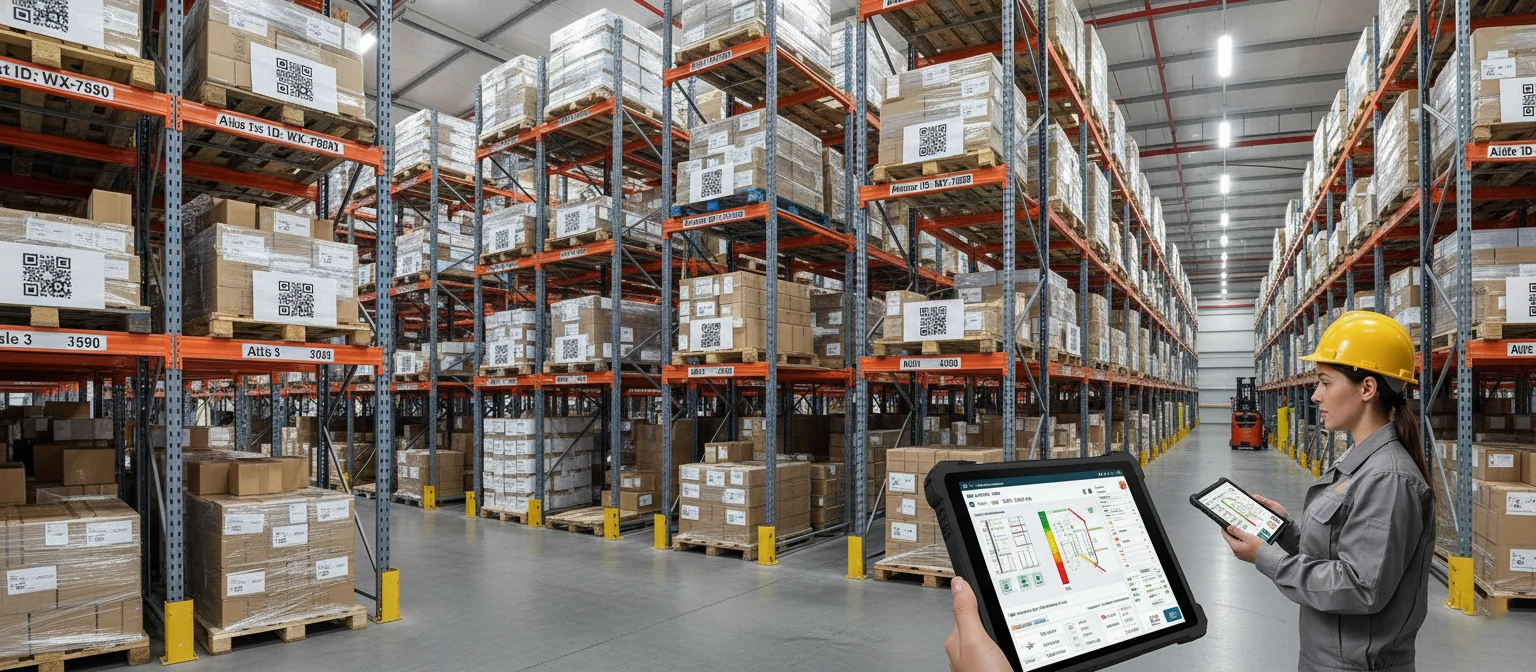
Inventory counts that update instantly across all sales channels — your website, Amazon, brick-and-mortar POS, and wholesale portals. One source of truth, always accurate.
Route orders to the nearest fulfillment center automatically. Manage stock levels per location. Transfer inventory between warehouses when demand shifts regionally.
Automated notifications when SKUs hit reorder thresholds. Set custom alert levels per product based on lead times and sales velocity. Never run out of your best sellers.
Connect with 3PL providers like ShipBob, Fulfillment by Amazon, or your own warehouse management system. Automated order routing, label generation, and tracking updates.
Don’t just show “out of stock” — capture demand! Allow customers to pre-order upcoming products or backorder temporarily unavailable items. This turns lost sales into guaranteed future revenue. A B2B marketplace we worked with integrated pre-orders and captured an additional $2M in GMV with 200+ vendors on the platform.
Inventory management might not be the flashiest part of ecommerce development, but it’s the backbone of customer satisfaction. Get this right and you’ll avoid overselling, reduce customer service tickets, and maintain the trust that turns first-time buyers into repeat customers.
📋 Inventory Sync Checklist
Before launch, make sure your inventory system can handle these scenarios:
- Simultaneous purchases of the last item in stock (race condition handling)
- Automatic hold and release for items in abandoned carts
- Inventory adjustments from returns and exchanges
- Bundle and kit inventory deduction across component SKUs
- Seasonal demand forecasting to adjust reorder points
- Sync failures between channels — what happens when the API goes down?
Up next in Part 2: Performance optimization, SEO, security, analytics, and how to choose the right development partner…
10. Performance & Speed: Every Second Counts
Here’s the thing — your store could have the most gorgeous design in the world, but if it loads like molasses, visitors will bounce before they ever see it. I’ve watched businesses hemorrhage revenue simply because their pages took an extra second to render. Speed isn’t a luxury; it’s the foundation everything else sits on.
Think about your own browsing habits. When a page takes more than three seconds to load, do you wait patiently? Of course not — you hit the back button and go to a competitor. Your customers behave the same way. Google’s research shows that 53% of mobile visitors abandon sites that take longer than three seconds. That’s more than half your potential customers, gone before they even see your product.
“Every 100ms delay can reduce conversions by 1%.”
That’s not an opinion — it’s backed by data from Google and Amazon.
📷 Image Optimization & Lazy Loading
Convert images to WebP/AVIF, serve responsive sizes, and lazy-load anything below the fold. Trust me, this alone can shave 2–3 seconds off load times.
📦 Code Minification & Compression
Minify CSS, JS, and HTML. Enable Brotli or Gzip compression. Tree-shake unused code so browsers download only what’s needed.
🌐 CDN & Edge Caching
Distribute assets globally via CDN so customers in Tokyo load just as fast as those in New York. Edge caching keeps dynamic content snappy too.
🗃 Database Optimization
Index your queries, cache frequent lookups with Redis, and paginate large catalogs. A sluggish database is an invisible conversion killer.
📈 Core Web Vitals
LCP under 2.5s, FID under 100ms, CLS under 0.1. Google uses these as ranking signals — nail them, and you win in both UX and SEO.
Performance by the Numbers
53%
of mobile visitors leave if load > 3s
79%
won’t return after poor performance
2.5s
target LCP for top Core Web Vitals
$2.6B
annual revenue lost to slow sites (est.)
11. SEO & Product Discovery
Let me be real — organic traffic is the most profitable channel you’ll ever have. Paid ads stop working the moment you stop paying, but a well-optimized product page keeps bringing in revenue month after month. SEO for ecommerce isn’t optional; it’s your long-game competitive moat.
I’ve worked with stores that spent $50K/month on paid ads while their organic traffic was practically zero. When we shifted even 20% of that budget into SEO, the compounding returns were staggering within six months. The best part? Once you rank, that traffic keeps coming without a daily ad spend bleeding your margins dry.

Site Architecture & URL Structure
Clean, logical hierarchies like
/category/subcategory/product-name
help both crawlers and humans navigate effortlessly.
Product Page Optimization
Unique titles, compelling meta descriptions, keyword-rich (but natural) copy, optimized images with proper alt text, and customer reviews for fresh content signals.
Schema Markup
Product schema, review schema, FAQ schema — these unlock rich snippets in search results that dramatically boost click-through rates.
Blog & Content Strategy
Buying guides, comparison articles, and how-to content capture top-of-funnel searchers and funnel them toward your products.
Link Building
Earn backlinks through digital PR, influencer partnerships, and genuinely useful content that other sites want to reference.
12. Security & Compliance
⚠ Warning: The average cost of an ecommerce data breach exceeds $4.24 million. One breach can destroy years of customer trust overnight.
Security isn’t something you bolt on at the end — it’s baked into every layer of a properly built store. Here’s what your development team should have locked down from day one:
I’ve seen a mid-size retailer lose 40% of their customer base after a single breach made the news. The financial damage was bad enough, but the reputational hit was far worse. Trust me — investing in security upfront is infinitely cheaper than recovering from a breach after the fact.
🔒 PCI DSS Compliance
If you handle credit cards, PCI compliance isn’t optional. Use tokenized payment gateways like Stripe to reduce your compliance scope.
🔐 SSL/TLS Encryption
HTTPS everywhere, HSTS headers, and TLS 1.3. No exceptions. Browsers now flag HTTP sites as “Not Secure” — instant trust killer.
🔍 Security Audits & Pen Testing
Regular vulnerability scans, annual penetration testing, and automated dependency auditing catch issues before attackers do.
📜 GDPR & CCPA
Cookie consent, data portability, right to deletion. Privacy regulations keep expanding — build compliance into your architecture now.
🛡 Fraud Detection
Machine-learning fraud scoring, velocity checks, address verification, and 3D Secure help you stop chargebacks before they happen.
13. Analytics & Insights
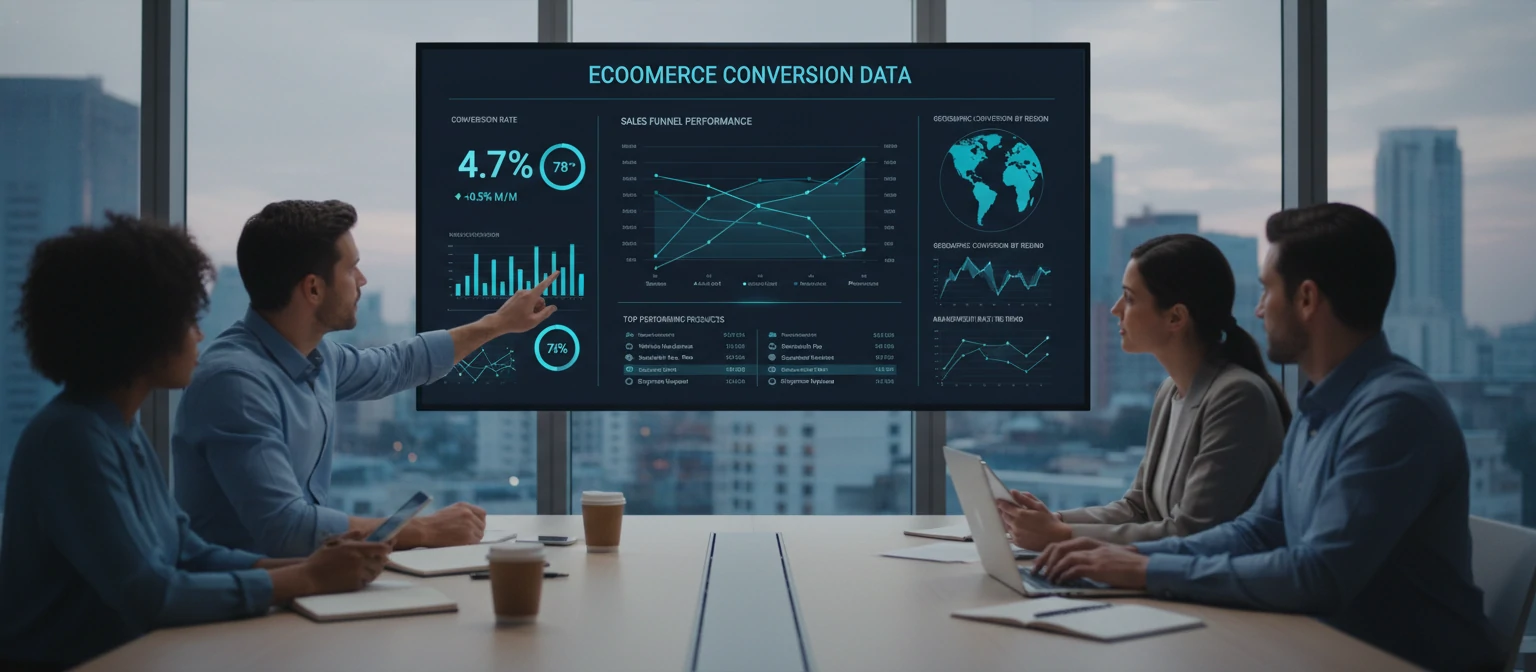
You can’t improve what you don’t measure. I’ve seen too many store owners flying blind — spending thousands on ads without knowing which ones actually drive profit. A proper analytics setup turns gut feelings into data-driven decisions.
Here’s a personal anecdote: one of our clients was convinced their Facebook ads were driving most of their sales. When we finally set up proper attribution modeling, we discovered that organic search and email were actually their top revenue drivers — Facebook was generating clicks but almost zero conversions. That single insight saved them $15K/month in wasted ad spend.
GA4 Setup
Enhanced ecommerce tracking, custom events for add-to-cart, checkout steps, and purchase completions. Server-side tagging for accuracy.
Conversion Tracking & Funnels
Map every step from landing to purchase. Identify where customers drop off, then fix those leaks systematically.
Product Performance
Which products get views but not purchases? Which have high return rates? This data shapes your merchandising strategy.
Customer Segmentation
RFM analysis, cohort tracking, and behavioral segments let you personalize marketing and maximize lifetime value.
A/B Testing
Test headlines, CTAs, layouts, and pricing. Even small lifts compound — a 5% conversion improvement on a $1M store is $50K annually.
14. Team Composition
Who actually builds a world-class ecommerce store? Here’s the dream team you need — and yes, every single role matters. Skip one, and you’ll feel the gap.
The biggest mistake I see? Companies that hire only developers and wonder why their store looks generic and converts poorly. Development is just one piece of the puzzle. You need designers who understand ecommerce psychology, product managers who ruthlessly prioritize, and QA engineers who think like customers trying to break things.
Product Managers
Own the roadmap, prioritize features by business impact, and keep engineering aligned with revenue goals.
UX/UI Designers
Research user behavior, design intuitive flows, and craft interfaces that feel effortless and drive conversions.
Frontend Developers
Turn designs into pixel-perfect, responsive, lightning-fast interfaces using React, Next.js, or Vue.
Backend Developers
Build APIs, handle payments, manage inventory logic, and ensure the engine under the hood runs flawlessly.
QA Engineers
Automated testing, cross-browser checks, and regression suites. They catch the bugs before your customers do.
DevOps / SRE
CI/CD pipelines, infrastructure automation, monitoring, and uptime. They keep your store running 24/7/365.
15. Delivery Models
Not every project needs the same engagement structure. Here’s how to pick the model that fits your budget, timeline, and comfort level:
The right delivery model depends on three factors: how well-defined your requirements are, how much flexibility you need, and your internal capacity to manage external teams. There’s no universally “best” model — only the one that matches your situation.
Project-Based (Fixed Scope)
Clear deliverables, fixed price, defined timeline. Best when you know exactly what you want. Less flexibility for mid-project changes.
Time & Materials (Flexible)
Pay hourly/weekly for actual work done. Ideal for evolving requirements. You get full transparency and the ability to pivot as you learn.
Dedicated Team (Embedded Squad)
A full team works exclusively on your project. They become an extension of your company — perfect for long-term, complex builds.
Retainer (Monthly)
A set number of hours each month for ongoing optimization, bug fixes, and feature enhancements. Keeps your store continuously improving.
16. Pricing & ROI
Let me be real with you — pricing in ecommerce development varies wildly. Here’s an honest breakdown so you know what to expect and can budget accordingly:
One mistake I see constantly: businesses focusing purely on build cost and forgetting about total cost of ownership. A $10K build that costs $5K/month to maintain isn’t cheaper than a $30K build that runs on $500/month. Always think about the three-year cost, not just the upfront number.
Simple
Shopify Store
$10K–$30K
Theme customization, basic integrations, standard checkout. Great for launching fast.
Popular
WooCommerce Build
$30K–$80K
Custom design, advanced plugins, payment gateways, and third-party integrations.
Enterprise
Custom Platform
$80K–$300K+
Fully custom, headless architecture, complex integrations, multi-region support.
Ongoing
Monthly Retainer
$2K–$8K/mo
Continuous optimization, bug fixes, feature additions, and performance monitoring.
17. Vendor Selection
Choosing the wrong development partner is one of the most expensive mistakes you can make. Trust me, I’ve seen companies waste six figures on vendors who overpromise and underdeliver. Here’s how to tell the difference:
My advice? Always ask to speak with at least two past clients. Not the references they hand-pick — ask for the most recent project they completed and the one that was most challenging. How a vendor handles adversity tells you everything about what working with them will actually be like.
✅ Signals of Strength
- Referenceable live stores you can visit and test
- Published case studies with real metrics
- Deep conversion optimization expertise
- Strong security knowledge and practices
- Direct access to senior leadership and architects
🔴 Red Flags
- No published stores or portfolio to review
- Vague on performance metrics and benchmarks
- High developer turnover on projects
- Heavy on slides, light on shipping code
- Won’t commit to specific KPIs or SLAs
18. Delivery Playbooks
Different projects call for different playbooks. Here’s how real-world timelines typically shake out:
A word of caution — these timelines assume proper planning and decisioning from stakeholders. I’ve seen 12-week Shopify builds stretch to 6 months because of scope creep and indecisive approvals. Lock in your requirements early, and you’ll stay on track.
🚀 Shopify Launch — 8–12 Weeks
A focused sprint through five phases:
⚒ Custom Build — 4–6 Months
Full discovery, architecture planning, iterative sprints, integration testing, staging, UAT, and phased rollout. Requires tight project management and stakeholder alignment throughout.
🔄 Ongoing Optimization — Post-Launch
Continuous improvement cycles: monthly A/B tests, quarterly UX audits, performance tuning, and feature enhancements driven by analytics data.
19. KPIs & Governance
These are the numbers your team should review weekly. If any of them trend the wrong direction for two consecutive weeks, it’s time to investigate:
Don’t try to track everything. Vanity metrics like total page views or social followers feel good but don’t pay the bills. Focus on the metrics below — they directly connect to revenue and growth. Build a weekly dashboard that surfaces these five KPIs and nothing else.
Revenue
Conversion Rate & AOV
Checkout
Cart Abandonment Rate
Performance
Page Load & Core Web Vitals
Growth
Organic Traffic & Rankings
Unit Economics
CAC / LTV Ratio
20. Mini Case Studies
Theory is great, but results speak louder. Here are three real-world wins that show what’s possible when development is done right:
Each of these projects started with the same foundational approach: deep discovery, user research, data-driven design decisions, and relentless post-launch optimization. The technology mattered, but the methodology mattered more.
👗 Fashion Retailer
Complete redesign with mobile-first UX, AI-powered product recommendations, and technical SEO overhaul delivered transformative results.
🏢 B2B Marketplace
Custom multi-vendor marketplace with automated onboarding, split payments, and vendor analytics dashboards scaled to $2M in gross merchandise value.
📦 Subscription Box
Subscription management with flexible plans, pause/skip functionality, and personalized curation algorithms drove industry-leading retention.
21. AI & Automation in Ecommerce Development
Here’s the thing about AI in ecommerce — it’s not some far-off future anymore. The stores winning today are already using machine learning to personalize experiences, automate tedious tasks, and make smarter decisions faster than any human team could alone.
And you don’t need a data science team to get started. Modern AI-powered tools like Nosto, Dynamic Yield, and Algolia put enterprise-grade personalization within reach of growing brands. The question isn’t whether to invest in AI — it’s how quickly you can start before your competitors do.

🤖 AI-Powered Personalization
Product recommendations that actually feel relevant. Think “customers who bought X also loved Y” — but powered by deep learning that understands browsing patterns, purchase history, and even seasonal trends. Stores using AI personalization see 15–30% revenue lifts.
💬 Intelligent Chatbots
Modern AI chatbots handle 70% of customer queries without human intervention — order tracking, returns, sizing questions. They work 24/7 and actually get smarter over time.
📊 Inventory Forecasting
ML models that predict demand based on historical sales, weather, trends, and even social media buzz. No more overstocking or painful stockouts during peak season.
💰 Dynamic Pricing
Algorithms that adjust prices in real-time based on demand, competitor pricing, inventory levels, and customer willingness to pay. Airlines have done this for decades — now ecommerce is catching up.
📷 Visual Search
Let customers snap a photo and find matching products instantly. Pinterest and Google Lens have trained users to expect this — now your store can deliver it too.
22. Headless Commerce & Composable Architecture
Ever feel boxed in by your platform’s limitations? That’s exactly the problem headless commerce solves. By decoupling the frontend from the backend, you get total creative freedom while keeping your commerce engine rock-solid. It’s how the biggest brands in the world build today.
But here’s the honest truth — headless isn’t for everyone. It adds architectural complexity and requires a stronger engineering team to maintain. If you’re doing under $5M in annual revenue with straightforward product pages, Shopify or WooCommerce will serve you beautifully. Headless shines when you need multi-touchpoint experiences, blazing performance, and the freedom to innovate on the frontend without being constrained by your commerce backend.

API-First Design
Every capability exposed through clean REST or GraphQL APIs. Your frontend, mobile app, kiosk, and voice assistant all consume the same commerce layer.
Microservices Architecture
Cart, checkout, catalog, and search as independent services. Scale each one separately, deploy without downtime, and swap components as better options emerge.
MACH Architecture
Microservices, API-first, Cloud-native, Headless — the gold standard for enterprise ecommerce. Future-proof by design, best-of-breed by philosophy.
When to Go Headless
Choose headless when you need multi-channel selling, custom experiences, or enterprise scale. Stick with monolithic (Shopify, WooCommerce) when speed-to-market and simplicity matter most.
23. Post-Launch Growth & Retention
Launching your store is just the starting line. The real race begins afterward. Acquiring a new customer costs 5–7x more than retaining an existing one, so smart growth strategy leans heavily into retention. Here’s your post-launch playbook:
The most successful ecommerce brands I’ve worked with spend more time thinking about their second sale than their first. Why? Because a customer who buys twice is 9x more likely to buy a third time. Retention compounds in ways acquisition never will. Here are the specific strategies that move the needle:
✉ Email Marketing Automation
Welcome sequences, abandoned cart flows, post-purchase nurture, win-back campaigns. Automated email drives $42 for every $1 spent — still the highest ROI channel in ecommerce.
🏆 Loyalty Programs
Points, tiers, exclusive perks. A well-designed loyalty program increases purchase frequency by 20% and makes customers feel valued, not just transactional.
🎯 Retargeting Campaigns
Dynamic product ads that follow visitors across the web, reminding them of items they browsed. When done tastefully, retargeting converts 3–5x better than cold traffic.
💬 Customer Feedback Loops
NPS surveys, post-purchase reviews, and customer interviews. Your best product ideas will come from the people who actually use your store every day.
🤝 Community Building
Facebook groups, Discord servers, brand ambassadors. Turn customers into advocates who sell for you. Community-driven brands see 2–3x higher lifetime value.
24. Frequently Asked Questions
How long does ecommerce development take?
It depends on complexity. A Shopify store can launch in 8–12 weeks. A custom-built platform typically takes 4–6 months. Enterprise-grade, multi-region builds can stretch to 6+ months. The key is investing enough time in discovery so development moves efficiently.
What are ongoing costs after launch?
Plan for 10–20% of your initial build cost annually for maintenance, hosting, security patches, and continuous optimization. A $100K build means $10K–$20K/year in upkeep. Skipping this is how stores slowly deteriorate.
Shopify vs. custom — which should I choose?
Shopify is perfect for most businesses doing under $5M/year. It’s fast, reliable, and has a massive app ecosystem. Go custom when you need unique workflows, complex integrations, or multi-vendor marketplace capabilities that platforms can’t handle.
Do I need a mobile app or is a responsive site enough?
For most stores, a well-built responsive PWA (Progressive Web App) delivers 90% of the mobile app experience at a fraction of the cost. Consider a native app only when you need push notifications, offline access, or when your customer base demands it.
How do I measure ROI on ecommerce development?
Track revenue lift, conversion rate improvements, reduced cart abandonment, and customer acquisition cost changes. A good build pays for itself within 6–12 months through increased conversions and lower operational costs.
💡 Pro Tip from the Trenches
Before choosing any vendor or platform, create a simple one-page document that answers three questions: What’s your monthly revenue target for year one? What’s the maximum you can invest upfront? What are the three features your customers absolutely cannot live without? Every vendor conversation should start from this document. It prevents scope creep, keeps you grounded in business reality, and immediately exposes vendors who try to upsell you on features you don’t need.
25. Ecommerce Readiness Checklist
Before you sign a contract or write a single line of code, make sure you’ve checked every box below. This list has saved countless teams from costly missteps:
Print this out, tape it to your wall, and don’t move forward until every item has a checkmark. I’m serious — skipping even one of these has derailed projects I’ve personally witnessed. Consider this your pre-flight checklist before takeoff.
Key Takeaways
Speed is revenue — every 100ms of delay costs you 1% in conversions.
SEO is your most profitable long-term acquisition channel. Invest in it early.
Security breaches cost millions — bake compliance into your architecture from day one.
Data-driven decisions beat gut feelings. Set up proper analytics before launch.
The right team composition is as important as the right technology stack.
Choose your delivery model based on project complexity, not just price.
AI and automation aren’t optional anymore — they’re table stakes for competitive stores.
Headless commerce gives enterprise brands the flexibility monolithic platforms can’t.
Retention is cheaper than acquisition — invest in loyalty, email, and community post-launch.
Your store is never “done” — the best ecommerce businesses treat development as an ongoing investment.
Why Teams Trust DevStore Pro
We’ve distilled years of ecommerce development experience into actionable frameworks that teams actually use. Here’s what sets our approach apart:
Battle-Tested Playbooks
Every recommendation comes from real projects, real failures, and real wins — not theoretical blog posts recycled from 2018.
Data Over Opinions
We back every claim with metrics. When we say something works, we show you the conversion lifts and revenue impact to prove it.
Vendor-Neutral Guidance
We don’t sell software or development hours. Our only incentive is helping you make the best decisions for your business.
Revenue-First Thinking
Pretty designs are nice, but we optimize for the metrics that actually matter: conversion rate, average order value, and customer lifetime value.
Conclusion: Your Store as a Revenue Engine
If you’ve made it this far, you already have a massive advantage over 90% of ecommerce businesses out there. You understand that a successful online store isn’t just a website — it’s a finely tuned revenue engine where performance, design, security, analytics, and continuous optimization all work together.
Here’s the truth: the gap between stores that thrive and stores that struggle almost always comes down to how intentionally they’re built. The brands dominating their categories didn’t get there by accident. They invested in the right team, the right architecture, and the right mindset of continuous improvement.
Whether you’re launching your first Shopify store or rebuilding a custom enterprise platform, the principles are the same: prioritize speed, obsess over the customer experience, let data guide your decisions, and never stop optimizing.
Your store isn’t a project with a finish line — it’s a living, breathing product that grows with your business. The best ecommerce teams treat their store the way product companies treat software: with continuous discovery, iterative improvements, and an obsession with customer outcomes.
Now go build something remarkable. And if you ever need a second opinion on your architecture, a vendor evaluation, or just a sanity check on whether that $200K proposal is worth it — you know where to find us. We’re rooting for you.