A no-nonsense guide to building online stores people love to shop at — backed by data, real experience, and a whole lot of passion for great design.
Table of contents
- 1. Introduction to Ecommerce Web Design Services
- 2. Why Ecommerce Web Design Matters for Your Business
- 3. Key Features of Effective Ecommerce Websites
- 4. Best Practices in Ecommerce Web Design
- Current Trends in Ecommerce Web Design
- Choosing the Right Ecommerce Web Design Service
- Case Studies: Success Stories
- Headless Commerce & Modern Architecture
- Conversion Rate Optimization (CRO) Through Design
- Accessibility & Inclusive Design
- Your Path to Ecommerce Success
- Key Takeaways
1. Introduction to Ecommerce Web Design Services
Imagine walking into a beautifully designed store where everything is perfectly arranged, the lighting hits just right, and you feel this almost magnetic pull to explore every corner — and, let’s be honest, buy something you didn’t even know you needed. That’s the power of great design in the physical world.
Now here’s the thing: translating that exact feeling to a screen? That’s where ecommerce web design services come into play. And trust me, it’s both an art and a science. It’s about understanding human psychology, mastering visual storytelling, and engineering frictionless user journeys — all while making it look effortless.
In today’s hyper-connected world, your website is often the very first impression customers have of your brand. Not your social media presence, not your paid ads, not your email campaigns — your website. With over 2 billion people shopping online globally, and ecommerce sales projected to reach a staggering $6.3 trillion by 2024, having a standout online store isn’t just nice to have. Let me be real with you: it’s absolutely essential for business survival and growth.
I’ve spent years watching businesses pour tens of thousands of dollars into marketing while their actual storefront — the place where conversions actually happen — looks like it was built in 2012. They wonder why their ad spend doesn’t convert. The answer is staring them right in the face. Don’t be that business.
This guide is your roadmap to understanding what separates a forgettable online store from one that customers genuinely enjoy shopping at. We’ll cover the key features, the best practices, the trends you can’t afford to ignore, and how to pick a design partner who actually delivers. Ready? Let’s dive in.

2. Why Ecommerce Web Design Matters for Your Business
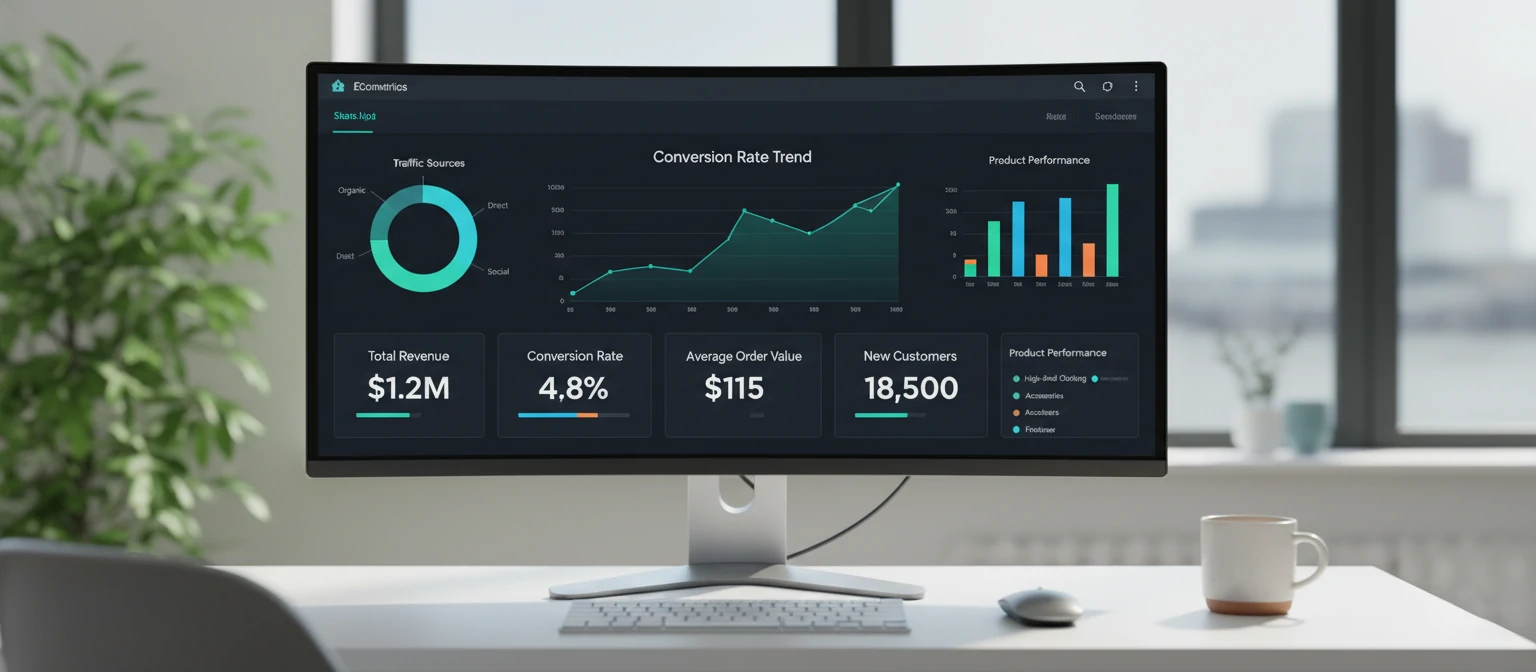
You might be wondering, “Why should I invest in professional ecommerce web design services when I could just use a template or build it myself?” It’s a valid question — I hear it all the time. But here’s the thing: the data tells a story that’s impossible to ignore, and once you see these numbers, you’ll understand why the smartest brands treat design as their biggest competitive advantage.
Think about the last time you landed on a website that felt clunky, slow, or just… off. Did you stick around? Did you enter your credit card number? Exactly. Your customers feel the exact same way about your site. Let me walk you through the numbers that keep me up at night — in a good way, because they prove just how much design matters.
Let that sink in for a moment. A whopping 94% of first impressions are design-related, and visitors form those judgments in less than 50 milliseconds. That’s faster than the blink of an eye — literally. You don’t get a second chance to make a first impression, and on the web, that window is almost impossibly small.
Here’s where it gets really exciting though: well-designed sites convert visitors into customers at rates up to 400% higher than poorly designed ones. Read that number again. Four hundred percent. That’s not a marginal improvement — that’s a complete game-changer for your bottom line. Imagine quadrupling your revenue without spending a single extra dollar on advertising. That’s the power of design.
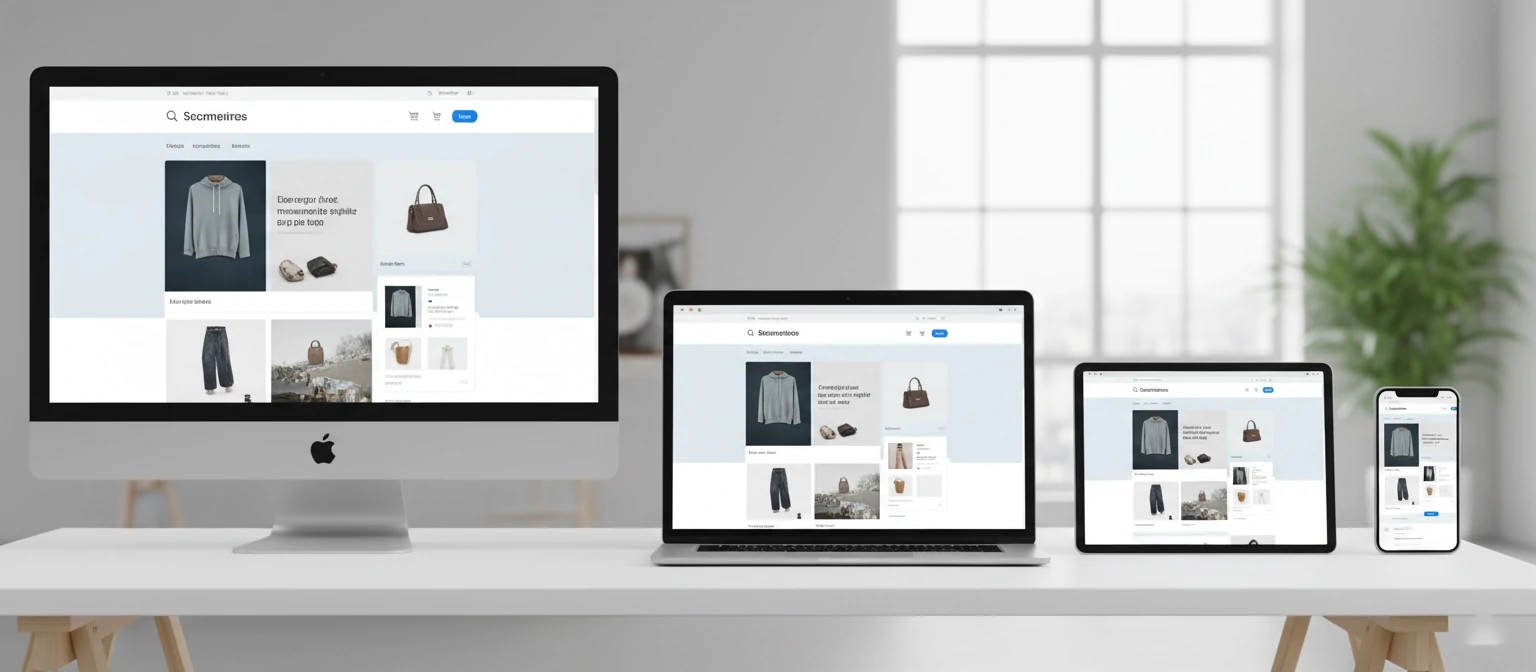
And with 60% of online shopping now happening on mobile devices, your design absolutely needs to be flawless across every screen size. I’ve seen businesses lose thousands in revenue every single month simply because their checkout button was hard to tap on a phone, or their product images wouldn’t zoom properly on a tablet. It sounds trivial, but trust me — these details are everything.
Perhaps most telling of all: 75% of consumers admit to making judgments about a company’s credibility based on their website design alone. Not your product quality, not your customer service, not your years in business — your design. Trust me when I say this: investing in professional ecommerce web design isn’t an expense. It’s one of the highest-ROI investments you’ll ever make for your business.
The bottom line?
Professional ecommerce web design isn’t about making things “look nice.” It’s about engineering an experience that converts browsers into buyers, first-time visitors into loyal customers, and casual interest into committed purchases. Every pixel, every interaction, every micro-animation serves a strategic purpose. When you understand that, you stop seeing design as a cost and start seeing it as your most powerful revenue lever.
3. Key Features of Effective Ecommerce Websites
So what actually makes an ecommerce website work? Not just look pretty on a Dribbble shot — but genuinely drive sales day after day and keep customers coming back for more?
I’ve audited hundreds of online stores over the years, from scrappy startups to enterprise giants, and the ones that consistently outperform share these nine critical features. Let’s break them down one by one.
Intuitive Navigation & User Interface
Here’s the thing — if visitors can’t find what they’re looking for within a few seconds, they’re gone. And they won’t come back. Great navigation feels invisible: mega menus for large catalogs, breadcrumb trails so people never feel lost, and a logical category structure that mirrors how your customers actually think — not how your inventory team organizes things internally.
I’ve seen stores cut bounce rates in half just by reorganizing their navigation based on customer behavior data. Don’t make people think — make it obvious where to go next.
✓ Mega menus ✓ Breadcrumbs ✓ Sticky header ✓ Smart autocomplete
High-Quality Product Pages
Your product pages are where the magic happens — or doesn’t. They need multiple high-resolution images (and I mean multiple — at least 5-8 per product), zoom functionality so customers can inspect every stitch and texture, and ideally 360-degree views or even short video clips that bring the product to life.
Pair those visuals with compelling copy, crystal-clear pricing, genuine customer reviews, and a prominent add-to-cart button. Think of each product page as your best salesperson working 24/7.
✓ 5-8 images ✓ Zoom & 360° ✓ Video clips ✓ Social proof
Seamless Checkout Process
Cart abandonment is the silent killer of ecommerce revenue, and a clunky checkout is usually the culprit. The fix? Offer guest checkout — not everyone wants to create an account, and that’s perfectly okay. Support multiple payment methods including digital wallets like Apple Pay & Google Pay.
Use clear progress indicators so shoppers know exactly where they are in the process. Every extra form field or unnecessary step you add to checkout costs you conversions. Keep it ruthlessly simple.
✓ Guest checkout ✓ Digital wallets ✓ Progress bars ✓ Auto-fill
Mobile Optimization
With 60% of shopping happening on mobile, this isn’t optional anymore — it’s table stakes. Mobile optimization means more than just a responsive layout that shrinks to fit. It means touch-friendly buttons with adequate tap targets (at least 44px), streamlined content that loads fast on cellular networks, and thumb-friendly navigation patterns.
Trust me, test your site on actual phones, not just browser emulators. The difference can be genuinely eye-opening.
✓ 44px tap targets ✓ Responsive images ✓ Thumb zones
Search & Filtering Capabilities
Ever tried to find a specific product on a site with hundreds of items and no decent search functionality? It’s absolutely maddening. Robust search with autocomplete, typo tolerance, and intelligent suggestions is non-negotiable for any store with more than a handful of products.
Combine that with faceted filtering — by price, color, size, brand, and rating — and you’ve just made your customers’ lives dramatically easier. The faster people find what they want, the faster they buy.
✓ Autocomplete ✓ Typo tolerance ✓ Faceted filters
Personalization Features
Here’s a question: would you rather walk into a store where the staff knows your name and preferences, or one where they treat you like a complete stranger every single time? Personalization is the digital equivalent of that VIP treatment.
We’re talking “recommended for you” sections based on browsing history, personalized email triggers, dynamic content that adapts to user behavior, and recently viewed product carousels. It makes shopping feel curated, not chaotic.
✓ AI recommendations ✓ Dynamic content ✓ Email triggers
Security & Trust Indicators
People are handing you their credit card information. That requires enormous trust, and trust is earned through visible signals. SSL certificates are the bare minimum — you also need visible trust badges, secure payment icons, clear privacy policies, and prominent display of return and refund guarantees.
I always recommend showing security seals near the checkout button and including genuine customer testimonials throughout the purchase flow. Every trust signal you add removes one more reason for a customer to hesitate.
✓ SSL & badges ✓ Return policy ✓ Reviews ✓ Privacy policy
Integration Capabilities
Your ecommerce site doesn’t exist in a vacuum. It needs to play nicely with your CRM, email marketing platform, inventory management system, shipping providers, accounting software, and analytics tools.
Seamless integration means data flows automatically between systems, reducing manual work and human error. A well-integrated store is an efficient store — and efficiency translates directly to better margins and happier customers.
✓ CRM ✓ Email platform ✓ Shipping APIs ✓ Accounting
Analytics & Tracking
Let me be real: if you’re not tracking user behavior on your site, you’re flying blind. And flying blind in ecommerce is a great way to burn through cash with nothing to show for it.
You need heatmaps to see where people click, session recordings to understand user journeys, conversion funnels to spot exactly where people drop off, and A/B testing capabilities to validate every change you make. Data-driven design isn’t a luxury — it’s how winning stores stay winning.
✓ Heatmaps ✓ Session replays ✓ Funnels ✓ A/B tests

When all nine of these features work together in harmony, something remarkable happens: your store stops feeling like a website and starts feeling like an experience. Customers don’t just visit — they engage, explore, and come back. That’s the difference between a good ecommerce site and a truly great one.
💡 Quick reality check: You don’t need every single one of these features on day one. Start with the essentials — navigation, product pages, checkout, and mobile — then layer in personalization, advanced search, and analytics as you grow. Progress over perfection, always.
4. Best Practices in Ecommerce Web Design
Knowing the features is one thing. Knowing how to implement them properly? That’s where the real magic happens. I’ve distilled years of hands-on experience into eight best practices that I come back to on every single project — because they work, every time, regardless of industry or budget.
Think of these as your design commandments. Ignore them at your own risk.
Focus on User Experience (UX)
This is the foundation everything else is built on, and I genuinely cannot stress it enough. Start with real user research — not assumptions about what your customers want, but actual data gathered from surveys, interviews, usability sessions, and behavioral analytics. Create detailed personas that represent your key customer segments, then design every single interaction around their specific needs, goals, and pain points.
And here’s the part most teams skip: test with real users early and often. I’ve watched multi-million dollar redesigns crash and burn because the team never put the prototype in front of an actual customer until launch day. Don’t guess. Test. Then test again. Your assumptions about your users are almost always wrong in at least one important way.
Optimize for Speed
Speed isn’t a feature — it’s a fundamental requirement. Your site needs to load in under 3 seconds, period. Any slower and you’re hemorrhaging customers before they even see your products. Compress every image ruthlessly (WebP format is your best friend here), implement browser caching aggressively, minify your CSS and JavaScript, and use a CDN to serve assets from servers geographically close to your users.
I’ve personally seen a single 1-second improvement in load time increase conversions by 7%. That’s real money being left on the table if you ignore performance. Do yourself a favor: run Google PageSpeed Insights on your site right now. The results might genuinely surprise you — and not in a good way.
Use Visual Hierarchy
Visual hierarchy is about guiding the eye to what matters most, in the exact order you want. Use size, color, contrast, and spacing strategically to create a clear path through your content. Your primary call-to-action should be the most visually prominent element on the page — not buried in a sea of competing elements that all scream for attention equally loudly.
Think about it like a newspaper: headlines grab attention, subheadings provide context, and body copy delivers the details. Apply that same principle to your product pages, and watch how naturally users flow toward that “Add to Cart” button. When hierarchy is done right, it feels effortless to the user — and that’s exactly the point.
Incorporate White Space
I can’t stress this enough: white space is not wasted space. It’s one of the most powerful design tools at your disposal. Generous padding and margins give your content room to breathe, reduce cognitive load, and make the overall experience feel premium and polished. It communicates confidence.
Look at any luxury brand’s website — Apple, Aesop, Glossier — they all use white space masterfully. When a client tells me they want to “fill every pixel,” I gently explain that clutter kills conversions. Give your design breathing room. Your customers (and your conversion rate) will thank you for it.

Ensure Accessibility
Accessibility isn’t just the right thing to do — it’s also incredibly smart business. Over 1 billion people worldwide live with some form of disability, and making your store accessible opens your doors to a massive, often underserved market that’s eager to spend.
The fundamentals: add descriptive alt text to every image, ensure sufficient color contrast ratios (at least 4.5:1 for normal text), make your entire site navigable by keyboard alone, use semantic HTML elements properly, and provide ARIA labels where needed. Accessibility also happens to improve your SEO rankings, so it’s genuinely a win-win situation with zero downside.
Implement PWA Features
Progressive Web Apps are a game-changer for ecommerce, and they’re still surprisingly underutilized. PWA features let your website behave like a native app — users can install it on their home screen, browse products offline, receive push notifications about flash sales or back-in-stock alerts, and enjoy lightning-fast load times thanks to service worker caching.
Brands like Starbucks and Pinterest have seen engagement skyrocket after going the PWA route. If you’re not exploring this technology yet, you’re leaving a massive competitive advantage sitting right there on the table. Trust me on this one.
Use Consistent Branding
Your brand is a promise, and every single page of your website should reinforce it. Consistent use of colors, typography, imagery style, voice, and tone builds recognition and trust over time. Create a design system or brand guidelines document and stick to it religiously across every page, every email, every touchpoint.
I’ve seen stores where the homepage feels premium and polished but the checkout page looks like it belongs to a completely different company. That kind of jarring inconsistency erodes trust faster than you’d think. Cohesion breeds confidence — and confidence breeds conversions.
Test & Iterate Relentlessly
Let me be real with you: your first design is never your best design. Not even close. The most successful ecommerce brands treat their website as a living, evolving product — not a “set it and forget it” project that gets a redesign every three years.
Embrace A/B testing for everything: headlines, button colors and copy, product image layouts, checkout flows, even the wording on your shipping policy page. Tools like Google Optimize, Optimizely, or VWO make this easier than ever before. Every test teaches you something new about your customers. Celebrate the winners, learn from the losers, and never, ever stop improving. The brands that test the most, win the most. It really is that simple.

Quick-Reference Checklist
☑ Conduct user research & create personas
☑ Ensure accessibility compliance
☑ Optimize load time under 3 seconds
☑ Explore PWA capabilities
☑ Establish clear visual hierarchy
☑ Maintain brand consistency everywhere
☑ Use generous white space
☑ Set up continuous A/B testing
💡 Pro tip from Jessica: Don’t try to implement all eight practices simultaneously. That’s a recipe for overwhelm and half-baked execution. Start with UX research and speed optimization — those two alone can transform your store’s performance almost overnight.
Then layer in visual hierarchy, white space, and accessibility. Finally, tackle PWA features, branding consistency, and your testing framework. Incremental progress beats paralysis every single time. Ship, learn, improve, repeat.
Current Trends in Ecommerce Web Design
Here’s the thing — ecommerce design moves fast. What wowed customers two years ago can feel stale today. Let me walk you through the trends that are actually making a difference in 2025, not just the ones that look cool on Dribbble.
Minimalist Design
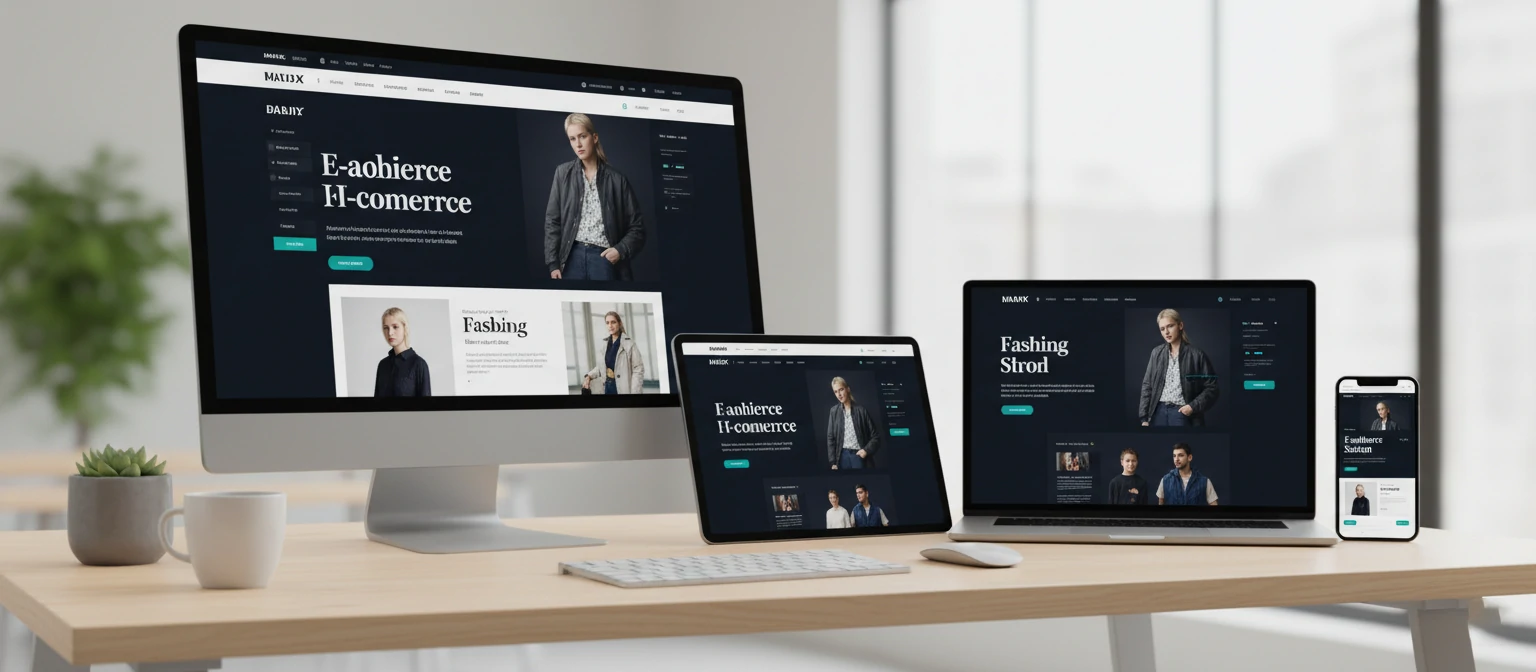
Trust me, less really is more. The best-converting stores in 2025 strip away every unnecessary element. Generous white space, purposeful typography, and restrained color palettes don’t just look elegant — they reduce cognitive load so shoppers can actually focus on your products. Studies show minimalist layouts can boost conversions by up to 30% compared to cluttered alternatives.
Think about Apple’s product pages — every element earns its place. That’s the standard your store should aim for. Remove one more thing than you think you should.
Voice Commerce
“Hey, reorder my coffee beans.” Voice shopping isn’t the future — it’s the present. With smart speakers in millions of homes, designing for voice-first search and purchasing is no longer optional. The smartest ecommerce sites now optimize product data for voice queries, integrate with Alexa and Google Assistant, and build conversational checkout flows that feel completely natural.
Pro tip: structure your product titles and descriptions as natural-language answers, because that’s exactly how voice assistants parse them.
AI & Machine Learning
Let me be real — AI has transformed everything. From hyper-personalized product recommendations that feel almost psychic to chatbots that resolve issues at 3 AM, machine learning makes every visit feel tailor-made. Dynamic pricing, predictive search suggestions, and automated visual merchandising are now table stakes for serious retailers.
The stores winning right now use AI not just for recommendations, but for inventory forecasting, fraud detection, and even generating product descriptions at scale.
Augmented Reality
Ever tried placing a virtual sofa in your living room before buying? AR bridges the biggest gap in online shopping — the inability to experience products physically. Brands using AR see return rates drop by 25–40% because customers know exactly what they’re getting. It’s not gimmicky anymore; it’s genuinely useful.
WebAR technologies now let customers try on glasses, preview paint colors on their walls, and see how a watch looks on their wrist — all without downloading an app.
Sustainability Focus
Today’s consumers vote with their wallets. Eco-friendly design isn’t just badge-wearing — it means carbon-neutral hosting, streamlined page loads that reduce energy consumption, transparent supply chain storytelling, and packaging calculators right on the product page. Brands that communicate sustainability authentically see up to 20% higher customer loyalty.
Consider adding a carbon footprint tracker to your checkout flow — it shows customers you’re serious, and it drives meaningful behavioral change.
Social Commerce
Why send customers away from their scroll? The line between social media and shopping has completely dissolved. Instagram Shops, TikTok storefronts, and Pinterest buyable pins mean your ecommerce design now extends across every platform. The best stores create seamless journeys where someone can discover, research, and purchase without ever feeling like they left the social feed.
Live shopping events are exploding — think QVC meets Instagram Live. Brands hosting weekly live sales see engagement rates 10x higher than static posts.
Choosing the Right Ecommerce Web Design Service
Here’s where a lot of business owners stumble. Picking a design partner is one of the most consequential decisions you’ll make. I’ve seen brilliant ideas derailed by the wrong agency — so let’s make sure that doesn’t happen to you.

Portfolio & Experience
Don’t just glance at their homepage — dig deep. Ask for case studies with actual metrics. A gorgeous portfolio means nothing if those stores aren’t converting. Look for experience in your specific niche, because selling luxury watches is a completely different game than selling pet supplies. Ask them: “What was the conversion rate before and after your redesign?”
Bonus: request references from past clients and actually call them. Five minutes on the phone can save you months of frustration.
Technology Stack
Are they building on Shopify, WooCommerce, Magento, or a custom headless setup? The right platform depends on your scale, budget, and growth plans. Trust me — migrating platforms later is painful and expensive. Make sure their tech stack aligns with your 3–5 year roadmap, not just today’s needs.
Ask about their experience with third-party integrations — payment gateways, shipping APIs, ERP systems. That’s where projects typically hit snags.
Support & Maintenance
What happens after launch day? That’s when the real work begins. Ask about their SLA, response times, and whether maintenance is included or billed hourly. A site that isn’t actively maintained is a security risk and a ticking time bomb for broken features. The best partners treat launch as the starting line, not the finish line.
Get clarity on who owns the code and hosting. You should never be locked into a vendor because they control your infrastructure.
Pricing & Timeline
Let me be real: if someone quotes you a full ecommerce build in two weeks for $500, run. Quality ecommerce design is an investment. Get detailed proposals that break down exactly what each phase costs. Fixed-price vs. time-and-materials — both work, but know which model you’re in. And always build a 20% buffer into your timeline and budget.
Red flag: agencies that won’t provide a detailed scope of work before asking for a deposit. Transparency in pricing signals professionalism.
Communication
How quickly do they respond to your initial inquiry? That tells you everything. The best agencies provide dedicated project managers, regular status updates, transparent project boards, and don’t disappear for weeks at a time. If communication is rocky during the courtship phase, imagine how it’ll feel six months into a complex build.
Look for agencies that use structured tools like Notion, Jira, or Basecamp — and that invite you into the process rather than treating it as a black box.
Case Studies: Success Stories
Numbers don’t lie. These are real businesses that transformed their online presence — and their revenue — through strategic ecommerce web design.
Fashion Retailer — From Struggling to Soaring

A mid-size fashion retailer came to us with a dated Magento 1 store that was hemorrhaging customers. Their bounce rate was 72%, and mobile users were abandoning at an alarming rate. We redesigned their entire experience with a mobile-first approach, implemented AI-powered size recommendations, and created an immersive lookbook-style product gallery.
The result? A jaw-dropping 150% increase in conversions within the first quarter. Average order value climbed 35%, and their return rate dropped by half thanks to the virtual try-on features. The redesign paid for itself in just six weeks.
Tech Gadgets Store — Immersive Shopping Experience

Here’s a story I love telling. A consumer electronics brand wanted customers to truly experience their products before purchasing. We integrated AR features that let users place gadgets on their desks, see size comparisons in their own space, and explore 360° interactive models.
Engagement metrics went through the roof — average session duration doubled, and product returns decreased significantly because customers understood exactly what they were buying. The AR investment paid for itself within three months, and their Net Promoter Score jumped 22 points.
Home Goods & Furniture — Mobile-First Revolution

A regional furniture retailer had 68% of their traffic on mobile but only 12% of sales. The gap was enormous. We rebuilt their mobile experience from scratch with thumb-friendly navigation, one-tap purchasing, room visualizer tools, and a streamlined checkout that took just 45 seconds.
The outcome was remarkable: a 200% increase in mobile conversions, bringing their mobile revenue share from 12% to 41% in just six months. Sometimes the biggest wins come from fixing the experience customers already have. They didn’t need more traffic — they needed to stop losing the traffic they already had.
Headless Commerce & Modern Architecture
You’ve probably heard “headless” thrown around a lot lately. Let me cut through the jargon and explain why this architectural shift matters for your bottom line.

Traditional ecommerce platforms bundle the frontend (what customers see) with the backend (where data lives). Headless commerce decouples them entirely. Your backend handles products, orders, and inventory through APIs, while your frontend can be anything — a blazing-fast React app, a mobile app, a smart-mirror in a dressing room, even a voice interface.
Why does this matter?
- ✓ Speed: JAMstack-powered storefronts load in under 1 second. Pages are pre-rendered at build time, meaning customers never wait for server responses. Google rewards this with higher search rankings.
- ✓ Flexibility: Designers aren’t constrained by template limitations. Every pixel can be custom-crafted for your brand without wrestling against a platform’s opinionated layout system.
- ✓ Omnichannel: The same API serves your website, app, kiosk, and IoT devices. One source of truth, infinite touchpoints. Update a product once and it reflects everywhere instantly.
- ✓ Developer Experience: Teams work independently on frontend and backend, shipping faster with fewer bottlenecks. Your marketing team can update content without touching code.
The API-First Ecosystem
Headless doesn’t mean starting from scratch. Platforms like Shopify Hydrogen, commercetools, and BigCommerce’s headless offerings are making this accessible to businesses of every size — not just enterprise giants. You pick best-in-class tools for each function: Stripe for payments, Algolia for search, Contentful for content management, and stitch them together through APIs.
Is headless right for everyone? No. If you’re a small shop with straightforward needs, a well-configured Shopify theme might be perfect. But if you’re scaling fast, selling across multiple channels, or need complete design freedom, headless is worth the conversation.
Conversion Rate Optimization (CRO) Through Design
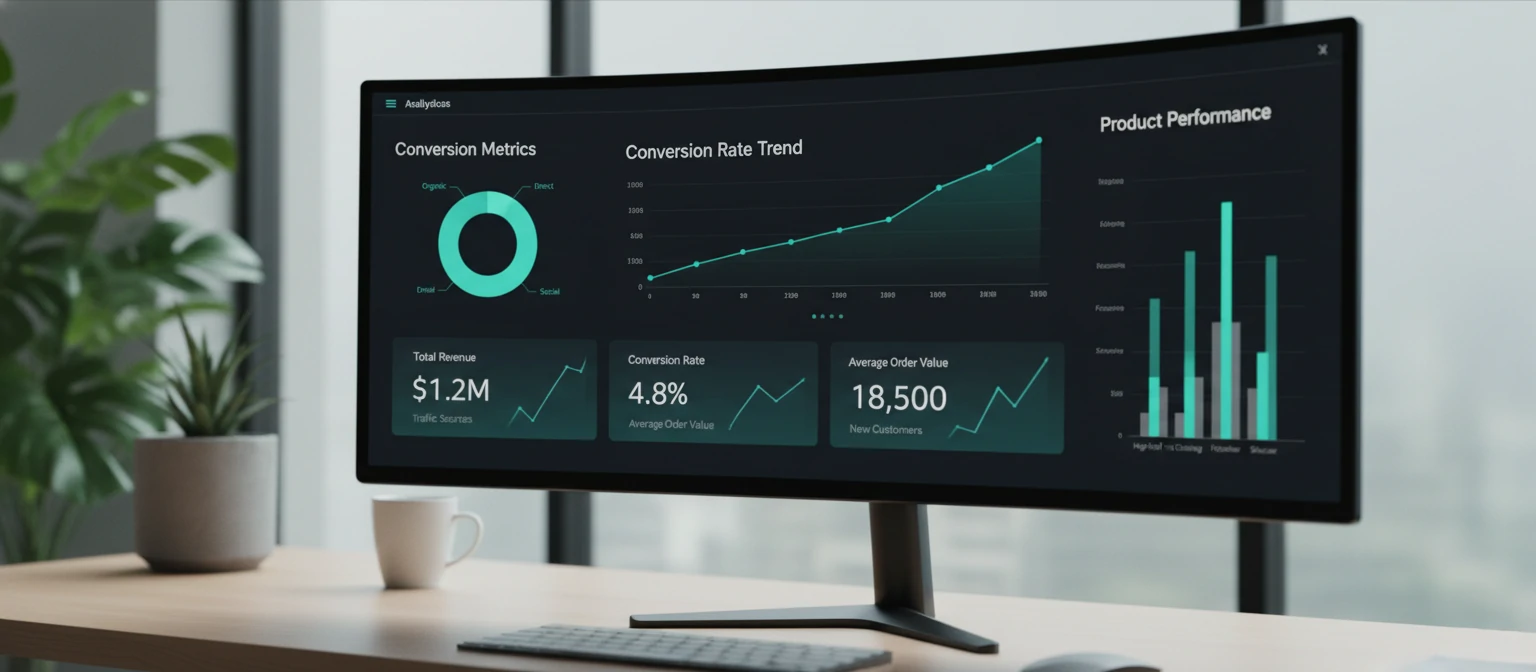
A beautiful store that doesn’t convert is just expensive art. Every design decision should be in service of one goal: making it effortless for customers to say “yes.”
Micro-Interactions That Convert
That satisfying little animation when you add something to your cart? It’s not decoration — it’s confirmation. Micro-interactions reduce uncertainty and guide users through the purchase flow. Subtle hover effects on products, smooth cart drawers, and progress indicators during checkout can lift conversions by 10–15%.
Think about button states: a button that pulses slightly when hovered, changes color on click, and shows a checkmark on success tells a complete story without a single word. That’s design doing its job.
Trust Signals & Social Proof
Here’s the thing — online shoppers are inherently skeptical. Strategic placement of reviews, security badges, money-back guarantees, and real-time purchase notifications (“Sarah from Denver just bought this”) dramatically reduce purchase anxiety. Pages with trust signals convert up to 42% better than those without.
Don’t hide your reviews — feature them prominently. User-generated photos are especially powerful because they show real people using real products in real life. That authenticity is worth more than any marketing copy you could write.
A/B Testing Design Elements
Stop guessing. Test everything. Button colors, product image sizes, CTA copy, checkout flow length — let your actual customers tell you what works. We’ve seen cases where simply changing a button from “Buy Now” to “Add to Bag” increased clicks by 17%.
The data is always smarter than assumptions. Set up a continuous testing culture where you always have at least one experiment running. Compound those small gains over a year and you’ll be amazed at the revenue impact.
Accessibility & Inclusive Design
Over 1 billion people worldwide live with some form of disability. If your ecommerce site isn’t accessible, you’re not just excluding customers — you’re leaving serious money on the table.

WCAG Compliance Isn’t Optional
The Web Content Accessibility Guidelines (WCAG) 2.1 AA should be your minimum standard. This means sufficient color contrast ratios (at least 4.5:1 for text), keyboard navigability for every interactive element, proper ARIA labels, and meaningful alt text on all images. It’s not just good practice — in many jurisdictions, it’s the law. Treat accessibility as a core design requirement, not an afterthought to bolt on before launch.
The Business Case Is Overwhelming
Accessible sites rank better on search engines because screen-reader-friendly markup aligns perfectly with what Google values. They load faster because semantic HTML is leaner. And they reach a market of over $13 trillion in annual disposable income globally. Accessibility lawsuits in ecommerce have tripled since 2020 — proactive compliance is far cheaper than reactive legal defense.
Practical Tips You Can Implement Today
-
✓
Use semantic HTML elements (
<nav>,<main>,<button>) instead of generic divs - ✓ Ensure all form fields have visible labels, not just placeholders that disappear on focus
- ✓ Add skip-navigation links for keyboard users to bypass repetitive menus
- ✓ Test with actual screen readers (VoiceOver, NVDA, JAWS) — automated tools only catch about 30% of issues
- ✓ Never rely on color alone to convey information — always pair color with text or icons
- ✓ Provide text alternatives for all non-text content and ensure touch targets are at least 44x44 pixels
Your Path to Ecommerce Success
If you’ve made it this far, you now know more about ecommerce web design than 90% of store owners out there. And that knowledge is your competitive advantage. The difference between stores that thrive and those that barely survive almost always comes down to design — not just how things look, but how they work, how they feel, and how effortlessly they guide a visitor toward becoming a loyal customer.
Trust me, investing in great ecommerce design isn’t an expense — it’s the single highest-ROI investment you can make in your online business. Whether you’re launching from scratch or reimagining an existing store, the principles in this guide will serve you well. Now go build something remarkable.
Key Takeaways
- 1 Mobile-first design is non-negotiable — over 70% of ecommerce traffic comes from mobile devices.
- 2 Speed kills (or saves) conversions — every extra second of load time costs you 7% in sales.
- 3 Trust signals aren’t optional — reviews, security badges, and guarantees directly lift conversions.
- 4 AI personalization is table stakes — customers expect tailored experiences, not generic catalogs.
- 5 AR reduces returns significantly — let customers experience products virtually before buying.
- 6 Headless commerce unlocks flexibility — decouple your frontend for faster, more customizable experiences.
- 7 Test everything with A/B experiments — let data, not opinions, guide your design decisions.
- 8 Accessibility expands your market — inclusive design reaches 1 billion+ potential customers.
- 9 Choose your design partner carefully — evaluate portfolio, tech stack, support, and communication style.
- 10 Design is an investment, not an expense — great UX delivers the highest ROI in ecommerce.