Hey there! Ready to unlock the full potential of your website with tailored WordPress solutions that actually drive real results?
Table of contents
- Introduction to Custom WordPress Development Services
- What Exactly is Custom WordPress Development?
- The Amazing Benefits of Custom WordPress Development
- Key Features and Services Offered
- How to Choose a Custom WordPress Development Service
- Real-World Examples and Case Studies
- Best Practices for Custom WordPress Development
- 1. Plan Thoroughly
- 2. Prioritize Mobile Responsiveness
- 3. Focus on Performance
- 4. Implement Strong Security
- 5. Plan for Scalability
- 6. Test Extensively
- 7. Use Version Control
- 8. Follow WordPress Coding Standards
- 9. Implement Proper Error Handling
- 10. Document Everything
- Code Snippet Example: Custom Post Type Registration
- Code Snippet Example: Enqueueing Custom Scripts
- Future Trends in Custom WordPress Development
- Emerging Technologies in Custom WordPress Development
- Understanding the Costs of Custom WordPress Development
- What Our Clients Say
- Common Challenges and How to Overcome Them
- Essential Tools for Custom WordPress Development
- Step-by-Step Guide to Getting Started
- 🔍 SEO Optimization for Custom WordPress Sites
- 📱 Mobile-First Design: Why It Matters
- 🔗 Third-Party Integrations and APIs
- 📊 Measuring Success: Key Metrics for Your Custom WordPress Site
- 🤝 Client Onboarding and Project Management
- Conclusion: Is Custom WordPress Development Right for You?
- Frequently Asked Questions
Introduction to Custom WordPress Development Services
Hey, in today's crazy digital world, having a website that really pops is super important for any business, right? WordPress runs more than 40% of the internet, but let's be real—a basic setup just doesn't cut it anymore. That's why custom WordPress development services are a total game-changer. They ditch the cookie-cutter stuff and give you tailor-made solutions that perfectly match your brand and what you're trying to achieve.
Picture this: a website that's not just some boring page, but a true extension of your vision. Custom development lets you have unique designs, cool advanced features, and smooth integrations that those ready-made options could never dream of. Whether you're a fresh startup wanting to make waves or a big company ready for a glow-up, custom WordPress can be exactly what you need to level up.
In this super detailed guide, we're going to break down everything about custom WordPress development—what it includes, why it's awesome, the key features, and how to pick the perfect team. We'll even look at real stories and what's coming next so you get the full scoop. By the time you're done reading, you'll be armed with all the info to make smart choices about your site's future.
But you might be wondering, why bother with custom stuff when there are easy drag-and-drop tools everywhere? Well, it's all about the unique stuff each business deals with. A one-size-fits-all vibe works for simple blogs or portfolios, but for tricky e-commerce shops, membership sites, or big company networks, you need something custom-made.
Custom WordPress isn't just about looking pretty—it's about crafting an online experience that clicks with your people, boosts sales, and helps your business grow long-term. It's the difference between a site that just sits there and one that actually makes money for you.
As we dig in, you'll see how custom development can totally transform how you show up online. From the tech side to the big-picture wins, this guide will give you the know-how to confidently explore custom WordPress services.
No matter if you're a boss checking out options, a marketer wanting better engagement, or a coder looking to level up, the stuff here is gold. Let's jump in and discover how to make WordPress work its magic for you!

What Exactly is Custom WordPress Development?
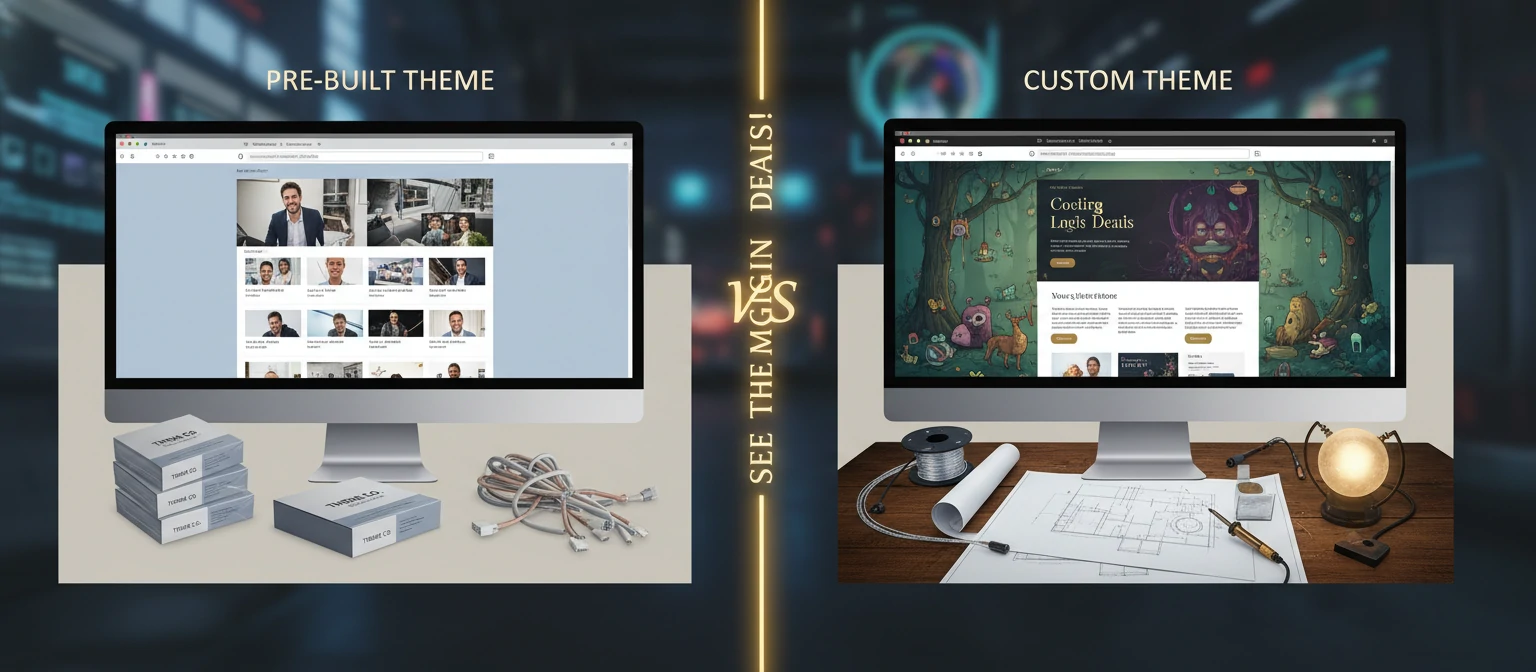
So, custom WordPress development is all about building or tweaking WordPress sites to hit those specific needs that regular themes and plugins just can't handle. Think of it like getting a suit made just for you instead of grabbing something off the rack—it fits like a glove and stands out as one-of-a-kind.
At its heart, custom development covers stuff like:
- Custom Themes: Crafting themes from the ground up or giving existing ones a major makeover to nail your brand vibe.
- Custom Plugins: Building plugins that bring in features you won't find in the standard WordPress lineup.
- Custom Post Types and Taxonomies: Setting up content setups that are perfectly tailored to what you need.
- API Integrations: Linking your site up with other tools and services seamlessly.
- Performance Tweaks: Optimizing everything for top speed, security, and growth potential.
Unlike just using ready-made themes, going custom gives you total control over every little detail. This means your site doesn't just look amazing—it works exactly how you pictured it.
Why Go Custom Instead of Off-the-Shelf?
Sure, WordPress has tons of themes and plugins, but they often mean settling for less. Custom development ditches those limits, letting you have:
- Branding that's uniquely yours, helping you shine above the competition
- Easy connections to your current systems
- Performance dialed in for your exact situation
- Future-ready setup that grows with your business
The Amazing Benefits of Custom WordPress Development
Pouring money into custom WordPress development isn't just about getting a gorgeous website—it's about building a powerhouse tool that supercharges your business. Let's chat about the top perks that make it totally worth it.
1. A User Experience Made Just for You
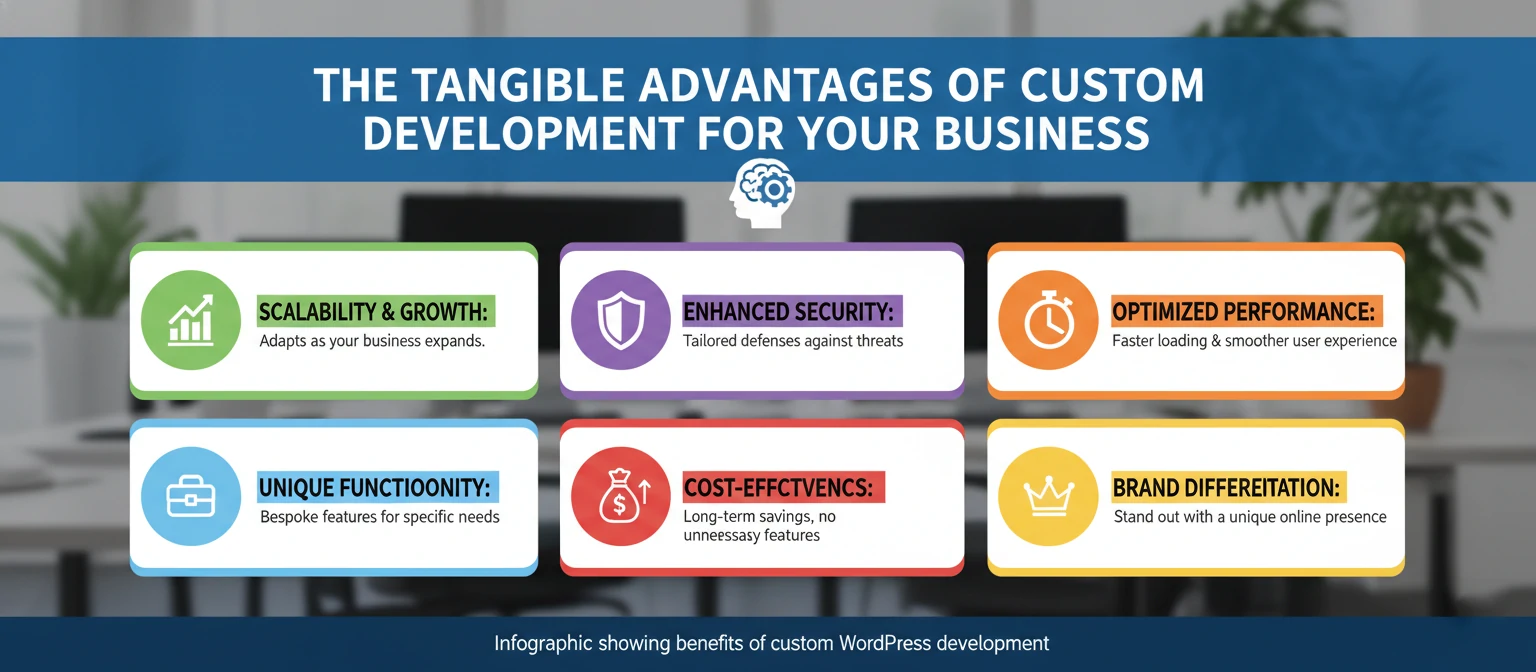
A custom site is built with your audience front and center. Every bit, from how you navigate to how content is laid out, is tweaked for max engagement. This means better conversions and happier customers. Say your crowd is tech-loving millennials—you could add fun interactive stuff like parallax scrolling or gamified features that they love. Custom dev lets you craft user paths that lead folks right where you want, be it buying something, joining your newsletter, or hitting up your sales team.
2. Supercharged Performance
Custom sites are built slim and speedy. No extra junk code, and optimizations are baked in from the start. This means blazing fast load times, which is huge for SEO and keeping visitors around. Did you know a single second of delay can drop conversions by 7%? Custom dev lets coders add smart caching, tweak database stuff, and shrink files just for your site, keeping it flying even when traffic spikes.
3. Scales and Flexes with You
As your biz grows, so should your site. Custom development makes scaling and changes a breeze, no theme limits holding you back. Picture starting with a basic blog, then adding online shop features, member zones, or fancy data charts later. With custom, these slide in smoothly without messing up what you have. This forward-thinking saves cash and hassle long-term—you won't have to start over as things change.
4. Improved Security
Custom sites can implement advanced security measures tailored to your specific needs, reducing vulnerabilities that affect generic WordPress installations. While popular themes and plugins are common targets for hackers, custom code is much harder to exploit. Developers can implement custom authentication systems, encrypt sensitive data, and create unique security protocols that align with your industry standards. For businesses handling sensitive information like healthcare or finance, this level of security is not just beneficial—it's essential.
5. Competitive Advantage
A unique website sets you apart from competitors using cookie-cutter designs. It reinforces your brand identity and builds trust with visitors. In a crowded marketplace, standing out is crucial. Custom development allows you to create unique features that solve specific problems for your customers, fostering loyalty and word-of-mouth marketing. Whether it's a custom calculator tool for a financial services company or an interactive product configurator for a manufacturing firm, these unique elements can become key differentiators that drive business growth.
6. Better SEO Performance
Custom development allows for clean, semantic code and optimized structures that search engines love. This can give you an edge in organic search rankings. Developers can implement schema markup, optimize site speed, and create content hierarchies that align with SEO best practices. Custom development also enables the creation of dynamic meta tags, sitemaps, and other SEO elements that pre-built themes often lack. In an era where local SEO and voice search are increasingly important, custom solutions can adapt quickly to these changing algorithms.
7. Cost Efficiency in the Long Term
While custom development has a higher upfront cost, it often proves more economical over time. Generic themes may require frequent updates, premium plugins, or workarounds that add up. Custom solutions eliminate these ongoing expenses and reduce the need for constant maintenance. Moreover, the improved performance and conversion rates typically result in higher ROI, making the initial investment worthwhile.
8. Ownership and Control
With custom development, you maintain full ownership of your code and design. This gives you complete control over future modifications and ensures that your intellectual property remains yours. Unlike theme-based sites where updates might break customizations, you have the freedom to evolve your site as needed without vendor lock-in.
Key Features and Services Offered
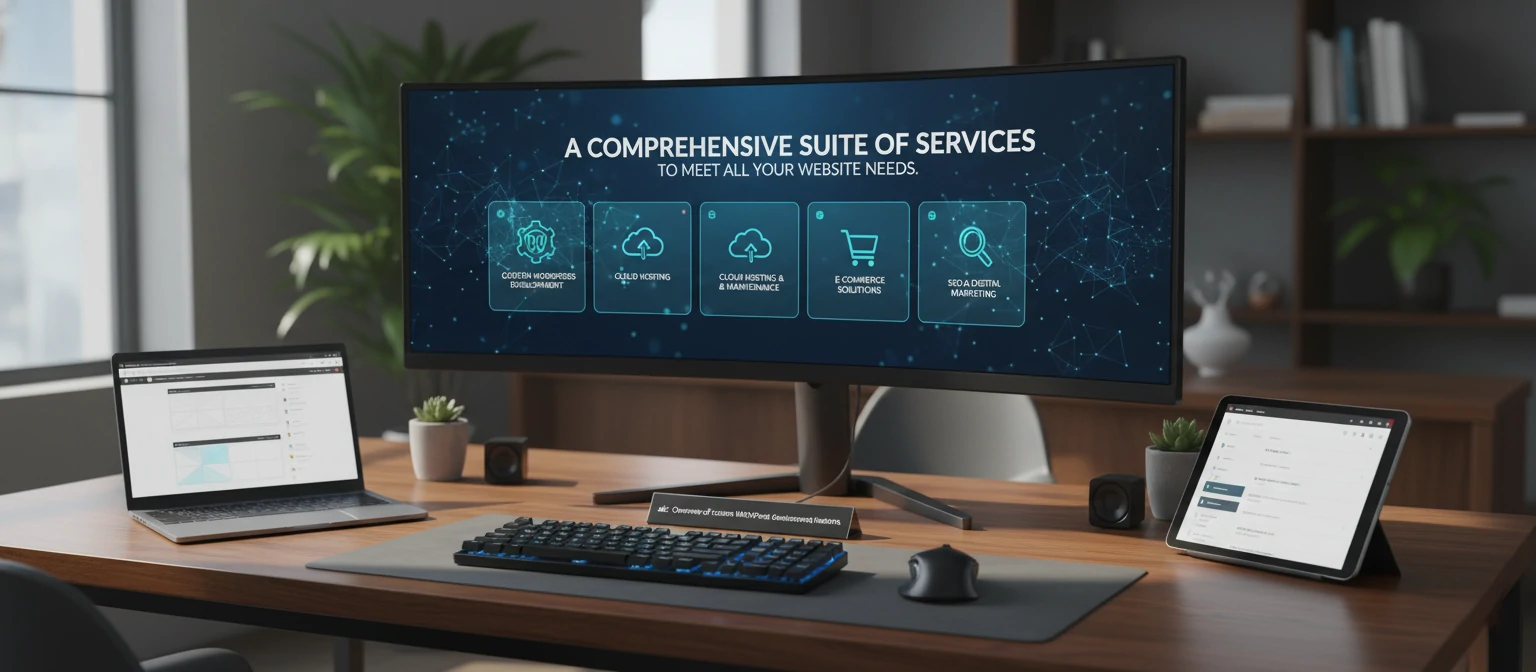
Custom WordPress development services encompass a wide range of offerings. Here's what you can expect from a comprehensive provider:
Custom Theme Development
Creating responsive, mobile-friendly themes that perfectly match your design vision. This includes custom layouts, color schemes, and typography. For example, a restaurant might need a theme with integrated menu displays, reservation systems, and food photography galleries. Custom themes can incorporate advanced CSS animations, custom fonts, and unique navigation structures that reflect your brand personality.
Plugin Development
Building custom plugins for specific functionalities like advanced e-commerce features, membership systems, or complex data management. Imagine a real estate agency needing a plugin that integrates with MLS databases, generates virtual tours, and calculates mortgage payments. Custom plugins are tailored to your exact workflow, eliminating the need for multiple third-party solutions that might not work well together.
E-commerce Integration
Seamless integration with WooCommerce or custom shopping cart solutions, complete with payment gateways and inventory management. Beyond basic online stores, custom e-commerce can include features like abandoned cart recovery, personalized product recommendations, or integration with ERP systems. For instance, a dropshipping business might require custom inventory syncing across multiple suppliers.
API Development and Integration
Connecting your WordPress site with external services like CRM systems, email marketing tools, or social media platforms. This could involve creating custom APIs for data exchange or integrating with services like Salesforce, Mailchimp, or social media APIs for automated posting. A marketing agency might need seamless integration between their WordPress site and project management tools.
Performance Optimization
Implementing caching, image optimization, and code minification to ensure lightning-fast load times. Custom optimization might include lazy loading for images, database query optimization, or CDN integration. For high-traffic sites, developers might implement advanced techniques like edge computing or server-side rendering.
Security Enhancements
Adding custom security features like two-factor authentication, firewall rules, and regular security audits. This could include custom login systems, encrypted data storage, or intrusion detection systems. For example, a financial services website might require custom encryption for sensitive financial data and compliance with regulations like GDPR or PCI DSS.
Multilingual Support
Implementing translation plugins and custom solutions for international websites. Beyond basic translation, this might include right-to-left language support, currency converters, or region-specific content delivery. An e-commerce site targeting multiple countries could have custom tax calculation and shipping rules for different regions.
Maintenance and Support
Ongoing updates, bug fixes, and technical support to keep your site running smoothly. This includes regular WordPress core updates, plugin compatibility checks, and performance monitoring. Custom maintenance plans might include automated backups, uptime monitoring, and proactive security patches.
Custom Content Types and Taxonomies
Creating specialized content structures that go beyond standard posts and pages. For a portfolio site, this might mean custom project types with fields for client information, project timelines, and case study data. A news site could have custom article types with fields for bylines, sources, and fact-checking status.
Advanced User Management
Implementing complex user roles, permissions, and workflows. This is crucial for membership sites, learning management systems, or corporate intranets where different user types need access to different content and features.
How to Choose a Custom WordPress Development Service
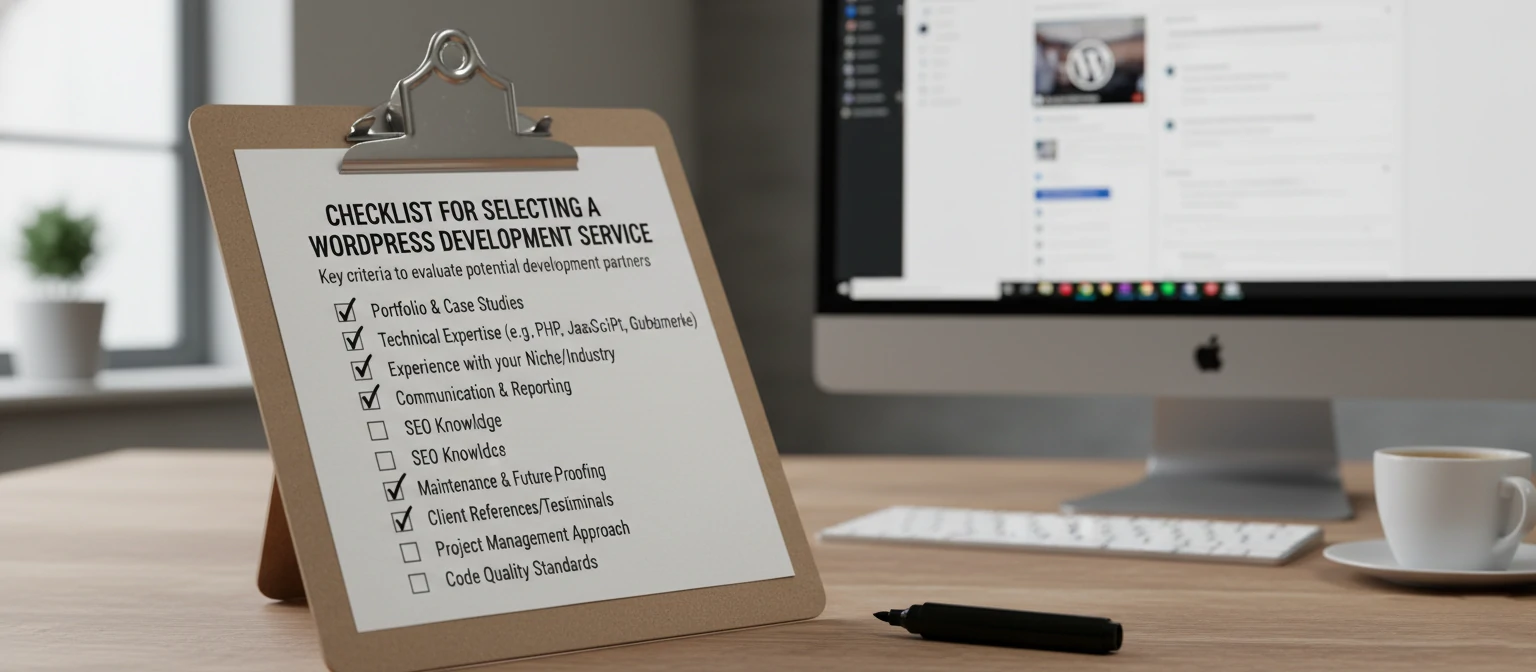
Selecting the right development partner is crucial for the success of your project. Here are the key factors to consider:
1. Portfolio and Experience
Look for developers with a proven track record in custom WordPress projects. Check their portfolio for similar work and client testimonials. Ask for case studies that demonstrate how they've solved problems similar to yours. Don't just look at the final product—ask about the challenges faced and how they were overcome.
2. Technical Expertise
Ensure they have deep knowledge of WordPress core, PHP, JavaScript, and modern web technologies. Certifications can be a good indicator. Inquire about their experience with custom post types, advanced custom fields, and REST API integration. For complex projects, ask about their familiarity with frameworks like React or Vue.js for headless implementations.
3. Communication and Collaboration
Choose a team that communicates clearly and involves you in the development process. Regular updates and feedback loops are essential. Look for agencies that use project management tools like Trello, Asana, or Jira. Ask about their meeting frequency and how they handle change requests.
4. Pricing and Value
While cost is important, focus on value. Cheap development might lead to more expenses down the line. Get detailed quotes and compare what's included. Be wary of extremely low prices—they often indicate inexperience or cut corners. Consider the total cost of ownership, including maintenance and future updates.
5. Support and Maintenance
Inquire about post-launch support, updates, and how they handle ongoing maintenance. A good provider will offer service level agreements (SLAs) for response times and bug fixes. Ask about their process for WordPress core and plugin updates to ensure your site remains secure and functional.
6. Timeline and Process
Understand their development methodology and realistic timelines. Agile approaches often work well for custom projects. Ask about their sprint cycles, milestone deliverables, and how they handle scope changes. Be cautious of providers who promise unrealistically short timelines.
7. Cultural Fit and Location
Consider whether the team's work style and values align with yours. If you're in different time zones, ensure overlapping hours for collaboration. Cultural fit can make or break a project, especially for long-term relationships.
8. References and Reviews
Beyond testimonials on their website, ask for references from recent clients. Check reviews on platforms like Clutch, Upwork, or Google. Look for patterns in feedback—consistent praise for communication and quality is a good sign.
9. Legal and Contractual Aspects
Ensure clear contracts that outline deliverables, timelines, payment terms, and intellectual property rights. Ask about their liability for bugs or security issues. A professional provider will have standard contracts that protect both parties.
10. Scalability and Future-Proofing
Inquire about how they approach scalability. Do they build with future growth in mind? Ask about their experience with high-traffic sites or complex integrations that might be needed as your business expands.
Checklist for Evaluating Providers:
- Do they provide a detailed project proposal with scope, timeline, and budget?
- Have they worked on projects similar in size and complexity to yours?
- Do they offer a discovery phase to understand your needs?
- What's their process for quality assurance and testing?
- How do they handle data security and confidentiality?
- Do they provide training for your team on using the new site?
- What's their policy on code ownership and handover?
Remember, the cheapest option isn't always the best. Invest time in vetting providers thoroughly—it's better to spend more upfront than deal with a problematic project later.
Real-World Examples and Case Studies
Let's look at some real-world applications of custom WordPress development to illustrate its potential.
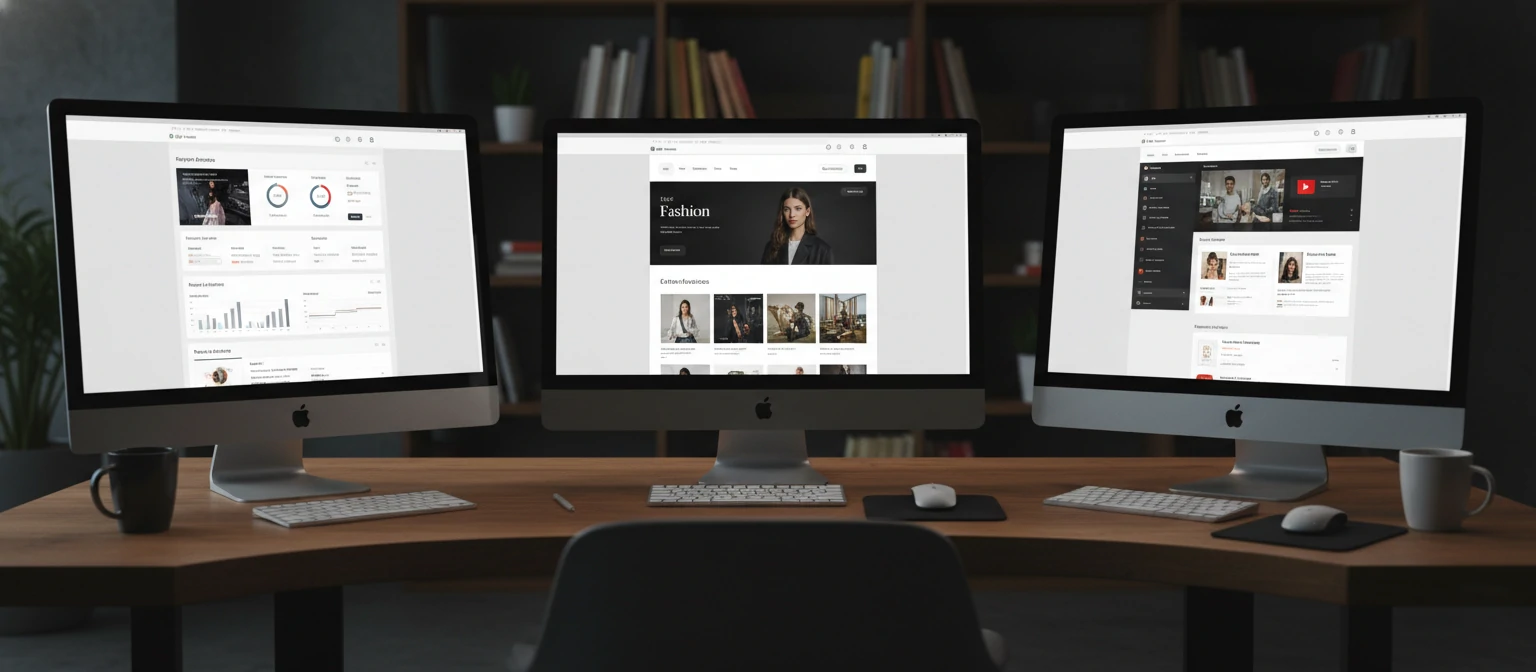
E-commerce Platform for a Fashion Brand
A boutique clothing company wanted a unique online store that reflected their artistic vision. Custom development created a visually stunning site with advanced filtering, virtual try-on features, and seamless inventory integration. The result was a 150% increase in online sales within six months, thanks to the personalized shopping experience that kept customers engaged for an average of 8 minutes per session.
Corporate Intranet for a Large Organization
A multinational corporation needed a secure, scalable intranet. Custom plugins were developed for document management, employee portals, and real-time collaboration tools. The solution included custom user roles for different departments, automated workflow approvals, and integration with their existing HR systems. Productivity increased by 25%, and the company reported significant cost savings from reduced paper usage and streamlined processes.
Non-Profit Donation Platform
A charity organization required a custom donation system with recurring payments, impact tracking, and volunteer management. The result was a user-friendly platform that increased donations by 40%. Custom features included personalized thank-you pages, progress bars for fundraising goals, and automated impact reports sent to donors, leading to higher retention rates and repeat giving.
Educational Platform for Online Learning
An e-learning company needed a robust platform for course delivery, student progress tracking, and certification. Custom development included video streaming capabilities, interactive quizzes, discussion forums, and integration with payment processors. The platform now serves over 10,000 students monthly, with a 95% course completion rate and positive feedback on the intuitive user interface.
Real Estate Marketplace
A real estate agency wanted a dynamic marketplace where agents could list properties and clients could search with advanced filters. Custom features included virtual tours, mortgage calculators, neighborhood data integration, and automated valuation tools. The site attracted 300% more leads than their previous static website, with conversion rates improving from 2% to 8%.
Healthcare Patient Portal
A medical practice needed a secure patient portal for appointment scheduling, medical record access, and telemedicine integration. Custom development ensured HIPAA compliance, encrypted data storage, and seamless integration with their electronic health records system. Patient satisfaction scores increased by 35%, and administrative efficiency improved through automated reminders and streamlined check-in processes.
Best Practices for Custom WordPress Development
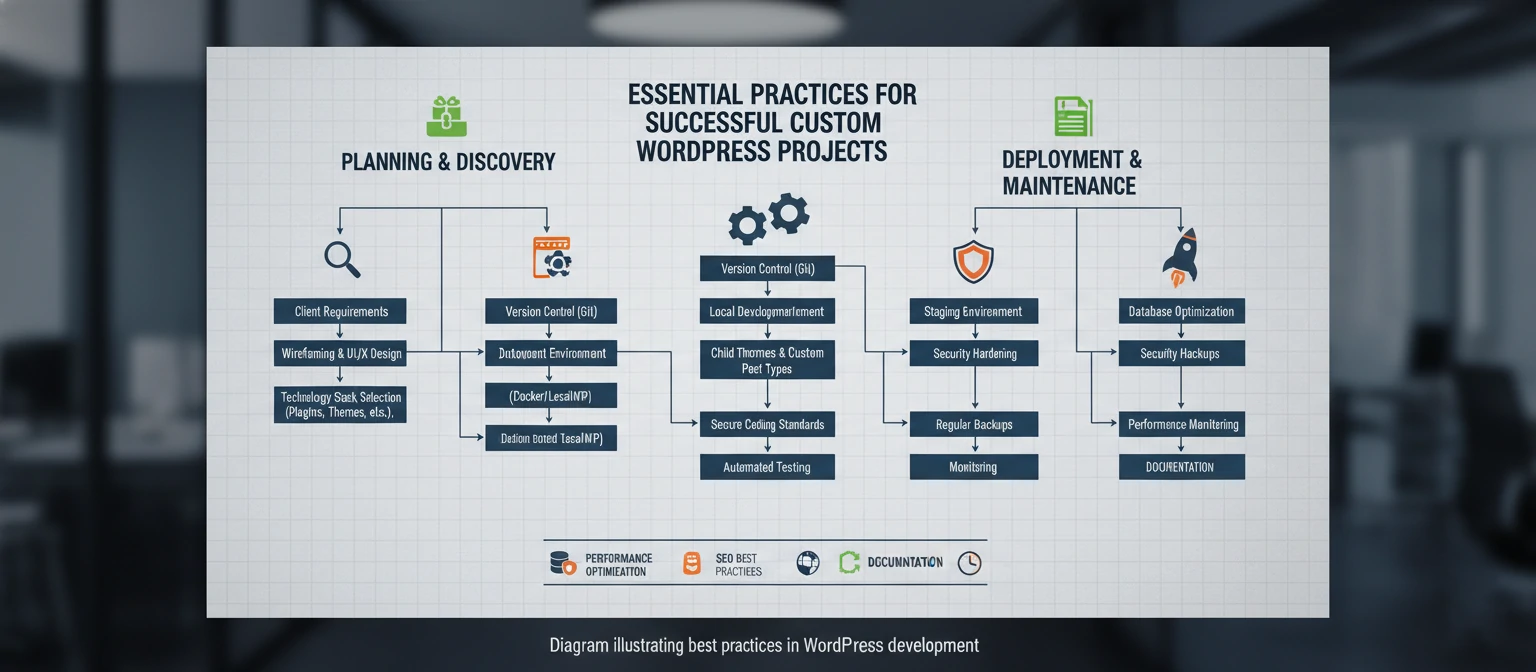
To get the most out of your custom WordPress project, follow these best practices:
1. Plan Thoroughly
Start with a detailed project brief, including goals, target audience, and key functionalities. This sets the foundation for success. Create user personas, map out user journeys, and define success metrics upfront.
2. Prioritize Mobile Responsiveness
Ensure your custom design works flawlessly across all devices. Mobile traffic now accounts for over 50% of web visits. Use responsive design techniques and test on actual devices, not just emulators.
3. Focus on Performance
Implement performance optimizations from the start. Use tools like Google PageSpeed Insights to monitor and improve speed. Optimize images, minify CSS/JS, and implement caching strategies.
4. Implement Strong Security
Use secure coding practices, regular updates, and security plugins. Consider penetration testing for high-security sites. Always sanitize user inputs and use prepared statements for database queries.
5. Plan for Scalability
Design your architecture to handle future growth. This might include modular code and cloud-ready infrastructure. Use object-oriented programming principles and avoid tight coupling between components.
6. Test Extensively
Conduct thorough testing across different browsers, devices, and user scenarios. Automated testing can save time and catch issues early. Implement unit tests, integration tests, and end-to-end testing.
7. Use Version Control
Implement Git for version control from day one. This allows for better collaboration, rollback capabilities, and tracking of changes. Use branching strategies like Git Flow for organized development.
8. Follow WordPress Coding Standards
Adhere to WordPress coding standards for PHP, JavaScript, CSS, and HTML. This ensures consistency, readability, and compatibility. Use tools like PHP CodeSniffer to enforce standards.
9. Implement Proper Error Handling
Create robust error handling and logging mechanisms. Use WordPress's built-in debugging tools and create custom error pages that don't expose sensitive information.
10. Document Everything
Maintain comprehensive documentation for custom code, APIs, and configurations. This is crucial for future maintenance and handover to other developers.
Code Snippet Example: Custom Post Type Registration
function create_custom_post_type() {
    register_post_type('portfolio_item',
        array(
            'labels' => array(
                'name' => __('Portfolio Items'),
                'singular_name' => __('Portfolio Item')
            ),
            'public' => true,
            'has_archive' => true,
            'rewrite' => array('slug' => 'portfolio'),
            'supports' => array('title', 'editor', 'thumbnail', 'custom-fields'),
        )
    );
}
add_action('init', 'create_custom_post_type');
Code Snippet Example: Enqueueing Custom Scripts
function enqueue_custom_scripts() {
    wp_enqueue_script('custom-js', get_template_directory_uri() . '/js/custom.js', array('jquery'), '1.0.0', true);
    wp_enqueue_style('custom-css', get_template_directory_uri() . '/css/custom.css', array(), '1.0.0');
}
add_action('wp_enqueue_scripts', 'enqueue_custom_scripts');
These snippets demonstrate proper WordPress development practices. Always use WordPress hooks and functions for better integration and maintainability.
Future Trends in Custom WordPress Development
The world of web development is constantly evolving. Here are some trends shaping the future of custom WordPress development:
1. Headless WordPress
Separating the frontend from the backend allows for more flexible, API-driven architectures and integration with modern frameworks like React.
2. AI and Machine Learning Integration
Custom plugins incorporating AI for personalization, chatbots, and content generation are becoming increasingly popular.
3. Progressive Web Apps (PWAs)
WordPress sites that function like native apps, offering offline capabilities and push notifications.
4. Voice Search Optimization
Adapting sites for voice assistants like Alexa and Google Home, requiring changes in content structure and SEO strategies.
5. Blockchain Integration
For secure transactions and decentralized applications, especially in e-commerce and finance sectors.
Emerging Technologies in Custom WordPress Development
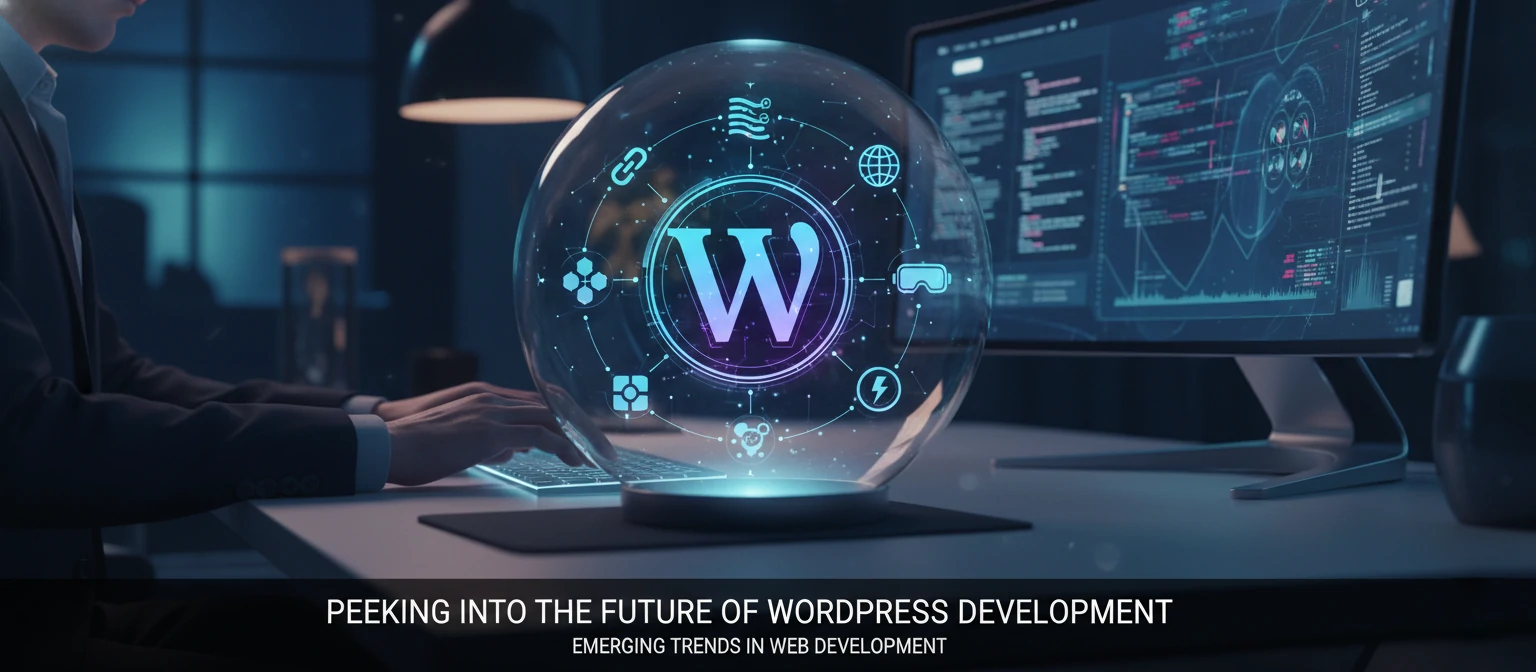
As technology advances, custom WordPress development is incorporating cutting-edge innovations to stay ahead of the curve.
Augmented Reality (AR) and Virtual Reality (VR)
AR features for product visualization in e-commerce or VR tours for real estate are becoming more accessible. Custom WordPress plugins can integrate with AR/VR libraries to create immersive experiences.
Internet of Things (IoT) Integration
Connecting WordPress sites with IoT devices for smart home controls, industrial monitoring, or personalized user experiences based on environmental data.
Edge Computing
Utilizing edge computing for faster content delivery and reduced latency, especially beneficial for global audiences and real-time applications.
Web3 and Decentralized Technologies
Integrating blockchain for secure transactions, NFT marketplaces, or decentralized content management systems within WordPress frameworks.
Advanced Analytics and Personalization
Using machine learning algorithms for real-time content personalization, predictive user behavior analysis, and automated A/B testing.
These emerging technologies are pushing the boundaries of what's possible with WordPress, enabling developers to create more sophisticated and user-centric experiences.

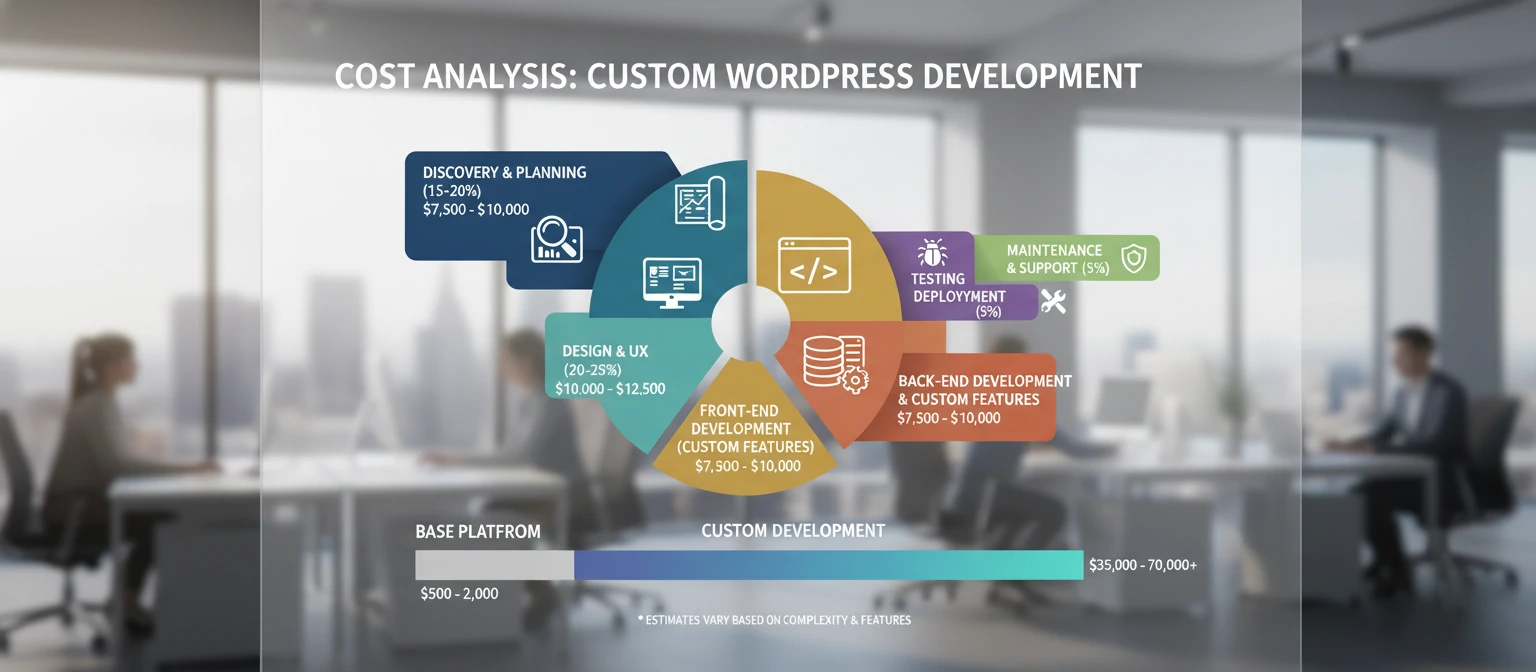
Understanding the Costs of Custom WordPress Development
While custom development requires a higher upfront investment, it's important to understand the value it provides.
Cost Breakdown
- Basic Custom Site: $5,000 - $15,000 (simple business sites with custom design)
- E-commerce Platforms: $15,000 - $35,000 (with payment integration and inventory management)
- Complex Applications: $35,000 - $75,000+ (membership sites, learning platforms, custom CRMs)
- Ongoing Maintenance: $500 - $2,000/month (updates, security, support)
ROI Considerations
Custom sites often pay for themselves through improved conversion rates, reduced maintenance costs, and competitive advantages. Many clients see ROI within 6-12 months.
Factors affecting cost: complexity, integrations, design requirements, and timeline. Quality development is an investment in your business's future.
What Our Clients Say
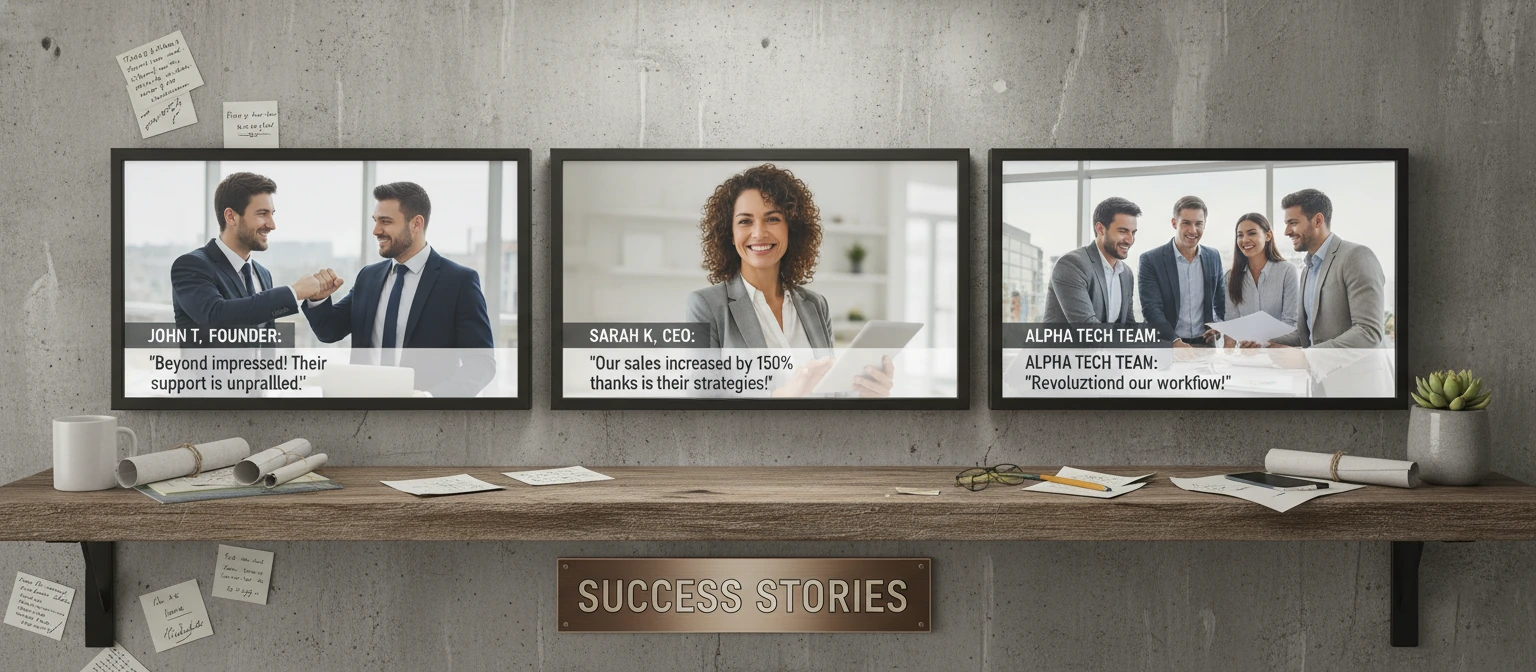
Don't just take our word for it—hear from businesses who've transformed their online presence with custom WordPress development.
"The custom e-commerce platform they built for us increased our conversion rate by 40%. The attention to detail and user experience was outstanding."
- Sarah Johnson, CEO of Artisan Clothing Co.
"Our corporate intranet now handles 5,000+ employees seamlessly. The custom integrations with our existing systems saved us countless hours."
- Michael Chen, IT Director at GlobalTech Solutions
"The educational platform they developed has revolutionized our online courses. Student engagement is up 60%, and the custom features are exactly what we needed."
- Dr. Emily Rodriguez, Dean of Online Learning at Future University
Common Challenges and How to Overcome Them
Even with all the benefits, custom WordPress development can come with its own set of hurdles. But don't worry—we've got you covered with solutions to the most common challenges.
1. Budget Concerns
Custom development can seem pricey upfront. The fix? Focus on long-term ROI. A well-built custom site often pays for itself through better conversions and lower maintenance costs over time.
2. Finding the Right Developer
With so many options, it's tough to choose. Look for portfolios that match your industry, check reviews, and always ask for references. A good developer will understand your vision and communicate clearly.
3. Timeline Delays
Projects can run longer than expected. Mitigate this by choosing an agile development process with regular check-ins and clear milestones. Be prepared to provide feedback quickly.
4. Technical Maintenance
Custom sites need ongoing care. Opt for developers who offer maintenance packages or train your team on basic upkeep. Regular updates are key to security and performance.
5. Scaling Issues
What if your site needs to grow? Plan for scalability from the start. Choose flexible architectures and cloud hosting that can handle increased traffic.
Remember, the right preparation and partnership can turn these challenges into opportunities for success!
Essential Tools for Custom WordPress Development
To get the most out of your custom WordPress project, equip yourself with these must-have tools and resources.
Development Tools
- Visual Studio Code: A powerful, free code editor with WordPress extensions.
- Local by Flywheel: Easy local WordPress development environment.
- Git: Version control to track changes and collaborate.
- WP-CLI: Command-line interface for WordPress management.
Design Tools
- Figma: Collaborative design tool for creating mockups.
- Adobe XD: UI/UX design software with WordPress integration.
- Sketch: Vector graphics editor for interface design.
Testing and Optimization
- Google PageSpeed Insights: Test and improve site performance.
- GTmetrix: Detailed performance analysis and recommendations.
- BrowserStack: Cross-browser testing for compatibility.
These tools will help you build, test, and maintain your custom WordPress site like a pro!
Step-by-Step Guide to Getting Started
Ready to dive into custom WordPress development? Follow this roadmap to get your project off to a great start.
Step 1: Define Your Goals and Requirements
Start by outlining what you want to achieve. What problems are you solving? Who is your target audience? What features are must-haves?
Step 2: Research and Planning
Look at competitors, gather inspiration, and create a detailed project brief. Include wireframes or mockups if possible.
Step 3: Budget and Timeline
Set realistic expectations for cost and time. Remember, quality takes time—don't rush the process.
Step 4: Find the Right Partner
Vet developers carefully. Check portfolios, reviews, and communication styles. Make sure they understand your vision.
Step 5: Development and Testing
Work closely with your team through development phases. Test thoroughly across devices and browsers.
Step 6: Launch and Maintenance
Go live with confidence! Set up ongoing maintenance to keep your site secure and up-to-date.
Following these steps will set you up for a successful custom WordPress project. You've got this!
🔍 SEO Optimization for Custom WordPress Sites
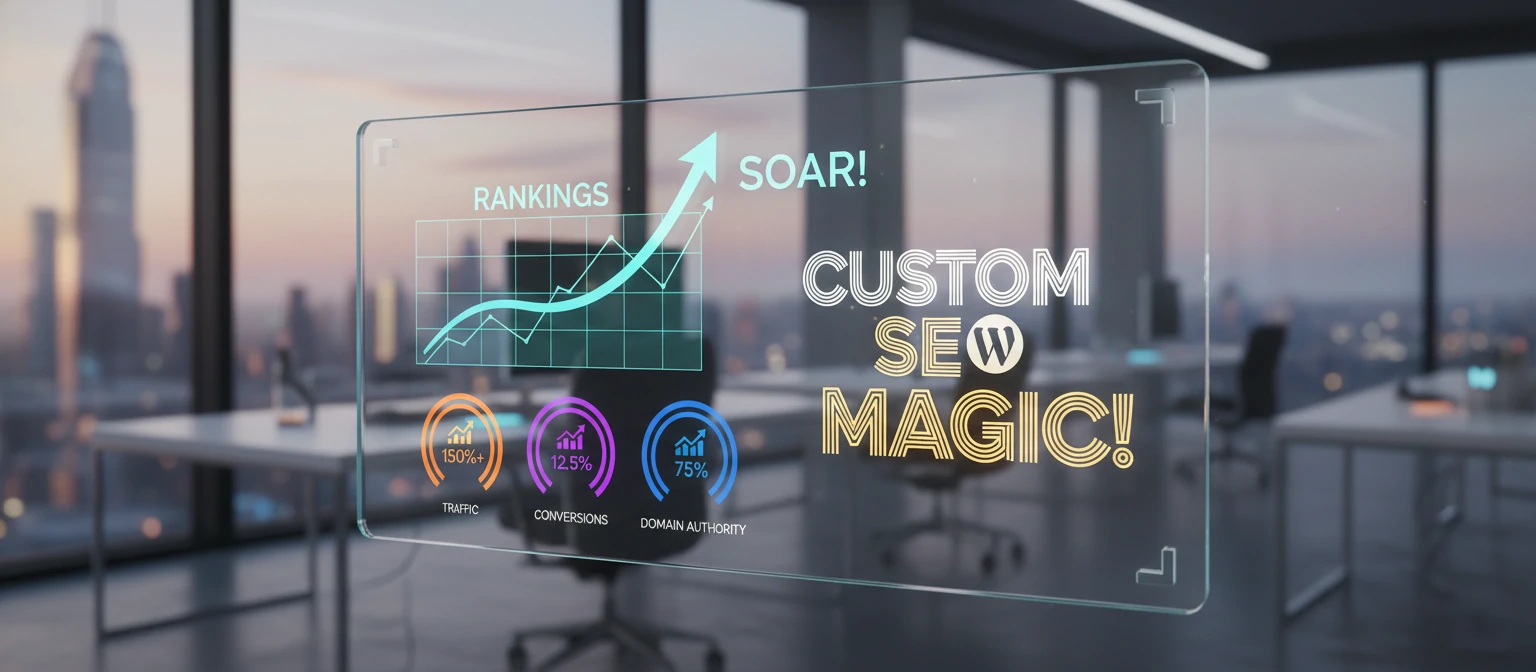
Hey, let's talk about something super important for your online success—SEO! In today's world, if your site isn't showing up in search results, it's like you're invisible. Custom WordPress development gives you the perfect playground to nail your SEO game from the ground up.
Imagine having clean, lightning-fast code that search engines absolutely love. With custom development, you can build semantic HTML structures, implement schema markup, and create dynamic meta tags that adapt to your content. No more fighting with theme limitations that slow you down!
Key SEO Features in Custom WordPress
- Custom URL structures that make sense for your business
- Built-in XML sitemaps and robots.txt optimization
- Advanced on-page SEO tools tailored to your content
- Integration with popular SEO plugins like Yoast or custom solutions
Plus, you get total control over performance optimizations that directly impact your rankings. Custom caching, image optimization, and lazy loading—all baked right in. It's like having a personal SEO wizard working 24/7!
📱 Mobile-First Design: Why It Matters
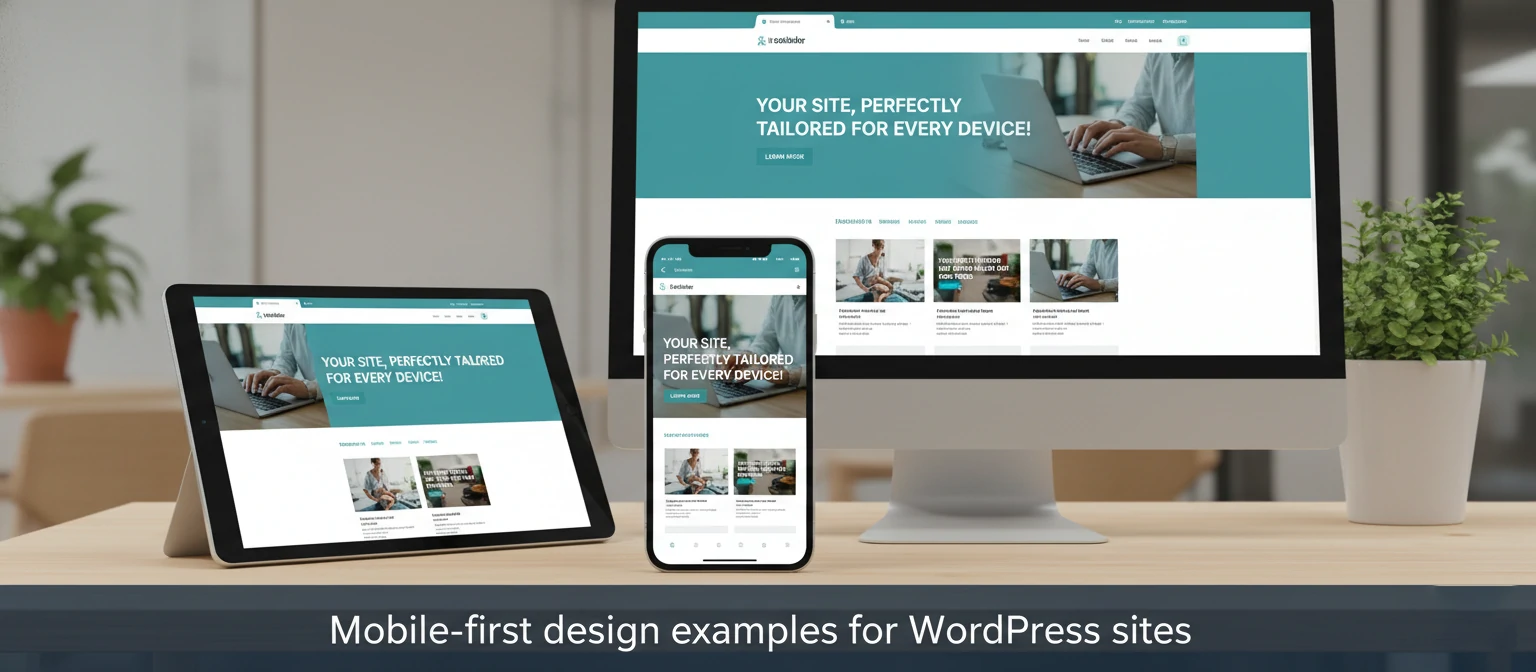
Okay, let's get real—most of your visitors are probably checking you out on their phones. That's why mobile-first design isn't just a trend; it's essential! Custom WordPress development lets you build sites that look and work amazing on any screen size.
Think about it: a custom mobile experience means touch-friendly navigation, optimized images that load fast on cellular data, and layouts that adapt perfectly to small screens. No more squished desktop designs that frustrate your mobile users!
Mobile-First Benefits
- Better user experience leading to higher engagement
- Improved Google rankings (mobile-friendliness is a ranking factor)
- Faster loading times on mobile devices
- Increased conversions from mobile users
With custom development, you can even add cool mobile-specific features like swipe gestures, pull-to-refresh, or location-based content. It's all about meeting your users where they are!
🔗 Third-Party Integrations and APIs
Your WordPress site doesn't live in a bubble—it needs to play nice with all the other tools you use. That's where custom integrations shine! From CRM systems to payment processors, custom development lets you connect everything seamlessly.
Imagine your site automatically syncing customer data with your email marketing tool, or pulling in real-time inventory from your e-commerce platform. With custom APIs, you can create a unified experience that makes your life easier and your customers happier.
Popular Integrations
- CRM systems like Salesforce or HubSpot
- Email marketing tools such as Mailchimp or Constant Contact
- Payment gateways like Stripe or PayPal
- Analytics platforms including Google Analytics or Mixpanel
- Social media APIs for automated posting
Custom integrations mean no more manual data entry or disconnected systems. Everything works together like a well-oiled machine, saving you time and reducing errors.

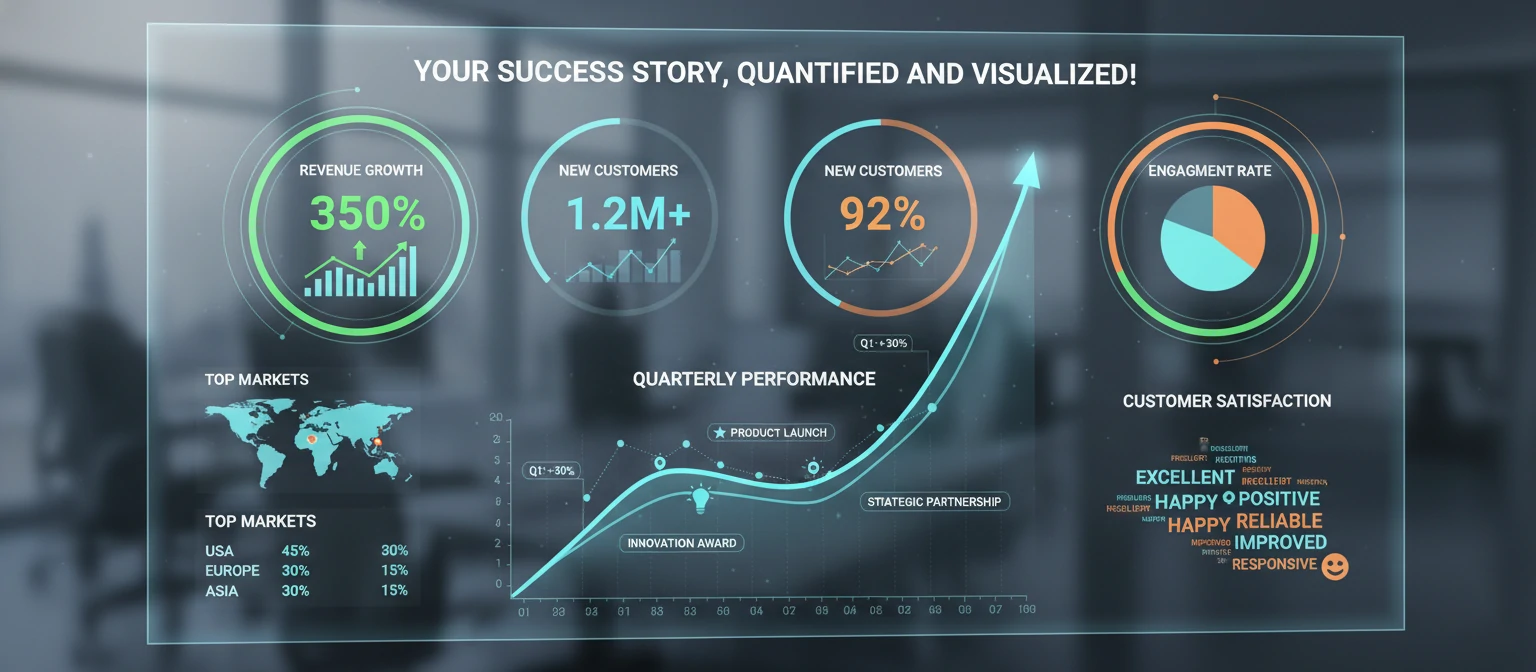
📊 Measuring Success: Key Metrics for Your Custom WordPress Site
So, you've got this awesome custom WordPress site—now how do you know it's actually working? That's where tracking the right metrics comes in. Custom development gives you the flexibility to implement advanced analytics that really show your site's impact.
Beyond basic traffic numbers, you can track user engagement, conversion funnels, and even custom events that matter to your business. It's like having a dashboard that tells you exactly how your site is driving results.
Essential Metrics to Track
- Conversion rates and goal completions
- User engagement (time on page, bounce rate, pages per session)
- SEO performance (organic traffic, keyword rankings)
- Mobile performance and cross-device usage
- Custom business KPIs (like lead quality or customer lifetime value)
With custom development, you can set up automated reporting and dashboards that make monitoring your success a breeze. No more guessing—data-driven decisions all the way!
🤝 Client Onboarding and Project Management
Starting a custom WordPress project can feel overwhelming, but a smooth onboarding process makes all the difference. Great developers don't just jump into coding—they take time to understand your vision, goals, and challenges.
Think discovery sessions, detailed project plans, and clear communication from day one. Custom development teams often use agile methodologies with regular check-ins, so you're always in the loop and can provide feedback that shapes the final product.
What to Expect in Onboarding
- Initial consultation to understand your needs and goals
- Competitive analysis and user research
- Detailed project proposal with timeline and milestones
- Regular progress updates and feedback sessions
- Training on how to manage and update your new site
The best part? You're not just getting a website—you're gaining a partner who cares about your long-term success. It's all about building something that grows with your business!

Conclusion: Is Custom WordPress Development Right for You?
Custom WordPress development services offer unparalleled opportunities to create websites that truly represent your brand and meet your specific needs. While it requires a higher initial investment, the long-term benefits in terms of performance, scalability, and competitive advantage often outweigh the costs.
If you're tired of cookie-cutter websites and want something that stands out, custom development is likely the right path. However, it's essential to partner with experienced professionals who understand both WordPress and your business objectives.
Remember, your website is often the first impression potential customers have of your business. Make it count with a custom solution that drives results and grows with your success.
Frequently Asked Questions
How long does custom WordPress development take?
Timeline varies based on complexity, but simple sites take 4-8 weeks, while complex e-commerce platforms or custom applications can take 3-6 months or more.
What's the cost of custom WordPress development?
Costs range from $5,000 for basic custom sites to $50,000+ for complex, feature-rich platforms. Factors include functionality, design complexity, and integrations.
Can I update my custom WordPress site myself?
Yes, most custom sites are built to be user-friendly. However, major updates or new features typically require developer assistance to maintain code quality and security.
Is custom development more secure than using themes?
Custom sites can be more secure as they avoid vulnerabilities in popular themes. However, security depends on coding practices and ongoing maintenance.
What if I need to change developers later?
Choose providers who provide clean, documented code and offer handover support. Well-structured custom code is easier to maintain by other developers.
What if I need to change developers later?
Choose providers who provide clean, documented code and offer handover support. Well-structured custom code is easier to maintain by other developers.