Your ultimate resource for understanding web development services, tailored for businesses and individuals seeking online success.
Table of contents
- Introduction to Web Development Services
- What Are Web Development Services?
- Types of Web Development Services
- Benefits of Professional Web Development Services
- How to Choose the Right Web Development Service Provider
- Understanding the Cost of Web Development Services
- The Web Development Process: What to Expect
- Future Trends in Web Development Services
- Common Mistakes to Avoid in Web Development
- Real-World Case Studies: Web Development Success Stories
- Getting Started with Web Development Services
- Frequently Asked Questions About Web Development Services
- Web Development Services for Different Industries
- The Importance of Web Accessibility in Development Services
- Integrations and APIs in Web Development
- Web Security: Best Practices in Development Services
- Latest Web Development Technologies You Should Know About
- Tips for Beginners Starting with Web Development
- Common Web Development Myths Busted
- Essential Web Development Tools and Frameworks
- Measuring the Success of Your Web Development Project
- Sustainable Web Development: Building for the Future
- Web Development Career Paths: Finding Your Perfect Fit
- Conclusion: Your Digital Success Story Starts Here
Introduction to Web Development Services
Hey there! In today's fast-paced digital world, having a killer online presence isn't just nice—it's essential. Whether you're a budding entrepreneur dreaming of your first website or a seasoned business owner ready to level up your online game, web development services are your secret weapon. They help create websites that don't just look stunning but actually work like a charm, driving real results for your business.
Think of this guide as your friendly roadmap through the exciting world of web development. We'll dive deep into what these services really entail, explore the different flavors available, help you pick the perfect partner, break down the costs, and peek into the future. Our goal? To arm you with practical, actionable knowledge that turns you from confused newbie to confident decision-maker.
What Are Web Development Services?
Picture this: web development services are like the master chefs of the internet world. They take your wild ideas and turn them into delicious, functional websites and apps that actually help your business grow. It's all about blending creativity, technical know-how, and a dash of magic to create online experiences that wow your visitors and keep them coming back.
At its heart, web development is your bridge from "I have this cool idea" to "Look at my amazing online presence!" Whether you're dreaming of a simple "about us" page or a full-blown online store with shopping carts and payment processing, these services make it happen.
Key Components of Web Development Services
- Planning and Strategy: We dive deep into your goals, who your audience is, and what tech you need to succeed.
- Design: Crafting beautiful, intuitive layouts that make users go "wow!"
- Development: The coding magic that brings your designs to life.
- Testing: Making sure everything works perfectly on every device and browser.
- Deployment: Launching your site and watching the magic unfold.
- Maintenance: Keeping your site fresh, secure, and performing at its best.
💡 Fun fact: The global web development market is booming and expected to hit $262 billion by 2024. That's a lot of digital deliciousness!
Types of Web Development Services
Not all websites are created equal, and that's where the different types of web development services come in. Each type is like a specialized tool in a developer's toolbox, designed for specific needs. Let's break them down so you can pick the perfect fit for your project.
1. Frontend Development 🎨
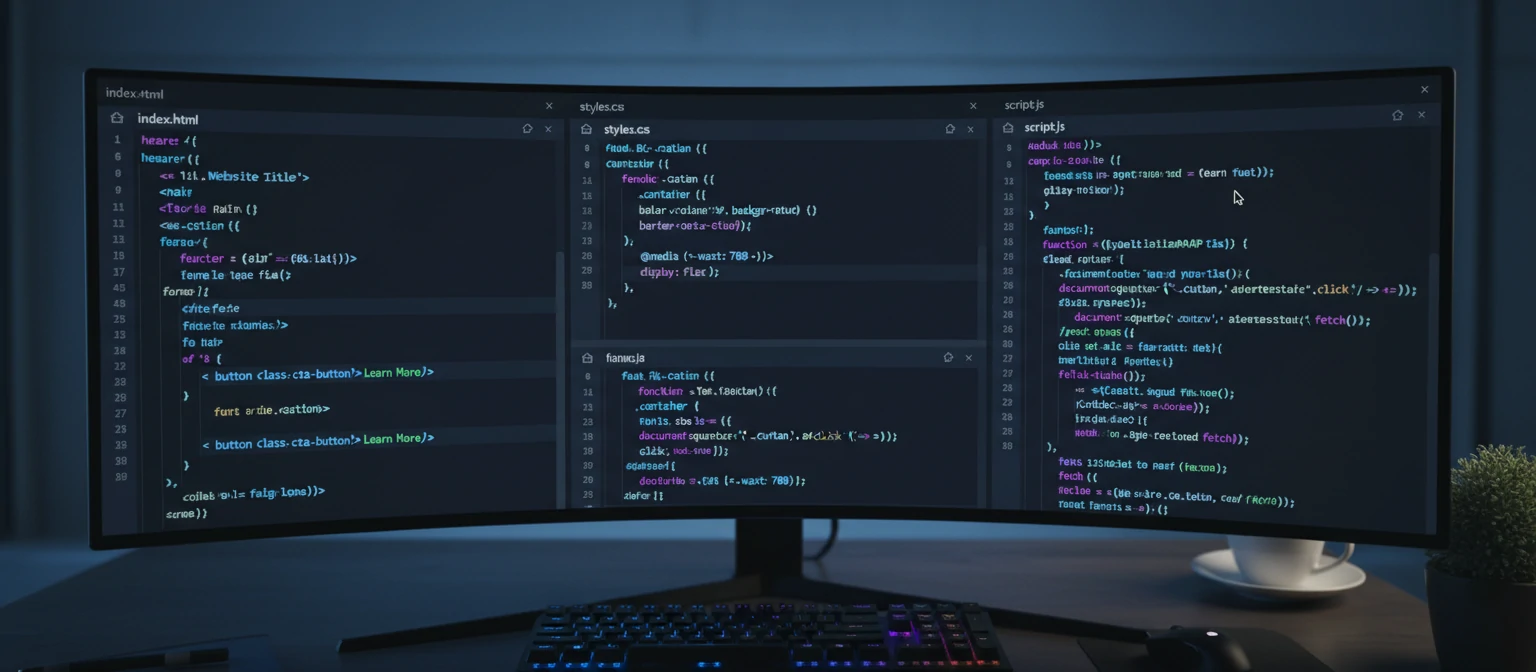
This is the "pretty face" of your website – everything your visitors see and interact with. Frontend devs are the artists who make sure your site looks amazing and works smoothly on any device.
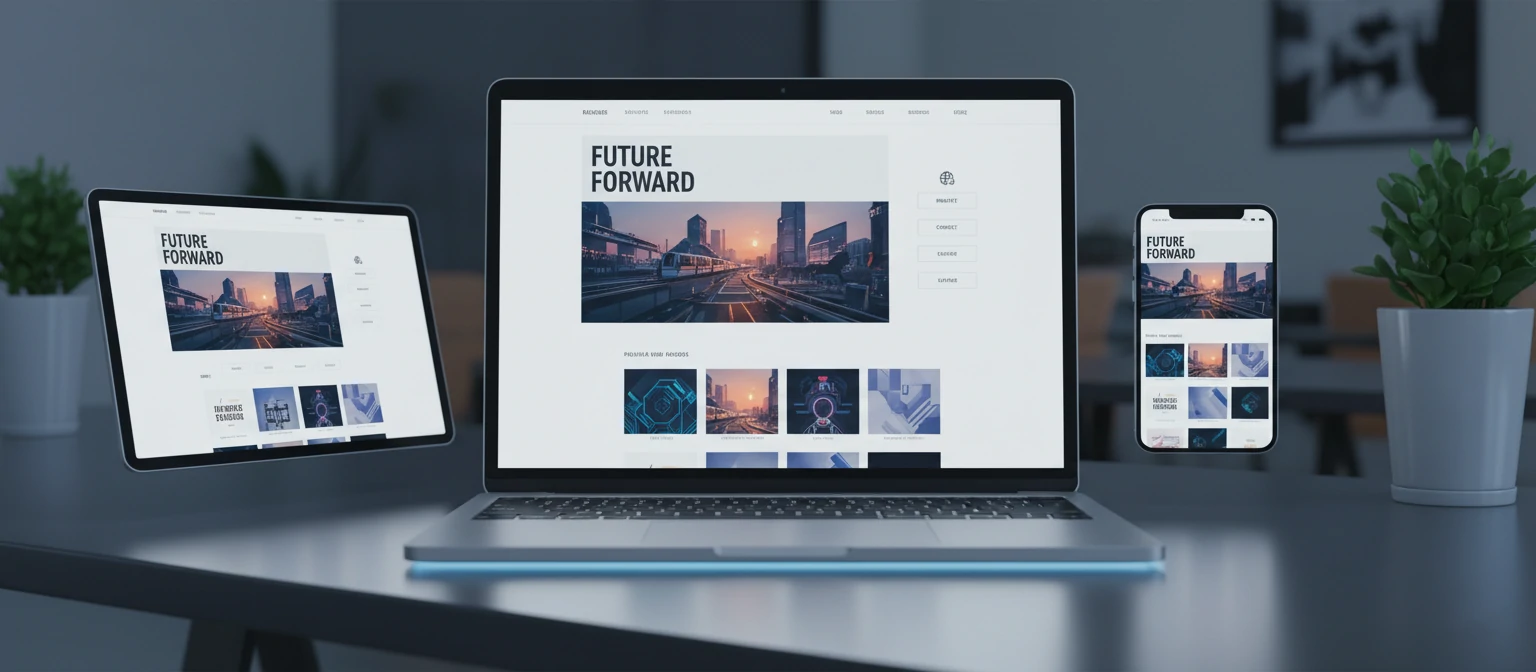
They wield HTML, CSS, and JavaScript like magic wands, creating responsive designs that adapt to phones, tablets, and desktops. It's all about that perfect user experience!
Popular Frontend Technologies
- HTML5 for rock-solid structure
- CSS3 for stunning styles
- JavaScript for interactive fun
- Frameworks like React, Angular, and Vue.js
- Preprocessors like Sass and Less
2. Backend Development ⚙️
While frontend is the show, backend is the brains behind the operation. These developers handle the server-side logic, databases, and all the behind-the-scenes magic that makes your site actually function.
They're the unsung heroes ensuring your data is safe, processed correctly, and delivered lightning-fast. Without them, your beautiful frontend would just be a pretty picture!
Common Backend Technologies
- Server-side languages: PHP, Python, Ruby, Java, Node.js
- Databases: MySQL, PostgreSQL, MongoDB
- Frameworks: Laravel, Django, Ruby on Rails, Express.js
- APIs and web services
3. Full-Stack Development 🌟
Meet the Swiss Army knives of web development! Full-stack developers are masters of both frontend and backend worlds. They can take your project from concept to launch, handling every aspect with ease.
These versatile pros ensure everything works together seamlessly, making them perfect for comprehensive projects where you want one expert to oversee it all.
4. E-commerce Development 🛒
For businesses ready to sell online, e-commerce development is your golden ticket. These specialists build robust online stores with shopping carts, payment processing, and inventory management.
With online shopping exploding, having a pro e-commerce site can be the difference between surviving and thriving in today's market.
5. CMS Development 📝
Content Management Systems like WordPress are game-changers for non-techies. CMS developers set up sites that let you easily update content, add blog posts, and manage your online presence without coding skills.
Perfect for blogs, corporate sites, or any place where fresh content is key – no more begging developers for every little change!
6. Mobile Web Development 📱
With more people browsing on phones than ever, mobile optimization isn't optional – it's essential. These developers create sites that look and work beautifully on small screens.
From responsive designs to Progressive Web Apps (PWAs) that feel like native apps, mobile web development ensures you capture that crucial mobile audience.
Benefits of Professional Web Development Services
Going pro with web development isn't just about looking good – it's about setting yourself up for real success. Here are the game-changing benefits that can supercharge your online presence.
1. Enhanced User Experience 😊
Pro developers craft sites that feel intuitive and delightful. The result? Visitors stick around longer, engage more, and – most importantly – convert into customers.
2. Lightning-Fast Performance ⚡
Optimized code means your site loads in a flash, keeping visitors happy and search engines smiling. Slow sites? Not on our watch!
3. Fort Knox-Level Security 🔒
Robust security measures and regular updates keep your site safe from threats, ensuring your data and your users' data stay protected.
4. Built to Grow 📈
Scalable architecture means your site can handle more traffic and features as your business expands. Future-proof your success!
5. SEO Superpowers 🔍
Search engine optimization baked right in means better rankings, more organic traffic, and more eyes on your business.
6. Perfect on Every Device 📱💻
Responsive design ensures your site looks and works beautifully everywhere – from tiny phones to massive desktop screens.
🚀 Speed fact: Sites that load in 2 seconds or less boast a 15% conversion rate, vs. just 7% for slower sites. Every second counts!
How to Choose the Right Web Development Service Provider
Picking the perfect web development partner is like finding a great dance partner – it can make or break the whole experience! Here's your ultimate checklist for finding the right fit.
1. Portfolio and Experience 🎨
Dive into their past work. Does it wow you? Is it relevant to your industry? Look for variety that shows they can handle different challenges.
2. Technical Expertise 🛠️
Make sure they're pros with the tools and platforms your project needs. Ask about their workflow and how they tackle problems.
3. Communication and Collaboration 💬
You want partners who get your vision and keep you in the loop. Clear communication is key to a smooth project.
4. Pricing and Value 💰
Cost matters, but quality and long-term ROI matter more. Compare apples to apples and think about the big picture.
5. Support and Maintenance 🔧
What happens after launch? Ask about ongoing support, updates, and how they handle those inevitable "oops" moments.
6. Reviews and References ⭐
Check the real talk – testimonials, reviews on Clutch or Upwork, and references from projects like yours. Trust, but verify!

Understanding the Cost of Web Development Services
Web development costs can vary widely depending on project complexity, features, and location. Understanding these factors helps you budget effectively.
Factors Affecting Cost
- Project Complexity: Simple brochure sites cost less than complex e-commerce platforms.
- Features and Functionality: Advanced features like user accounts, payment systems, or custom integrations increase costs.
- Design Requirements: Custom designs are more expensive than template-based solutions.
- Developer Location: Rates vary by region, with developers in North America and Western Europe charging more.
- Timeline: Rushed projects often cost more due to overtime and expedited processes.
Average Cost Ranges
- Basic website: $500 - $5,000
- Small business website: $5,000 - $15,000
- E-commerce site: $10,000 - $50,000+
- Custom web application: $25,000 - $100,000+
Tip: Focus on return on investment (ROI) rather than just upfront costs. A well-built website can generate significant revenue over time.
The Web Development Process: What to Expect
Understanding the typical web development workflow helps you prepare and collaborate effectively with your development team.
- Discovery and Planning: Requirements gathering, goal setting, and project scoping.
- Design: Wireframing, prototyping, and visual design creation.
- Development: Coding the frontend and backend components.
- Testing: Quality assurance, bug fixing, and performance optimization.
- Deployment: Launching the website and making it live.
- Maintenance: Ongoing monitoring, updates, and support.
Each phase involves collaboration between you and the development team, with regular check-ins and feedback loops to ensure the final product meets your expectations.
Future Trends in Web Development Services
The web development landscape is constantly evolving. Staying ahead of trends ensures your website remains modern and competitive.
1. Progressive Web Apps (PWAs)
PWAs combine the best of web and mobile apps, offering offline functionality, push notifications, and app-like experiences.
2. Artificial Intelligence and Machine Learning
AI-powered features like chatbots, personalized content, and predictive analytics are becoming standard in modern websites.
3. Voice Search Optimization
With the rise of voice assistants, websites need to be optimized for voice search queries and natural language processing.
4. Accelerated Mobile Pages (AMP)
AMP technology creates lightning-fast mobile pages that improve user experience and SEO rankings.
5. Serverless Architecture
This approach allows for more scalable, cost-effective applications by offloading server management to cloud providers.
6. Headless CMS
Decoupling content management from presentation layers allows for greater flexibility and omnichannel content delivery.

Common Mistakes to Avoid in Web Development
Even experienced businesses can make costly errors. Here are some pitfalls to watch out for and how to avoid them.
1. Skipping Mobile Optimization
With mobile traffic dominating, failing to optimize for mobile devices can severely limit your reach and user experience.
2. Ignoring SEO from the Start
Building SEO considerations into the development process from day one is much more effective than trying to retrofit later.
3. Choosing the Wrong Platform
Select technologies and platforms based on your specific needs, scalability requirements, and long-term goals.
4. Neglecting Security
Security should be a priority from the beginning, not an afterthought. Regular audits and updates are essential.
5. Poor Communication
Maintain clear, regular communication with your development team to avoid misunderstandings and ensure project alignment.
Real-World Case Studies: Web Development Success Stories
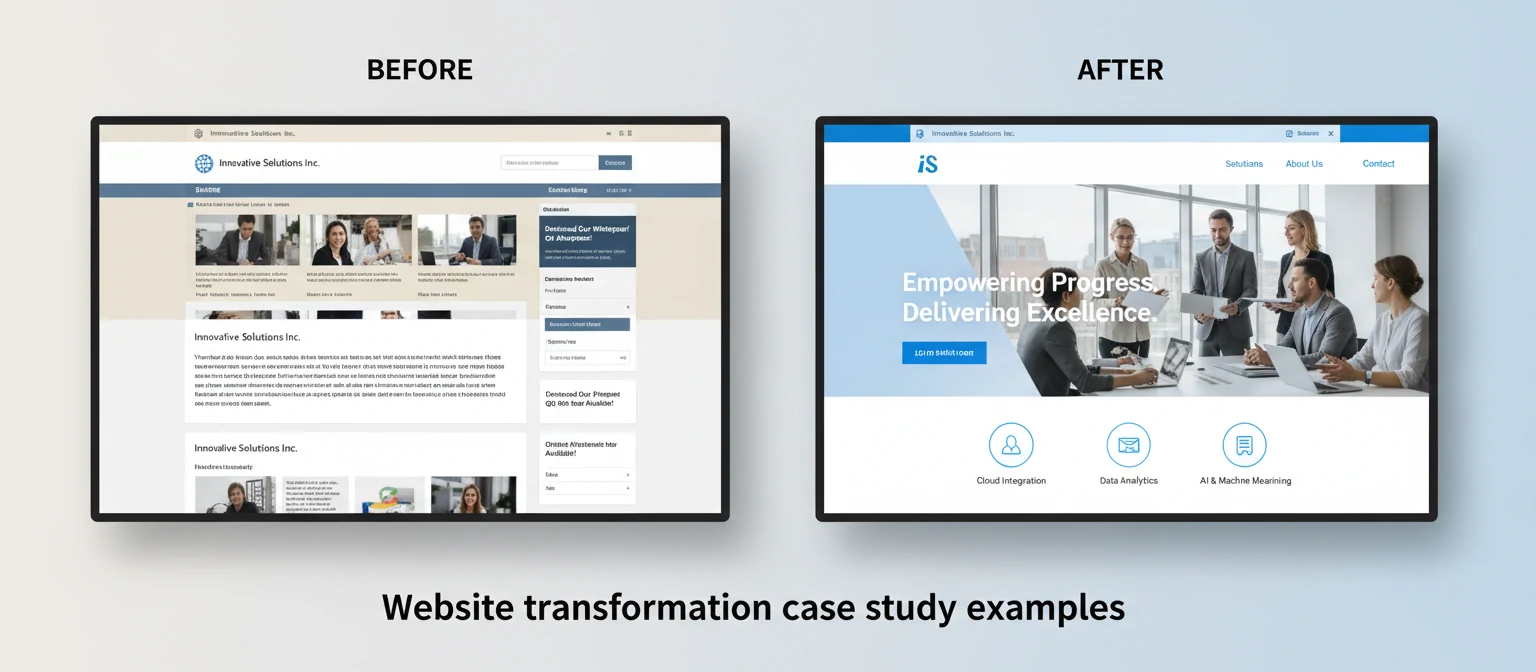
Let's look at some examples of how web development services have transformed businesses.
Case Study 1: E-commerce Transformation
A local retailer partnered with a web development agency to create a modern e-commerce platform. The result was a 300% increase in online sales within six months, thanks to improved user experience and mobile optimization.
Case Study 2: SaaS Platform Launch
A startup developed a complex SaaS application with custom integrations. Professional web development services ensured scalability, security, and seamless user onboarding, leading to rapid user acquisition and positive reviews.
Case Study 3: Nonprofit Website Redesign
A nonprofit organization revamped their outdated website with modern design and improved functionality. This led to a 150% increase in donations and volunteer sign-ups through better user engagement and clear calls-to-action.
Getting Started with Web Development Services
Ready to embark on your web development journey? Here's how to get started.
1. Define Your Goals
Clearly outline what you want to achieve with your website. Are you selling products, generating leads, or providing information? Take time to think about your primary objectives and secondary goals. For example, if you're an e-commerce business, your main goal might be increasing sales, while secondary goals could include building brand awareness or collecting customer data for marketing purposes.
2. Assess Your Budget
Determine how much you're willing to invest and research average costs for your type of project. Consider not just the initial development cost but also ongoing expenses like hosting, maintenance, and marketing. Many businesses find that investing more upfront in quality development saves money in the long run by reducing the need for frequent redesigns or fixes.
3. Research Providers
Use platforms like Clutch, Upwork, or local directories to find reputable web development companies. Read reviews carefully, looking for patterns in feedback. Check their portfolios for projects similar to yours. Don't hesitate to ask for references and contact them directly to ask about their experience with projects like yours.
4. Prepare Requirements
Create a detailed brief including your target audience, desired features, and design preferences. Be specific about functionality you need, such as contact forms, user accounts, or integration with other systems. Include information about your brand guidelines, color schemes, and any existing marketing materials. The more detailed your requirements, the more accurate the proposals you'll receive.
5. Start Small if Needed
If you're unsure, begin with a smaller project like a landing page to test the waters before committing to a full website. This allows you to work with a developer, see their process, and build a relationship before tackling larger projects. Many successful websites started as simple pages that grew over time.
6. Understand the Timeline
Web development projects can take anywhere from a few weeks to several months depending on complexity. Factor in time for revisions, testing, and your own review process. Be realistic about timelines to avoid rushing the project and compromising quality.
7. Plan for Launch and Beyond
Think about your go-live strategy, including marketing efforts to drive traffic to your new site. Also, consider ongoing maintenance needs. Will you handle content updates yourself, or do you need ongoing support from your development team?
Frequently Asked Questions About Web Development Services
As you explore web development services, you might have some common questions. Here are answers to the most frequently asked ones.
Web Development Services for Different Industries
Different industries have unique needs when it comes to web development. Here's how web development services cater to various sectors.
E-commerce and Retail
Online stores require robust shopping cart systems, payment gateways, inventory management, and mobile optimization. Web development services for e-commerce focus on conversion rate optimization and seamless checkout experiences.
Healthcare and Medical
Medical websites must comply with regulations like HIPAA, ensure data security, and provide clear information. Features often include appointment booking, telemedicine integration, and patient portals.
Education and E-learning
Educational platforms need user management systems, course catalogs, payment processing, and interactive learning tools. Scalability is crucial as these sites often experience high traffic during enrollment periods.
Financial Services
Banks and financial institutions require high security, compliance with regulations, and complex functionalities like account management and transaction processing. Trust and credibility are paramount.
Nonprofits and Charities
Nonprofit websites focus on storytelling, donation systems, volunteer sign-ups, and event management. They often need to convey emotion and urgency while maintaining transparency.
Real Estate
Real estate websites benefit from property search functionality, virtual tours, mortgage calculators, and integration with MLS databases. Visual appeal and fast loading are essential.
Restaurants and Hospitality
Restaurant sites need online ordering systems, reservation booking, menu displays, and location information. Mobile optimization is crucial for on-the-go customers.
The Importance of Web Accessibility in Development Services
Web accessibility ensures that websites are usable by people with disabilities. It's not just a legal requirement in many cases—it's also good business practice.
What is Web Accessibility?
Web accessibility means designing and developing websites that can be used by everyone, including people with visual, auditory, motor, or cognitive disabilities. This includes features like alt text for images, keyboard navigation, and screen reader compatibility.
Legal Requirements
In many countries, including the US (ADA) and EU (Web Accessibility Directive), websites must meet certain accessibility standards. Non-compliance can result in legal action and fines.
Business Benefits
Accessible websites reach a wider audience, including the 15% of the world's population with disabilities. They also tend to perform better in search engines and provide better user experiences for all users.
Key Accessibility Features
- Alt text for images
- Keyboard navigation
- Sufficient color contrast
- Captioned videos
- Logical heading structure
- Form labels and error messages
Professional web development services should include accessibility considerations from the planning stage, ensuring your website is inclusive and compliant.
Integrations and APIs in Web Development
Modern websites often need to connect with other systems and services. Integrations and APIs make this possible.
What Are APIs?
Application Programming Interfaces (APIs) allow different software systems to communicate with each other. They enable your website to pull data from or send data to other applications.
Common Integrations
- Payment Gateways: Stripe, PayPal for processing payments
- Social Media: Facebook, Twitter for social sharing and login
- Email Marketing: Mailchimp, SendGrid for newsletters
- Analytics: Google Analytics for tracking user behavior
- CRM Systems: Salesforce, HubSpot for customer management
- Content Delivery Networks: Cloudflare for faster loading
Benefits of Integrations
Integrations streamline workflows, improve user experience, and add powerful features without building everything from scratch. They allow your website to leverage existing tools and services.
When choosing web development services, ask about their experience with the integrations you need. Proper API implementation ensures security, reliability, and performance.
Web Security: Best Practices in Development Services
With cyber threats on the rise, web security should be a top priority in any development project.
Common Security Threats
- SQL injection
- Cross-site scripting (XSS)
- Cross-site request forgery (CSRF)
- Data breaches
- DDoS attacks
Security Best Practices
- Use HTTPS encryption
- Implement proper authentication and authorization
- Regular security audits and updates
- Secure coding practices
- Data encryption
- Backup and recovery plans
SSL Certificates
SSL certificates encrypt data transmitted between your website and users. They're essential for e-commerce sites and any site handling sensitive information. Google now flags non-HTTPS sites as insecure.
Professional web development services should include security measures from the ground up, not as an afterthought. Regular security monitoring and updates are crucial for long-term protection.
Latest Web Development Technologies You Should Know About
The web development world moves fast! Here are some cutting-edge technologies that are shaping the future of the internet.
1. Web3 and Blockchain Integration 🌐
Decentralized web technologies are opening up new possibilities for secure, user-owned online experiences.
2. AI-Powered Development Tools 🤖
From code generation to automated testing, AI is revolutionizing how developers work.
3. Jamstack Architecture ⚡
Fast, secure, and scalable sites built with JavaScript, APIs, and markup.
Tips for Beginners Starting with Web Development
Feeling overwhelmed? Don't worry! Here are some friendly tips to get you started on your web development journey.
- Start with the basics: Learn HTML, CSS, and JavaScript fundamentals
- Practice regularly – build small projects to apply what you learn
- Join online communities like Stack Overflow or Reddit's r/webdev
- Don't be afraid to ask questions and learn from your mistakes
- Stay curious and keep up with industry trends
Common Web Development Myths Busted
Let's clear up some misconceptions that might be holding you back from great web development decisions.
Myth 1: "You need to be a coding genius to have a great website"
Reality: Professional developers handle the complex stuff. You just need a clear vision of what you want!
Myth 2: "Cheap websites are just as good as expensive ones"
Reality: Quality costs, but investing in good development pays off in performance, security, and user experience.
Myth 3: "Once built, your website is set forever"
Reality: Websites need regular updates for security, performance, and to stay current with trends.
Essential Web Development Tools and Frameworks
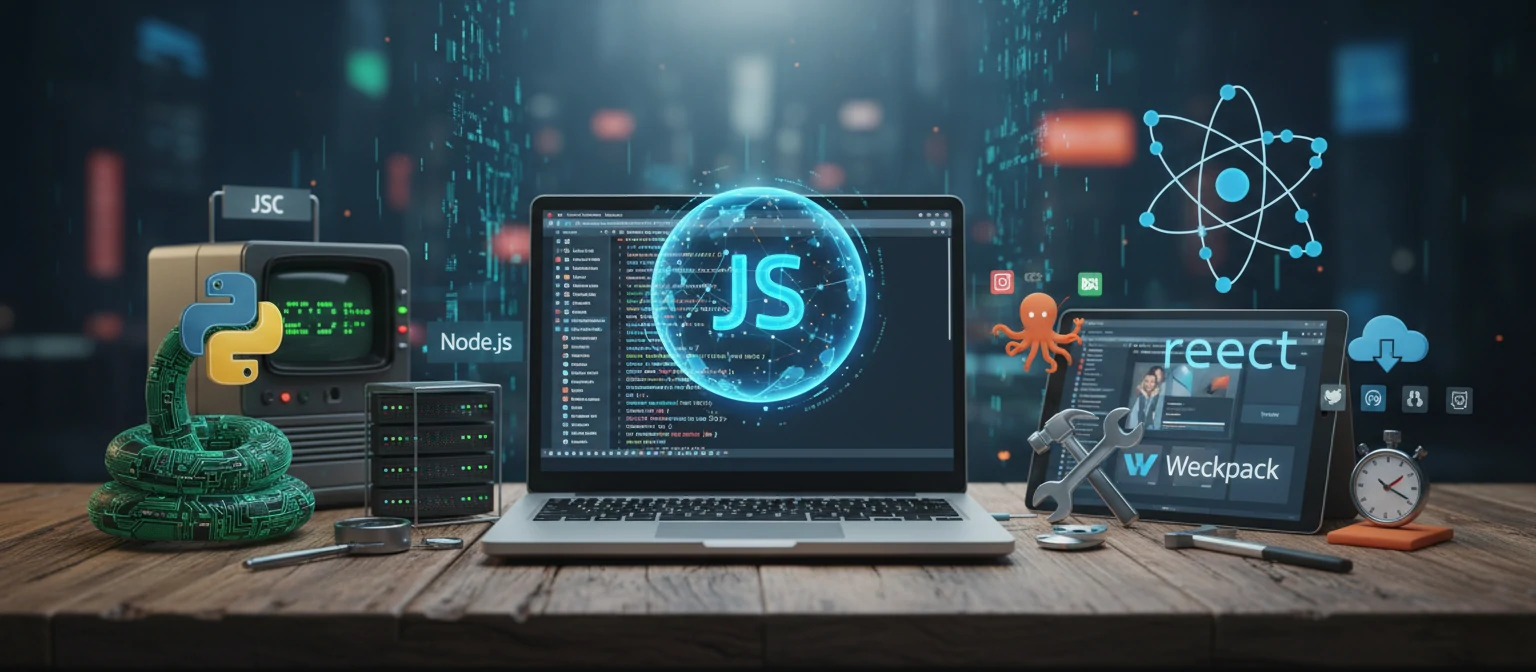
In the ever-evolving world of web development, having the right tools can make or break your project. Let's explore some must-know tools and frameworks that every developer should have in their arsenal.
Version Control: Git and GitHub 🗂️
Git is the backbone of modern development. Paired with GitHub, it allows teams to collaborate seamlessly, track changes, and manage code versions. No serious developer works without it!
Code Editors: VS Code, Sublime Text 💻
Powerful editors that boost productivity with features like syntax highlighting, auto-completion, and extensions. VS Code has become the go-to for many developers.
Frontend Frameworks: React, Vue.js, Angular ⚛️
These frameworks help build dynamic user interfaces efficiently. React's component-based approach has revolutionized frontend development.
Backend Frameworks: Node.js, Django, Ruby on Rails 🔧
For server-side development, these frameworks provide structure and speed up development. Node.js allows JavaScript on both frontend and backend.
CSS Preprocessors: Sass, Less 🎨
Enhance CSS with variables, nesting, and functions. They make styling more maintainable and powerful.
Measuring the Success of Your Web Development Project
Building a website is just the beginning. The real magic happens when you track how well it's performing and driving results. Here's how to measure your web development success.
Key Performance Indicators (KPIs) 📊
- Traffic Metrics: Unique visitors, page views, bounce rate
- Engagement: Time on site, pages per session, click-through rates
- Conversion Rates: Goal completions, sales, sign-ups
- SEO Performance: Search rankings, organic traffic growth
Tools for Measurement 🛠️
Google Analytics, Hotjar, and SEMrush are your best friends for tracking website performance. Set up proper tracking from day one!
📈 Pro tip: Set SMART goals (Specific, Measurable, Achievable, Relevant, Time-bound) before launching to make success tracking easier.
Sustainable Web Development: Building for the Future
As our planet faces environmental challenges, web development isn't immune. Sustainable web practices reduce carbon footprint while improving performance. Let's explore how to build greener websites.
Green Hosting 🌱
Choose hosts powered by renewable energy. Companies like GreenGeeks or A2 Hosting offset their carbon footprint.
Optimize for Performance ⚡
Faster sites use less energy. Compress images, minify code, and use efficient frameworks to reduce server load.
Efficient Coding Practices 💻
Write clean, efficient code. Avoid unnecessary scripts and optimize database queries.
Longevity and Maintenance 🔄
Build sites that last. Use evergreen technologies and plan for easy updates to reduce the need for complete rebuilds.
🌍 Eco-fact: The internet's carbon footprint is comparable to global aviation. Sustainable web practices can help reduce this impact.
Web Development Career Paths: Finding Your Perfect Fit
Web development offers diverse career opportunities. Whether you're just starting or looking to specialize, there's a path that matches your interests and skills.
Frontend Developer 🎨
Focus on user interfaces and experiences. Perfect for creative types who love design and interactivity.
Backend Developer 🔧
Handle server-side logic and databases. Ideal for problem-solvers who enjoy complex systems.
Full-Stack Developer 🌟
Master both frontend and backend. Great for versatile developers who want to see the whole picture.
DevOps Engineer 🚀
Bridge development and operations. For those who love automation and deployment pipelines.
UI/UX Designer 🎯
Combine design skills with user research. Perfect for empathetic creators.
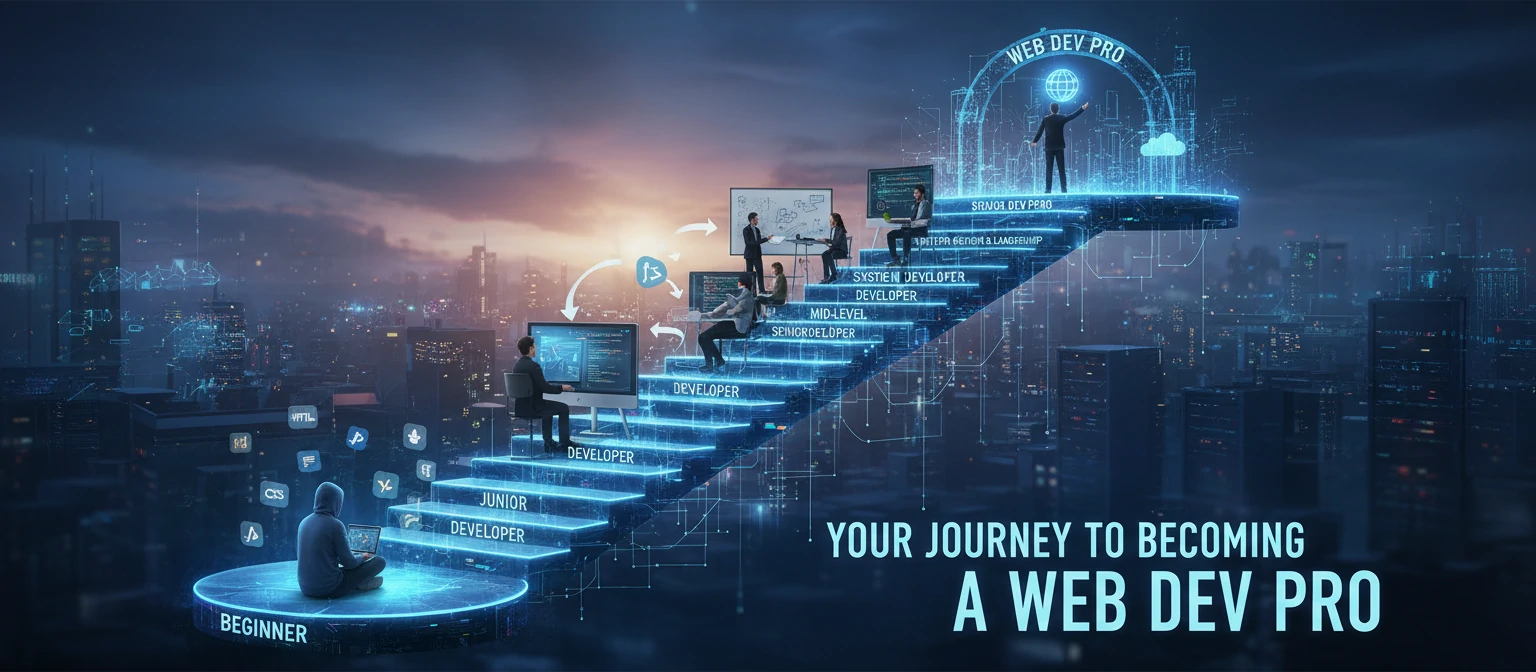
Remember, many developers start in one area and expand their skills over time. The key is continuous learning and staying curious!
Conclusion: Your Digital Success Story Starts Here
In this crazy digital world we live in, your website isn't just a pretty face – it's your 24/7 salesperson, your brand ambassador, and your growth engine. Investing in top-notch web development services isn't about keeping up with the Joneses; it's about giving your business the tools it needs to thrive.
From picking the right type of development to choosing awesome partners and understanding the costs, you've now got the insider knowledge to make smart decisions. Remember, the best websites aren't static – they grow, evolve, and adapt just like your business does.
Whether you're a scrappy startup founder, a seasoned entrepreneur, or leading a big corporation, professional web development can unlock doors you didn't even know existed. So what are you waiting for? Take that first step today and watch your online presence transform from "meh" to magnificent!