Your comprehensive guide to understanding photorealistic visualization and how it transforms ideas into stunning visual reality
Table of contents
- Key Takeaways
- What Exactly Is 3D Rendering?
- A Brief History of Visualization
- Types of 3D Rendering Services
- Industries Transformed by 3D Rendering
- The Rendering Process Explained
- Choosing a Rendering Company
- Understanding Pricing and Costs
- Technology Behind the Magic
- The Future of 3D Visualization
- Getting Started with Your Project
- Frequently Asked Questions
Have you ever looked at an image so realistic that you couldn't tell whether it was a photograph or computer-generated? Welcome to the world of professional 3D rendering services—a field that has quietly revolutionized how businesses visualize, market, and sell everything from skyscrapers to sneakers.
I've spent fifteen years in the visualization industry, watching what began as blocky computer graphics evolve into imagery that regularly fools the human eye. Today, major architectural firms present buildings to clients years before construction begins, furniture companies photograph products that don't physically exist yet, and film studios create entire worlds that feel completely real.
This guide isn't a technical manual—it's a practical exploration of what 3D rendering services actually are, who benefits from them, what different types exist, and how to make informed decisions when hiring visualization professionals. Whether you're an architect considering CGI for your next presentation, a product designer exploring virtual photography, or simply curious about this fascinating field, you'll find answers to questions you didn't even know you had.
Key Takeaways
- 3D rendering creates photorealistic images from mathematical models—useful for visualizing anything from unbuilt buildings to product concepts
- Different rendering types serve different purposes: still images, animations, real-time experiences, and virtual reality
- Pricing varies dramatically based on complexity—simple product renders start around $150, while full architectural visualizations can exceed $15,000
- The best rendering companies balance technical skill with artistic vision and clear communication
- Real-time rendering and AI are rapidly changing what's possible, making visualization faster and more accessible
What Exactly Is 3D Rendering?
At its core, 3D rendering is the process of converting three-dimensional mathematical data into two-dimensional images. Think of it like photography, except instead of capturing light bouncing off real objects, we're simulating that light behavior inside a computer. The result? Images that can be indistinguishable from photographs—or deliberately stylized for artistic effect.
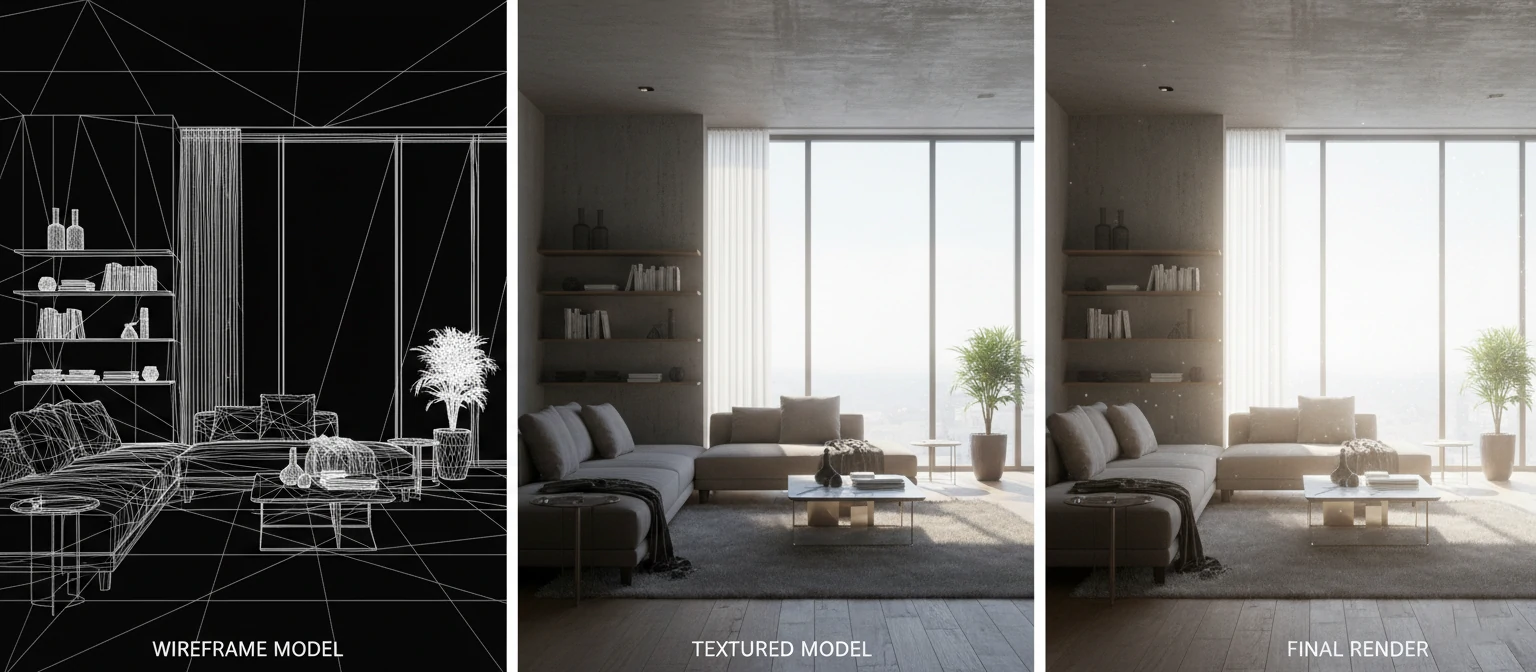
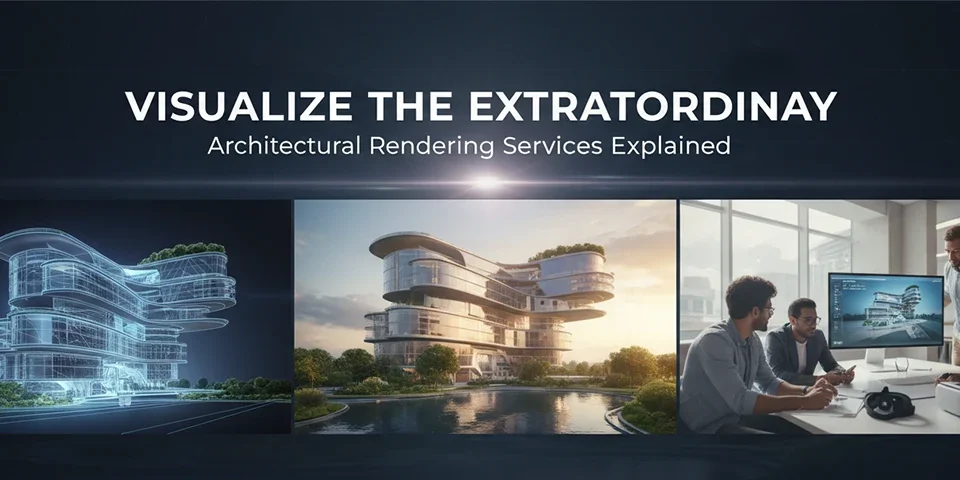
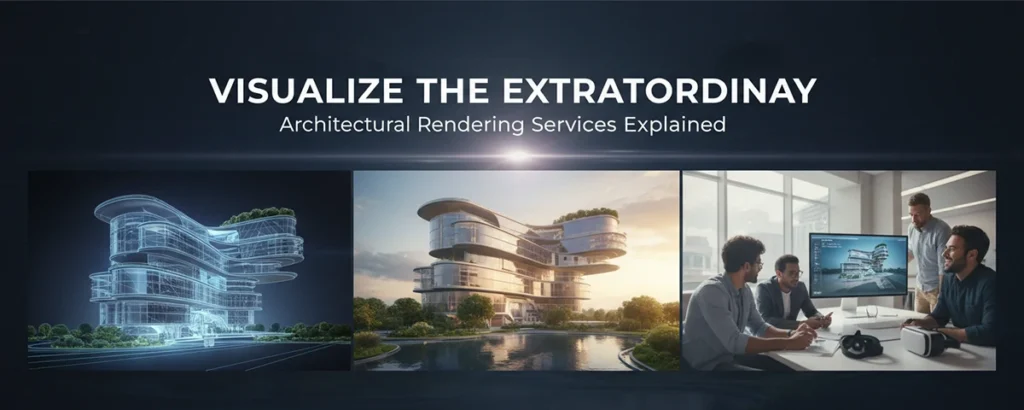
The process involves several stages. First, artists create a 3D model—essentially a digital sculpture made of geometric shapes. Then they apply materials and textures (making surfaces look like wood, fabric, metal, or any other material). Next comes lighting—positioning virtual light sources that behave like their real-world counterparts. Finally, the rendering engine calculates how light interacts with every surface, producing the final image.
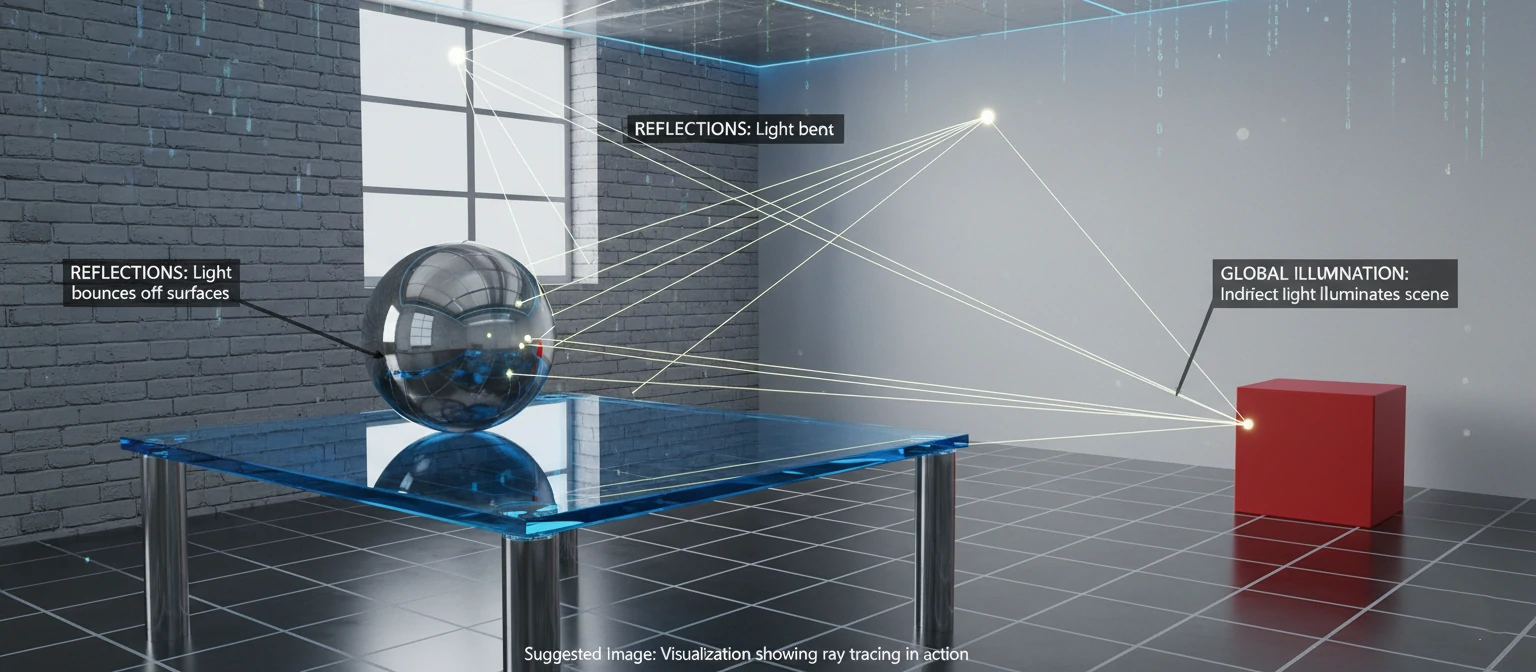
What makes modern 3D rendering remarkable is the physics simulation involved. Advanced rendering engines trace millions of light rays, calculating reflections, refractions, shadows, and subtle phenomena like subsurface scattering (how light penetrates and diffuses through materials like skin or marble). This is why a well-executed render can be virtually indistinguishable from reality.
Modeling
Creating the 3D geometry and shapes
Texturing
Applying realistic surface materials
Lighting
Setting up virtual light sources
Rendering
Computing the final image output
The term "rendering" comes from the artistic sense of the word—to depict or represent something. In computer graphics, we're rendering a mathematical representation into a visual one. Professional rendering services handle this entire pipeline, from initial concept to final delivery, often employing specialized artists for each stage.
A Brief History of Visualization
The story of 3D rendering is really a story of computing power. In the 1960s, pioneers like Ivan Sutherland created the first computer graphics programs. These early systems could display simple wireframe shapes—revolutionary at the time, but a far cry from photorealism. Rendering a single simple image could take hours or even days.
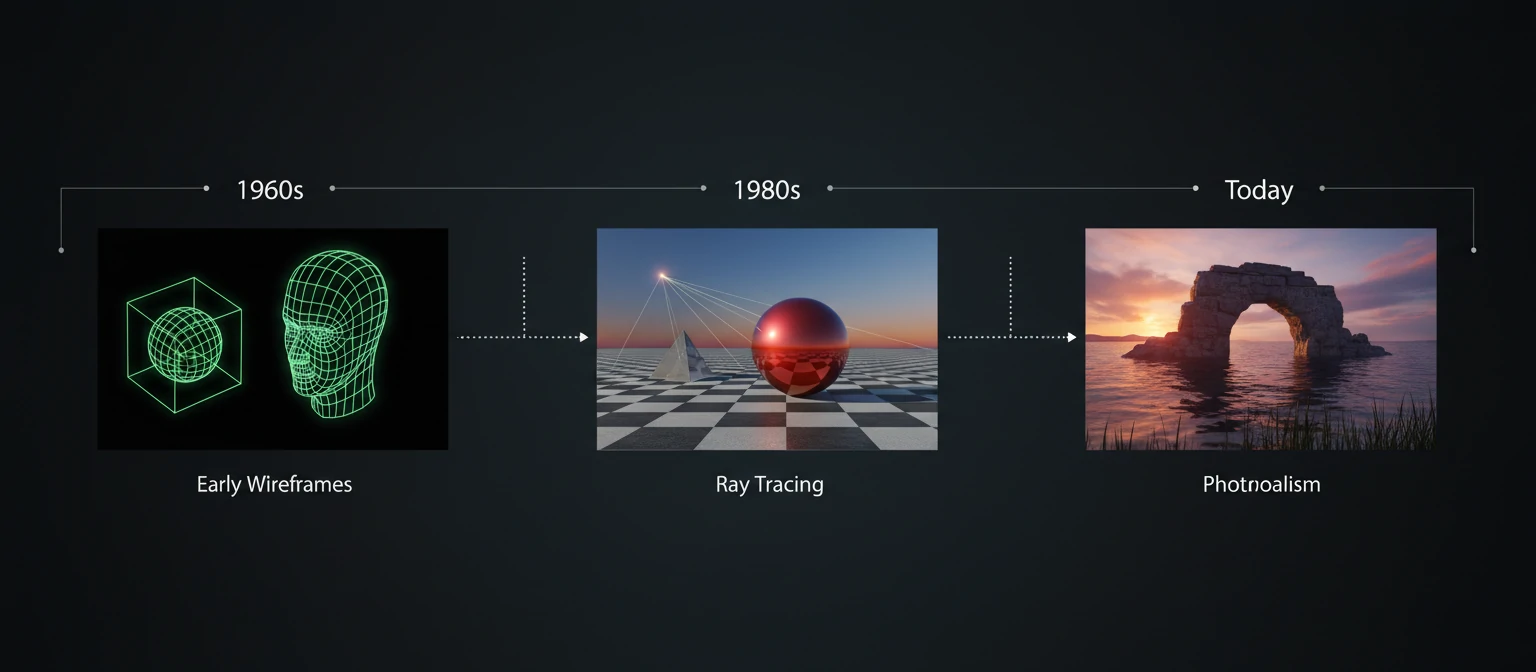
The 1970s brought fundamental breakthroughs. Researchers developed algorithms for hidden surface removal (so objects properly occluded others), texture mapping (wrapping 2D images onto 3D surfaces), and early shading models. Ed Catmull, who would later co-found Pixar, developed techniques still used today.
The 1980s saw the birth of ray tracing—a technique that simulates individual light rays bouncing through a scene. This approach, while computationally expensive, produced unprecedented realism. Turner Whitted's 1980 paper on recursive ray tracing showed reflections within reflections, shadows with proper penumbras, and transparent objects refracting light correctly.
Evolution of 3D Rendering
1963
Sketchpad - First CAD
1980
Ray Tracing Invented
1995
Toy Story Released
2018
Real-Time Ray Tracing
Throughout the 1990s and 2000s, commercial rendering software matured. Programs like 3ds Max, Maya, and Cinema 4D brought professional 3D tools to creative industries. Architectural visualization emerged as firms realized they could show clients photorealistic views of buildings years before construction.
Today, we're in an era of unprecedented capability. Cloud rendering farms can process in minutes what once took weeks. Real-time rendering engines achieve quality that matches pre-rendered imagery. AI-assisted tools accelerate workflows dramatically. And yet, despite all this technology, the fundamental goal remains unchanged: creating compelling visual representations of things that don't yet exist in the physical world.
Types of 3D Rendering Services
Not all rendering is created equal. Different projects require different approaches, and understanding these distinctions helps you communicate effectively with visualization professionals and choose the right service for your needs.
Architectural Visualization
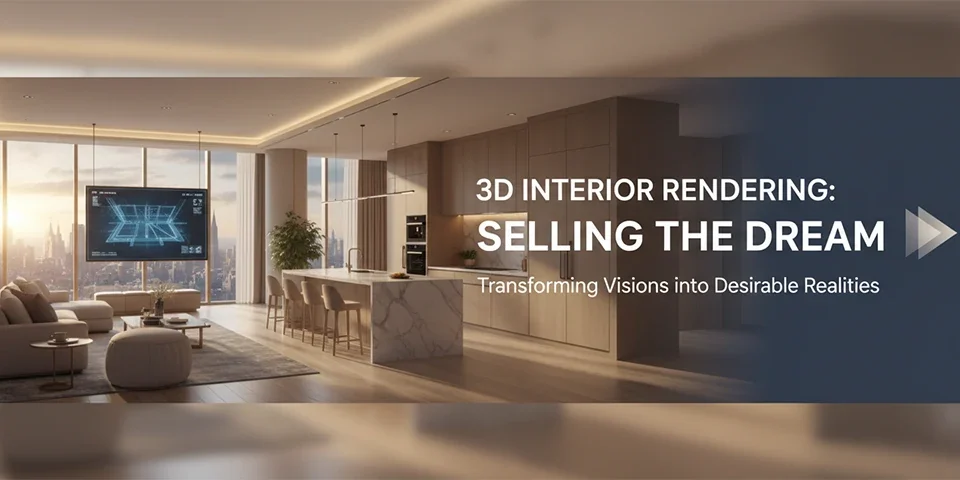
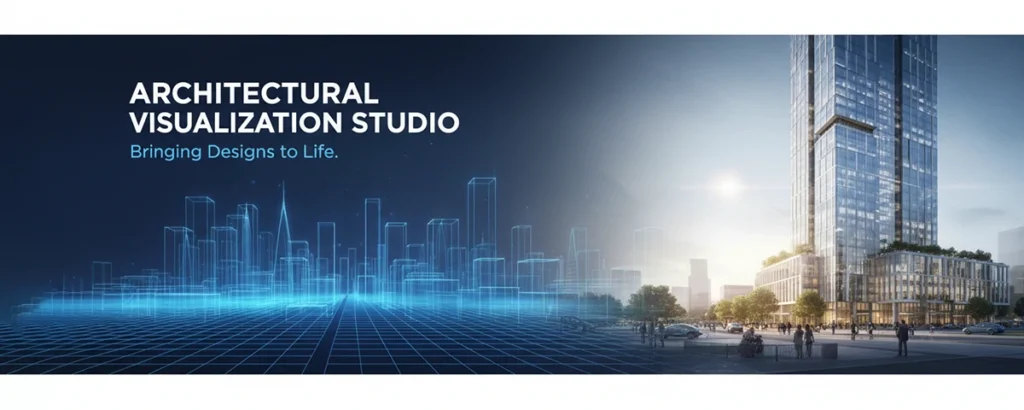
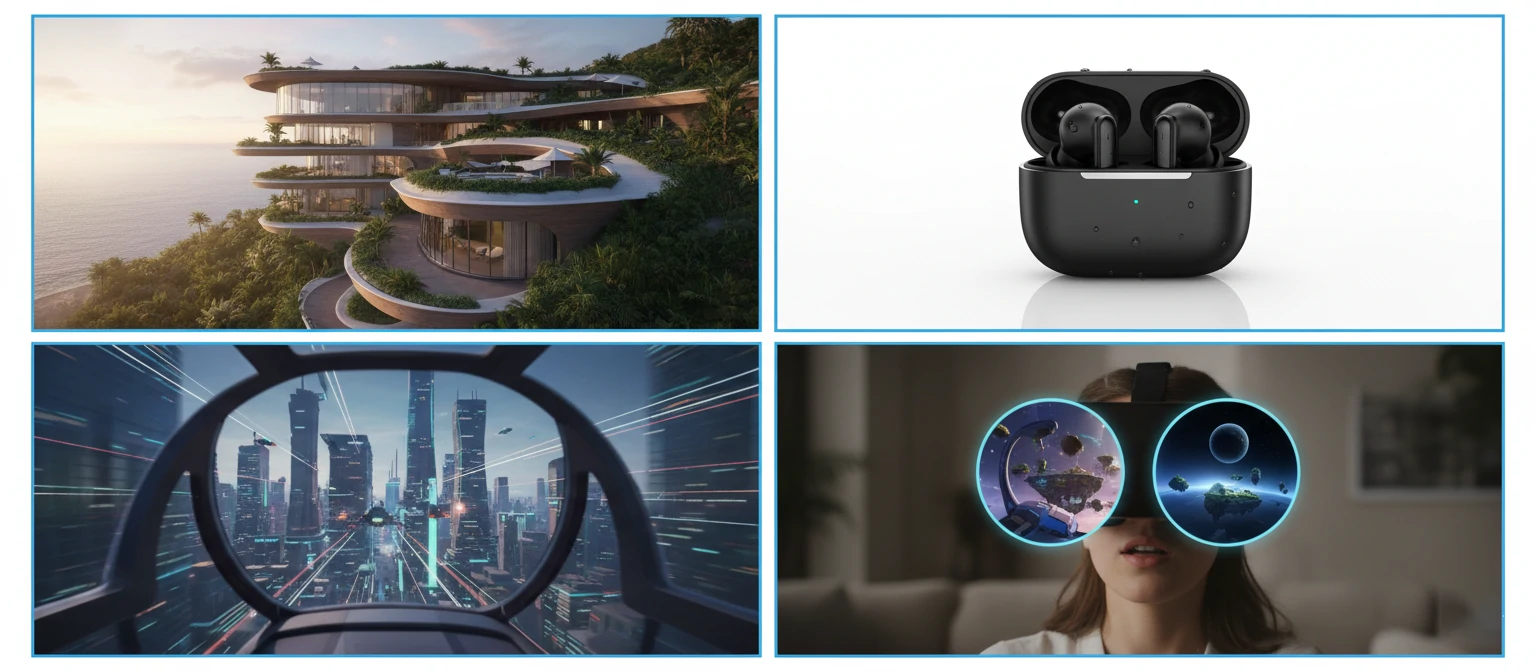
Arguably the largest segment of the rendering industry, architectural visualization (or "archviz") encompasses exterior renders, interior renders, aerial views, and neighborhood-scale masterplans. These images help architects win competitions, developers sell properties, and clients understand proposed designs. Quality ranges from conceptual sketches to images indistinguishable from photographs.
Product Visualization
Product rendering has revolutionized e-commerce and marketing. Companies can create perfect product images without expensive photography setups. From furniture and electronics to jewelry and automobiles, 3D visualization allows products to be shown in ideal conditions, from any angle, with unlimited variations in color and configuration.
Animation and Motion Graphics
When static images aren't enough, animation brings 3D content to life. Architectural flythroughs let viewers experience spaces virtually. Product animations demonstrate functionality. Exploded views reveal internal mechanisms. The added dimension of time dramatically increases production complexity—and cost—but creates compelling content impossible to achieve otherwise.
| Rendering Type | Best For | Typical Timeline | Complexity |
|---|---|---|---|
| Still Images | Marketing, presentations | 3-10 days | Standard |
| Animations | Video content, walkthroughs | 2-8 weeks | High |
| 360° Panoramas | Virtual tours, websites | 5-14 days | Medium-High |
| VR Experiences | Immersive presentations | 4-12 weeks | Very High |
| Real-Time Interactive | Configurators, games | 6-20 weeks | Very High |
Virtual and Augmented Reality
VR and AR represent the cutting edge of visualization. Virtual reality allows complete immersion in rendered environments—clients can "walk through" buildings or examine products at life-size. Augmented reality overlays virtual objects onto the real world, letting users see how furniture might look in their actual living room or how a building would appear on a vacant lot.
Interactive Configurators
Real-time rendering powers product configurators—those tools on automotive and furniture websites that let you customize options and see results instantly. These require a different technical approach than traditional pre-rendered imagery, using game engine technology to achieve interactive frame rates while maintaining visual quality.
Industries Transformed by 3D Rendering
3D rendering has moved far beyond its origins in entertainment and architecture. Today, virtually every industry that creates physical products or spaces uses visualization technology in some capacity. Here's how different sectors leverage rendering services.
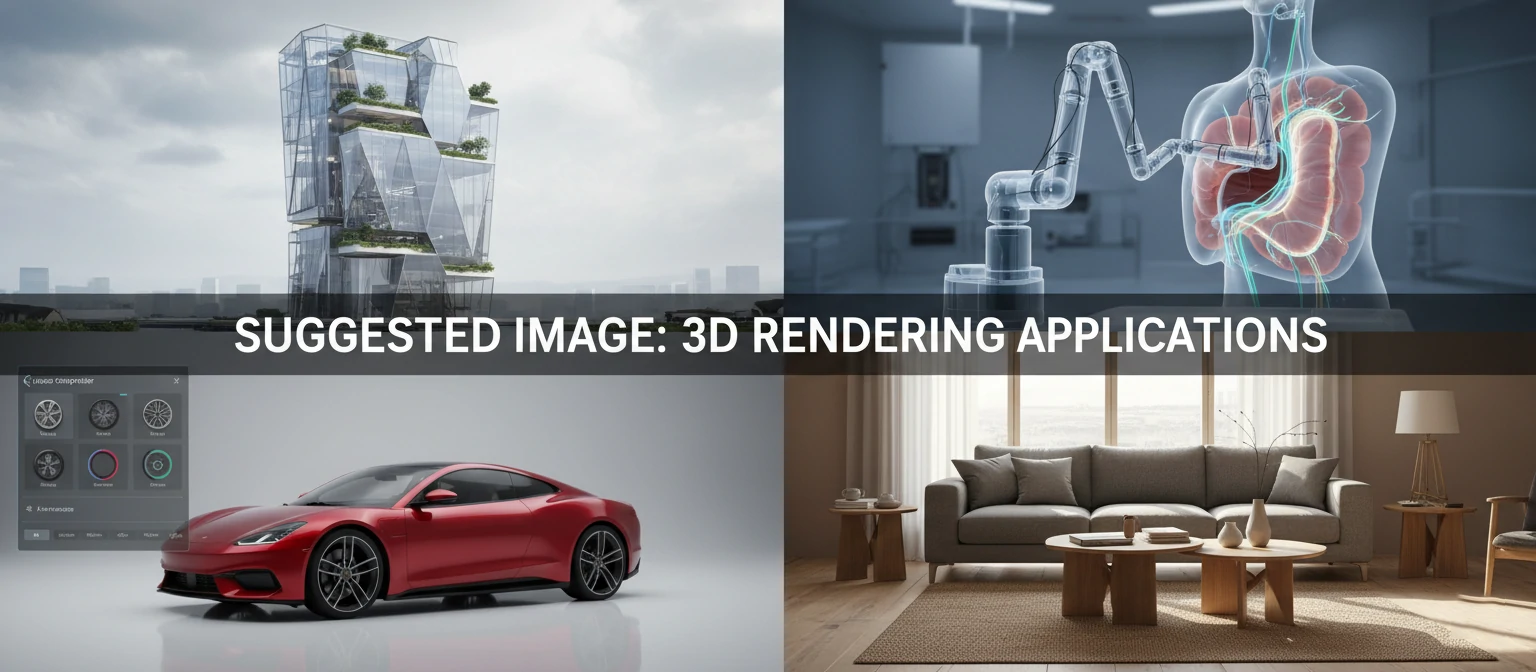
Architecture & Real Estate
Pre-sales visualization, competition entries, design development, and marketing materials for developments of all scales.
Automotive
Configurators, advertising imagery, design review, and virtual prototyping before physical models are built.
Furniture & Interior
Catalog imagery, room scenes, AR "try before you buy" apps, and infinite variation showcase.
Jewelry & Luxury
High-fidelity product visualization with accurate caustics, reflections, and material properties for precious metals and gems.
Medical & Scientific
Medical device visualization, surgical planning, molecular rendering, and educational illustrations.
Entertainment
Film VFX, animated features, game cinematics, and virtual production environments.
The e-commerce revolution has been particularly transformative. Companies like IKEA now render the majority of their catalog imagery—it's simply more efficient than traditional photography for products with many variations. Amazon product listings increasingly feature 3D content, and some estimates suggest that over 75% of furniture imagery online is now computer-generated.
Manufacturing uses rendering throughout the design process, from concept visualization through engineering review. Aerospace companies visualize aircraft interiors. Consumer electronics brands present products before tooling is finalized. The common thread: showing stakeholders things that don't yet physically exist, enabling better decisions earlier in development cycles.
The Rendering Process Explained
Understanding the typical workflow helps set realistic expectations and enables more productive collaboration with rendering professionals. While specific processes vary by company, most projects follow a similar arc from brief to delivery.
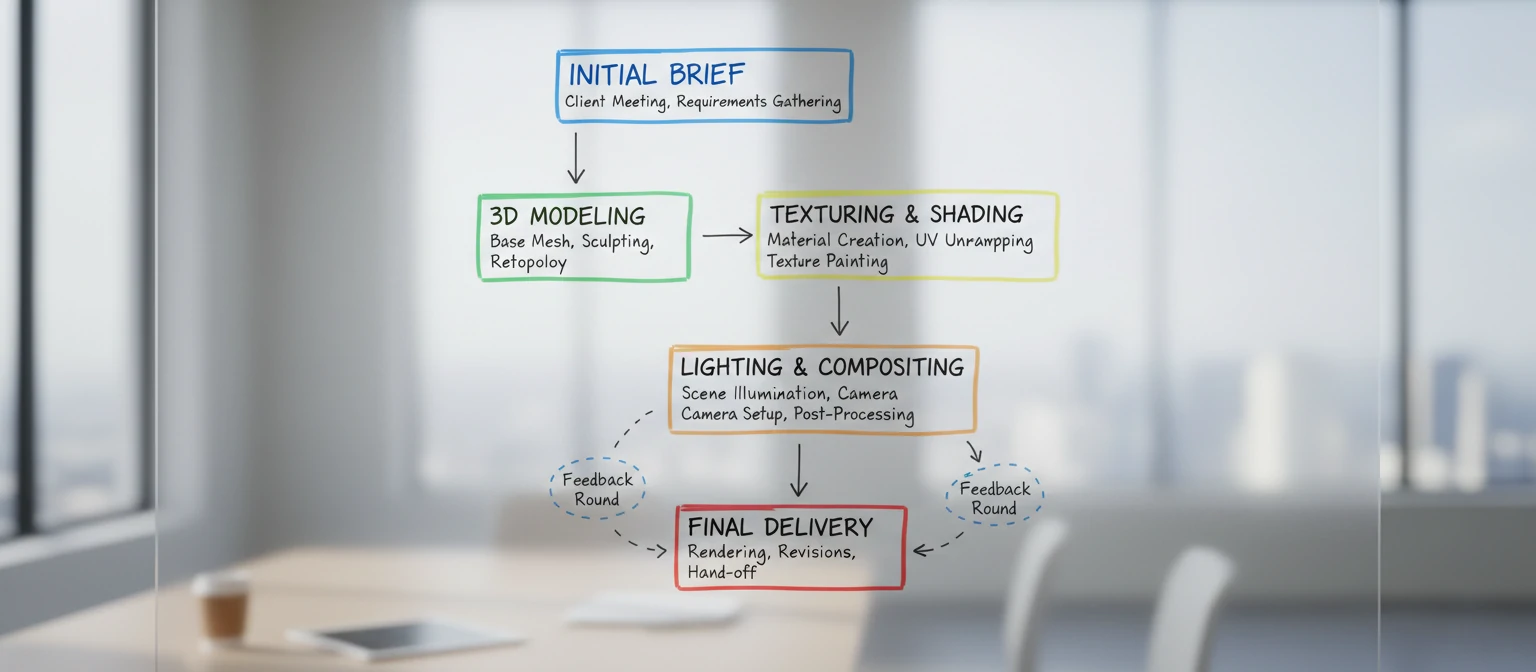
Project Brief & Discovery
You provide reference materials—CAD files, sketches, photos, mood boards. The rendering team asks clarifying questions about intended use, style direction, and specific requirements. Clear communication here prevents costly revisions later.
3D Modeling
Artists build the 3D geometry. For architecture, this might involve importing CAD data and adding detail. For products, it could mean modeling from scratch using reference images. This stage defines the physical form of everything in the scene.
Materials & Texturing
Every surface receives appropriate materials—wood grain, fabric weave, metal finish, glass properties. This is where renders gain their tactile quality. Accurate material creation often separates amateur work from professional results.
Lighting & Camera Setup
Virtual lights are positioned, adjusted, and tuned. Camera angles are chosen. This stage has enormous artistic impact—the same model can look drastically different depending on lighting approach. Many consider this the most critical creative phase.
Review & Iteration
Draft renders are shared for feedback. This typically happens at multiple stages—rough drafts showing composition, then refined versions for material and lighting approval. Budget revision rounds wisely; endless changes increase costs.
Final Rendering & Post-Production
Approved scenes are rendered at full resolution—a process that can take hours per image for complex scenes. Post-production adds final polish: color grading, subtle retouching, compositing with backgrounds or photography.
The entire process typically spans one to four weeks for still images, longer for animations. Rush jobs are possible but expensive. Providing complete, accurate reference materials upfront is the single most effective way to keep projects on time and budget.
Choosing a Rendering Company
The visualization industry ranges from solo freelancers to large studios with hundreds of artists. Choosing the right partner significantly impacts both results and experience. Here's what to evaluate when selecting a rendering service provider.
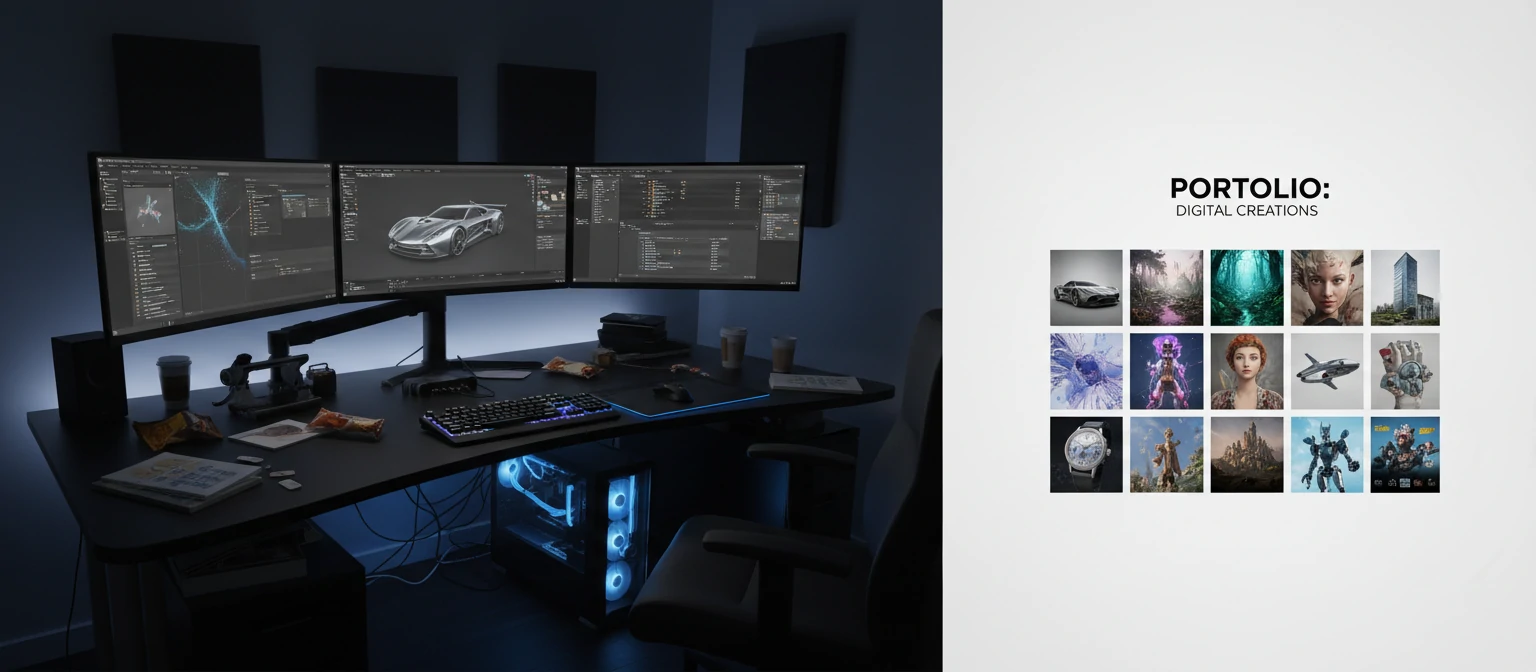
Portfolio Alignment
Review their portfolio with a critical eye. Do they have experience in your specific domain? An architectural visualization specialist might struggle with product rendering, and vice versa. Look for work that matches your intended style—photorealistic, stylized, technical, emotional. Past work predicts future results more reliably than promises.
Technical Capability
Can they handle your project's technical requirements? Large-scale animations need different infrastructure than single images. VR projects require specialized expertise. If you need specific deliverables—particular file formats, resolution requirements, or technical specifications—verify they can accommodate these before starting.
Questions to Ask Potential Partners
- What software and rendering engines do you use?
- How many revision rounds are included in your standard pricing?
- What's your typical turnaround time for projects of this scope?
- Can you show me examples of projects similar to mine?
- Who will be my primary point of contact throughout the project?
- What file formats will you need from me, and what will you deliver?
- How do you handle scope changes or additional requests?
- What's your process for feedback and approvals?
Communication and Process
Technical skill means little if communication breaks down. Evaluate responsiveness during the inquiry phase—it often predicts project experience. Look for structured processes with clear milestones and approval gates. The best companies proactively keep clients informed rather than requiring constant follow-up.
Pricing Transparency
Beware of quotes that seem too good to be true—they usually are. Quality rendering requires skilled artists and significant compute resources. Extremely low prices often indicate inexperience, overseas outsourcing with communication challenges, or bait-and-switch tactics where costs escalate after starting. Established companies provide detailed quotes with clear scope definitions.
Understanding Pricing and Costs
Rendering costs vary enormously based on complexity, quality level, and timeline. Understanding the factors that influence pricing helps you budget appropriately and evaluate quotes fairly.
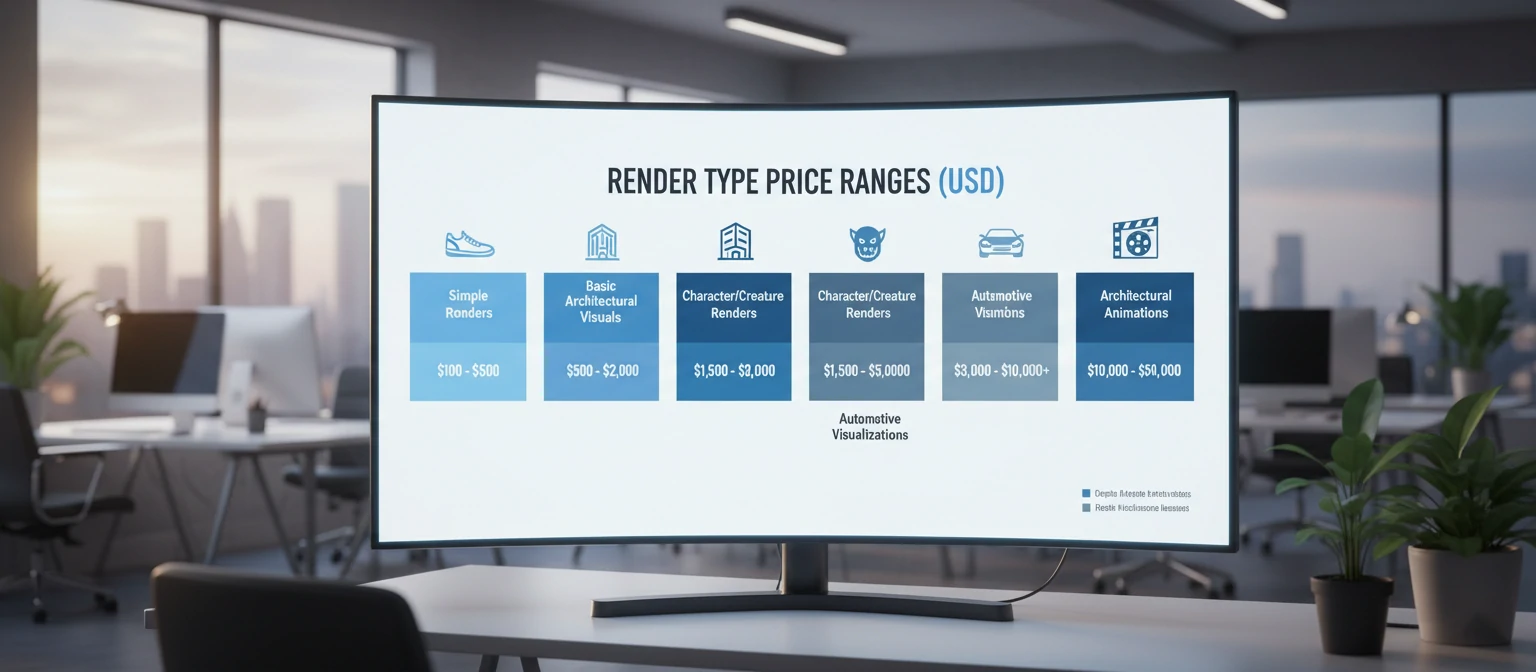
| Service Type | Budget Range | Mid-Range | Premium |
|---|---|---|---|
| Simple Product Render | $150 - $400 | $400 - $800 | $800 - $2,000 |
| Interior Render | $500 - $1,500 | $1,500 - $3,500 | $3,500 - $8,000 |
| Exterior Render | $800 - $2,000 | $2,000 - $5,000 | $5,000 - $15,000 |
| Animation (per minute) | $3,000 - $8,000 | $8,000 - $20,000 | $20,000 - $60,000+ |
| VR Experience | $5,000 - $15,000 | $15,000 - $50,000 | $50,000 - $200,000+ |
Factors Affecting Cost
Scene Complexity
More objects, detailed geometry, and intricate environments require more modeling time and longer render times.
Quality Level
Photorealistic rendering requires more sophisticated lighting, materials, and post-production than stylized or conceptual imagery.
Timeline
Rush projects command premiums—often 50-100% more than standard timelines. Plan ahead when possible.
Revisions
Most quotes include limited revision rounds. Extensive changes beyond scope add cost. Clear initial briefs minimize revisions.
Geographic location matters less than it once did—talented artists work globally, and remote collaboration is now standard. However, time zone differences and language barriers can affect communication efficiency. Many companies find optimal balance with overseas modeling and local creative direction.
When comparing quotes, ensure you're evaluating equivalent scope. A quote half the price of competitors likely covers half the work—fewer images, lower resolution, fewer revisions, or less refined quality. Request detailed breakdowns showing exactly what's included.
Technology Behind the Magic
Understanding the technology powering modern rendering helps you appreciate capabilities, limitations, and why certain requests cost more than others. You don't need deep technical knowledge, but familiarity with key concepts improves communication with visualization professionals.
Rendering Engines
Rendering engines are the software that calculates final images. Major players include V-Ray (industry standard for architecture), Corona Renderer (known for ease of use), Arnold (preferred for film), Octane (GPU-based speed), and Redshift (optimized for motion graphics). Each has strengths—choosing appropriately affects quality and efficiency.
Ray Tracing vs. Rasterization
Ray tracing simulates light physics by tracing individual light rays through scenes. It produces accurate reflections, refractions, and shadows but is computationally expensive. Rasterization (used in games) is faster but makes physical approximations. Modern real-time engines increasingly blend both approaches for speed with quality.
CPU Rendering
- Uses processor cores
- Traditionally more accurate
- Handles complex scenes well
- Slower render times
GPU Rendering
- Uses graphics cards
- Much faster for many scenes
- Real-time preview capability
- VRAM limits scene size
Cloud Rendering
Cloud render farms have democratized access to massive compute power. Instead of waiting hours for a single image, studios can distribute work across thousands of machines, completing in minutes what would take days locally. Services like AWS, Google Cloud, and specialized platforms like RebusFarm and GarageFarm handle the infrastructure.
Real-Time Engines
Unreal Engine and Unity, originally developed for games, increasingly handle architectural visualization and film production. These engines render frames fast enough for interactive experiences—thirty to sixty images per second. Quality has improved dramatically; Unreal Engine's Lumen global illumination system produces results approaching traditional rendering at real-time speeds.
The Future of 3D Visualization
The visualization industry evolves rapidly. Capabilities that seemed futuristic five years ago are now standard, and emerging technologies promise even more dramatic changes. Here's what's shaping the future of 3D rendering.
Artificial Intelligence Integration
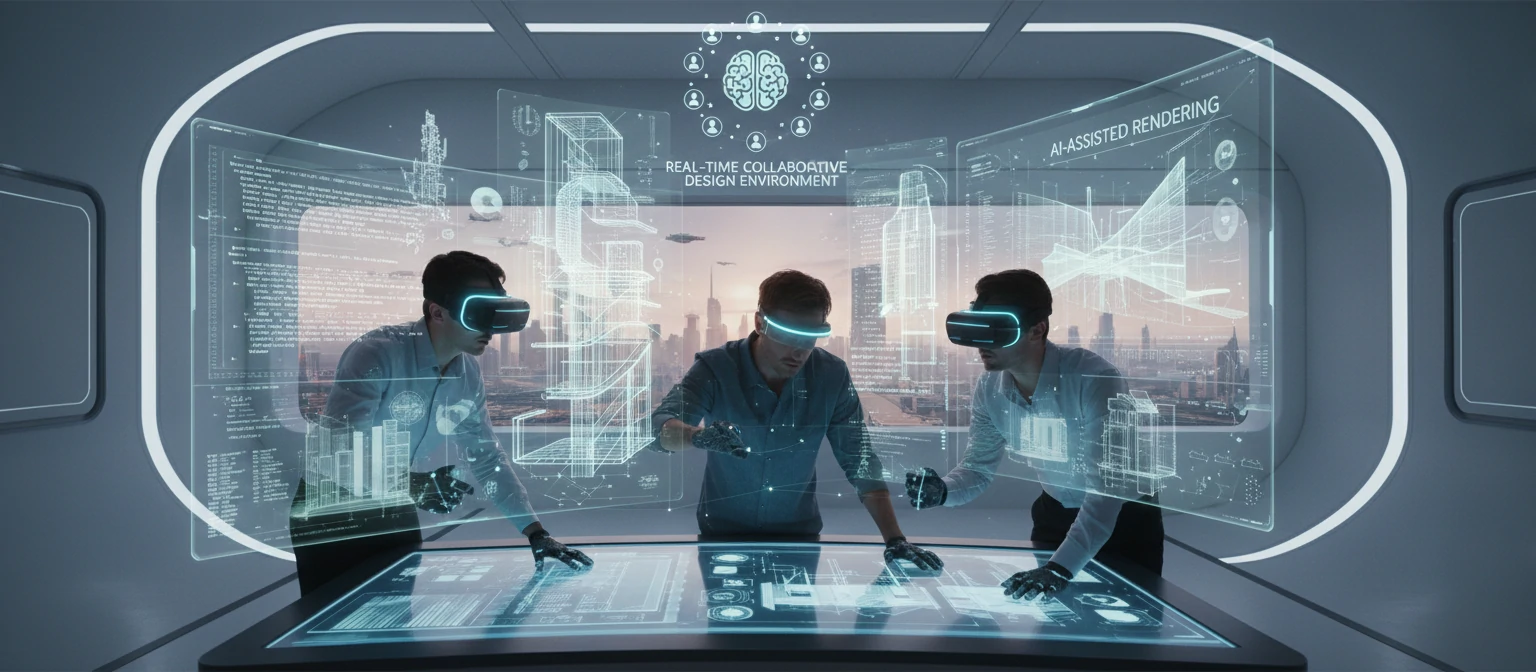
AI is transforming rendering workflows. Denoisers use machine learning to clean noisy renders in seconds rather than hours of additional compute time. AI upscaling increases resolution intelligently. Neural radiance fields (NeRFs) create 3D scenes from photographs. Text-to-3D systems generate models from descriptions. These tools augment human artists rather than replace them, accelerating production dramatically.
Real-Time Quality Revolution
The gap between real-time and pre-rendered quality continues shrinking. Path tracing in game engines now handles effects that previously required offline rendering. Within a few years, interactive experiences may be visually indistinguishable from current pre-rendered work, enabling new applications and democratizing high-quality visualization.
Emerging Trends to Watch
Virtual Production
LED walls replacing green screens in film and video production
Digital Twins
Real-time 3D replicas of physical buildings and infrastructure
Spatial Computing
Apple Vision Pro and similar devices merging physical and digital
Generative AI Assets
AI-generated textures, models, and environments accelerating production
Accessibility and Democratization
Professional-quality visualization is becoming accessible to smaller organizations and individuals. Cloud computing eliminates hardware barriers. Intuitive tools lower skill requirements. AI assists with technical tasks. While expertise remains valuable, the threshold for creating decent renders continues dropping, expanding who can participate in visual communication.
Getting Started with Your Project
Ready to commission 3D rendering services? Proper preparation maximizes results while minimizing cost and frustration. Here's how to set your project up for success.
Prepare Your Reference Materials
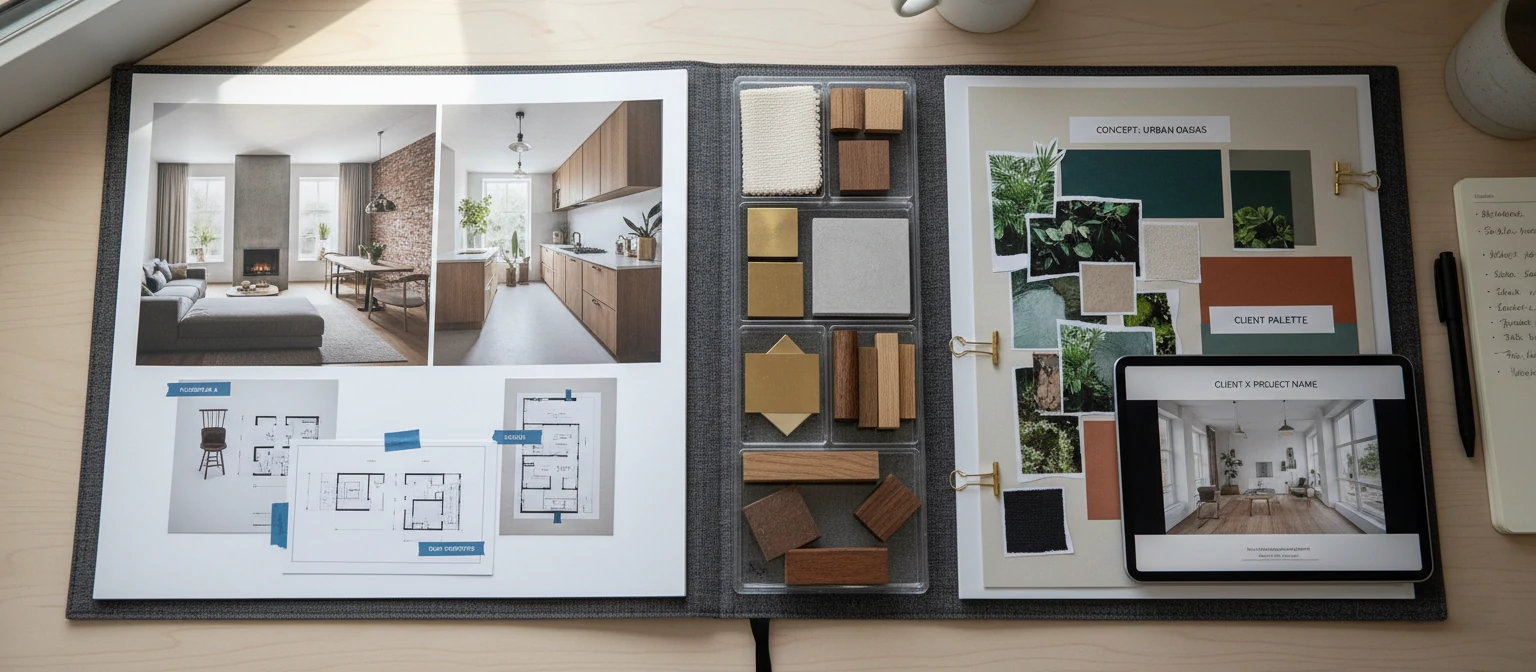
Gather everything the rendering team needs: CAD files or architectural drawings, product specifications, material references, brand guidelines, mood boards showing desired aesthetic. The more complete your package, the fewer questions arise during production and the more accurately results match expectations.
Define Clear Objectives
Know what you're trying to achieve. Marketing images require different approaches than technical documentation. Understand where images will be used—print advertisements need different specifications than website graphics. Clarify who needs to approve work and their availability during the project timeline.
Project Preparation Checklist
Request and Compare Quotes
Contact three to five studios with your brief. Professional companies will ask clarifying questions before quoting—those who don't may not fully understand your needs. Compare quotes on equivalent scope, not just price. Evaluate communication quality during the inquiry process.
Establish Communication Protocols
Agree on how feedback will be exchanged and decisions documented. Screen-sharing reviews often work better than written notes for visual feedback. Define who has final approval authority and ensure they're available at review milestones. Delays in feedback cause delays in delivery.
Finally, treat your rendering partner as a collaborator rather than a vendor. The best results come from creative dialogue where visualization professionals can contribute their expertise. Share your goals openly, remain receptive to suggestions, and trust the process. Great rendering is both art and science—give it room to develop.
Frequently Asked Questions
How long does a typical rendering project take?
Simple product renders can be completed in 3-5 days. Architectural visualizations typically take 1-3 weeks depending on complexity. Animations require 4-12 weeks for most projects. Rush timelines are possible with premium pricing. The biggest variable is often client feedback timing—projects stall when approvals take weeks instead of days.
What files do I need to provide?
Ideally, 3D CAD files (SKP, DWG, 3DS, OBJ, FBX, or STEP formats). If unavailable, detailed technical drawings with dimensions work. For products, photographs from multiple angles with measurements help. Material references, color specifications, and reference imagery for desired style are always valuable regardless of what 3D data you provide.
Can I make changes after seeing the initial render?
Yes, revision rounds are standard practice. Most quotes include 2-3 revision cycles. Changes to lighting, materials, and camera angles are typically straightforward. Geometric changes (different furniture, altered building design) may incur additional charges as they require re-modeling. Clarify revision policies before starting.
What's the difference between rendering and animation?
Rendering produces still images from 3D scenes. Animation involves rendering sequences of frames (typically 24-60 per second) that play as video. A 30-second animation at 30fps requires 900 individual frames. This is why animation costs significantly more than still images—plus additional work for camera movement, timing, and often music/sound design.
Do I own the rights to rendered images?
Typically, yes—most rendering contracts transfer full usage rights to clients upon payment. However, studios often retain rights to use work in their portfolios. Some retain 3D model ownership, charging separately if you want source files for future modifications. Clarify intellectual property terms in your contract before starting.
Viktor Kowalski
3D Visualization Director
Viktor leads the visualization department at a major architectural practice, overseeing projects from concept through delivery. With fifteen years in the industry spanning gaming, film, and architecture, he brings unique perspective to how 3D rendering serves diverse creative needs. He regularly speaks at visualization conferences and consults for firms establishing in-house rendering capabilities.