Discover how Microsoft transformed Bing into an AI powerhouse, what makes it different from ChatGPT, and how to use it to supercharge your productivity.
I’ll never forget the first time I asked Bing AI to help me plan a trip to Japan. Instead of the usual list of blue links I’d grown accustomed to over two decades of searching the web, Bing responded like a knowledgeable friend—offering personalized suggestions, asking clarifying questions about my interests, and even creating a day-by-day itinerary that considered my budget and travel style.
“This changes everything,” I remember thinking. And I wasn’t alone. When Microsoft launched its AI-powered Bing in February 2023, it sent shockwaves through the tech industry. For the first time in decades, someone was genuinely challenging Google’s dominance in search—not by building a better search engine, but by reimagining what search could be.
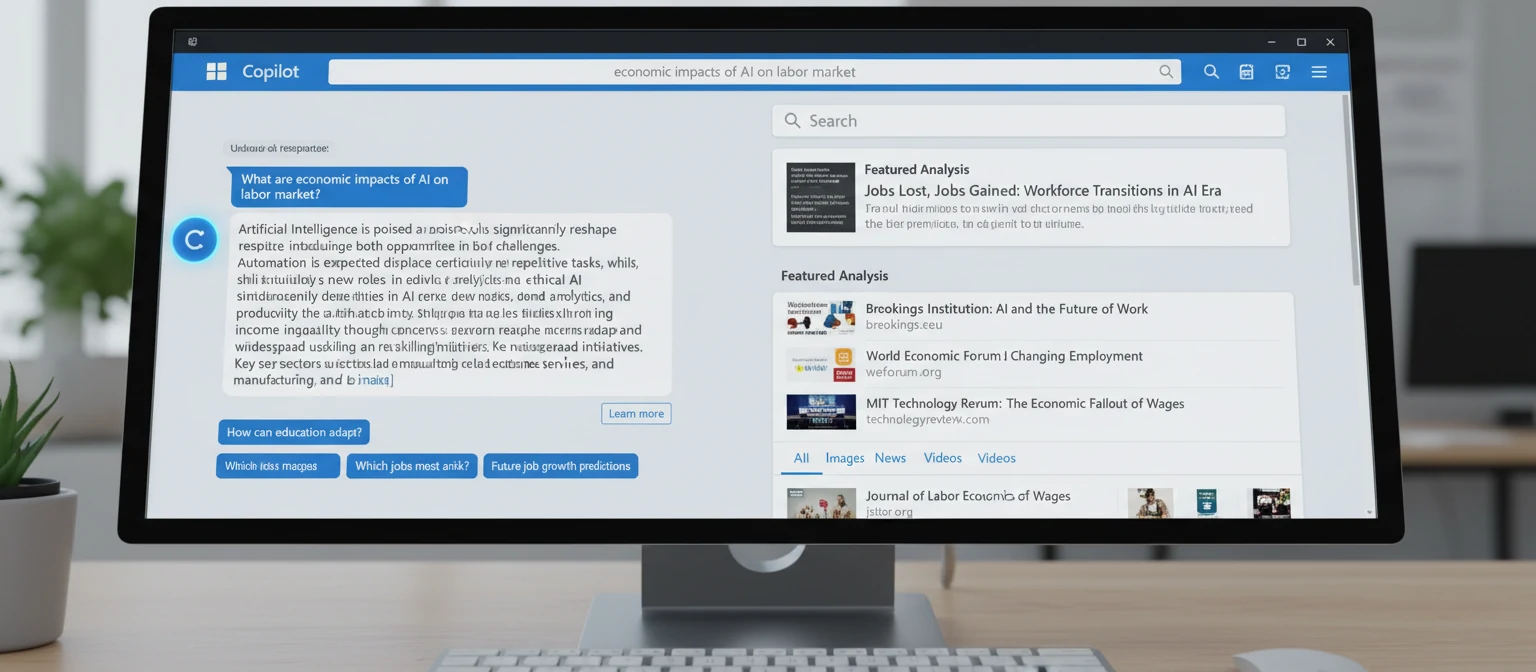
Today, Bing AI—now branded as Microsoft Copilot—has evolved far beyond its initial launch. It’s become an integral part of Windows, Microsoft 365, and Edge, reaching hundreds of millions of users. But what exactly is Bing AI? How does it work? And how can you use it to actually get things done? Let’s dive in.
The Story Behind Bing AI
To understand Bing AI, you need to understand Microsoft’s long game with artificial intelligence. While OpenAI captured headlines with ChatGPT’s November 2022 launch, Microsoft had been investing in the company since 2019, eventually committing over $13 billion. When ChatGPT exploded into public consciousness, Microsoft was perfectly positioned to integrate that technology into its products.
The announcement came on February 7, 2023, when Microsoft CEO Satya Nadella introduced the new AI-powered Bing. “It’s a new day in search,” Nadella proclaimed, and for once, the corporate hyperbole seemed justified. This wasn’t an incremental update—it was a fundamental reimagining of how we interact with information on the internet.
The initial rollout was cautious. Microsoft limited access through a waitlist, carefully monitoring how users interacted with the system. Those early days weren’t without controversy—the AI occasionally produced bizarre or unsettling responses, leading to memorable headlines about Bing’s alter ego “Sydney.” But Microsoft iterated quickly, and the product improved dramatically.
Bing AI Evolution Timeline
Microsoft Invests in OpenAI
Initial $1 billion investment begins the partnership that would transform Microsoft’s AI strategy
New Bing Launches
AI-powered Bing debuts with GPT-4 integration, waitlist access, and Edge browser integration
Open Access & Expansion
Waitlist removed, Bing Chat available to all users with Microsoft account
Rebranded as Copilot
Bing Chat becomes Microsoft Copilot, unified AI assistant across Windows and Microsoft 365
Copilot Pro & Enterprise
Premium tiers offer GPT-4 Turbo, priority access, and deep Microsoft 365 integration
How Bing AI Actually Works
Understanding how Bing AI works helps you use it more effectively. At its core, Bing AI combines several technologies working together seamlessly.
Large Language Model (GPT-4)
At the heart of Bing AI is OpenAI’s GPT-4 (and GPT-4 Turbo for premium users). This massive neural network has been trained on vast amounts of text data, enabling it to understand context, generate human-like responses, and reason through complex problems. Microsoft has customized this model specifically for search scenarios.
Bing Search Index
Unlike ChatGPT’s training data cutoff, Bing AI has access to Bing’s entire search index—billions of web pages updated in real-time. This means it can provide current information, cite sources, and answer questions about recent events. The AI grounds its responses in actual web content.
Prometheus Model
Microsoft developed a proprietary system called Prometheus that combines GPT-4 with Bing’s search capabilities. It handles the orchestration—deciding when to search the web, how to synthesize information from multiple sources, and how to present responses with proper citations.
Safety & Guardrails
Multiple layers of safety systems prevent harmful outputs. This includes content filtering, jailbreak prevention, and response validation. While not perfect, these systems have significantly improved since the early days and continue to evolve.
What Happens When You Ask Bing AI a Question
Query Analysis: The AI analyzes your question to understand intent, identify key concepts, and determine what information is needed.
Web Search: Prometheus generates search queries and retrieves relevant results from Bing’s index, often performing multiple searches.
Information Synthesis: GPT-4 processes the retrieved information, combining it with its trained knowledge to form a coherent response.
Response Generation: The answer is formatted with citations, formatted text, and when relevant, images, code blocks, or interactive elements.
Safety Check: The response passes through content filters before being displayed to ensure it meets safety guidelines.

Key Features & Capabilities
Bing AI/Copilot has evolved into a versatile AI assistant with capabilities that go far beyond simple search. Here’s what it can do:
Conversational Search
Ask questions naturally, follow up with clarifications, and have multi-turn conversations. The AI remembers context within a chat session, making research feel like talking to an expert.
Content Creation
Draft emails, write essays, create social posts, compose poems, or generate marketing copy. Choose from different tones: professional, casual, enthusiastic, or informational.
Image Generation (DALL-E)
Create original images from text descriptions using integrated DALL-E 3. Generate artwork, design concepts, illustrations, or creative visuals for any purpose.
Code Assistance
Write, explain, debug, and convert code across multiple programming languages. Get help with algorithms, troubleshoot errors, or learn new programming concepts.
Data Analysis
Analyze data, create charts, explain statistics, and help with research. In Copilot Pro with Microsoft 365, it can work directly with your Excel spreadsheets and data.
Real-Time Information
Access current news, weather, sports scores, stock prices, and recent events. Unlike static AI models, Bing AI knows what’s happening right now.
Conversation Styles
Copilot offers three distinct conversation styles, each suited for different tasks:
Imaginative, original responses. Best for brainstorming, creative writing, and exploring ideas.
Informative yet engaging. Good default for most tasks balancing accuracy and personality.
Factual, concise, straightforward. Best for research, technical questions, and when accuracy is paramount.
Bing AI vs. ChatGPT vs. Google: How They Compare
With multiple AI assistants available, it helps to understand how they differ. Here’s an honest comparison based on my extensive testing:
When to Use Each AI Assistant
Choose Bing AI/Copilot When...
- You need current, real-time information with sources
- You want free image generation with DALL-E 3
- You’re already in the Microsoft ecosystem (Windows, Office, Edge)
- You want to compare information across multiple web sources
Choose ChatGPT When...
- You need extended, nuanced conversations
- You’re working on complex coding projects
- You want custom GPTs for specific use cases
- You need advanced data analysis (with Plus)
Choose Google Gemini When...
- You’re deep in Google’s ecosystem (Gmail, Docs, Drive)
- You need strong multilingual capabilities
- You want YouTube video summaries and analysis
- You need Google-specific information and integration

Practical Use Cases: How People Actually Use Bing AI
Theory is great, but let’s talk about real-world applications. Here’s how people are actually getting value from Bing AI in their daily lives and work:
Research & Learning
Students and professionals use Bing AI to quickly understand complex topics, get summaries of lengthy articles, and explore subjects from multiple angles—all with citations to verify information.
Travel Planning
Plan trips with personalized recommendations, compare destinations, get real-time flight information, and create detailed itineraries based on your preferences and budget.
Writing Assistance
Draft professional emails, create social media content, write cover letters, improve existing text, or overcome writer’s block with creative prompts and suggestions.
Shopping & Comparisons
Compare products, find the best prices, read synthesized reviews, and get personalized recommendations based on your specific needs and use cases.
Professional Work
With Copilot Pro and Microsoft 365 integration, professionals can summarize meetings, draft documents in Word, analyze data in Excel, and create presentations in PowerPoint.
Tips & Tricks for Better Results
After using Bing AI extensively, I’ve learned what works and what doesn’t. Here are my top tips for getting the most out of it:
🎯 Be Specific
Instead of “tell me about dogs,” try “explain the key differences between Labrador and Golden Retrievers for a first-time dog owner living in an apartment.”
🎯 Set the Context
Tell the AI who you are and what you need. “I’m a beginner photographer looking for...” gets better results than generic questions.
🔄 Use Follow-ups
Don’t start over—build on previous answers. “Can you expand on the third point?” or “Now make it simpler” refines results effectively.
📋 Request Formats
Ask for specific formats: “Give me a table comparing...” or “Create a bulleted list of...” or “Write this as a step-by-step guide.”
⚠ Verify Important Info
Always check citations for critical information. AI can make mistakes or misinterpret sources—especially for medical, legal, or financial topics.
🔬 Try Different Styles
Experiment with Creative, Balanced, and Precise modes. Creative is great for brainstorming; Precise is better for factual research.
Limitations & Concerns
Bing AI is impressive, but it’s not perfect. Understanding its limitations helps you use it appropriately:
⚠ Hallucinations
AI can confidently state incorrect information or fabricate facts. Even with citations, sometimes the AI misinterprets or misrepresents source content. Always verify critical information.
🔢 Context Limits
Conversation memory is limited. In very long chats, the AI may forget earlier context or become less coherent. Starting fresh conversations for new topics helps.
🔒 Privacy Considerations
Conversations may be stored and analyzed by Microsoft. Avoid sharing sensitive personal, financial, or confidential business information in your prompts.
⚖ Bias & Accuracy
The AI reflects biases present in its training data and web sources. For controversial topics, it may present incomplete or skewed perspectives. Seek multiple sources.
🚫 Content Restrictions
Strict safety filters sometimes block legitimate requests or cut off mid-response. While protecting users, this can be frustrating for researchers and professionals.
My Honest Assessment
That Japan trip I mentioned at the beginning? I ended up using the itinerary Bing AI created as a starting point, then refined it based on my own research. That’s the right mental model: Bing AI is a powerful assistant, not an infallible oracle.
What impresses me most is how much it’s improved since launch. The early version was brilliant but erratic. Today’s Copilot is genuinely useful for daily work—faster, more reliable, and better integrated into the tools I already use.
Is it perfect? No. Will it replace Google entirely? Probably not soon. But for many tasks, it’s already my first choice. And that’s something I never expected to say about Bing.

💡 Key Takeaways
Powered by GPT-4: Bing AI uses the same foundation as ChatGPT Plus, but with real-time web access and source citations
Free and accessible: Most features available at no cost, with premium Copilot Pro offering deeper Microsoft 365 integration
Versatile capabilities: Search, content creation, image generation, coding help, and productivity assistance in one tool
Ecosystem advantage: Deep integration with Windows, Edge, and Microsoft 365 makes it seamless for existing users
Use critically: Verify important information, understand limitations, and treat it as a powerful tool—not an infallible source