Everything you need to know about the DAW that powers Hollywood, Grammy-winning albums, and professional studios worldwide.
Table of contents
- 🎧 Key Takeaways
- 1. What Is Avid Pro Tools?
- 2. The History of Pro Tools
- 3. Pro Tools Versions and Pricing
- 4. Understanding the Interface
- 5. Key Features and Capabilities
- 6. Hardware Integration and HDX
- 7. Professional Workflows
- 8. Plugins and Virtual Instruments
- 9. Pro Tools vs Other DAWs
- 10. Learning Pro Tools
- ❓ Frequently Asked Questions
- Is Pro Tools Right for You?
🎧 Key Takeaways
- Pro Tools remains the industry standard DAW in professional recording studios, film/TV post-production, and broadcast facilities worldwide
- Three versions available: Pro Tools Intro (free), Pro Tools Artist ($99/year), and Pro Tools Studio ($299/year)
- Unmatched integration with Avid hardware including HDX systems for ultra-low latency recording
- The Edit and Mix windows provide separate optimized environments for editing and mixing workflows
- Cloud collaboration features enable remote recording sessions and project sharing across studios
When I walked into my first professional recording studio in the late 1990s, Pro Tools was already there, humming quietly on a dedicated computer while engineers crafted sounds that would end up on platinum records. More than two decades later, I've watched countless DAWs come and go, but Pro Tools remains exactly where it was: at the center of professional audio production.
There's a reason why virtually every major recording studio, film mixing stage, and broadcast facility runs Pro Tools. It's not just tradition or inertia. The software has continuously evolved to meet the demanding requirements of professionals who can't afford compromises when delivering audio for major motion pictures, chart-topping albums, or live broadcast events.
This guide covers everything you need to know about Pro Tools, whether you're considering it for the first time, transitioning from another DAW, or looking to deepen your existing knowledge. We'll explore its history, features, versions, pricing, and the real-world workflows that make it indispensable for audio professionals.
1. What Is Avid Pro Tools?
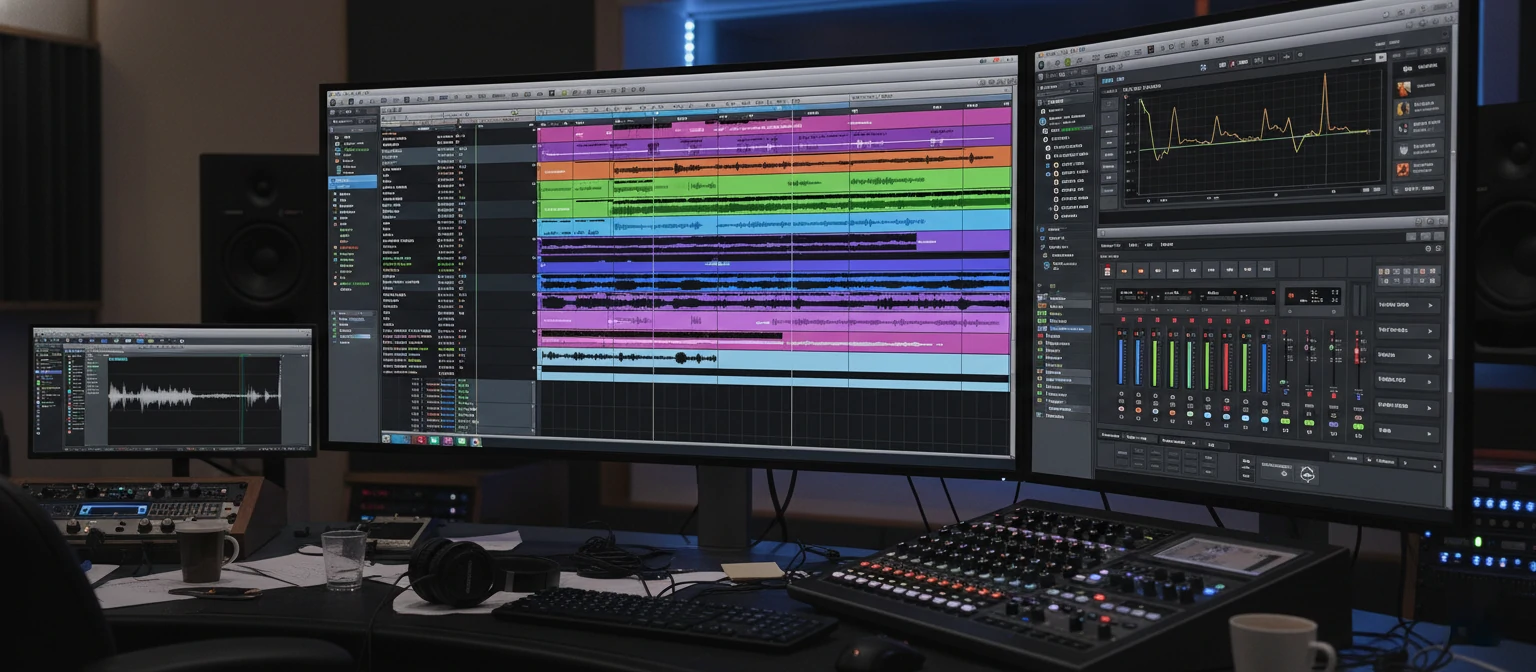
Avid Pro Tools is a digital audio workstation (DAW) software application used for recording, editing, and mixing audio. Developed by Avid Technology (formerly Digidesign), it has been the dominant professional audio software since the early 1990s and remains the industry standard across music production, film scoring, post-production, and broadcast audio.
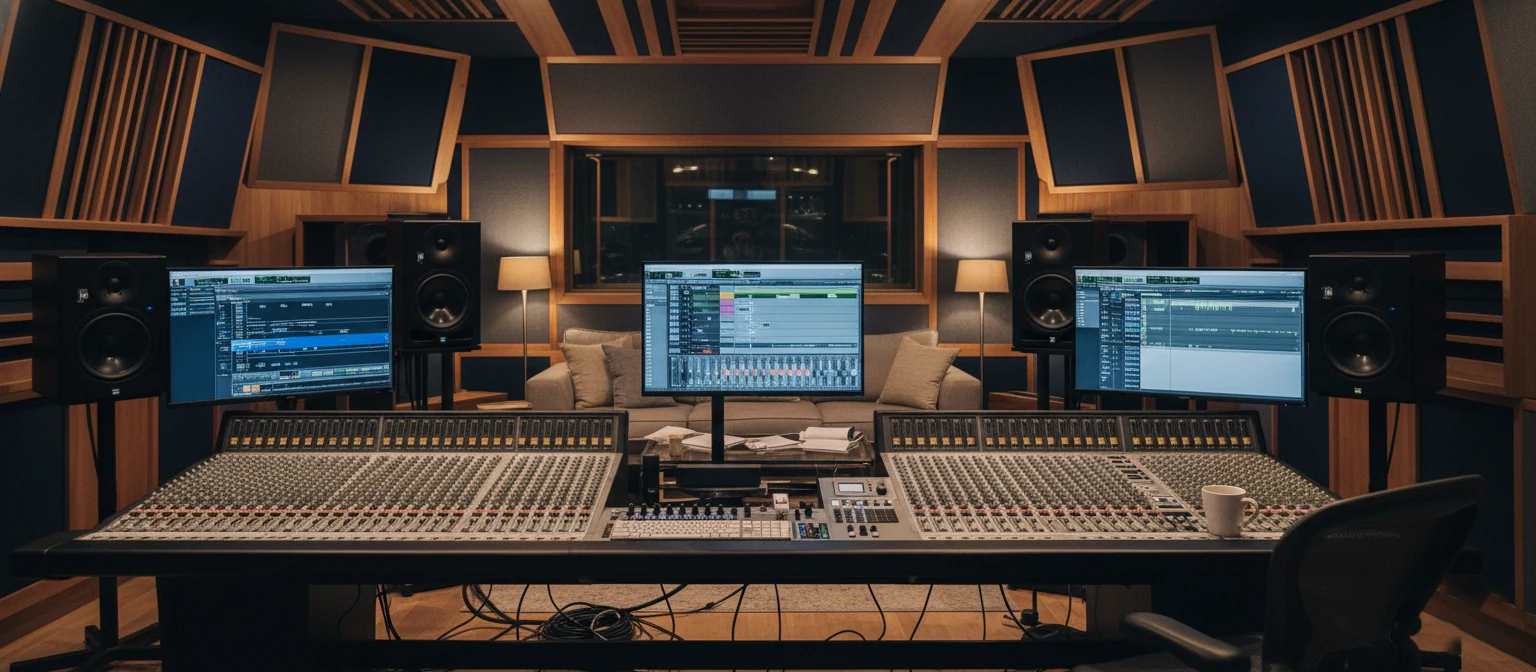
What distinguishes Pro Tools from other DAWs is its comprehensive approach to professional audio production. While many DAWs excel in specific areas like music composition or live performance, Pro Tools was built from the ground up to handle the rigorous demands of commercial recording studios and post-production facilities where reliability, precision, and compatibility are non-negotiable.
🎼 Music Production
Recording, editing, and mixing music from demos to final masters. Used on countless Grammy-winning records.
🎬 Film & TV Post
Dialogue editing, sound design, Foley, and final mixing for motion pictures and television.
📻 Broadcast Audio
Live sports, news production, and broadcast mixing requiring real-time reliability.
🎤 Podcast & Voice
Professional podcast production, audiobook recording, and voiceover work.
"Pro Tools is to audio what Photoshop is to images. It's the software everyone in the professional world speaks, and it's the format that every major studio expects."
— Studio Owner & Mix Engineer
The software runs on both macOS and Windows, though it has historically had deeper integration with macOS systems. Pro Tools sessions can be opened on any compatible system, making collaboration between studios straightforward - a critical feature when projects move between recording, mixing, and mastering facilities.
2. The History of Pro Tools
Pro Tools' journey from a simple sound editing tool to the world's most trusted professional audio platform spans over three decades of continuous innovation. Understanding this history helps explain why it commands such industry loyalty.
📅 Pro Tools Evolution Timeline
1984 - Digidesign Founded
Peter Gotcher and Evan Brooks create Sound Designer for the E-mu Emulator sampler
1991 - Pro Tools 1.0
First version launches with 4-track recording capability on Macintosh
1997 - Pro Tools 24
24-bit recording arrives, bringing CD-quality and beyond to digital recording
2003 - Pro Tools HD
High-definition systems debut with dramatically increased track counts and processing power
2011 - Pro Tools 10
Clip Gain, real-time fades, and 32-bit float audio processing introduced
2020s - Subscription Era
Transition to subscription model with cloud features, Dolby Atmos support, and continuous updates
Avid Technology acquired Digidesign in 1995, eventually absorbing the brand entirely. This corporate backing provided resources for continued development while maintaining focus on professional users. The company has navigated the challenging transition from perpetual licenses to subscription models while keeping its core professional user base largely intact.
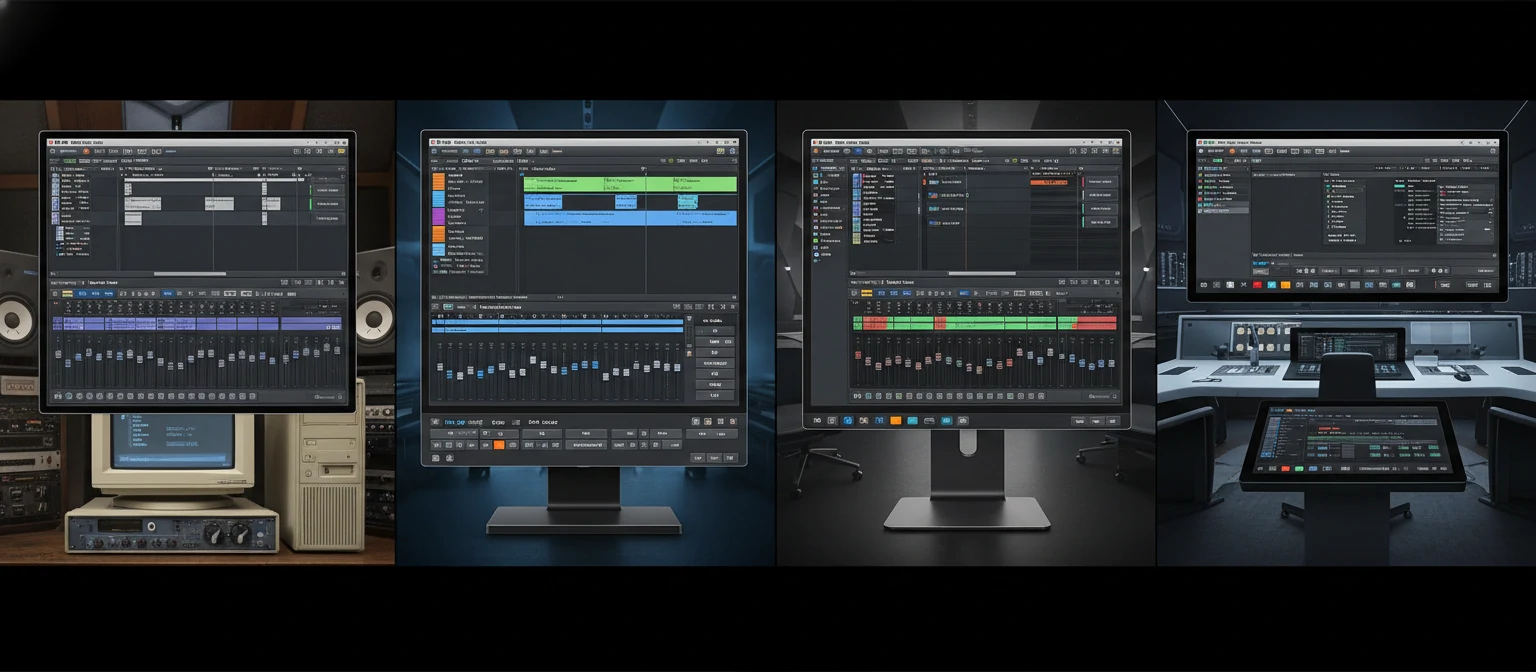
Throughout its history, Pro Tools has been used on more Oscar-winning films, Grammy-winning records, and Emmy-winning shows than any other audio software. This track record creates a self-reinforcing cycle: studios invest in Pro Tools because it's the standard, and it remains the standard because studios invest in it.
3. Pro Tools Versions and Pricing
Avid offers Pro Tools in several tiers to accommodate different needs and budgets. Understanding what each version offers helps you choose the right option without overpaying for features you won't use or underbuying and hitting limitations.
Pro Tools Intro
$0
- 8 audio tracks, 8 MIDI tracks
- 16 instrument tracks
- Core editing and mixing tools
- Limited plugin selection
- No third-party plugin support
Pro Tools Artist
$99/year
or $9.99/month
- 32 audio tracks, 32 MIDI tracks
- 32 instrument tracks
- Full plugin bundle included
- Third-party AAX plugin support
- Cloud collaboration features
Pro Tools Studio
$299/year
or $29.99/month
- 512 audio tracks, unlimited MIDI
- 512 instrument tracks
- Dolby Atmos & surround mixing
- Advanced automation
- HDX hardware support
⚠️ Perpetual License Note
Avid discontinued perpetual licenses for new purchases. Existing perpetual license holders can continue using their version but must subscribe for updates. This change frustrated many users but reflects industry-wide trends toward subscription models.
For most independent musicians and podcasters, Pro Tools Artist provides excellent value. Studio professionals and post-production facilities typically require Pro Tools Studio for its higher track counts, surround sound capabilities, and HDX hardware support. Pro Tools Intro works well for learning the software or very simple projects.
4. Understanding the Interface
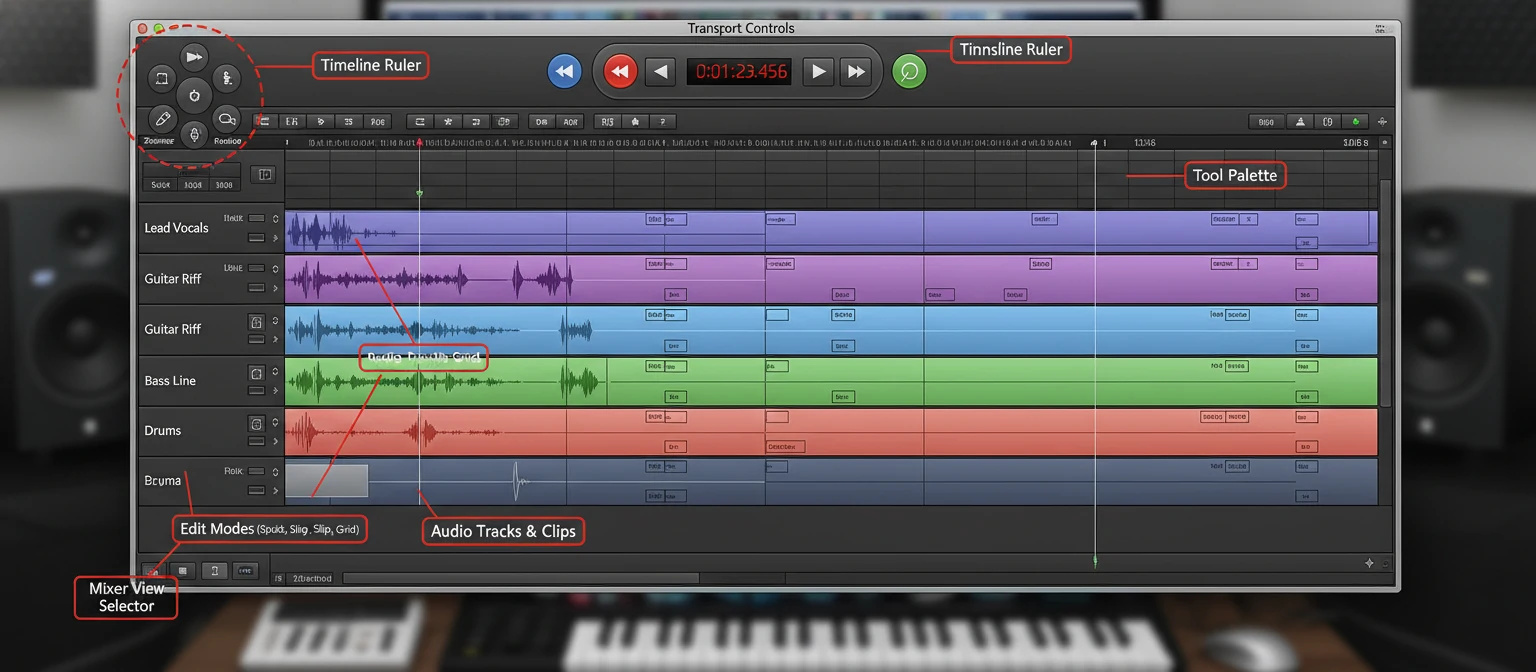
Pro Tools' interface centers on two main windows: the Edit window for arranging and editing audio, and the Mix window for balancing levels and applying processing. Understanding how these windows work together is fundamental to efficient Pro Tools operation.
🎛 The Edit Window
Timeline & Tracks
The central area displays audio waveforms, MIDI data, and automation on a horizontal timeline. Tracks stack vertically, each with its own controls for record-enable, solo, mute, and input/output routing.
Edit Tools
The toolbar provides selection, trimming, separation, and time-stretching tools. Smart Tool mode combines multiple functions for faster editing by automatically switching based on cursor position.
Clip List & Browser
The right sidebar shows all audio clips in your session and provides access to the workspace browser for importing files and managing session assets.
🎛 The Mix Window
Channel Strips
Each track appears as a vertical channel strip with fader, pan, inserts (for plugins), and sends (for aux routing). The layout mirrors traditional analog mixing consoles.
Insert Slots
Ten insert slots per track for adding EQ, compression, effects, and other processors. Plugins process audio in series from top to bottom.
Sends & Routing
Ten sends per track for routing to auxiliary tracks. Use sends for reverbs, delays, parallel compression, and headphone mixes.
Professional users typically work with both windows visible on separate monitors, allowing simultaneous access to editing and mixing functions. Pro Tools also supports control surface integration, letting you adjust parameters with physical faders and knobs rather than mouse clicks.
5. Key Features and Capabilities
Pro Tools packs an extensive feature set developed over three decades of professional feedback. These capabilities address real-world production challenges that engineers and producers face daily.
Elastic Audio
Real-time time-stretching and pitch-shifting without bouncing. Quantize audio to the grid like MIDI or manually adjust timing.
Clip Gain
Adjust clip levels before the fader for gain staging. Essential for managing dynamics before compression and mixing.
Track Comping
Record multiple takes in playlist lanes, then create composite performances by selecting the best sections from each take.
Dolby Atmos
Native support for immersive audio mixing with object-based panning and Atmos renderer integration (Studio version).
Cloud Collaboration
Share projects via Avid Cloud, collaborate remotely with other Pro Tools users, and access sessions from any location.
Advanced Automation
Comprehensive automation for volume, pan, mute, send levels, and plugin parameters with multiple automation modes.
💡 Pro Tip: Keyboard Shortcuts
Pro Tools veterans rely heavily on keyboard shortcuts. Learning commands like R (record), Spacebar (play/stop), Tab (next transient), and Command+E (separate clip) dramatically speeds up editing. The software supports extensive shortcut customization.
Additional features include VCA masters for group mixing, comprehensive metering options, video import for post-production work, MIDI editing with notation view, and extensive import/export format support. Each version of Pro Tools adds new capabilities while maintaining compatibility with sessions created in earlier versions.
6. Hardware Integration and HDX
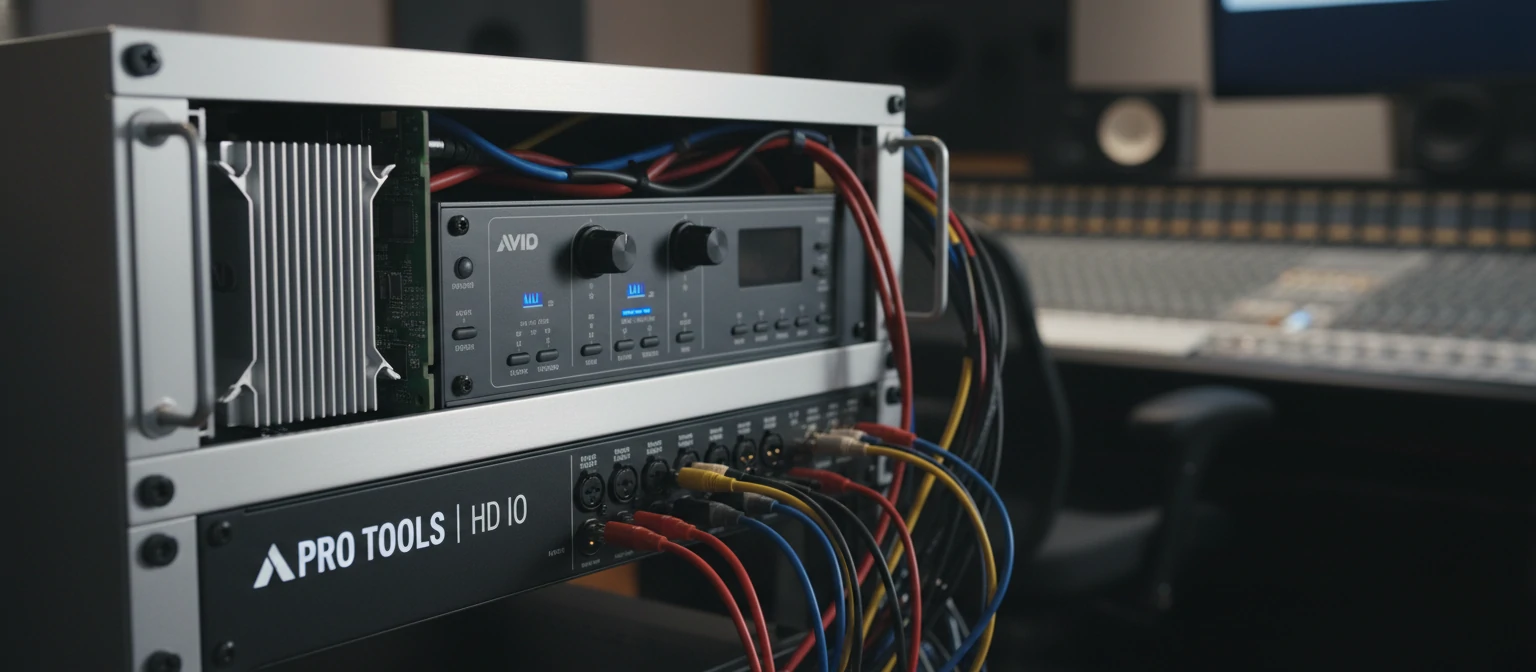
While Pro Tools runs as native software on any compatible computer, Avid offers dedicated hardware systems that dramatically expand capabilities. HDX systems in particular unlock professional-level performance impossible with software-only solutions.
Why HDX Matters
HDX cards contain dedicated DSP chips that process audio independently from your computer's CPU. This architecture provides near-zero latency monitoring during recording, something native systems struggle to achieve. When tracking vocalists who need to hear reverb on their voice or guitarists monitoring through amp simulations, this latency reduction proves essential.
HDX systems also scale massively. A single HDX card handles 64 channels of I/O at up to 192kHz. Add more cards (up to three per system) for 192 simultaneous channels. Major film mixing stages and broadcast trucks depend on this headroom for complex productions.
💻 Native vs HDX
For home studios and many professional applications, native Pro Tools running on a powerful computer with a quality third-party interface works excellently. Reserve HDX investment for situations requiring guaranteed ultra-low latency, massive track counts, or facility-wide integration.
7. Professional Workflows
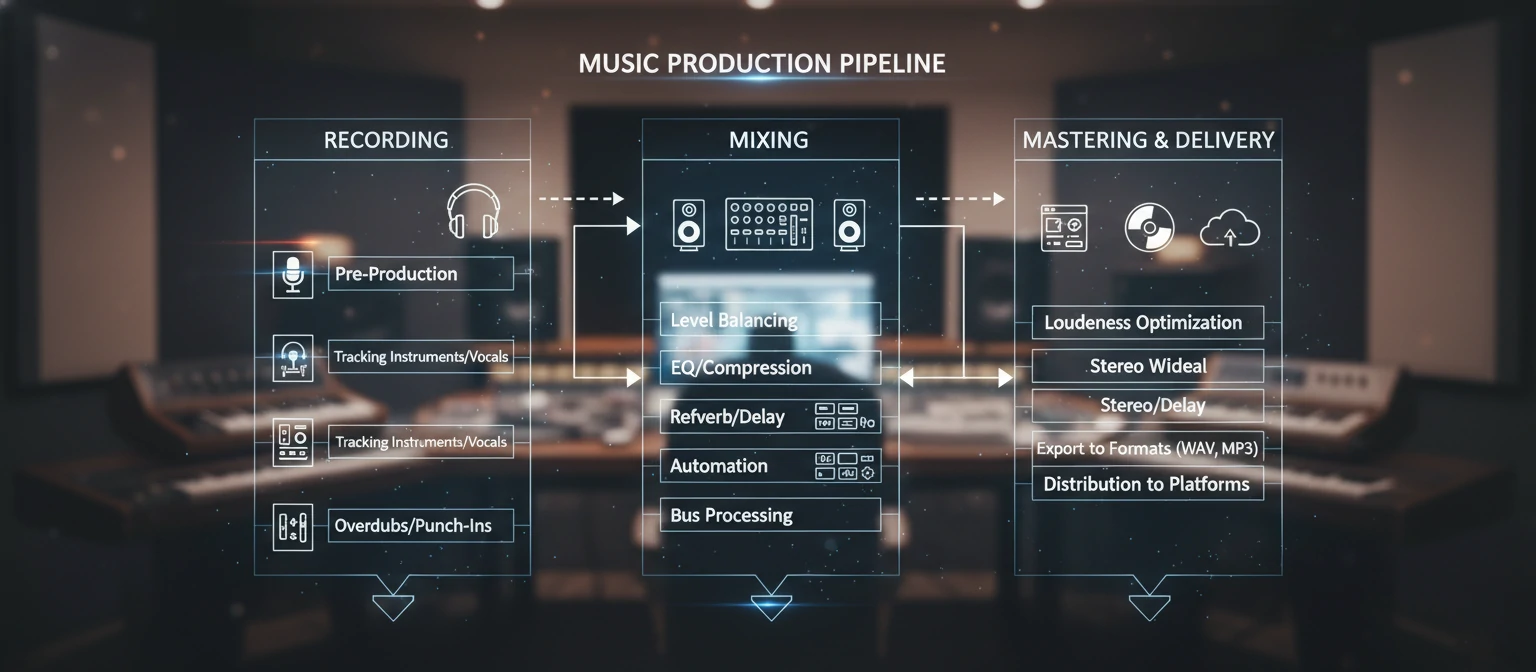
Pro Tools supports distinct workflows for different audio disciplines. Understanding these workflows helps you configure the software optimally and develop efficient habits for your specific work.
Music Recording
Track bands and solo artists with multitrack recording, punch-in capabilities, and playlist comping. Set up headphone mixes via aux sends for performers.
Film Post-Production
Import video with BITC, edit dialogue across reels, design sound effects, and deliver final mixes in multiple formats including Dolby Atmos.
Podcast Production
Record remote guests via external apps, edit conversations with strip silence and clip gain, add music beds, and export compressed files.
Mixing & Mastering
Import stems or multitrack sessions, balance elements with automation, apply processing chains, and prepare final deliverables.
Session templates accelerate setup for recurring project types. Create templates with your standard track layouts, routing, plugin chains, and I/O assignments. When starting a new project, load the appropriate template and begin working immediately rather than building sessions from scratch.
Pro Tools also supports session interchange with other facilities. You can import tracks from other sessions, export stems for mixing elsewhere, or exchange OMF/AAF files with video editors working in Premiere or Avid Media Composer. This interoperability makes Pro Tools essential for collaborative projects involving multiple facilities.
8. Plugins and Virtual Instruments
Pro Tools uses the AAX plugin format exclusively, which ensures stability and tight integration but limits you to plugins specifically compiled for this format. Fortunately, virtually every major plugin manufacturer offers AAX versions of their products.
🎛 Included Plugins (Pro Tools Artist/Studio)
Avid EQ III
7-band parametric equalizer
Dyn III Compressor
Versatile dynamics processor
D-Verb
Classic algorithmic reverb
Mod Delay III
Modulating delay effects
Xpand!2
Multitimbral workstation
Boom
Drum machine plugin
Popular Third-Party Plugins
The AAX ecosystem includes thousands of plugins from manufacturers like Waves, Universal Audio, FabFilter, Soundtoys, iZotope, Native Instruments, and many others. Most professional studios supplement Pro Tools' included plugins with specialized third-party tools.
FabFilter Pro-Q 3
Industry-standard parametric EQ with dynamic bands
Waves SSL Collection
Emulations of classic SSL console processors
Soundtoys 5
Creative effects bundle for unique sounds
iZotope RX
Advanced audio repair and restoration
⚠️ Plugin Compatibility Note
Pro Tools only supports AAX format plugins. VST and Audio Units plugins don't work in Pro Tools without wrapper software (not recommended for professional work). Always verify AAX availability before purchasing plugins.
9. Pro Tools vs Other DAWs
Choosing a DAW involves understanding where each excels. Pro Tools dominates certain markets while other DAWs lead in different areas. Here's how Pro Tools compares to major alternatives.
Pro Tools' primary advantages are industry standardization, session compatibility across facilities, and unmatched integration with professional hardware. If you work in commercial recording studios, film post-production, or broadcast, Pro Tools proficiency is essentially required.
Other DAWs often excel for specific workflows. Ableton Live's session view revolutionizes electronic music production. Logic Pro offers tremendous value with its included plugins and instruments. Studio One's drag-and-drop philosophy appeals to those finding Pro Tools too traditional. The "best" DAW depends entirely on your work and workflow preferences.
10. Learning Pro Tools
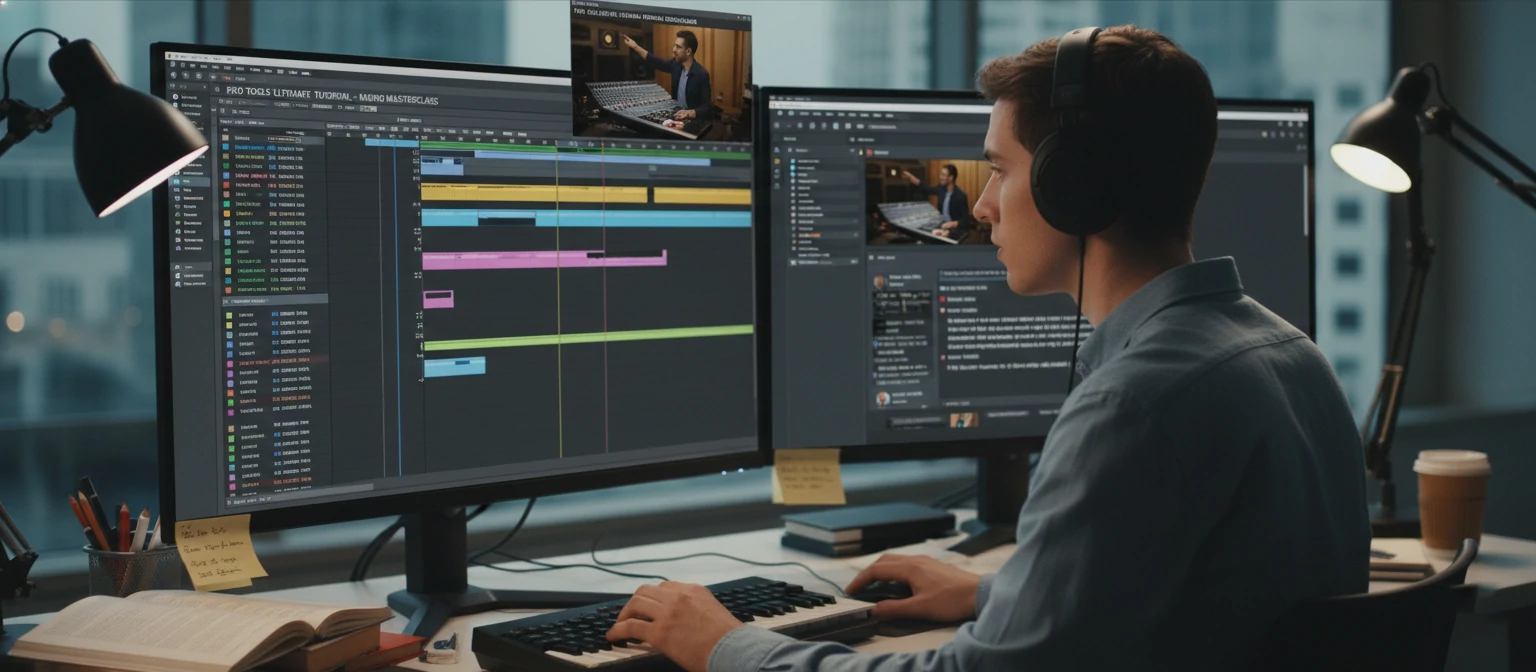
Pro Tools has a reputation for being challenging to learn, but this reputation is somewhat outdated. Modern versions have improved usability significantly, and abundant learning resources make mastering the software achievable for dedicated students.
📚 Learning Resources
Avid Learning Partner Program
Official certification courses at accredited schools. Pro Tools certification is recognized industry-wide.
LinkedIn Learning & Skillshare
Comprehensive video courses from basic to advanced topics. Subscription-based access to hundreds of hours.
Official Documentation
Avid's reference guides and tutorials. Thorough but dense - best used alongside video instruction.
Community Forums
Avid Community forums and Reddit r/protools. Active communities for troubleshooting and tips.
Learning Path Recommendation
Start with Pro Tools Intro to learn basics without financial commitment. Focus initially on recording, basic editing, and simple mixing. Once comfortable, progress to Pro Tools Artist for more serious work. Learn keyboard shortcuts from day one - they're fundamental to efficient operation.
✅ Certification Value
Avid Pro Tools certification (User, Operator, Expert levels) carries weight in hiring decisions at professional facilities. Many studios list certification as preferred or required for engineering positions. Consider pursuing certification if you're targeting studio employment.
Hands-on practice matters most. Work on real projects rather than just following tutorials. Volunteer for local bands, podcast hosts, or filmmakers who need audio work. Nothing accelerates learning like solving real problems under actual deadlines.
❓ Frequently Asked Questions
Is Pro Tools still the industry standard?
Yes, Pro Tools remains dominant in professional recording studios, film/TV post-production, and broadcast. While other DAWs have gained market share in home studios and specific genres, Pro Tools continues to be what major facilities expect and what most audio professionals know.
Can I use Pro Tools without buying hardware?
Absolutely. Pro Tools runs as native software on any compatible Mac or Windows computer. You can use any audio interface that works with your operating system. Avid hardware is optional and primarily benefits users needing ultra-low latency or massive I/O counts.
Is Pro Tools good for making beats?
Pro Tools can produce beats, but DAWs like Ableton Live, FL Studio, or Logic Pro are generally preferred for beat-making due to their workflow design. Pro Tools excels at recording and mixing but lacks the loop-based, pattern-oriented features that make beat production faster in other DAWs.
How much RAM does Pro Tools need?
Avid recommends 16GB minimum, but 32GB provides better performance for larger sessions. Complex sessions with many plugins and virtual instruments benefit from 64GB or more. SSD storage is effectively required for modern Pro Tools operation.
Can I open old Pro Tools sessions in new versions?
Yes, Pro Tools maintains excellent backward compatibility. Sessions from older versions open in current releases. However, opening new sessions in older Pro Tools versions may lose features. Plugin availability can also affect session compatibility if you've used plugins the other system doesn't have.
Is Pro Tools Right for You?
Pro Tools has earned its industry-standard status through decades of reliable performance in the world's most demanding audio environments. For anyone serious about professional audio work, particularly in recording studios, film post-production, or broadcast, Pro Tools knowledge is essentially required.
The subscription model may frustrate some users, and the learning curve requires dedication. But for those who invest the time, Pro Tools provides a rock-solid platform that speaks the language of professional audio worldwide. Start with Pro Tools Intro, learn the fundamentals, and upgrade as your needs grow.