

Discover how animated 3D content transforms product marketing, captivates audiences, and drives real business results
- Key Takeaways
- What Is 3D Product Animation?
- Why Animation Outperforms Static Imagery
- Types of Product Animation
- Use Cases Across Industries
- The Production Process
- Costs and Timeline Expectations
- Choosing an Animation Studio
- Best Practices for Great Results
- Technology and Tools
- Future Trends in Product Animation
- Frequently Asked Questions
The first time I saw a product animation that truly stopped me was Apple's AirPods Pro reveal. The earbuds floated, rotated, exploded into component parts, and reassembled—all in sixty seconds of mesmerizing motion. No physical product needed. No photography studio. Just pure digital craftsmanship showing exactly what the product was and why it mattered.
That moment crystallized something I'd been realizing through years of working in motion design: we've entered an era where animation doesn't just supplement product marketing—it often drives it. The statistics back this up. Video content generates 1200% more shares than text and images combined. Product videos increase purchase intent by 97%. And 3D animation specifically allows brands to show things that would be impossible, impractical, or prohibitively expensive to capture with cameras.
This guide explores the world of 3D product animation comprehensively. Whether you're a marketing director considering animation for your next campaign, a product designer wanting to showcase your work dynamically, or an entrepreneur curious about this powerful medium, you'll find practical insights on what 3D product animation involves, what it costs, how it's created, and how to work effectively with animation professionals.
Key Takeaways
- 3D product animation creates motion content from digital models—revealing features, demonstrating functionality, and building brand presence
- Animation consistently outperforms static imagery in engagement metrics, conversion rates, and information retention
- Production costs range from $2,000 for simple 15-second clips to $100,000+ for premium cinematic campaigns
- The production pipeline typically spans 4-12 weeks depending on complexity and revision cycles
- Clear creative briefs and timely feedback are the biggest factors in project success and budget control
What Is 3D Product Animation?
3D product animation is the art and science of bringing digital product models to life through motion. Unlike static renders (which produce still images), animation creates sequences of frames that play as video—typically 24 to 60 frames per second. The result is dynamic content that can rotate products through space, reveal internal mechanisms, demonstrate functionality, and tell visual stories impossible to capture with traditional photography or videography.
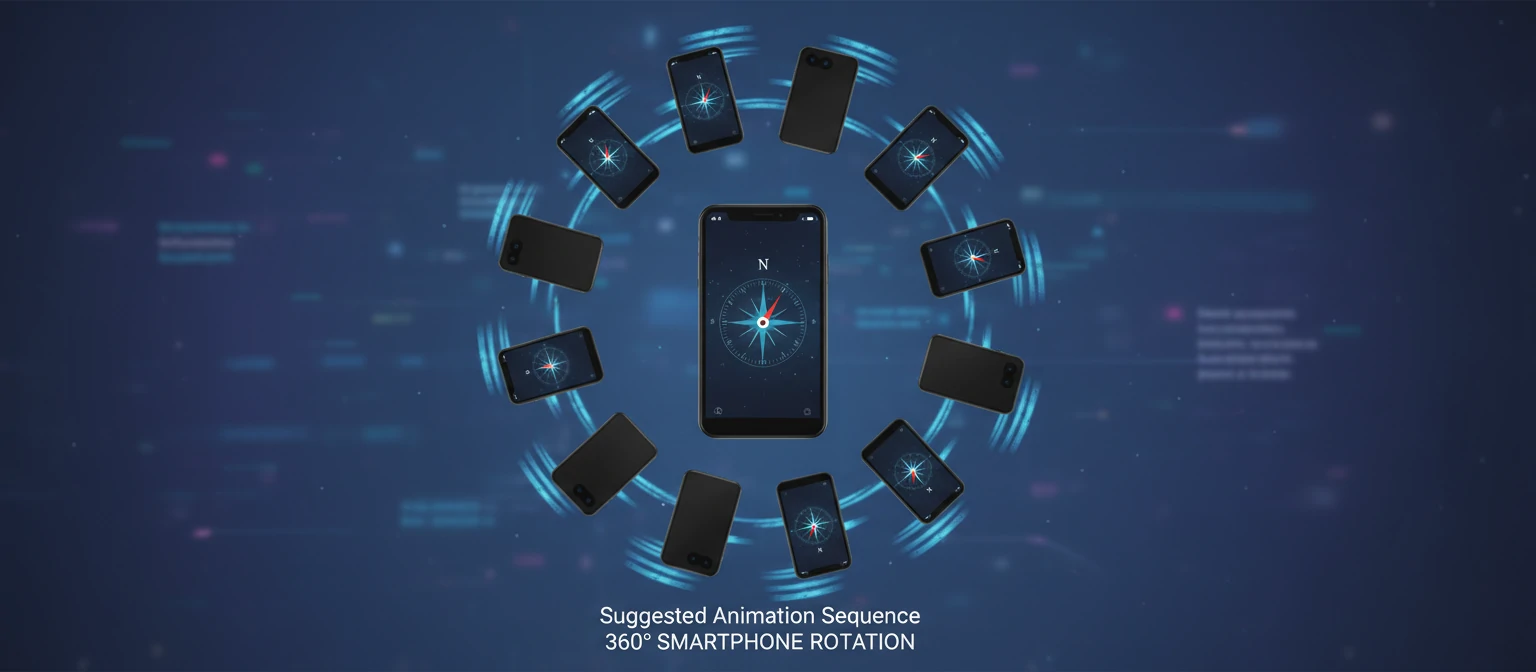
The process begins with 3D models—digital representations of products built from geometric shapes. These models receive materials and textures that define surface appearance (metal finishes, fabric textures, glass transparency). Artists then create motion paths, define timing, and choreograph how products move through scenes. Finally, rendering engines calculate each frame, simulating how light interacts with surfaces to produce the final video.
What distinguishes product animation from other 3D animation (like character animation or architectural flythroughs) is its focus on objects rather than environments or characters. The product is the star. Every camera angle, every lighting choice, every motion supports one goal: making the product look compelling, understandable, and desirable.
Motion
Objects move through choreographed paths
Timing
Rhythm creates emotional impact
Camera
Virtual cinematography guides attention
Effects
Particles, light, and dynamics enhance realism
Think of 3D product animation as the ultimate form of product photography—one where you control not just lighting and angle, but time itself. You can slow down moments of impact, speed through transitions, and show perspectives impossible in physical reality. A watch movement can be revealed through phantom walls. A car can float weightlessly while rotating. A smartphone can transform into its component parts and reassemble seamlessly.
Why Animation Outperforms Static Imagery
The human brain is wired to notice movement. It's evolutionary—our ancestors needed to detect predators and prey. This hardwired response means motion content captures attention in ways still imagery simply cannot match. In an endless scroll of static images, animation stops thumbs. It demands engagement. And the data proves it.
Attention and Engagement
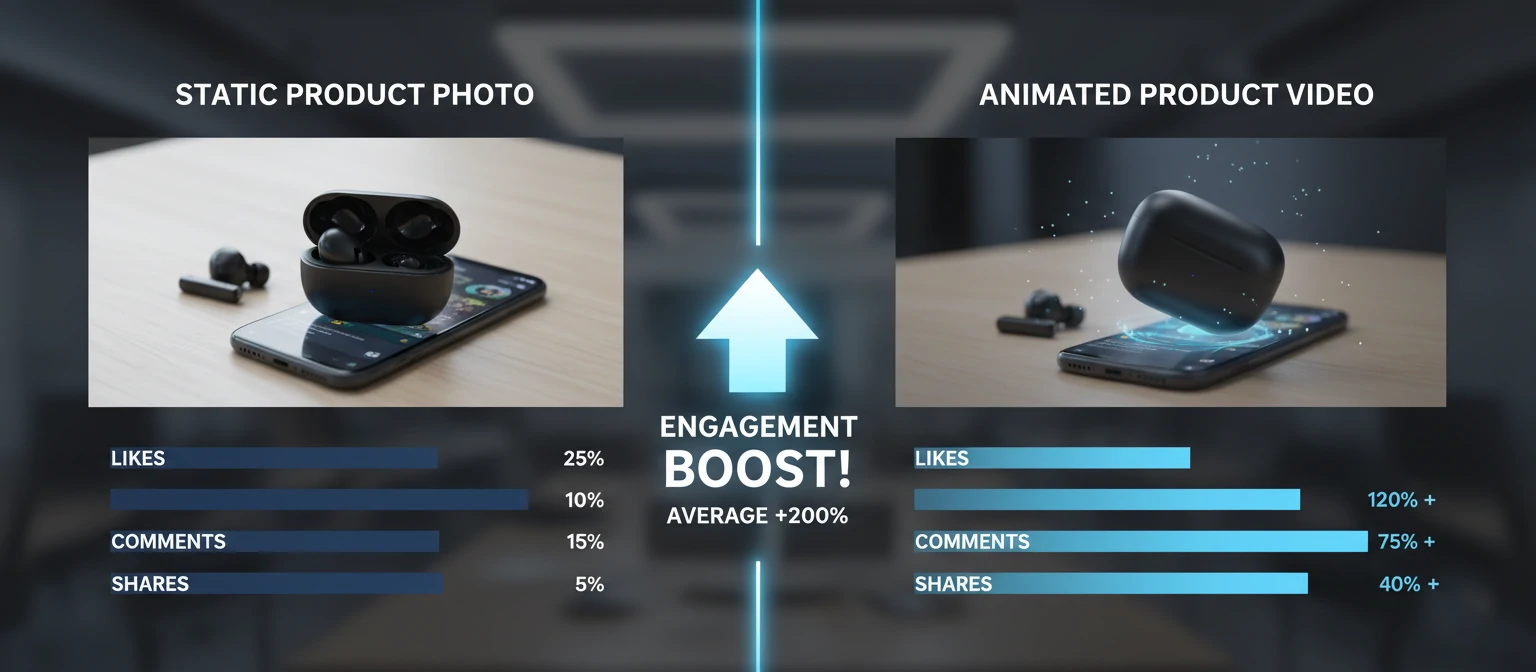
Video content receives 48% more views than static posts on social platforms. But engagement time matters more than views. Users spend 2.6x longer on pages with video content. For e-commerce, this extended engagement directly correlates with conversion rates—shoppers who watch product videos are 64-85% more likely to purchase.
Information Transfer
Animation communicates complexity efficiently. Showing how a product works takes seconds in video versus paragraphs of text or multiple static images. Viewers retain 95% of a message when watching video compared to 10% when reading text. For technical products or those with non-obvious benefits, this communication advantage is decisive.
85%
Higher purchase intent after watching product video
95%
Message retention from video vs. 10% from text
2.6x
Longer time spent on pages with video content
Emotional Connection
Motion creates feeling. The swoosh of a product entering frame. The satisfying click of components connecting. The graceful rotation revealing a beautiful design. These moments generate emotional responses that static images struggle to evoke. Animation can incorporate music and sound design, further amplifying emotional impact.
Platform Optimization
Social media algorithms increasingly favor video content. Instagram Reels, TikTok, YouTube Shorts—these platforms prioritize motion. Paid advertising on these platforms sees lower CPM and higher engagement rates for video compared to static ads. The platforms themselves push creators toward video because users prefer it.
Types of Product Animation
Product animation encompasses diverse styles and approaches, each suited to different objectives and contexts. Understanding these categories helps you communicate effectively with studios and choose the right approach for your goals.
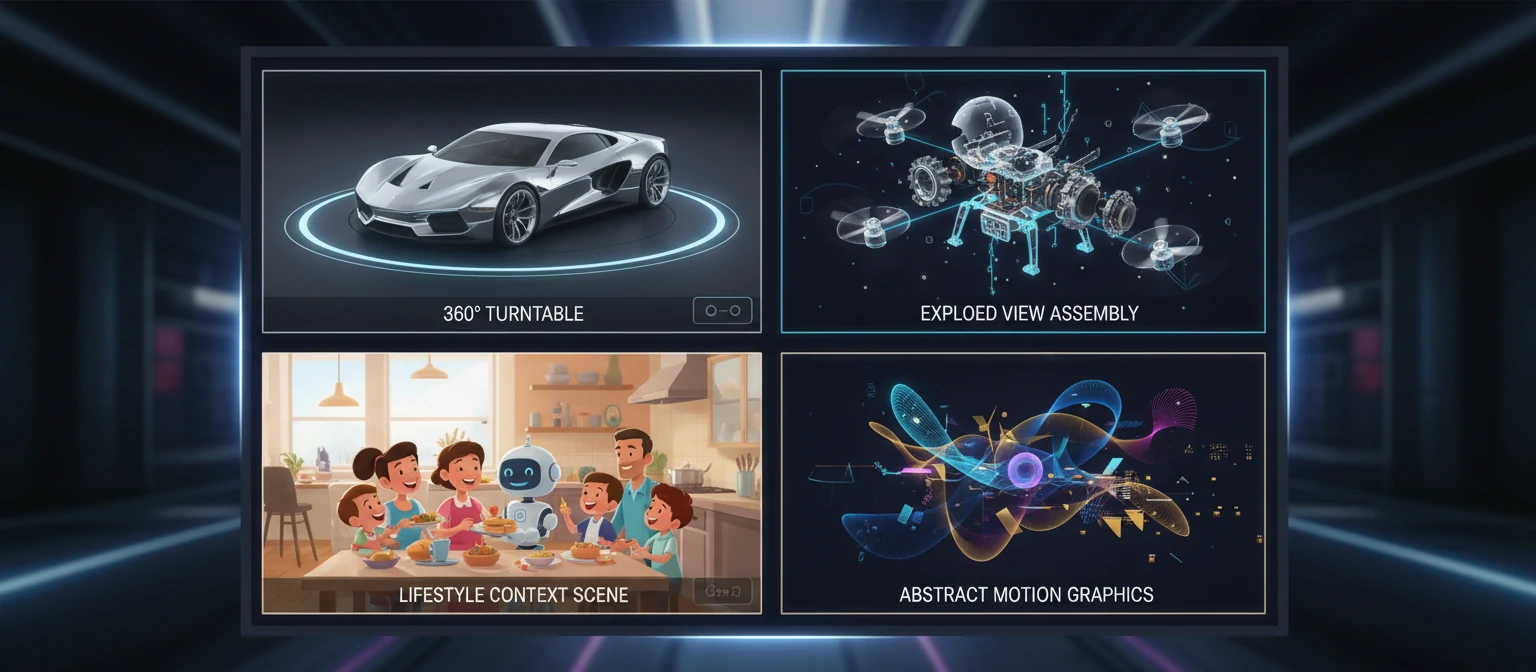
360° Turntable
The product rotates smoothly, showing all angles. Classic e-commerce staple. Simple to produce, universally applicable. Often combined with zoom and detail shots.
Exploded View
Components separate and reveal internal structure. Perfect for technical products, watches, electronics—anything where inner workings demonstrate quality or innovation.
Assembly Animation
Parts come together to form the complete product. Shows build quality, demonstrates assembly process, or creates satisfying "reveal" moments for campaigns.
Lifestyle Context
Product shown in use environment—kitchen appliance on countertop, headphones in commute scene. Creates aspirational context and demonstrates scale.
Feature Highlight
Camera moves to specific features with callouts, annotations, or close-ups. Educational approach that systematically communicates product benefits.
Cinematic Commercial
High-production storytelling with dramatic lighting, music, and emotional arc. Premium approach for brand campaigns, launches, and hero content.
Motion Graphics Integration
Many product animations incorporate 2D motion graphics—text, icons, diagrams, and interface elements layered over 3D content. This hybrid approach combines the realism of 3D with the clarity of graphic design, particularly effective for technical explanations or when communicating multiple features.
Interactive vs. Pre-Rendered
Pre-rendered animation is created once and plays the same way every time—like video. Interactive 3D lets users control the experience, rotating products themselves or triggering animations. Interactive requires real-time rendering technology and typically higher budgets, but offers engagement advantages for certain applications like product configurators.
Use Cases Across Industries
3D product animation serves virtually every industry that creates physical goods. The applications extend far beyond marketing into sales enablement, training, investor relations, and internal communication. Here's how different sectors leverage animation.
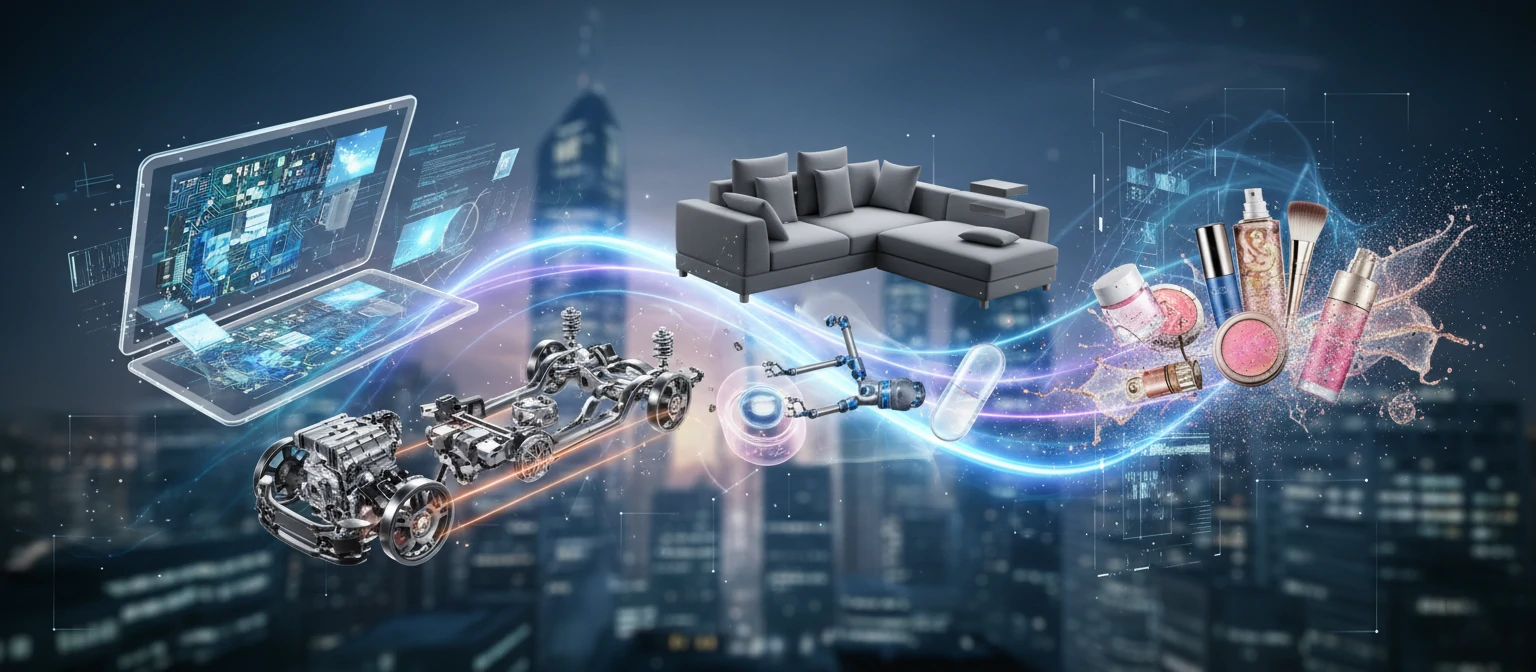
Consumer Electronics
Tech companies were early adopters and remain heavy users of product animation. Smartphone reveals, headphone launches, laptop introductions—animation allows these brands to showcase design details, internal innovation, and feature differentiation in ways that define modern tech marketing. Apple, Samsung, Sony, and others have made cinematic product animation a signature of their brand presence.
Automotive
From full vehicle animations showing design flow to detailed component videos explaining engineering innovation, automotive uses animation extensively. Interior tours, safety feature demonstrations, powertrain explanations, and configurator experiences all rely on 3D animation. Parts manufacturers use animation to explain innovations to OEM customers.
| Industry | Primary Uses | Typical Content |
|---|---|---|
| Consumer Electronics | Launch campaigns, ads, website | Hero videos, feature reveals, 360° views |
| Furniture | E-commerce, catalogs, AR apps | Room scenes, assembly guides, configurations |
| Medical Devices | Training, sales, regulatory | Mechanism of action, surgical procedures |
| Industrial Equipment | Trade shows, proposals, training | Process visualization, scale demonstration |
| Cosmetics & Packaging | Social media, advertising, presentations | Ingredient visualization, opening sequences |
Medical and Healthcare
Medical device companies use animation to explain complex mechanisms that can't be photographed in use. Surgical equipment demonstrations, implant visualizations, and pharmaceutical mechanism-of-action videos require 3D animation. These videos serve both marketing and regulatory purposes, often included in FDA submissions.
E-Commerce and Retail
Online retailers increasingly use animation to reduce return rates by setting accurate expectations. Animated product views help customers understand size, texture, and functionality before purchasing. Major platforms like Amazon now support 3D content, and early adopters report significant conversion improvements.
The Production Process
Understanding how animation is made helps you plan realistic timelines, prepare appropriate materials, and provide useful feedback. While processes vary between studios, most follow a similar structured approach from concept to delivery.
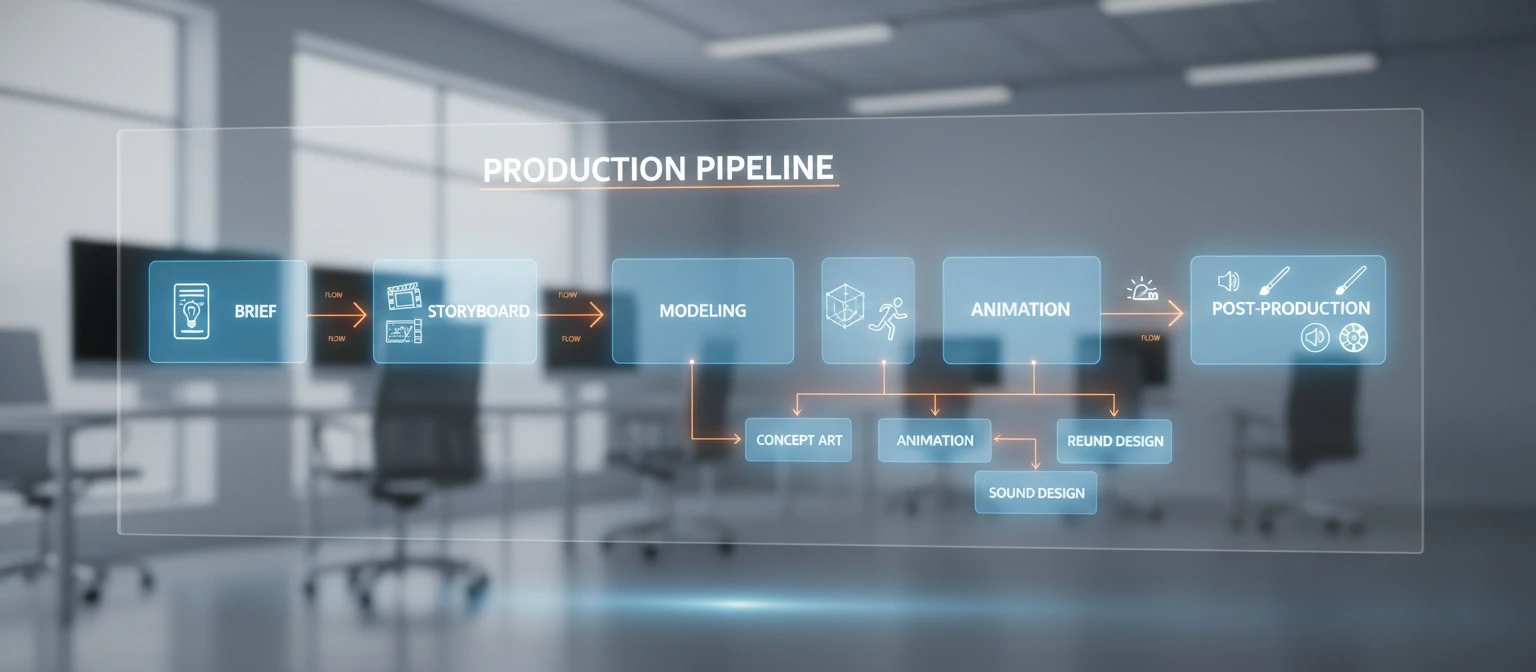
Discovery & Brief
The studio learns your objectives, audience, and context. You provide CAD files, product samples, brand guidelines, and reference videos showing desired style. Clear briefs prevent expensive mid-project pivots.
Concept & Storyboard
The creative team develops the animation concept and creates storyboards—frame-by-frame illustrations showing key moments. This is where narrative, camera angles, and pacing are established. Approval here is critical.
3D Modeling & Texturing
Artists build detailed 3D models of your product (or refine provided CAD files). Materials and textures are applied to create accurate surface appearance—metal finishes, fabric weaves, plastic sheen.
Animation & Lighting
Motion is created—objects move, cameras sweep, components animate. Lighting is designed to showcase the product beautifully. Initial versions are often low-resolution previews for timing approval before final rendering.
Rendering
The computationally intensive process of calculating final frames. Complex animations can take days to render even with powerful hardware. Cloud render farms accelerate this stage but add cost.
Post-Production
Compositing, color grading, motion graphics overlay, sound design, and music are added. Final video is encoded in required formats—different specs for broadcast, web, social media.
Throughout this process, feedback loops allow refinement. Most studios include two to three revision rounds at each major stage. The most successful projects have clearly defined stakeholders who can provide timely feedback—delays in approval cascade through the entire timeline.
Costs and Timeline Expectations
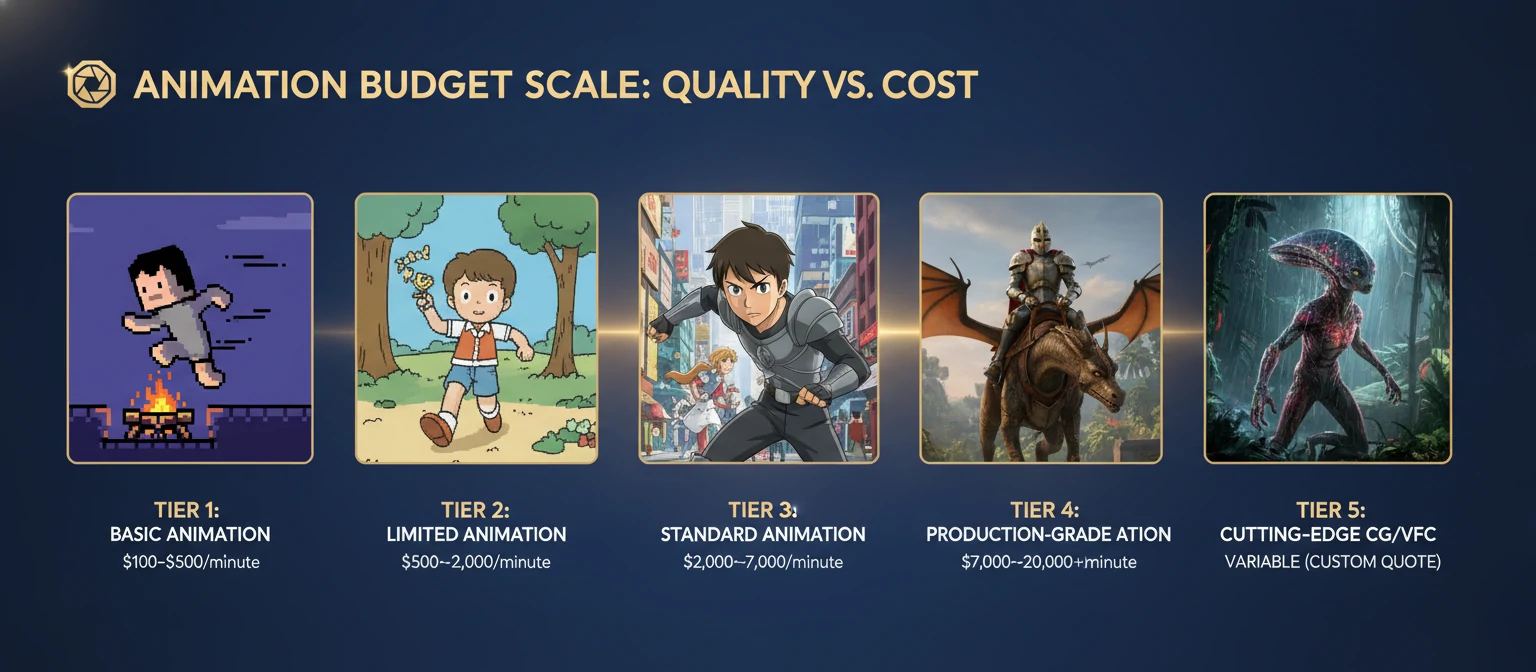
Animation pricing varies enormously based on complexity, quality level, duration, and studio tier. Understanding the factors that drive cost helps you budget appropriately and evaluate quotes on equivalent terms.
| Animation Type | Duration | Budget Tier | Premium Tier |
|---|---|---|---|
| Simple 360° Spin | 10-15 sec | $1,500 - $3,000 | $5,000 - $10,000 |
| Feature Highlight | 30-60 sec | $5,000 - $15,000 | $20,000 - $50,000 |
| Exploded Assembly | 30-45 sec | $8,000 - $20,000 | $25,000 - $60,000 |
| Full Commercial | 60-90 sec | $15,000 - $40,000 | $50,000 - $150,000+ |
| Cinematic Campaign | 2-3 min | $40,000 - $80,000 | $100,000 - $500,000+ |
What Drives Cost?
Duration
More frames = more render time = more cost. A 60-second animation costs far more than a 15-second clip of equal complexity.
Product Complexity
A simple bottle is faster to model than a detailed watch movement with hundreds of components.
Animation Complexity
Simple rotation costs less than coordinated multi-object motion, particles, liquid simulations, or mechanical animations.
Quality Level
Photorealistic rendering requires sophisticated lighting and longer compute times than stylized approaches.
Typical Timelines
Simple animations (15-30 seconds) typically take 3-5 weeks. Standard commercial content (60-90 seconds) requires 6-10 weeks. Complex campaigns with multiple deliverables can span 3-6 months. Rush timelines are possible—for premium pricing—but quality often suffers when compressed significantly.
The biggest timeline variable is typically feedback cycles. Projects stall when clients take weeks to review and approve. Establish clear approval processes and stakeholder availability before starting. Quick feedback keeps projects on track and budgets controlled.
Choosing an Animation Studio
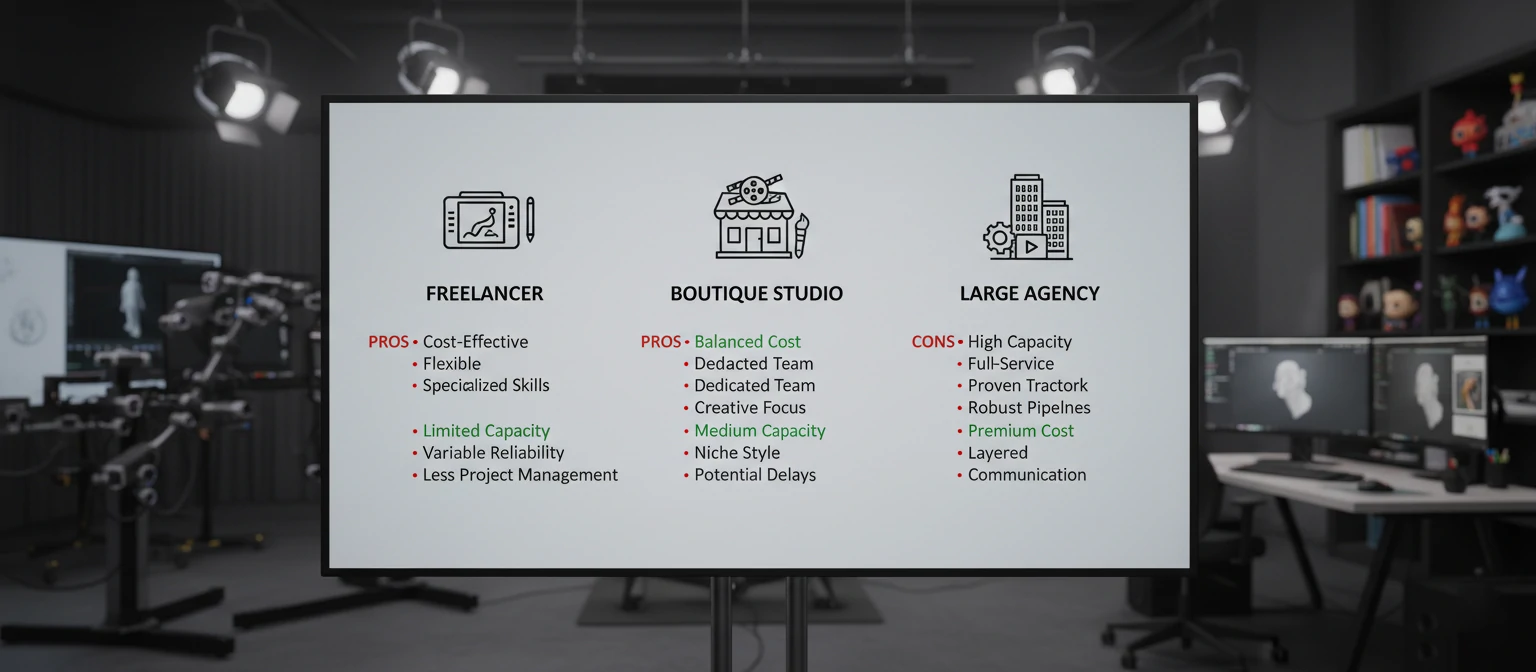
Finding the right animation partner significantly impacts both the quality of your final content and the production experience. The market includes everything from individual freelancers to large agencies with dozens of specialists. Here's how to evaluate options.
Portfolio Evaluation
Look for work similar to what you need—same industry, similar style, comparable complexity. A studio brilliant at automotive might struggle with medical devices. Pay attention to execution quality: smooth motion, beautiful lighting, convincing materials. Also note storytelling—does the animation guide attention effectively?
Process and Communication
How they handle the inquiry phase predicts how they'll handle your project. Responsive and organized? Good sign. Vague about process and pricing? Red flag. Ask about their workflow, milestone structure, and how they handle feedback. The best studios have clear, tested processes that make collaboration smooth.
Evaluation Checklist
Size Considerations
Freelancers offer lower rates but may have capacity limitations and single-point-of-failure risk. Small studios (5-15 people) often provide excellent quality with more personal attention. Large agencies offer scalability and comprehensive services but typically at premium pricing. Match studio size to project scale.
Geography matters less than it once did—remote collaboration is now standard. However, significant time zone differences can slow feedback cycles. Many clients find optimal value working with studios in compatible time zones even if not local, balancing accessibility with competitive global pricing.
Best Practices for Great Results
The most successful animation projects share common traits: clear objectives, thorough preparation, and collaborative relationships between clients and studios. Here's how to set your project up for success.
Start with Clear Objectives
Before engaging studios, define what success looks like. What should viewers feel after watching? What action should they take? Where will this content live? A 15-second social ad needs different treatment than a 90-second website hero. Clarity here guides every creative decision.
Prepare Comprehensive Materials
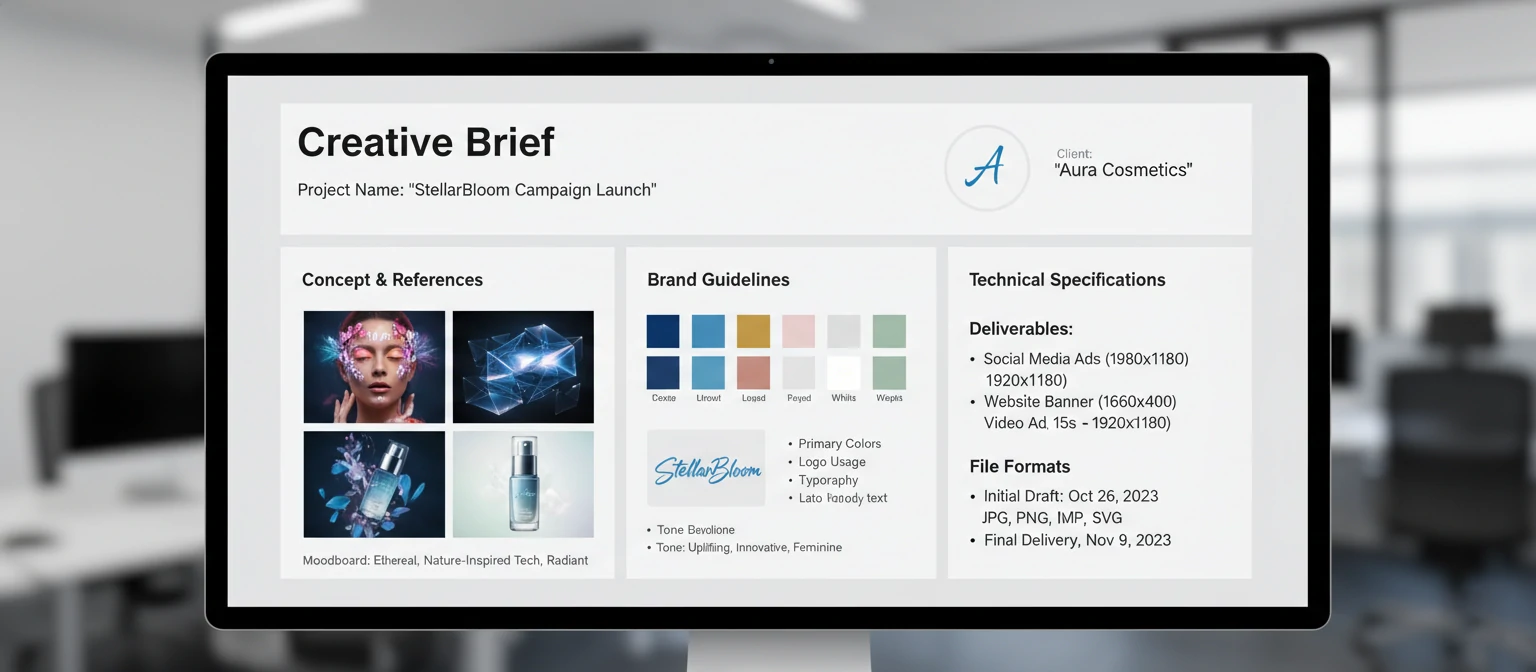
The more you provide upfront, the better your results and the fewer surprises in pricing. Gather CAD files (or high-quality photos from multiple angles), material specifications, brand guidelines, competitor examples you admire, and reference videos showing desired style. Complete briefs prevent costly mid-project discoveries.
Essential Brief Components
Product Assets
CAD files, photos, physical samples
Brand Elements
Colors, fonts, logo files, guidelines
Reference Content
Videos you like (and don't like)
Technical Specs
Resolution, format, platform requirements
Approve Storyboards Thoroughly
The storyboard stage is your opportunity to shape direction at minimal cost. Changes are cheap here and expensive later. Review storyboards with all stakeholders—the CEO who might have opinions should see them now, not after rendering is complete. Getting alignment early prevents painful late-stage revisions.
Provide Actionable Feedback
Vague feedback ("make it pop more") frustrates both parties. Specific feedback ("the metal finish should be more brushed, like this reference image") enables precise action. Consolidate feedback from all reviewers into a single document to avoid contradictory notes. Time-stamp video feedback when possible.
Technology and Tools
Understanding the technology landscape helps you appreciate what's possible and have informed conversations with studios. You don't need technical expertise, but familiarity with major tools and trends proves useful.
3D Software
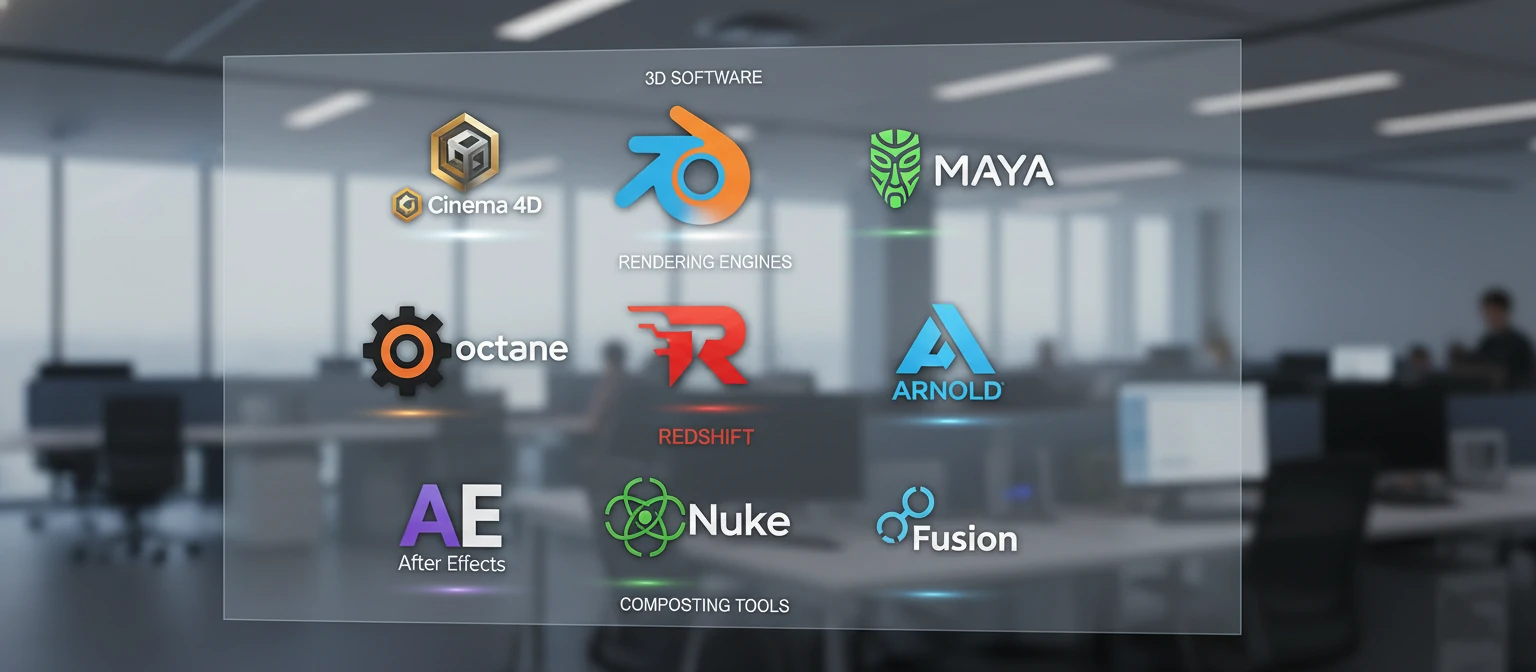
Major 3D applications include Cinema 4D (popular for motion graphics), Maya (film industry standard), 3ds Max (architecture and product), and Blender (free, increasingly professional). Each has strengths—studios typically specialize in one or two. For clients, the tool matters less than the result.
Rendering Engines
Rendering engines calculate final imagery. Popular options include Octane (GPU-based, fast previews), Redshift (optimized for animation), Arnold (production-proven), and V-Ray (photorealistic specialty). GPU rendering has accelerated dramatically, enabling faster iteration and lower costs for many projects.
Traditional Pipeline
- Pre-rendered frames
- Maximum quality control
- Long render times
- Fixed final output
Real-Time Pipeline
- Interactive rendering
- Faster iteration
- Growing quality parity
- Interactive output possible
Real-Time Engines
Game engines like Unreal Engine and Unity increasingly handle product visualization. They render fast enough for interactive experiences and now approach pre-rendered quality. This technology enables new possibilities: interactive configurators, virtual showrooms, and AR experiences alongside traditional video output.
AI Acceleration
Artificial intelligence is transforming production. AI denoisers clean renders faster. AI upscaling improves resolution efficiently. AI-assisted tools generate textures, suggest lighting, and even help with animation. These technologies accelerate workflows rather than replace artists—at least for now. Expect AI integration to increase rapidly.
Future Trends in Product Animation
Product animation continues evolving rapidly. Emerging technologies create new possibilities while changing economics make sophisticated content accessible to smaller organizations. Here's what's shaping the future.
Democratized Production
Tools are becoming accessible. What required studio-level investment a decade ago now runs on consumer hardware. Cloud rendering eliminates infrastructure barriers. AI assists with technical tasks. The floor for "good enough" quality keeps rising while entry costs drop. More businesses can afford professional animation than ever before.
Interactive Experiences
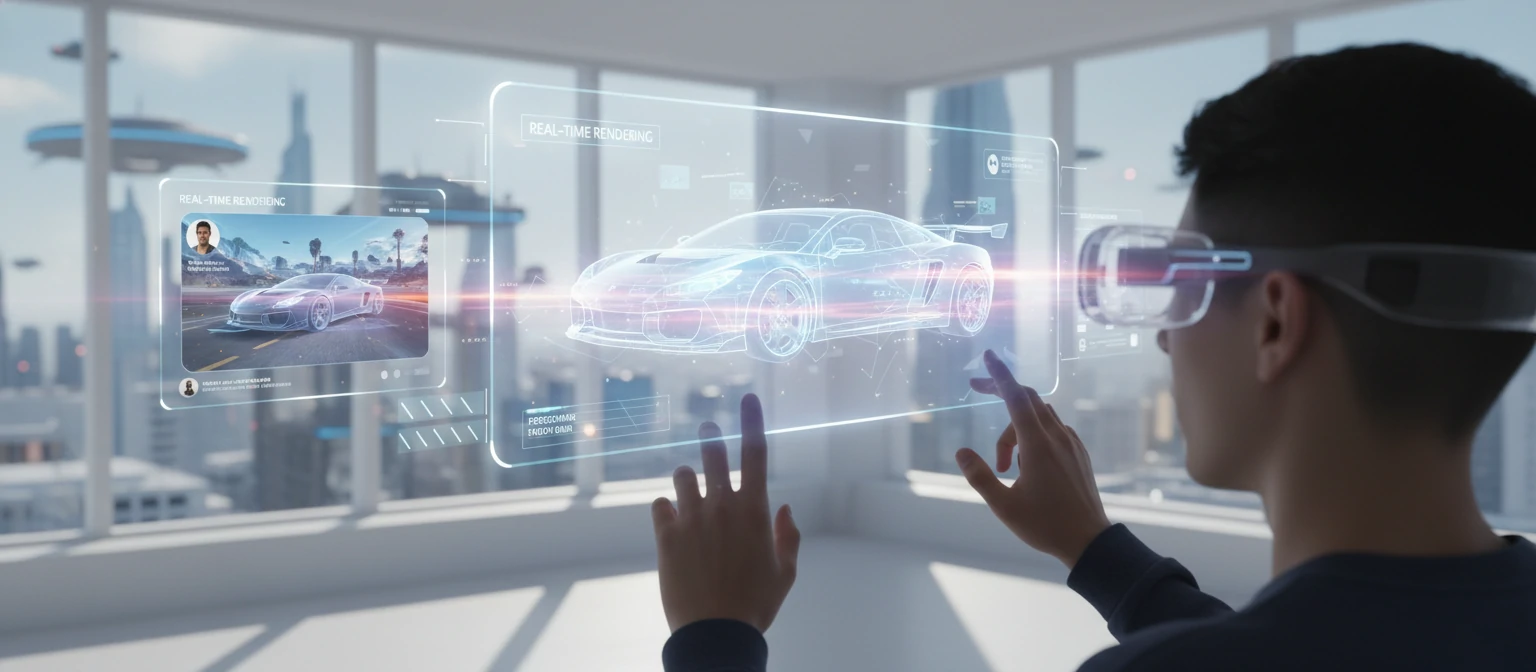
The line between animation and interactive content blurs. Product configurators let customers explore variations. WebGL brings 3D to browsers without plugins. Spatial computing devices like Apple Vision Pro create new contexts for immersive product experiences. Animation increasingly becomes just one output from 3D assets that also serve interactive applications.
Emerging Trends to Watch
AI-Generated Content
Automated animation from text prompts and AI-assisted production
Personalization at Scale
Dynamic content adapting to individual viewers in real-time
Spatial Commerce
AR/VR shopping experiences with animated product showcases
Volumetric Capture
3D scanning combined with motion capture for hybrid content
Personalization and Dynamic Content
Real-time rendering enables personalized animation—content that adapts to individual viewers. Imagine product videos that automatically show your color preference, reference your location, or highlight features relevant to your browsing history. The technology exists; adoption will accelerate as platforms support it.
Sustainability Considerations
3D animation reduces environmental impact compared to traditional production—no physical sets, no travel, no material waste. As sustainability becomes increasingly important to brands and consumers, this advantage gains marketing value. "Filmed without physical production" may become a selling point itself.
Frequently Asked Questions
How much does a typical product animation cost?
Costs range widely based on complexity and quality. Simple 15-30 second animations start around $2,000-5,000. Standard commercial content (60-90 seconds) typically runs $15,000-50,000. Premium cinematic campaigns can exceed $100,000. Always get detailed quotes for your specific requirements.
How long does production take?
Simple animations can be completed in 3-4 weeks. Standard projects typically take 6-10 weeks. Complex campaigns may require 3-6 months. Rush timelines are possible for premium pricing but may affect quality. Client feedback timing is often the biggest schedule variable.
What files do I need to provide?
Ideally, 3D CAD files in formats like STEP, IGES, OBJ, or native software formats. If CAD isn't available, detailed photos from multiple angles with measurements help. Also useful: material specifications, brand guidelines, color references, and example videos showing desired style.
Can I make changes during production?
Yes—revision rounds are standard. Most quotes include 2-3 revisions per stage. Changes early in production (storyboard, concept) are inexpensive. Changes after animation and rendering are costly. Thorough approval at early milestones minimizes expensive late changes.
Is 3D animation better than live-action video?
Neither is universally better—they serve different purposes. Animation excels at showing internal mechanisms, impossible camera angles, perfect lighting, and infinite variations. Live-action provides authenticity and human connection. Many brands use both strategically. Consider your message and audience when choosing.
Sophia Martinez
Motion Design Director
Sophia leads motion design at a studio specializing in product visualization for technology and consumer brands. With twelve years of experience spanning broadcast graphics, film titles, and commercial animation, she brings unique perspective on how motion transforms product marketing. Her work has been featured in Communication Arts, Motionographer, and the ADC Annual.