Hire Professional Video Editors
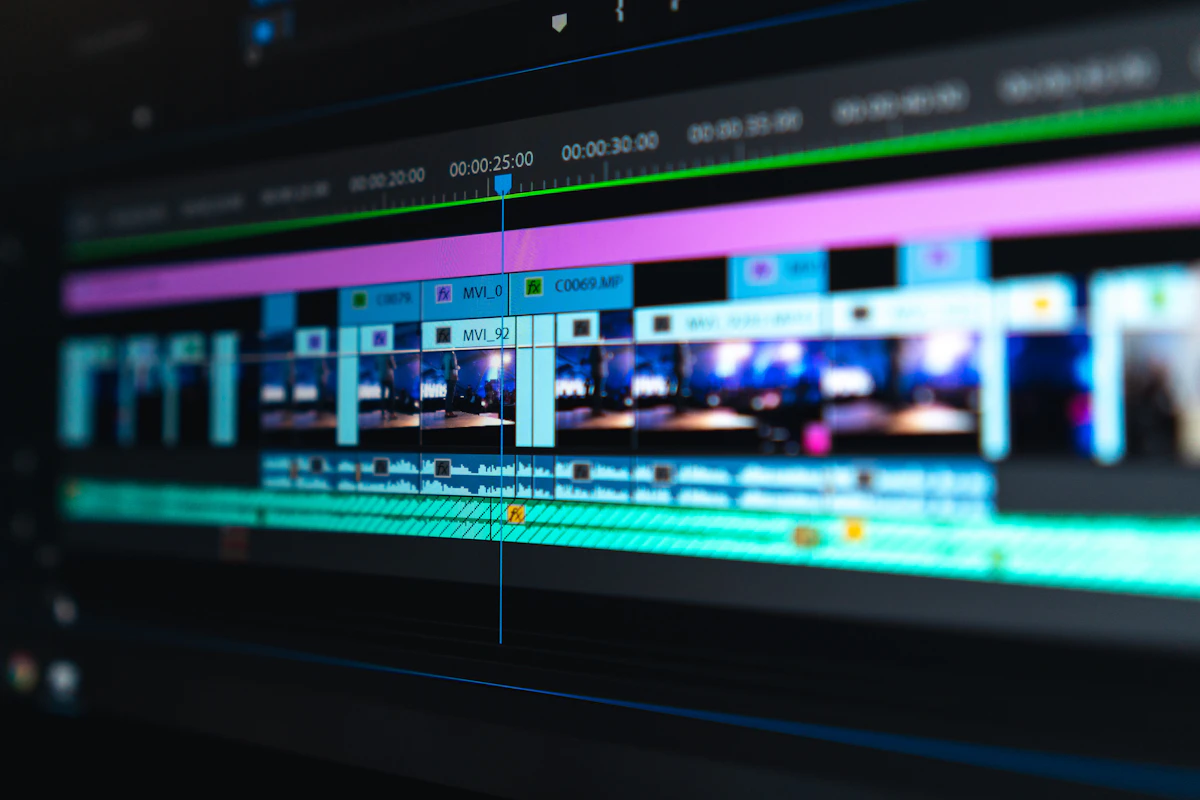
In today's visual-first digital landscape, video content has become the most powerful medium for communication, marketing, and storytelling.
 Pro Pixel Agency
Why Hire a Professional Video Editor?
In today's visual-first digital landscape, video content has become the most powerful medium for communication, marketing, and storytelling. Whether you're a business owner looking to create compelling promotional content, a content creator building your brand, or an organization needing training materials, the quality of your video editing can make or break your message. While recording footage is just the beginning, it's the editing process that truly transforms raw clips into polished, engaging content that resonates with your audience.
Perhaps most importantly, professional video editors allow you to focus on what you do best. Instead of spending countless hours learning complex software and troubleshooting technical issues, you can concentrate on your core business activities while trusting that your video content is in capable hands. The investment in professional editing typically pays for itself through higher-quality output, faster turnaround times, and content that actually achieves your goals.
Image Suggestion
A split-screen comparison showing raw, unedited footage on the left (shaky, poorly lit, no color correction) versus the same scene after professional editing on the right (stabilized, color-graded, with graphics and smooth transitions).
Key Advantages
Benefits of Hiring Video Editors
Save Valuable Time
Video editing is incredibly time-consuming, especially for complex projects. A one-hour video can take 10-20 hours to edit properly. Professional editors work efficiently with optimized workflows, allowing you to reclaim those hours for activities that directly grow your business or creative endeavors. Time is your most precious resource—use it wisely.
Professional Quality
Professional editors bring technical expertise that elevates your content. From seamless transitions and perfect pacing to sophisticated color grading and audio mixing, they transform amateur footage into broadcast-quality productions. This polish distinguishes your content from the endless stream of mediocre videos online.
Fresh Creative Perspective
When you're too close to your content, you lose objectivity. Professional editors bring fresh eyes and creative ideas you might never have considered. They see possibilities in your footage that you might miss and can suggest approaches that strengthen your narrative and maximize viewer engagement.
Scalable Production
As your content needs grow, professional editors allow you to scale production without sacrificing quality. Whether you need one video per month or daily content, you can adjust your editing support accordingly. This flexibility is impossible when you're doing everything yourself.
Access to Professional Tools
Professional editors invest in premium software, plugins, stock assets, and hardware that would cost thousands to acquire yourself. By hiring an editor, you benefit from these professional-grade tools without the upfront investment, ensuring your videos leverage the latest technology and resources.
Better ROI on Content
Well-edited videos perform better. They achieve higher view counts, better engagement rates, more shares, and stronger conversion rates. The cost of professional editing is typically dwarfed by the increased value your content generates through improved performance and audience response.
Find Your Match
Types of Video Editors You Can Hire
MOST FLEXIBLE
Freelance Video Editors
Freelance editors work independently and can be hired on a per-project basis. They offer flexibility in terms of availability, pricing, and specialization. Many freelancers have diverse portfolios spanning multiple industries and styles. This option works well for businesses with variable video production needs or specific project requirements.
Project-based
Flexible rates
Specialized skills
Global talent
In-House Editors
Full-time employees who work exclusively for your organization. They develop deep understanding of your brand, style, and workflow. Ideal for companies with consistent, high-volume video production needs. While the initial investment is higher, dedicated editors become invaluable team members who truly understand your vision.
Brand consistency
Always available
Video Editing Agencies
Agencies offer teams of editors with diverse specializations. They provide project management, quality assurance, and can handle large-scale productions. Agencies are excellent for complex projects requiring multiple skill sets—editing, motion graphics, color grading, and sound design—all under one roof.
Full-service
Scalable teams
Specialized Video Editors
YouTube Editors
Experts in engaging pacing, retention hooks, and platform optimization.
Cinematic Editors
Focus on narrative storytelling, color grading, and film-like aesthetics.
Commercial Editors
Specialize in advertising, product videos, and conversion-focused content.
Music Video Editors
Masters of rhythm-based editing, visual effects, and artistic expression.
Social Media Editors
Quick turnaround, platform-specific formats, and trend-aware content.
Educational Editors
Clear communication, graphics integration, and learning-focused structure.
Image Suggestion
An infographic showing the different types of video editors with icons representing each category: a freelancer working remotely on a laptop, an in-house team in an office setting, an agency with multiple workstations, and specialized editors with their respective equipment.
Discover Talent
Where to Find Video Editors
Freelance Platforms
Upwork, Fiverr, and Freelancer.com host thousands of video editors. These platforms offer protection, reviews, and easy payment processing. Great for finding affordable talent globally.
Starting from $15-200/hour
Professional network with verified credentials and work history. Ideal for finding experienced editors with corporate backgrounds. Post jobs or reach out directly to candidates.
Professional-grade talent
Creative Portfolios
Behance, Dribbble, and Vimeo showcase creative work. You can browse portfolios to find editors whose style matches your vision before reaching out.
Style-focused discovery
Video-Specific Platforms
Platforms like Video Husky, Vidchops, and EditMentor specialize exclusively in video editing services with subscription-based models for ongoing needs.
Dedicated video services
Communities & Forums
Reddit, Discord servers, and Facebook groups focused on video production are great for finding passionate editors and getting community recommendations.
Community-vetted talent
Referrals & Networking
Personal recommendations from colleagues, industry contacts, and fellow content creators often lead to the best matches and most reliable partnerships.
Trusted recommendations
Essential Criteria
What to Look for in a Video Editor
1
Strong Portfolio
A portfolio reveals more than any resume. Look for work that matches your desired style and quality level. Pay attention to variety, consistency, and whether their previous projects resonate with your vision. Ask for examples similar to what you need—a good editor will have relevant samples ready.
2
Technical Proficiency
Ensure they're skilled in software relevant to your needs—Premiere Pro, Final Cut Pro, DaVinci Resolve, After Effects. Beyond basic editing, consider whether you need color grading, motion graphics, or sound design expertise. Technical skills should match project requirements.
3
Communication Skills
Great editing partnerships require clear communication. How quickly do they respond? Do they ask thoughtful questions about your vision? Can they explain their creative decisions? An editor who communicates well will understand your needs and deliver accordingly.
4
Reliability & Deadlines
Meeting deadlines is non-negotiable in professional video production. Check reviews for mentions of timeliness. During initial conversations, discuss their workflow, turnaround times, and how they handle revision cycles. Reliable editors are worth their weight in gold.
5
Creative Problem-Solving
Sometimes footage has issues—poor audio, missing shots, or awkward moments. Great editors find creative solutions rather than just flagging problems. They see possibilities where others see limitations. This ability separates good editors from truly exceptional ones.
6
Fair & Transparent Pricing
Understand their pricing structure upfront. Do they charge hourly, per project, or per finished minute? What's included in their rate? How are revisions handled? Clear pricing prevents misunderstandings and ensures the relationship remains positive throughout the project.
Image Suggestion
A checklist-style infographic showing the key criteria for evaluating video editors, with visual icons for each point: portfolio (play button), technical skills (software logos), communication (chat bubbles), deadlines (clock), creativity (lightbulb), and pricing (dollar sign).
Investment Guide
Understanding Video Editing Costs
Video editing costs vary dramatically based on multiple factors: the editor's experience level, geographic location, project complexity, required turnaround time, and additional services needed. Understanding these variables helps you budget appropriately and recognize fair pricing when you see it.
Keep in mind that the cheapest option isn't always the best value. A skilled editor who charges more may actually save you money by completing work faster with fewer revisions, producing content that performs better, and requiring less handholding throughout the process. Consider the total cost of ownership, not just the initial rate.
ENTRY LEVEL
$15 - $35
per hour
- Basic cuts and transitions
- Simple text overlays
- Basic color correction
- Simple audio adjustments
Best for: Simple vlogs, basic social media content, personal projects
MOST POPULAR
PROFESSIONAL
$50 - $150
per hour
- Advanced editing techniques
- Motion graphics & titles
- Professional color grading
- Sound design & mixing
- Multiple revision rounds
Best for: Business content, YouTube channels, marketing videos
PREMIUM
$150 - $500+
per hour
- Broadcast-quality output
- Complex VFX & compositing
- Cinematic storytelling
- Award-winning quality
Best for: Commercials, films, high-end corporate videos
Building Success
How to Work Effectively with Your Editor
1
Provide Clear Creative Direction
Share reference videos, mood boards, and examples of work you admire. Explain your brand guidelines, target audience, and the emotional response you want to evoke. The more context you provide upfront, the closer the first draft will be to your vision—saving time and revisions for everyone.
2
Organize Your Footage Thoughtfully
Well-organized footage saves hours of editing time. Label files clearly, separate good takes from bad ones, provide shot logs if possible, and include any relevant notes about specific clips. Consider using cloud storage with proper folder structures for seamless file sharing.
3
Give Constructive Feedback
When reviewing drafts, be specific about what works and what doesn't. Instead of "I don't like this section," try "The pacing feels slow between 1:30-2:00, can we tighten it up?" Constructive feedback helps editors understand your preferences and deliver exactly what you need.
4
Trust Their Expertise
You hired a professional for a reason. While your input is valuable, remain open to their creative suggestions. Good editors understand pacing, storytelling, and technical aspects that may not be immediately obvious. Collaboration produces the best results.
5
Build Long-term Relationships
The best editing partnerships develop over time. As editors learn your style, preferences, and brand, they become more efficient and their work more aligned with your vision. Invest in relationships with editors who deliver quality—consistency pays dividends.
Image Suggestion
A workflow diagram showing the collaboration process between client and editor: brief/reference sharing, footage upload, first draft review, feedback session, revisions, final approval, and delivery—with icons and connecting arrows creating a clear visual flow.
Where to go next
- Every Frame Tells a Story. We Make It Unforgettable.
- Expert Video Editors for Your Projects
- We Lock On. It Disappears.
More useful paths
Use these paths to continue with the closest practical topic, service, or decision guide.
Spotted something wrong? Report an error on this page. We correct on the page and say what changed.