How to Create GIFs for Product Demonstrations
A product demo GIF is quick and effective. It explains features without a long video.
 Pro Pixel Agency
A product demo GIF is quick and effective. It explains features without a long video.
This guide covers how to create GIFs for product demonstrations. You will learn to plan, capture, and optimize your clips.
What You Will Learn
- Why GIFs Work for Products
- Choosing What to Demonstrate
- Planning Your Demo Clip
- Setting Up the Scene
- Lighting for Motion
- Shooting the Footage
- Keeping Movement Smooth
- Choosing the Right Length
- Using Video Editing Software
- Converting Video to GIF
- Building GIFs from Photos
- Looping Your Animation
- Optimizing File Size
- Keeping Quality Sharp
- Adding Captions and Arrows
- Using GIFs on Product Pages
- Using GIFs on Social Media
- Common GIF Mistakes
- Testing Your GIFs
- GIFs for Different Product Types
- Measuring GIF Performance
- Common Questions Answered
- GIFs in Email Marketing
- Building a GIF Library
- GIFs for Campaigns and Launches
- Improving GIFs Over Time
- Final Takeaways
1. Why GIFs Work for Products
GIFs show products in a glance. Motion explains more than a still image.
They are quick to view. Short clips keep attention.
They demonstrate features clearly. Movement shows how things work.
They boost engagement. Animated images catch the eye.
2. Choosing What to Demonstrate
The right action makes a great GIF. Choosing well shows real value.
Show how the product works. Movement explains function.
Highlight a key feature. Focus on what matters most.
Pick a clear single action. One idea keeps the GIF simple.
3. Planning Your Demo Clip
Planning keeps demos clear. A defined clip is easier to shoot and edit.
Decide the action to show. A clear goal guides the shoot.
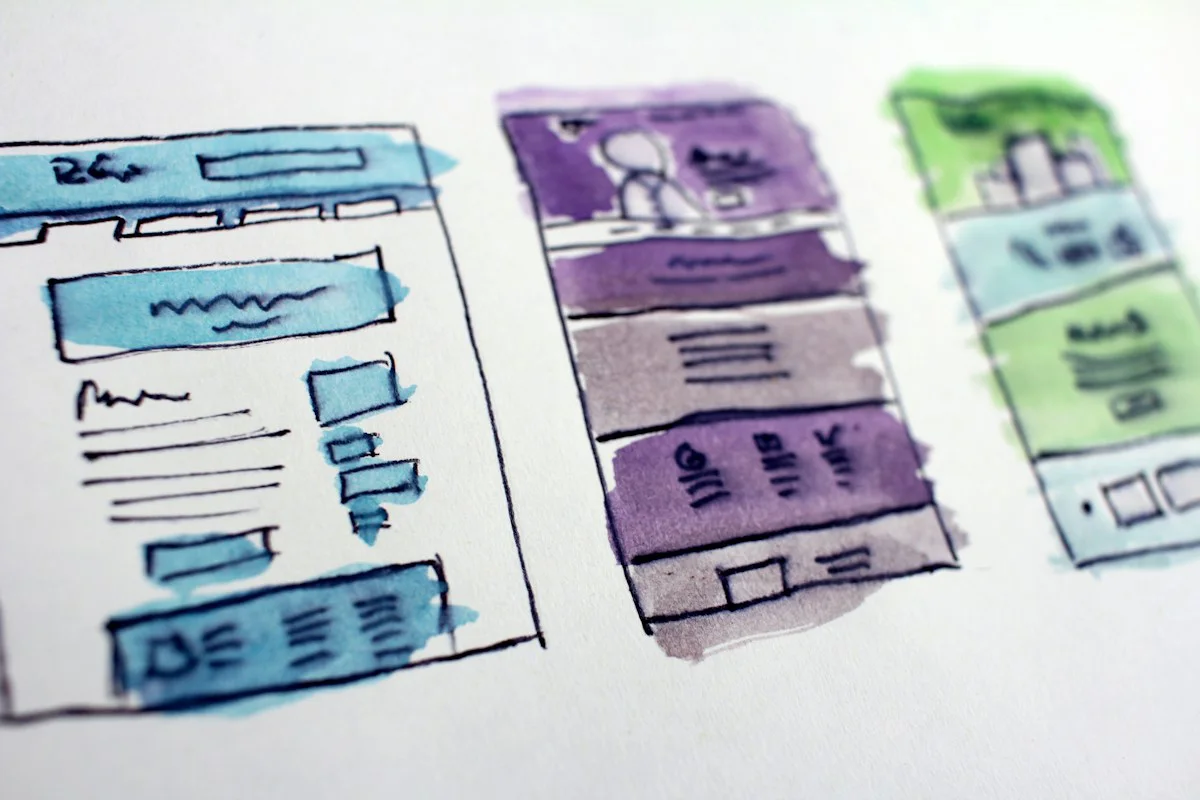
Storyboard the motion. Simple sketches keep you on track.
Keep the clip focused. Short demos work best.
4. Setting Up the Scene
A clean scene supports your demo. Simple styling keeps focus on the product.
Use a tidy background. Clean scenes look professional.
Place the product clearly. Clear views show the action.
Keep props minimal. Fewer distractions work better.
5. Lighting for Motion
Good light keeps motion clear. Even lighting shows every detail.
Use soft, steady light. Consistent light avoids flicker.
Avoid harsh shadows. Clean light flatters the product.
Keep exposure stable. Steady settings keep the clip even.
6. Shooting the Footage
Steady footage makes better GIFs. Careful shooting keeps motion smooth.
Use a stable camera. Steady shots look professional.
Keep the action centered. Clear focus stays on the product.
Shoot a little extra. More footage gives editing room.
7. Keeping Movement Smooth
Smooth motion looks natural. Careful movement keeps loops clean.
Move the product steadily. Gentle motion stays smooth.
Use even speed. Consistent motion loops well.
Avoid sudden jumps. Smooth action looks better.
8. Choosing the Right Length
Short GIFs hold attention. Choosing the right length keeps demos effective.
Keep GIFs brief. A few seconds work best.
Show one complete action. Full motion tells the story.
Trim extra frames. Focused clips stay clear.
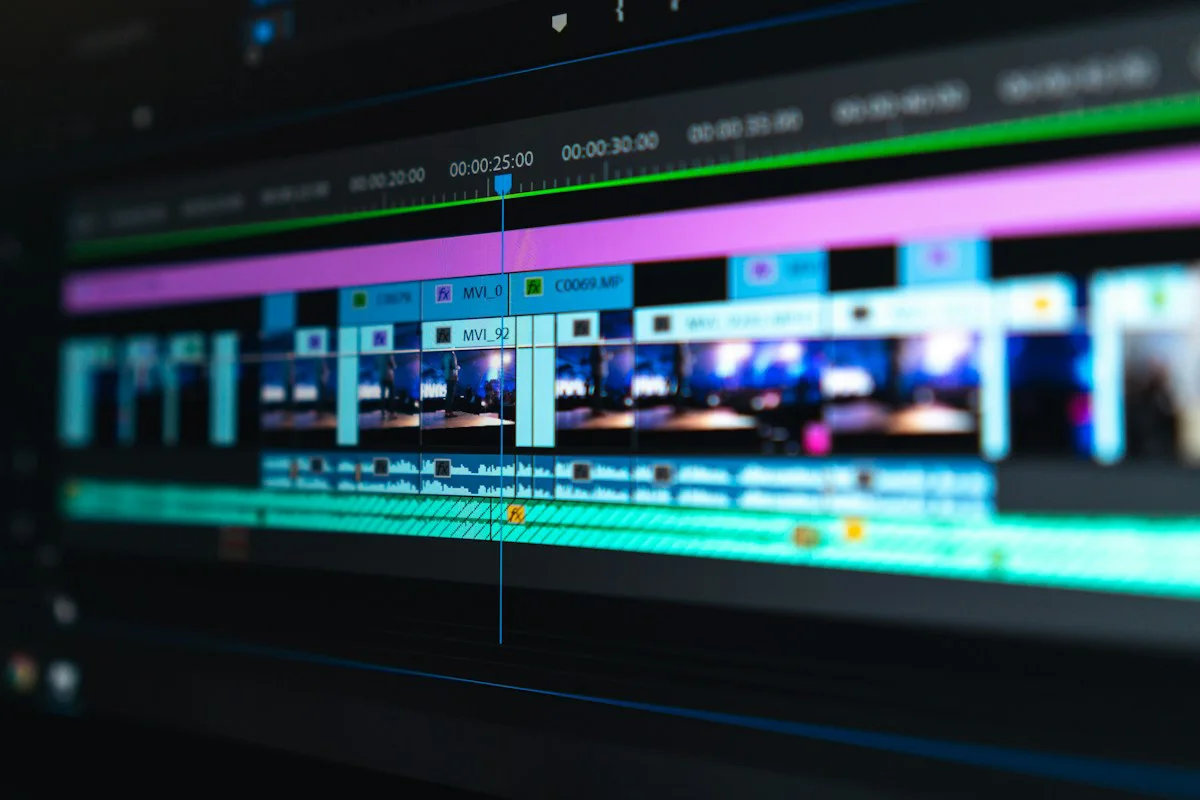
9. Using Video Editing Software
Editors refine your clip. Good tools prepare footage for conversion.
Trim to the best moment. Clean clips convert well.
Adjust brightness and color. Polished clips look better.
Export a clean file. Good footage makes great GIFs.
10. Converting Video to GIF
Conversion turns video into animation. The right settings keep quality high.
Choose a reliable converter. Good tools work cleanly.
Set a sensible frame rate. Balanced frames stay smooth.
Preview before saving. Checking protects quality.
11. Building GIFs from Photos
Photo sequences make useful GIFs. Series of images create simple motion.
Shoot a series of steps. Frames build the action.
Keep framing consistent. Aligned frames animate smoothly.
Assemble frames in order. Clear sequence shows motion.
12. Looping Your Animation
Loops keep demos repeating. Seamless loops look professional.
Make the loop continuous. Smooth repeats feel natural.
Match the start and end. Connected frames loop well.
Test the loop fully. Checking avoids jarring jumps.
13. Optimizing File Size
Small files load quickly. Optimized GIFs keep pages fast.
Reduce the frame count. Fewer frames shrink files.
Compress smartly. Good compression keeps quality.
Check the final size. Balanced files load well.
14. Keeping Quality Sharp
Sharp GIFs look professional. Good settings preserve detail.
Use enough frames. Sufficient frames stay smooth.
Keep colors true. Accurate tones look clean.
Avoid heavy compression. Balanced files stay sharp.
15. Adding Captions and Arrows
Guides make demos clearer. Simple annotations direct attention.
Add short captions. Helpful words explain actions.
Use arrows for focus. Direction guides the viewer.
Keep annotations simple. Clean guides stay clear.
16. Using GIFs on Product Pages
Product pages benefit from GIFs. Motion supports the buying decision.
Place GIFs near product photos. Context helps shoppers.
Show key features in motion. Demonstrations build confidence.
Keep pages fast. Optimized GIFs load quickly.
17. Using GIFs on Social Media
Social GIFs grab attention. Motion stops the scroll.
Share demos in posts. Animated clips engage viewers.
Use GIFs in stories. Quick clips fit the format.
Match the platform size. Correct formats display well.
18. Common GIF Mistakes
Avoiding mistakes keeps demos strong. Knowing them improves your GIFs.
Making GIFs too long. Short clips hold attention.
Leaving large file sizes. Heavy files load slowly.
Showing too many actions. One clear demo works best.
Skipping the final check. Reviewing catches issues.
19. Testing Your GIFs
Testing confirms quality. Careful checks protect your demo.
View the GIF fully. Complete viewing reveals issues.
Check it on devices. Different screens display differently.
Ask for feedback. Other eyes find problems.
20. GIFs for Different Product Types
Each product type suits its own GIF. Matching the format helps your demo.
Gadgets show well with action shots. Movement explains functions.
Cosmetics work with smooth clips. Flow shows texture and color.
Fashion suits turning views. Rotation shows fit and fabric.
Food benefits from close-ups. Detail shows freshness and appeal.
21. Measuring GIF Performance
Measurement shows what works. Tracking helps you improve your GIFs.
Watch engagement on pages. Views reveal interest.
Compare clicks and shares. Stronger GIFs perform better.
Review which demos help sales. Data guides your next clips.
Test different approaches. Trial and error builds results.
22. Common Questions Answered
Questions often come up about GIFs. Clear answers help you proceed.
How long should a GIF be? A few seconds works best.
What makes a good loop? Seamless movement repeats well.
How small should the file be? Smaller files load faster.
Can I make GIFs from photos? Yes, frame sequences work.
23. GIFs in Email Marketing
Emails gain life with GIFs. Motion makes messages more engaging.
Show products in action. Demonstrated features attract clicks.
Keep GIFs small for delivery. Light files load reliably.
Test across email clients. Compatibility keeps your demo visible.
Provide a fallback image. Static backups show even without motion.
24. Building a GIF Library
A library saves time later. Organized GIFs are easy to reuse.
Name files clearly. Clear names make clips findable.
Sort by product and feature. Categories speed your search.
Keep source footage too. Originals allow new edits.
Refresh with new demos. Updated clips stay relevant.
25. GIFs for Campaigns and Launches
Launches sparkle with GIFs. Motion builds excitement.
Reveal products in motion. Movement creates anticipation.
Announce special offers. Animated deals draw attention.
Create countdown loops. Timed clips add urgency.
Match campaign themes. Cohesive visuals strengthen the story.
26. Improving GIFs Over Time
Improvement keeps demos strong. Reviewing refines your skills.
Learn from performance data. Results guide your next steps.
Watch competitor examples. Insights inspire better clips.
Experiment with new ideas. Creative testing finds what works.
Keep updating your skills. New tools bring better results.
27. Final Takeaways
GIFs make product demos simple. Short animations show real value.
Plan one clear action. Focused demos explain best.
Shoot steady and optimize well. Smooth, small files perform best.
Test and refine your GIFs. Careful improvement builds quality.
Bottom line:Create product demo GIFs by choosing one clear action, shooting steady footage in good light, and keeping the clip short. Convert and optimize for smooth loops with reasonable file sizes. Add simple guides, test your GIFs, and use them on product pages and social media to explain features instantly.
← Previous: Best Times to Post
Next: The Clone Stamp Tool →
Where to go next
Spotted something wrong? Report an error on this page. We correct on the page and say what changed.