From bedroom producers to professional studios, discover how modern audio editing software transforms raw recordings into polished productions that captivate listeners.
Table of contents
- Key Takeaways
- Understanding Audio Editing Software
- Types of Audio Editing Applications
- Essential Features and Capabilities
- Leading DAWs Compared
- Best Free Audio Editing Software
- Audio Software for Music Production
- Podcast and Voice Editing Solutions
- Plugins, Effects, and Virtual Instruments
- Choosing the Right Software for You
- Future Trends in Audio Technology
- Frequently Asked Questions
- Your Audio Journey Begins
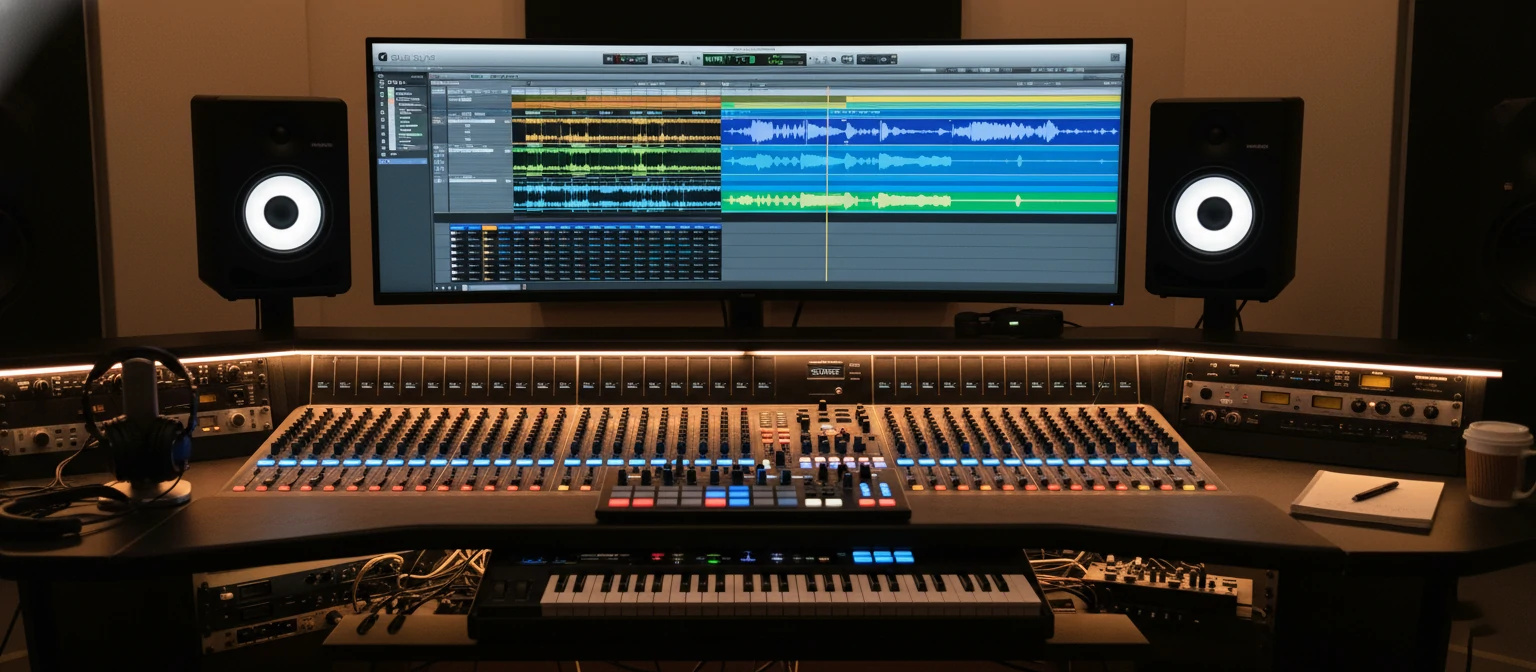
The moment you press record, a microphone captures vibrations in the air and converts them into electrical signals. What happens next—how those signals become a chart-topping song, an engaging podcast, or an immersive film soundtrack—depends entirely on audio editing software. These powerful applications have democratized sound production, putting capabilities once reserved for million-dollar studios into the hands of anyone with a computer.
Today's audio editing landscape offers remarkable choice. From free applications capable of professional results to sophisticated digital audio workstations (DAWs) used on Grammy-winning productions, the options can overwhelm newcomers and veterans alike. Understanding what these tools do, how they differ, and which best serves your creative goals transforms the selection process from confusion into confident decision-making.
This guide explores audio editing software comprehensively—the technology behind it, the features that matter, and the considerations for different use cases. Whether you're launching a podcast, producing electronic music, editing dialogue for video, or simply curious about how modern audio production works, you'll find the knowledge you need to navigate this creative technology landscape.
Key Takeaways
- ✓ Audio editing software ranges from simple waveform editors to full-featured digital audio workstations
- ✓ Non-destructive editing preserves original audio while allowing unlimited experimentation
- ✓ Free options like Audacity and GarageBand deliver professional-quality results for many applications
- ✓ Plugin ecosystems extend DAW capabilities with virtual instruments and effects processors
- ✓ Your choice should align with your specific creative goals, not just popularity or price
Understanding Audio Editing Software
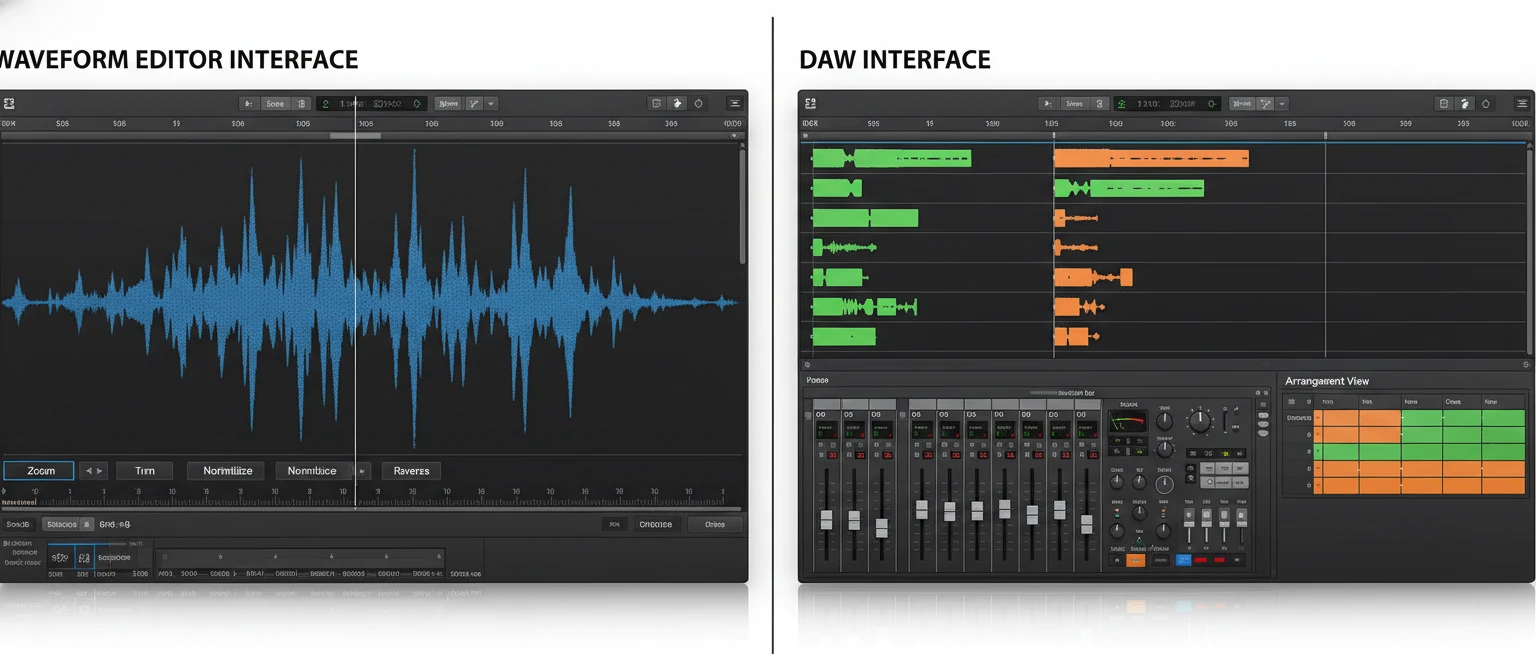
Audio editing software allows users to record, manipulate, arrange, and export sound files. At the most basic level, these applications display audio as visual waveforms—graphical representations of sound amplitude over time. This visualization enables precise editing operations that would be impossible working with audio purely by ear.
Core Functions of Audio Software
Recording
Capture audio from microphones and instruments
Editing
Cut, copy, paste, and rearrange audio regions
Mixing
Balance levels and blend multiple tracks
Processing
Apply effects like EQ, compression, reverb
The magic of modern audio software lies in non-destructive editing. Unlike physically cutting tape in analog studios, digital editing preserves original recordings while allowing unlimited experimentation. You can try radical changes, compare alternatives, and always return to your source material. This freedom fundamentally changed how producers approach audio work.
"The best audio software disappears during creative work—you should be thinking about music or content, not wrestling with the interface. The tool should amplify your creativity, not constrain it."
Audio software processes digital audio data—streams of numbers representing sound wave samples captured thousands of times per second. Standard CD quality captures 44,100 samples per second (44.1kHz) at 16-bit depth. Professional work often uses higher rates (96kHz or 192kHz) and bit depths (24-bit or 32-bit float) for additional headroom and precision during processing.
Types of Audio Editing Applications
Audio software exists along a spectrum from simple single-purpose tools to comprehensive production environments. Understanding these categories helps match software to your actual needs—avoiding both underpowered tools that limit creativity and overwhelming applications with unused capabilities.
Waveform Editors
Waveform editors focus on manipulating individual audio files. They excel at tasks like trimming recordings, removing unwanted sections, applying effects, converting between formats, and preparing audio for specific delivery requirements. Applications like Audacity, Adobe Audition (in waveform view), and ocenaudio represent this category.
🎶 Waveform Editors
Single-file focused editing with powerful processing capabilities. Ideal for podcast editing, audio restoration, and file preparation.
Examples: Audacity, Sound Forge, WaveLab
🎛 Digital Audio Workstations
Full production environments with multitrack recording, MIDI, virtual instruments, and mixing. Complete music production ecosystems.
Examples: Pro Tools, Logic Pro, Ableton Live
Digital Audio Workstations (DAWs)
DAWs represent complete music production environments. They support multitrack recording and arrangement, MIDI sequencing for virtual instruments, comprehensive mixing with automation, mastering tools for final polish, and integration with external hardware and plugins. Logic Pro, Pro Tools, Ableton Live, FL Studio, and Cubase exemplify professional DAWs.
The distinction between categories blurs in practice. Many waveform editors now include multitrack capabilities, while DAWs have improved their destructive editing tools. However, understanding the historical distinction helps recognize each application's core strengths.
Choosing Wisely: Don't assume you need the most powerful (and expensive) option. Podcasters rarely need full DAW capabilities. Conversely, music producers shouldn't limit themselves to basic editors. Match the tool to your actual workflow requirements.
Essential Features and Capabilities
Regardless of category, certain features define capable audio editing software. Understanding these capabilities helps evaluate options and recognize what separates professional tools from basic applications.
Editing Fundamentals
Cut, Copy, Paste
Fundamental operations for rearranging audio. Precision matters—frame-accurate editing prevents clicks and pops at edit points.
Zoom and Navigation
Quickly move between overview and sample-level detail. Efficient navigation dramatically impacts editing speed.
Undo History
Multiple levels of undo allow experimentation without fear. Some applications offer unlimited undo with history browsing.
Crossfades
Smooth transitions between audio regions. Essential for seamless edits in dialogue, music, and sound design.
Processing and Effects
Built-in processing capabilities vary widely between applications. Essential audio effects include equalization (EQ) for tonal shaping, compression for dynamic control, noise reduction for cleaning recordings, reverb and delay for spatial effects, and normalization for consistent levels. Professional applications offer more sophisticated versions of these tools with greater control and quality.
🎧
EQ
Shape frequency balance
📈
Compression
Control dynamics
🔇
Noise Reduction
Clean recordings
🌈
Reverb
Add space and depth
Leading DAWs Compared
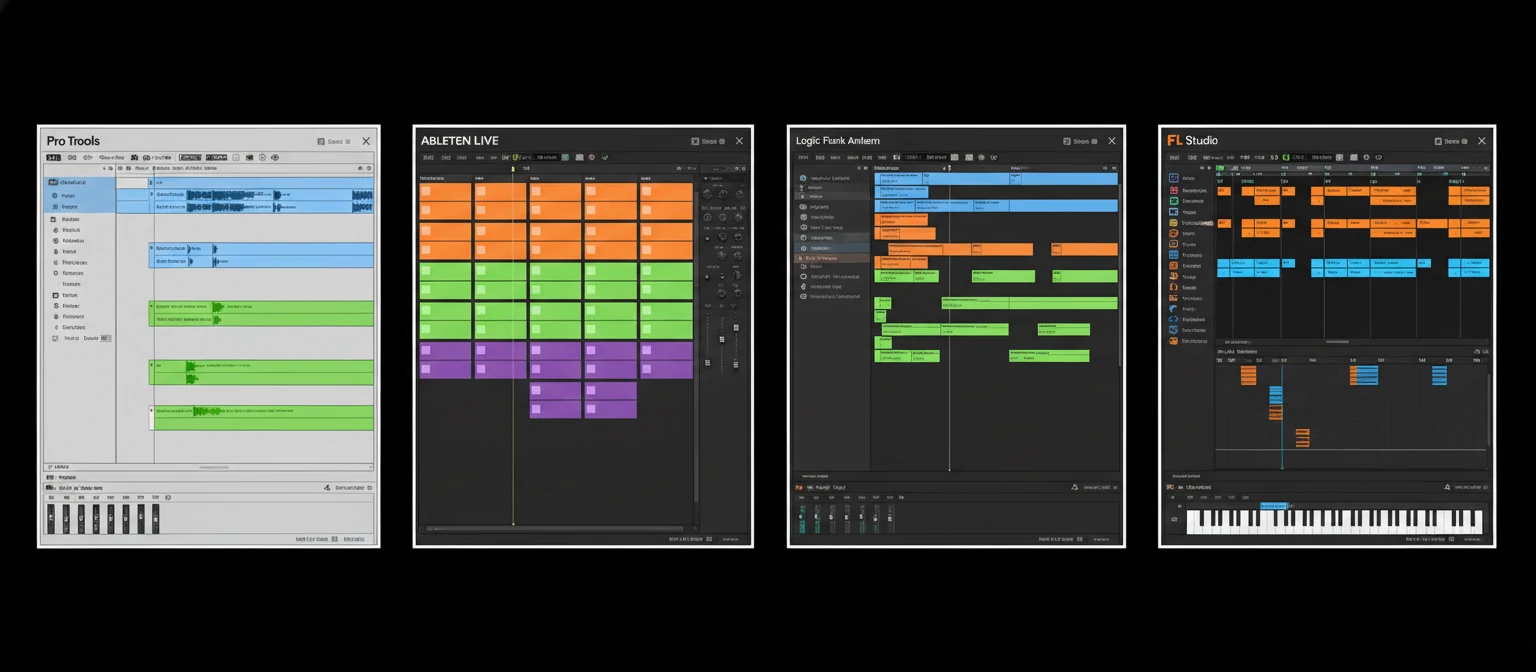
Several digital audio workstations dominate professional production. Each has distinct strengths, workflows, and communities. Understanding their characteristics helps narrow options based on your creative priorities.
Professional DAW Comparison
Pro Tools: The Industry Standard
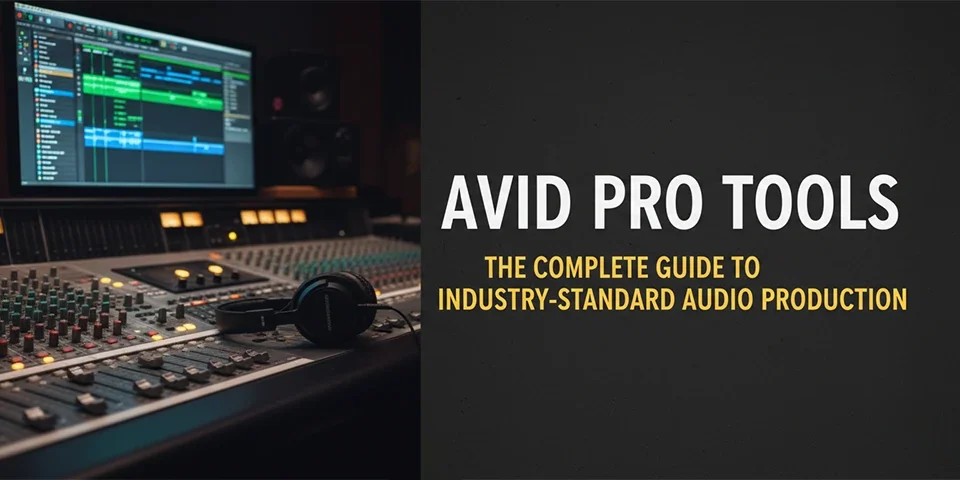
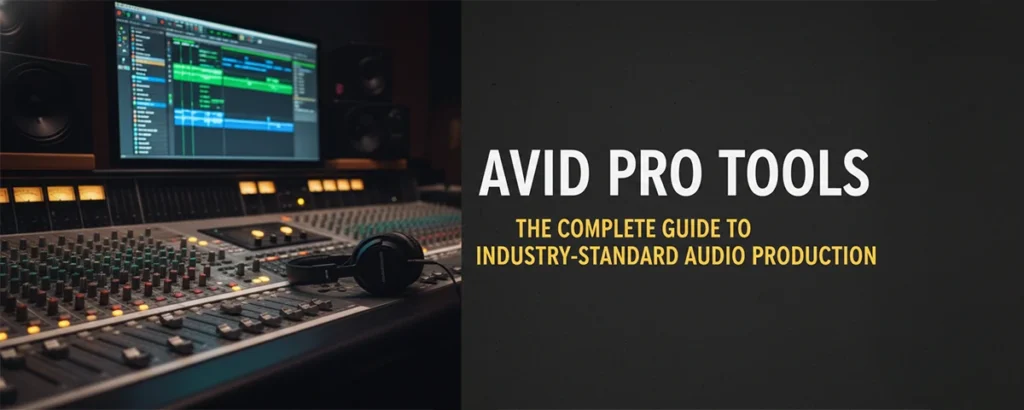
Pro Tools earned its "industry standard" reputation through decades of dominance in professional recording studios and post-production facilities. Its editing workflow, particularly for dialogue and music recording, remains unmatched for many professionals. The subscription model and hardware requirements present barriers, but for careers requiring collaboration with major studios, Pro Tools proficiency is often expected.
Ableton Live: Performance and Production
Ableton Live revolutionized electronic music production with its unique Session View—a non-linear arrangement canvas perfect for experimentation and live performance. The software excels at loop-based production, real-time manipulation, and integrates seamlessly with Ableton's Push hardware controllers. It's become the go-to choice for electronic producers and performers.
Logic Pro: Apple's Powerhouse
Logic Pro offers exceptional value for Mac users, delivering professional capabilities at a one-time purchase price that undercuts subscription competitors. Its included instruments and effects are genuinely high-quality—many producers use Logic's stock plugins on released music. The learning curve is moderate, and the integration with macOS and other Apple products is seamless.
Best Free Audio Editing Software
Budget constraints shouldn't prevent quality audio work. Several free applications deliver genuinely capable editing environments, some rivaling paid options for specific tasks. Understanding these options helps beginners start without investment and professionals find specialized tools.
Audacity
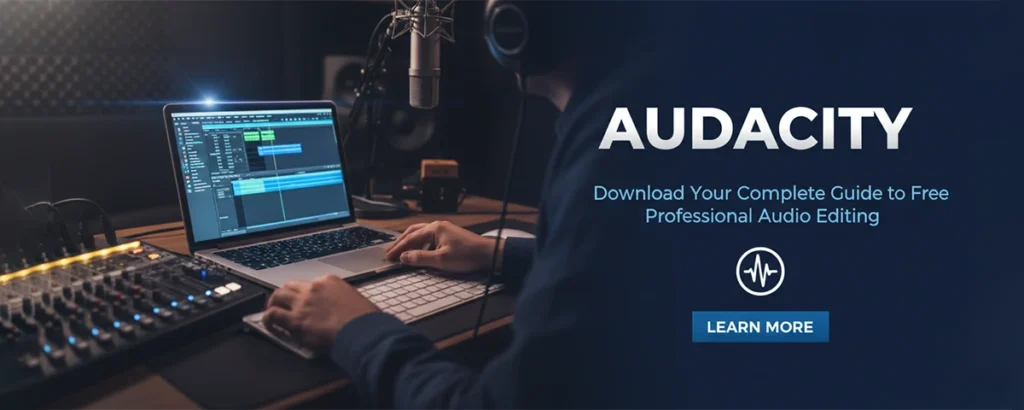
The most popular free audio editor. Open-source, cross-platform, and surprisingly capable. Excellent for podcast editing, audio cleanup, and format conversion. Limited multitrack capabilities.
Platform: Windows, Mac, Linux
GarageBand
Apple's free introduction to music production. Includes quality virtual instruments, loops, and effects. Projects open directly in Logic Pro for advanced work. Surprisingly powerful for free software.
Platform: Mac, iOS, iPadOS
DaVinci Resolve (Fairlight)
Professional-grade audio post-production included in Blackmagic's free video editor. Full DAW functionality for audio-to-picture work. Incredible value for video creators.
Platform: Windows, Mac, Linux
LMMS
Open-source digital audio workstation for music production. Includes instruments, samples, and effects. Good starting point for beat-making on any platform.
Platform: Windows, Mac, Linux
"Free software has created more musicians and podcasters than any marketing campaign. The barrier to entry for quality audio production has essentially disappeared."
Audio Software for Music Production
Music production demands the full range of audio software capabilities. Beyond basic editing, producers need composition tools, virtual instruments, sophisticated effects processing, and mixing capabilities. The choice of DAW significantly impacts creative workflow and the type of music you're naturally drawn to create.
Key Capabilities for Music Makers
🎹 MIDI Sequencing
Create and edit musical performances as data. Adjust notes, timing, and velocity after recording. Essential for virtual instrument work.
🎤 Audio Recording
Capture live performances with multiple takes, comping, and punch-in capabilities. Low-latency monitoring for real-time performance.
🎚 Mixing Console
Balance levels, apply EQ and effects, create spatial placement with panning. Automation for dynamic mixes that evolve over time.
💿 Mastering Tools
Final polish for release-ready audio. Loudness optimization, stereo enhancement, and format-specific preparation.
Genre Considerations
Different musical styles favor different tools. Electronic producers gravitate toward Ableton Live for its loop-based workflow and real-time manipulation. Hip-hop and trap producers often prefer FL Studio's pattern-based beat creation. Singer-songwriters might choose Logic Pro or Studio One for their comprehensive recording and mixing features. There's no universal "best"—only best for specific creative approaches.
Podcast and Voice Editing Solutions
Podcast and voice-focused editing prioritizes different features than music production. Dialogue editors need efficient tools for removing mistakes, balancing voices, eliminating background noise, and maintaining consistent volume. The software that excels at these tasks isn't always the most feature-rich overall.
Adobe Audition
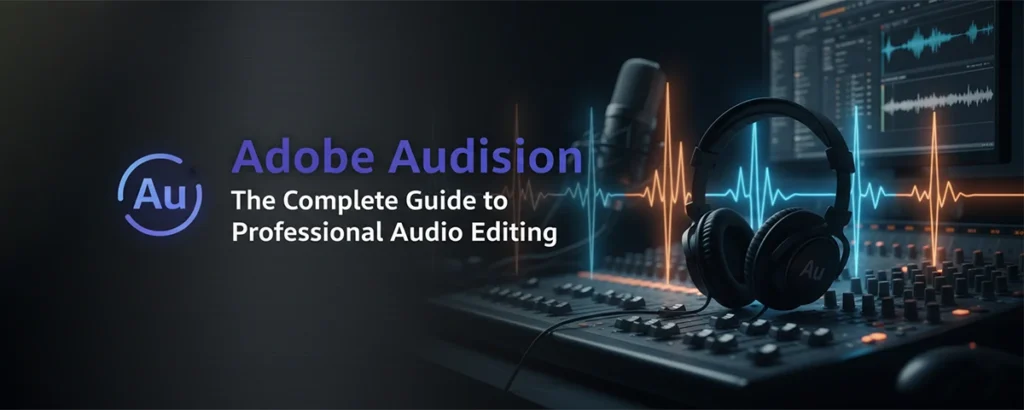
Industry standard for voice editing. Exceptional spectral editing for noise removal. Integrates with Premiere Pro for video work. Subscription required.
Descript
Revolutionary text-based editing—edit audio by editing the transcript. AI-powered features for filler word removal. Cloud-based collaboration.
Hindenburg
Designed specifically for radio and podcasts. Automatic leveling, intuitive interface. Preferred by many public radio producers.
Audacity
Free and capable for basic podcast editing. Noise reduction, normalization, and simple effects. Steeper learning curve but zero cost.
Essential Podcast Editing Features
Podcast editors should prioritize ripple editing (automatic gap closure when removing content), noise reduction capabilities, loudness normalization to streaming standards (-16 LUFS for stereo, -19 LUFS for mono), easy fade tools for smooth transitions, and efficient export to MP3 and other podcast formats. Full DAW features like MIDI and virtual instruments typically aren't necessary.
Podcast Production Tip: The fastest podcast editing comes from good recording practices. Clean source audio requires minimal editing. Invest in proper recording technique and environment before worrying about editing software sophistication.
Plugins, Effects, and Virtual Instruments
Plugins extend audio software capabilities beyond built-in tools. These add-on processors and instruments use standard formats (VST, AU, AAX) to work across different host applications. The plugin ecosystem represents a multi-billion dollar industry, with options ranging from free to thousands of dollars.
Plugin Categories
Virtual Instruments
Synthesizers, samplers, drum machines
EQ & Dynamics
Equalizers, compressors, limiters
Spatial Effects
Reverb, delay, modulation
Utility
Metering, analysis, repair tools
Building a Plugin Collection
Starting producers often accumulate too many plugins, leading to decision paralysis and unfocused learning. A more effective approach: master your DAW's included plugins first, add plugins only for specific missing capabilities, learn each new acquisition thoroughly before adding more, and focus on quality over quantity. Many professional mixers use surprisingly few plugins—they just know them intimately.
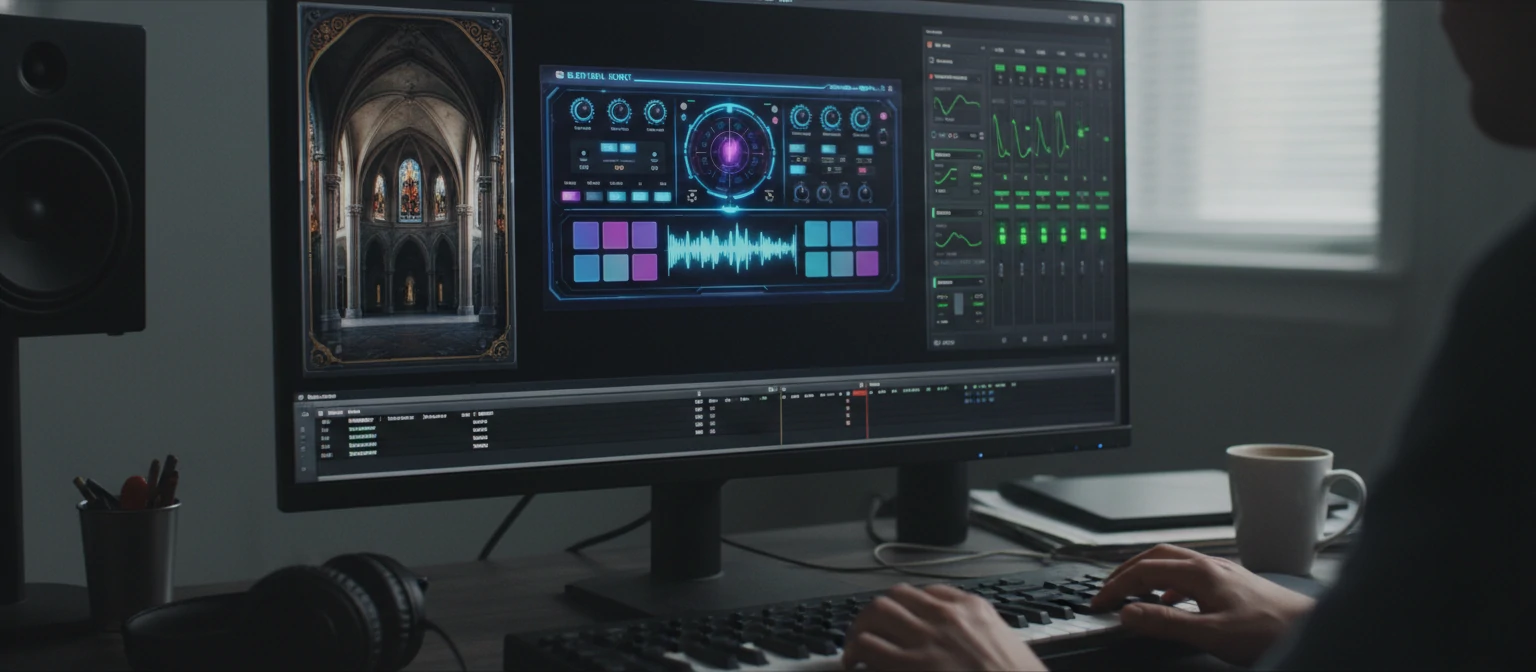
Free plugins can rival expensive options. Analog Obsession, TDR, and Airwindows offer professional-quality processors at no cost. Before paying for plugins, explore what free developers offer. The paid options make sense when specific features, workflow integration, or support justify the investment.
Choosing the Right Software for You
With so many options available, selection paralysis is common. A structured decision framework helps identify the best match for your specific situation, avoiding both underpowered tools and unnecessarily complex (and expensive) solutions.
Selection Decision Framework
Define Your Primary Use Case
Are you editing podcasts, producing music, creating sound design, or working with video? Each use case has different tool requirements. Be honest about what you'll actually do, not what you aspire to someday.
Consider Your Platform
Mac users have access to Logic Pro and GarageBand—exceptional value. Windows users have more DAW options. Cross-platform matters if you work on multiple computers or collaborate.
Evaluate Budget Honestly
Free options are genuinely capable for many uses. Subscription versus purchase—calculate total cost over your expected use period. Don't overspend on software while skimping on fundamentals like microphones.
Try Before Committing
Most DAWs offer free trials. Invest time learning the interface and workflow before purchasing. A tool that's technically capable but fights your intuition will slow creativity.
Quick Recommendations
For beginners exploring music production: start with GarageBand (Mac) or the free version of LMMS (Windows/Linux). For podcast editing: Audacity handles basics admirably, Descript if you prefer text-based editing. For serious music production: trial Ableton Live, Logic Pro, and FL Studio to find which workflow resonates. For video post-production: DaVinci Resolve's Fairlight provides professional tools at no cost.
"The best audio software is the one you'll actually learn and use consistently. An 'inferior' tool mastered thoroughly outperforms a 'superior' tool used superficially every time."
Future Trends in Audio Technology
Audio technology continues evolving rapidly. Understanding emerging trends helps make software investments that remain relevant and prepares creators for new capabilities on the horizon.
AI-Powered Audio Tools
Artificial intelligence is transforming audio editing. AI can now separate vocals from instrumentals with remarkable accuracy, remove background noise from recordings, transcribe audio to text instantly, match the style of one recording to another, and generate music elements from text descriptions. These capabilities are integrating into mainstream DAWs, changing traditional workflows.
🤖 AI Stem Separation
Isolate vocals, drums, bass, and other elements from mixed recordings. Revolutionizing remix creation and sample-based production.
☁ Cloud Collaboration
Real-time remote collaboration on audio projects. Multiple users editing simultaneously from anywhere in the world.
🎧 Spatial Audio
Immersive 3D audio for headphones and speakers. Dolby Atmos and Sony 360 Reality Audio changing how we experience music.
📱 Mobile Production
Tablets and phones increasingly capable of professional audio work. Touch interfaces offering new creative possibilities.
Subscription Economy
More audio software is moving to subscription models. While this lowers entry barriers, long-term costs can exceed perpetual licenses. Some companies offer hybrid models—subscriptions with ownership options. Evaluate total cost of ownership over your expected use period when comparing pricing models.
Frequently Asked Questions
What's the best audio editing software for beginners?
For music production, GarageBand (Mac) or LMMS (any platform) provide excellent starting points at no cost. For podcast/voice editing, Audacity remains the standard beginner recommendation. The key is starting with something accessible and upgrading only when you've outgrown its capabilities.
Do I need expensive software to make professional music?
No. Grammy-winning music has been made with relatively inexpensive tools. Your skills, creativity, and source recordings matter far more than software price. That said, professional tools do offer workflow efficiencies and specific capabilities that matter at certain production levels.
Should I learn multiple DAWs or focus on one?
Generally, focus on mastering one DAW before exploring others. Deep knowledge of any professional DAW enables professional results. Once proficient, learning additional tools becomes easier—core concepts transfer even when interfaces differ.
How much computer power do I need for audio editing?
Basic editing requires modest specs—most computers from the last 5 years work fine. Complex projects with many tracks and plugins need more CPU and RAM. 16GB RAM is a practical minimum for serious production. SSD storage significantly improves responsiveness.
What's the difference between mixing and mastering?
Mixing balances and blends individual tracks within a project—adjusting levels, EQ, effects, and spatial placement. Mastering is the final polish applied to a completed mix—optimizing loudness, tonal balance, and preparing for distribution formats. Both happen in audio software but require different skills and tools.
Your Audio Journey Begins
Audio editing software has democratized sound production to an unprecedented degree. The same fundamental tools used on chart-topping records and blockbuster films are now accessible to anyone with a computer. This accessibility creates remarkable opportunity—but only if you move past analysis paralysis and start creating.
The perfect software choice matters less than consistent practice with whatever tool you select. Skills transfer between applications. Understanding grows through doing. Your first podcast episode, first beat, first mix—however imperfect—teaches more than endless research into which DAW is "best."
Download a free option today. Record something. Edit it. Learn from the experience. Upgrade your tools when genuine limitations—not imagined ones—hold back your work. The technology is ready. The only missing element is your creativity applied to it.
Rachel Torres
Audio Engineer & Music Technology Educator
Rachel has worked as an audio engineer for over 15 years, contributing to projects across music, film, podcasting, and game audio. She holds a degree in Music Technology from Berklee College of Music and currently teaches audio production courses while consulting for studios and content creators. Her passion lies in demystifying audio technology and helping creators at all levels achieve their sonic vision.