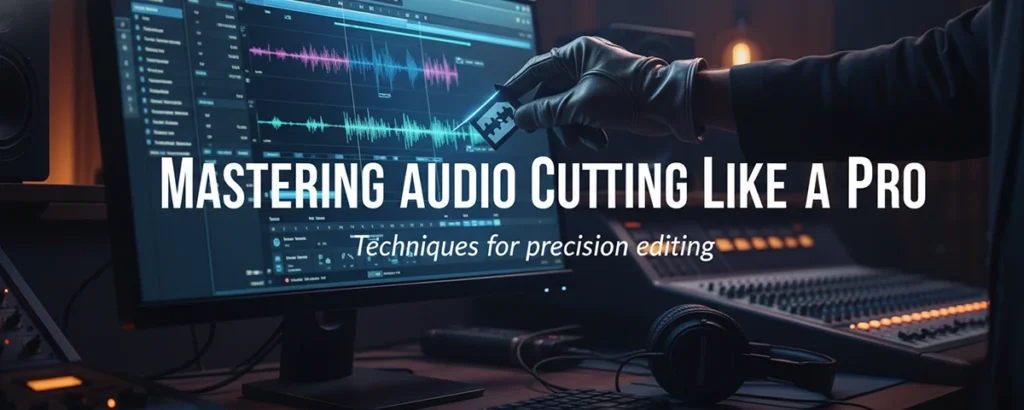
From beginner basics to futuristic AI-driven techniques, this is your ultimate resource for audio editing in 2026 and beyond.
Table of contents
- What Exactly Is an Audio Cutter?
- Supported Audio Formats
- The Evolution of Audio Cutting
- How to Use an Audio Cutter
- Best Audio Cutters in 2026
- Advanced Tips & Techniques
- The Psychology Behind Great Audio
- Future Trends in Audio Editing
- Who Uses Audio Cutters?
- Common Issues & Quick Fixes
- Frequently Asked Questions
- Ready to Start Your Audio Journey?
What Exactly Is an Audio Cutter?
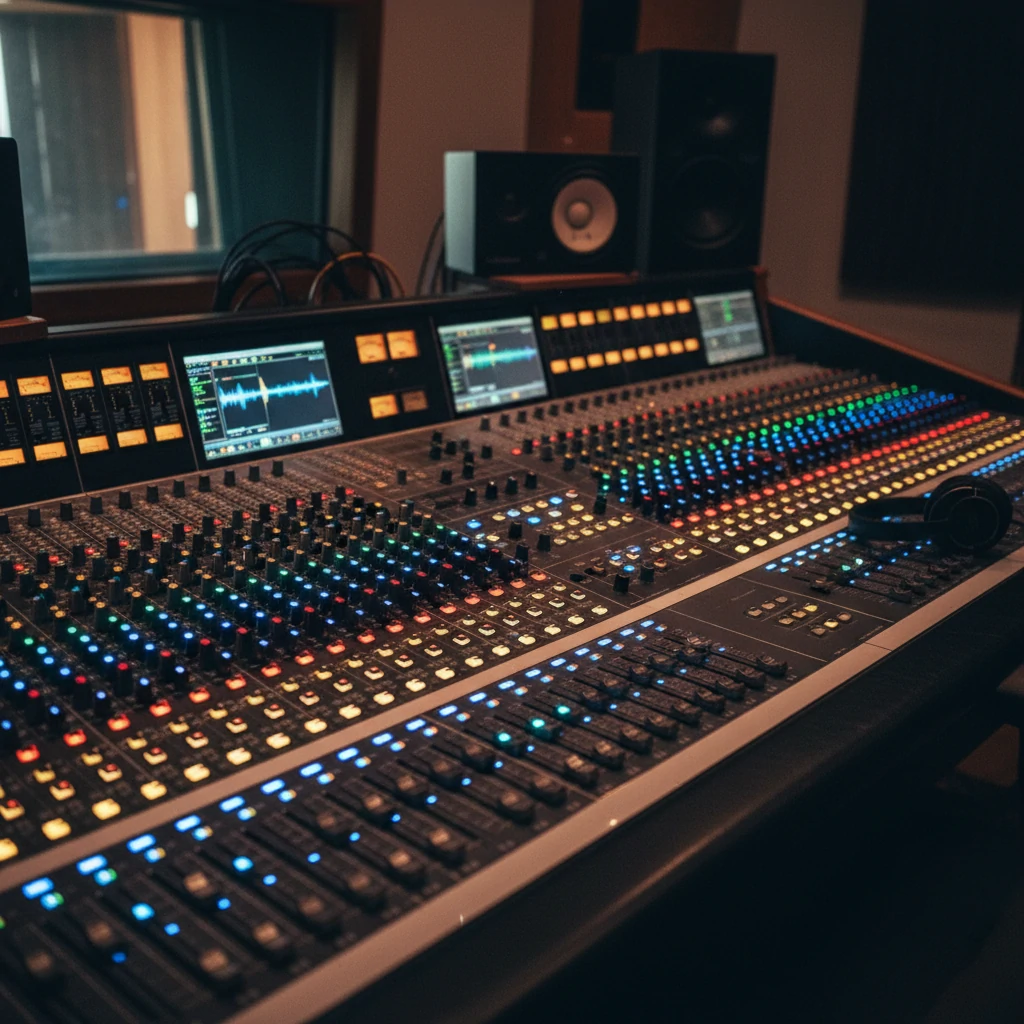
At its heart, an audio cutter is a tool that lets you trim, split, or remove sections of audio files. Think of it like a pair of digital scissors — but in 2026, those scissors have a brain. Modern audio cutters use machine learning to detect silence, suggest edits based on rhythm, and process files at incredible speeds.
Whether you're a podcaster cleaning up episodes, a musician crafting the perfect beat, or a content creator polishing your next viral video — an audio cutter is your secret weapon for professional-sounding results.
Supported Audio Formats
Modern audio cutters handle every format you can think of — and a few you probably haven't heard of yet.
The Evolution of Audio Cutting
From physical tape splicing to AI-powered editing — here's how we got to where we are today.
Analog Era
Physical tape cutting and splicing. Real scissors on real magnetic tape — messy but magical.
Digital Dawn
Software like Audacity and GarageBand made editing accessible to everyone with a computer.
Mobile Revolution
Audio editing moved to your pocket. Quick cuts and shares on mobile apps changed the game.
AI & Beyond
AI auto-editing, real-time collaboration, and immersive VR workflows define the current era.
Audio cutting isn't about removing noise — it's about amplifying clarity and emotion in every piece of content you create.
— Audio Professionals Community, 2026
How to Use an Audio Cutter
Four simple steps to go from raw audio to polished, professional-quality sound.
Choose Your Tool
Start by picking the right software for your needs. Free tools like Audacity work great for beginners, while AI-powered suites are perfect for professionals who need advanced features.
Upload Your Audio
Import your file via drag-and-drop or cloud sync. Modern tools auto-transcribe your audio and instantly tag silent or low-quality segments for easy editing.
Select & Cut
Use the visual waveform editor to highlight sections. Click "cut" and let AI suggestions guide you — trim silence, remove filler words, or split tracks with precision.
Export & Share
Choose your preferred format and quality, then share directly to platforms like Spotify, YouTube, or your podcast host. Add watermarks for extra protection.
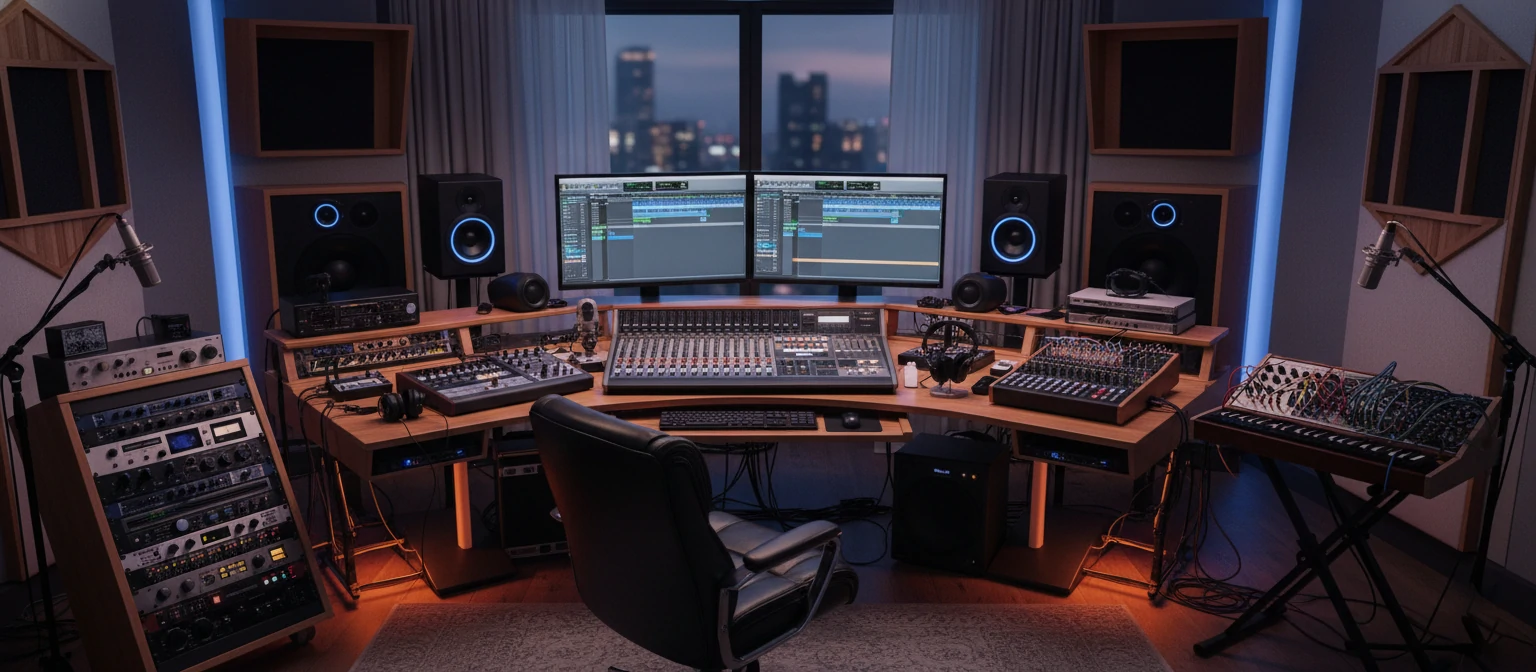
Professional Studio Environment
Where precision audio editing meets creative expression — the workspace of modern sound designers.
Best Audio Cutters in 2026
Hand-picked based on real user feedback, performance benchmarks, and innovation. Here are the tools worth your time.
SoundForge Pro 2026
Desktop • $99/year
A desktop powerhouse with quantum-accelerated processing. Excellent for musicians who need multi-track editing with zero compromise on quality.
Best for: Musicians & Producers
CutMaster Online
Web-Based • Free
No downloads, no installs. Open your browser, drag in a file, and start cutting. Perfect for quick edits with end-to-end encryption built in.
Best for: Quick Edits & Beginners
Advanced Tips & Techniques
Level up your audio editing game with these expert-tested strategies that separate amateurs from professionals.
Master Fade Ins & Outs
Abrupt cuts are jarring. Always add smooth fade transitions at the beginning and end of your clips. Drag the endpoints in your waveform editor to create natural-sounding transitions that keep listeners engaged.
Batch Process Like a Pro
Got dozens of files to edit? Use batch processing. AI tools in 2026 can apply consistent edits across hundreds of files simultaneously — perfect for podcast series or music album mastering.
Sync Audio with Video
Creating video content? Use tools that let you edit audio in sync with your video timeline. This ensures your voiceovers, music, and sound effects hit at exactly the right moments.
Always Keep Backups
The golden rule of audio editing: never edit your original file directly. Always work on a copy and save multiple versions. Over-editing can destroy subtle nuances that make audio feel human and authentic.
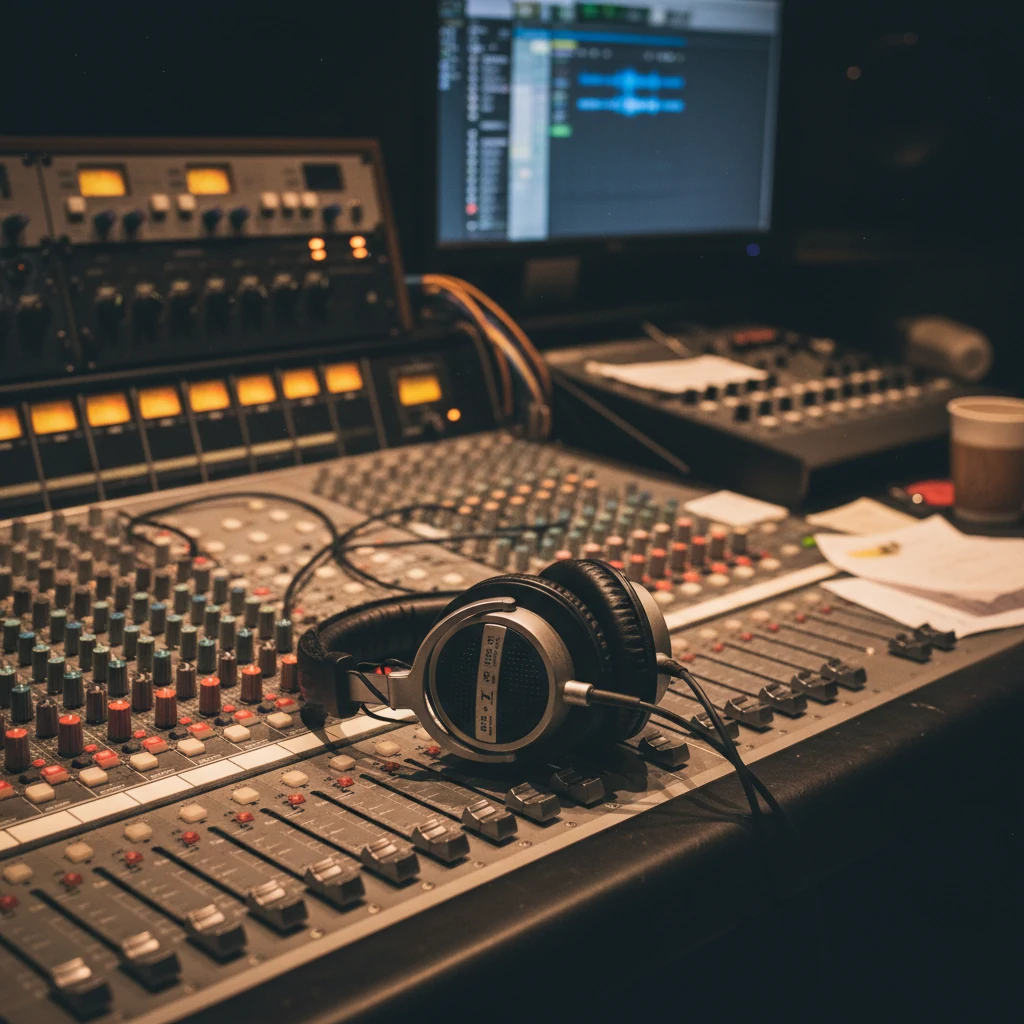
Studio Recording
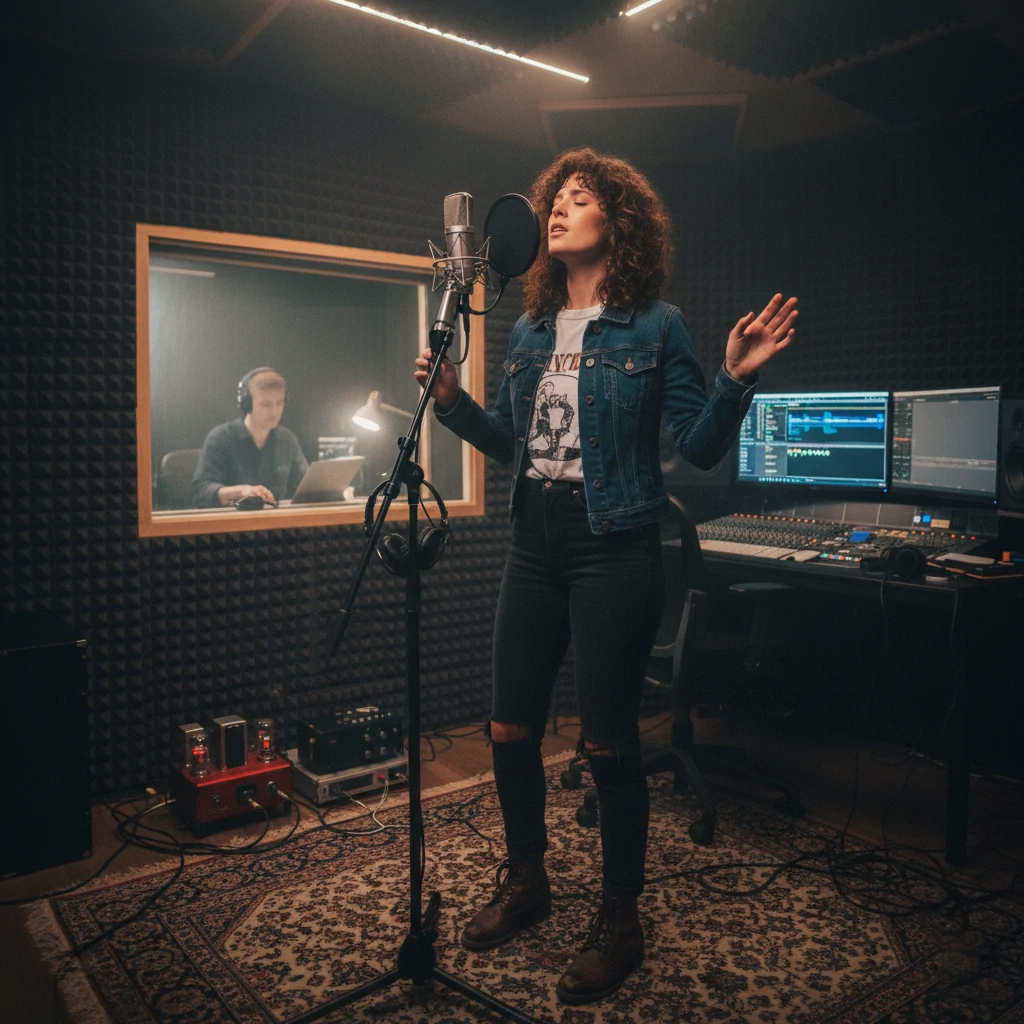
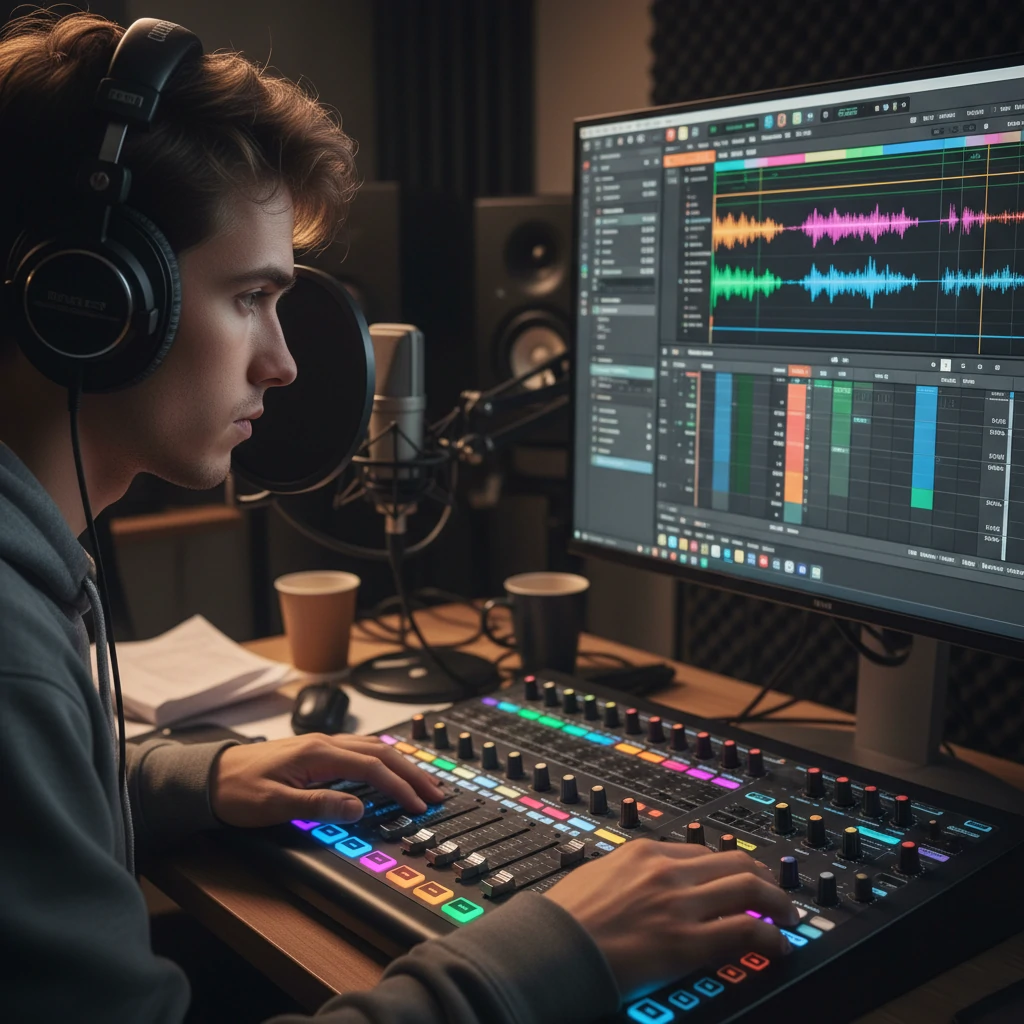
Precision Mixing
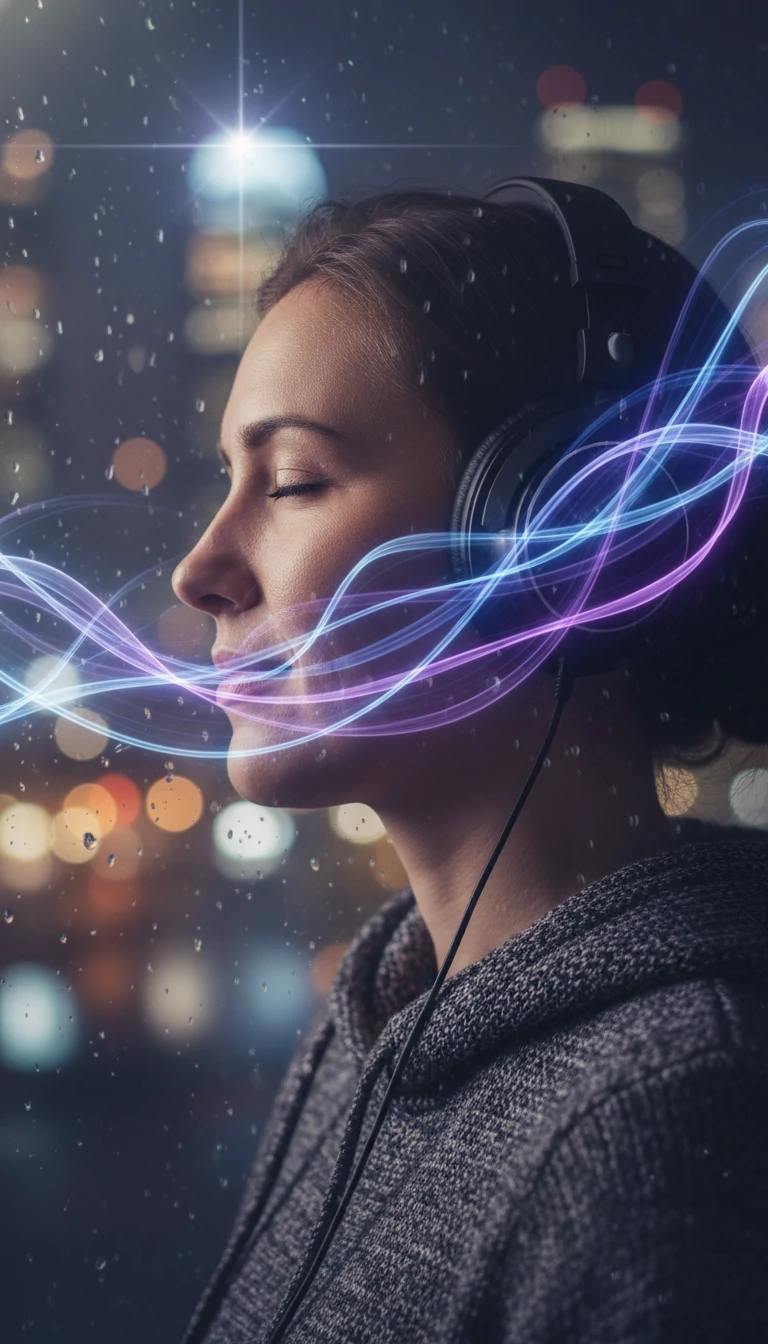
Creative Editing
The Psychology Behind Great Audio
Here's something most people overlook: when you cut silence from audio, you're not just saving time — you're directing attention. Studies in 2026 show that well-edited audio boosts listener engagement by up to 40%.
For podcasters, that means higher retention rates and more loyal audiences. For musicians, tighter remixes that cut the filler and amplify the artistry. Great editing is invisible — but its impact is enormous.
Did you know? Viral TikTok sounds are almost always precision-cut for maximum impact. The creators behind them use audio cutters to trim clips down to the exact milliseconds that trigger the strongest emotional response.
Future Trends in Audio Editing
The landscape is shifting fast. Here's what's on the horizon — and why you should pay attention right now.
AI & Machine Learning
Auto-editing that adapts to your personal style. "Smart cut" buttons that predict what you want before you even ask. AI is making audio editing feel like magic — and it's only getting smarter.
Blockchain Security
Your edits become tamper-proof with blockchain verification. Ideal for legal audio recordings, contracts, and any content where authenticity and chain of custody truly matter.
Quantum Processing
Massive files processed in the blink of an eye. Quantum computing is eliminating wait times and enabling real-time processing of even the most complex multi-track projects.
Who Uses Audio Cutters?
Audio editing isn't just for sound engineers anymore. People from all walks of life rely on these tools every single day.
Podcasters
Clean up interviews, remove filler words, and create tight episodes.
Musicians
Craft remixes, trim tracks, and master multi-layered compositions.
Video Creators
Sync audio with video and create engaging, professional content.
Educators
Produce clear lectures, audiobooks, and e-learning materials.
Businesses
Create IVR prompts, training audio, and marketing content.
Common Issues & Quick Fixes
Running into problems? Don't worry — most audio editing issues have straightforward solutions. Here are the ones we see most often.
Audio Quality Loss
Fix: Always export in lossless formats like WAV or FLAC when quality matters. Avoid re-encoding compressed files multiple times, as each pass degrades fidelity slightly.
Sync Problems
Fix: Use auto-align features available in modern editors. If audio drifts from video, check your sample rates — mismatched rates (44.1kHz vs 48kHz) are the usual culprit.
Software Crashes
Fix: Save frequently and enable auto-save. If crashes persist, try reducing the project's buffer size or switching to a cloud-based editor that handles processing server-side.
Frequently Asked Questions
Got questions? We've gathered the most common ones from our community of audio enthusiasts.
Is there a free audio cutter that's actually good?
Absolutely. Audacity remains a fantastic free option, and browser-based tools like CutMaster Online let you edit without downloading anything. Many AI-powered tools also offer generous free tiers for basic editing tasks.
Can I cut audio on my phone?
Yes! Mobile audio editing has come a long way. Apps for both iOS and Android offer professional-grade cutting, trimming, and even basic mixing — all from your pocket. Perfect for quick edits on the go.
Will cutting audio reduce its quality?
Not if you do it right. Cutting itself doesn't affect quality — it's the export settings that matter. Always match or exceed your source file's quality settings when saving, and use lossless formats for important projects.
How does AI improve audio cutting in 2026?
AI analyzes your audio patterns, detects silence and filler words automatically, suggests optimal cut points, and can even match edits to your personal style over time. It's like having a skilled assistant who learns your preferences.
Is it legal to cut and share copyrighted audio?
Cutting audio for personal use is generally fine, but sharing copyrighted material publicly can get you into trouble. Always use royalty-free music or get proper licensing before distributing edited content commercially.