The World's Most Powerful Creative Software Suite
From Photoshop to Premiere Pro, Illustrator to After Effects—discover everything Adobe Creative Cloud offers, how to choose the right plan, and maximize your creative potential in 2026.
What is Adobe Creative Cloud?
Adobe Creative Cloud is a comprehensive subscription service that provides access to Adobe's entire collection of creative software applications, cloud storage, services, and resources. Launched in 2013, Creative Cloud transformed how creative professionals access and use Adobe's industry-leading tools—moving from expensive one-time purchases to a flexible subscription model that ensures you always have the latest features.
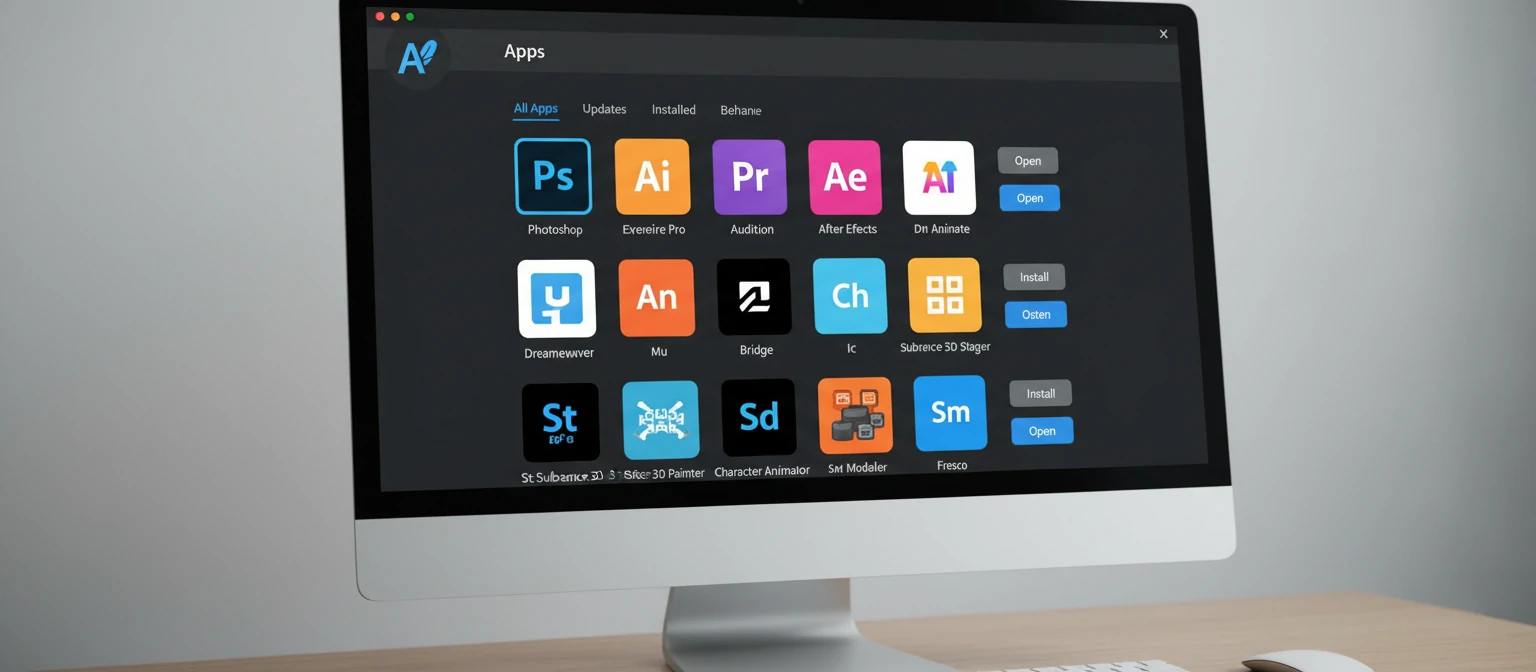
In 2026, Creative Cloud has evolved far beyond just software delivery. It's a complete creative ecosystem that includes over 20 desktop and mobile applications, cloud document storage, collaboration tools, thousands of fonts, millions of stock assets, learning resources, and AI-powered features through Adobe Sensei. Whether you're a photographer, videographer, graphic designer, web developer, or multi-disciplinary creative, there's a Creative Cloud configuration that fits your needs.
The "cloud" aspect means more than just downloading software. Your files can sync across devices, letting you start a project on your desktop and continue on your iPad. Settings and presets sync between installations. Collaboration features let teams work together in real-time. And because it's subscription-based, you receive continuous updates with new features rather than waiting years for the next major version.
✨ Why Creative Cloud Dominates
Industry Standard
Used by 90%+ of creative professionals worldwide
Seamless Integration
All apps work together with shared assets and workflows
Cloud Syncing
Work anywhere with files synced across all devices
Continuous Updates
Always have the latest features and security patches
Creative Cloud isn't just about access to software—it's about being part of a creative community. Adobe's ecosystem includes Behance for portfolio sharing, Adobe Fonts with thousands of typefaces, Adobe Stock for licensed assets, Adobe Portfolio for building websites, and extensive learning resources through Adobe Learn. When you subscribe, you're getting an entire creative infrastructure.
All Creative Cloud Applications
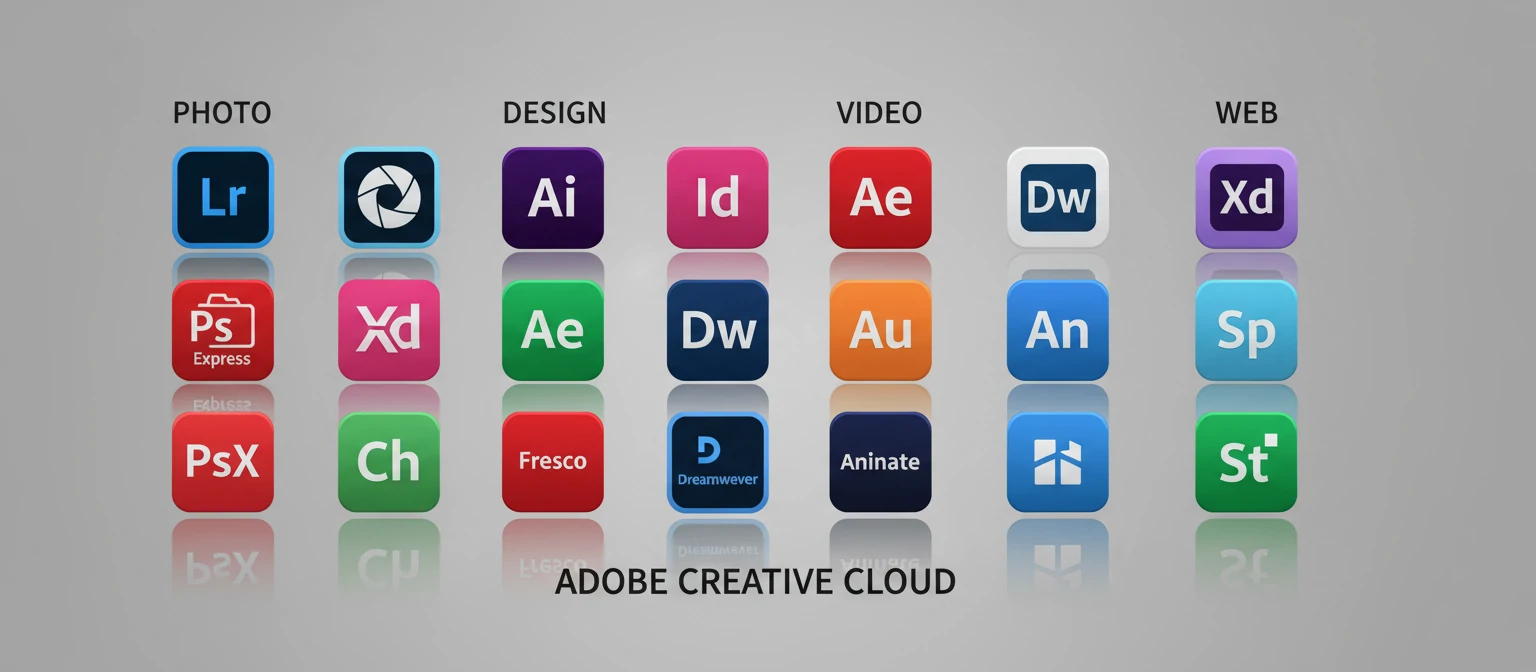
Creative Cloud includes 20+ applications covering every creative discipline. Here's what you get access to.
Photo & Design
Photoshop
Image editing & compositing
The world's most powerful image editor. Photo retouching, digital painting, compositing, and design. Desktop, iPad, and web versions available.
Lightroom
Photo editing & organization
Cloud-based photo editing with powerful organization. Edit anywhere with synced photos. AI-powered masking and enhancement tools.
Lightroom Classic
Desktop photo workflow
Desktop-focused photo editing with local file storage. Tethered shooting, advanced batch processing, and professional print preparation.
Graphic Design & Illustration
Illustrator
Vector graphics & illustration
Industry-standard vector graphics editor. Logos, icons, illustrations, typography, and scalable graphics for any medium.
InDesign
Page layout & publishing
Professional page layout for print and digital publishing. Books, magazines, brochures, PDFs, and interactive documents.
Fresco
Digital painting & drawing
Natural painting and drawing app with live brushes that blend like real media. Perfect for iPad and touch devices.
Video & Audio
Premiere Pro
Professional video editing
Industry-leading video editor for film, TV, and web. Powerful color tools, AI features, and seamless Adobe integration.
After Effects
Motion graphics & VFX
Create cinematic visual effects and motion graphics. Title sequences, animations, compositing, and 3D integration.
Audition
Professional audio editing
Comprehensive audio workstation for recording, mixing, and restoring audio. Podcasts, music, and video soundtracks.
Animate
Interactive animation
Create interactive animations for web, games, TV, and film. Character rigging, frame-by-frame, and HTML5 Canvas export.
Web & UX Design
XD
UI/UX design & prototyping
Design and prototype user experiences for web and mobile apps. Wire framing, interactive prototypes, and design systems.
Dreamweaver
Web development IDE
Code and design websites with visual and code editing. HTML, CSS, JavaScript with live preview and Git integration.
Adobe Express
Quick content creation
Create social media graphics, flyers, videos, and web pages quickly with templates. AI-powered design assistance.
Flagship Applications Deep Dive
Adobe Photoshop
The Image Editing Standard Since 1990
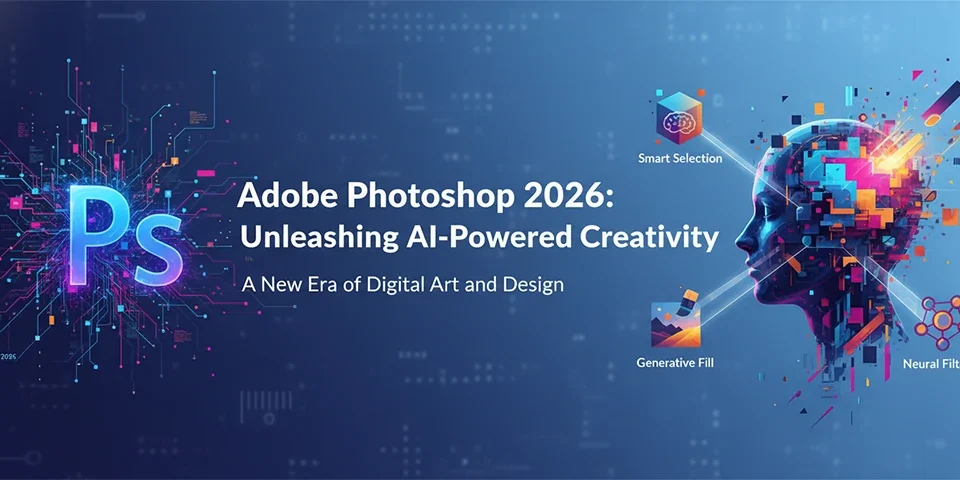
Photoshop remains the undisputed champion of image editing. In 2026, it combines decades of professional tools with cutting-edge AI. Generative Fill creates and expands images from text prompts. Neural Filters transform portraits and landscapes with one click. The Contextual Task Bar adapts to your current tool. Whether you're retouching portraits, creating composites, designing graphics, or digital painting, Photoshop does it all—now on desktop, iPad, and web.
Adobe Premiere Pro
Professional Video Editing for Any Project
From YouTube videos to Hollywood films, Premiere Pro handles it all. The 2026 version features AI-powered transcription with text-based editing—delete words from the transcript and they disappear from your video. Auto Reframe intelligently crops footage for any aspect ratio. Color tools rival dedicated grading software. Deep integration with After Effects, Audition, and Frame.io makes it the hub of professional video workflows.
Adobe Illustrator
Vector Graphics Without Limits
Illustrator creates infinitely scalable vector graphics—logos, icons, illustrations, typography, and more. The 2026 version introduces Generative Recolor to instantly explore color variations using AI. Text to Vector creates editable vector graphics from descriptions. Smooth Slider refines anchor points automatically. Available on desktop and iPad with full feature parity, Illustrator remains essential for any design workflow.
Adobe After Effects
Motion Graphics & Visual Effects
After Effects brings motion to design. Create title sequences, animated graphics, visual effects, and complex composites. The 2026 version features multi-frame rendering for dramatically faster performance. Roto Brush 3.0 isolates subjects with AI precision. Native 3D tools create extruded text and shapes without plugins. From social media animations to broadcast graphics to film VFX, After Effects is the motion standard.
Creative Cloud Pricing & Plans
Adobe offers flexible pricing options for individuals, students, teams, and enterprises. Find the right plan for your needs.
Single App
- ✓ One app of your choice
- ✓ 100GB cloud storage
- ✓ Adobe Fonts
- ✓ Adobe Portfolio
Best for specialists who need only one app
All Apps
- ✓ 20+ creative apps
- ✓ 100GB cloud storage
- ✓ Adobe Fonts (25,000+)
- ✓ Adobe Portfolio
- ✓ Behance integration
Best value for creative professionals
Students & Teachers
- ✓ All 20+ apps
- ✓ 100GB cloud storage
- ✓ 60%+ discount
- ✓ Valid .edu email required
Huge savings for education
Also available: Photography Plan ($9.99/mo for Photoshop + Lightroom) • Teams ($89.99/user/mo) • Enterprise (custom pricing) • Month-to-month plans available at higher rates
Cloud Features & Benefits
Cloud Storage (100GB)
Store files in the cloud and access them from any device. Sync documents between desktop and mobile. Share files and collaborate with clients and team members. Version history lets you restore previous versions.
Adobe Fonts (25,000+)
Access over 25,000 high-quality fonts from world-class foundries. Activate fonts directly in Creative Cloud apps. Use for any project—print, web, video—with full commercial licensing included.
Adobe Portfolio
Build a professional portfolio website without coding. Responsive templates showcase your work beautifully. Custom domain support. Direct integration with Behance and Lightroom galleries.
Behance Integration
Showcase your work to millions on Behance, Adobe's creative community. Get discovered by clients and employers. Follow other creatives for inspiration. Share work directly from Creative Cloud apps.
Creative Cloud Libraries
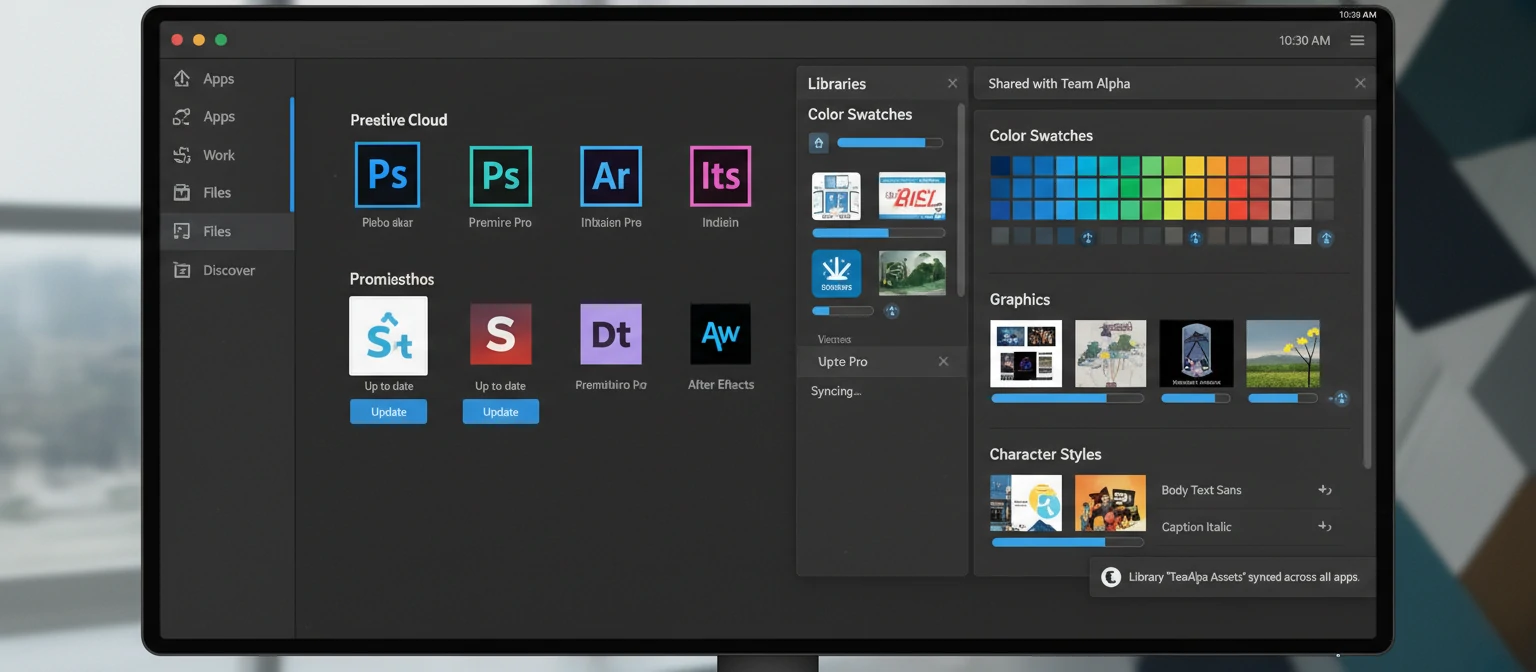
Save colors, graphics, text styles, and assets to libraries that sync across all your apps. Share libraries with team members. Drag assets directly into any Creative Cloud application.
Collaboration Tools
Share work for feedback with shareable links. Reviewers can comment directly on designs. Frame.io integration for video review. Real-time collaboration in apps like XD. Team projects in Premiere Pro.
AI & Adobe Sensei in 2026
Adobe Sensei, Adobe's AI and machine learning platform, powers intelligent features across all Creative Cloud apps. In 2026, these capabilities have become transformative.
Adobe Firefly (Generative AI)
Adobe Firefly is Adobe's family of generative AI models, trained ethically on licensed content. Generative Fill in Photoshop creates, expands, and removes content using text prompts. Text to Image generates images from descriptions. Generative Recolor in Illustrator explores unlimited color variations. Text Effects creates stylized text. All commercially safe to use, with content credentials for transparency.
Intelligent Selection & Masking
Select Subject identifies and selects main subjects with one click. Select Sky isolates skies for replacement. Object Selection Tool detects objects as you draw. Roto Brush in After Effects tracks subjects through video. These AI-powered selections that once took hours now happen in seconds with remarkable accuracy.
Video Intelligence
Auto Reframe intelligently tracks subjects when changing aspect ratios. Scene Edit Detection identifies cuts in existing videos. Speech-to-Text transcribes dialogue for text-based editing. Auto Color Match matches colors between shots. Morph Cut smooths jump cuts in talking head videos. Remix intelligently adjusts music duration.
Photo Enhancement
Neural Filters in Photoshop transform faces, colorize black and white photos, transfer styles, and more. Super Resolution doubles image resolution with AI. Content-Aware Fill intelligently removes objects. Denoise in Lightroom removes noise while preserving detail. AI Masking selects subjects, skies, and backgrounds automatically.
Which Plan is Right for You?
📷 Photographers
The Photography Plan ($9.99/month) is perfect. You get Photoshop, Lightroom, and Lightroom Classic—everything you need for professional photo editing and organization. Best value for photographers who don't need video or design tools.
Recommended: Photography Plan🎨 Graphic Designers
The All Apps Plan ($59.99/month) is recommended. You'll regularly use Illustrator, Photoshop, and InDesign—and likely After Effects for motion, XD for UI design, and other tools. The All Apps plan pays for itself if you use 3+ apps.
Recommended: All Apps Plan🎬 Video Creators
If you only edit video, a Single App (Premiere Pro) could work. But most video creators also need After Effects for motion graphics and Audition for audio. The All Apps Plan provides better value for this workflow.
Recommended: All Apps Plan🎓 Students & Teachers
Always get the Student/Teacher All Apps Plan ($19.99/month first year). At over 60% off, you get access to every app while learning. This discount is the best way to develop skills across the Adobe ecosystem.
Recommended: Student All Apps🏢 Teams & Agencies
The Teams Plan ($89.99/user/month) adds admin console for license management, advanced collaboration features, additional cloud storage, and dedicated support. Enterprise plans offer custom solutions for larger organizations.
Recommended: Teams or EnterpriseFrequently Asked Questions
Can I use Creative Cloud offline?
Yes, desktop apps work offline after installation. You'll need to connect to the internet at least once every 30 days to validate your license. Cloud features (syncing, fonts activation, collaboration) require internet access, but core app functionality works offline.
What happens if I cancel my subscription?
You'll lose access to the apps but keep your files. Files created in Adobe formats (PSD, AI, INDD, etc.) remain on your computer but require the apps to edit. Export important work to standard formats before canceling. Cloud storage files will be deleted after a grace period.
Can I install Creative Cloud on multiple computers?
Yes, you can install apps on up to two computers (for example, a desktop and laptop). However, you can only be signed in and actively using the software on one device at a time. This applies to both Mac and Windows—you can mix platforms.
Is there a free trial available?
Yes, Adobe offers a 7-day free trial for most Creative Cloud plans and individual apps. You'll need to provide payment information, but you can cancel before the trial ends without being charged. Some apps like Adobe Express have free tiers available permanently.
What computer specs do I need?
Requirements vary by app. Generally: modern multi-core CPU, 8-16GB RAM minimum (32GB recommended for video work), dedicated GPU for video and 3D apps, and SSD storage. Specific requirements are listed on each app's product page. Apple Silicon Macs and modern Windows PCs handle most workloads well.
Are Adobe Firefly AI features included?
Yes, Creative Cloud subscriptions include access to Firefly-powered features like Generative Fill in Photoshop and Generative Recolor in Illustrator. You receive a monthly allocation of "generative credits" for AI features. All Apps subscribers get more credits than single-app users. Additional credits can be purchased if needed.
Can I cancel anytime?
Annual plans paid monthly have an early termination fee (50% of remaining months) if canceled before the year ends. Month-to-month plans can be canceled anytime without penalty but cost more per month. Annual plans paid upfront can be refunded within 14 days of purchase.
Is Creative Cloud worth the cost?
For professionals, absolutely. The All Apps plan costs less than $2/day and provides industry-standard tools, continuous updates, cloud services, and 25,000+ fonts. If you use these tools to earn money, Creative Cloud pays for itself many times over. For hobbyists, evaluate whether you'll use the tools frequently enough to justify the subscription.
Your Creative Journey Starts Here
Adobe Creative Cloud represents more than software—it's the creative infrastructure that powers professionals worldwide. From photographers and designers to filmmakers and animators, Creative Cloud provides the tools to bring any vision to life. The integration between apps, the power of AI through Adobe Sensei and Firefly, and the ecosystem of services make it an unmatched creative platform.
In 2026, the creative possibilities are greater than ever. Generative AI assists your work without replacing your creativity. Cloud collaboration connects teams across the globe. Mobile apps let you create anywhere. And continuous updates ensure you always have access to the latest innovations.
Whether you're just starting your creative journey or you're a seasoned professional, there's a Creative Cloud plan that fits your needs. Start with the free trial, explore the apps, and discover why millions of creatives choose Adobe as their creative partner.
About the Author
Creative Software Expert
With over a decade of experience using Adobe's creative tools, our author has worked across photography, video production, and graphic design. They specialize in helping creatives maximize their software investments and workflow efficiency.