Discover the evolution of Adobe Photoshop from its humble beginnings to the powerhouse it is today. Whether you're a beginner or a pro, find out which version can elevate your creative projects.
Table of contents
- Introduction to Adobe Photoshop
- The History and Evolution of Photoshop Versions
- Photoshop 1.0 (1990)
- Photoshop 2.0 (1991)
- Photoshop 3.0 (1994)
- Photoshop 4.0 (1996)
- Photoshop 5.0 (1998)
- Photoshop 6.0 (2000)
- Photoshop 7.0 (2002)
- Photoshop CS (8.0) (2003)
- Photoshop CS2 (9.0) (2005)
- Photoshop CS3 (10.0) (2007)
- Photoshop CS4 (11.0) (2008)
- Photoshop CS5 (12.0) (2010)
- Photoshop CS6 (13.0) (2012)
- Photoshop CC (14.0) (2013)
- Photoshop CC 2014 (15.0) (2014)
- Photoshop CC 2015 (16.0) (2015)
- Photoshop CC 2017 (18.0) (2017)
- Photoshop CC 2018 (19.0) (2018)
- Photoshop CC 2019 (20.0) (2019)
- Photoshop CC 2020 (21.0) (2020)
- Photoshop CC 2021 (22.0) (2021)
- Photoshop CC 2022 (23.0) (2022)
- Photoshop CC 2023 (24.0) (2023)
- Photoshop CC 2024 (25.0) (2024)
- Photoshop CC 2025 (26.0) (2025)
- Photoshop CC 2026 (27.0) (2026)
- Key Features Across Versions
- Version Comparisons and Recommendations
- User Testimonials and Stories
- Tips and Tutorials for Using Photoshop
- Common Challenges and How to Overcome Them
- The Future of Photoshop
- Frequently Asked Questions
- Resources and Further Reading
- Conclusion
Introduction to Adobe Photoshop
Hey there, creative minds! If you're reading this, chances are you're passionate about design, photography, or digital art. Adobe Photoshop has been the go-to tool for millions of artists, designers, and hobbyists since its inception. But with so many versions out there, it can be overwhelming to figure out which one is right for you. In this comprehensive guide, we'll dive deep into every major version of Adobe Photoshop, exploring its history, features, and how it can help you bring your visions to life.
Photoshop isn't just software; it's a creative companion that has shaped the digital world. From editing family photos to creating stunning graphics for businesses, Photoshop empowers you to manipulate images in ways that were once unimaginable. Let's embark on this journey through its versions, and by the end, you'll know exactly which Photoshop suits your needs.
The History and Evolution of Photoshop Versions
Photoshop's story began in 1987 when brothers Thomas and John Knoll developed it as a personal project. They sold the rights to Adobe in 1988, and the rest is history. Let's walk through the major versions chronologically.
Photoshop 1.0 (1990)
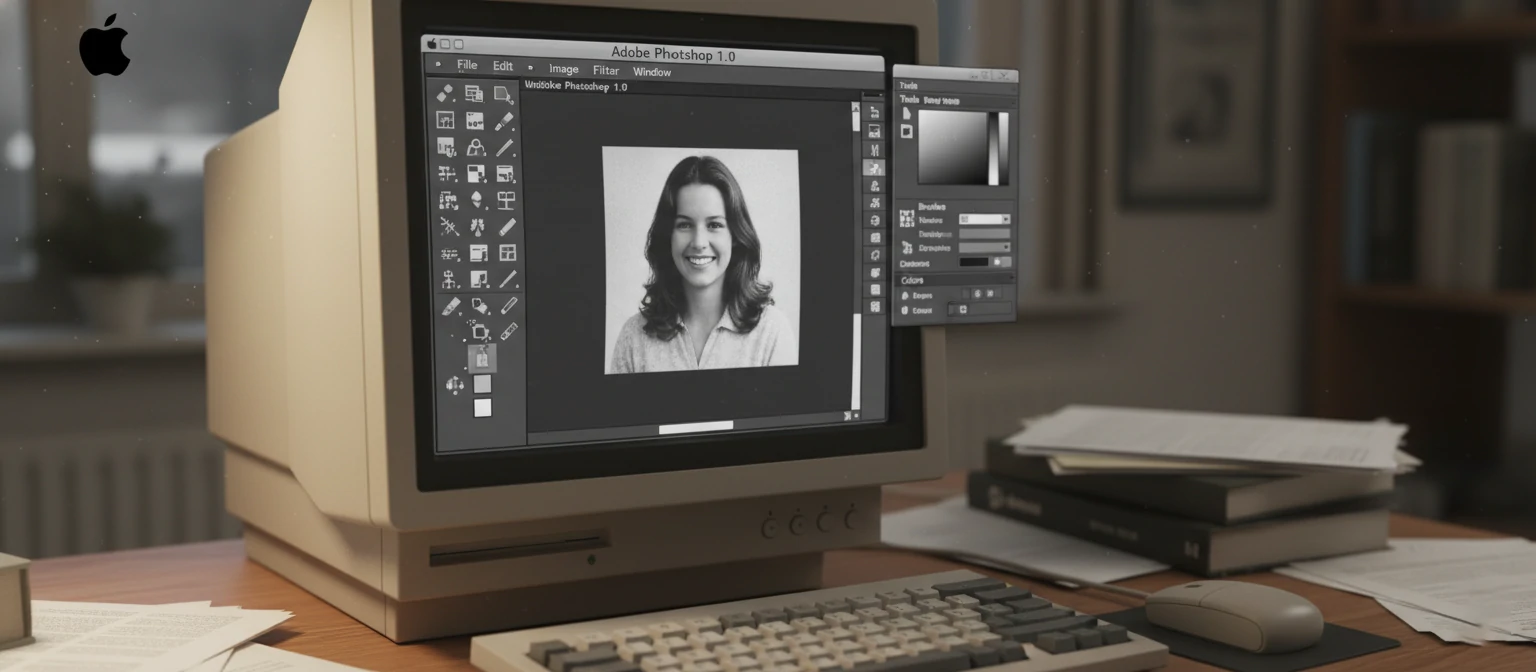
The first version was released in February 1990 for Macintosh. It was basic, with tools like the marquee, lasso, and paintbrush. No layers yet, but it introduced the concept of digital image manipulation. If you're into retro tech, this version is fascinating for its simplicity.
Imagine stepping back to 1990, when personal computers were just becoming household items. Photoshop 1.0 was a revelation for graphic designers who were tired of clunky, expensive software. Developed by Thomas and John Knoll, it allowed users to edit scanned images with unprecedented precision. The marquee tool let you select rectangular areas, the lasso for freeform selections, and the paintbrush for adding color. It supported grayscale images initially, but color support came quickly.
What made it special was its ability to manipulate pixels directly. You could adjust brightness, contrast, and even apply filters like blur or sharpen. For many, it was the first time they could "paint" digitally without physical media. Though limited by today's standards—no layers meant every edit was permanent—it laid the groundwork for everything that followed. If you're curious, you can still find emulators or archives of this version online. It's a great way to appreciate how far we've come in digital imaging.
Photoshop 2.0 (1991)
Added paths and the pen tool, making vector graphics possible. It also supported CMYK color mode, crucial for print work. This version expanded Photoshop's capabilities beyond just pixel-based editing.
Released just a year after the debut, Photoshop 2.0 was a significant leap forward. The introduction of paths and the pen tool allowed for precise vector-based selections and shapes, which were resolution-independent. This was a game-changer for logo design and illustrations, as you could create smooth curves without the pixelation issues of raster graphics.
CMYK support meant designers could now prepare images for professional printing, ensuring colors looked accurate on paper. The version also improved the user interface with better tool palettes and added support for more file formats. If you were working in print media back then, this update was essential. It bridged the gap between digital editing and traditional publishing, making Photoshop a staple in design studios worldwide.
Users loved the new precision tools, but it still lacked layers, so edits were still somewhat destructive. Nonetheless, it solidified Photoshop's place as the premier image editor. Many designers upgraded immediately, eager to explore the new vector possibilities.
Photoshop 3.0 (1994)
The game-changer! Introduced layers, which revolutionized how we work with images. You could now stack elements without destroying the original. Also added the history palette for undoing actions.
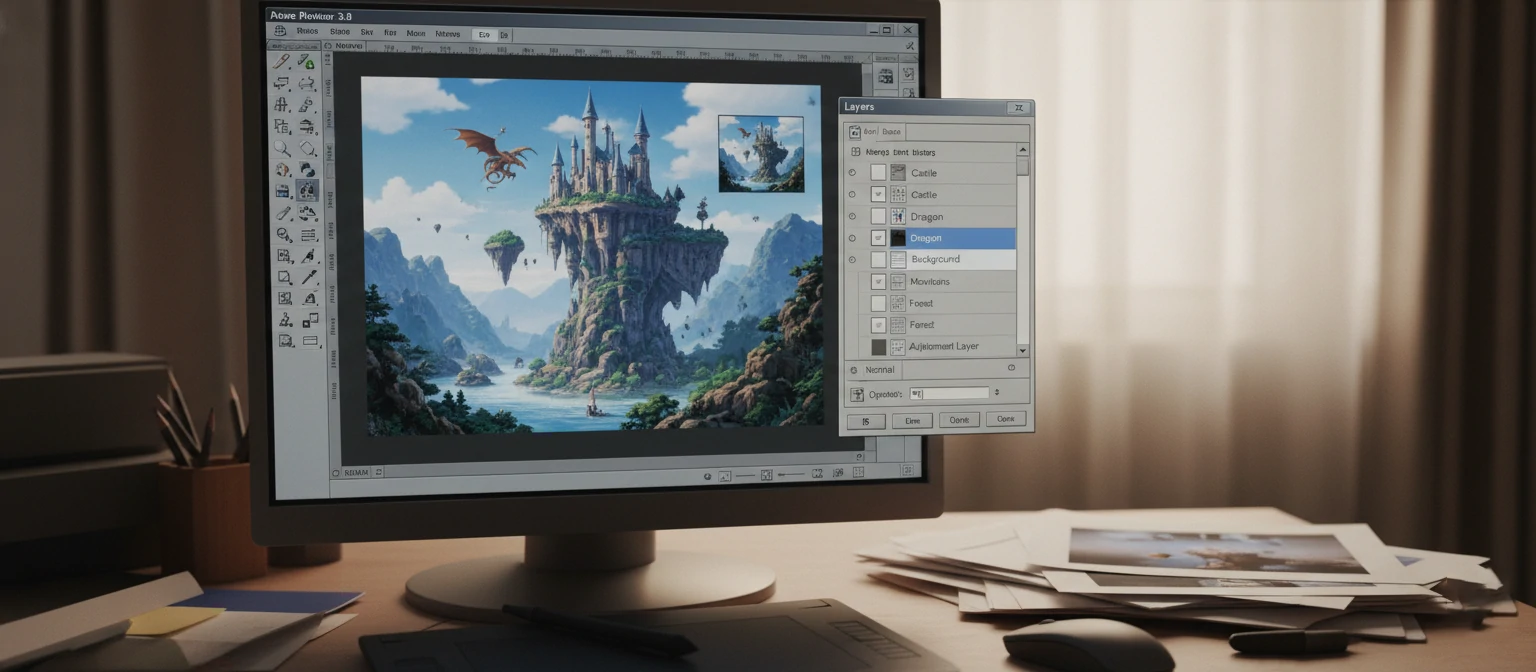
Photoshop 3.0, released in 1994, is often hailed as the version that made Photoshop indispensable. Layers allowed users to work on different elements of an image separately, like stacking photos, text, and effects without merging them permanently. This non-destructive editing workflow was a revelation, enabling complex compositions and easy revisions.
The history palette let you undo multiple steps, a huge improvement over the single undo of previous versions. It also introduced the eyedropper tool for precise color sampling and improved the clone stamp. For web designers, it added support for GIF transparency, which was crucial for early internet graphics.
This version saw Photoshop's user base explode. Designers could now create intricate montages, advertisements, and digital art with confidence. If you've ever used layers, you owe a debt to 3.0. It set the standard for image editing software and influenced countless programs. Even today, layers remain the core of Photoshop's functionality.
Photoshop 4.0 (1996)
Brought adjustment layers and the actions palette for automating tasks. The magnetic lasso made selections easier. This version made Photoshop more efficient for professionals.
Photoshop 4.0, launched in 1996, built on the layers foundation by introducing adjustment layers. These allowed you to apply color corrections, brightness adjustments, and more without altering the original pixels. It was a huge step towards professional workflows, as changes could be tweaked or removed at any time.
The actions palette enabled recording and playing back sequences of commands, automating repetitive tasks like batch processing images. The magnetic lasso tool used edge detection to snap to object boundaries, making selections of complex shapes much faster and more accurate.
Other additions included the contact sheet feature for creating thumbnail sheets and improved text handling. This version was particularly popular among photographers and designers who needed efficiency. It reduced the time spent on mundane edits, freeing up creativity. If you're automating workflows today, thank Photoshop 4.0 for pioneering that.
The interface saw refinements, with better organization of tools. Overall, it transformed Photoshop from a powerful tool into a professional powerhouse, appealing to a broader audience beyond hobbyists.
Photoshop 5.0 (1998)
Introduced editable type layers and the history brush. Also added multi-channel support. It was a step towards more text integration in designs.
Photoshop 5.0, released in 1998, brought significant improvements to typography. Editable type layers meant you could add text that remained editable, with full control over fonts, sizes, and effects. This was a boon for designers creating posters, websites, and advertisements.
The history brush allowed painting from previous states of the image, enabling creative effects like aging photos or blending edits. Multi-channel support expanded color modes, useful for advanced compositing and special effects.
It also introduced the save for web feature, optimizing images for online use. The interface got a facelift with tabbed palettes. This version was widely adopted by web designers during the dot-com boom. If you've ever edited text in Photoshop, 5.0 made it possible without rasterizing.
Overall, it enhanced Photoshop's versatility, making it suitable for both print and digital media. Users appreciated the new creative possibilities, and it set the stage for future text-related features.
Photoshop 6.0 (2000)
Added layer sets (groups), vector shapes, and the liquify filter. The interface got a makeover with dockable palettes. This version bridged the gap between raster and vector work.
Photoshop 6.0, arriving in 2000, introduced layer sets, allowing you to group layers for better organization. This was essential for complex projects with many elements. Vector shapes enabled creating scalable graphics directly in Photoshop, reducing the need for Illustrator in some cases.
The liquify filter was a fun addition, letting you distort images like melting or warping faces, popular for creative edits. Dockable palettes made the interface more flexible, letting users customize their workspace.
It also added web features like image slicing for HTML. This version appealed to both designers and photographers. The liquify tool became a favorite for retouching, and layer groups improved workflow efficiency. If you enjoy morphing images, 6.0 is where it started.
Overall, it made Photoshop more user-friendly and versatile, bridging raster and vector worlds seamlessly.
Photoshop 7.0 (2002)
Healing brush and patch tool for advanced retouching. Also introduced the file browser. It was a favorite for photo editors.
Photoshop 7.0, released in 2002, focused on photo editing excellence. The healing brush sampled surrounding pixels to fix blemishes seamlessly, revolutionizing retouching. The patch tool allowed copying and blending areas for repairs.
The file browser (later Bridge) provided a way to manage and preview images. It also added support for 16-bit images and improved color management. This version was beloved by photographers for its precision tools.
Users could now perform professional-level edits with ease. If you're into portrait retouching, 7.0's tools are foundational. It made Photoshop accessible to more users while maintaining pro features.
Photoshop CS (8.0) (2003)
Entered the Creative Suite era. Added camera raw support and the extract filter. The suite integration made it part of a larger ecosystem.
Photoshop CS2 (9.0) (2005)
Spot healing brush, red-eye tool, and smart objects. Improved performance and added bridge for asset management.
Photoshop CS3 (10.0) (2007)
Introduced the clone stamp with adjustable opacity, quick selection tool, and refinements panel. 3D capabilities started emerging.
Photoshop CS4 (11.0) (2008)
Content-aware fill, 3D extrusions, and puppet warp. The interface became more customizable.
Photoshop CS5 (12.0) (2010)
Content-aware patch, HDR toning, and mini bridge. Performance boosts with 64-bit support.
Photoshop CS6 (13.0) (2012)
Content-aware move, blur gallery, and improved 3D tools. The last perpetual license version.
Photoshop CC (14.0) (2013)
Shifted to subscription model. Added camera shake reduction, smart sharpen, and linked smart objects.
Photoshop CC 2014 (15.0) (2014)
Focus area and linked smart objects. Improved integration with other CC apps.
Photoshop CC 2015 (16.0) (2015)
Artboards for UI design, improved 3D, and design space.
Photoshop CC 2017 (18.0) (2017)
Face-aware liquify, select and mask improvements, and symmetry mode.
Photoshop CC 2018 (19.0) (2018)
Frame tool, variable fonts, and neural filters preview.
Photoshop CC 2019 (20.0) (2019)
All-new search, improved home screen, and frame tool enhancements.
Photoshop CC 2020 (21.0) (2020)
Object selection tool, content-aware fill improvements, and cloud documents.
Photoshop CC 2021 (22.0) (2021)
Neural filters, sky replacement, and improved AI features.
Photoshop CC 2022 (23.0) (2022)
Advanced cloning with generative fill, improved performance.
Photoshop CC 2023 (24.0) (2023)
Generative fill powered by Adobe Firefly, enhanced AI tools.
Photoshop CC 2024 (25.0) (2024)
Latest features include advanced AI for text-to-image, improved collaboration tools.
Photoshop CC 2025 (26.0) (2025)
Integrated 3D modeling and animation tools, advanced color grading capabilities.
Photoshop CC 2026 (27.0) (2026)
Seamless integration with other Adobe Creative Cloud apps, expanded virtual reality support.
Key Features Across Versions
Each version brought innovations that changed how we create. Here's a breakdown of standout features.
- Layers (v3.0): The foundation of non-destructive editing.
- Adjustment Layers (v4.0): Apply effects without altering originals.
- Healing Tools (v7.0): Perfect for photo retouching.
- Content-Aware Fill (v11.0): Intelligently fills selections.
- 3D Capabilities (v10.0+): Create and edit 3D models.
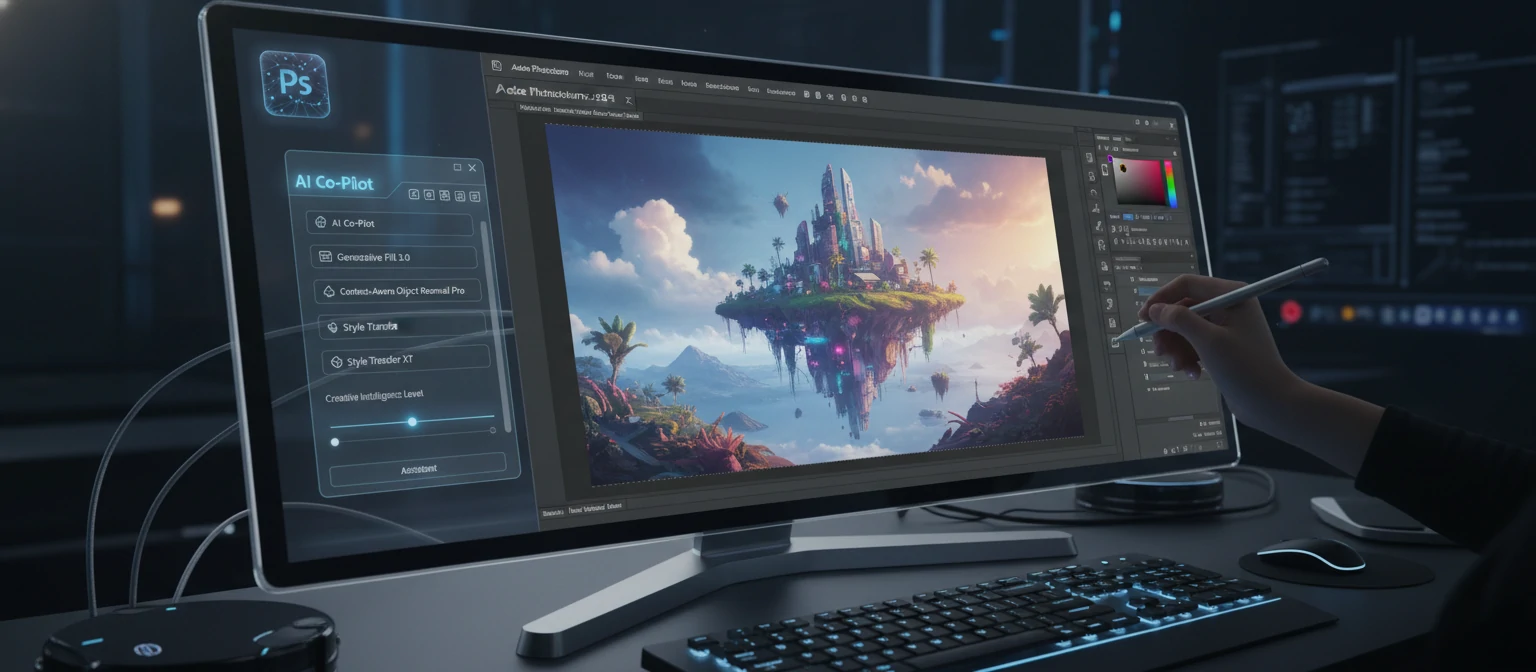
- AI and Neural Filters (v22.0+): Automate complex edits with machine learning.
Pro Tip: Start with the basics like layers and selections, then explore advanced tools as you grow.
Version Comparisons and Recommendations
Choosing the right version depends on your needs, budget, and hardware.
For Beginners
If you're new, start with Photoshop CC 2024. It has tutorials built-in and AI to help you learn. The interface is intuitive, and features like generative fill can create content from text prompts, making experimentation fun and easy.
For Professionals
Latest versions offer the best performance and features. If on a budget, consider older perpetual licenses like CS6. It has most tools pros need without the subscription cost. However, for AI features, you'll need newer versions.
For Hobbyists
If you edit photos occasionally, even older versions like CS5 can suffice. Focus on learning basics rather than the latest bells and whistles.
Free Alternatives
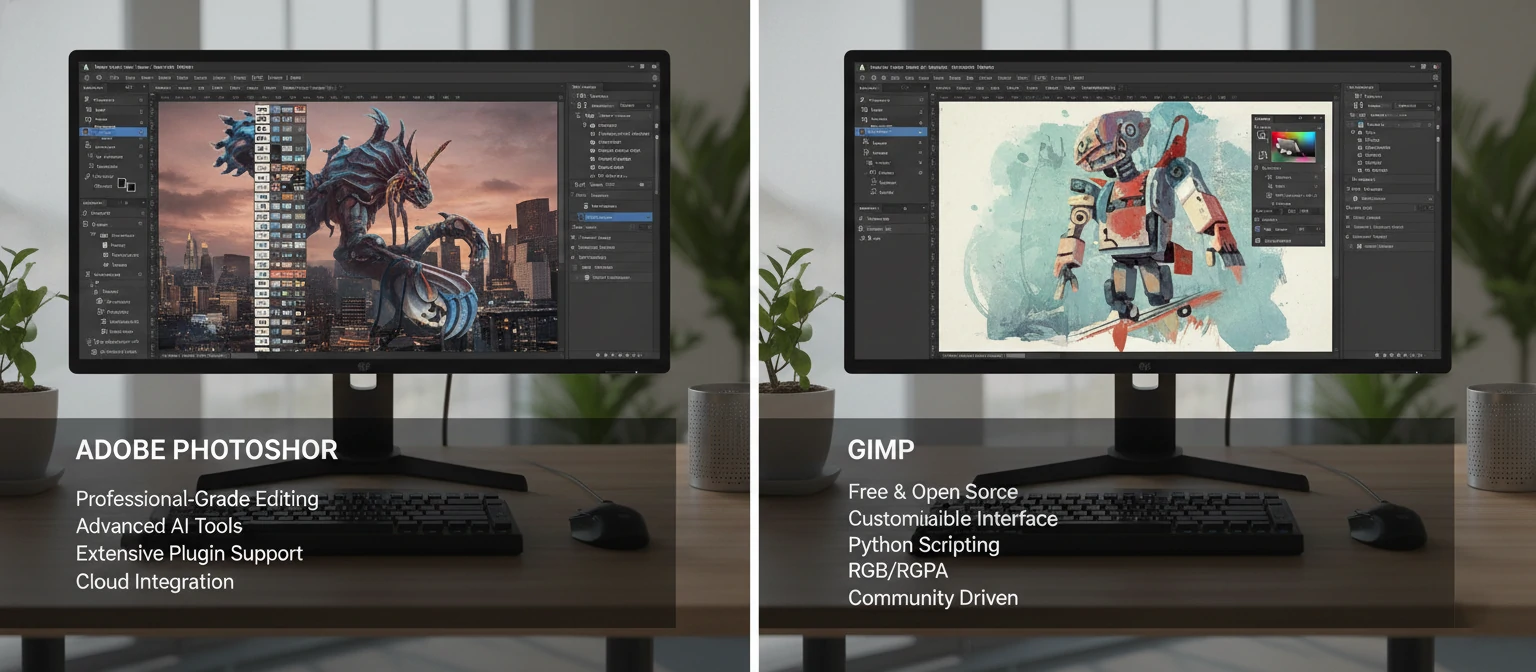
GIMP is a free option, but Photoshop's ecosystem is unmatched. GIMP lacks some advanced features like 3D editing, but it's great for 2D work. Other options include Krita for painting or Affinity Photo for a one-time purchase alternative.
When comparing, consider compatibility. Newer PSD files may not open in older software. Also, cloud features in CC versions allow syncing across devices, which is convenient for mobile workflows.
Ultimately, if you're serious about design, investing in the latest Photoshop pays off. The AI tools alone can save hours. But if cost is an issue, free trials or student discounts can help you decide.
User Testimonials and Stories
Hear from real users about their Photoshop experiences.
"Photoshop 3.0 changed my life as a designer. Layers opened up endless possibilities." - John D., Graphic Designer
"Using CC 2024's AI for sky replacement saved me hours on a shoot. It's incredible." - Sarah L., Photographer
"Started with 7.0 for retouching. Now, I teach it. The healing brush is a must-learn." - Mike R., Educator
These stories show how Photoshop adapts to users' needs. From hobbyists to professionals, it's a tool that grows with you. If you're just starting, know that everyone begins somewhere—keep practicing!
Tips and Tutorials for Using Photoshop
Here are some practical tips to get you started.
- Use keyboard shortcuts to speed up your workflow.
- Always work in RGB for web, CMYK for print.
- Save incrementally to avoid losing work.
- Experiment with blend modes for creative effects.
Tutorial: To create a simple composite, import images, use the lasso tool to select, and paste into a new layer.
Beyond basics, let's dive deeper. For instance, mastering the pen tool can take your selections to the next level. Practice by tracing simple shapes, then move to complex objects. Remember, the key is patience—precision comes with time.
Another tip: Use smart objects to keep your edits non-destructive. Convert layers to smart objects, and you can apply filters or transformations without losing quality. This is especially useful for resizing images multiple times.
For color correction, the curves adjustment layer is your best friend. It allows fine-tuned control over tones. Start with the RGB channel for overall brightness, then tweak individual colors.
If you're working on web graphics, optimize your images using the 'Save for Web' feature. It lets you preview file sizes and quality, ensuring fast-loading pages without sacrificing visuals.
Don't forget about brushes. Custom brushes can add personality to your work. Create them from images or design your own patterns. Experiment with opacity and flow for varied effects.
Lastly, join online communities like Reddit's r/photoshop or Adobe forums. Sharing your work and getting feedback accelerates learning. Photoshop is vast, but with consistent practice, you'll master it.
Common Challenges and How to Overcome Them
Even seasoned users face hurdles. Here's how to tackle them.
Performance Issues
Photoshop can be resource-intensive. If it's slow, increase RAM allocation in preferences or close unnecessary apps. For older versions, upgrading hardware helps.
Selection Problems
Struggling with selections? Use the quick selection tool for rough cuts, then refine with the refine edge (now select and mask). For hair, the magnetic lasso or AI tools in newer versions work wonders.
Color Inconsistencies
Colors look different on screen vs. print? Calibrate your monitor and use color profiles. Work in the correct color space from the start.
Learning Curve
Feeling overwhelmed? Start with tutorials on YouTube or Adobe's site. Focus on one tool at a time. Books like "Photoshop for Dummies" are great for beginners.
File Compatibility
Older PSD files not opening? Ensure you're using a compatible version. For cross-version issues, flatten layers or save as older formats.
Remember, every challenge is a learning opportunity. Photoshop evolves, so stay updated with new features to simplify your workflow.
The Future of Photoshop
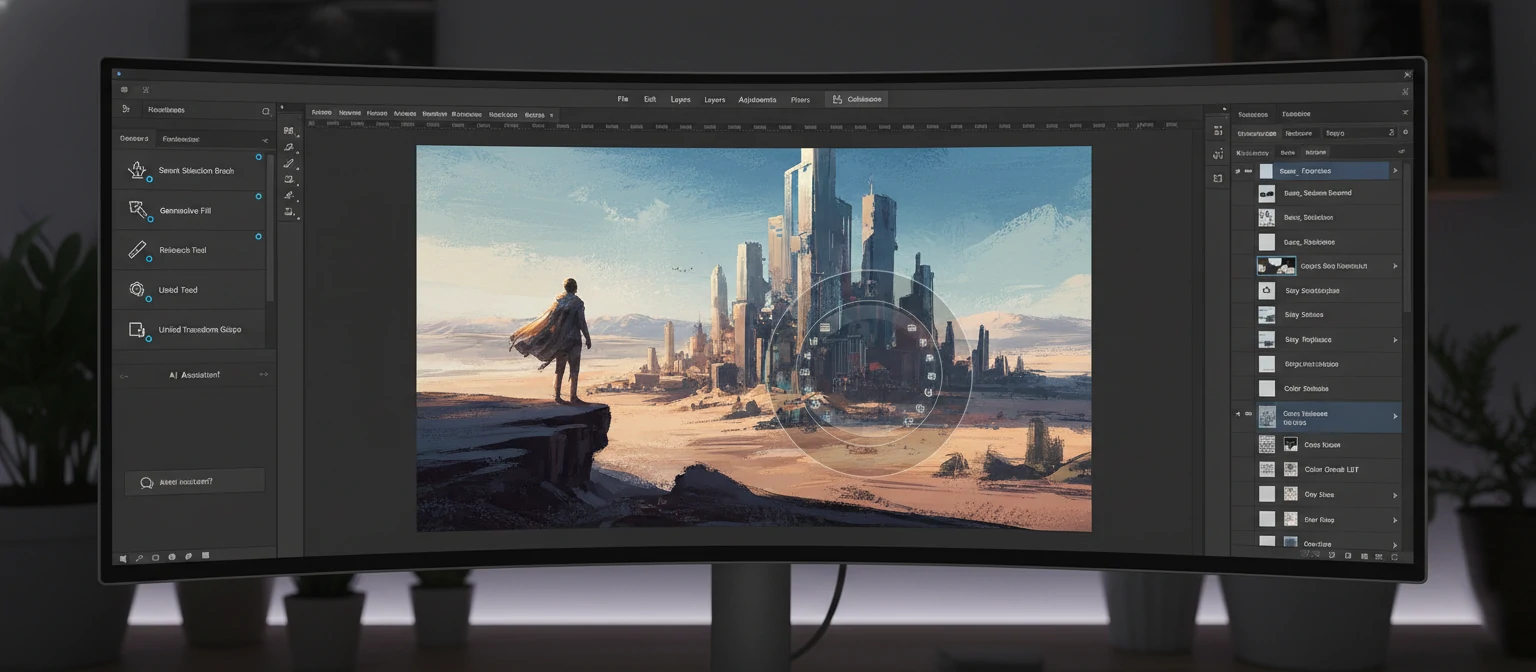
With AI integration, Photoshop is evolving. Expect more generative tools and cloud-based collaboration.

Frequently Asked Questions
Which Photoshop version should I start with?
Beginners should start with the latest Creative Cloud version for built-in tutorials and AI assistance. It's user-friendly and packed with learning resources.
Is Photoshop difficult to learn?
Like any powerful tool, there's a learning curve, but Photoshop offers extensive tutorials, presets, and AI features that make it accessible for newcomers.
What's the difference between Photoshop and Photoshop Elements?
Photoshop is the full professional suite, while Elements is a simplified version for hobbyists with fewer advanced features but easier to use.
Can I use Photoshop on multiple devices?
Yes, with a Creative Cloud subscription, you can install Photoshop on up to two devices and sync your work across them.
Resources and Further Reading
Expand your Photoshop knowledge with these valuable resources.
Official Adobe Resources
- Adobe Photoshop Official Site - Tutorials and downloads.
- Adobe Help Center - Comprehensive guides.
Online Communities
- Reddit's r/photoshop - Active community for tips and feedback.
- Photoshop Cafe Forum - Long-standing discussion board.
Recommended Books
- "Photoshop for Dummies" - Great for beginners.
- "The Adobe Photoshop Book for Digital Photographers" - Advanced techniques.
YouTube Channels
- PiXimperfect - Creative tutorials.
- Phlearn - Comprehensive courses.
Conclusion
Adobe Photoshop has come a long way, and each version has contributed to its legacy. Whether you're using the latest or an older edition, the key is to keep creating. Dive in, experiment, and let your imagination run wild!