Unlock the power of WordPress with expert development services tailored to your business needs.
Table of contents
- Introduction to WordPress Website Development
- Why Choose WordPress for Your Website?
- WordPress vs Other Platforms: Why WordPress Stands Out
- The Benefits of Hiring a Professional WordPress Development Company
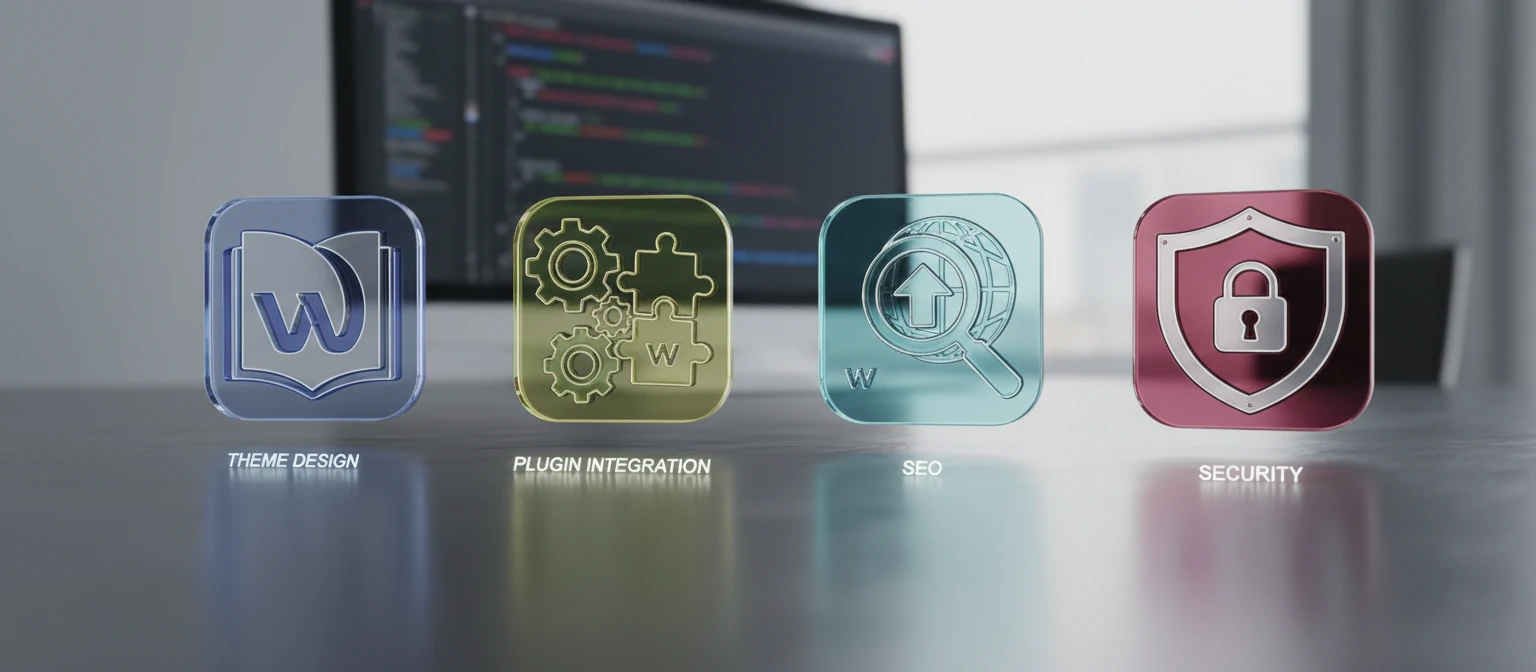
- Services Offered by WordPress Development Companies
- Essential Plugins Every WordPress Site Needs
- The WordPress Development Process: What to Expect
- How to Choose the Right WordPress Development Company
- Common Mistakes to Avoid When Hiring a WordPress Developer
- The Future of WordPress Development
- WordPress Security Best Practices: Protect Your Site Like a Pro
- Real-World Case Studies: Success Stories with WordPress Development
- WordPress Maintenance Guide: Keep Your Site Running Smoothly
- Conclusion: Empowering Your Digital Presence with WordPress
- FAQs: Your Burning Questions About WordPress Development
- What Our Clients Are Saying
- Understanding WordPress Development Pricing
- Ready to Build Your Dream WordPress Website?
Introduction to WordPress Website Development
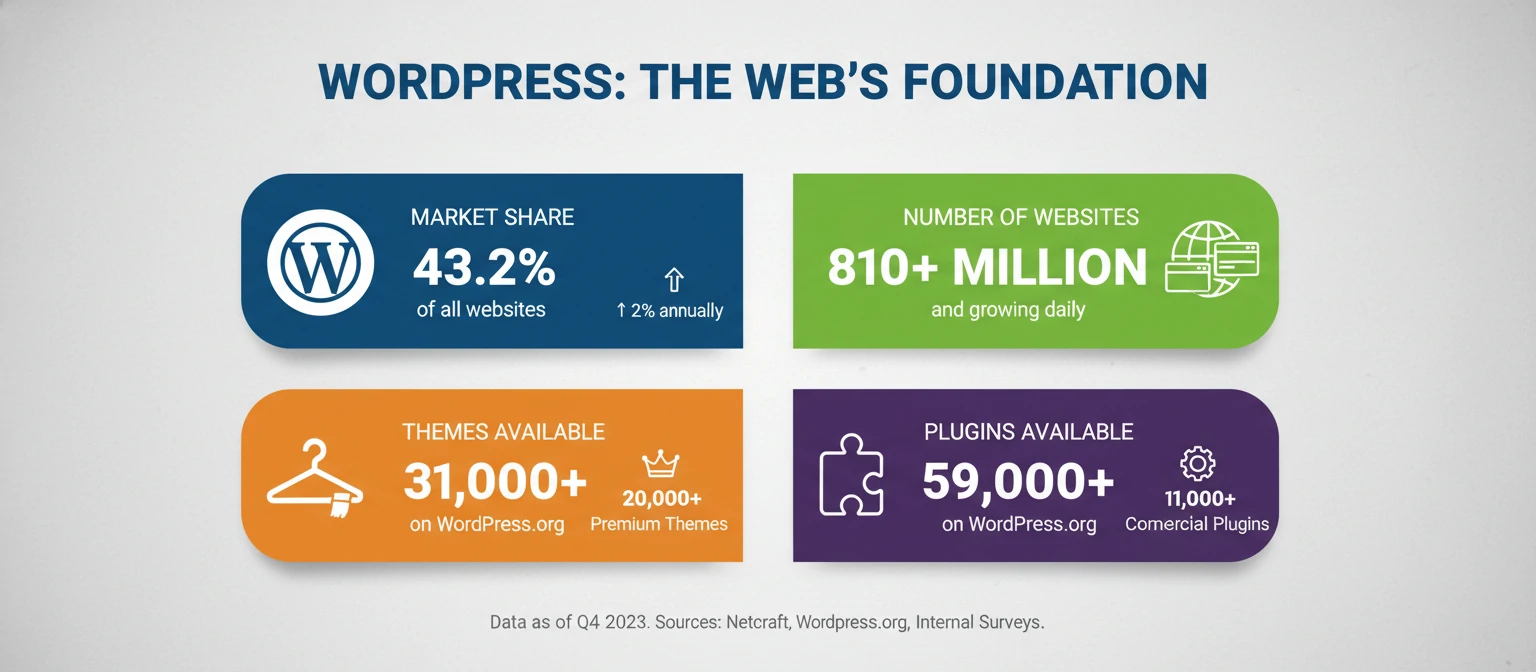
Hey there! In today's bustling digital landscape, having a standout online presence isn't just nice—it's absolutely essential. Whether you're a budding entrepreneur, a seasoned business owner, or leading a large corporation, your website is the digital storefront that welcomes your customers. Among the sea of content management systems out there, WordPress shines as a versatile and powerful platform that powers over 40% of websites globally. But crafting a WordPress site that truly captures your vision and drives results? That calls for the expertise of a top-notch WordPress website development company.
This friendly guide is crafted just for you. We'll dive deep into everything you need to know about finding and partnering with a WordPress development company. From grasping the magic of WordPress to navigating the development journey, we'll share practical, knowledge-based insights to help you make smart choices. Our aim? To guide you toward a partner who not only builds your website but also fuels your business growth.
Why Choose WordPress for Your Website?
Before we jump into the world of WordPress development companies, let's take a moment to understand why WordPress is such a beloved choice. WordPress isn't just a platform; it's an entire ecosystem that offers unmatched flexibility, scalability, and ease of use.
User-Friendly Interface
One of the most compelling reasons to choose WordPress is its intuitive interface. Even if you're not a tech whiz, you can manage your website's content with relative ease. The platform's WYSIWYG (What You See Is What You Get) editor allows you to create and edit pages without needing to know complex coding languages. This accessibility means you can focus on your content while the technical aspects are handled by professionals.
Extensive Customization Options
WordPress offers thousands of themes and plugins that allow for extensive customization. Whether you want a simple blog, an e-commerce store, or a complex corporate website, there's a solution available. A skilled WordPress development company can leverage these tools to create a site that perfectly aligns with your brand identity and business objectives.
SEO-Friendly Architecture
Search engine optimization is crucial for online visibility, and WordPress excels in this area. The platform's clean code structure, fast loading times, and SEO plugins like Yoast make it easier to rank higher in search results. A development company experienced in WordPress can implement advanced SEO strategies from the ground up, giving your site a competitive edge.
Scalability and Performance
As your business grows, your website needs to grow with it. WordPress is highly scalable, capable of handling everything from small personal blogs to high-traffic enterprise sites. With proper development, your WordPress site can accommodate increased traffic, new features, and evolving business needs without requiring a complete rebuild.
Strong Community Support
WordPress boasts a vast community of developers, designers, and users who contribute to its continuous improvement. This means regular updates, security patches, and a wealth of resources for troubleshooting and enhancement. When you work with a reputable WordPress development company, you benefit from this collective knowledge and expertise.
WordPress vs Other Platforms: Why WordPress Stands Out
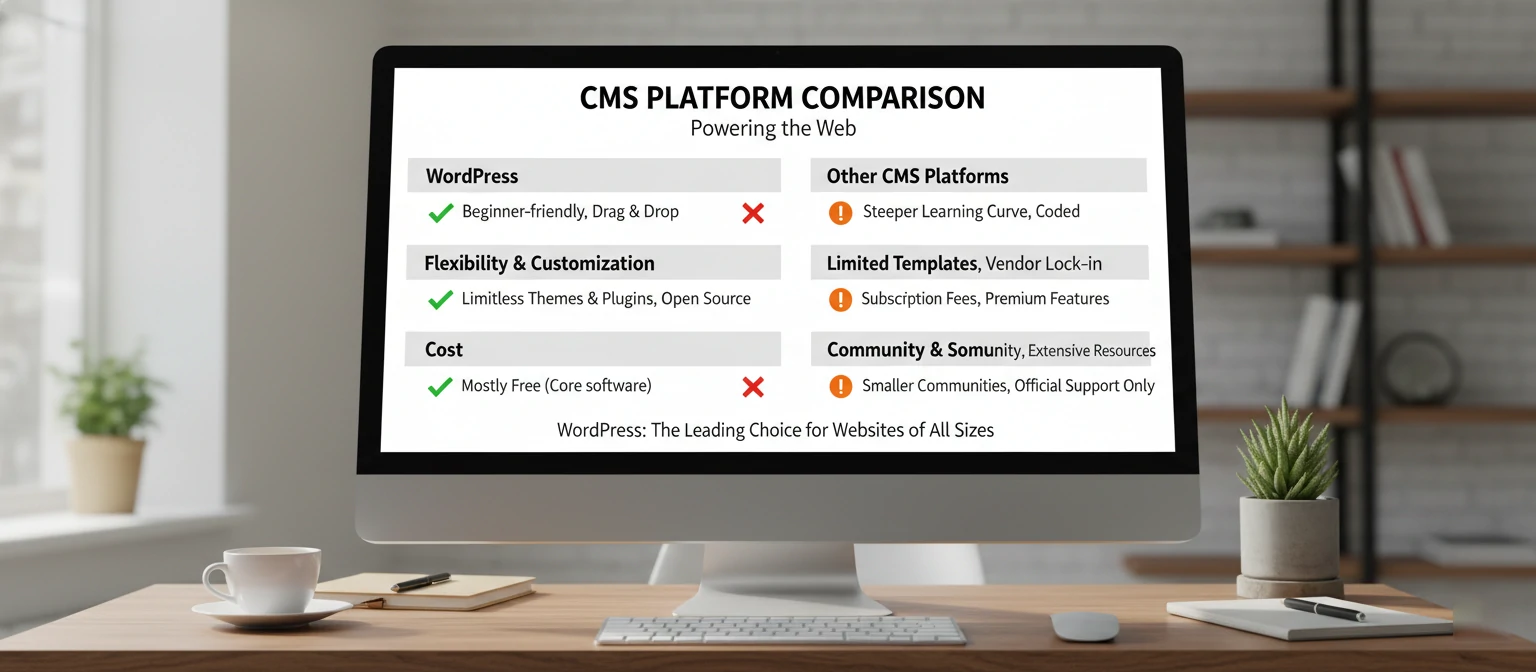
You might be wondering how WordPress stacks up against other popular content management systems. Let's break it down in a friendly way to help you see why WordPress is often the top choice for businesses of all sizes.
WordPress vs Drupal
While Drupal is powerful for complex, enterprise-level sites, WordPress offers a gentler learning curve and faster setup. If you're not a developer, WordPress feels more approachable, yet it's still robust enough for advanced needs.
WordPress vs Joomla
Joomla sits somewhere in between, but WordPress has a larger community and more themes/plugins. It's like choosing a car with more accessories available – you get more options without extra hassle.
WordPress vs Squarespace/Wix
These are user-friendly drag-and-drop builders, great for beginners. But WordPress gives you full ownership and unlimited customization. It's like renting vs owning your home – more freedom with WordPress.
The WordPress Advantage
WordPress combines ease of use with powerful features, backed by a massive community. It's flexible, scalable, and future-proof. Whether you're starting small or dreaming big, WordPress grows with you.
The Benefits of Hiring a Professional WordPress Development Company
While it's totally possible to build a basic WordPress site on your own, entrusting the task to professionals offers a ton of advantages. Let's explore why investing in a WordPress website development company is a smart move for your business.
Expertise and Technical Knowledge
WordPress development companies employ skilled professionals who stay up-to-date with the latest trends, best practices, and security measures. They understand the intricacies of the platform, from custom theme development to complex plugin integrations, ensuring your site is built to the highest standards.
Time and Cost Efficiency
Developing a professional website can be time-consuming, especially if you're juggling other business responsibilities. A development company can deliver a high-quality site in a fraction of the time it would take you to learn and implement everything yourself. Moreover, their expertise often prevents costly mistakes that could arise from DIY attempts.
Custom Solutions Tailored to Your Needs
Off-the-shelf themes and plugins can only take you so far. A professional development company can create custom solutions that address your specific business challenges. Whether it's integrating with your existing systems, implementing unique functionality, or designing a bespoke user experience, they can bring your vision to life.
Ongoing Support and Maintenance
Websites require regular maintenance to stay secure and perform optimally. A good WordPress development company doesn't just build your site and disappear; they offer ongoing support, updates, and maintenance services. This ensures your website remains functional, secure, and up-to-date long after the initial launch.
Mobile Responsiveness and Performance Optimization
With mobile devices accounting for over 50% of web traffic, having a mobile-responsive site is non-negotiable. Professional developers ensure your WordPress site looks and functions perfectly across all devices. They also optimize performance, implementing caching, image compression, and other techniques to ensure fast loading times.
Security and Compliance
Cybersecurity threats are ever-present, and WordPress sites can be vulnerable if not properly secured. Development companies implement robust security measures, regular backups, and compliance with data protection regulations like GDPR. This gives you peace of mind knowing your site and your visitors' data are protected.

Services Offered by WordPress Development Companies
WordPress development companies offer a fantastic array of services to meet all sorts of business needs. Knowing what's available can help you pinpoint exactly what your project needs.
Custom Theme Development
While pre-made themes are convenient, they often lack uniqueness. Custom theme development involves creating a bespoke design that perfectly matches your brand. This includes custom layouts, color schemes, typography, and interactive elements that set your site apart from competitors.
Plugin Development and Integration
Plugins extend WordPress functionality, but sometimes you need custom solutions. Development companies can create bespoke plugins or integrate multiple plugins seamlessly to add specific features like advanced e-commerce capabilities, membership systems, or custom forms.
E-commerce Solutions
For businesses looking to sell online, WordPress offers powerful e-commerce solutions like WooCommerce. A development company can set up and customize your online store, integrating payment gateways, inventory management, and shipping options.
Website Migration and Redesign
If you're moving from another platform or need to revamp your existing site, professional migration services ensure a smooth transition without data loss. Redesign services can give your site a modern facelift while preserving valuable content and SEO rankings.
SEO Optimization
Beyond basic setup, development companies can implement advanced SEO techniques, including schema markup, custom post types, and performance optimizations that improve your search engine rankings.
Performance Optimization and Speed Enhancement
Slow websites lose visitors and hurt SEO. Professional developers use techniques like code minification, image optimization, and caching to ensure your site loads quickly and performs well under heavy traffic.
Security Audits and Hardening
Regular security audits identify vulnerabilities, while hardening measures protect against common threats. This includes implementing firewalls, SSL certificates, and secure coding practices.
Training and Documentation
A good development company doesn't leave you in the dark. They provide training on how to manage your site and comprehensive documentation for future reference or handoff to your team.
Essential Plugins Every WordPress Site Needs
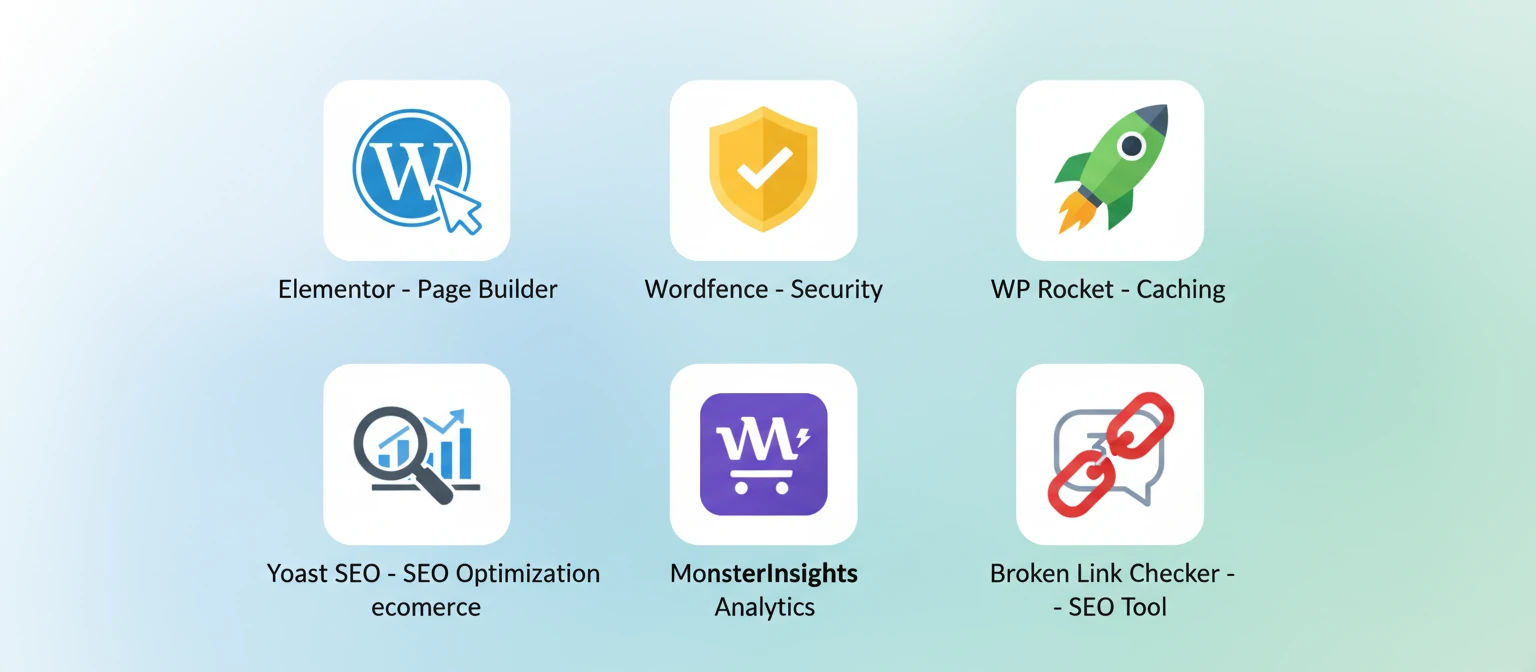
Plugins are like superpowers for your WordPress site. They add features without you needing to code everything from scratch. Here's a curated list of must-have plugins that can transform your website.
SEO Powerhouse: Yoast SEO
This free plugin is your SEO best friend. It helps optimize your content for search engines, suggests improvements, and even creates XML sitemaps. It's like having an SEO expert in your pocket!
Security Guardian: Wordfence
Protect your site from hackers with this comprehensive security plugin. It scans for malware, blocks suspicious IPs, and provides firewall protection. Sleep better knowing your site's guarded.
Performance Booster: WP Rocket or W3 Total Cache
Speed up your site with caching and optimization. These plugins compress images, minify code, and implement browser caching. Faster sites mean happier visitors and better SEO rankings.
Backup Savior: UpdraftPlus
Never lose your hard work again. This plugin automates backups and stores them in the cloud. It's your safety net for when things go wrong – and trust us, it's better to have it and not need it.
Contact Form Master: Contact Form 7 or WPForms
Easy-to-use contact forms that integrate seamlessly with your site. Capture leads, answer questions, and grow your business. Some even connect to email marketing tools.
Image Optimizer: Smush or ShortPixel
Automatically compress and optimize images without losing quality. Faster loading times, better user experience, and improved SEO. Your visitors will thank you for the speedy site.
Remember, while these plugins are fantastic, it's important to keep them updated and only install what you need. Too many plugins can slow down your site, so choose wisely!
The WordPress Development Process: What to Expect
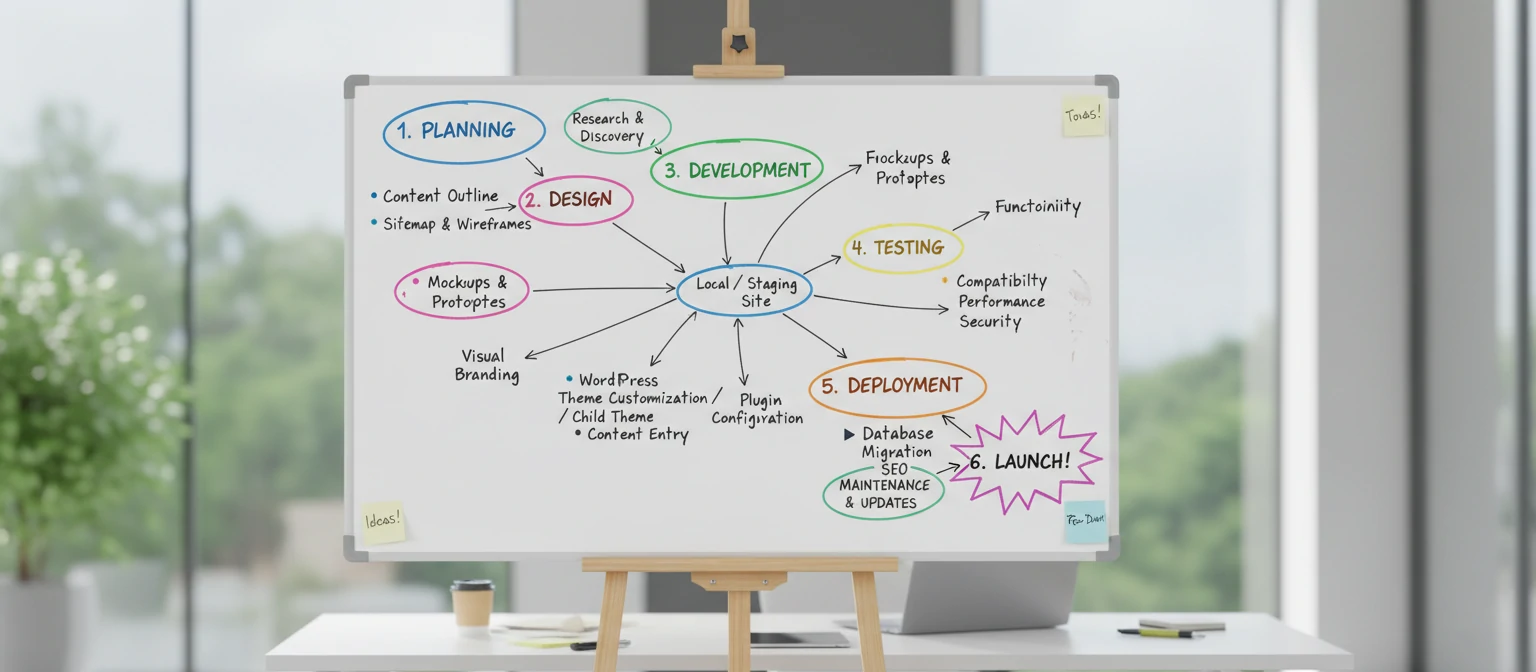
Getting a handle on the development process can help you prepare and team up effectively with your chosen company. A typical WordPress project follows a clear, structured approach.
Discovery and Planning Phase
This initial phase involves in-depth discussions about your goals, target audience, brand identity, and technical requirements. The development team conducts research, creates wireframes, and develops a project roadmap. This stage sets the foundation for a successful project.
Design Phase
Based on the planning, designers create mockups and prototypes. You'll have opportunities to review and provide feedback, ensuring the design aligns with your vision. This iterative process refines the visual elements until you achieve the perfect look and feel.
Development Phase
Once the design is approved, developers bring it to life. This involves coding custom themes, integrating plugins, setting up content management systems, and implementing functionality. Regular check-ins keep you informed of progress and allow for adjustments.
Testing and Quality Assurance
Before launch, the site undergoes rigorous testing across different devices, browsers, and scenarios. This includes functionality testing, performance testing, security testing, and user experience testing to ensure everything works flawlessly.
Launch and Deployment
With testing complete, the site goes live. The development team handles the migration to your hosting environment, sets up backups, and monitors the initial performance to catch any issues early.
Post-Launch Support and Maintenance
The relationship doesn't end at launch. Ongoing support includes monitoring, updates, security patches, and performance optimizations. Many companies offer maintenance packages to keep your site running smoothly.
How to Choose the Right WordPress Development Company
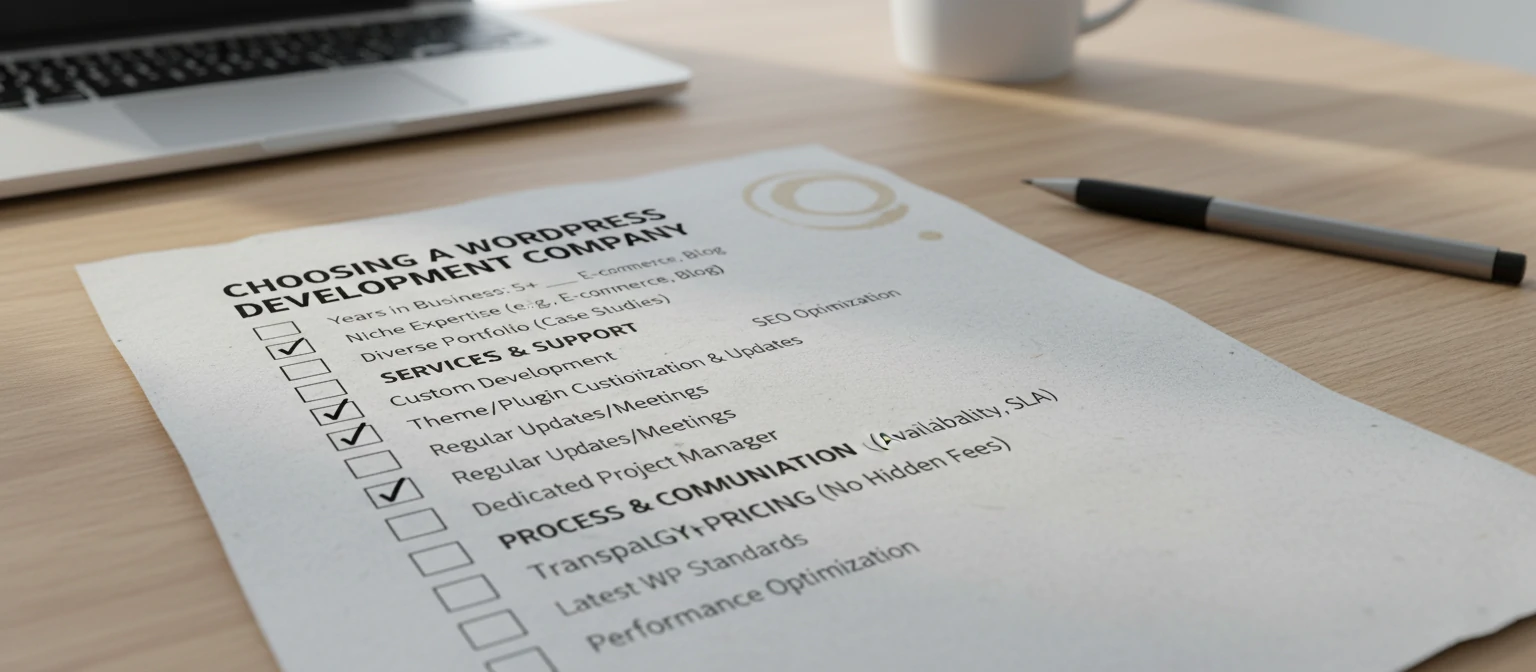
With so many great options out there, picking the right WordPress development company can feel a bit overwhelming. Here are some key factors to keep in mind to help you make a smart choice.
Portfolio and Experience
Review the company's portfolio to assess the quality and diversity of their work. Look for projects similar to yours and check if they have experience in your industry. A strong portfolio demonstrates their capabilities and style.
Client Testimonials and Reviews
Read reviews on platforms like Clutch, Upwork, or Google. Pay attention to feedback about communication, timeliness, quality of work, and post-launch support. Don't hesitate to ask for references and contact them directly.
Technical Expertise
Ensure the company stays current with WordPress best practices, security standards, and emerging technologies. Ask about their approach to responsive design, performance optimization, and SEO.
Communication and Project Management
Clear communication is crucial for project success. Evaluate how responsive they are to inquiries and their project management methodology. Do they use tools like Slack, Trello, or Asana for collaboration?
Pricing and Value
While cost is important, don't make it the sole deciding factor. Compare quotes but also consider the value offered. Hidden costs, ongoing support, and the potential ROI of a well-built site should factor into your decision.
Location and Time Zone Compatibility
Consider whether you prefer working with a local company for easier meetings or an offshore team for cost savings. Time zone differences can impact communication, so choose accordingly.
Contract and Legal Aspects
Review contracts carefully, paying attention to deliverables, timelines, payment terms, and ownership rights. Ensure intellectual property rights are clearly defined.
Common Mistakes to Avoid When Hiring a WordPress Developer
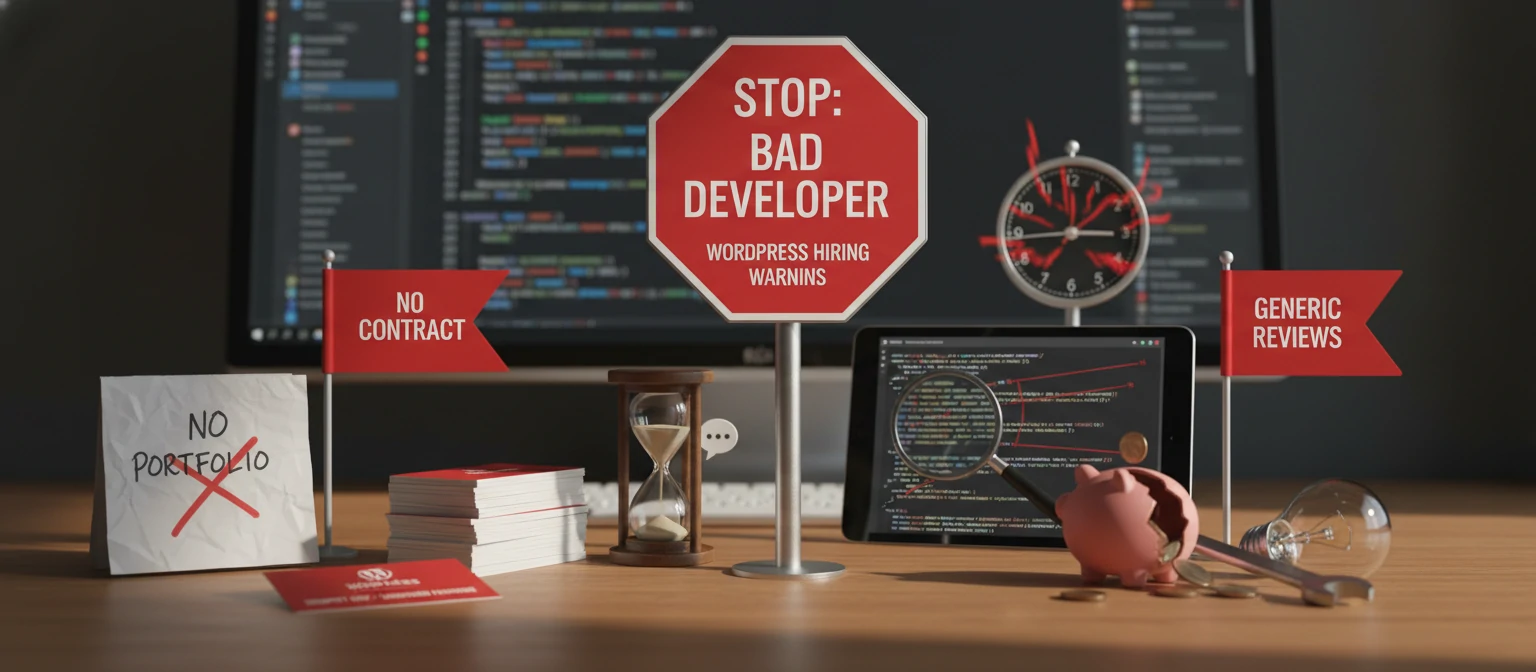
To help you sail through the hiring process smoothly, here are some common pitfalls to watch out for and how to steer clear of them.
Choosing Based on Price Alone
While budget constraints are real, opting for the cheapest option often leads to subpar results. Quality WordPress development requires skilled professionals who command fair compensation. Invest in expertise that delivers long-term value.
Lack of Clear Requirements
Failing to define your needs clearly can result in misunderstandings and revisions. Take time to outline your goals, target audience, must-have features, and success metrics before approaching developers.
Ignoring Ongoing Support Needs
Websites require maintenance, and neglecting this aspect can lead to security vulnerabilities and performance issues. Choose a company that offers comprehensive post-launch support.
Not Checking References
Always verify a company's claims by checking references and reviewing past work. A reputable company will gladly provide this information and may even showcase case studies.
Rushing the Process
Quality takes time. Avoid rushing through the discovery, design, and development phases. A well-planned project is more likely to succeed and meet your expectations.
The Future of WordPress Development
As technology keeps evolving, so does WordPress. Staying in the loop about upcoming trends can help you make decisions that stand the test of time.
Headless WordPress and API-First Architecture
Headless WordPress separates the backend content management from the frontend presentation, allowing for more flexible and scalable applications. This approach enables integration with various frontend frameworks and mobile apps.
AI and Machine Learning Integration
AI-powered plugins and tools are emerging to automate tasks like content generation, SEO optimization, and user personalization. Forward-thinking development companies are incorporating these technologies to enhance website functionality.
Enhanced Security Measures
With increasing cyber threats, WordPress is focusing on robust security features. Future developments include advanced authentication methods, real-time threat detection, and automated security updates.
Improved Performance and Core Web Vitals
Google's Core Web Vitals are becoming crucial for SEO. WordPress is evolving to provide better performance out of the box, with features like automatic image optimization and lazy loading.
Sustainability and Green Hosting
As environmental concerns grow, there's a push towards sustainable web practices. This includes energy-efficient hosting and optimized code that reduces server load and carbon footprint.

WordPress Security Best Practices: Protect Your Site Like a Pro
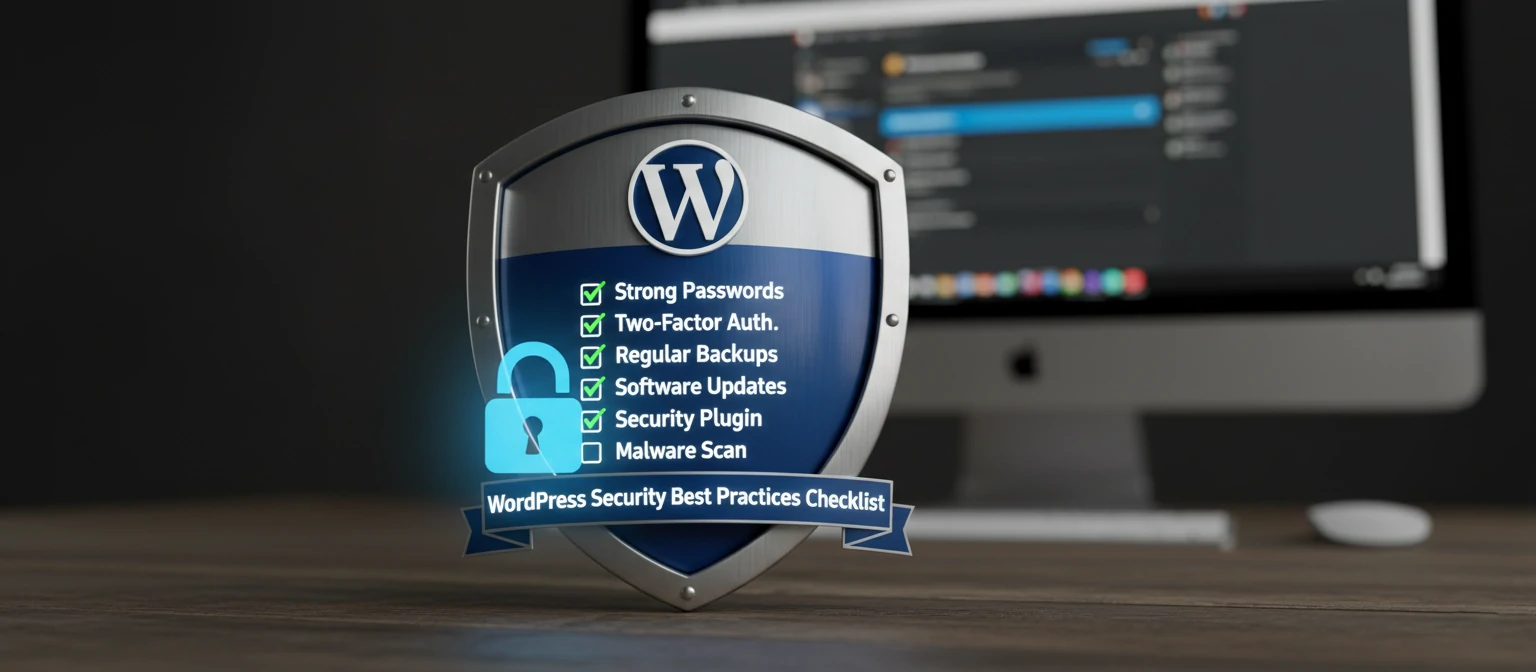
In today's digital world, security isn't optional – it's essential. WordPress is secure by default, but like any popular platform, it can be a target. Here's how to keep your site safe and sound.
Keep Everything Updated
WordPress releases updates regularly to patch security vulnerabilities. Set up automatic updates for core, themes, and plugins. It's like getting regular check-ups for your site's health.
Use Strong Passwords and Two-Factor Authentication
Ditch 'password123' and use complex passwords. Enable 2FA wherever possible. It's an extra layer of protection that makes hacking much harder.
Choose Reputable Themes and Plugins
Only install from trusted sources. Check reviews, update frequency, and developer reputation. A poorly coded plugin can be a backdoor for hackers.
Implement SSL and HTTPS
Secure your site with an SSL certificate. It encrypts data and builds trust with visitors. Plus, Google favors HTTPS sites in search rankings.
Regular Backups and Monitoring
Back up your site regularly and store copies off-site. Use monitoring tools to detect suspicious activity early. Prevention is great, but recovery is peace of mind.
Limit Login Attempts and Use Security Plugins
Brute force attacks are common. Limit login attempts and use plugins like Wordfence or Sucuri to add layers of protection. It's like having a security system for your digital home.
Security might seem daunting, but with these practices, you'll be well-protected. Remember, a secure site isn't just about avoiding breaches – it's about building trust with your visitors.
Real-World Case Studies: Success Stories with WordPress Development
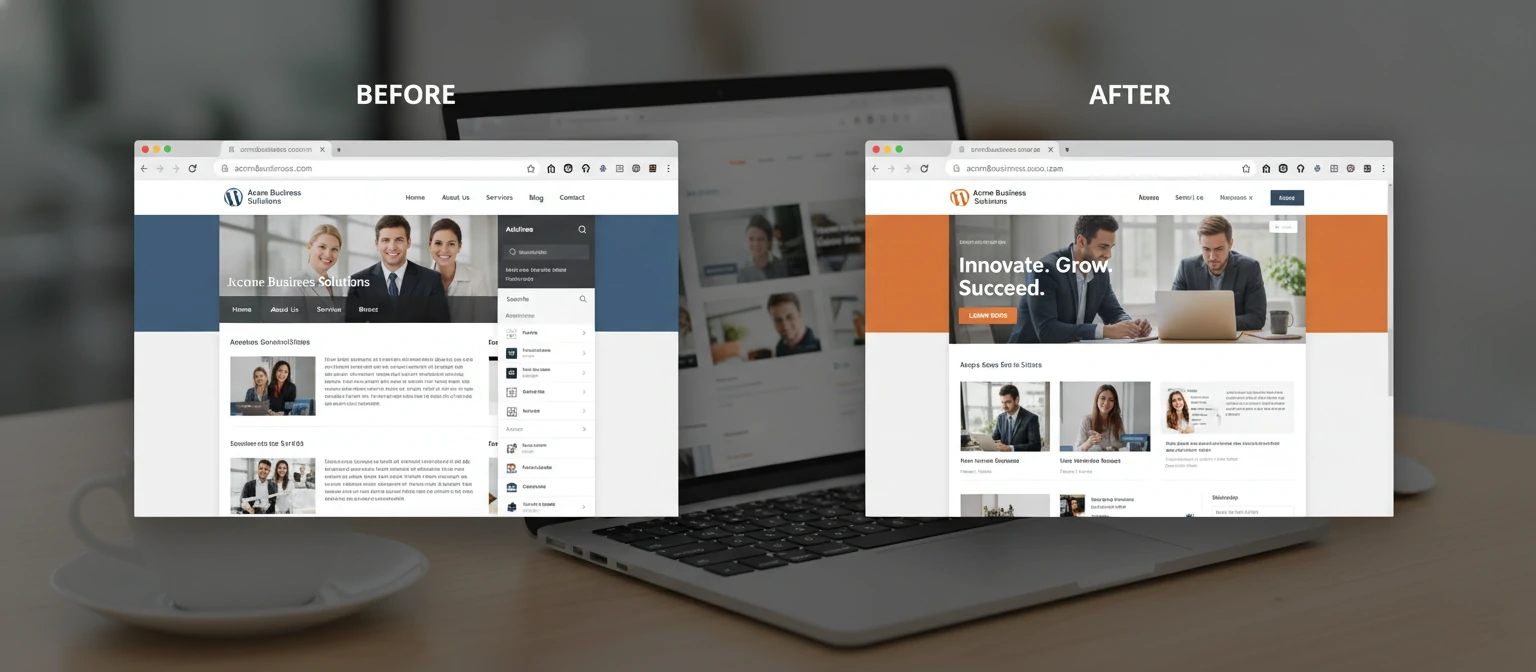
To show you the real impact of professional WordPress development, let's check out some hypothetical but totally realistic case studies.
E-commerce Store Transformation
A local boutique struggling with outdated infrastructure partnered with a WordPress development company. The result: a custom WooCommerce site with integrated inventory management, resulting in a 300% increase in online sales within six months.
Corporate Website Redesign
A mid-sized tech company needed a modern, professional presence. The development team created a custom theme with advanced animations and interactive elements, leading to improved user engagement and a 50% reduction in bounce rate.
Non-Profit Organization's Digital Makeover
A charity organization required a donation-friendly website. The developers implemented custom forms, payment integrations, and SEO optimizations, resulting in a 200% increase in online donations.
WordPress Maintenance Guide: Keep Your Site Running Smoothly
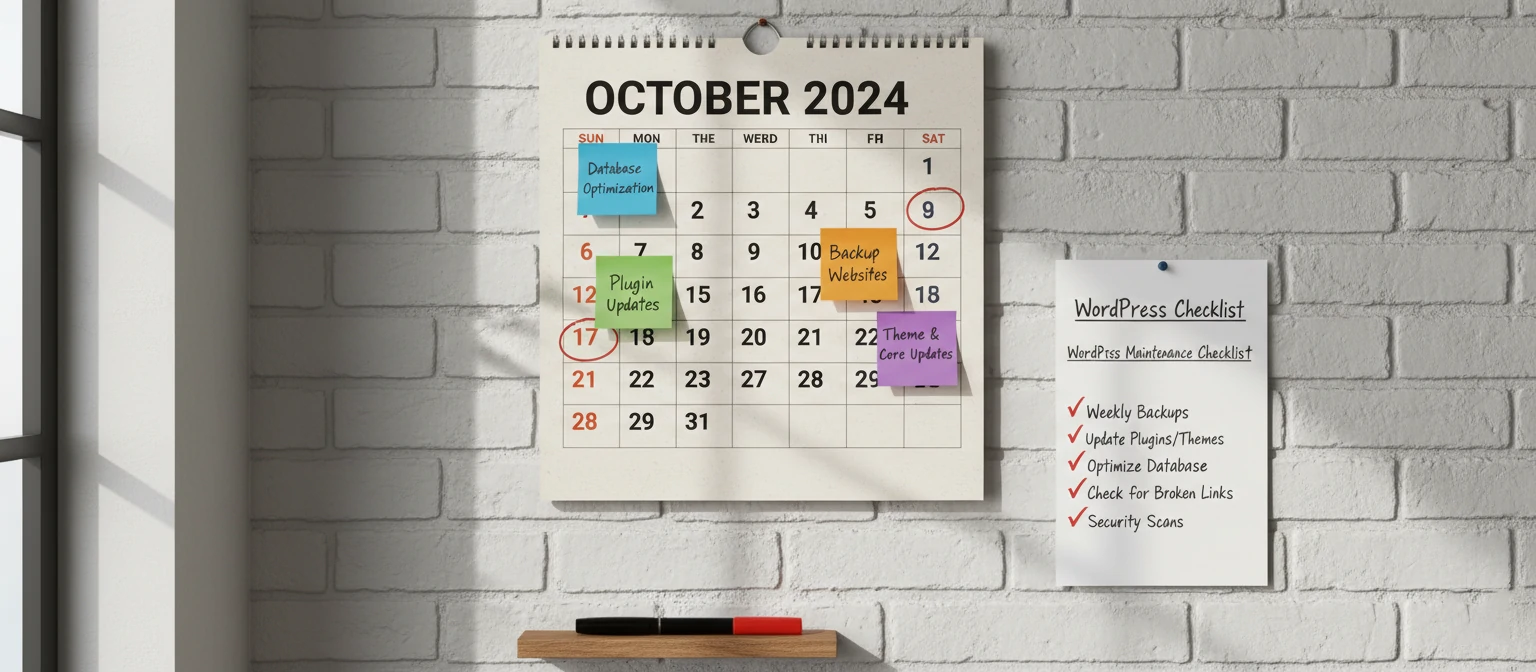
Think of your WordPress site like a car – it needs regular maintenance to perform at its best. Here's a friendly guide to keeping your site healthy and happy.
Weekly Check-ups
Spend 15 minutes each week checking for updates. Update WordPress core, themes, and plugins. Also, glance at your site's performance in Google Analytics or similar tools.
Monthly Deep Clean
Once a month, review and optimize. Delete unused plugins and themes, clear out spam comments, and check for broken links. It's like spring cleaning for your site!
Quarterly Performance Tune-ups
Every three months, run a full site audit. Check loading speeds, mobile responsiveness, and SEO health. Optimize images and database if needed.
Content Freshness
Keep your content current. Update old blog posts, refresh product descriptions, and add new content regularly. Fresh content keeps visitors coming back and boosts SEO.
Backup Routine
Back up your site regularly – at least weekly for active sites. Store backups in multiple locations. Test restores occasionally to ensure they work when you need them.
Security Scans
Run security scans monthly. Use tools like Sucuri or Wordfence to check for vulnerabilities. Address any issues promptly – better safe than sorry!
Maintenance might seem like a chore, but it pays off in reliability, security, and performance. Many development companies offer maintenance packages to handle this for you, giving you peace of mind.
Conclusion: Empowering Your Digital Presence with WordPress
Picking the right WordPress website development company is a big decision that can really boost your online success. By getting the platform's capabilities, the perks of professional development, and how to choose the right partner, you're all set to make a smart choice.
Remember, your website is more than just a digital brochure—it's a powerful tool for attracting customers, building brand loyalty, and driving business growth. Invest in a development company that not only builds a beautiful site but also provides ongoing support and strategic guidance.
As you embark on this journey, keep your goals in mind, communicate clearly, and don't hesitate to ask questions. The right partnership will result in a website that not only meets your current needs but also grows with your business.
Ready to take your online presence to the next level? Start by researching reputable WordPress development companies, reviewing their portfolios, and reaching out for consultations. Your digital future awaits!
FAQs: Your Burning Questions About WordPress Development
We've got you covered with answers to some of the most common questions we hear from our clients.
What Our Clients Are Saying
Don't just take our word for it—hear from some of our happy clients!
"The team transformed our outdated site into a modern, user-friendly platform. Our online sales have skyrocketed!" - Sarah J., E-commerce Owner
"Professional, responsive, and incredibly knowledgeable. They made the whole process stress-free." - Mike T., Small Business Owner
Understanding WordPress Development Pricing
Pricing can vary based on complexity, but here's a general guide to help you budget.
- Basic websites: $1,000 - $5,000
- E-commerce sites: $5,000 - $15,000
- Custom enterprise solutions: $15,000+
Contact us for a personalized quote tailored to your needs.