Editing is the bottleneck of the creator economy. Learn how professional video editing services can free you from the timeline, boost your output, and elevate your brand's visual identity.
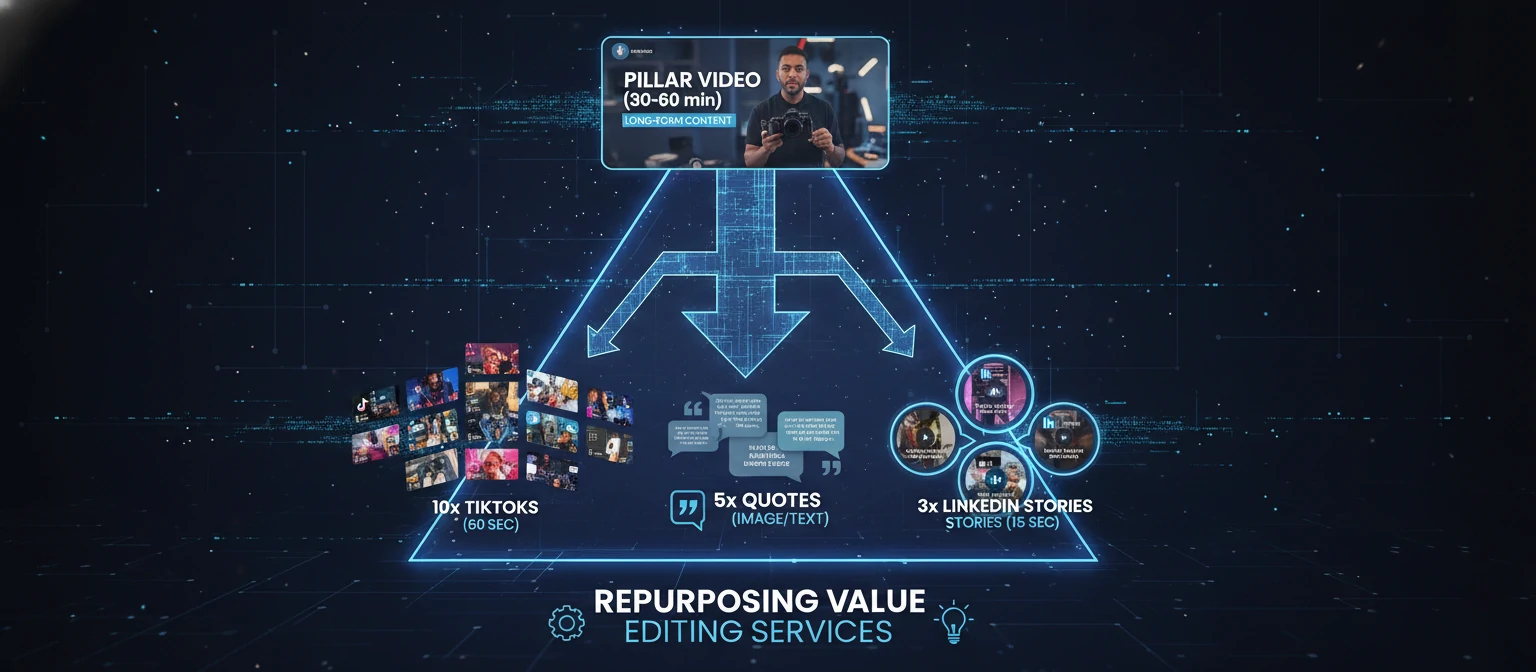
Here is the brutal truth about modern marketing: Volume wins. The businesses and creators dominating your feed aren't just making better videos; they are making more videos. Gary Vaynerchuk famously preached "64 pieces of content a day," but if you've ever edited a video, you know that editing even one high-quality piece can take an entire workday.
You cannot scale if you are trapped in Premiere Pro moving clips around.
This brings us to Video Editing Services. Not to be confused with a random freelancer on Fiverr, these are specialized service providers—often subscription-based—designed to function as your plug-and-play post-production department. In this guide, we'll dissect the market, compare the models, and show you how to multiply your content output by 10x without working 10x harder.
The 3 Tiers of Editing Partners
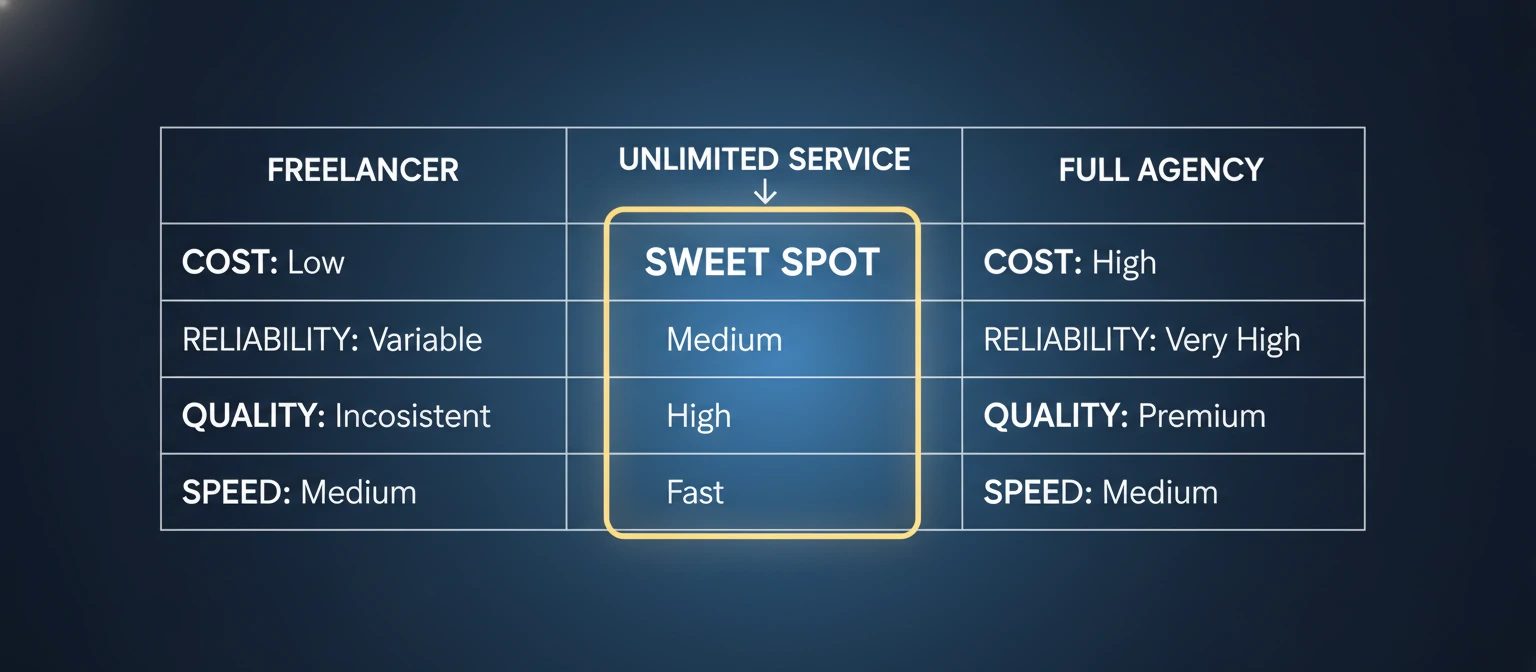
The market is flooded. To make a smart choice, you must distinguish between the three primary categories of providers.
1. The "Productized" Service
Cost: $500 - $1,500 / month
Examples: VideoHusky,
BeCreatives.
You pay a flat monthly fee for "unlimited" requests. The catch? You usually get one editor,
48-hour turnarounds, and can only have one active project at a time. Fabulous for vloggers with
simple needs.
2. The Boutique Agency
Cost: $2,000 - $5,000 / month
Focus: Quality over
Volume.
You get a dedicated Project Manager and a small team. They do sound design, motion graphics, and
color grading properly. Best for B2B tech companies and high-end personal brands.
3. The Production House
Cost: $5,000+ per project
Focus: TV Commercials &
Docs.
They don't do "month-to-month." You hire them for a Super Bowl ad or a Netflix documentary. They
bring in specialized colorists, sound engineers, and VFX artists.
More Than Just Cutting Clips
A good service adds production value you didn't even know you needed.
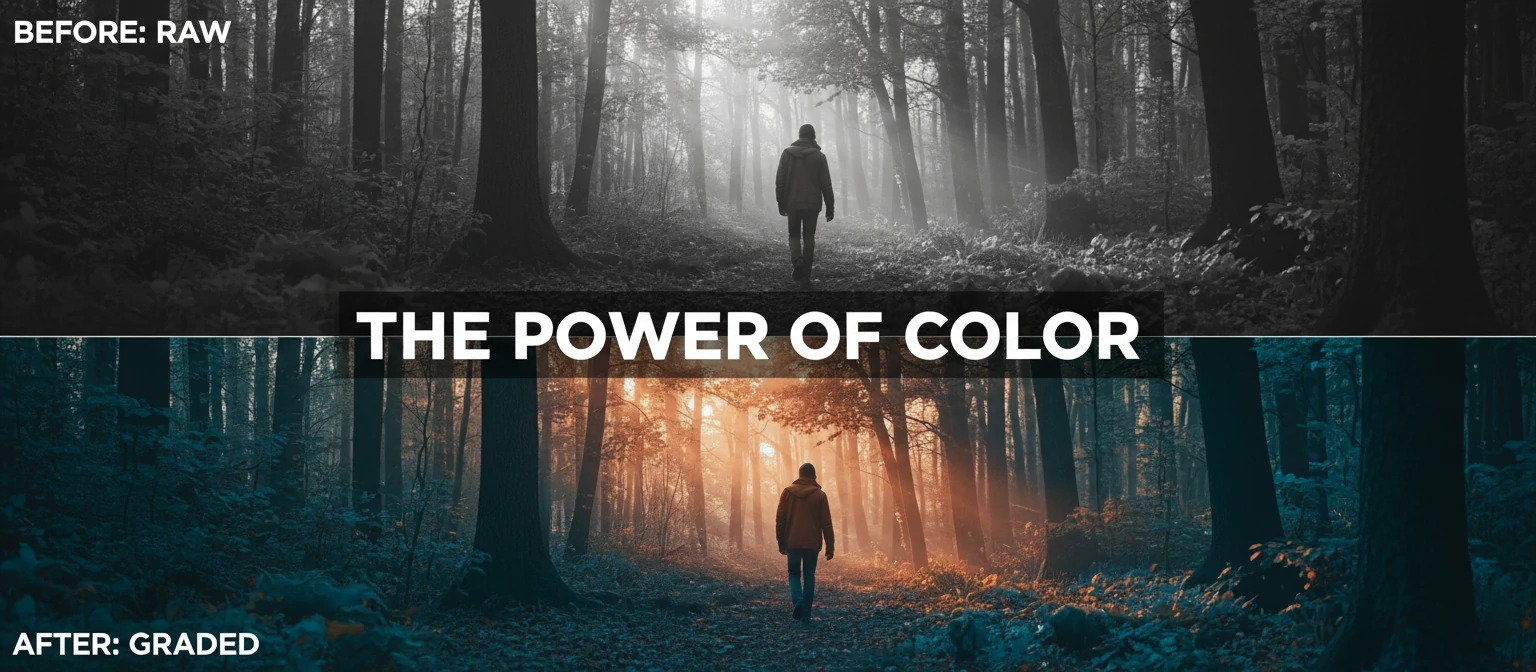
Color Grading
Turning flat "Log" footage into vibrant, cinematic visuals. Matching the look of Camera A with Camera B.
Audio Mixing
Balancing voice vs. music. EQing out room echo. Making your voice sound "broadcast rich."
B-Roll Sourcing
Don't have footage for what you're saying? They scour stock libraries (Storyblocks, Artlist) to find the perfect visual match.
Motion Graphics
Animated subtitles (Hormozi style), lower thirds, logo intros, and data visualizations.
Garbage In, Garbage Out: Your Role
The #1 reason people fire their editing service is miscommunication. You cannot tell an editor "Make it cool" and expect magic. You need to onboard them.
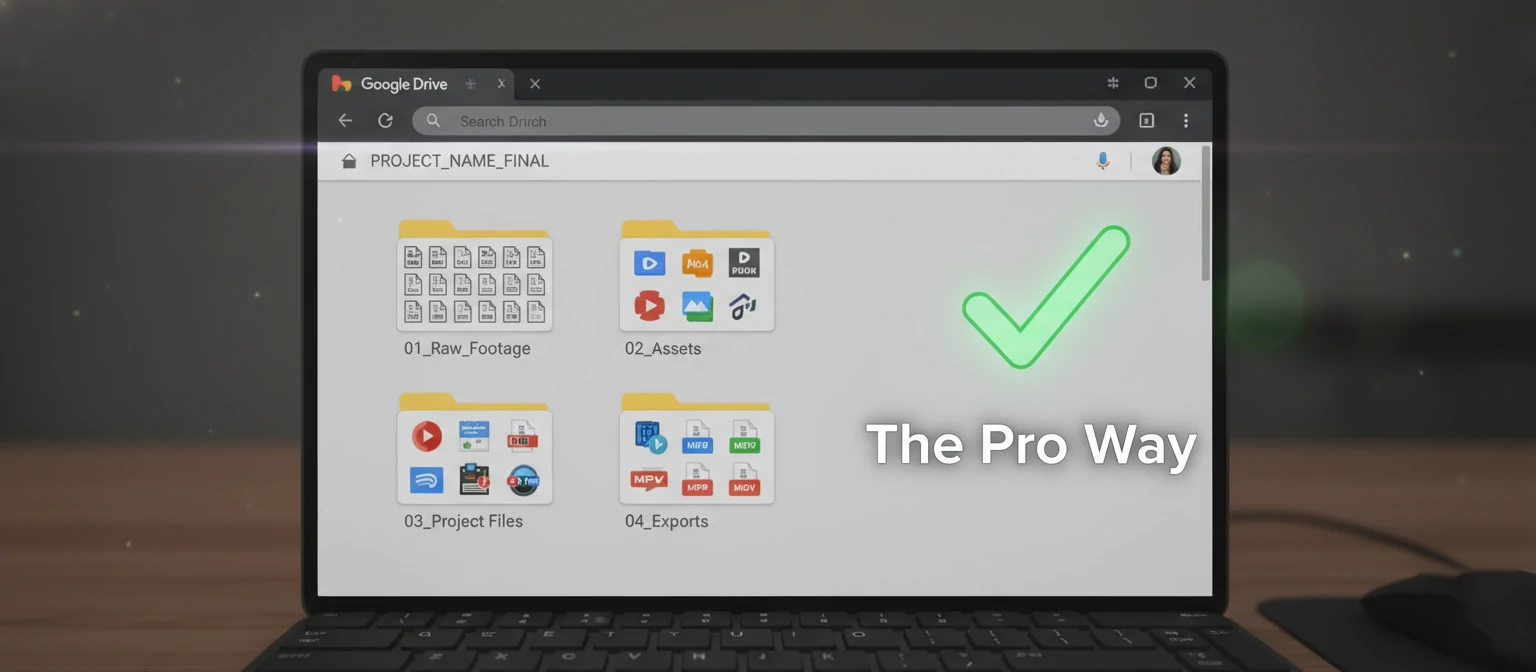
The "Golden Handoff" Checklist
- ✓ Detailed Brief: "The goal of this video is X. The audience is Y. Please cut out the pause at 02:14."
- ✓ Brand Guidelines: Upload your logo (transparent PNG), your specific font files, and your hex color codes.
- ✓ Reference Videos: "I want the pacing of [YouTuber A] and the text style of [YouTuber B]." This is invaluable.
- ✓ Organized Files: Don't send a folder named "DSLR_001." Rename files to "Cam_A," "Cam_B," and "Audio_Main."
Trends in 2026 Video Editing
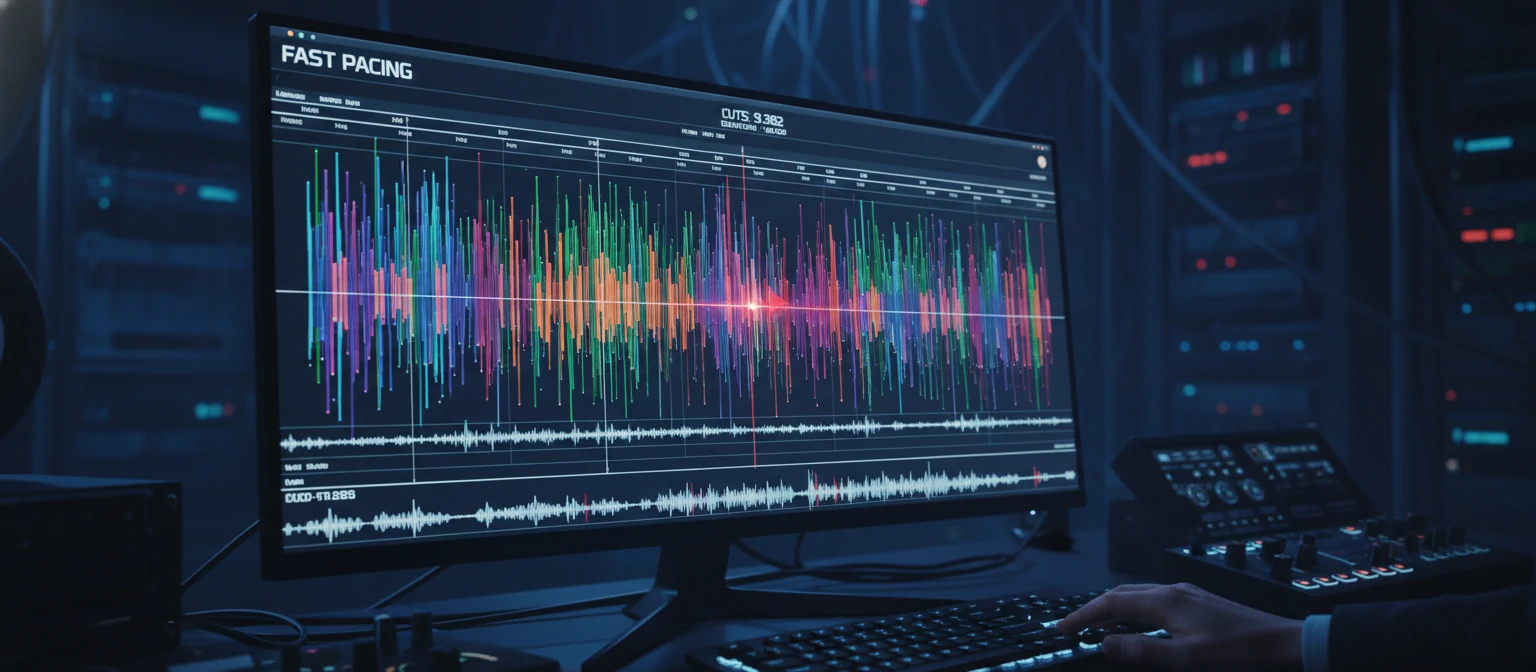
Fast Pacing
The "TikTok-ification" of video. Jump cuts are aggressive. Silence is removed instantly to keep retention high.
AI Implementation
Services are using AI to auto-caption and create shorts. This lowers the cost, so ensure those savings are passed to you.
Authenticity > Polish
Super-slick corporate videos are out. "Rough around the edges" UGC (User Generated Content) style is in. It feels more trustworthy.