The only thing worse than a bad podcast name is a stolen one. Learn how to scan Apple, Spotify, domains, and Trademark databases to ensure your brand is safe.
Table of contents
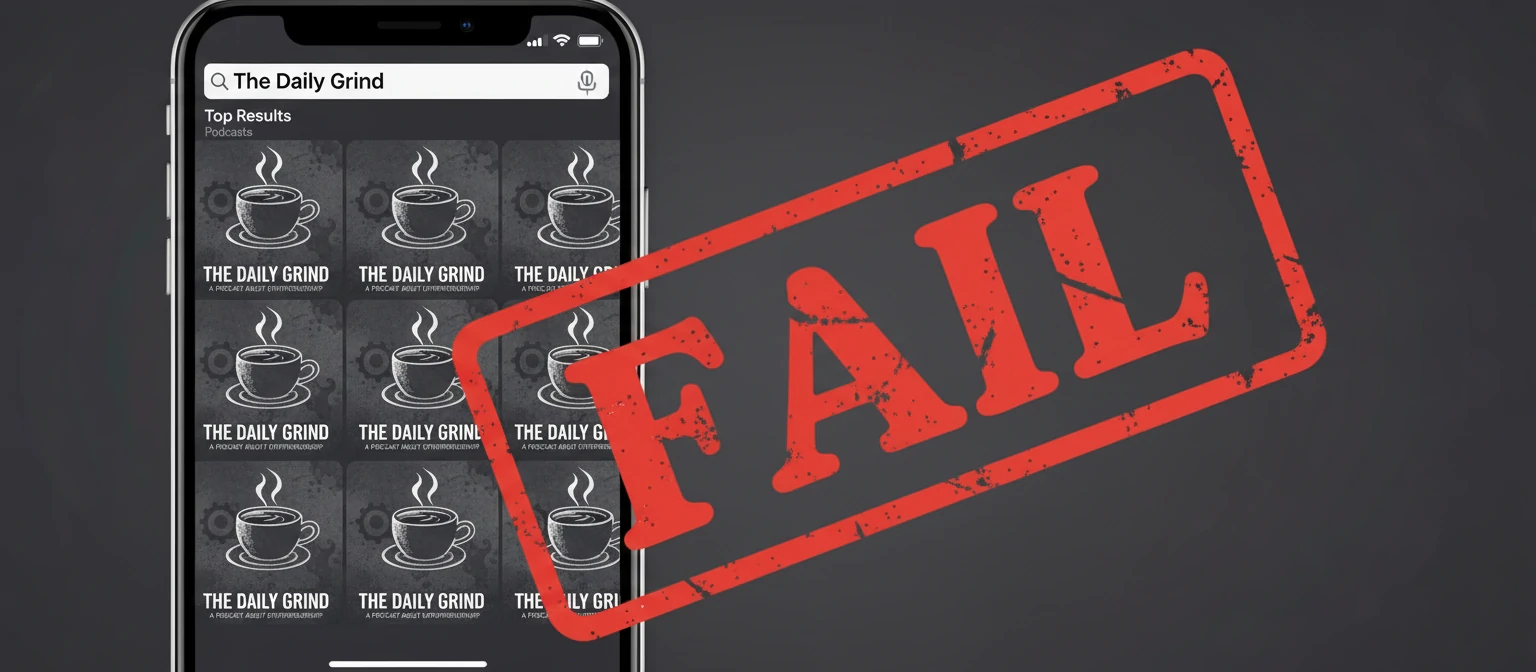
You have the perfect idea. The mic is set up. The artwork is sketched. You type your brilliant name into Apple Podcasts and... disaster. There are already three other shows with the same name.
Checking your podcast name isn't just about SEO; it's about survival. Launching with a duplicate name confuses listeners, kills your discoverability, and in the worst-case scenario, invites a "Cease and Desist" letter from a trademark lawyer.
Don't guess. In this guide, we will walk you through the comprehensive "Name Safety Check" protocol used by professional networks to ensure their IP is bulletproof before they ever hit record.
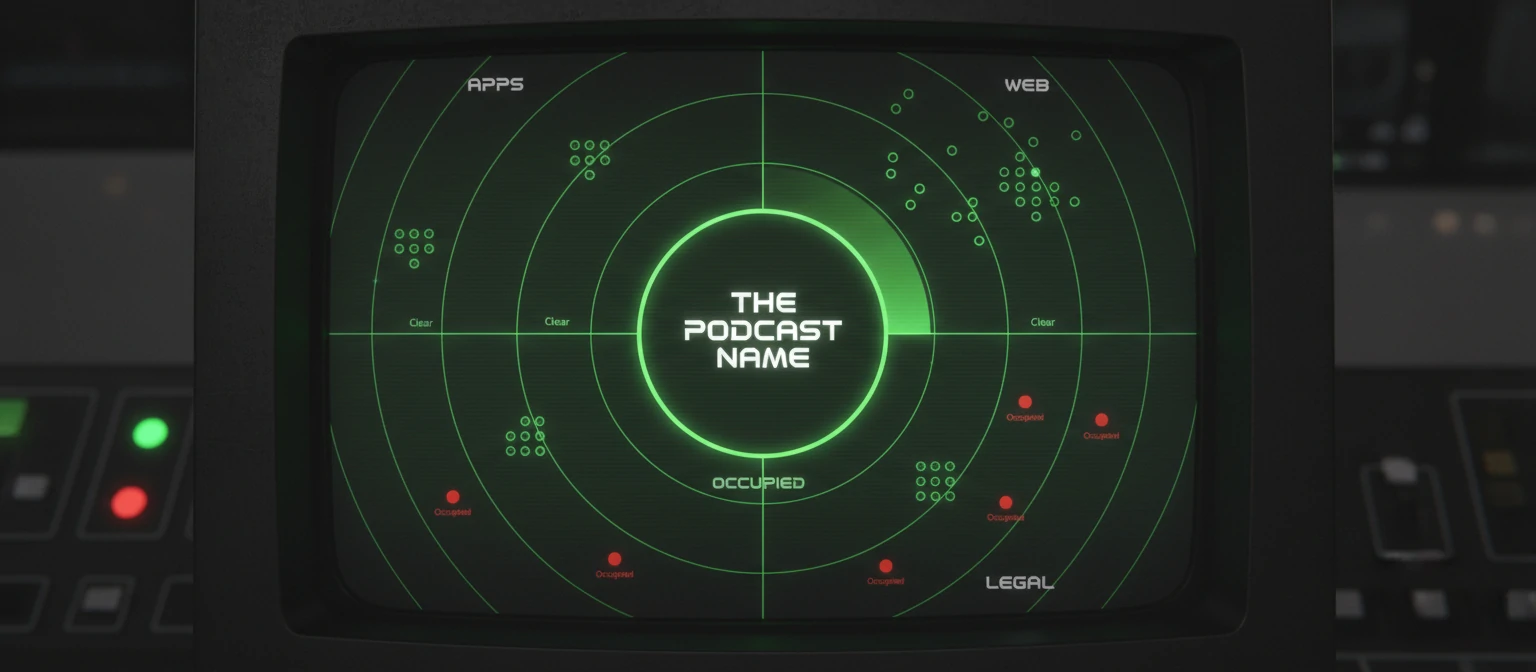
The 4-Layer Verification System
Checking just one app is not enough. You need to clear these four layers to be safe.
1. The Directory Layer
Where: Apple Podcasts, Spotify, Pocket
Casts.
Goal: Find active shows. Note: If you find a show with your name but it hasn't
updated since 2017, you might be able to take it, but it's risky.
2. The Domain Layer
Where: GoDaddy, Namecheap.
Goal: Can you get the ".com"? Even if you successfully launch the podcast, if
someone else owns `yourpodcastname.com`, you will bleed traffic to them forever.
3. The Social Layer
Where: Instagram, TikTok, YouTube
Handles.
Goal: Consistency. You don't want to be "@TheDailyGrind" on Twitter but
"@DailyGrindPodcastOfficial_US" on Instagram.
4. The Legal Layer
Where: USPTO.gov (US), WIPO
(Global).
Goal: Avoiding lawsuits. Just because a podcast doesn't exist doesn't mean a
filtered water company hasn't trademarked the name for "Media & Entertainment."
Tools That Do The Work For You
You can check manually, or you can use aggregators.
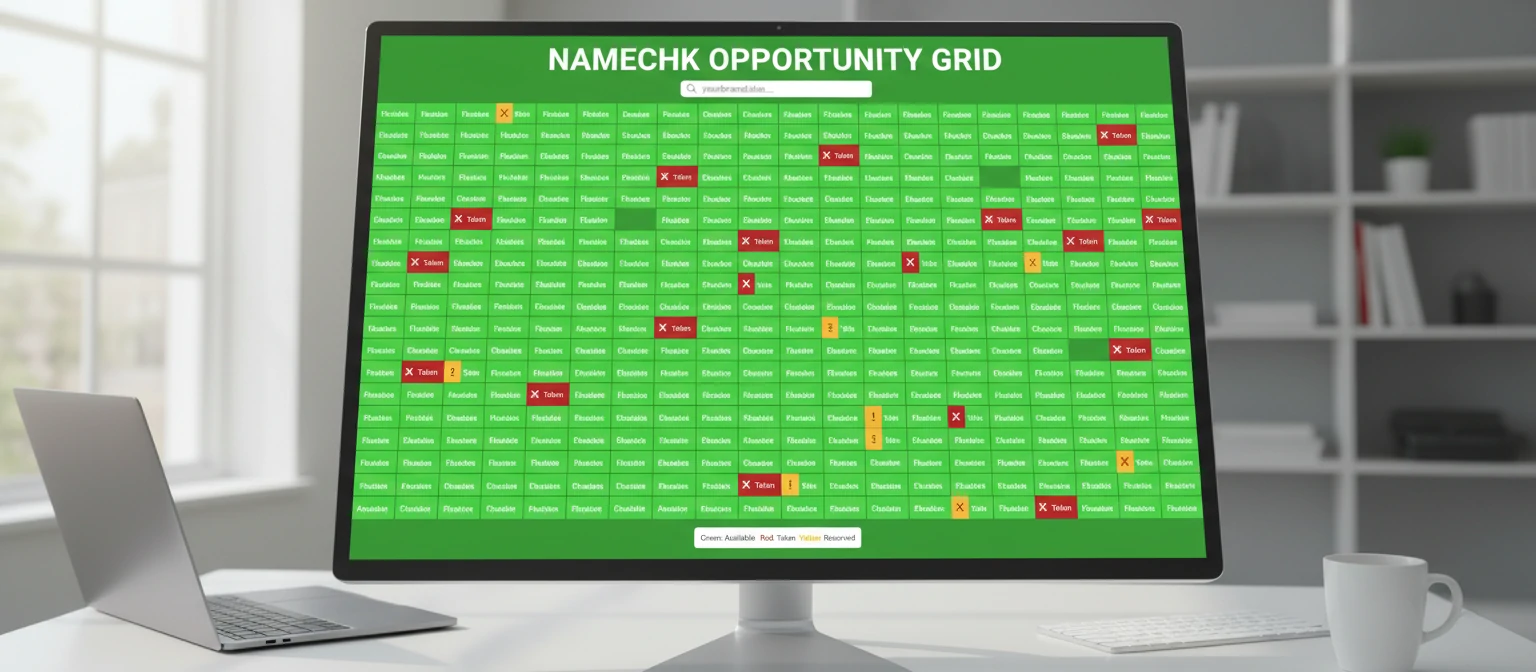
Namechk.com
This is the industry standard for the "Social + Domain" layer. You type in your name once, and it lights up a grid of 100+ sites (Facebook, YouTube, .com, .net, etc.) to show you availability instantly.
TESS (USPTO)
The Trademark Electronic Search System. It's ugly, it looks like it was built in 1995, but it is the database of record. Search for your name and look for "Live" marks in Class 41 (Education and Entertainment) or Class 38 (Telecommunications/Broadcasting).
Podnews / Listen Notes
Don't just search Apple. Use a specialized podcast search engine like Listen Notes. It indexes millions of episodes and shows, including "ghost shows" that might not appear in top charts but still hold the name.
The "Ghost Show" Dilemma
Scenario: You find a podcast with your exact name.
The Check: Look at the "Last Updated" date.
There are over 4 million podcasts, but only about 400,000 are active. This leads to "Podrot." If a show posted 3 episodes in 2018 and vanished, can you take the name?
⚠️ Risk Assessment
High Risk: Show
updated last month. 100+ episodes.
Action: Do Not Use.
Medium Risk: Show
stopped 1 year ago. 20 episodes.
Action: Tread Carefully. Add a suffix word.
Low Risk: Show
stopped 5 years ago. 2 episodes. No website.
Action: Likely safe, but their old show
will still appear in search results next to yours.
Naming for Discovery (SEO)
Once you know a name is available, ask yourself: Is it searchable?
The "Clever" Trap
"The Centrifuge" might sound cool for a startup podcast, but nobody searches for that. They search for "Startup Advice."
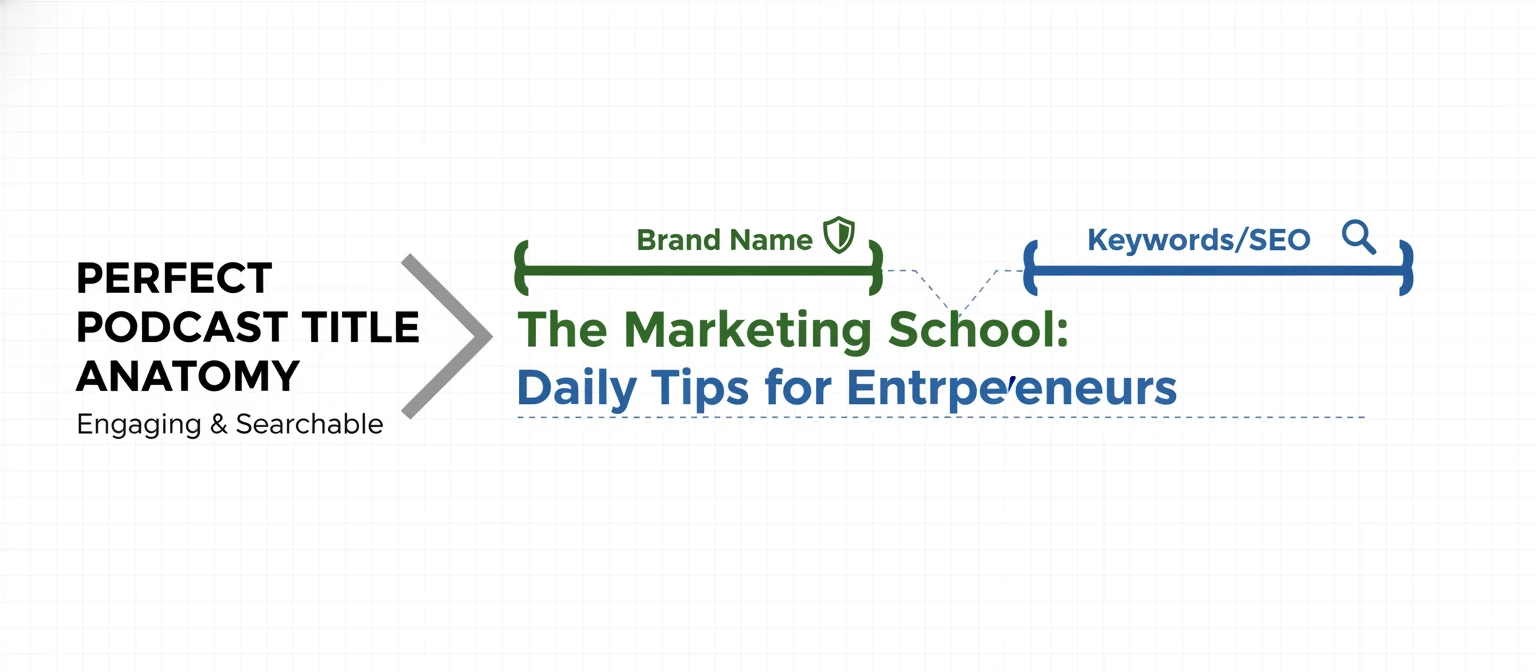
The "Colon" Hack
Combine a cool brand name with descriptive keywords
using a colon.
Example: "The Centrifuge: Startup Advice & Founder Stories"
What If My Name Is Taken?
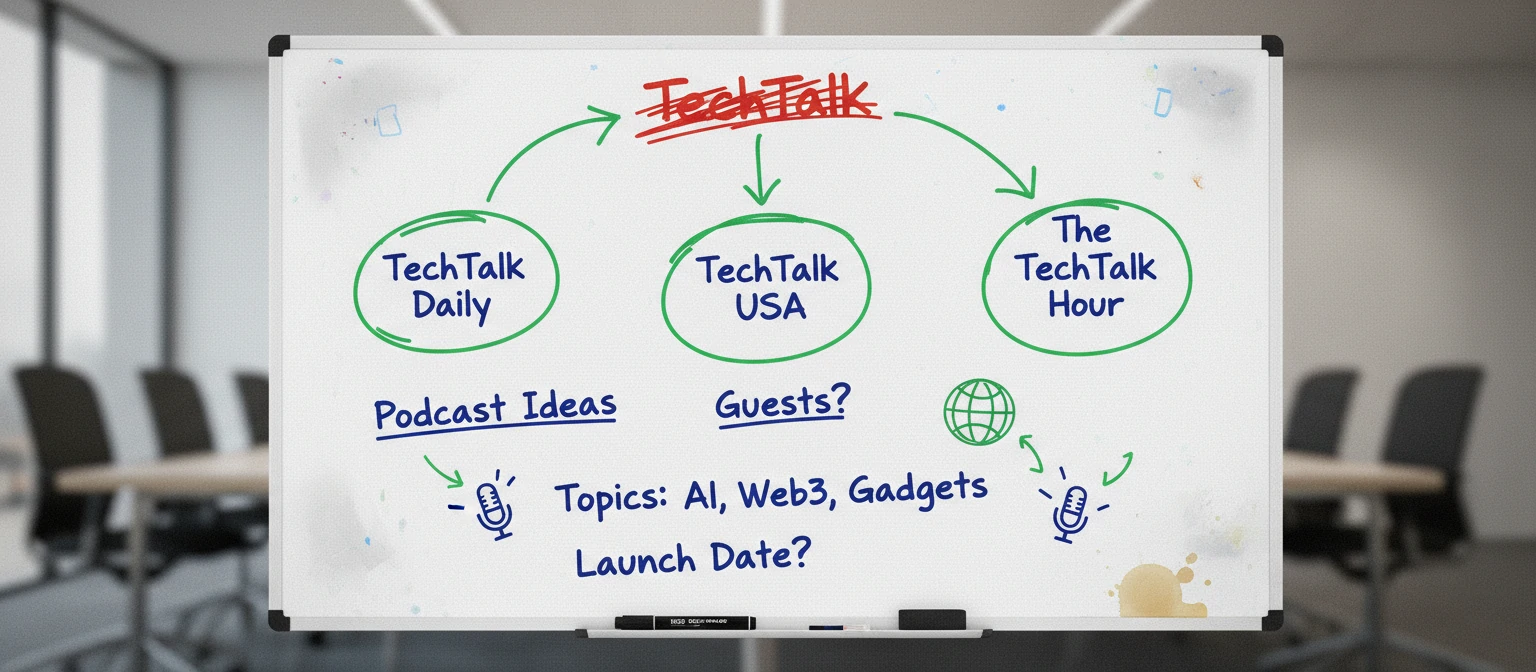
Don't panic. You usually don't have to throw away the whole concept. Use these modifiers.
- Add
"The" or "Show":
"Marketing Master" -> "The Marketing Master Show" - Add
Your Niche:
"Life Coach" -> "Life Coach for Dads" - Add
Your Name:
"Football Talk" -> "Football Talk with John Doe" - Use a
Verb:
"Selling Homes" -> "Selling Homes Faster"