Master the art and science of website design with proven strategies, current trends, and actionable insights that drive real business results.
Table of contents
- 🚀 The Digital Foundation of Success
- 🎨 Key Elements of Effective Website Design
- 📱 Responsive Design: Adapting to Every Screen
- 🔍 SEO Best Practices in Web Design
- 👥 Visitor-Centric Design Strategies
- 🌟 Current Trends in Website Design
- 🛠️ Tools and Resources for Website Design
- 📚 Case Studies of Successful Website Designs
- 🖼️ Best Practices for Image Use in Web Design
- 🎯 Conclusion: Your Path to Design Excellence
- 💬 Join the Conversation
🚀 The Digital Foundation of Success
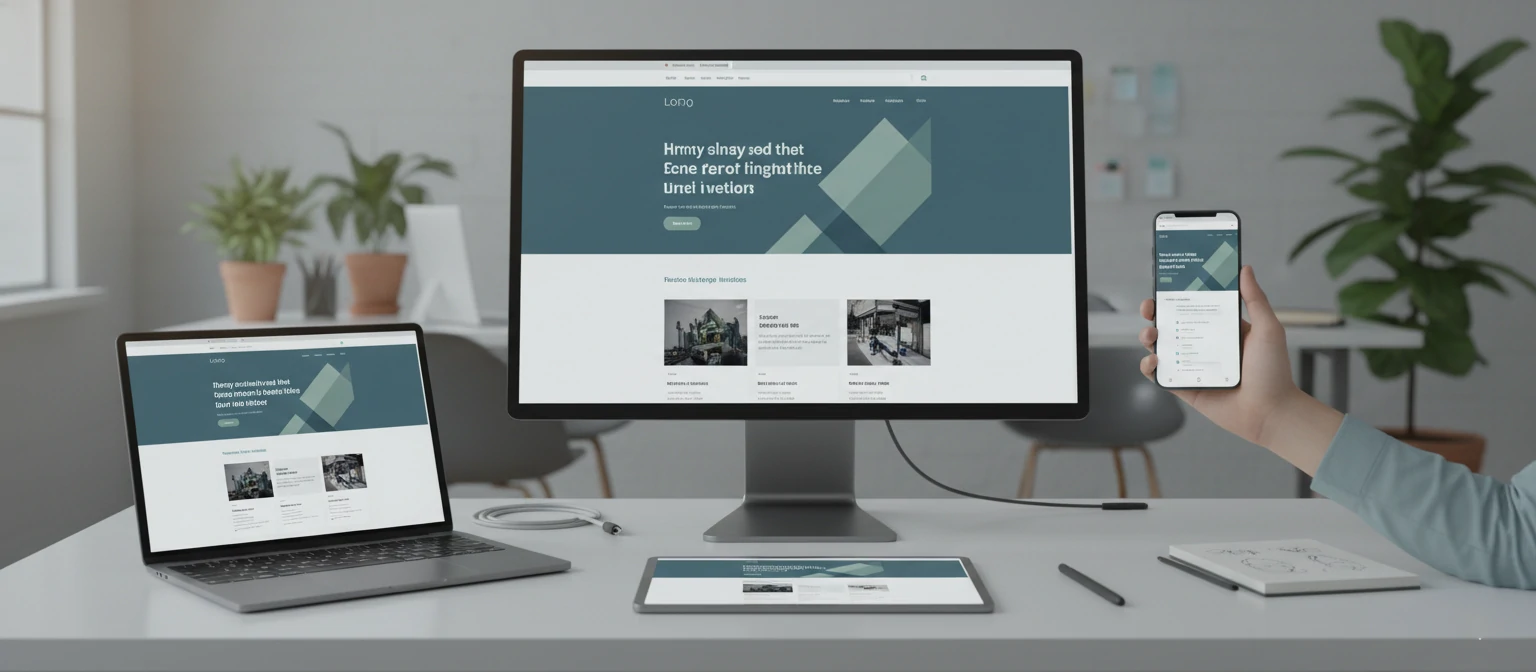
In today's hyper-connected digital landscape, your website serves as the cornerstone of your online presence. It's not just a digital business card—it's your 24/7 salesperson, brand ambassador, and customer service representative all rolled into one powerful platform.
💡 Did You Know?
Research shows that users form an opinion about your website in just 0.05 seconds. That's faster than the blink of an eye! This split-second judgment can determine whether a visitor becomes a customer or clicks away forever.
of users judge credibility based on design
won't return after a bad experience
increase in conversions with good UX
The impact of exceptional website design extends far beyond aesthetics. A well-crafted website can:
- ✓ Boost conversion rates by up to 200% through optimized user journeys
- ✓ Improve search engine rankings with mobile-friendly, fast-loading pages
- ✓ Reduce bounce rates by creating engaging, intuitive experiences
- ✓ Build brand trust and authority through professional presentation
- ✓ Increase customer lifetime value with memorable user experiences
This comprehensive guide will equip you with the knowledge, strategies, and tools needed to create websites that not only look stunning but also drive measurable business results. Whether you're a business owner, marketer, or aspiring designer, you'll discover actionable insights that can transform your digital presence.
🎨 Key Elements of Effective Website Design
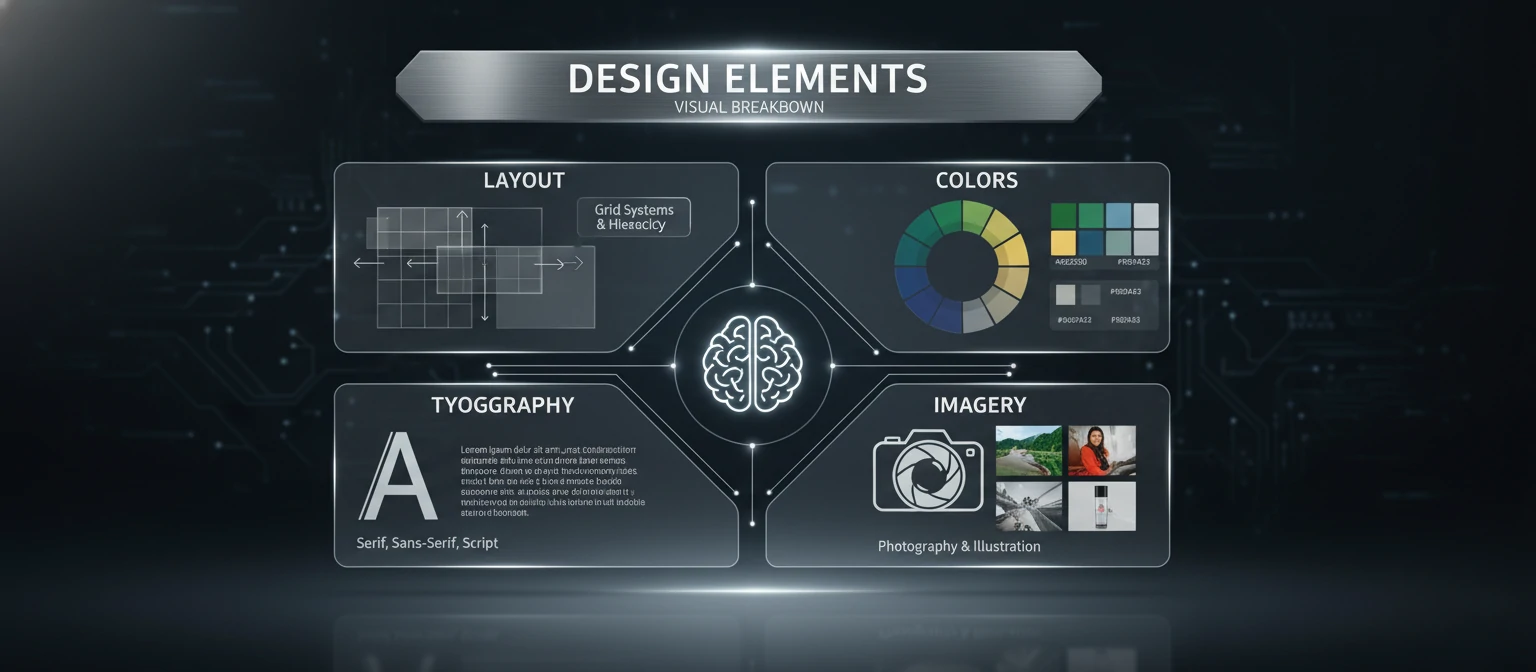
Great website design is like a symphony—every element must work in harmony to create a memorable experience. Let's explore the fundamental components that separate exceptional websites from the ordinary.
1. Layout: The Foundation of User Experience
Your layout is the invisible grid that guides users through your content. A well-structured layout creates a natural flow that feels intuitive and effortless.
🏗️ Essential Layout Principles:
- F-Pattern Reading: Users scan in an F-shaped pattern
- Visual Hierarchy: Guide attention with size and positioning
- White Space: Give content room to breathe
- Grid Systems: Create consistency and alignment
📱 Layout Best Practices:
- Keep important content above the fold
- Use consistent spacing throughout
- Ensure clear navigation paths
- Optimize for mobile-first design
2. Color Schemes: Psychology in Action
Colors evoke emotions, influence decisions, and communicate brand personality. The right color palette can increase brand recognition by up to 80%.
Blue
Trust, reliability, professionalism
Green
Growth, nature, prosperity
Red
Energy, urgency, passion
🎨 Color Strategy Tips:
Use the 60-30-10 rule: 60% dominant color, 30% secondary color, 10% accent color. Ensure sufficient contrast for accessibility (minimum 4.5:1 ratio for normal text).
3. Typography: The Voice of Your Brand
Typography accounts for 95% of web design. The right fonts can improve readability by 20% and significantly impact user engagement.
📝 Typography Hierarchy:
H1: Main Headlines
32-40px, bold weight
H2: Section Headers
24-28px, semi-bold
Body Text: Readable content
16-18px, regular weight
🔤 Font Selection Guide:
- Sans-serif: Modern, clean (Helvetica, Arial)
- Serif: Traditional, trustworthy (Times, Georgia)
- Script: Elegant, personal (use sparingly)
- Monospace: Technical, code-like
Pro Tip: Limit yourself to 2-3 font families maximum for consistency.
4. UI/UX Design: Where Function Meets Form
User Interface (UI) is what users see and interact with, while User Experience (UX) is how they feel during that interaction. Both are crucial for website success.
🎨 UI Design Focus
- Visual design and aesthetics
- Interactive elements and buttons
- Color schemes and typography
- Icons and imagery
- Brand consistency
👤 UX Design Focus
- User research and personas
- Information architecture
- User journey mapping
- Usability testing
- Accessibility standards
🎯 Key UX Principles:
Don't Make Me Think: Intuitive navigation and clear calls-to-action
Consistency: Uniform patterns throughout the site
Feedback: Clear responses to user actions
Error Prevention: Design to minimize user mistakes
📱 Responsive Design: Adapting to Every Screen
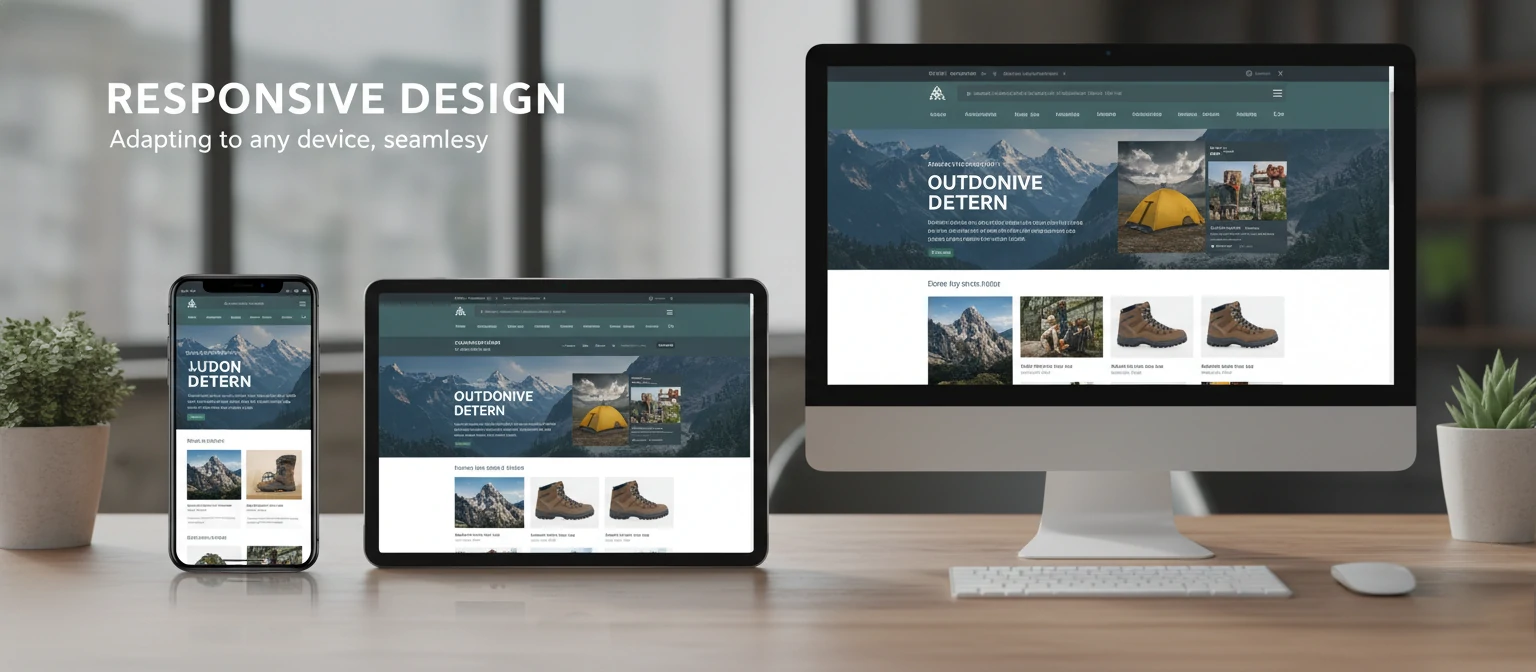
Responsive design isn't just a nice-to-have feature—it's absolutely essential. With mobile devices accounting for over 54% of global web traffic, your website must provide an exceptional experience across all devices and screen sizes.
📊 The Mobile-First Reality
of web traffic is mobile
won't recommend a business with poor mobile site
mobile users expect pages to load
🔧 Core Responsive Design Principles
1. Fluid Grid Systems
Use percentage-based widths instead of fixed pixels to create layouts that adapt to any screen size.
2. Flexible Images
Images should scale down (or up) to fit the width of their container.
3. Media Queries
Apply different styles based on device characteristics like screen width.
📐 Common Breakpoints Strategy
| Device | Screen Size | Breakpoint | Key Considerations |
|---|---|---|---|
| 📱 Mobile | 320px - 768px | max-width: 767px | Single column, large touch targets |
| 📱 Tablet | 768px - 1024px | 768px - 1023px | Two columns, medium spacing |
| 💻 Desktop | 1024px+ | min-width: 1024px | Multi-column, hover effects |
🚀 Benefits of Responsive Design
Business Benefits:
- Increased mobile conversions
- Better SEO rankings
- Reduced bounce rates
- Cost-effective maintenance
User Benefits:
- Consistent experience across devices
- Faster loading times
- Easier navigation and reading
- No need for separate mobile apps
🔍 SEO Best Practices in Web Design
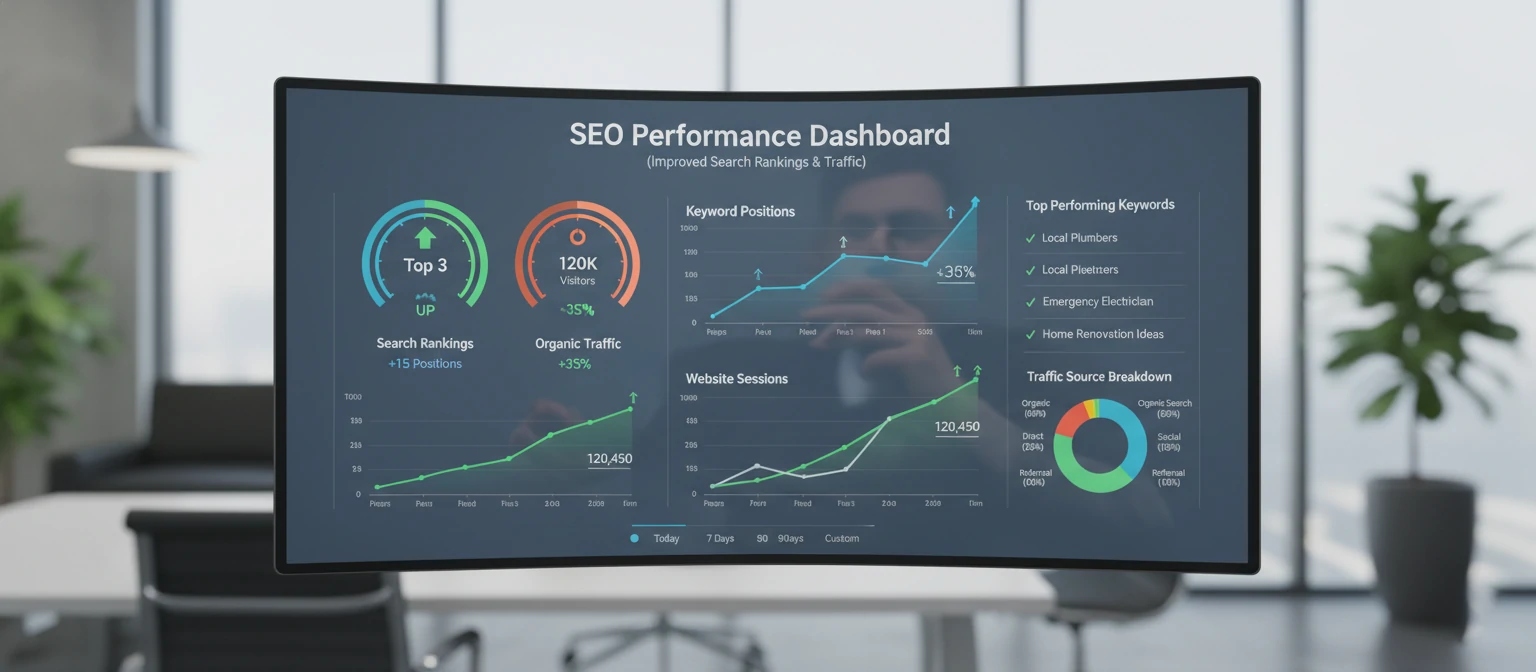
Search Engine Optimization (SEO) and web design are inseparable partners. Google's algorithm considers over 200 ranking factors, many of which are directly influenced by your website's design and technical implementation.
⚡ Core Web Vitals: Google's Quality Signals
Google's Core Web Vitals measure real-world user experience and directly impact your search rankings.
Largest Contentful Paint (LCP)
Measures loading performance
Good threshold
First Input Delay (FID)
Measures interactivity
Good threshold
Cumulative Layout Shift (CLS)
Measures visual stability
Good threshold
🏗️ Technical SEO Fundamentals
1. Site Speed Optimization
Image Optimization:
- Use WebP format (30% smaller than JPEG)
- Implement lazy loading
- Compress images without quality loss
- Use appropriate dimensions
Code Optimization:
- Minify CSS, JavaScript, and HTML
- Enable GZIP compression
- Use browser caching
- Optimize critical rendering path
2. Mobile-First Indexing
Google predominantly uses the mobile version of your site for indexing and ranking.
Mobile SEO Checklist:
3. Structured Data Implementation
Help search engines understand your content with structured data markup.
Organization
Business info, logo, contact
Article
Blog posts, news content
Product
E-commerce items, reviews
🎯 SEO-Friendly Design Checklist
On-Page Elements:
Technical Elements:
👥 Visitor-Centric Design Strategies

The most successful websites are built around their users, not their creators. Visitor-centric design puts your audience's needs, preferences, and behaviors at the center of every design decision.
🔍 Understanding Your Users
👤 Creating User Personas
User personas are fictional characters that represent your real users. They help you make design decisions based on user needs rather than assumptions.
Persona Elements:
- Demographics (age, location, income)
- Goals and motivations
- Pain points and frustrations
- Technology comfort level
- Preferred communication style
🗺️ User Journey Mapping
Map out every touchpoint a user has with your website, from first visit to conversion and beyond.
📊 Gathering User Feedback
Surveys & Polls
Collect quantitative data about user preferences and satisfaction.
Tools: Typeform, SurveyMonkey, Google Forms
User Testing
Watch real users interact with your website to identify pain points.
Tools: Hotjar, UserTesting, Maze
Analytics
Analyze user behavior patterns and identify improvement opportunities.
Tools: Google Analytics, Mixpanel, Adobe Analytics
🔄 Iterative Design Process
Great design is never finished—it's continuously improved based on user feedback and changing needs.
Research
Understand user needs
Design
Create solutions
Test
Validate with users
Iterate
Refine and improve
🌟 Current Trends in Website Design
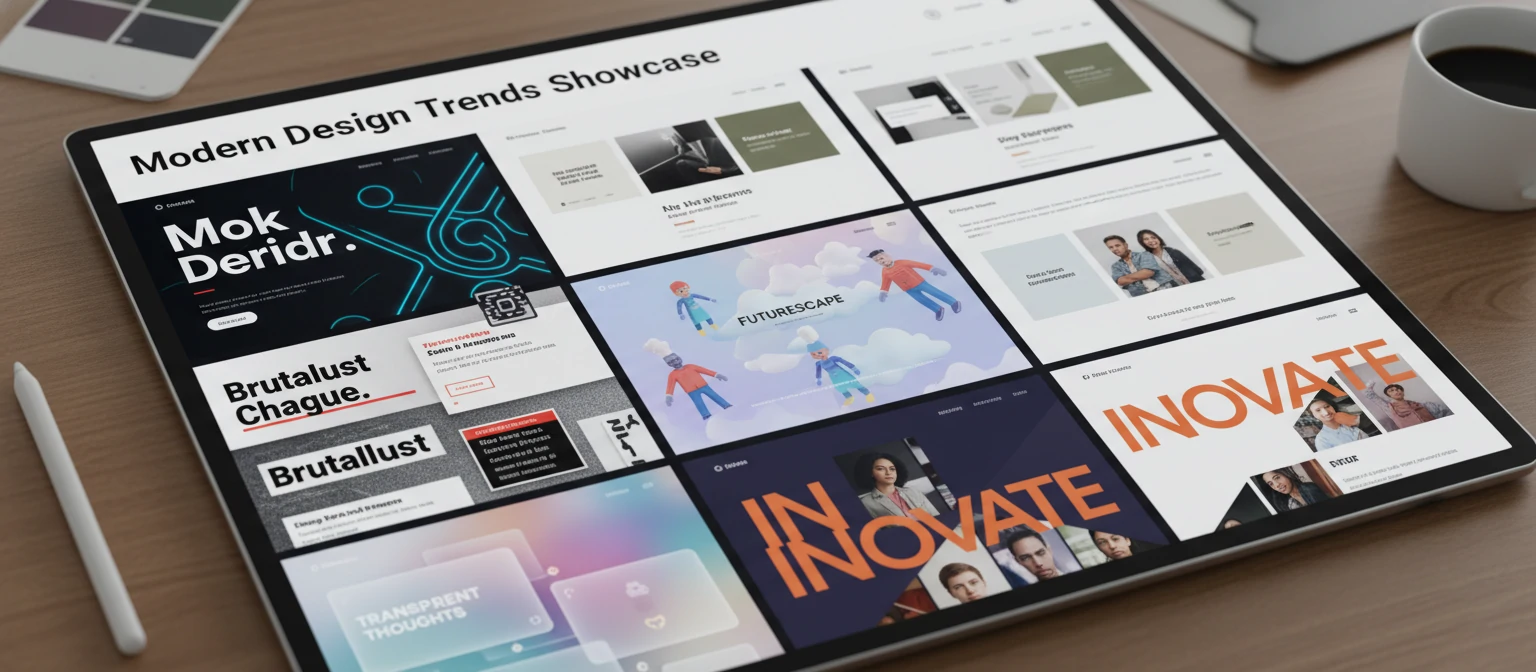
Staying current with design trends helps your website feel fresh and modern, but the key is implementing trends that enhance user experience rather than following them blindly.
🎨 Minimalism & Clean Design
Less is more. Clean, uncluttered designs help users focus on what matters most.
- ✓ Abundant white space
- ✓ Simple color palettes
- ✓ Clear typography hierarchy
🌙 Dark Mode Design
Dark themes reduce eye strain and create a modern, sophisticated look.
- ✓ Reduced battery usage on OLED screens
- ✓ Better focus on content
- ✓ Premium, modern aesthetic
⚡ Micro-Interactions
Small animations that provide feedback and guide user behavior.
- ✓ Hover effects on buttons
- ✓ Loading animations
- ✓ Form validation feedback
🎭 Bold Typography
Large, expressive fonts that make a statement and improve readability.
- ✓ Oversized headlines
- ✓ Custom font pairings
- ✓ Typography as design element
🎯 Implementing Trends Strategically
✅ Do This:
- Choose trends that align with your brand identity
- Test trends with your specific audience
- Implement gradually, not all at once
- Focus on trends that improve usability
- Consider long-term maintenance
❌ Avoid This:
- Following every trend without purpose
- Sacrificing usability for aesthetics
- Ignoring your target audience preferences
- Implementing trends that hurt performance
- Changing design too frequently
🔮 Emerging Trends to Watch
AI-Powered Personalization
Dynamic content based on user behavior
Voice User Interface
Voice search and navigation integration
Sustainable Design
Eco-friendly, low-carbon websites
🛠️ Tools and Resources for Website Design
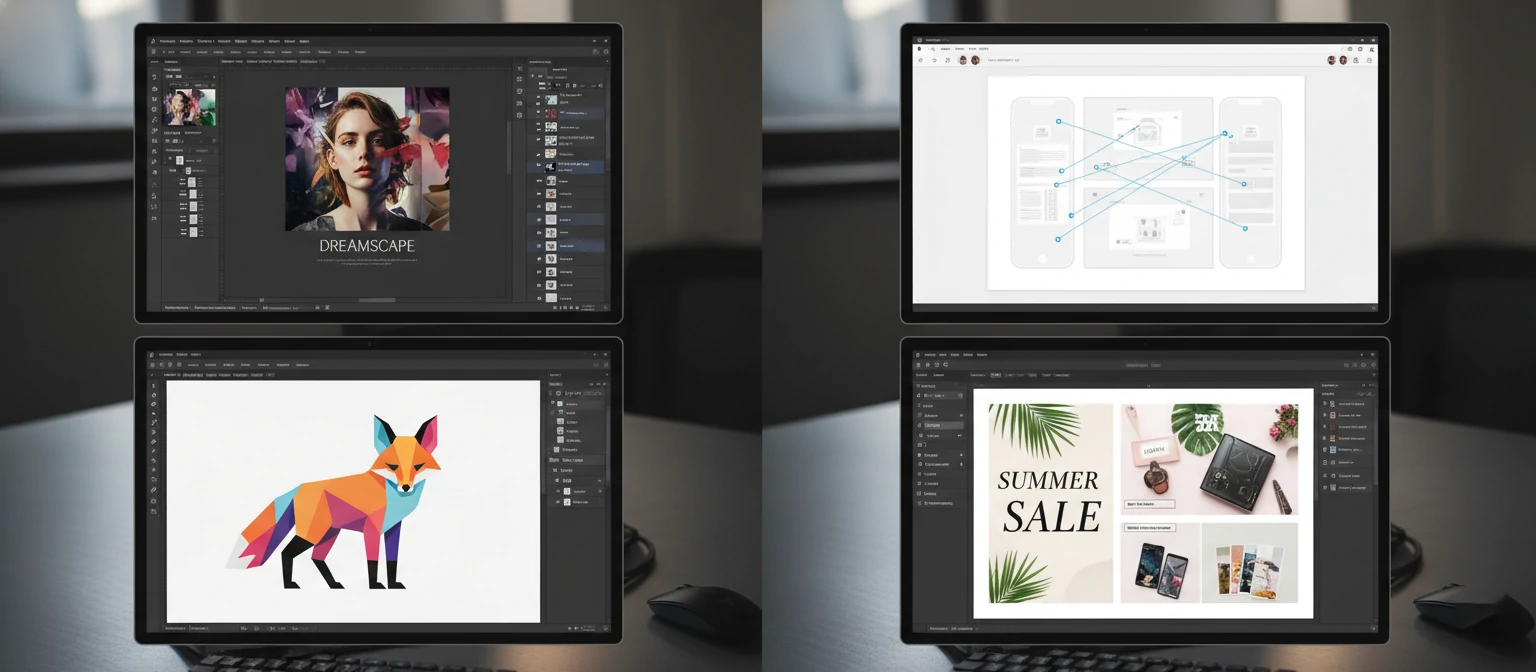
The right tools can dramatically improve your design workflow and final results. Here's a comprehensive guide to the best resources for every aspect of website design.
🎨 Design & Prototyping
Figma
Collaborative interface design
Adobe XD
UI/UX design and prototyping
Sketch
Mac-only design tool
Canva
Easy graphic design
💻 Development & Code
Visual Studio Code
Popular code editor
Webflow
Visual web development
WordPress
Content management system
GitHub
Version control and hosting
📊 Testing & Analytics
Google Analytics
Website traffic analysis
Hotjar
User behavior tracking
Google PageSpeed
Performance testing
BrowserStack
Cross-browser testing
🎓 Learning Resources
Coursera
University-level courses
Udemy
Practical design courses
YouTube
Free tutorials and tips
Dribbble
Design inspiration
💡 Choosing the Right Tools
👶 Beginners
- Start with Canva or Figma
- Use WordPress or Wix
- Learn with YouTube tutorials
- Focus on free tools initially
🚀 Intermediate
- Master Figma or Adobe XD
- Learn basic HTML/CSS
- Use Google Analytics
- Invest in premium tools
⭐ Advanced
- Custom development tools
- Advanced testing suites
- Team collaboration platforms
- Specialized industry tools
📚 Case Studies of Successful Website Designs
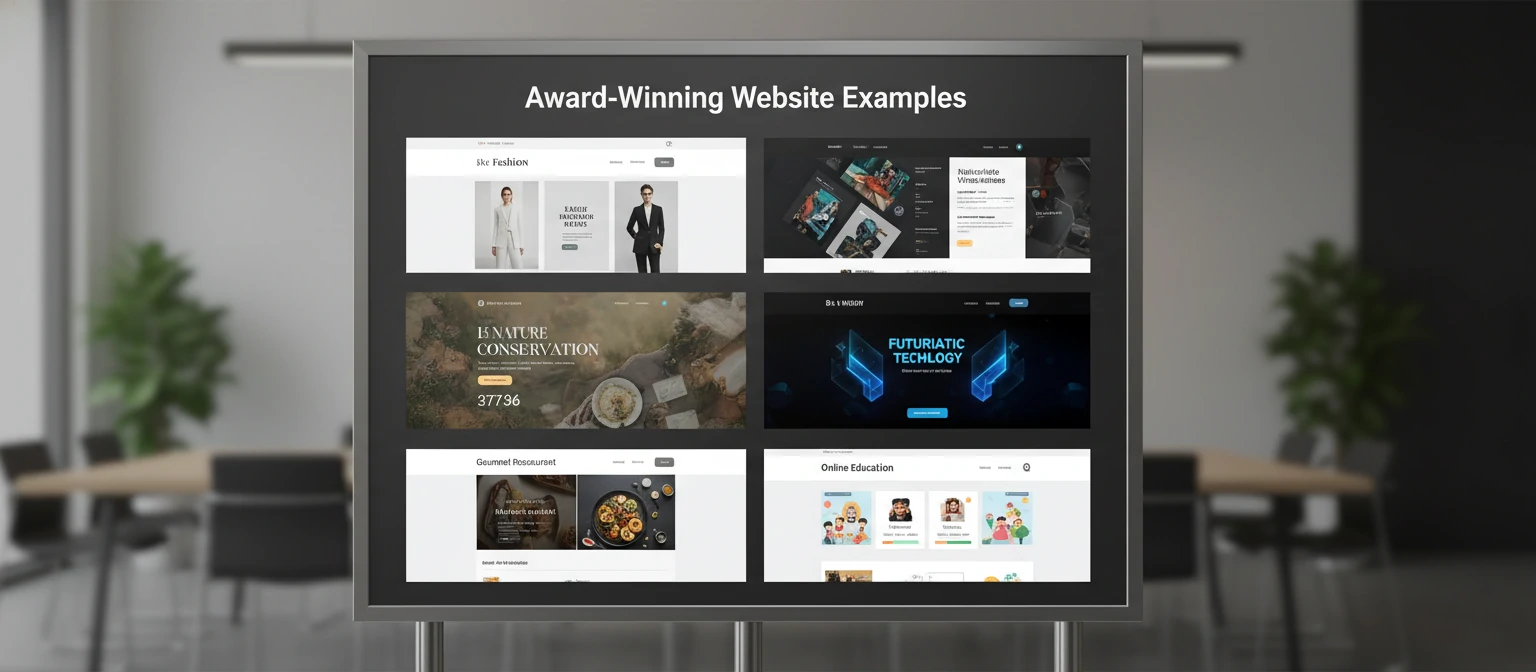
Learning from successful websites helps you understand how design principles work in practice. Let's examine some standout examples across different industries.
E-commerce: Shopify
Platform that powers over 1.7 million businesses
🎯 What Makes It Work:
- Clear value proposition: "Anyone, anywhere, can start a business"
- Social proof: Customer success stories prominently featured
- Progressive disclosure: Complex features explained simply
- Strong CTAs: "Start free trial" buttons are impossible to miss
📊 Results:
- 15% increase in trial signups after redesign
- 40% improvement in mobile conversion
- 25% reduction in bounce rate
- 60% faster page load times
💡 Key Takeaway:
Shopify succeeds by making complex e-commerce concepts accessible through clean design, clear messaging, and strategic use of social proof.
SaaS: Slack
Team communication platform used by millions
🎯 What Makes It Work:
- Playful branding: Friendly colors and illustrations
- Feature-focused: Shows the product in action
- Customer testimonials: Real companies sharing success
- Easy onboarding: Simple signup process
📊 Results:
- 32% increase in trial-to-paid conversion
- 50% more qualified leads
- 20% improvement in user engagement
- 45% faster user onboarding
💡 Key Takeaway:
Slack's success comes from humanizing B2B software through approachable design and focusing on the emotional benefits of better team communication.
Portfolio: Awwwards Winners
Creative agencies and designers
🎯 What Makes It Work:
- Unique visual identity: Stand out from competitors
- Interactive elements: Engaging micro-interactions
- Storytelling: Narrative-driven user experience
- Technical excellence: Smooth animations and transitions
📊 Common Patterns:
- Bold typography and color choices
- Asymmetrical, creative layouts
- High-quality, custom imagery
- Seamless mobile experiences
💡 Key Takeaway:
Award-winning creative sites balance artistic expression with usability, proving that beautiful design and functionality can coexist.
🔍 Analysis Framework
When studying successful websites, use this framework to extract actionable insights:
📋 What to Analyze:
- First impression and value proposition
- Navigation structure and user flow
- Visual hierarchy and content organization
- Call-to-action placement and design
- Mobile responsiveness and performance
❓ Questions to Ask:
- What problem does this site solve?
- How does it guide user behavior?
- What makes it memorable?
- How does it build trust?
- What can I adapt for my project?
🖼️ Best Practices for Image Use in Web Design
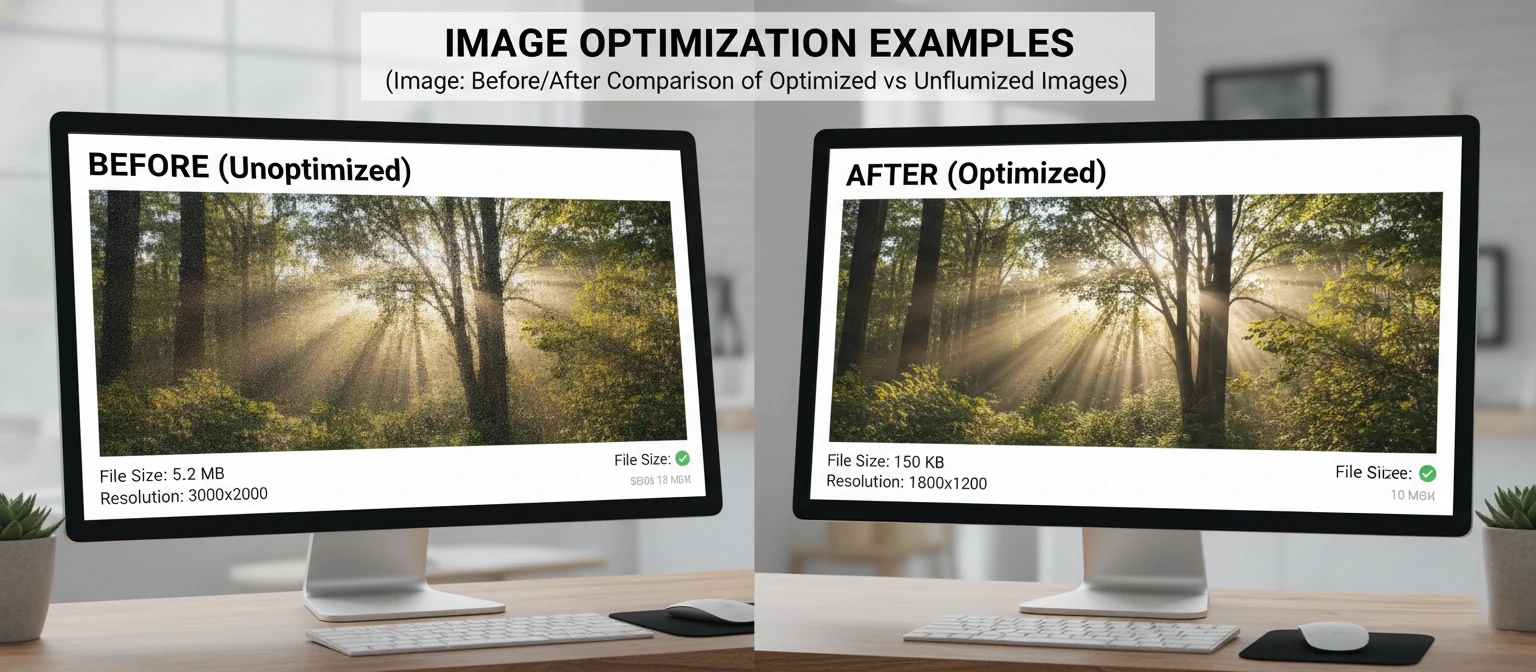
Images can make or break your website's performance and user experience. With images accounting for 65% of total web page weight on average, optimization is crucial for both user experience and SEO.
📊 Image Impact Statistics
of page weight is images
users leave if images don't load in 3s
more views for content with images
faster loading with optimization
⚡ Image Optimization Techniques
1. Choose the Right Format
JPEG
Best for photographs
- Lossy compression
- Smaller file sizes
- No transparency
PNG
Best for graphics/logos
- Lossless compression
- Supports transparency
- Larger file sizes
WebP
Modern format
- 25-35% smaller
- Supports transparency
- Good browser support
2. Compression and Sizing
Compression Guidelines:
- JPEG quality: 75-85% for web
- Use progressive JPEG for large images
- Compress PNG with tools like TinyPNG
- Consider WebP for modern browsers
Sizing Best Practices:
- Never use larger dimensions than needed
- Create multiple sizes for responsive design
- Use CSS to control display size
- Consider retina displays (2x resolution)
3. Advanced Optimization
Lazy Loading:
Load images only when they're about to enter the viewport.
Responsive Images:
Serve different image sizes based on device capabilities.
📚 High-Quality Image Sources
🆓 Free Resources
Unsplash
High-quality photos from photographers
Pexels
Curated stock photos and videos
Pixabay
Photos, vectors, and illustrations
💰 Premium Resources
Adobe Stock
Professional stock imagery
Shutterstock
Extensive library of images
Getty Images
Premium editorial and creative content
⚖️ Legal Considerations
- Always check licensing terms before using images
- Provide attribution when required
- Consider purchasing extended licenses for commercial use
- Keep records of image licenses and sources
🎯 Image Selection Guidelines
✅ Choose Images That:
- Support your message and brand
- Are high quality and professional
- Represent your target audience
- Are unique and memorable
- Work well at different sizes
- Have good contrast for text overlay
❌ Avoid Images That:
- Look obviously like stock photos
- Are blurry or low resolution
- Don't match your brand aesthetic
- Are overused or clichéd
- Slow down your page loading
- Lack proper licensing
🎯 Conclusion: Your Path to Design Excellence

Exceptional website design is both an art and a science. It requires creativity, technical knowledge, and most importantly, a deep understanding of your users' needs and behaviors.
🔑 Key Takeaways
Design Fundamentals:
- User experience always comes first
- Responsive design is non-negotiable
- Performance directly impacts success
- Consistency builds trust and usability
- Accessibility ensures inclusive design
Success Strategies:
- Know your audience intimately
- Test early and iterate often
- Optimize for search engines
- Stay current with trends (selectively)
- Measure and improve continuously
🎯 Your Action Plan
Ready to transform your website? Follow this step-by-step roadmap:
Audit & Research
Analyze your current site, study competitors, and understand your users
Plan & Design
Create wireframes, choose tools, and design with user needs in mind
Test & Optimize
Launch, gather feedback, and continuously improve based on data
🌟 Remember: Great Design is a Journey
The most successful websites are never truly "finished." They evolve with their users, adapt to new technologies, and continuously improve based on real-world feedback.
Invest in:
- Understanding your users deeply
- Quality tools and resources
- Continuous learning and improvement
- Performance and accessibility
Focus on:
- Solving real user problems
- Creating memorable experiences
- Building trust through design
- Measuring what matters